How to Check If an Email Address Is Real (2026 Guide)
A practical 2026 walkthrough of every reliable way to check if an email address is real — from syntax and MX checks to SMTP pings, catch-all traps, and bulk verification tools.
TL;DR
- You can check if an email address is real in layers: syntax → domain/MX records → SMTP mailbox check → catch-all and risk flags. Each layer rules out a different kind of bad address.
- No single free trick is bulletproof. Manual SMTP pings get blocked, and catch-all domains accept everything, so they hide dead mailboxes.
- For one address, a free checker is fine. For a list, use a dedicated email verifier that batches the checks and returns a deliverability score.
- Verifying before you send protects your sender reputation and keeps bounce rates under the 2–3% threshold mailbox providers watch.
- Tomba bundles verification, catch-all detection, and bulk processing, with a free tier (25 searches/mo) and paid plans from $49/mo.
Why does it matter whether an email address is real?#
Sending to dead addresses is the fastest way to wreck a cold campaign. Every hard bounce tells Gmail, Outlook, and Yahoo that you do not clean your list, and your sender reputation drops. Once it drops, even your good emails start landing in spam.
The numbers are blunt. Most deliverability teams treat a bounce rate above 2–3% as a red flag, and providers can throttle or block a domain that crosses it repeatedly. A list with 15% invalid addresses will blow past that on the first send.
So "is this email real?" is really three questions stacked together:
- Is it formatted like an email at all? (syntax)
- Can the domain receive mail? (DNS / MX records)
- Does that specific mailbox exist and accept mail? (SMTP + risk checks)
You answer them in that order because each step is cheaper than the next. There is no point pinging a mailbox on a domain that has no mail server.
What does "real" actually mean for an email address?#
"Real" is not binary. A verifier classifies an address into states, and you treat each state differently.
- Valid / deliverable — The mailbox exists and accepted the SMTP handshake. Safe to send.
- Invalid / undeliverable — Syntax is broken, the domain has no MX record, or the mailbox was rejected. Remove it.
- Accept-all (catch-all) — The domain accepts mail for every address, so the server will not tell you if this specific mailbox exists. Risky.
- Role-based — Addresses like info@, sales@, or support@. Technically real, but they hurt engagement and some ESPs flag them.
- Disposable / temporary — Burner domains (mailinator, 10minutemail). Real for a few minutes, useless for outreach.
- Unknown — The server timed out or greylisted the request. Re-check later.
The mistake beginners make is treating "accept-all" as "valid." It is not. It means the server refused to answer the question, which is why catch-all handling separates good tools from bad ones.
How do you check if an email address is real, step by step?#
Here is the layered method, from cheapest to most involved. Each layer eliminates addresses the previous one could not.
1. Syntax validation. Confirm the address follows the format local@domain.tld. No spaces, one @, a valid TLD, no illegal characters. This catches typos like john@gmailcom instantly and costs nothing. A free email checker does this in the browser.
2. Domain and MX record lookup. Query the domain's DNS for MX (Mail Exchange) records. If a domain has no MX record, it cannot receive email, full stop. You can run this with a dig MX example.com command or any DNS lookup tool.
3. SMTP mailbox check. Open a connection to the receiving mail server and start the delivery conversation (HELO, MAIL FROM, RCPT TO) without actually sending. The server's response to RCPT TO tells you whether the mailbox exists. This is the core of real verification, and it relies on the SMTP protocol behaving honestly — which it often does not.
4. Catch-all and risk flags. If the SMTP step returns "accept-all," escalate to a catch-all verifier that uses additional signals. Also flag disposable domains, role accounts, and known spam traps here.
5. Score and decide. Combine the results into a confidence score. Send to high-confidence addresses, drop the dead ones, and either suppress or carefully sample the catch-all bucket.

Can you check an email manually without a tool?#
Yes, for a single address, and it is worth understanding because it shows why automated tools exist.
The manual SMTP method looks like this. You find the domain's mail server via MX lookup, then telnet or connect to it on port 25 and type the handshake yourself:
HELO yourdomain.com
MAIL FROM: <you@yourdomain.com>
RCPT TO: <target@theirdomain.com>
A 250 OK after RCPT TO suggests the mailbox exists. A 550 usually means it does not.
The problem: this barely works anymore.
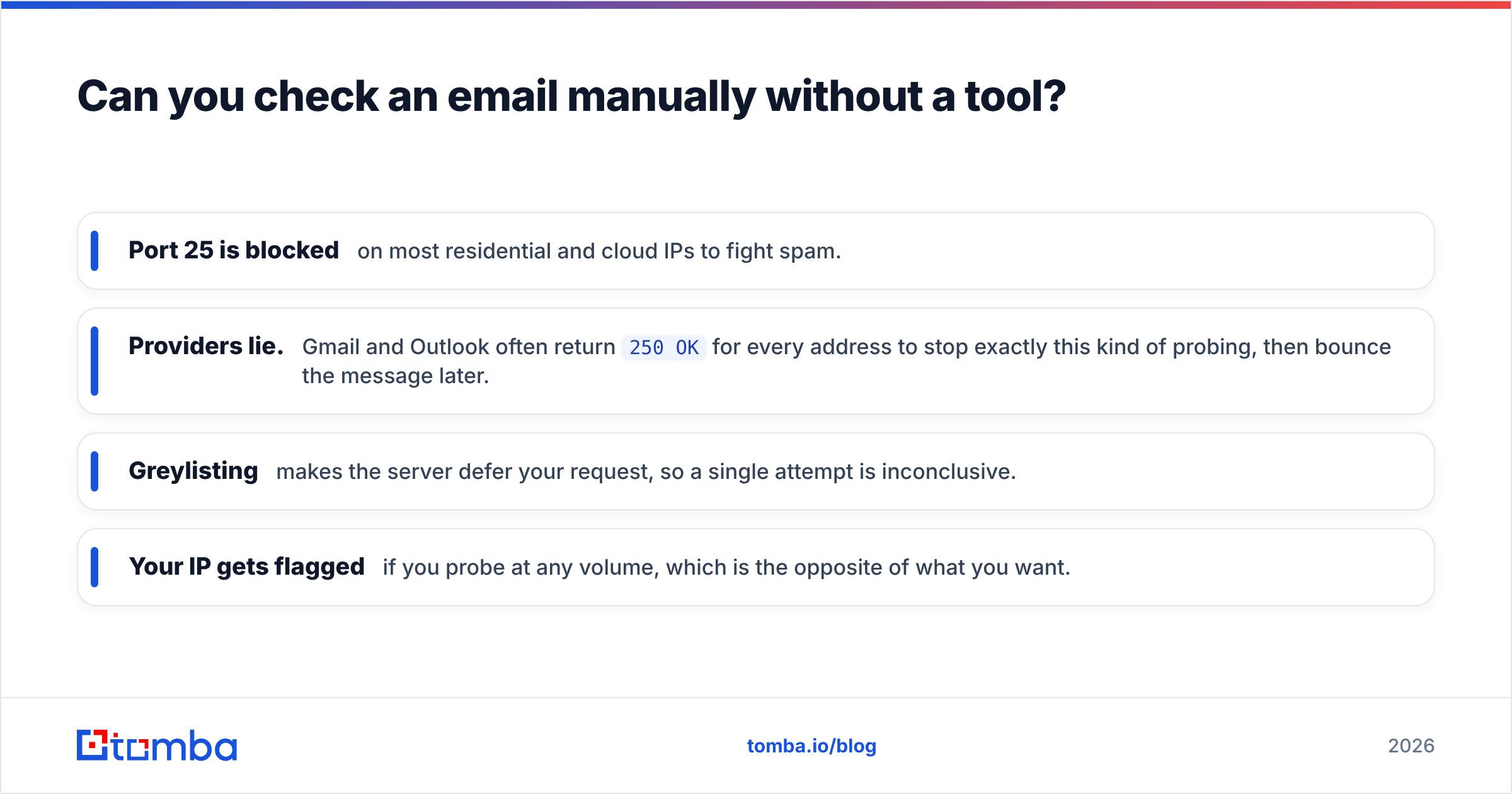
- Port 25 is blocked on most residential and cloud IPs to fight spam.
- Providers lie. Gmail and Outlook often return
250 OKfor every address to stop exactly this kind of probing, then bounce the message later. - Greylisting makes the server defer your request, so a single attempt is inconclusive.
- Your IP gets flagged if you probe at any volume, which is the opposite of what you want.
Manual checks are a learning exercise, not a workflow. The moment you have more than a handful of addresses, you need software that rotates infrastructure and interprets ambiguous responses correctly.
Manual checks vs. an email verifier: which should you use?#
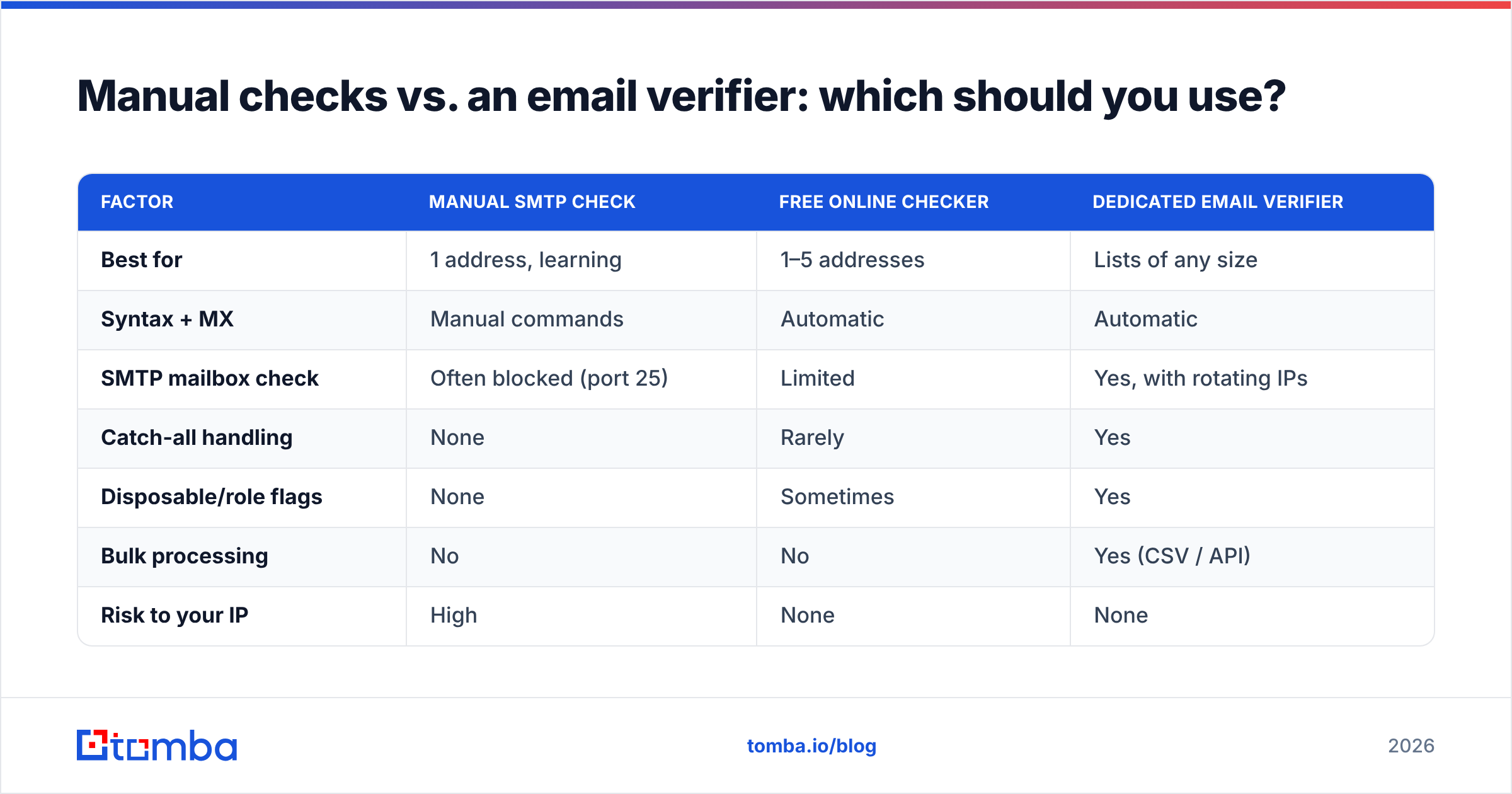
| Factor | Manual SMTP check | Free online checker | Dedicated email verifier |
|---|---|---|---|
| Best for | 1 address, learning | 1–5 addresses | Lists of any size |
| Syntax + MX | Manual commands | Automatic | Automatic |
| SMTP mailbox check | Often blocked (port 25) | Limited | Yes, with rotating IPs |
| Catch-all handling | None | Rarely | Yes |
| Disposable/role flags | None | Sometimes | Yes |
| Bulk processing | No | No | Yes (CSV / API) |
| Risk to your IP | High | None | None |
| Typical cost | Free | Free | From $49/mo |
The pattern is clear: free tools are fine for spot checks, but anything resembling a campaign list belongs in a verifier that handles catch-all domains and processes addresses in bulk.
How do tools handle catch-all and risky domains?#
Catch-all (accept-all) domains are the hardest case, and they are common — a large share of corporate domains are configured this way so that mail to misspelled addresses still routes somewhere.
Because the server accepts everything, a basic SMTP check cannot distinguish ceo@company.com from asdkjh@company.com. Both return 250 OK. A naive verifier marks both valid, you send, and the fake one bounces.
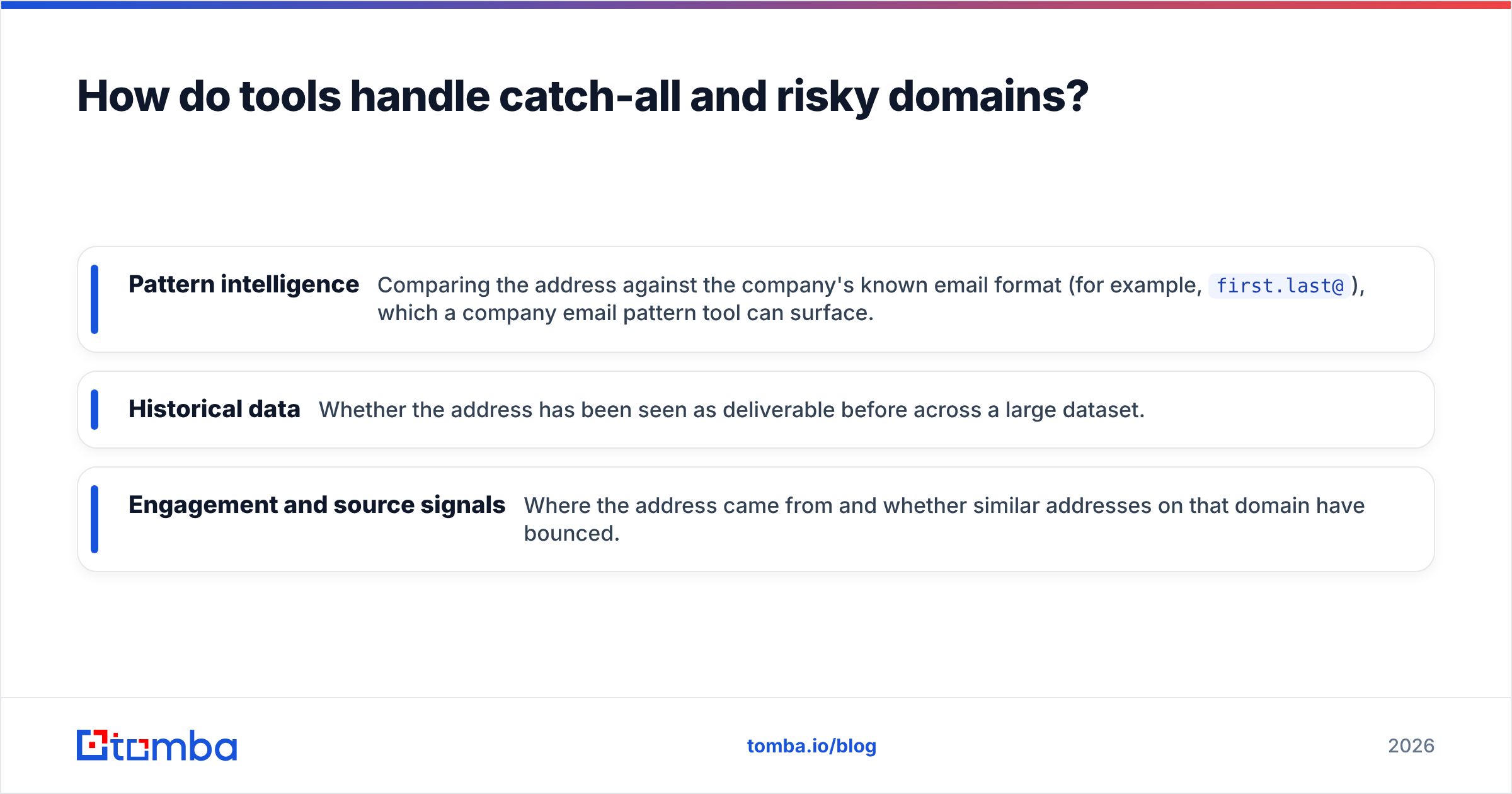
Good verification engines work around this with several signals layered together:
- Pattern intelligence — Comparing the address against the company's known email format (for example,
first.last@), which a company email pattern tool can surface. - Historical data — Whether the address has been seen as deliverable before across a large dataset.
- Engagement and source signals — Where the address came from and whether similar addresses on that domain have bounced.
This is why two verifiers can disagree on the same catch-all address. The one with more data sources and smarter scoring gives you a usable confidence level instead of a shrug. When accuracy matters, look at how a vendor documents its catch-all methodology, not just its headline "98% accurate" claim — and cross-check independent reviews on G2 before committing.
What does this look like at scale?#
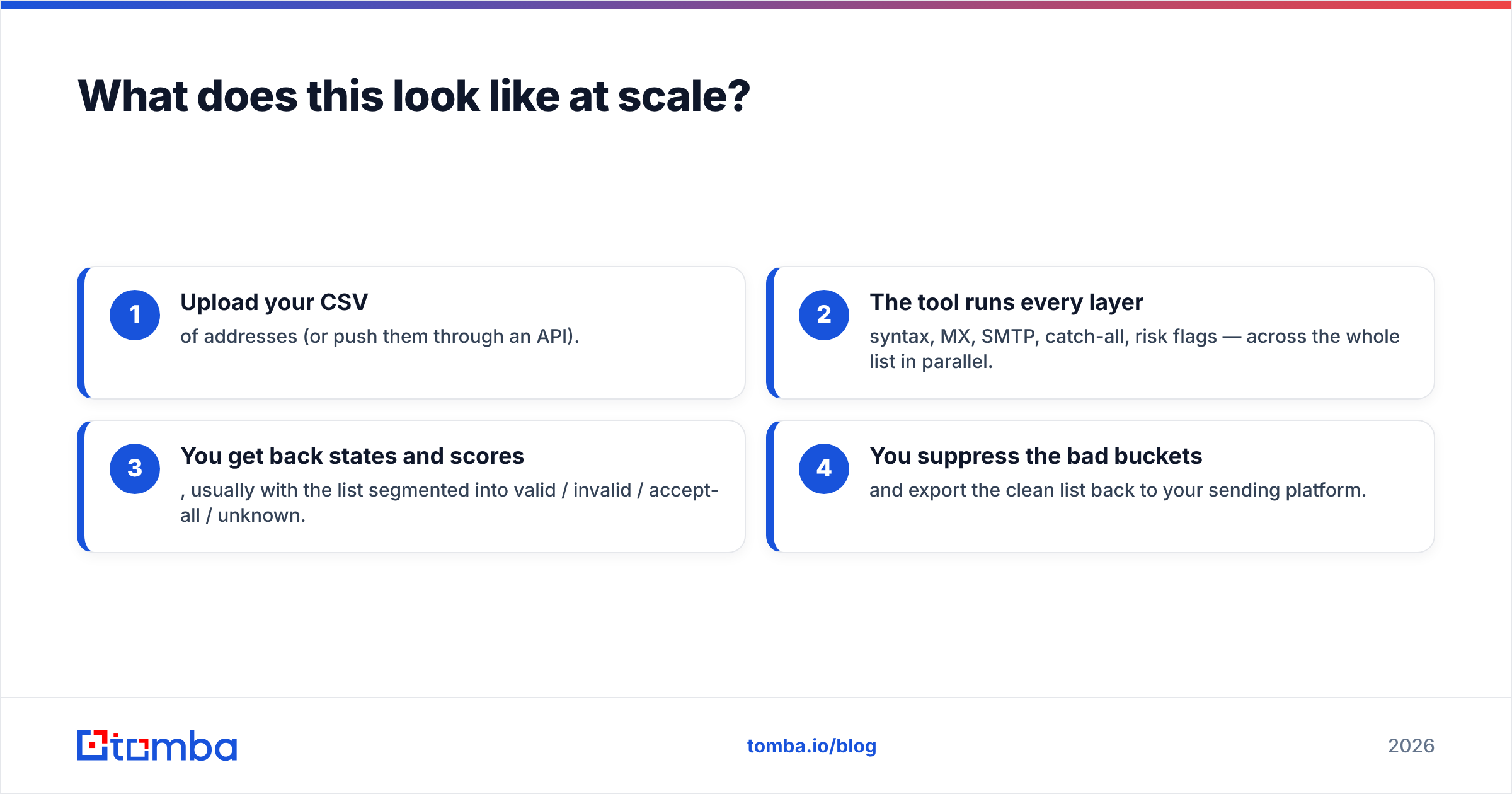
For a single email, you paste it into a checker and read the result. For a list, the workflow changes:
- Upload your CSV of addresses (or push them through an API).
- The tool runs every layer — syntax, MX, SMTP, catch-all, risk flags — across the whole list in parallel.
- You get back states and scores, usually with the list segmented into valid / invalid / accept-all / unknown.
- You suppress the bad buckets and export the clean list back to your sending platform.
Most teams wire this into their stack so it happens automatically. The Tomba API and integrations with tools like HubSpot let you verify addresses the moment they enter your CRM, so dead data never reaches a campaign. If you live in spreadsheets, integrations push the same checks into your existing flow rather than forcing a separate step.
A note on connecting verification to your sending platform: providers like HubSpot actively suppress hard bounces, so feeding them a pre-cleaned list keeps your account health metrics in good standing from day one.
How accurate can email verification really be?#
Honest answer: high, but never 100%, and anyone promising 100% is rounding up.
The ceiling exists because some states are genuinely unknowable from the outside. A mailbox can be full, temporarily disabled, or behind a server that refuses all probes. Catch-all domains, as covered above, hide the truth by design.
What good verification does is push the uncertainty into a small, labeled bucket instead of silently passing junk as valid. Realistic expectations:
- Syntax and MX errors — caught with near-perfect accuracy.
- Clearly dead mailboxes on cooperative servers — caught reliably.
- Catch-all addresses — scored as probabilities, not certainties.
- Temporary states (full mailbox, greylist) — surfaced as "unknown" to re-check.
Treat the score as a risk dial. Send confidently to the top tier, sample the middle, and drop the bottom. That alone keeps most senders comfortably under the bounce thresholds that trigger throttling.
Frequently asked questions#
Can you check if an email is real without sending anything? Yes. SMTP verification opens the delivery conversation and reads the server's response to the recipient command, then disconnects before any message is sent. The mailbox owner never sees a thing.
Why do some valid-looking emails still bounce? Usually a catch-all domain that accepted the handshake but has no real mailbox behind that exact name, or a mailbox that filled up or was disabled after you verified it. Re-verify large lists before each major send.
Is checking someone's email address legal? Verifying deliverability is a standard, accepted email-hygiene practice. What's regulated is how you collect addresses and what you send — follow GDPR, CAN-SPAM, and similar rules for consent and opt-out.
How often should I clean my list? Re-verify before any significant campaign, and clean the full list at least quarterly. B2B data decays fast as people change jobs, so a list verified six months ago is already partly stale.
Do free email checkers work as well as paid ones? For one address, often yes. They fall short on bulk processing, catch-all scoring, disposable detection, and API access — the things that matter once you're sending to more than a few people.
The bottom line#
To check if an email address is real, work through the layers: syntax, MX records, SMTP mailbox response, then catch-all and risk flags. Manual checks teach you how it works but break down past a single address, so reach for a verifier the moment you have a list.
If you want one place to do all of it — find addresses, verify emails, score catch-all domains, and run bulk lists through an API — start with the Tomba Email Finder and its built-in verification. The free tier gives you 25 searches a month to test accuracy on your own data, and paid plans start at $49/mo with full bulk and API access. Clean your list before you send, and your sender reputation will thank you.
// get started
Find, verify and enrich your first contacts today
Start on the free plan with 25 searches a month, then scale when your team is ready.
Free plan · No credit card required · GDPR & CCPA
// about the author