Cirrus Insight vs Salesloft (2026): Which Sales Tool Wins?
Cirrus Insight vs Salesloft compared on features, pricing, and fit. See which sales engagement tool matches your team in 2026 — and where to feed clean data.
Choosing between Cirrus Insight and Salesloft usually comes down to one question: do you want a Salesforce-attached productivity layer, or a full standalone sales engagement engine? They overlap on email tracking and scheduling, but they solve different problems at different scales and price points.
This guide breaks down where each tool wins, what you actually pay, and which sales motions fit each one — so you stop guessing and pick based on your team's reality.
TL;DR#
- Cirrus Insight is a Salesforce-centric productivity add-on that lives inside Gmail and Outlook. Best for SMB teams already on Salesforce who want sync, tracking, and scheduling without leaving the inbox.
- Salesloft is a full sales engagement platform (cadences, dialer, conversation intelligence, forecasting). Best for mid-market and enterprise teams running structured, multi-touch outbound at scale.
- Price gap is large: Cirrus Insight starts around $14/user/mo; Salesloft is quote-based and typically lands in the four-figures-per-seat-per-year range.
- Neither finds or verifies contact data. Both assume your CRM is already full of accurate emails and phone numbers — which is rarely true.
- The fix: pair whichever tool you pick with a dedicated data source like Tomba Email Finder so your cadences and sync layers aren't firing at dead inboxes.
What is Cirrus Insight?#
Cirrus Insight is a sales productivity tool that bolts onto Gmail and Outlook and syncs activity straight into Salesforce. Think of it as a smart clipboard between your inbox and your CRM: emails, meetings, and notes get logged automatically instead of you copy-pasting them.
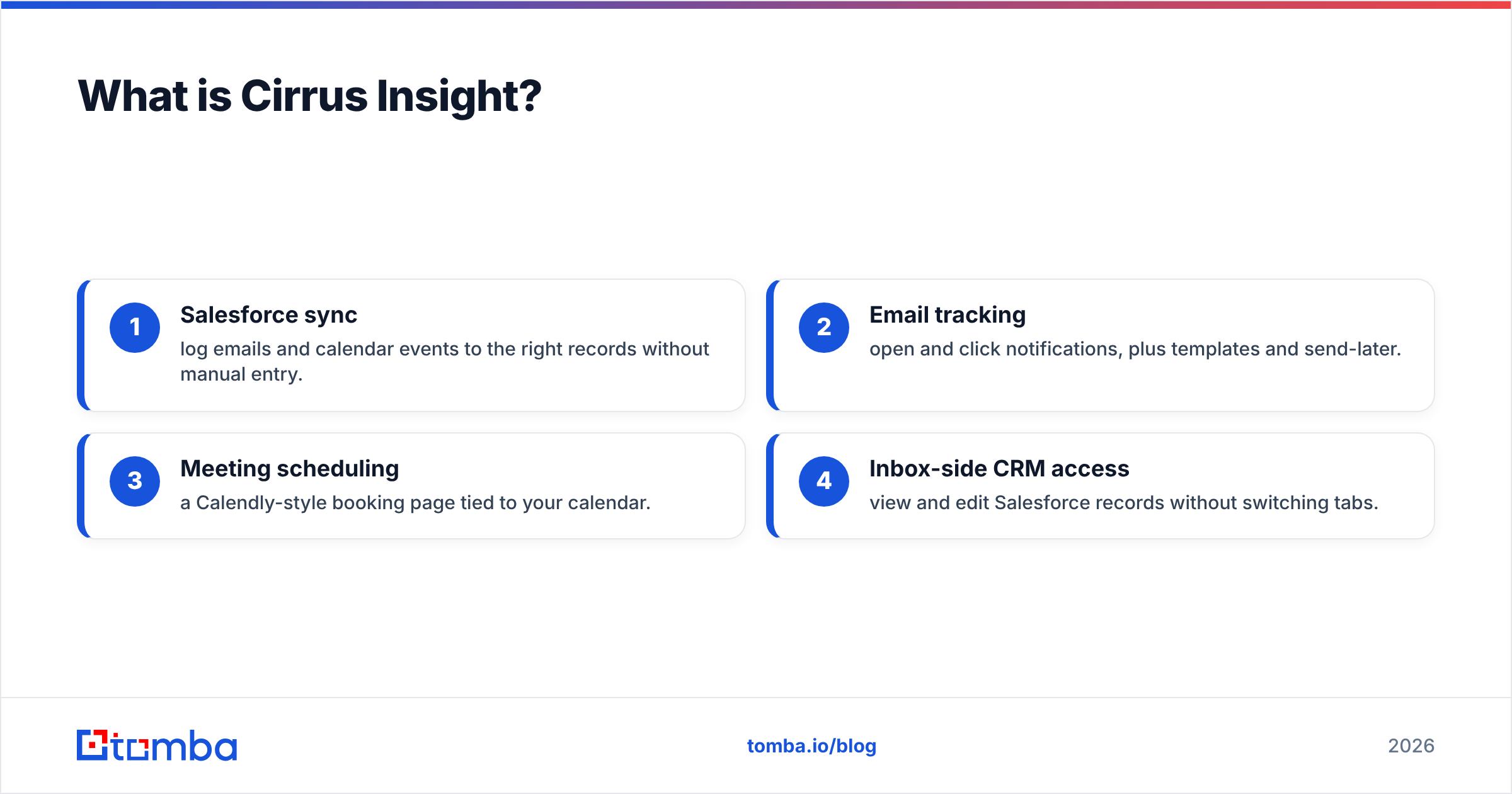
Its core strengths are practical and narrow:
- Salesforce sync — log emails and calendar events to the right records without manual entry.
- Email tracking — open and click notifications, plus templates and send-later.
- Meeting scheduling — a Calendly-style booking page tied to your calendar.
- Inbox-side CRM access — view and edit Salesforce records without switching tabs.
It's deliberately not a cadence-heavy outbound machine. Cirrus Insight wins when your reps live in their inbox, your system of record is Salesforce, and you want less admin friction — not a new platform to learn.

What is Salesloft?#
Salesloft is a sales engagement platform built to orchestrate the entire revenue workflow — prospecting, calling, emailing, and deal management — in one place. Where Cirrus Insight assists your inbox, Salesloft replaces the ad-hoc process with structured cadences (multi-step sequences across email, calls, LinkedIn, and tasks).
The platform stretches well past sending email:
- Cadences with branching logic and A/B testing
- Built-in dialer and call recording
- Conversation intelligence (Salesloft acquired Drift) for call and meeting analysis
- Deal and forecast management to track pipeline health
- Analytics on rep activity, cadence performance, and engagement
Salesloft is a heavier commitment in cost, onboarding, and process. The payoff is consistency: every rep runs the same proven playbook, and managers get visibility into what's actually moving pipeline. You can read more about its positioning on the Salesloft homepage and verified reviews on G2.
Cirrus Insight vs Salesloft: Feature and Pricing Comparison#
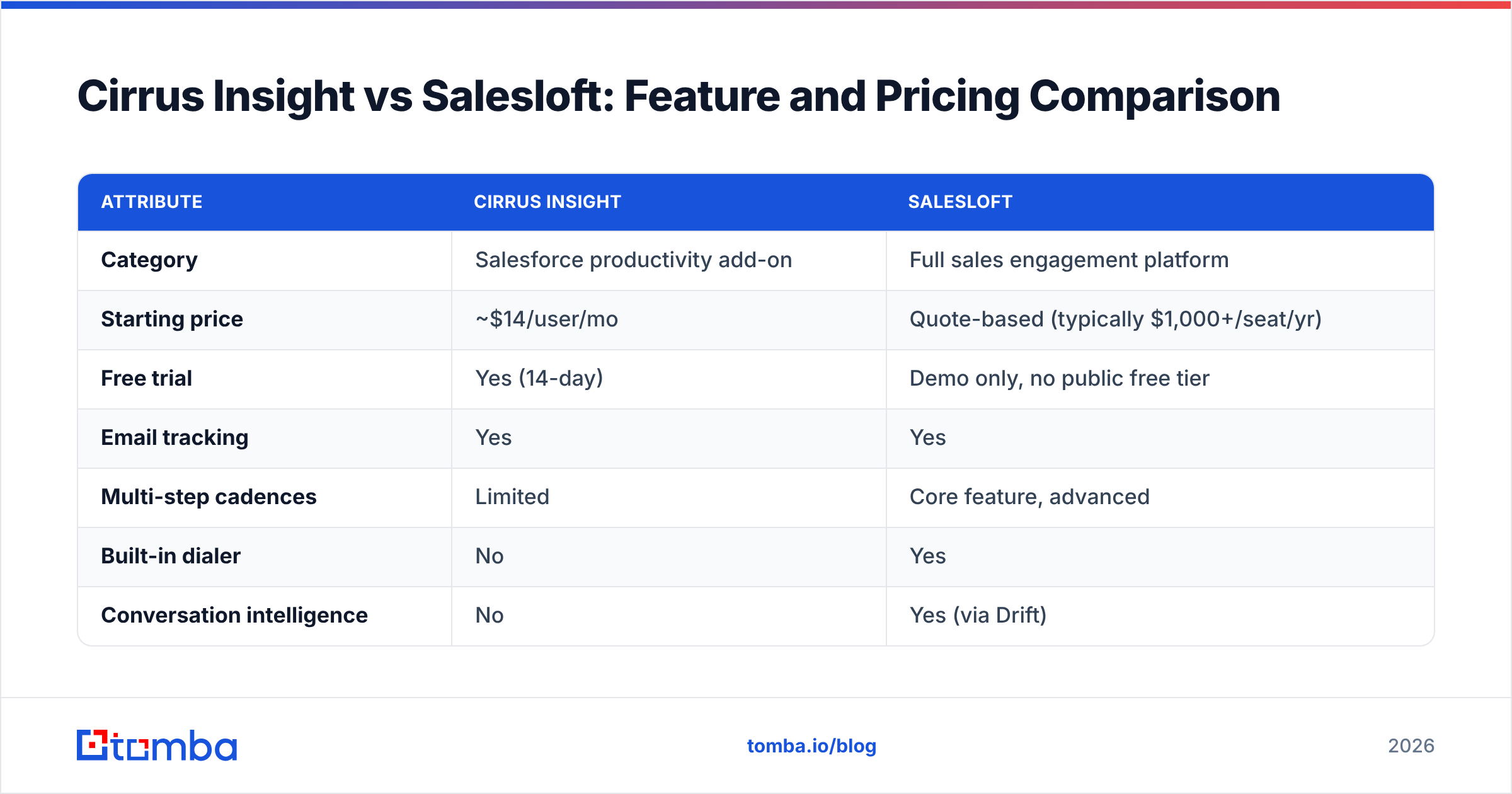
Here's the head-to-head. The biggest divides are scope (productivity add-on vs full platform) and price (per-seat monthly vs annual contract).
| Attribute | Cirrus Insight | Salesloft |
|---|---|---|
| Category | Salesforce productivity add-on | Full sales engagement platform |
| Starting price | ~$14/user/mo | Quote-based (typically $1,000+/seat/yr) |
| Free trial | Yes (14-day) | Demo only, no public free tier |
| Email tracking | Yes | Yes |
| Multi-step cadences | Limited | Core feature, advanced |
| Built-in dialer | No | Yes |
| Conversation intelligence | No | Yes (via Drift) |
| Meeting scheduler | Yes | Yes |
| CRM focus | Salesforce-first | Salesforce, HubSpot, Dynamics |
| Forecasting | No | Yes |
| Best team size | 1–50 reps | 25–1,000+ reps |
| Onboarding effort | Low (days) | High (weeks) |
| Email finding / verification | No | No |
The pattern is clear: Cirrus Insight is cheaper, faster to deploy, and inbox-native. Salesloft is pricier, deeper, and process-native. Neither one fills the gap that actually breaks outbound — the contact data itself.
Is Salesloft better than Cirrus Insight?#
It depends on what "better" means for your motion — there's no universal winner.
Choose Cirrus Insight if:
- You're a small team (1–50 reps) standardized on Salesforce.
- Your reps mostly respond and follow up from the inbox rather than blasting structured sequences.
- You want activity logging and tracking without a six-week rollout.
- Budget is tight and per-seat monthly pricing matters.
Choose Salesloft if:
- You run high-volume, multi-channel outbound that needs repeatable cadences.
- You want calling, email, and conversation intelligence in one console.
- Managers need forecasting and analytics to coach a larger team.
- You can absorb annual contracts and a longer onboarding ramp.
A useful analogy: Cirrus Insight is a really good set of power tools you keep on your workbench. Salesloft is the whole assembly line. A solo carpenter doesn't need the assembly line; a factory can't run on hand tools. If you're weighing either against newer engagement platforms, our Salesloft alternative breakdown covers adjacent options too.
What do both tools miss?#
Both assume your data is already good. Neither finds new email addresses, nor verifies that the ones in your CRM still work.
That's a bigger problem than it sounds. B2B email data decays fast — people change jobs, companies rebrand domains, and inboxes get deactivated. If 20–30% of your list is stale, you're paying premium per-seat prices to send Salesloft cadences into the void, or to sync bounced contacts into Salesforce via Cirrus Insight. Garbage in, garbage engaged.
This is where a dedicated data layer earns its keep. Before a contact ever enters a cadence or a sync rule, it should be:
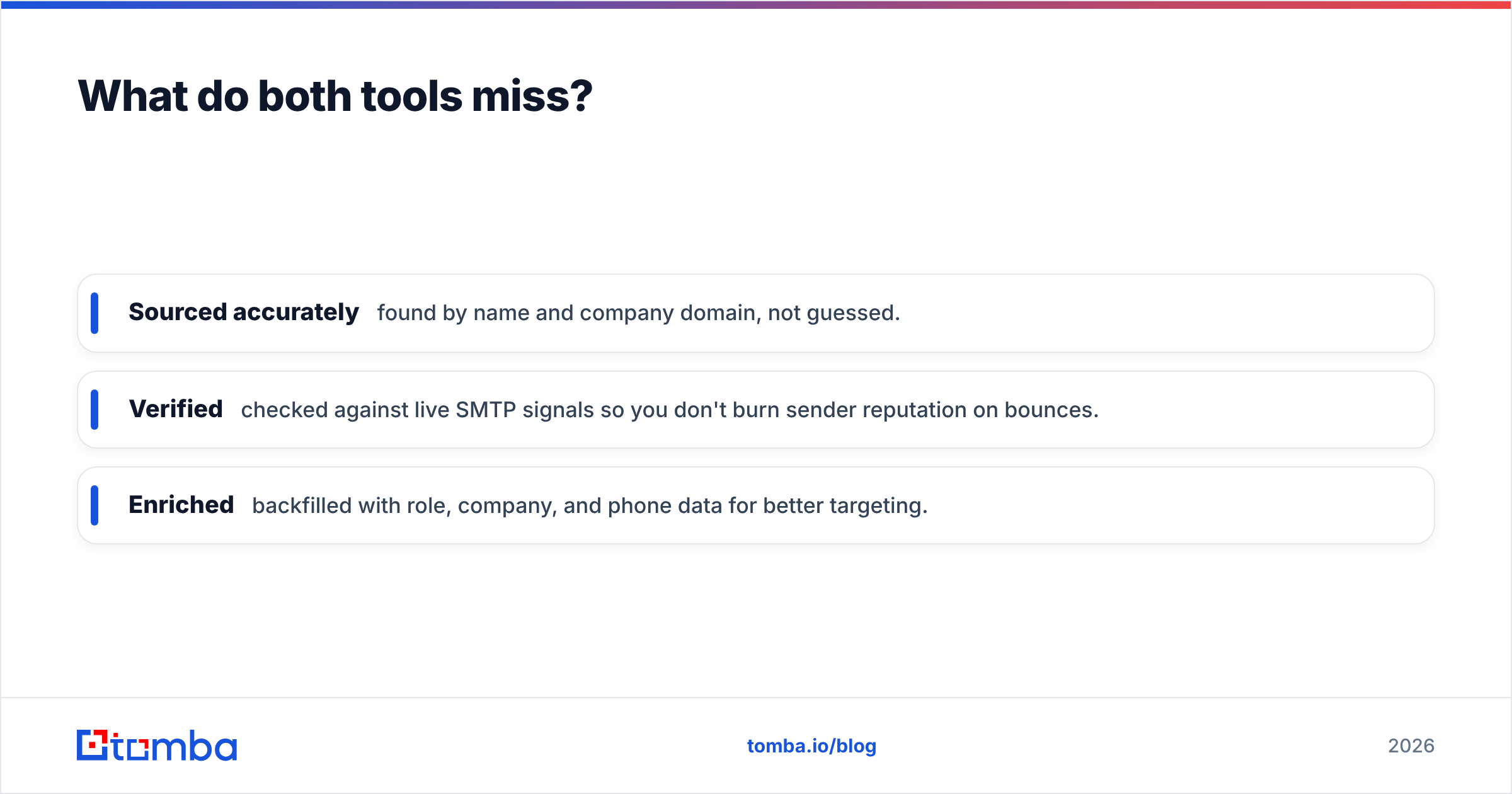
- Sourced accurately — found by name and company domain, not guessed.
- Verified — checked against live SMTP signals so you don't burn sender reputation on bounces.
- Enriched — backfilled with role, company, and phone data for better targeting.
You can pull professional emails by company with domain search, confirm they're deliverable with an email verifier, and enrich leads before they hit your engagement tool. Clean inputs make both Cirrus Insight and Salesloft measurably more effective, because every tracked open and every dialed call starts from a real, reachable person.
How do Cirrus Insight and Salesloft handle deliverability?#
Neither tool fixes deliverability for you — they just send what you give them. Salesloft offers throttling and warmup guidance, and Cirrus Insight respects your existing inbox limits, but the heavy lifting is on you.
The single biggest deliverability lever is list hygiene. A high bounce rate signals mailbox providers that you're a careless sender, which tanks your sender reputation and lands future mail in spam — even for valid recipients. Cleaning your list before import does more for inbox placement than any in-app setting.
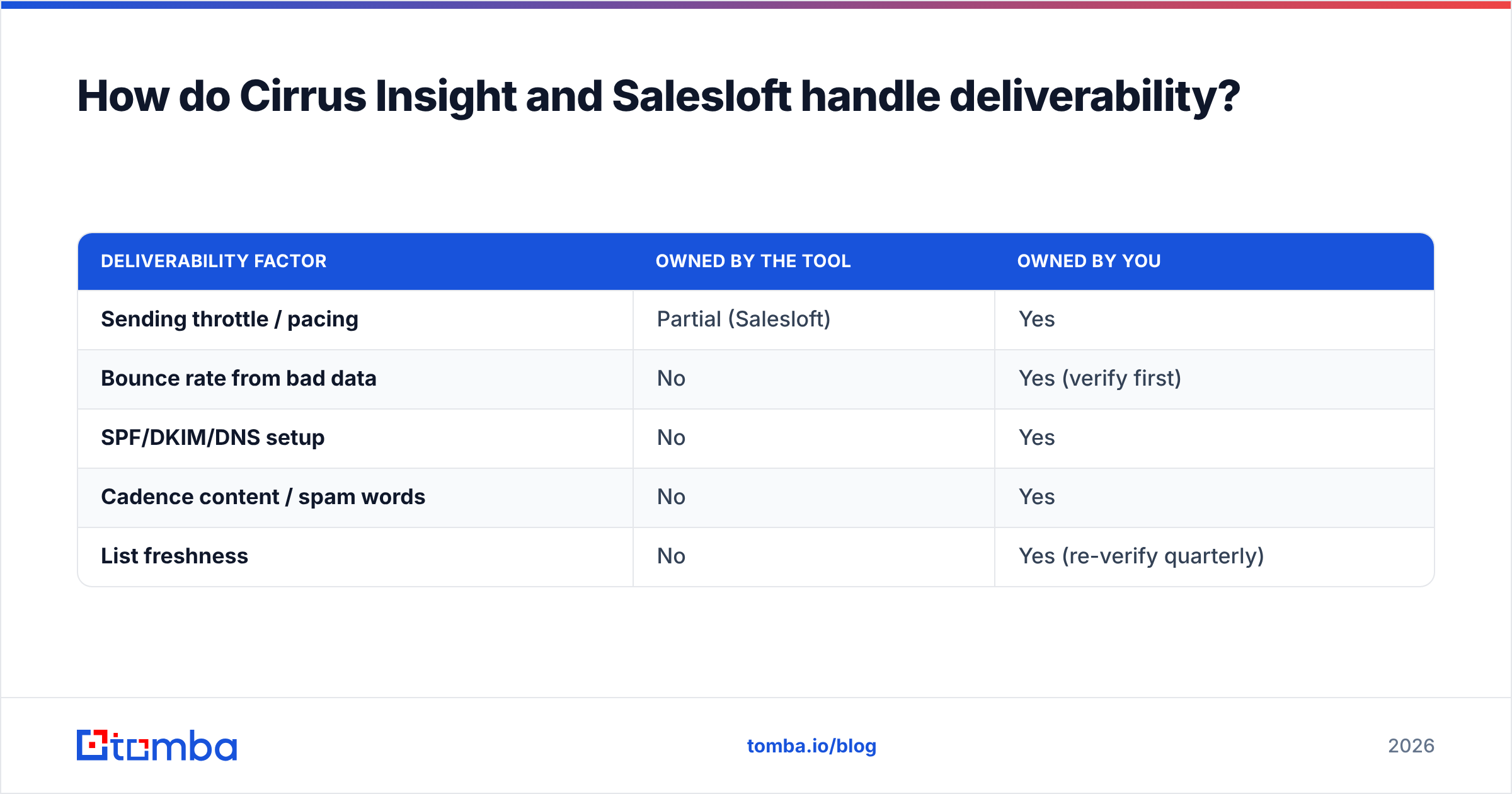
| Deliverability factor | Owned by the tool | Owned by you |
|---|---|---|
| Sending throttle / pacing | Partial (Salesloft) | Yes |
| Bounce rate from bad data | No | Yes (verify first) |
| SPF/DKIM/DNS setup | No | Yes |
| Cadence content / spam words | No | Yes |
| List freshness | No | Yes (re-verify quarterly) |
Practically: verify every address before it enters a sequence, re-verify your active lists on a schedule, and keep bounce rates under 2–3%. Tools like a bulk email finder let you source and validate at list scale instead of one record at a time.
Which integrates better with your stack?#
Cirrus Insight is Salesforce-first by design — that's its whole reason to exist. If Salesforce is your system of record and your reps live in Gmail or Outlook, the integration is tighter and cheaper than almost anything else.
Salesloft integrates broadly (Salesforce, HubSpot, Microsoft Dynamics) and is built to be the hub your reps work from, pushing activity back to the CRM rather than living inside the inbox. For data tooling, both ecosystems connect cleanly to enrichment sources — you can route verified contacts through the Tomba API or sync them via standard CRM connectors, so your engagement tool never becomes the bottleneck for clean data.
If you're price-sensitive and Salesforce-bound, Cirrus Insight integrates "better" in the narrow sense. If you want one console orchestrating a multi-tool stack, Salesloft's hub model wins.
Cirrus Insight vs Salesloft: final verdict#
Pick based on scale and motion, not hype:
- Small Salesforce team, inbox-driven, tight budget → Cirrus Insight.
- Mid-market to enterprise, structured multi-channel outbound, need analytics → Salesloft.
- Either way → fix your data layer first, or you're optimizing the wrong end of the funnel.
The tools are not really competitors so much as different tiers of the same job. What they share is a blind spot: they assume good contact data appears by magic. It doesn't.
Start with data that actually converts#
Before you commit to a Cirrus Insight subscription or a Salesloft contract, make sure the contacts flowing through them are real. The Tomba Email Finder sources professional emails by name and domain, verifies them against live signals, and enriches them with role and company context — so every cadence step and every synced record starts from a reachable person, not a dead inbox. Start on the free tier (25 searches/mo), then scale on Tomba pricing from $49/mo as your outbound grows. Your engagement tool is only as good as the data you feed it — feed it clean.
// get started
Find, verify and enrich your first contacts today
Start on the free plan with 25 searches a month, then scale when your team is ready.
Free plan · No credit card required · GDPR & CCPA
// about the author