Clay Pros and Cons (2026): An Honest GTM Platform Review
A no-hype breakdown of Clay's pros and cons in 2026 — what the GTM data platform does brilliantly, where the credit model bites, and when a focused email finder beats it.
Clay Pros and Cons (2026): An Honest GTM Platform Review
Clay has become the default answer whenever someone on LinkedIn asks "what tool should I use to enrich my list?" — and that popularity has earned it both fans and skeptics. Before you wire it into your stack, you should know exactly where it shines and where it quietly drains your budget.
TL;DR#
- Clay is a spreadsheet-shaped data orchestration platform, not a single data vendor. Its biggest strength is "waterfall" enrichment that chains dozens of providers in one cell.
- Biggest pros: flexible automation, AI research agents, 100+ integrations, and the ability to replace several point tools at once.
- Biggest cons: a steep learning curve, a credit-based pricing model that gets expensive fast, and overkill for teams that just need verified emails.
- Clay is best for RevOps and growth teams running complex, multi-source workflows — not for a rep who needs 200 accurate emails this week.
- If you only need accurate contact data, a focused email finder like Tomba is cheaper, faster, and easier to predict.
What is Clay and what does it actually do?#
Clay (clay.com) is a data enrichment and go-to-market automation platform built around a familiar interface: a table that looks like a spreadsheet but behaves like a programmable workflow engine. You drop in a list of companies or people, then add "enrichment columns" that call external data sources, run formulas, or trigger AI prompts.
The headline feature is the data waterfall. Instead of relying on one provider for an email or phone number, Clay queries provider A, and only if A returns nothing does it fall to provider B, then C, and so on. You pay per successful lookup, and in theory you get higher coverage than any single vendor could offer.
Think of Clay less like a phone book and more like a kitchen with every appliance plugged in. If you know how to cook, you can make almost anything. If you just want toast, you're standing in front of a very expensive, very complicated machine.
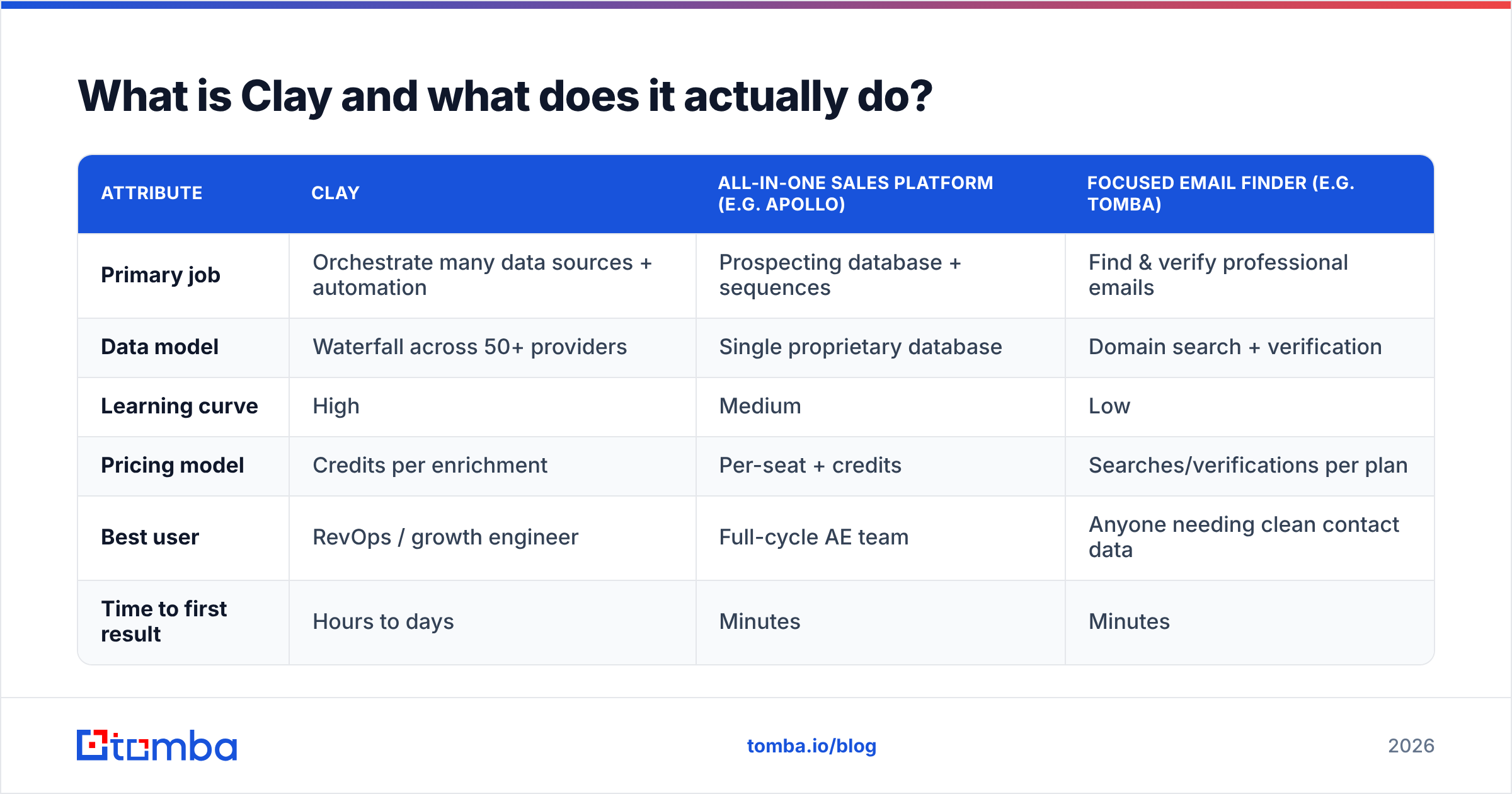
Here is how Clay compares to the two other shapes of tool teams usually weigh it against:
| Attribute | Clay | All-in-one sales platform (e.g. Apollo) | Focused email finder (e.g. Tomba) |
|---|---|---|---|
| Primary job | Orchestrate many data sources + automation | Prospecting database + sequences | Find & verify professional emails |
| Data model | Waterfall across 50+ providers | Single proprietary database | Domain search + verification |
| Learning curve | High | Medium | Low |
| Pricing model | Credits per enrichment | Per-seat + credits | Searches/verifications per plan |
| Best user | RevOps / growth engineer | Full-cycle AE team | Anyone needing clean contact data |
| Time to first result | Hours to days | Minutes | Minutes |
What are the main pros of Clay?#
Clay earns its reputation. When the use case fits, very little else competes. Here are the strengths that keep showing up in real reviews on G2.
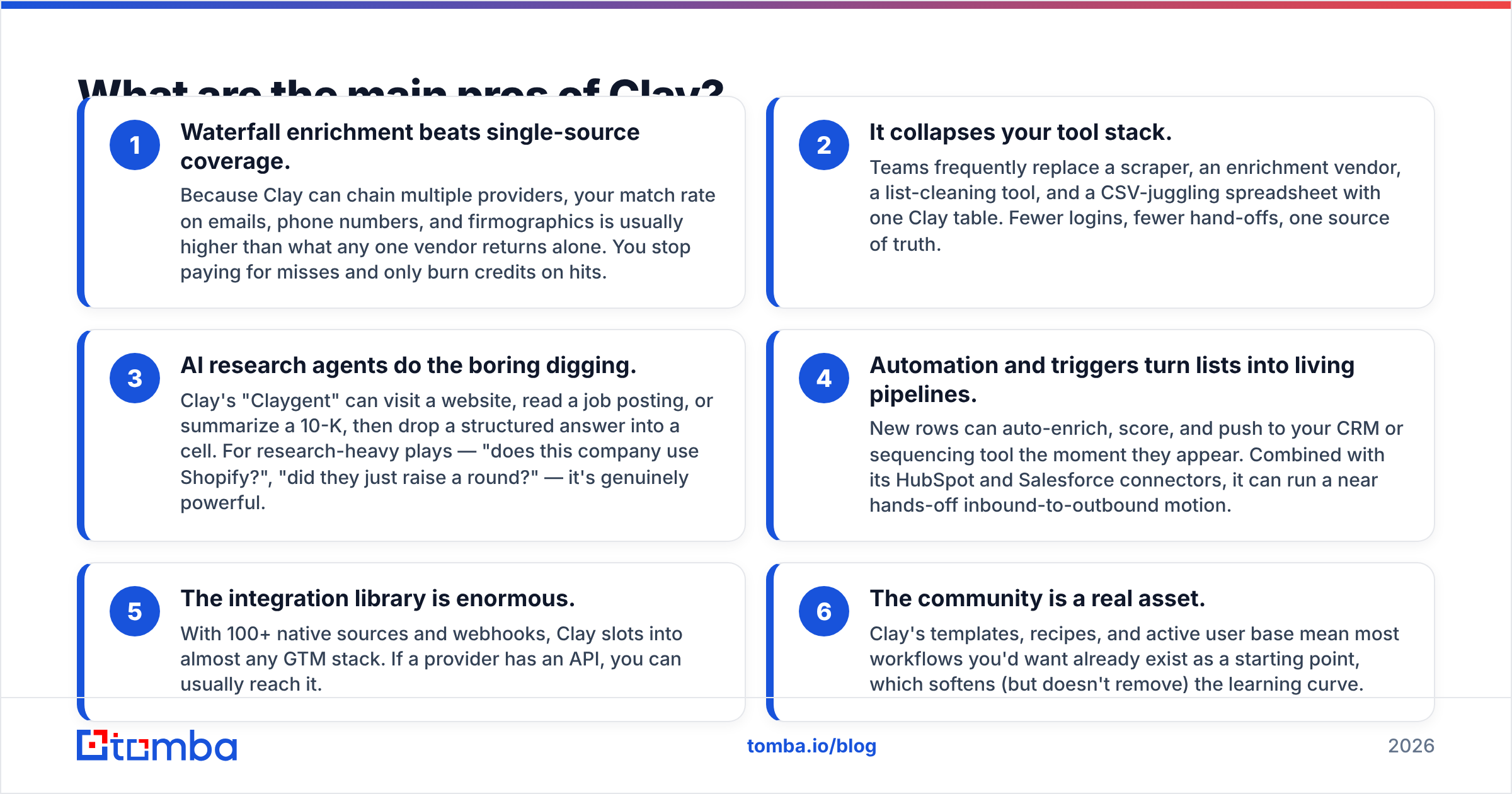
Waterfall enrichment beats single-source coverage. Because Clay can chain multiple providers, your match rate on emails, phone numbers, and firmographics is usually higher than what any one vendor returns alone. You stop paying for misses and only burn credits on hits.
It collapses your tool stack. Teams frequently replace a scraper, an enrichment vendor, a list-cleaning tool, and a CSV-juggling spreadsheet with one Clay table. Fewer logins, fewer hand-offs, one source of truth.
AI research agents do the boring digging. Clay's "Claygent" can visit a website, read a job posting, or summarize a 10-K, then drop a structured answer into a cell. For research-heavy plays — "does this company use Shopify?", "did they just raise a round?" — it's genuinely powerful.
Automation and triggers turn lists into living pipelines. New rows can auto-enrich, score, and push to your CRM or sequencing tool the moment they appear. Combined with its HubSpot and Salesforce connectors, it can run a near hands-off inbound-to-outbound motion.
The integration library is enormous. With 100+ native sources and webhooks, Clay slots into almost any GTM stack. If a provider has an API, you can usually reach it.
The community is a real asset. Clay's templates, recipes, and active user base mean most workflows you'd want already exist as a starting point, which softens (but doesn't remove) the learning curve.
What are the main cons of Clay?#
Now the honest part — the reasons teams churn off Clay or never fully adopt it.
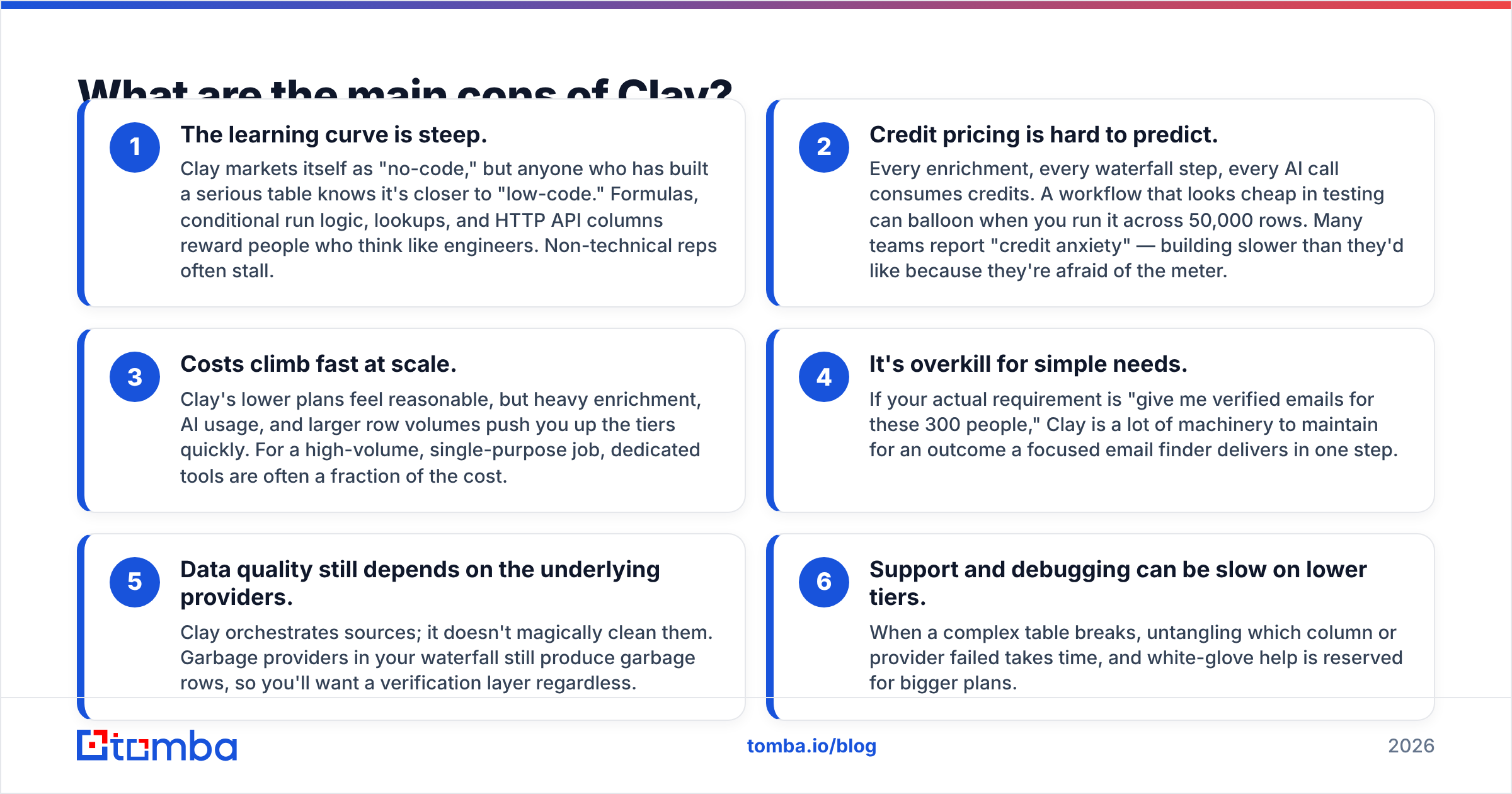
The learning curve is steep. Clay markets itself as "no-code," but anyone who has built a serious table knows it's closer to "low-code." Formulas, conditional run logic, lookups, and HTTP API columns reward people who think like engineers. Non-technical reps often stall.
Credit pricing is hard to predict. Every enrichment, every waterfall step, every AI call consumes credits. A workflow that looks cheap in testing can balloon when you run it across 50,000 rows. Many teams report "credit anxiety" — building slower than they'd like because they're afraid of the meter.
Costs climb fast at scale. Clay's lower plans feel reasonable, but heavy enrichment, AI usage, and larger row volumes push you up the tiers quickly. For a high-volume, single-purpose job, dedicated tools are often a fraction of the cost.
It's overkill for simple needs. If your actual requirement is "give me verified emails for these 300 people," Clay is a lot of machinery to maintain for an outcome a focused email finder delivers in one step.
Data quality still depends on the underlying providers. Clay orchestrates sources; it doesn't magically clean them. Garbage providers in your waterfall still produce garbage rows, so you'll want a verification layer regardless.
Support and debugging can be slow on lower tiers. When a complex table breaks, untangling which column or provider failed takes time, and white-glove help is reserved for bigger plans.

Is Clay worth the price in 2026?#
It depends entirely on how complex your workflows are. Clay's value is proportional to how many tools and manual steps it replaces.
If you're a RevOps lead orchestrating inbound enrichment, lead scoring, account research, and CRM sync across multiple data sources, Clay can pay for itself by eliminating three or four subscriptions and dozens of hours of manual work. The waterfall coverage alone can justify it when match rate directly drives revenue.
But if you're a founder, an SDR, or a small team whose real need is "accurate contact data, fast," the math flips. You'd be paying for a flexible automation engine and using maybe 10% of it. Worse, the credit model means your costs scale with every experiment, so the tool that's supposed to save you money can quietly become your most unpredictable line item.
A useful gut check: count the distinct jobs you need done. One job (find emails, verify a list, get phone numbers)? A focused tool wins. Five interlocking jobs feeding a CRM? Clay starts to make sense.
How does Clay compare to a focused email finder like Tomba?#
The honest framing is that these tools sit at different layers, and many teams end up using both — Clay as the orchestration brain and a dedicated finder/verifier as a reliable, low-cost data source inside it.
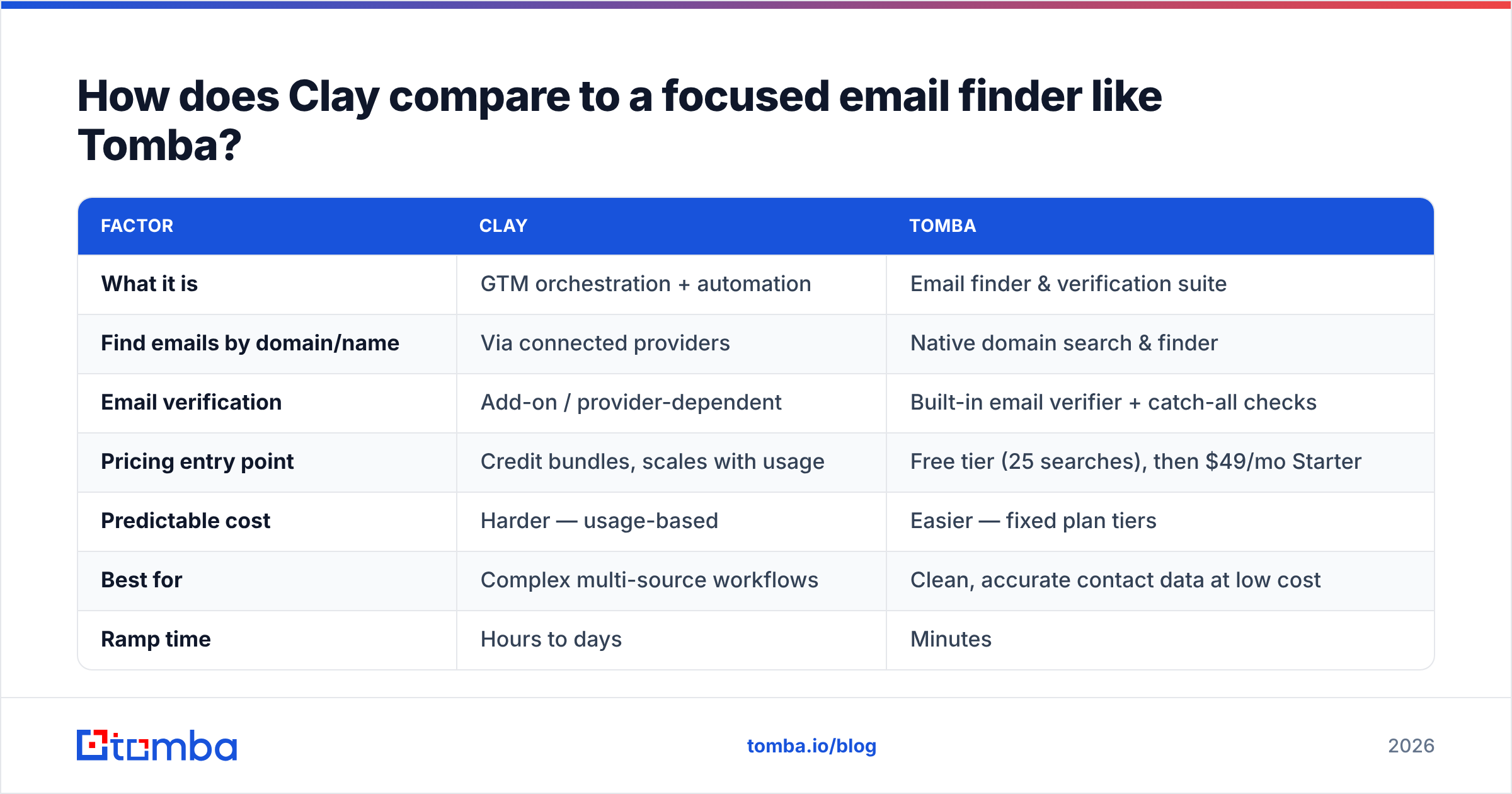
| Factor | Clay | Tomba |
|---|---|---|
| What it is | GTM orchestration + automation | Email finder & verification suite |
| Find emails by domain/name | Via connected providers | Native domain search & finder |
| Email verification | Add-on / provider-dependent | Built-in email verifier + catch-all checks |
| Pricing entry point | Credit bundles, scales with usage | Free tier (25 searches), then $49/mo Starter |
| Predictable cost | Harder — usage-based | Easier — fixed plan tiers |
| Best for | Complex multi-source workflows | Clean, accurate contact data at low cost |
| Ramp time | Hours to days | Minutes |
Where Clay is a Swiss-army platform, Tomba is a precision instrument. Tomba's job is narrow and deep: find professional email addresses, verify them, run catch-all verification, and enrich contacts — with transparent, plan-based Tomba pricing instead of a credit meter. The Free tier gives you 25 searches a month, Starter is $49/mo, Growth $99/mo, and Pro $249/mo, so you always know your bill before you run a job.
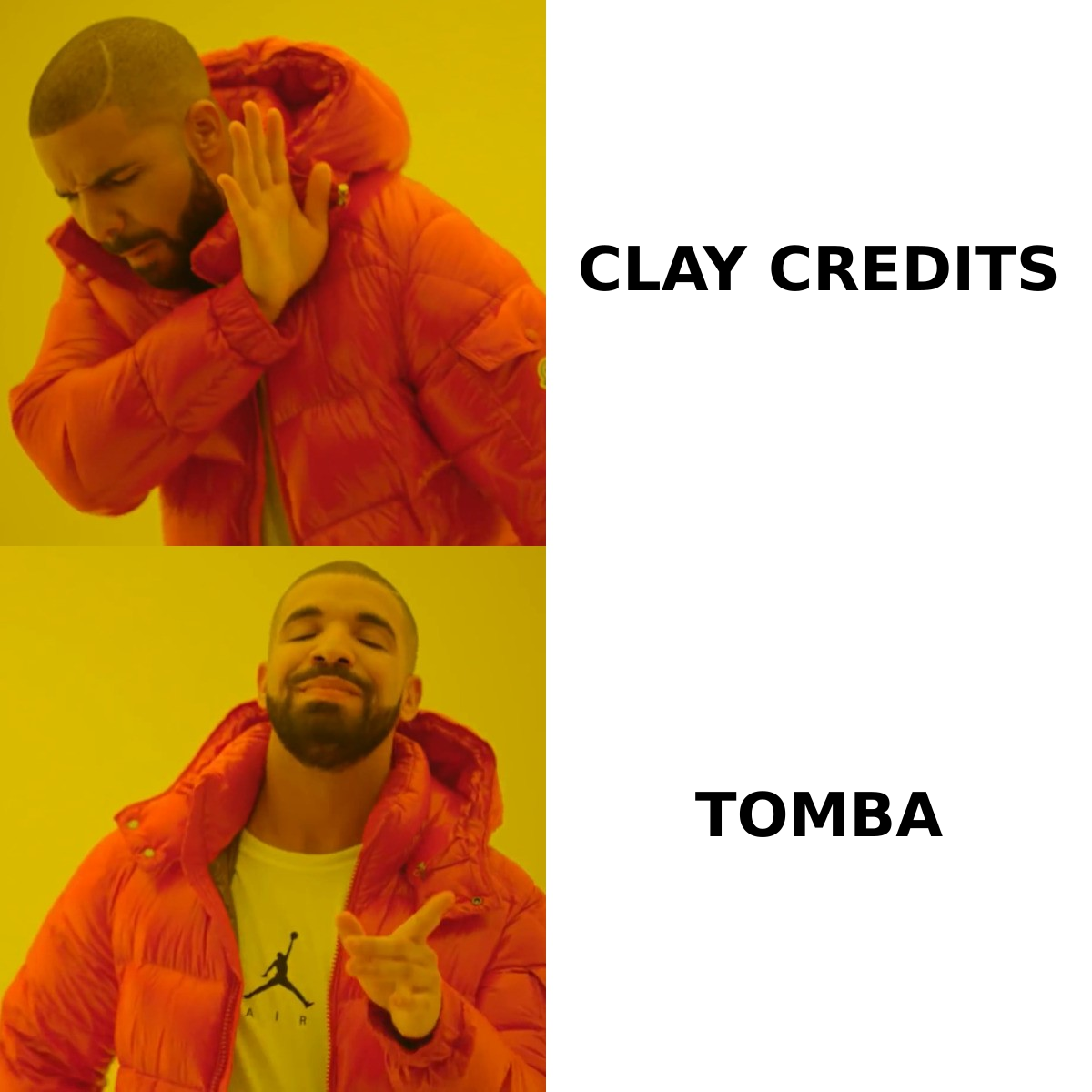
For a lot of teams, the smartest setup isn't "Clay or Tomba" — it's using a dependable finder as one of the most accurate sources inside a Clay waterfall, or using Tomba directly when the task doesn't justify the platform overhead at all.
Who should use Clay, and who should skip it?#
Use Clay if you:
- Run RevOps, growth, or data engineering and live in workflows, not single lookups.
- Need to chain multiple data providers to maximize match rate.
- Want AI research agents to enrich rows with custom, scraped, or summarized data.
- Have the time (and the temperament) to learn a low-code tool properly.
- Are consolidating several point tools and can absorb usage-based pricing.
Skip Clay (or pair it down) if you:
- Mostly need verified emails or phone numbers for outreach.
- Have a small or non-technical team that won't invest in the learning curve.
- Want predictable monthly costs with no credit math.
- Run one or two repeatable jobs rather than sprawling, interconnected pipelines.
If you landed in that second list, you'll get more done with a dedicated finder. You can always graduate to Clay later when your workflows actually outgrow a focused tool — and even then, you'll likely keep a verification layer in place. (For deeper background on what enrichment platforms do under the hood, the broader category is well documented across vendor docs like HubSpot's operations content.)
How do you decide for your team?#
Run this quick decision sequence before you commit budget:
- List the jobs. Write down every data task you actually need this quarter. Be specific: "verify 10k emails," "find decision-maker phone numbers," "research which prospects use AWS."
- Count the sources. If one or two providers cover those jobs, you don't need orchestration yet.
- Estimate the volume. Model your worst-case row count against Clay's credit cost. If the number scares you, a fixed-plan tool is safer.
- Check who'll operate it. A technical owner makes Clay sing; without one it gathers dust.
- Start narrow, then expand. Solve the highest-value job with a focused tool first. Add orchestration only when the manual glue work becomes the bottleneck.
The teams that regret buying Clay almost always skipped step one — they bought the platform for its reputation, not for a job they could name.
The verdict on Clay's pros and cons#
Clay is one of the most capable GTM data platforms on the market, and for the right team it's close to irreplaceable. Its waterfall enrichment, AI research, and automation can genuinely transform a messy, multi-tool process into a single coherent pipeline. Those are real, durable pros.
But the cons are just as real: a steep learning curve, usage-based costs that punish experimentation, and far more machinery than most contact-data jobs require. Clay rewards complexity. If your problem isn't complex, the platform's strengths become your overhead.
So match the tool to the job. If you're orchestrating a sophisticated, multi-source motion with a technical owner, Clay deserves a serious trial. If you mainly need accurate, verified contact data without the credit anxiety, start somewhere simpler — and only reach for the heavy machinery when the work demands it.
Get accurate contact data without the credit meter#
If your real goal is verified emails and reliable contact data — not a low-code platform to maintain — start with the Tomba Email Finder. Search by domain, name, or company, verify results with a built-in email verifier, and keep your costs predictable on a Free tier or a flat plan from $49/mo. Run a list today, see the match rate for yourself, and decide whether you ever actually need the full Clay machine. Try Tomba free and find your next 25 contacts in minutes.
// get started
Find, verify and enrich your first contacts today
Start on the free plan with 25 searches a month, then scale when your team is ready.
Free plan · No credit card required · GDPR & CCPA
// about the author