Clay vs Lusha 2026: Which B2B Data Tool Should You Use?
Clay automates data enrichment across 100+ sources; Lusha sells verified contact data with a one-click extension. Here is the honest 2026 breakdown of which fits your stack.
You are choosing between Clay and Lusha because both promise accurate B2B contact data, but they solve the problem in almost opposite ways. One is a programmable enrichment engine. The other is a point-and-click contact database. Picking the wrong one wastes budget and onboarding time.
This guide breaks down what each tool actually does, how pricing compares in 2026, where each wins, and when a focused email finder is the smarter buy.
TL;DR#
- Clay is a spreadsheet-style automation platform that orchestrates 100+ data providers and AI to enrich, score, and route leads. Powerful, but it has a real learning curve.
- Lusha is a contact-data vendor with a Chrome extension and CRM integrations. Fast to learn, narrower in scope, weaker on automation.
- Pricing diverges sharply: Lusha bills per credit on tiered plans; Clay bills on credits plus a platform fee that climbs fast as you add data providers.
- Pick Clay if you have a RevOps person who will build workflows. Pick Lusha if reps just need phone numbers and emails on demand.
- If your core need is simply finding and verifying work emails at scale, a dedicated tool like the Tomba Email Finder does that job for a fraction of either price.
What are Clay and Lusha?#
The short version: Clay is infrastructure, Lusha is a data source. They overlap on "get me contact data," but they sit at different layers of the prospecting stack.
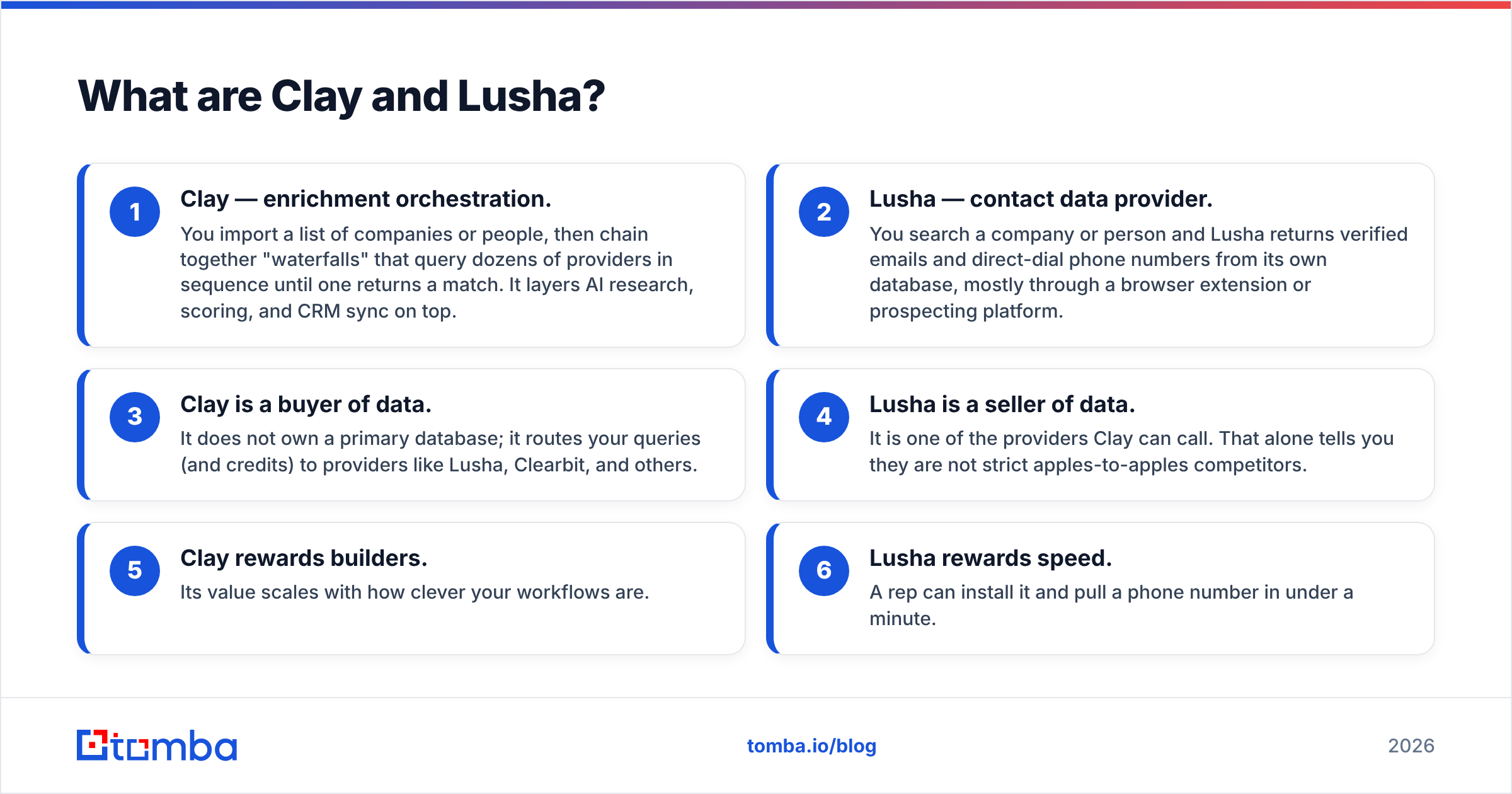
Here is how their core jobs differ:
- Clay — enrichment orchestration. You import a list of companies or people, then chain together "waterfalls" that query dozens of providers in sequence until one returns a match. It layers AI research, scoring, and CRM sync on top.
- Lusha — contact data provider. You search a company or person and Lusha returns verified emails and direct-dial phone numbers from its own database, mostly through a browser extension or prospecting platform.
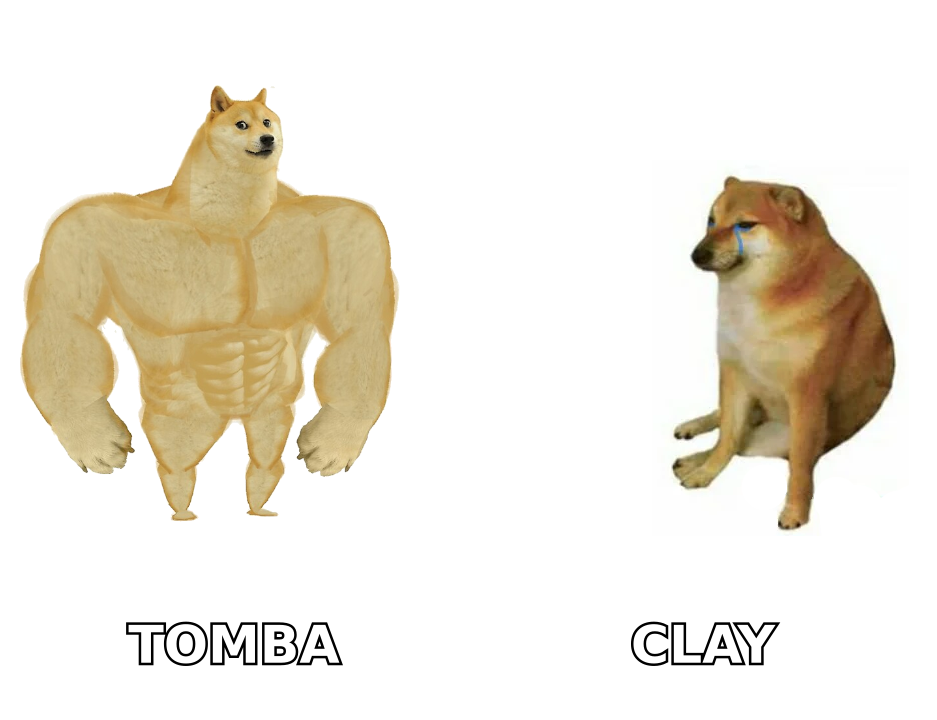
- Clay is a buyer of data. It does not own a primary database; it routes your queries (and credits) to providers like Lusha, Clearbit, and others.
- Lusha is a seller of data. It is one of the providers Clay can call. That alone tells you they are not strict apples-to-apples competitors.
- Clay rewards builders. Its value scales with how clever your workflows are.
- Lusha rewards speed. A rep can install it and pull a phone number in under a minute.
Both compete for the same budget line, which is why the comparison matters even though the architectures differ.
Clay vs Lusha: side-by-side comparison#
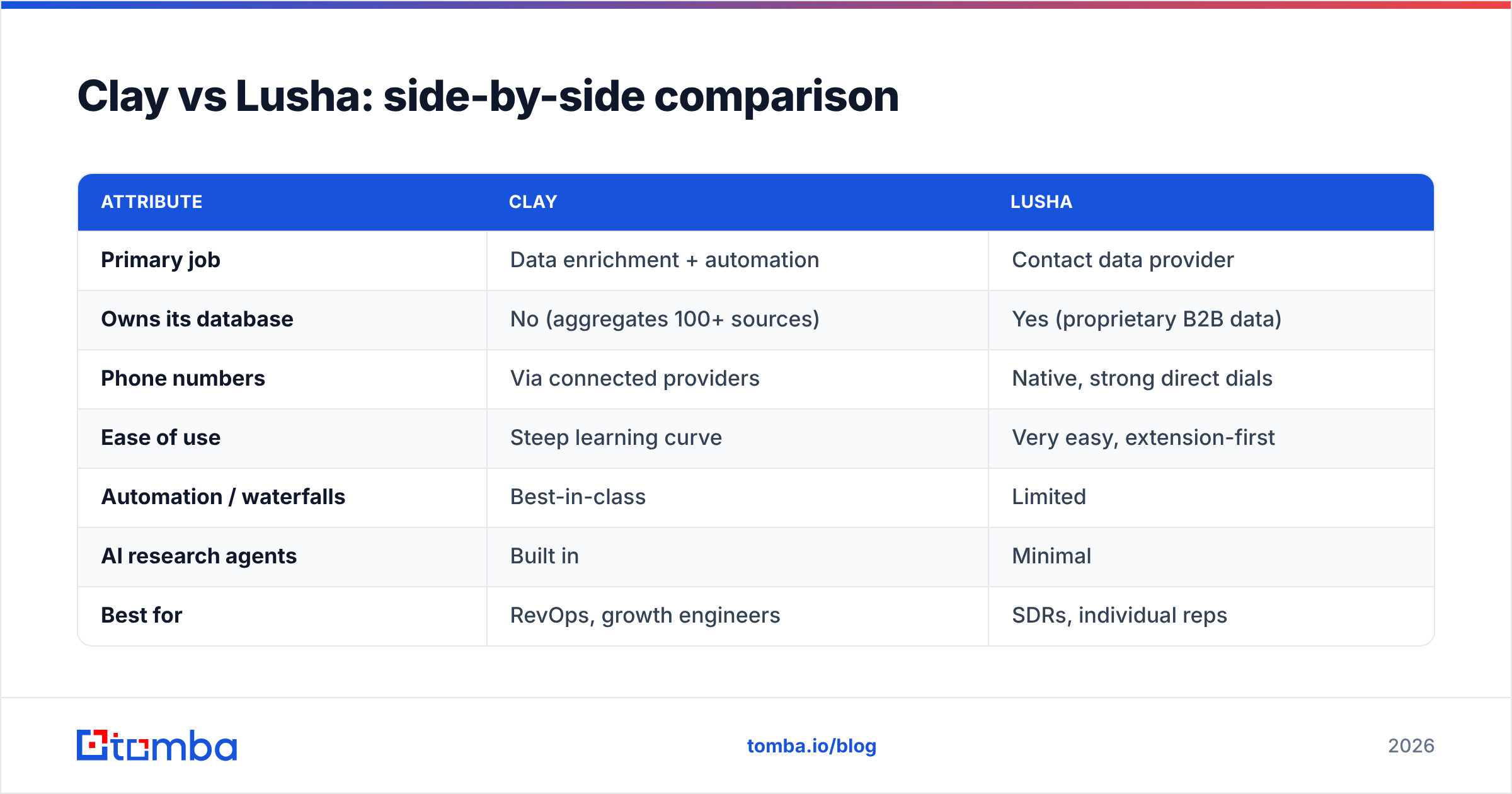
| Attribute | Clay | Lusha |
|---|---|---|
| Primary job | Data enrichment + automation | Contact data provider |
| Owns its database | No (aggregates 100+ sources) | Yes (proprietary B2B data) |
| Phone numbers | Via connected providers | Native, strong direct dials |
| Ease of use | Steep learning curve | Very easy, extension-first |
| Automation / waterfalls | Best-in-class | Limited |
| AI research agents | Built in | Minimal |
| Best for | RevOps, growth engineers | SDRs, individual reps |
| Entry pricing | ~$149/mo (Starter) | ~$49/seat/mo (Pro) |
| Credit model | Credits + provider costs | Credits per plan |
| GDPR/CCPA posture | Depends on sources used | Compliance-focused |
Use this as a gut check: if more than half the "Clay" column excites you, you probably have a workflow problem. If the "Lusha" column fits, you have a speed problem.
How does Clay work?#
Clay works like a smart spreadsheet wired to the entire data market. Each row is a company or person; each column can run an enrichment, an API call, or an AI prompt.
The signature feature is the enrichment waterfall. Instead of trusting one vendor, you query Provider A first; if it returns nothing, Clay falls through to Provider B, then C, and so on. You pay only when a provider returns a match. For finding hard-to-reach emails, this raises hit rates well above any single source.
On top of that, Clay adds:
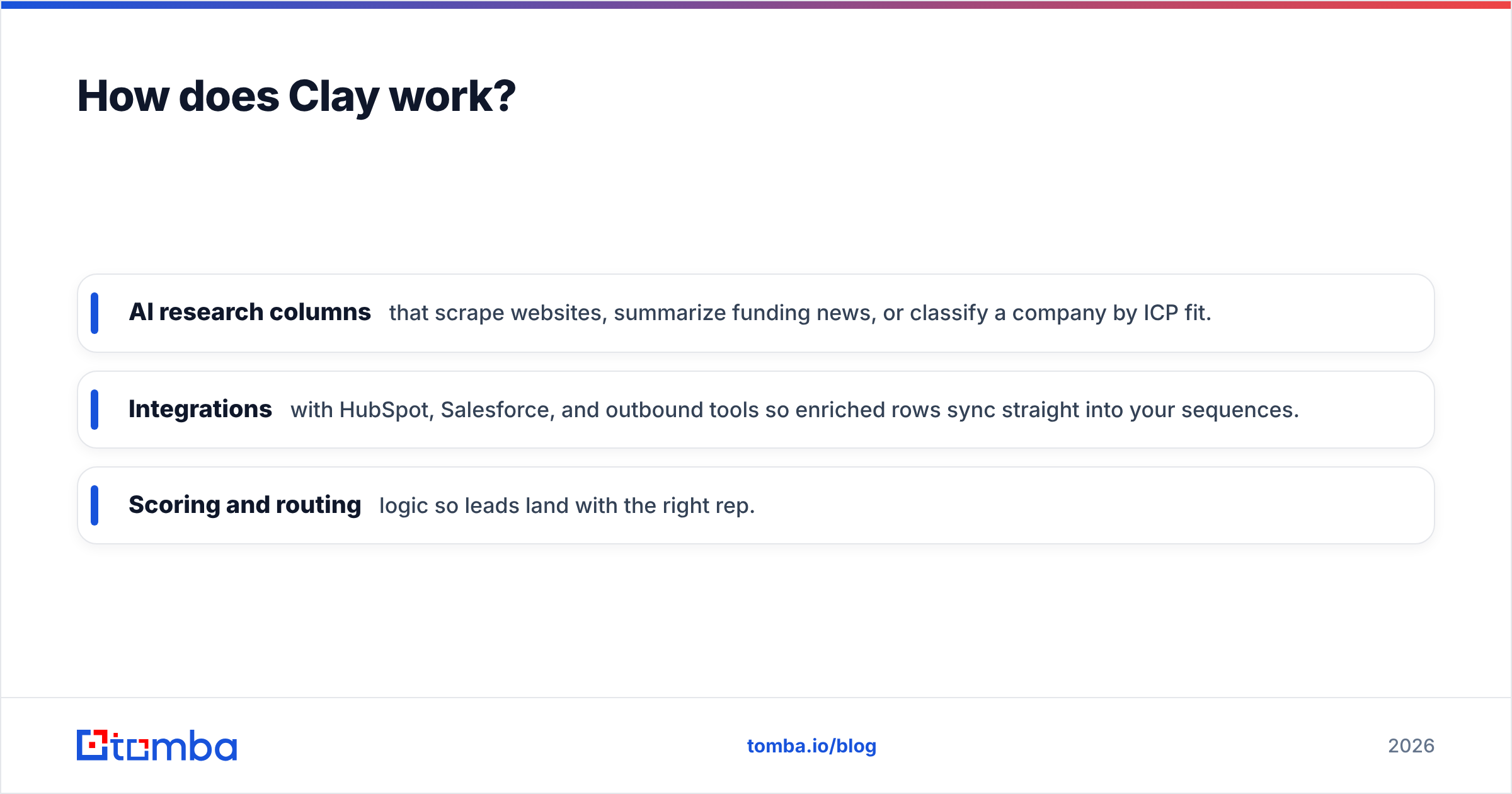
- AI research columns that scrape websites, summarize funding news, or classify a company by ICP fit.
- Integrations with HubSpot, Salesforce, and outbound tools so enriched rows sync straight into your sequences.
- Scoring and routing logic so leads land with the right rep.
The catch is complexity. Clay is closer to a no-code development environment than a prospecting button. Teams without a dedicated owner often pay for seats they barely use. According to user reviews on G2, the most common complaint is the time it takes to become productive — not the data quality.
How does Lusha work?#
Lusha works the way most reps expect a prospecting tool to work: you find a person, you click, you get their contact details.
Its Chrome extension overlays LinkedIn and company sites, surfacing verified emails and direct-dial mobile numbers without leaving the page. There is also a web platform for list building and bulk export, plus CRM connectors that push contacts into your pipeline.
Lusha's strengths are concrete:
- Direct-dial phone coverage is among the better datasets for North American B2B, which matters if your motion is cold calling.
- Speed to value is near-instant. No workflow design required.
- Compliance messaging is front-and-center, with ISO 27701 certification and GDPR/CCPA processes documented on the official Lusha site.
The trade-offs: enrichment is shallow compared to Clay, automation is limited, and credits disappear quickly on teams doing high-volume outbound. You are buying a faucet, not a plumbing system.
Is Clay better than Lusha?#
Neither is "better" in the abstract — they win different races. The honest answer depends on who is doing the work.
Choose Clay when:
- You have a RevOps or growth-engineering owner who lives in workflows.
- You need to enrich large lists from many angles, not just pull one email.
- You want AI to qualify or research accounts before a rep ever touches them.
- Your willingness to invest setup time is high.
Choose Lusha when:
- Individual reps need contact data on demand, fast.
- Direct-dial phone numbers are your priority.
- You want minimal onboarding and predictable per-seat cost.
- You do not have anyone to build and maintain automations.
There is also a third, frequently-overlooked answer: you may not need either. If the job is "find verified work emails for a list of domains," both tools are overkill. That is where a focused email finder and email verifier cover the need at a fraction of the cost.

How does pricing compare in 2026?#
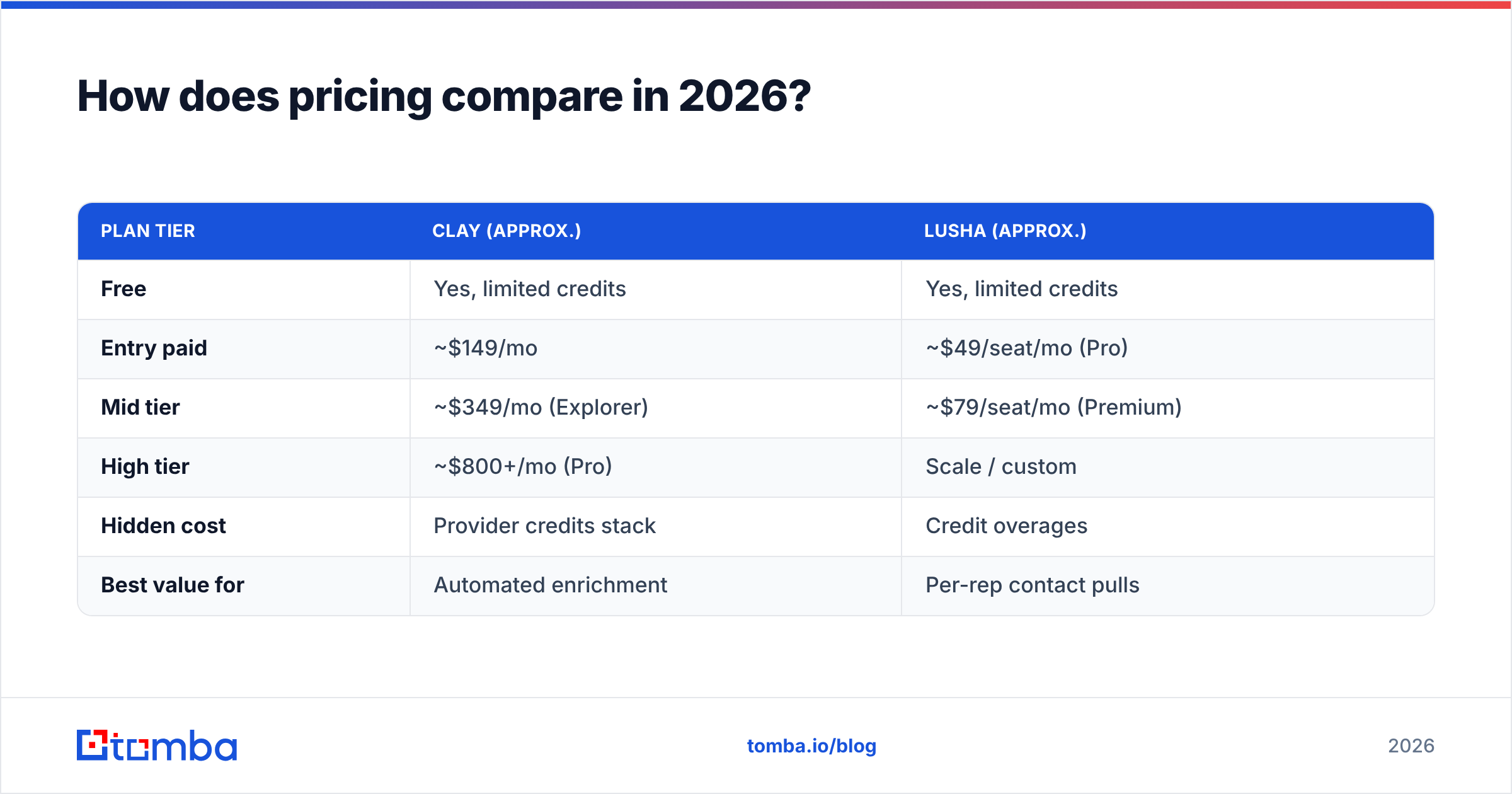
Pricing is where the two diverge most, and where buyers get surprised. Lusha is roughly transparent and per-seat. Clay's cost depends on both its platform tier and the third-party data you consume inside it.
| Plan tier | Clay (approx.) | Lusha (approx.) |
|---|---|---|
| Free | Yes, limited credits | Yes, limited credits |
| Entry paid | ~$149/mo | ~$49/seat/mo (Pro) |
| Mid tier | ~$349/mo (Explorer) | ~$79/seat/mo (Premium) |
| High tier | ~$800+/mo (Pro) | Scale / custom |
| Hidden cost | Provider credits stack | Credit overages |
| Best value for | Automated enrichment | Per-rep contact pulls |
Two things to watch. First, Clay's credits get consumed by every provider in a waterfall, so a "cheap" plan can balloon once you enable premium sources. Second, Lusha's per-seat model is predictable but adds up fast across a 10-rep team. Always model your real monthly volume before committing — published list prices rarely match the invoice.
For comparison, a dedicated finder like Tomba runs a Free tier (25 searches/mo), then Starter at $49/mo, Growth at $99/mo, and Pro at $249/mo — flat, no per-provider stacking. Full numbers are on the Tomba pricing page.
What about data accuracy and coverage?#
Accuracy is the metric that actually determines ROI, and it behaves differently for each tool.
Because Clay aggregates many providers, its accuracy is effectively the best of whatever sources you connect — but only if you configure the waterfall well. A lazy single-provider setup in Clay can underperform a focused tool. A well-built waterfall can beat almost anything, at a price.
Lusha relies on its own database. Coverage is strong for US/Canada direct dials and decent for common job titles, but it thins out for smaller companies, non-English markets, and niche roles. Independent reviews on Capterra note solid phone accuracy but variable email hit rates depending on region.
For email specifically, the reliable pattern is finder plus verification: discover the address, then confirm it is deliverable before you send. Running unverified data through a sequence is the fastest way to torch sender reputation. If you process large lists, a bulk email finder with built-in verification removes that risk in one pass.
Can you use Clay, Lusha, and a finder together?#
Yes, and many mature teams do. The layers complement each other rather than cancel out.
- Clay as the orchestration brain that builds and enriches lists.
- Lusha as one data source inside Clay's waterfall, especially for phones.
- A dedicated email finder + verifier as a cost-efficient source for work emails, plugged in via API so you are not paying premium per-credit rates for a basic lookup.
The principle is simple: route each task to the cheapest tool that does it accurately. Reserve expensive providers for the data only they can deliver, and let a focused finder handle the high-volume email work. That keeps your blended cost-per-verified-contact low without sacrificing coverage.
The bottom line#
Clay and Lusha are not really the same product. Clay is an enrichment and automation platform for teams with someone to build workflows. Lusha is a fast, rep-friendly contact-data source that shines on direct dials. Match the tool to who is actually using it, model your true monthly volume, and do not pay platform-plus-provider rates for a job a finder can do.
If your real need is finding and verifying professional emails — by name, company, or domain — start with the Tomba Email Finder. It delivers verified work emails with a free tier to test accuracy, flat pricing that won't surprise you on the invoice, and an API to slot into Clay, your CRM, or your own scripts. Run a sample list, check the hit rate against your current vendor, and let the data decide.
// get started
Find, verify and enrich your first contacts today
Start on the free plan with 25 searches a month, then scale when your team is ready.
Free plan · No credit card required · GDPR & CCPA
// about the author