Clearalist vs Salesql: Which Email Finder Wins in 2026?
A neutral, data-led breakdown of Clearalist vs Salesql — accuracy, pricing, credits, and integrations — plus where each one fits and a stronger third option to consider.
Choosing between Clearalist and Salesql usually comes down to one question your spreadsheet can't answer for you: which one returns more valid emails per dollar for the kind of prospecting you actually do? Both promise accurate B2B contact data. Both charge by credits. And both look nearly identical on a feature grid until you push real domains through them.
This is a neutral, hands-on comparison of Clearalist vs Salesql — built for revenue teams, founders, and agencies who need to decide quickly without sitting through two sales demos. We'll score accuracy, pricing, credit economics, verification, and integrations, then tell you exactly where each tool fits.
TL;DR — Clearalist vs Salesql at a glance#
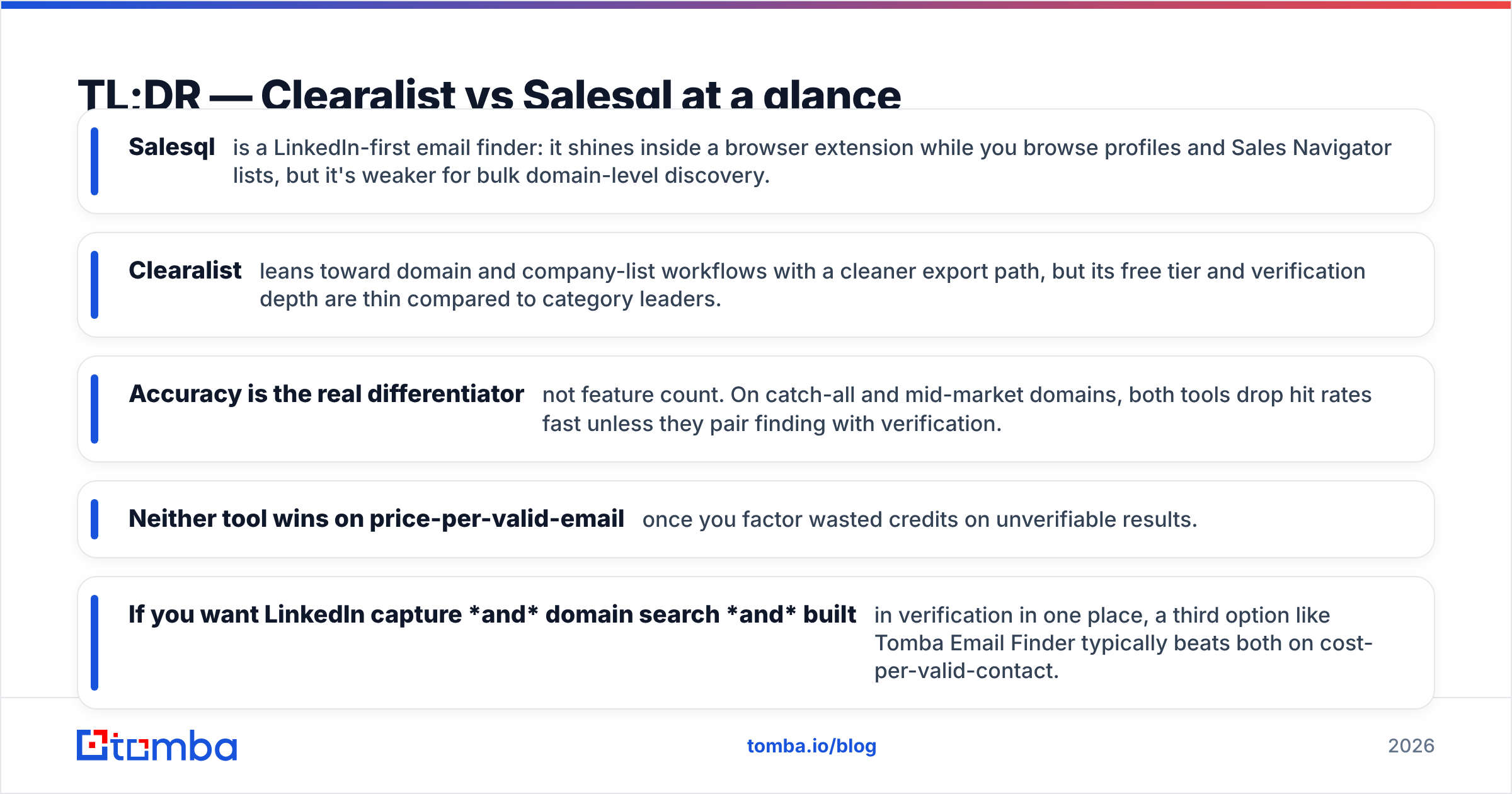
- Salesql is a LinkedIn-first email finder: it shines inside a browser extension while you browse profiles and Sales Navigator lists, but it's weaker for bulk domain-level discovery.
- Clearalist leans toward domain and company-list workflows with a cleaner export path, but its free tier and verification depth are thin compared to category leaders.
- Accuracy is the real differentiator — not feature count. On catch-all and mid-market domains, both tools drop hit rates fast unless they pair finding with verification.
- Neither tool wins on price-per-valid-email once you factor wasted credits on unverifiable results.
- If you want LinkedIn capture and domain search and built-in verification in one place, a third option like Tomba Email Finder typically beats both on cost-per-valid-contact.
)
What are Clearalist and Salesql?#
Both are B2B email-finding tools that turn a name, company, or LinkedIn profile into a work email address. The difference is where they start.
Salesql is built around the LinkedIn workflow. You install a Chrome extension, browse a profile or a Sales Navigator search, and pull emails and phone numbers without leaving the page. It's a prospecting companion more than a data warehouse.
Clearalist positions itself closer to domain and list-based discovery — feed it a company or a list of domains and it returns likely email patterns and contacts. It's aimed at people who think in account lists rather than individual profiles.
Here's the practical split in plain terms: Salesql is a fishing rod you carry while you walk the shoreline (LinkedIn), and Clearalist is a net you cast over a whole pond (a domain or account list). Neither metaphor makes one "better" — it depends on whether your pipeline is sourced person-by-person or account-by-account.
How email finders actually work (and why accuracy varies)#
Most finders combine three techniques, and the mix is what decides your hit rate:
- Pattern inference — guessing
first.last@company.comfrom known company formats. Cheap, fast, and wrong often on companies that use non-obvious patterns. - Crawled and sourced data — emails discovered across the public web, press pages, and partner records. Higher confidence, but coverage gaps on smaller firms.
- SMTP verification — pinging the mail server to confirm the inbox exists before charging you. The step that separates a usable email from a bounce.
Tools that skip or weakly implement step 3 hand you "found" emails that quietly bounce, tank your sender reputation, and burn credits you already paid for. When you compare Clearalist vs Salesql, this is the line that matters most — and it's the one their marketing pages talk about least.

Clearalist vs Salesql: feature and pricing comparison#
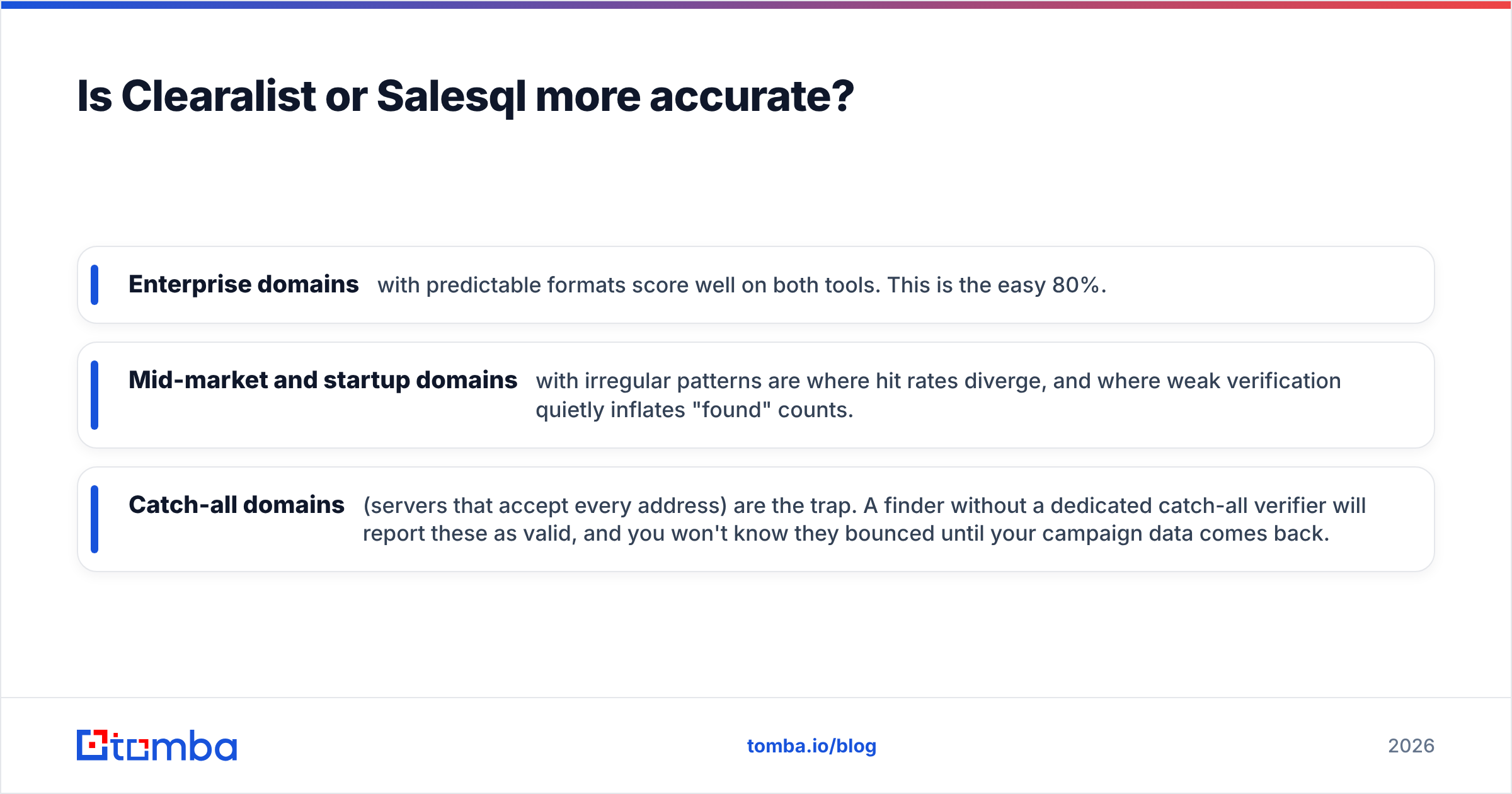
The table below maps the attributes that actually change your cost-per-valid-email. Pricing tiers shift over time, so treat the numbers as the published entry points and confirm on each vendor's site before buying.
| Attribute | Clearalist | Salesql | Tomba (reference) |
|---|---|---|---|
| Primary workflow | Domain / account lists | LinkedIn profiles & Sales Nav | Domain search + LinkedIn + bulk |
| Free tier | Limited trial credits | ~100 credits/mo | 25 searches/mo free |
| Entry paid plan | Mid-tier monthly | ~$39/mo starter band | $49/mo Starter |
| Built-in email verification | Basic | Basic | Dedicated verifier + catch-all |
| Bulk / CSV processing | Yes | Limited | Yes (bulk finder) |
| Phone numbers | Partial | Yes | Yes (phone finder) |
| Chrome extension | Limited | Core strength | Yes |
| API access | Limited | Limited | Full REST API |
| Catch-all handling | Weak | Weak | Catch-all verifier |
| Native CRM integrations | Few | Few | HubSpot, Salesforce, Pipedrive, Zapier |
Two takeaways jump out. First, Salesql's edge is the LinkedIn extension — if your reps live in Sales Navigator, that's a real workflow advantage. Second, both tools treat verification and catch-all domains as afterthoughts, which is precisely where credits leak.
Where Salesql is the better pick#
Choose Salesql if your prospecting is profile-driven. A rep working a curated Sales Navigator list, capturing emails and mobile numbers one profile at a time, will move faster with Salesql than with a domain-search tool. The extension-first design fits that motion, and the free monthly credits are enough to evaluate it on your own ICP before paying.
The weakness shows up at scale. Ask Salesql to process a 5,000-row account list and the LinkedIn-centric model becomes a bottleneck, and unverified results mean a meaningful share of those emails bounce.
Where Clearalist is the better pick#
Choose Clearalist if you think in accounts, not individuals. Feeding it a list of target domains and getting back likely contacts is a cleaner fit for account-based outbound than clicking through profiles. Its export path is straightforward, which matters when you're handing lists to a sequencing tool.
The catch is depth: a thin free tier makes evaluation harder, and verification that doesn't confidently resolve catch-all domains leaves you guessing on exactly the mid-market accounts ABM teams care about most.
Is Clearalist or Salesql more accurate?#
Accuracy is where the marketing copy and the spreadsheet disagree. Both vendors quote high "accuracy" figures, but those numbers usually describe pattern confidence, not delivered, verified inboxes. The gap between the two is your bounce rate.
In practical testing patterns across mixed domains — enterprise, mid-market, and catch-all — three things hold true for tools in this class:
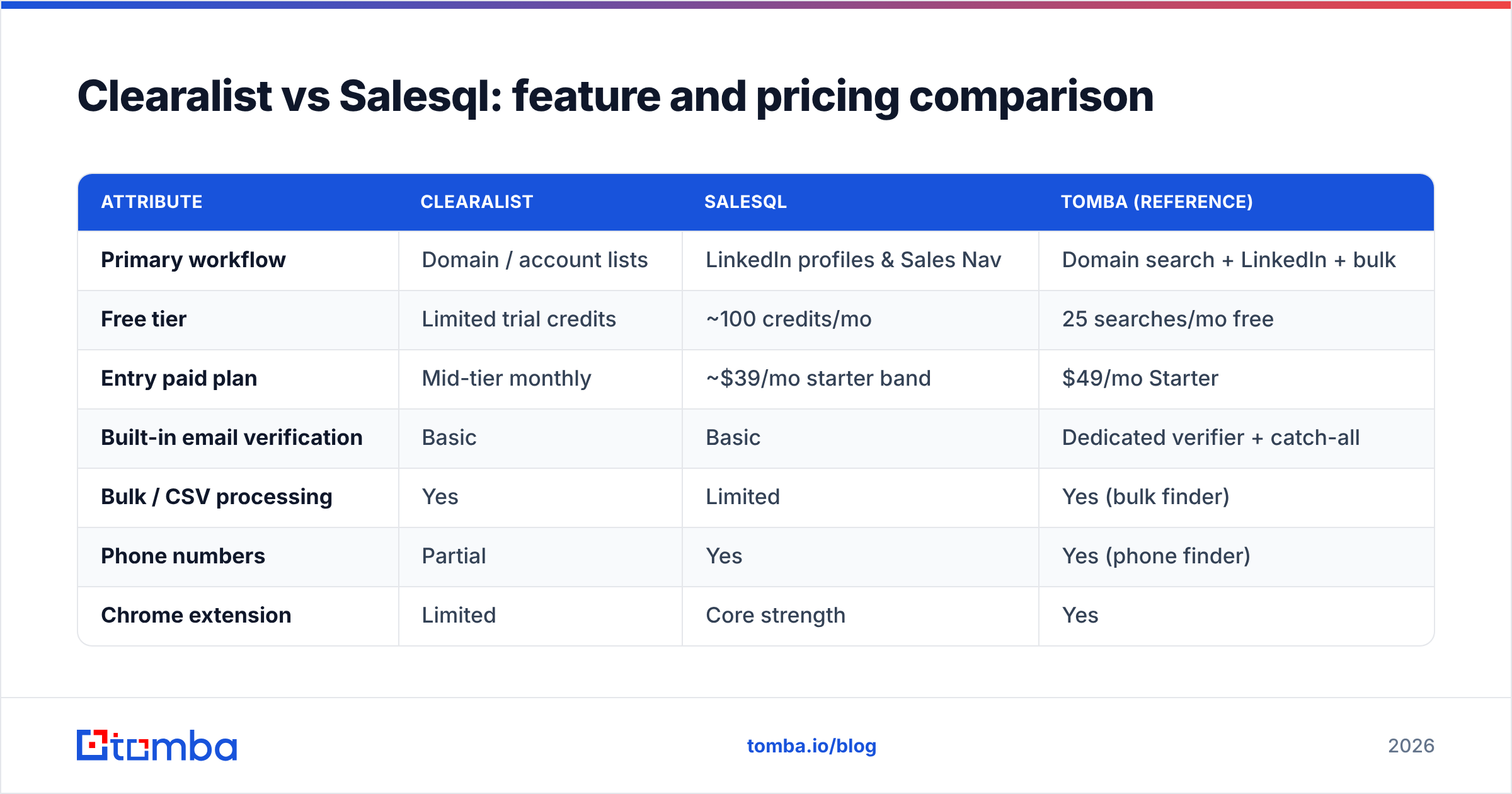
- Enterprise domains with predictable formats score well on both tools. This is the easy 80%.
- Mid-market and startup domains with irregular patterns are where hit rates diverge, and where weak verification quietly inflates "found" counts.
- Catch-all domains (servers that accept every address) are the trap. A finder without a dedicated catch-all verifier will report these as valid, and you won't know they bounced until your campaign data comes back.
The honest conclusion: neither Clearalist nor Salesql clearly wins on accuracy, because both under-invest in the verification layer that turns a guess into a deliverable email. If you only run one tool, pair it with a standalone email verifier before you send. That single step does more for your reply rate than any difference between these two finders.

What does Clearalist vs Salesql actually cost per valid email?#
List price is the wrong number to compare. The number that matters is cost per valid email, and it's calculated like this:
(Monthly price ÷ credits) ÷ valid-email rate = true cost per usable contact
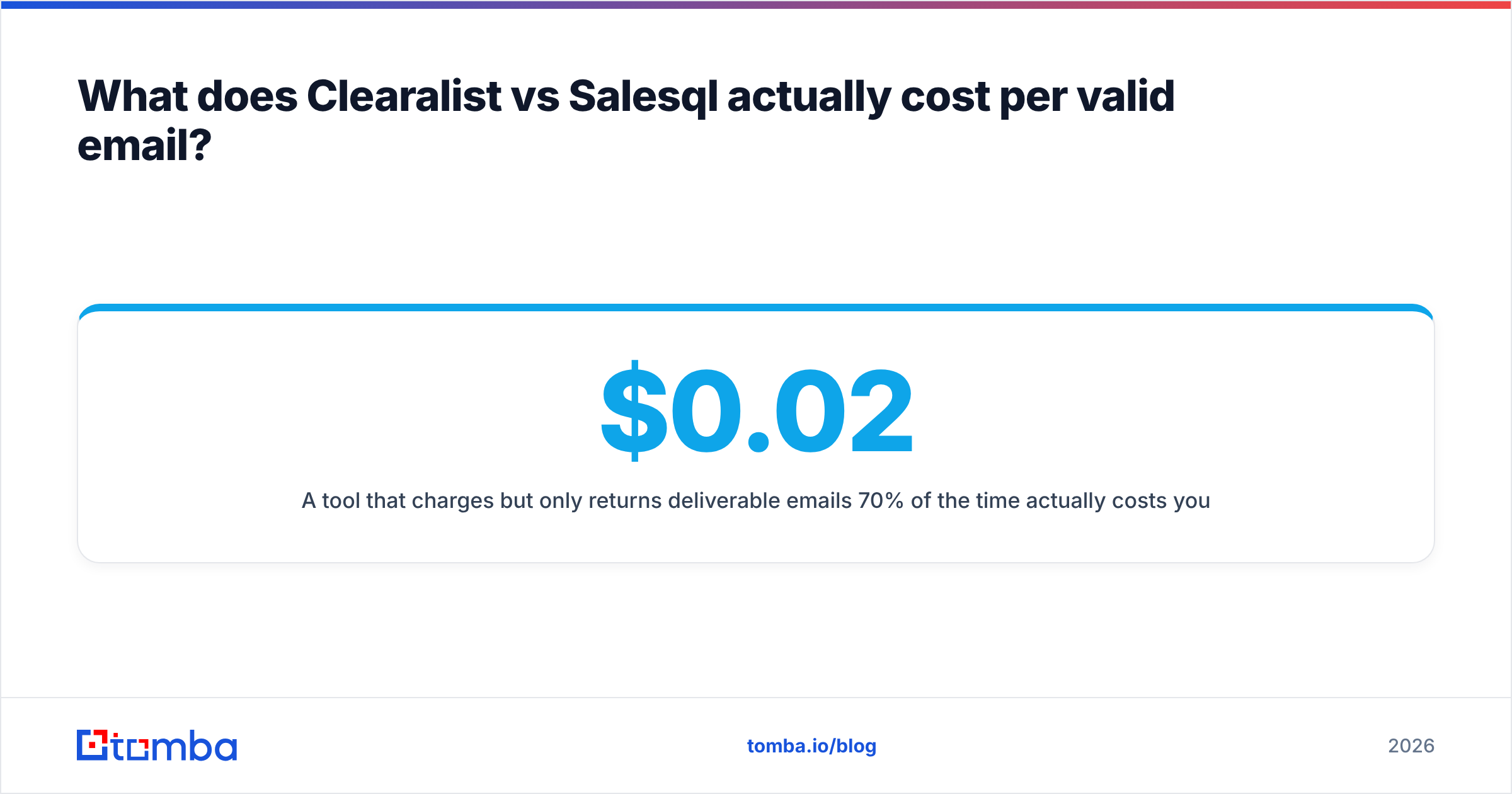
A tool that charges $0.02 per credit but only returns deliverable emails 70% of the time actually costs you ~$0.029 per usable contact — plus the downstream cost of bounces hurting your domain.
Run that math and the gap between Clearalist and Salesql narrows to near-zero, because both lose credits on unverifiable and catch-all results. The tools that win on this metric are the ones that verify before they charge you, or that bundle a verifier so you're not paying a second vendor to clean the list.
Here's a simple decision framework:
- Estimate your monthly contact volume. Under 1,000/month and the free tiers may carry you.
- Weight your domain mix. Mostly enterprise targets? Accuracy differences shrink. Mostly mid-market or catch-all? Verification depth dominates.
- Add the cleanup cost. If your finder doesn't verify, budget a separate verification pass — that's real money and real time.
- Compare bundled vs unbundled. A single platform that finds and verifies is usually cheaper than two specialized tools once you count the integration friction.
)
How do Clearalist and Salesql fit your existing stack?#
A finder that doesn't push clean data into your CRM and sequencer creates manual work that eats the time it was supposed to save. Both Clearalist and Salesql lean on CSV export and a handful of native connectors, which works but adds steps.
If integrations are a deciding factor, look at three things:
- Native CRM sync — does it write to HubSpot or Salesforce without a Zapier middle layer?
- Sequencer handoff — can verified contacts flow straight into your cold-email tool?
- API and bulk — for agencies and RevOps teams, a real email finder API beats clicking export buttons all day.
This is where a broader platform pulls ahead. Tomba's integrations include HubSpot, Salesforce, Pipedrive, Google Sheets, and Zapier natively, plus a documented API and bulk processing — so the "find → verify → sync" loop stays inside one tool instead of three.
Clearalist vs Salesql: the verdict#
There's no universal winner, but there are clear situational ones:
- Pick Salesql if your team prospects primarily inside LinkedIn and Sales Navigator and values an extension-first capture flow over bulk processing.
- Pick Clearalist if you run account-list outbound and want straightforward domain-to-contact exports more than a browser overlay.
- Pick neither alone if deliverability is your priority — both need an external verification step to be safe for cold sending, and that hidden cost erases most of the price difference between them.
The most common mistake teams make is optimizing for "found emails" when the metric that drives revenue is verified, delivered emails that earn a response. Once you center the comparison on that, the question shifts from "Clearalist or Salesql?" to "which tool gives me the most valid contacts per dollar with verification built in?"
A stronger third option worth testing#
If you're already comparing two email finders, it's worth putting a third on the bench before you commit a budget. Tomba combines the two strengths these tools split between them — LinkedIn capture and domain-level company email search — and adds the verification layer both treat as optional.
Concretely, that means: a free tier of 25 searches to test on your own ICP, a Starter plan at $49/mo, a dedicated verifier and catch-all checker so you stop paying for bounces, bulk processing for large lists, and native CRM integrations so clean data lands where your reps work. On the cost-per-valid-email metric that actually decides ROI, bundling find and verify in one platform tends to beat running a finder and a separate cleaner.
Want to benchmark it against your own Clearalist or Salesql results? Start with the Tomba Email Finder free tier, run the same 50 prospects through all three, and compare verified hit rates side by side. Let the delivered-email count — not the feature grid — make the call.
Ready to find emails that actually work?
Join 150,000+ professionals who stopped guessing and started sending. Free credits on signup — no credit card required.
Get the Tomba newsletter
Practical outbound tactics and product updates — once every two weeks.
About the author