Clearbit Extension in 2026: Features, Limits & Alternatives
What the Clearbit extension actually does in 2026 after the HubSpot acquisition, where it falls short on email data, and the alternatives worth testing before you commit.

TL;DR
- The Clearbit extension (Clearbit Connect) is a Gmail and Outlook add-on that surfaces company and contact data inside your inbox and helps you look up email addresses.
- After HubSpot acquired Clearbit in late 2023 and folded it into Breeze Intelligence, the standalone extension experience changed — access, pricing, and roadmap now revolve around HubSpot.
- It is genuinely useful for enrichment and account research, but it is not a high-volume, standalone email-finding workhorse.
- If your core job is finding and verifying business emails at scale, a dedicated tool with transparent per-search pricing usually beats a bundled enrichment add-on.
- This guide covers what the extension does, where it breaks down, real pricing context, and the alternatives worth a side-by-side test.
What is the Clearbit extension?#
The Clearbit extension — most people mean Clearbit Connect — is a browser add-on for Gmail and Outlook that pulls company and person data into the email window you already work in. Open a message, click the icon, and you see firmographics: company size, industry, location, social profiles, and often the email addresses tied to a domain.
Think of it like a business-card scanner that runs while you read email. Instead of copying a name into three different tabs, the data comes to you. Technically, it is a thin client on top of Clearbit's enrichment and prospecting APIs, so the extension is only ever as good as the database behind it.
Two things matter in 2026 and people still miss them:
- Clearbit is now part of HubSpot. HubSpot acquired Clearbit in November 2023 and rebranded the data layer as Breeze Intelligence. The Connect extension still exists, but its future is tied to HubSpot's product decisions, not an independent Clearbit roadmap.
- The extension is an enrichment tool first, an email finder second. It shines at telling you about an account. Pure email discovery — especially in bulk — is not its strongest lane.

What does the Clearbit extension actually do?#
Here is the honest feature breakdown, separated into what it does well and what it only sort-of does.
Where it earns its keep:
- Inbox enrichment — see who you are emailing and the company behind them without leaving Gmail or Outlook.
- Company lookups — type a domain and get firmographic context for account research.
- Find-email-by-name — enter a person and a company and it returns a likely email, drawn from Clearbit's dataset.
- CRM context — for HubSpot customers, the data flows naturally into records, which is the whole point post-acquisition.
Where it is weaker than the marketing implies:
- Bulk discovery — the extension is built for one-at-a-time research, not list-building of hundreds of contacts.
- Verification depth — it surfaces an address, but standalone, transparent verification (SMTP checks, catch-all handling) is not its core.
- Coverage outside tech — Clearbit's data has historically skewed toward US tech and mid-market SaaS. Coverage thins out for SMBs, non-English regions, and traditional industries.
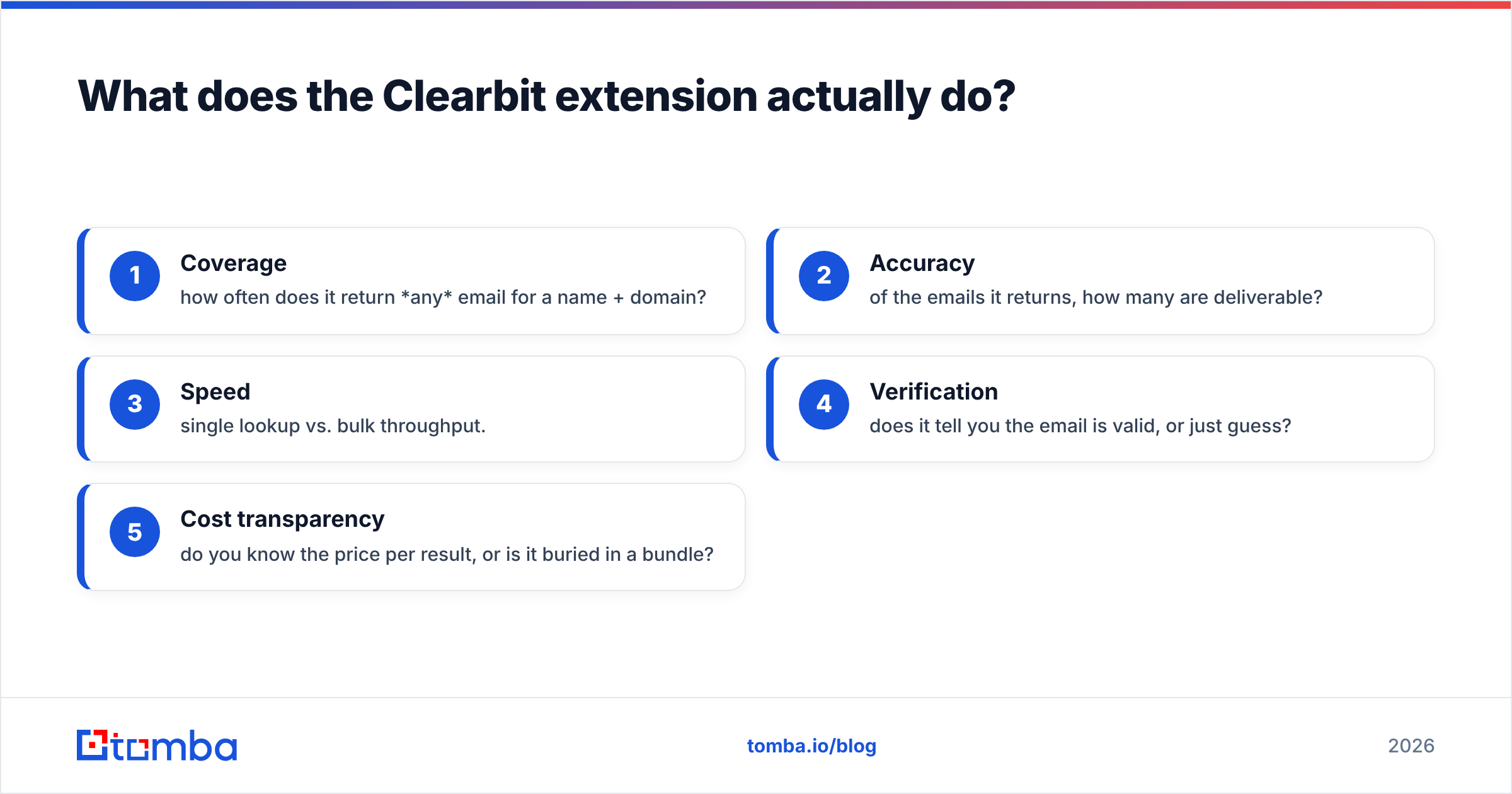
If you are evaluating any inbox extension, score it against the five jobs that actually move your pipeline:
- Coverage — how often does it return any email for a name + domain?
- Accuracy — of the emails it returns, how many are deliverable?
- Speed — single lookup vs. bulk throughput.
- Verification — does it tell you the email is valid, or just guess?
- Cost transparency — do you know the price per result, or is it buried in a bundle?
The Clearbit extension scores well on coverage-in-tech and CRM context, and middling on bulk throughput and standalone verification. That trade-off is the entire decision.
How much does the Clearbit extension cost in 2026?#
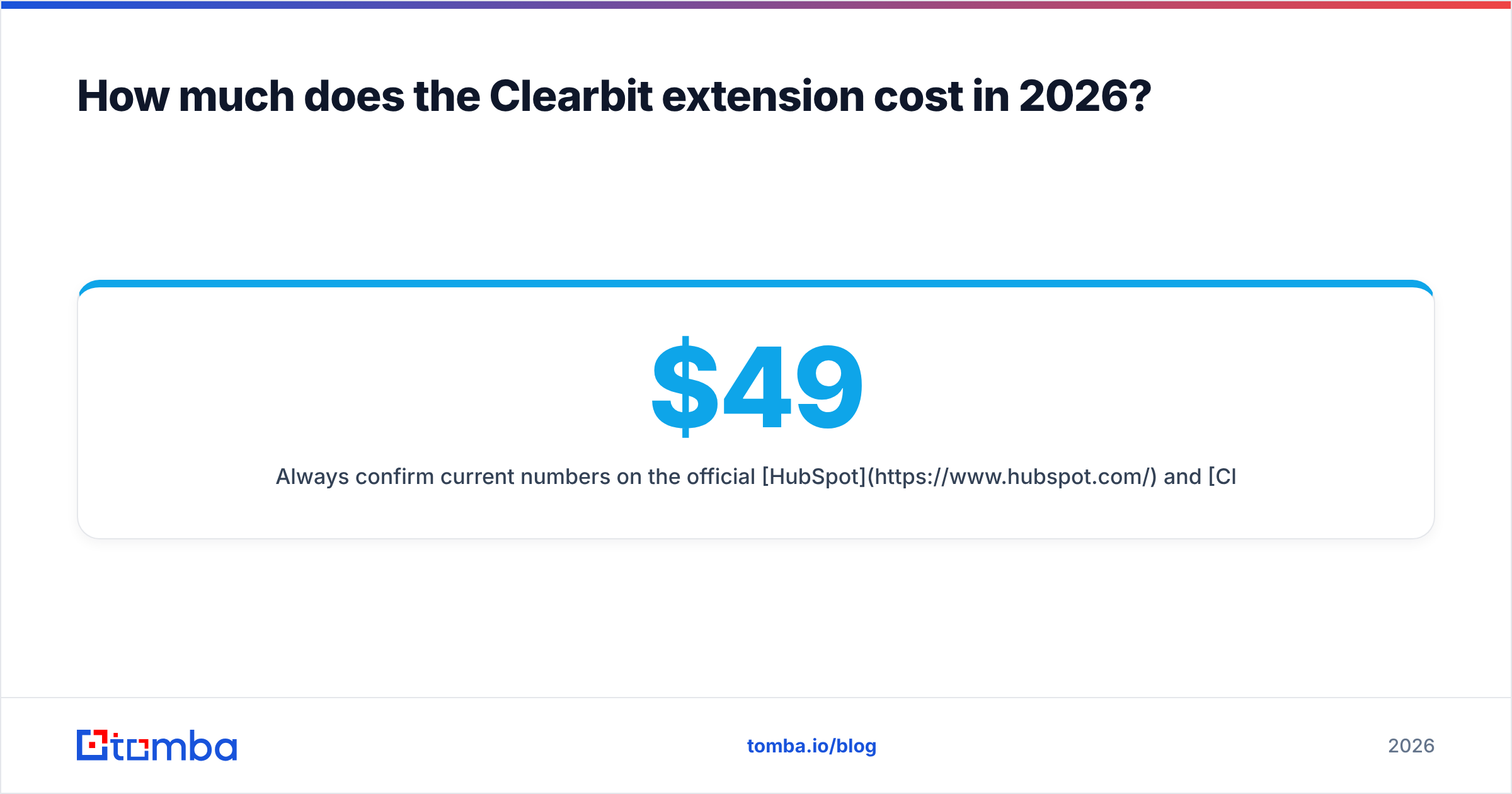
This is where most buyers get tripped up. Clearbit historically did not publish simple, public per-seat pricing the way self-serve tools do — it ran on annual contracts sized to your data volume and use case. Since the HubSpot acquisition, the data product (Breeze Intelligence) is sold and metered through HubSpot, often as credits attached to a HubSpot subscription.
What that means in practice:
- There is usually a limited free tier of the Connect extension for basic inbox lookups, which is why so many reps have used it casually.
- Serious, scaled use lands you in HubSpot's commercial motion — credits, contract minimums, and pricing that depends on your existing HubSpot footprint.
- If you are not already a HubSpot customer, the math gets harder to justify for email finding alone.
Always confirm current numbers on the official HubSpot and Clearbit sites before you budget, because this is the part of the product that has changed the most. Compare that against a tool with flat, published pricing — for example, Tomba pricing runs a Free tier (25 searches/mo), Starter at $49/mo, Growth at $99/mo, and Pro at $249/mo, so you know your cost per search before you sign anything.
Is the Clearbit extension better than a dedicated email finder?#
Short answer: it depends on whether your primary job is understanding accounts or finding contacts. They are different jobs, and the best tool for one is rarely the best for the other.
Here is a concrete side-by-side.
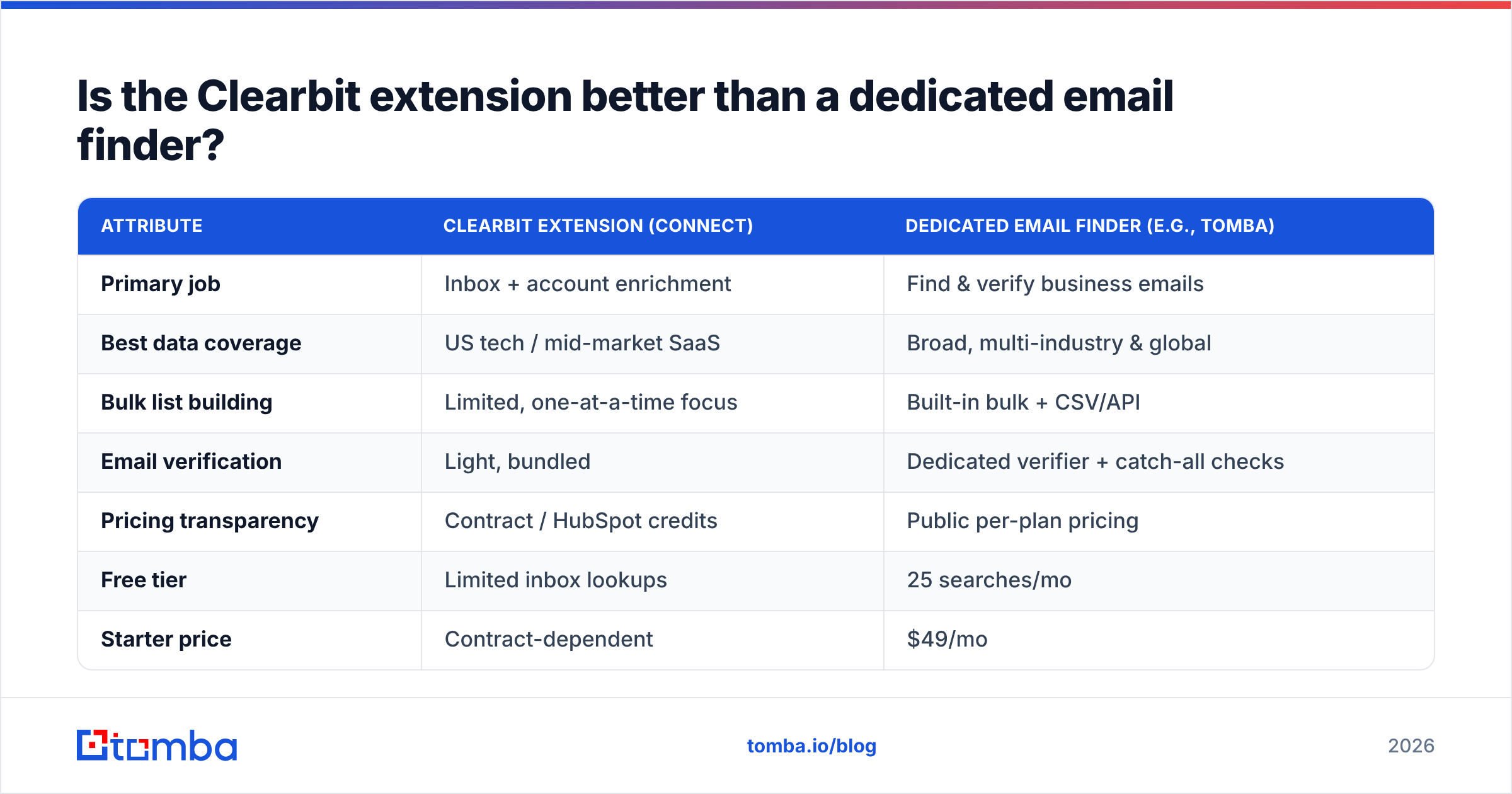
| Attribute | Clearbit Extension (Connect) | Dedicated Email Finder (e.g., Tomba) |
|---|---|---|
| Primary job | Inbox + account enrichment | Find & verify business emails |
| Best data coverage | US tech / mid-market SaaS | Broad, multi-industry & global |
| Bulk list building | Limited, one-at-a-time focus | Built-in bulk + CSV/API |
| Email verification | Light, bundled | Dedicated verifier + catch-all checks |
| Pricing transparency | Contract / HubSpot credits | Public per-plan pricing |
| Free tier | Limited inbox lookups | 25 searches/mo |
| Starter price | Contract-dependent | $49/mo |
| Ideal user | HubSpot account researchers | Outbound & prospecting teams |
The pattern is clear. If you live inside HubSpot and you want context on the accounts already in your inbox, the extension is a reasonable native fit. If your day is building and cleaning lists, sending cold outbound, and you need to know that an address will actually deliver, a focused email finder and a separate email verifier will out-perform a bundled add-on — and cost you less anxiety at renewal time.

What are the best Clearbit extension alternatives?#
If you are shopping around — and after the HubSpot consolidation, plenty of teams are — here are the categories of alternatives and where each fits.
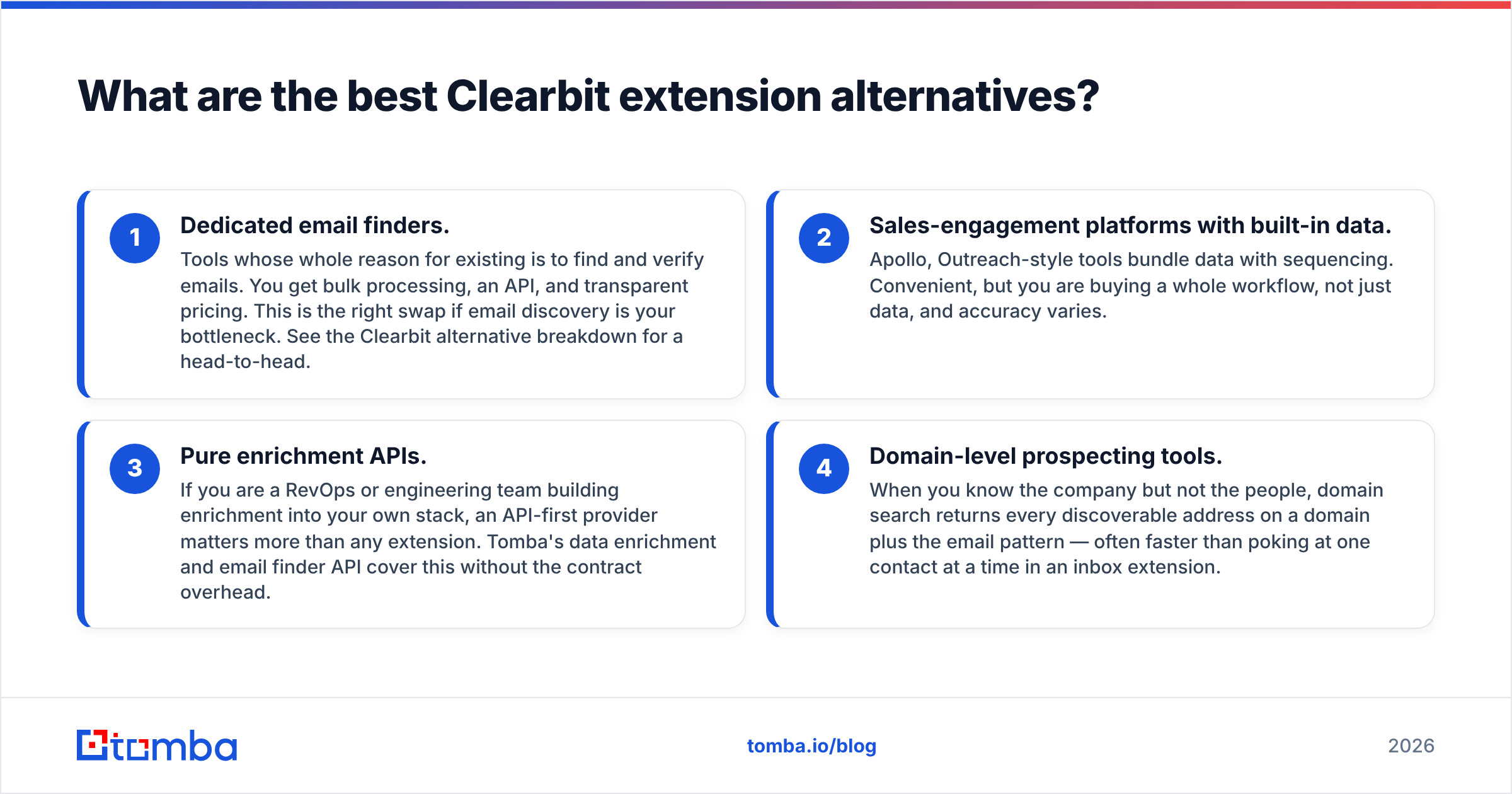
Dedicated email finders. Tools whose whole reason for existing is to find and verify emails. You get bulk processing, an API, and transparent pricing. This is the right swap if email discovery is your bottleneck. See the Clearbit alternative breakdown for a head-to-head.
Sales-engagement platforms with built-in data. Apollo, Outreach-style tools bundle data with sequencing. Convenient, but you are buying a whole workflow, not just data, and accuracy varies.
Pure enrichment APIs. If you are a RevOps or engineering team building enrichment into your own stack, an API-first provider matters more than any extension. Tomba's data enrichment and email finder API cover this without the contract overhead.
Domain-level prospecting tools. When you know the company but not the people, domain search returns every discoverable address on a domain plus the email pattern — often faster than poking at one contact at a time in an inbox extension.
A quick selection rule of thumb:
- You're a HubSpot-native account team → the Clearbit/Breeze extension is a fair default.
- You run cold outbound → dedicated email finder + verifier.
- You're building internal tooling → enrichment API.
- You research companies before people → domain search.
For an outside-in view on how vendors stack up, cross-check reviews on G2 — pay attention to recent reviews specifically, since the post-acquisition product is what you will actually buy.
How accurate is the data behind the Clearbit extension?#
Accuracy is the question that should decide your purchase, and it has two halves: coverage (did it return anything?) and deliverability (will the email it returned actually land?).
Clearbit's reputation was built on strong firmographic and technographic data — the "tell me about this company" use case. That is still a real strength. The weaker half is contact-level email deliverability, especially outside its core tech segment. An enrichment-first database tends to optimize for breadth of attributes, not for the freshness and SMTP-level validation that cold email demands.
This is why bundling matters less than it looks. An extension can confidently show you an email that bounces, because surfacing data and verifying it are separate engineering problems. If you send to unverified addresses, your bounce rate climbs, and a high bounce rate quietly wrecks your sender reputation and your email deliverability. At that point the "free" lookup has cost you inbox placement on every future campaign.
The fix is process, not vendor loyalty: treat any single-source email as a hypothesis, then verify it before sending. Whether you stay on Clearbit or switch, run new addresses through a real verification step — including a catch-all verifier for domains that accept everything — so you are protecting the asset that actually matters, your domain's ability to reach the inbox.
Should you keep using the Clearbit extension?#
Keep it if all of these are true: you are a HubSpot customer, your motion is account research more than list-building, your market is US tech/mid-market, and you do most lookups one contact at a time. In that profile, the native integration and firmographic depth are worth it.
Reconsider it if any of these are true:
- You build and clean large contact lists weekly.
- You need predictable, published pricing rather than a contract sized to HubSpot credits.
- You sell into SMBs, non-US regions, or non-tech industries where coverage thins.
- You care more about deliverability than about firmographic attributes.
- You are not on HubSpot and never plan to be.
There is no shame in using two tools — enrichment for context, a dedicated finder for contacts. But if you are paying enterprise contract money for an extension and using 10% of it to grab emails, you are overpaying for the job you actually need done.
The bottom line#
The Clearbit extension in 2026 is a solid enrichment companion that now lives inside the HubSpot universe. It is great at telling you who an account is and weaker at being a high-volume, transparently priced, verification-first email engine. For prospecting and outbound teams, that gap is the whole story.
If finding and verifying business emails is the job you need done — at scale, with pricing you can predict, and without a HubSpot dependency — try the Tomba Email Finder. Start on the free tier (25 searches a month), confirm the coverage and accuracy on your own target accounts, and only scale up to a paid plan once the results prove themselves. That is the kind of side-by-side test the Clearbit extension's contract model rarely lets you run — and it is the fastest way to know whether you are paying for the right tool.
// get started
Find, verify and enrich your first contacts today
Start on the free plan with 25 searches a month, then scale when your team is ready.
Free plan · No credit card required · GDPR & CCPA
// about the author