Clearbit vs Leadfeeder: B2B Data Tools Compared (2026)
Clearbit enriches records, Leadfeeder reveals website visitors. Here's an honest 2026 breakdown of pricing, data, and which one actually fits your pipeline.
Clearbit vs Leadfeeder: Which B2B Data Tool Actually Fits Your Pipeline in 2026?
People keep framing "Clearbit vs Leadfeeder" as a head-to-head, but they solve two different problems. Clearbit (now folded into HubSpot's Breeze Intelligence) enriches the records you already have and the forms people fill out. Leadfeeder (now part of Dealfront) tells you which companies visited your website even when nobody filled out a thing. Choosing between them without understanding that split is how teams end up paying for a tool that doesn't move pipeline.
This breakdown compares both on data, pricing, workflow fit, and the gaps each leaves open — plus where a focused email-finding layer beats either one on cost per contact.
TL;DR#
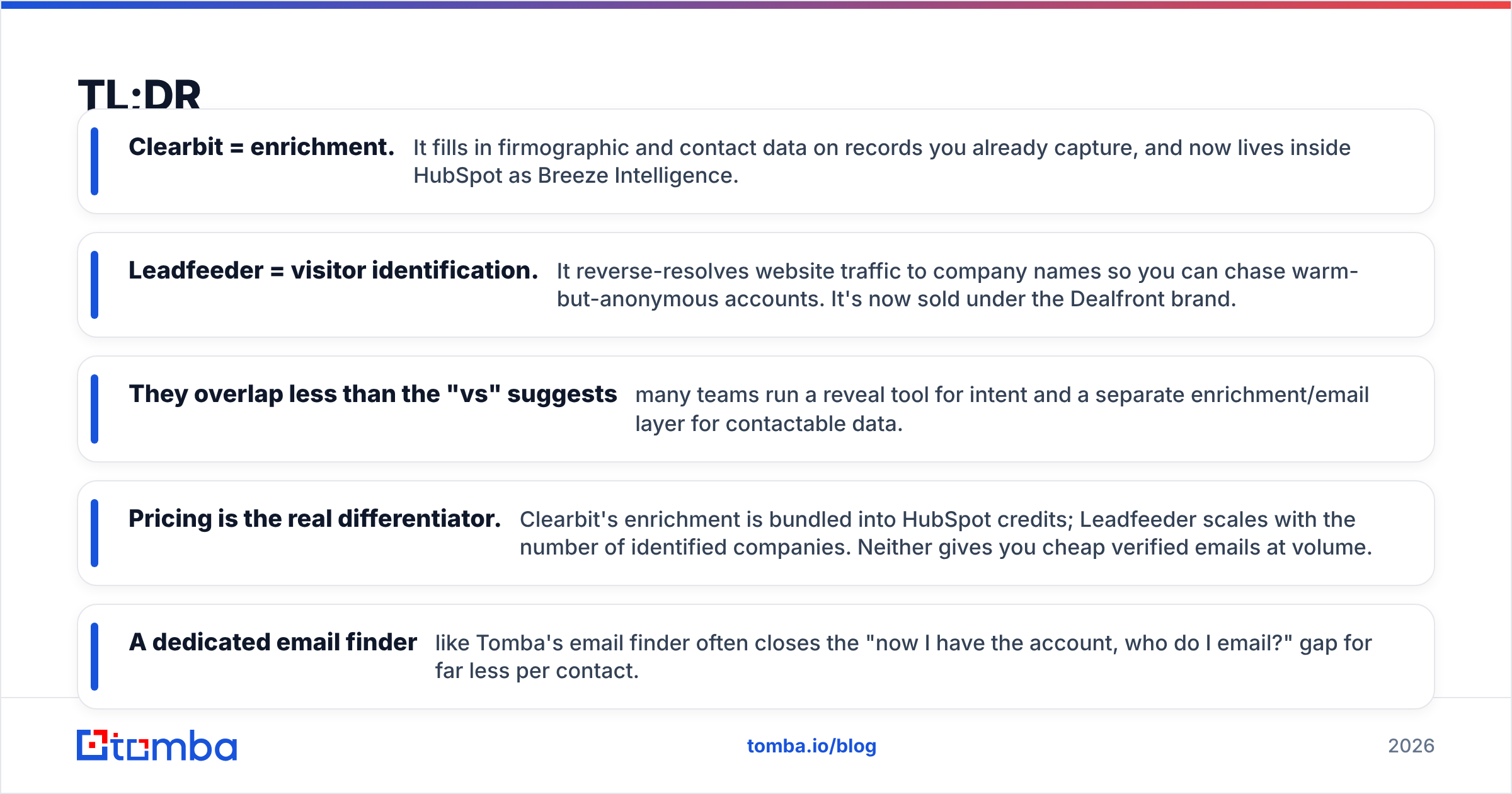
- Clearbit = enrichment. It fills in firmographic and contact data on records you already capture, and now lives inside HubSpot as Breeze Intelligence.
- Leadfeeder = visitor identification. It reverse-resolves website traffic to company names so you can chase warm-but-anonymous accounts. It's now sold under the Dealfront brand.
- They overlap less than the "vs" suggests — many teams run a reveal tool for intent and a separate enrichment/email layer for contactable data.
- Pricing is the real differentiator. Clearbit's enrichment is bundled into HubSpot credits; Leadfeeder scales with the number of identified companies. Neither gives you cheap verified emails at volume.
- A dedicated email finder like Tomba's email finder often closes the "now I have the account, who do I email?" gap for far less per contact.
What is Clearbit and what does it actually do?#
Clearbit is a B2B data enrichment platform. You hand it an email, a domain, or a partial record, and it returns firmographics (company size, industry, tech stack, revenue band) and person-level attributes (role, seniority, location). Its classic strengths were real-time form shortening, lead scoring inputs, and pushing clean attributes into your CRM the moment a lead lands.
In 2024 HubSpot acquired Clearbit and rebuilt it as Breeze Intelligence. If you live inside HubSpot, that's convenient: enrichment credits and buyer-intent signals sit natively in the CRM. If you don't, the standalone Clearbit experience has been wound down, and you're effectively evaluating a HubSpot add-on rather than a neutral data vendor. You can confirm the current positioning on HubSpot's own product pages.
The mental model: Clearbit is the detailer. It doesn't go find new accounts for you — it makes the records you already have richer and more actionable.

What is Leadfeeder and how is it different?#
Leadfeeder answers a different question: who is on my website right now that I don't know about? It matches visitor IP and network data to company identities, so a sales rep can see that "a mid-market logistics company viewed your pricing page three times this week" — even with zero form fills.
Leadfeeder is now marketed as part of Dealfront, a merger of Leadfeeder and Echobot aimed at European-heavy GDPR-compliant prospecting. The visitor-ID engine, behavior scoring, and CRM/Slack alerts are the core. You can see how the combined product is positioned on the Dealfront site.
The mental model: Leadfeeder is the doorbell camera. It tells you who showed up, not who they are personally and not how to email them. It surfaces company-level intent; it does not hand you a verified inbox.
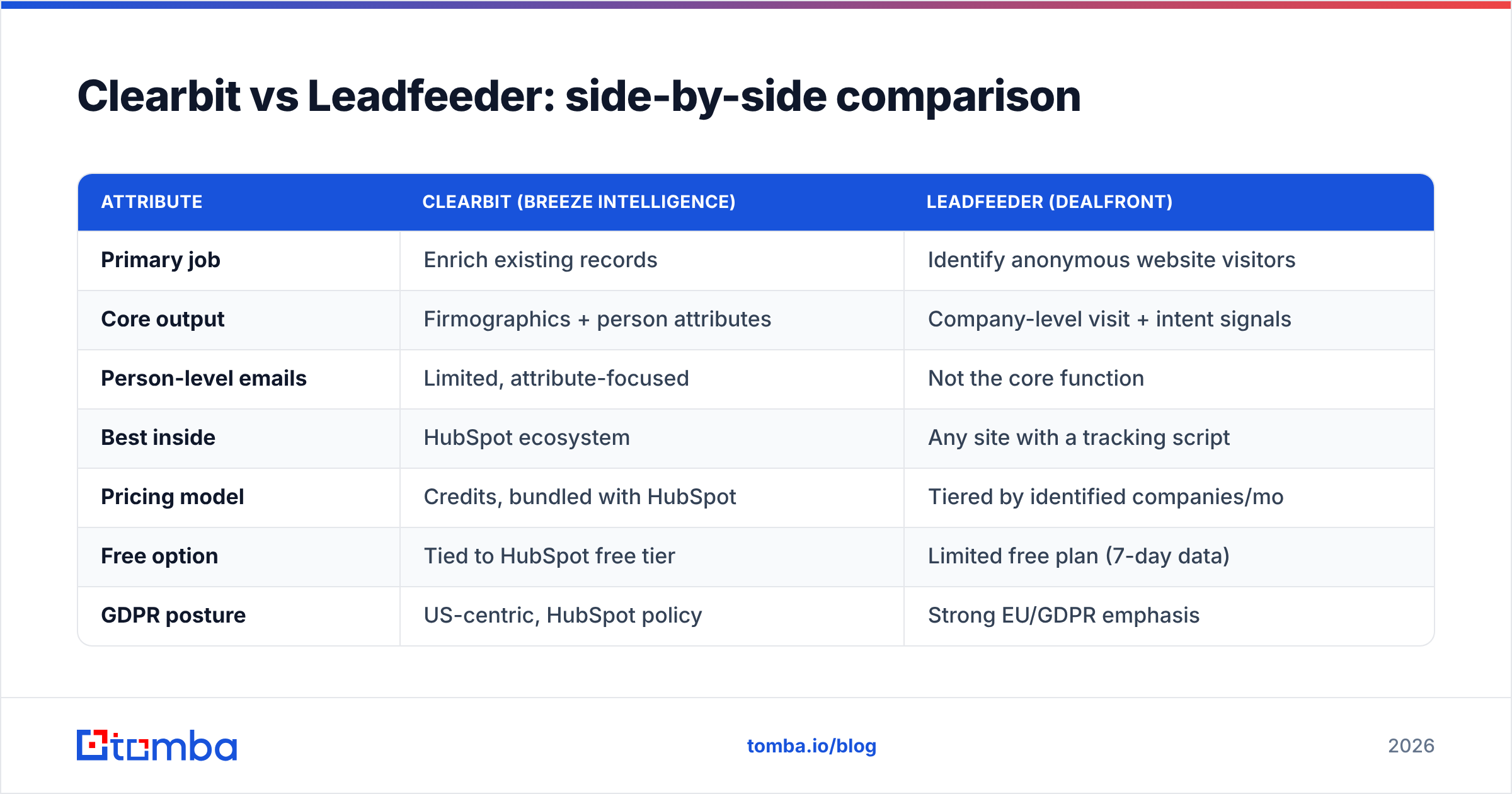
Clearbit vs Leadfeeder: side-by-side comparison#
| Attribute | Clearbit (Breeze Intelligence) | Leadfeeder (Dealfront) |
|---|---|---|
| Primary job | Enrich existing records | Identify anonymous website visitors |
| Core output | Firmographics + person attributes | Company-level visit + intent signals |
| Person-level emails | Limited, attribute-focused | Not the core function |
| Best inside | HubSpot ecosystem | Any site with a tracking script |
| Pricing model | Credits, bundled with HubSpot | Tiered by identified companies/mo |
| Free option | Tied to HubSpot free tier | Limited free plan (7-day data) |
| GDPR posture | US-centric, HubSpot policy | Strong EU/GDPR emphasis |
| You still need | A way to reach the people | Enrichment + verified emails |
The honest takeaway from the table: these tools are complementary far more often than they are competitive. A common stack is Leadfeeder for "which accounts are warm" and an enrichment plus data enrichment and email layer for "who do I actually contact."
Is Clearbit better than Leadfeeder for finding new leads?#
No — and that's the most common misframing. Clearbit doesn't generate net-new accounts; it enriches what enters your funnel. If your problem is "I have leads but the data is thin," Clearbit (via HubSpot) is the better fit. If your problem is "great traffic, no idea who they are," Leadfeeder is built for exactly that.
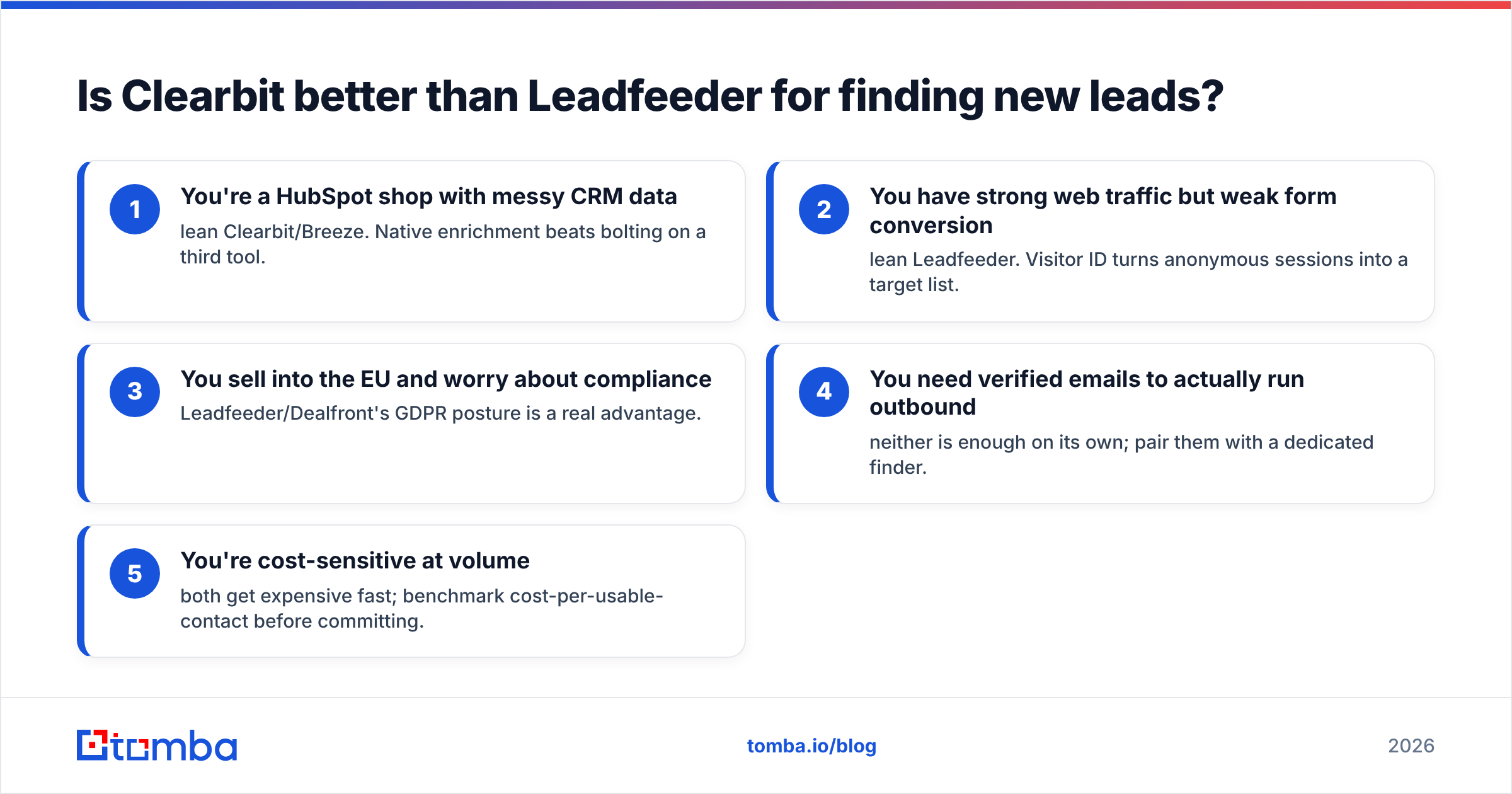
Here's how to decide quickly:
- You're a HubSpot shop with messy CRM data — lean Clearbit/Breeze. Native enrichment beats bolting on a third tool.
- You have strong web traffic but weak form conversion — lean Leadfeeder. Visitor ID turns anonymous sessions into a target list.
- You sell into the EU and worry about compliance — Leadfeeder/Dealfront's GDPR posture is a real advantage.
- You need verified emails to actually run outbound — neither is enough on its own; pair them with a dedicated finder.
- You're cost-sensitive at volume — both get expensive fast; benchmark cost-per-usable-contact before committing.
Where do both tools leave a gap?#
Both stop short of the finish line: a verified, deliverable email address for the specific human you want to reach. Leadfeeder gives you a company. Clearbit gives you attributes and sometimes a role. Neither is optimized to hand a rep 50 verified inboxes for a named account on Monday morning.
That last-mile gap is where a focused email-finding and verification layer earns its keep. Once Leadfeeder tells you Account X is warm, you still need to:
- Find the right decision-makers at that domain
- Pull their professional emails
- Verify deliverability before you send and torch your sender reputation
A tool like Tomba does that last mile directly. Domain search turns "acme.com is warm" into a list of named contacts with patterns and confidence scores, and the email verifier confirms they're deliverable before a sequence ever fires. If you're specifically shopping for a lighter, contact-first replacement for Clearbit's enrichment, the Clearbit alternative breakdown maps the feature overlap.

How does pricing compare in 2026?#
This is where most evaluations go sideways, because the two vendors don't price on the same unit.
- Clearbit / Breeze Intelligence prices through HubSpot credits. Enrichment is consumed as a credit pool, and the real cost depends on your HubSpot tier. If you're already on a paid HubSpot plan, the marginal cost feels low; if you're not, you're buying the whole ecosystem.
- Leadfeeder / Dealfront prices by the number of unique companies it identifies per month. Higher traffic and more reveals push you up the tiers, so a high-traffic site can see costs climb quickly.
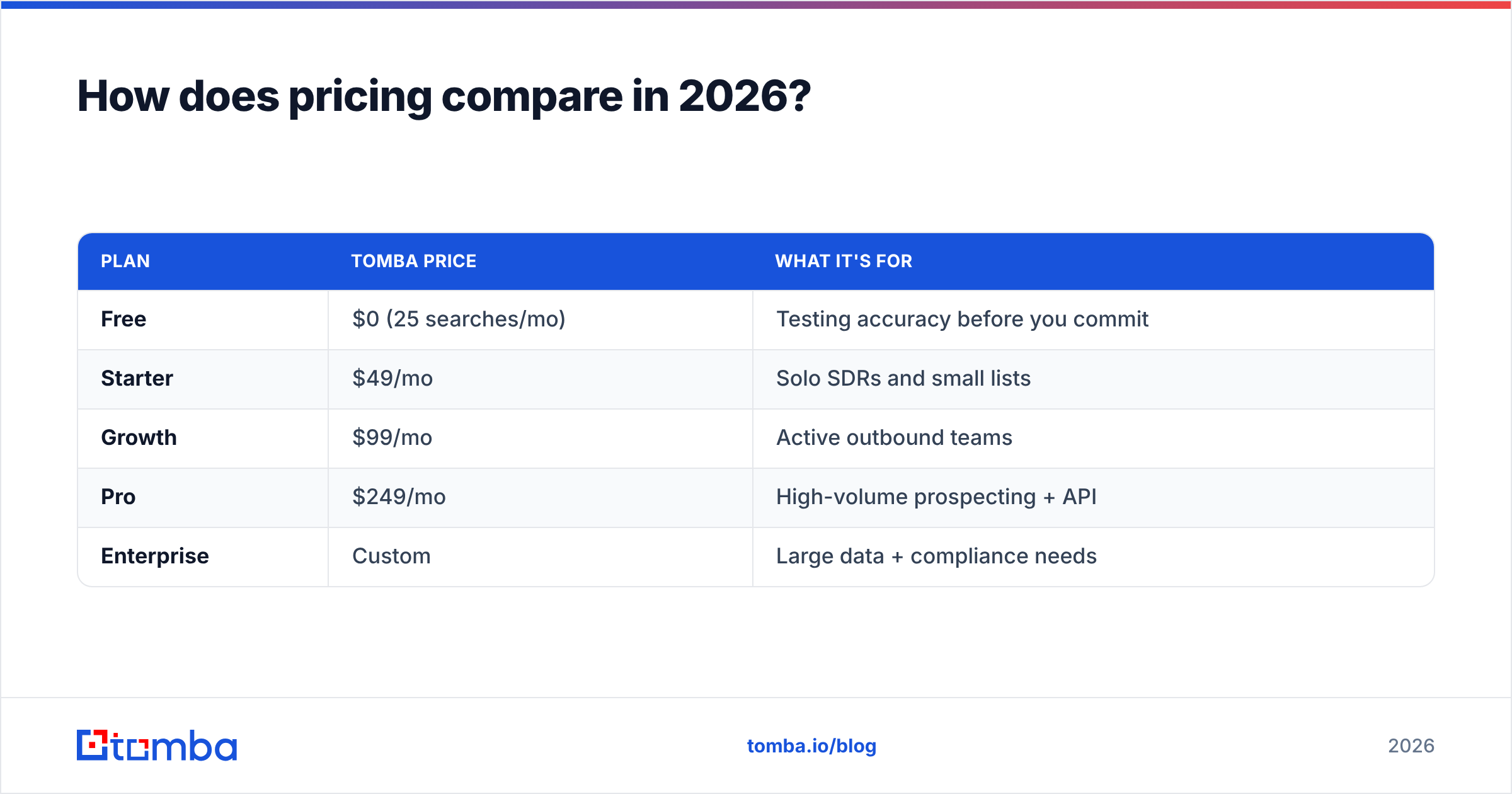
Neither model is built around cheap, high-volume contact data. That's the structural reason teams add a finder. For reference, a transparent per-search model looks like this:
| Plan | Tomba price | What it's for |
|---|---|---|
| Free | $0 (25 searches/mo) | Testing accuracy before you commit |
| Starter | $49/mo | Solo SDRs and small lists |
| Growth | $99/mo | Active outbound teams |
| Pro | $249/mo | High-volume prospecting + API |
| Enterprise | Custom | Large data + compliance needs |
You can see the full Tomba pricing breakdown, but the point isn't "Tomba is cheaper than HubSpot." It's that contact discovery and enrichment is a different line item than visitor ID or CRM enrichment, and pricing it on a per-search basis is usually far more predictable than credit pools or traffic-scaled reveals.
Which one should you choose? Three honest scenarios#
Scenario 1 — You're scaling outbound and live in HubSpot. Keep Clearbit/Breeze for native enrichment, then layer an email finder for the contacts HubSpot doesn't surface. The enrichment fills records; the finder fills inboxes.
Scenario 2 — You have traffic but no names. Start with Leadfeeder to convert anonymous sessions into a target account list, then run those domains through domain search and verification to get reachable people. Leadfeeder finds the heat; the finder gives you someone to email.
Scenario 3 — You're cost-conscious and outbound-first. You may not need either heavyweight platform yet. A finder plus a verifier covers "find the account, find the person, confirm the email" for a fraction of an enterprise enrichment contract. Add Leadfeeder later when web traffic justifies visitor ID.
Independent reviews on G2 are a useful sanity check here — read them for the complaints, not the star ratings. Recurring gripes (match rates on smaller companies, EU vs US coverage, credit burn) tell you more than the marketing pages.
What about data accuracy?#
Accuracy claims are vendor-dependent and category-dependent, so treat any single number with skepticism. Enrichment tools are typically strongest on large, well-documented companies and weaker on SMBs and newer entities. Visitor-ID tools resolve confidently on companies with stable corporate networks and struggle on remote workers, VPNs, and consumer ISPs.
The practical rule: whatever email data comes out of any of these tools, verify it before you send. Bounce rates above a few percent damage your sender reputation and your deliverability for every future campaign — not just the bad addresses. Running a final verification pass with an email verifier is the cheapest insurance in the entire stack, regardless of which platform sourced the contact.
Clearbit vs Leadfeeder: the bottom line#
Stop treating it as a duel. Clearbit enriches; Leadfeeder reveals. If you're forced to pick one, pick by your bottleneck: thin CRM data points to Clearbit/Breeze, anonymous-but-promising traffic points to Leadfeeder/Dealfront. But understand that either choice leaves the same gap — the verified email for the named human you want to reach.
That's the part that actually starts conversations. Visitor IDs and firmographic attributes set the table; a deliverable email is the meal.
Get the contacts both tools leave on the table#
Leadfeeder can tell you an account is warm. Clearbit can tell you how big it is. Neither reliably hands you the verified inbox you need to run outbound — and that's exactly what Tomba's Email Finder does. Turn a domain into named decision-makers, pull their professional emails with confidence scores, and verify deliverability before you hit send. Start free with 25 searches a month, no credit card, and see your real cost-per-verified-contact before you commit to any enterprise data platform.
Try the email finder on your three warmest accounts today and compare it against whatever your reveal or enrichment tool gave you. The gap will make the decision for you.
// get started
Find, verify and enrich your first contacts today
Start on the free plan with 25 searches a month, then scale when your team is ready.
Free plan · No credit card required · GDPR & CCPA
// about the author