7 Best Clearout Alternatives for Email Verification (2026)
Clearout is solid for bulk verification, but it is not the only option. Here are the 7 best Clearout alternatives for finding and verifying B2B emails in 2026.

Best Clearout Alternatives for 2026
Clearout built a real reputation as a no-nonsense email verification engine. But "verify a list someone already gave you" is only half of a modern pipeline. If you also need to find the emails, enrich the contacts, and pull phone numbers — or you just want better pricing per credit — it pays to look around.
TL;DR
- Clearout is a verifier first, finder second. If your main job is finding new B2B emails by domain or name, a finder-led tool usually beats it.
- Best all-rounder: Tomba — email finder, verifier, domain search, and enrichment in one account, starting at $49/mo.
- Best pure-verification rivals: ZeroBounce, Bouncer, and EmailListVerify match Clearout's core accuracy claims.
- Cheapest entry: tools with a usable free tier (Tomba's 25 free searches/mo, ZeroBounce's 100 free credits) let you test accuracy before paying.
- Pick on workflow, not logos: the right Clearout alternative depends on whether you need to find, verify, or both.
Why look for a Clearout alternative at all?#
The short answer: Clearout is excellent at validating an existing list, but most teams need finding and verification, and they would rather not pay for two subscriptions.
Think of Clearout like a bouncer at a club. It is great at checking whether the people already in line are real and allowed in. What it does not do as well is go out into the city and bring you the right guests in the first place. For outbound teams, lead-gen agencies, and recruiters, that "bring the guests" step — turning a company domain or a first/last name into a verified mailbox — is the bottleneck.
Common reasons people switch:
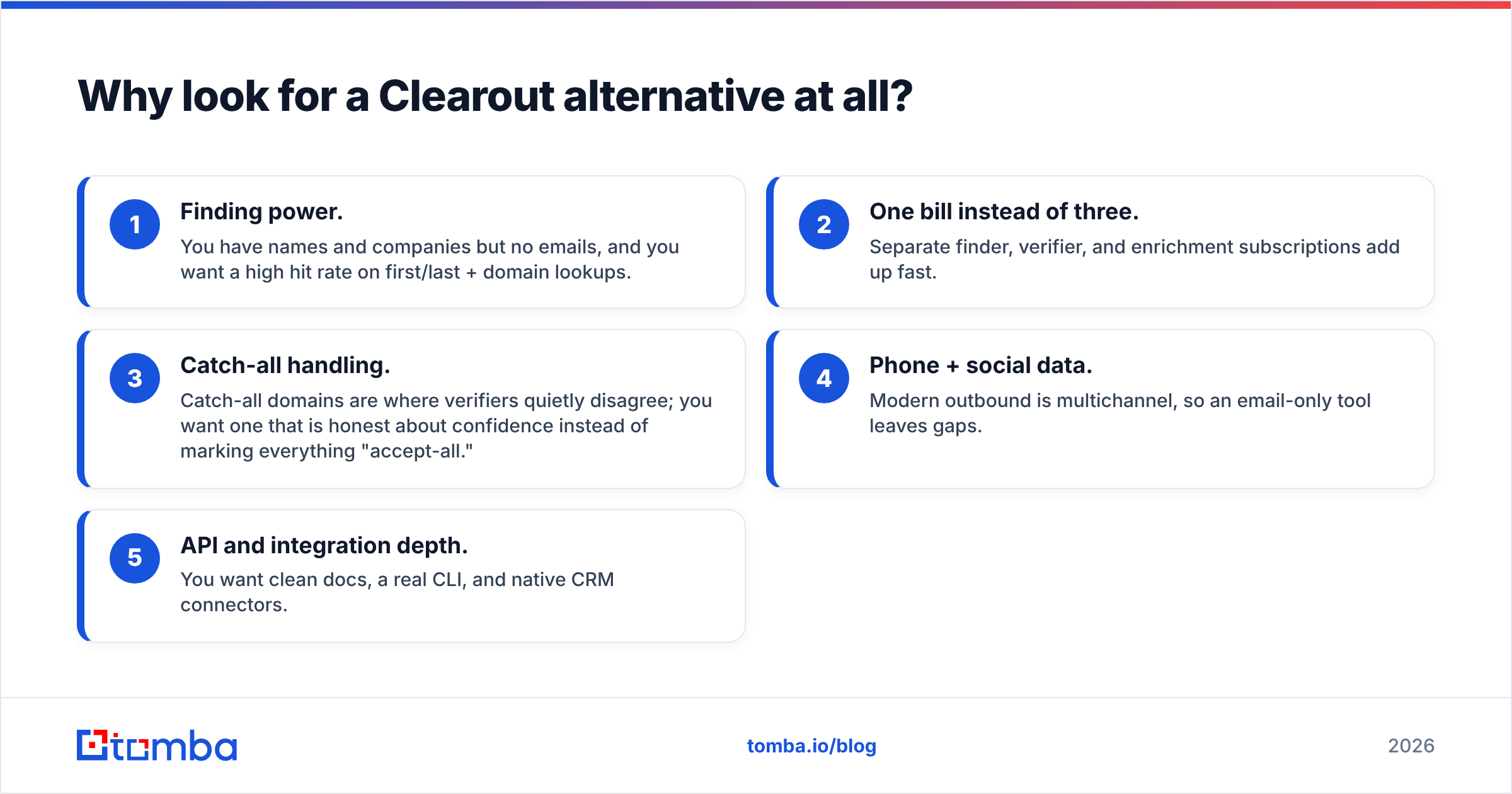
- Finding power. You have names and companies but no emails, and you want a high hit rate on first/last + domain lookups.
- One bill instead of three. Separate finder, verifier, and enrichment subscriptions add up fast.
- Catch-all handling. Catch-all domains are where verifiers quietly disagree; you want one that is honest about confidence instead of marking everything "accept-all."
- Phone + social data. Modern outbound is multichannel, so an email-only tool leaves gaps.
- API and integration depth. You want clean docs, a real CLI, and native CRM connectors.

What should a good Clearout alternative actually do?#
A strong alternative covers the full "from a name to a verified, reachable contact" path, not just one slice of it. Use this as a checklist when you evaluate any tool:
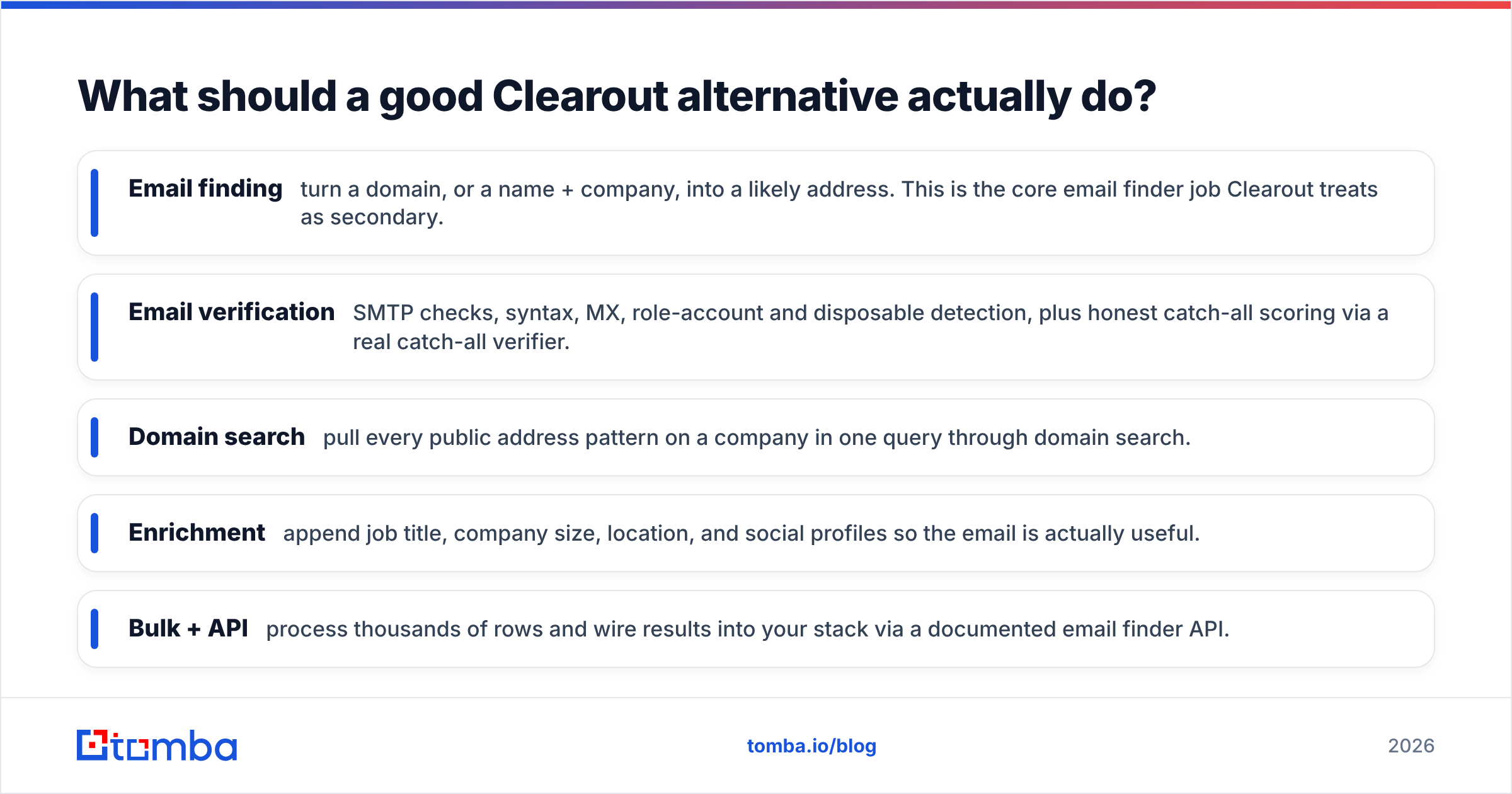
- Email finding — turn a domain, or a name + company, into a likely address. This is the core email finder job Clearout treats as secondary.
- Email verification — SMTP checks, syntax, MX, role-account and disposable detection, plus honest catch-all scoring via a real catch-all verifier.
- Domain search — pull every public address pattern on a company in one query through domain search.
- Enrichment — append job title, company size, location, and social profiles so the email is actually useful.
- Bulk + API — process thousands of rows and wire results into your stack via a documented email finder API.
The expanding-brain version of maturity looks like this — and the goal is to climb to the top tier without juggling four logins:
)
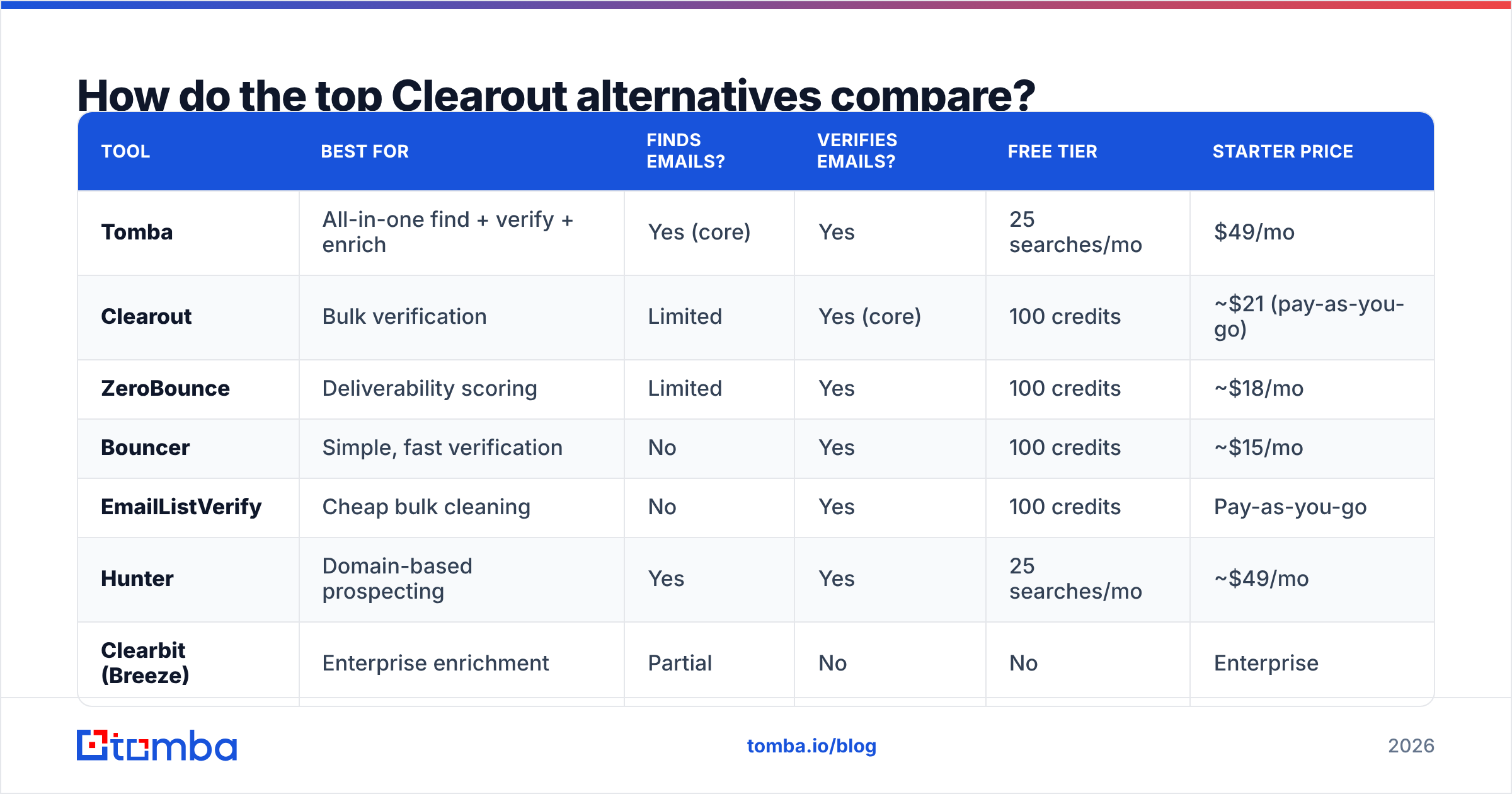
How do the top Clearout alternatives compare?#
Here is the head-to-head. Prices are entry/starter tiers as listed by each vendor at the time of writing; always confirm on the vendor's own pricing page before you buy.
| Tool | Best for | Finds emails? | Verifies emails? | Free tier | Starter price |
|---|---|---|---|---|---|
| Tomba | All-in-one find + verify + enrich | Yes (core) | Yes | 25 searches/mo | $49/mo |
| Clearout | Bulk verification | Limited | Yes (core) | 100 credits | ~$21 (pay-as-you-go) |
| ZeroBounce | Deliverability scoring | Limited | Yes | 100 credits | ~$18/mo |
| Bouncer | Simple, fast verification | No | Yes | 100 credits | ~$15/mo |
| EmailListVerify | Cheap bulk cleaning | No | Yes | 100 credits | Pay-as-you-go |
| Hunter | Domain-based prospecting | Yes | Yes | 25 searches/mo | ~$49/mo |
| Clearbit (Breeze) | Enterprise enrichment | Partial | No | No | Enterprise |
A few honest takeaways from that table:
- If your pain is pure list cleaning, ZeroBounce, Bouncer, and EmailListVerify are direct, capable swaps for Clearout, often at similar or lower cost.
- If your pain is finding the emails in the first place, the verification-only tools will not help — you need a finder-led platform like Tomba or Hunter.
- If you need enterprise enrichment more than verification, Clearbit (now folded into HubSpot's Breeze) plays a different game entirely and prices like it.
1. Tomba — the all-in-one swap#
Tomba is the strongest fit if you want to collapse "find, verify, enrich" into a single account. The email finder handles name-and-domain lookups, the email verifier runs SMTP and catch-all checks, and data enrichment appends the context you need to personalize. There is a free tier (25 searches/mo), and paid plans run $49 (Starter), $99 (Growth), and $249 (Pro), with custom Enterprise pricing — see the full Tomba pricing page for credit breakdowns.
Where it beats Clearout: finding. Clearout's finder is an add-on to its verifier; Tomba's finder is the product, with a Chrome extension, Google Sheets add-on, and a clean API around it.
2. ZeroBounce — verification with deliverability extras#
ZeroBounce is the closest like-for-like on the verification side, and it layers on deliverability tooling: an inbox-placement test, a blacklist monitor, and an email scoring model for catch-all/unknown addresses. If you live and die by bounce rate, it is a serious contender. It finds far fewer net-new emails than a finder-first tool, so treat it as a Clearout replacement, not a prospecting engine. Compare specifics on the ZeroBounce alternative breakdown.
3. Bouncer — clean, fast, minimal#
Bouncer wins on simplicity. Upload a list, get a clear deliverable/undeliverable/risky split, done. The UI is the least cluttered of the group, GDPR posture is strong, and the API is pleasant. It does not find emails — it is a verifier, full stop — so it suits teams that already have a steady source of addresses.
4. EmailListVerify — budget bulk cleaning#
If cost-per-verification is the only metric you care about, EmailListVerify is hard to beat on price. The trade-off is a more dated interface and fewer deliverability extras. For agencies cleaning huge purchased lists on a tight budget, it does the core job.
5. Hunter — domain-led prospecting#
Hunter approaches the problem from the domain angle: give it a company, get the address patterns and known contacts. It both finds and verifies, which makes it a genuine alternative when prospecting matters more than deep list hygiene. Coverage skews toward companies with a public web footprint, and bulk verification volumes are pricier than dedicated verifiers.
)
Is a verifier-only tool enough, or do you need a finder too?#
Conclusion first: if you ever start from a name and a company rather than an existing email, a verifier alone will leave you stuck. That is the single biggest reason Clearout users churn to finder-led platforms.
Here is the practical decision tree:
- You import lists from a data vendor or CRM and just clean them. A verifier-only tool (Clearout, ZeroBounce, Bouncer) is plenty.
- You build lists from LinkedIn, conference attendee pages, or company sites. You need a finder. Pair it with a verifier — or get both in one tool. A LinkedIn finder plus verification covers this end to end.
- You run multichannel outbound (email + phone). Add a phone finder so you are not switching vendors for dial-ready numbers.
This is why the "all-in-one" category exists. Buying a finder, a verifier, and an enrichment tool separately means three bills, three APIs, and three places for your data to fall out of sync.
How accurate are these tools on catch-all domains?#
Catch-all domains are the honest stress test. A catch-all server accepts mail to any address, so naive verifiers either mark everything "valid" (false positives that bounce later) or everything "risky" (useless). The better tools score confidence instead of guessing.
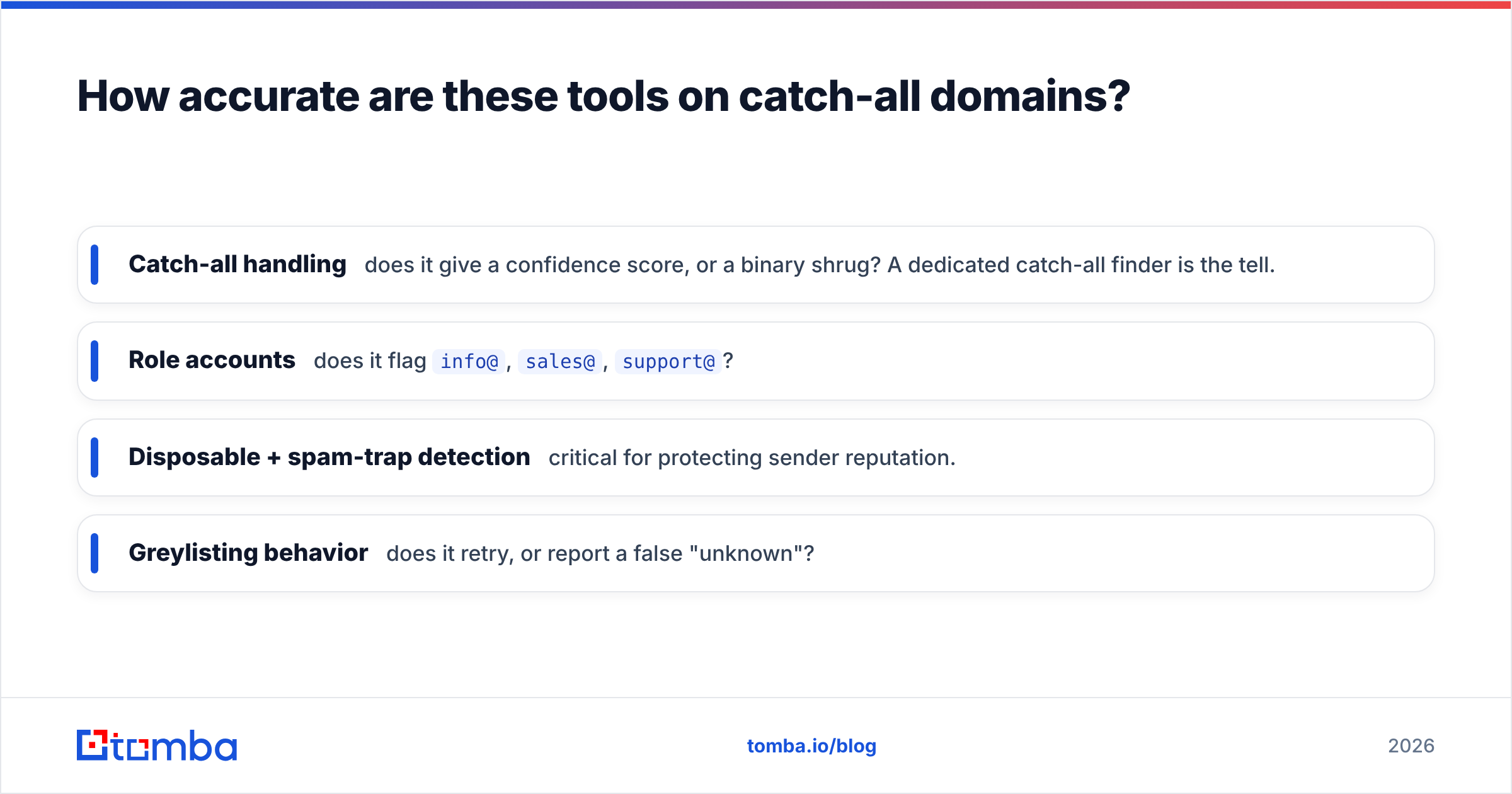
When you trial any Clearout alternative, run the same 200-row sample list through each and compare:
- Catch-all handling — does it give a confidence score, or a binary shrug? A dedicated catch-all finder is the tell.
- Role accounts — does it flag
info@,sales@,support@? - Disposable + spam-trap detection — critical for protecting sender reputation.
- Greylisting behavior — does it retry, or report a false "unknown"?
Independent reviews on G2 and Capterra are useful for spotting consistent complaints (slow support, surprise overage charges) that vendor pages never mention. Read them before you commit annually.
What about pricing — which alternative is cheapest?#
Cheapest depends on whether you pay per verification, per find, or per month — and the honest answer is that "cheapest sticker price" rarely means "cheapest per usable result."
- Pay-as-you-go verification (Clearout, EmailListVerify, ZeroBounce credit packs) suits spiky, occasional cleaning. You only pay when you run a list.
- Monthly subscriptions (Tomba, Hunter) suit steady prospecting where you find and verify every week. The flat fee usually undercuts buying finds and verifies as separate credits.
- Watch the multiplier. A tool that verifies for half a cent but only finds 40% of your targets costs more per closed email than one that charges more but hits 70%.
A simple way to compare apples to apples: take 100 real target contacts, run each tool, and divide the monthly cost by the number of verified, correct emails it returned. That cost-per-verified-email number is the only price that matters. For Tomba's tiered credits, the pricing page lays out exactly how finds and verifications draw down.
Which Clearout alternative should you choose?#
Match the tool to the job:
- You only verify existing lists, occasionally → ZeroBounce or Bouncer. Direct, capable, pay-as-you-go.
- You verify huge lists on a tight budget → EmailListVerify.
- You prospect by company domain → Hunter.
- You need enterprise-grade enrichment over verification → Clearbit/Breeze (and a separate verifier).
- You want finding, verification, and enrichment in one bill → Tomba.
For most outbound and lead-gen teams, the last option is the reason they were shopping for a Clearout alternative in the first place: the real cost of Clearout was not the subscription, it was the second and third tool bolted on around it.
The bottom line#
Clearout is a good verifier. But if your work starts before the email exists — from a name, a domain, a LinkedIn profile — a finder-led platform will save you both money and stitched-together tooling. If you want a single account that finds the address, verifies it against SMTP and catch-all checks, and enriches the contact for personalization, start with the Tomba Email Finder. The free tier gives you 25 searches a month — enough to run your own accuracy test against Clearout before you spend a dollar. Find, verify, and enrich in one place, then point the saved budget at more pipeline.
// get started
Find, verify and enrich your first contacts today
Start on the free plan with 25 searches a month, then scale when your team is ready.
Free plan · No credit card required · GDPR & CCPA
// about the author