Clickback Pricing, Reviews, Pros and Cons: 2026 Guide
Is Clickback worth it in 2026? We break down real pricing, user reviews, and the honest pros and cons of its cold-email lead generation platform.
TL;DR
- Clickback is a B2B cold-email lead generation platform built to email purchased and cold lists at scale, plus a separate website-visitor product (Clickback WEB). It is not a contact database or an email finder.
- Clickback pricing is not published. It is quote-based, contract-driven (usually annual), and reviewers consistently describe it as enterprise-priced, not SMB-friendly.
- The pros are real: managed deliverability, dedicated IPs, list validation, and a system designed specifically for the legally gray business of cold-emailing bought lists.
- The cons are also real: opaque pricing, annual lock-in, a learning curve, and the inherent compliance risk of blasting cold lists in a post-GDPR, post-CAN-SPAM world.
- If your real problem is finding accurate, opt-in-friendly contact data, a precise email finder plus your own sending stack is usually cheaper and safer than a cold-list blasting suite.
What is Clickback and who is it for?#
Clickback is a Canadian software company that sells two main products to B2B marketers: Clickback MAIL, an email lead generation platform built to send to cold and purchased lists, and Clickback WEB, a website-visitor identification tool. The pitch is simple: most email service providers (Mailchimp, Constant Contact, HubSpot) explicitly ban cold or purchased lists. Clickback is engineered to do the thing those tools forbid, with deliverability infrastructure designed to keep cold sends landing in the inbox.
Think of it like the difference between a regular rental car and an off-road outfitter. Standard ESPs are built for paved roads — opt-in lists, double-opt-in newsletters, warm audiences. Clickback is built for the rough terrain of cold outreach, and it brings the heavy tires: dedicated IPs, list cleaning, and reputation management baked in.
That positioning tells you exactly who it is for. Clickback fits B2B teams that have, or intend to buy, large cold lists and want to email them as a marketing channel — top-of-funnel awareness, event invites, content offers. It is not for transactional email, it is not a CRM, and it is not a one-by-one personalized cold-email tool like a sales-engagement platform. If your motion is hyper-personalized 1:1 outreach to 50 named accounts, this is the wrong category entirely.
How much does Clickback cost? (Clickback pricing reviews)#
The honest answer: Clickback does not publish its pricing, and you have to book a demo to get a quote. That alone shapes most Clickback pricing reviews. There is no public pricing page with tiers, no transparent per-credit cost, and no self-serve checkout. You talk to sales, you get a custom proposal, and the proposal is typically an annual contract scoped to your sending volume and which products you bundle.
Based on user reviews across G2 and Capterra, a few consistent themes emerge about cost:
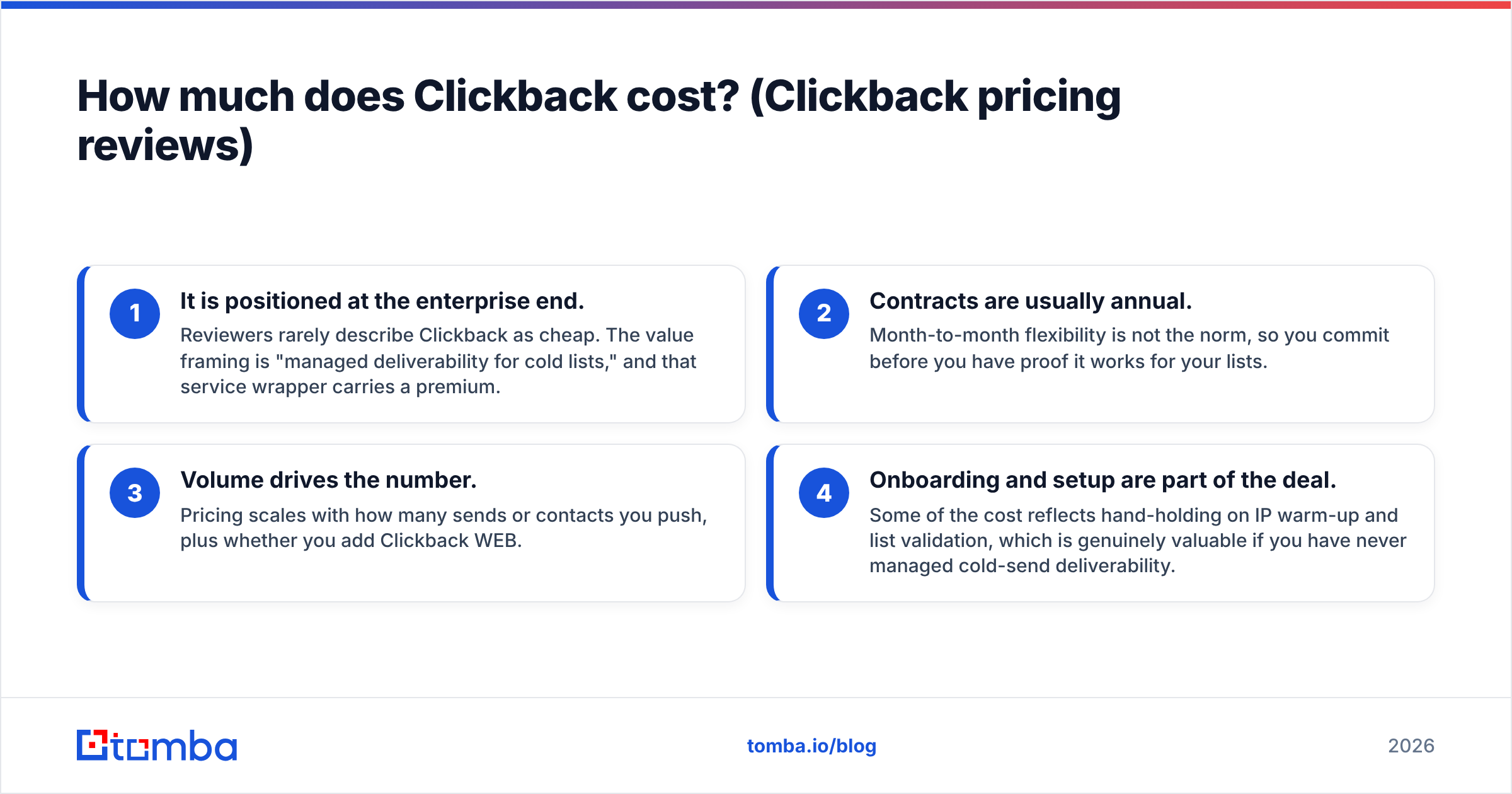
- It is positioned at the enterprise end. Reviewers rarely describe Clickback as cheap. The value framing is "managed deliverability for cold lists," and that service wrapper carries a premium.
- Contracts are usually annual. Month-to-month flexibility is not the norm, so you commit before you have proof it works for your lists.
- Volume drives the number. Pricing scales with how many sends or contacts you push, plus whether you add Clickback WEB.
- Onboarding and setup are part of the deal. Some of the cost reflects hand-holding on IP warm-up and list validation, which is genuinely valuable if you have never managed cold-send deliverability.
Because the numbers are private and change per deal, treat any specific figure you see floating around as unverified. The practical takeaway: budget for an enterprise tool, expect a contract, and negotiate. If transparent, usage-based pricing matters to you, compare it against tools that publish rates openly — for reference, you can see how straightforward Tomba pricing looks with a free tier and clear monthly plans, versus a "request a quote" wall.

What do Clickback reviews say about the pros?#
Strip away the marketing and the positive reviews cluster around a handful of genuinely useful capabilities. Here is where Clickback earns its keep.
- Cold-list sending that actually delivers. The headline benefit. Clickback's infrastructure is tuned so cold and purchased lists have a fighting chance at the inbox, which mainstream ESPs simply will not let you attempt.
- Built-in list validation. It cleans and validates your uploaded lists before sending, stripping obvious bad addresses to protect your sender reputation. This reduces bounce rates, which is the fastest way to torch a sending domain.
- Dedicated IP addresses. You are not sharing reputation with thousands of other senders. For high-volume cold programs, IP control is a real advantage.
- Reputation and deliverability management. Reviewers praise the support team's help with warm-up and ongoing reputation monitoring — for teams new to cold sending, this guidance has tangible value.
- Clickback WEB visitor identification. The companion product de-anonymizes website traffic into company-level (and sometimes contact-level) leads, feeding the top of the funnel.
- Reporting tuned for lead gen. Engagement tracking is oriented around generating and scoring leads rather than vanity newsletter metrics.
The common thread is managed deliverability. If you have ever burned a domain by uploading a bad list to a tool that wasn't built for it, you understand why people pay a premium to avoid repeating that mistake.
What are the cons and risks of Clickback?#
No tool is all upside, and the critical reviews are just as consistent as the praise. Weigh these carefully before signing.
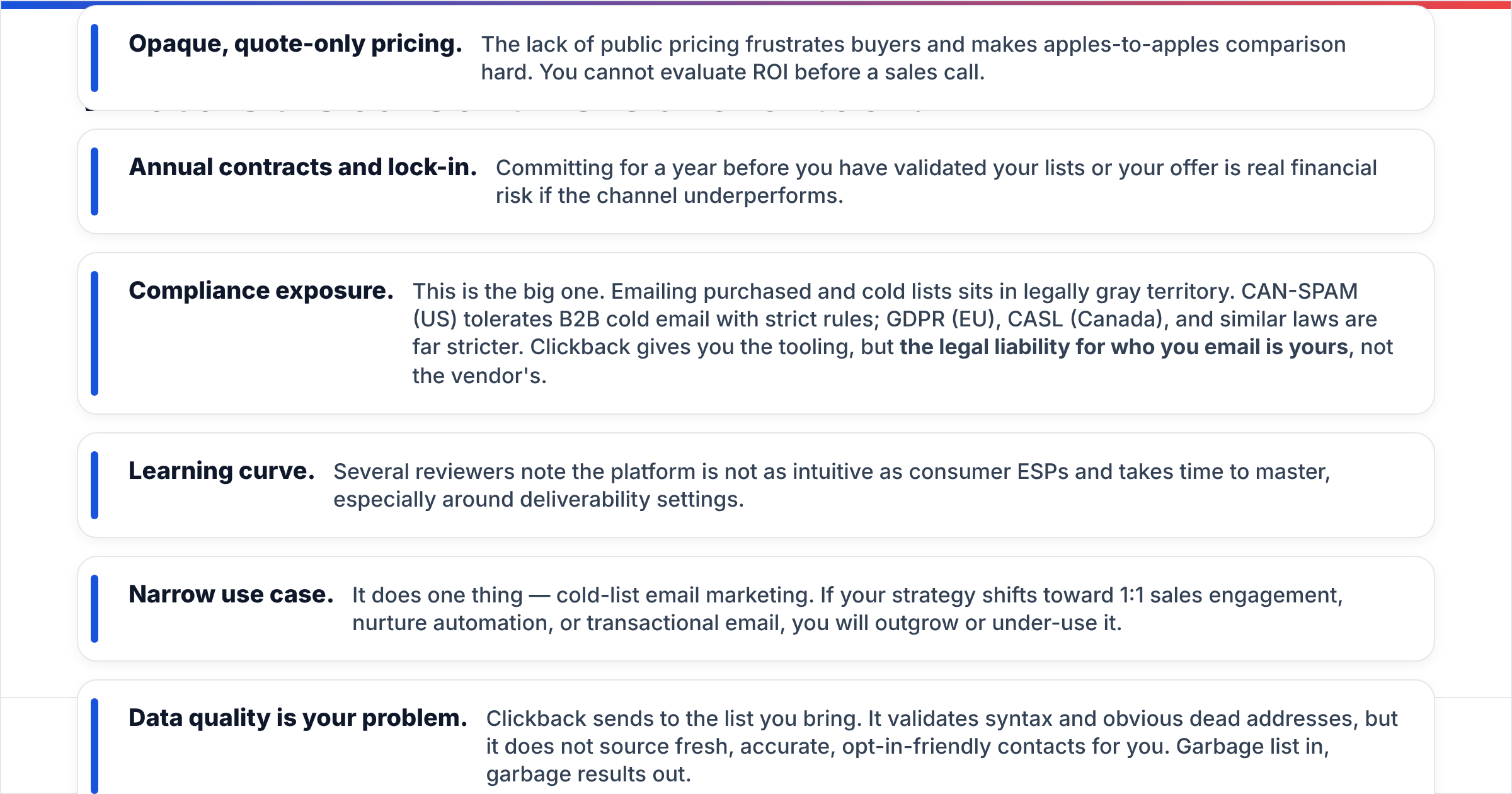
- Opaque, quote-only pricing. The lack of public pricing frustrates buyers and makes apples-to-apples comparison hard. You cannot evaluate ROI before a sales call.
- Annual contracts and lock-in. Committing for a year before you have validated your lists or your offer is real financial risk if the channel underperforms.
- Compliance exposure. This is the big one. Emailing purchased and cold lists sits in legally gray territory. CAN-SPAM (US) tolerates B2B cold email with strict rules; GDPR (EU), CASL (Canada), and similar laws are far stricter. Clickback gives you the tooling, but the legal liability for who you email is yours, not the vendor's.
- Learning curve. Several reviewers note the platform is not as intuitive as consumer ESPs and takes time to master, especially around deliverability settings.
- Narrow use case. It does one thing — cold-list email marketing. If your strategy shifts toward 1:1 sales engagement, nurture automation, or transactional email, you will outgrow or under-use it.
- Data quality is your problem. Clickback sends to the list you bring. It validates syntax and obvious dead addresses, but it does not source fresh, accurate, opt-in-friendly contacts for you. Garbage list in, garbage results out.
That last point is where most cold-email programs quietly fail. Deliverability infrastructure cannot rescue a stale, scraped, or mistargeted list. The quality of your contact data upstream determines whether any of this works — which is why verifying contacts with a dedicated email verifier before you ever load them matters more than the sending tool you choose.
Clickback pricing and features vs the alternatives#
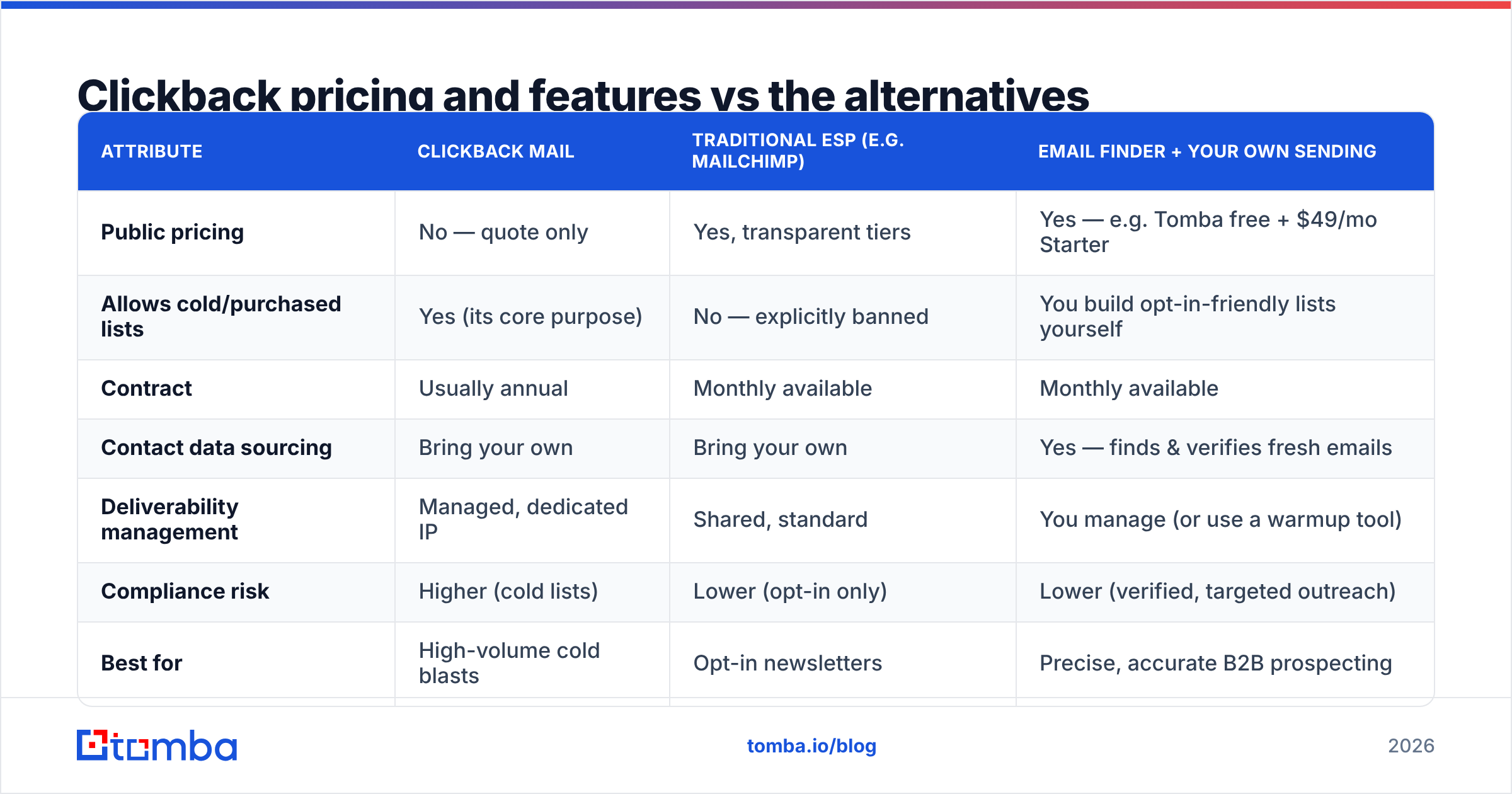
Here is how Clickback stacks up against the broader landscape, so you can see where it fits and where a different approach wins.
| Attribute | Clickback MAIL | Traditional ESP (e.g. Mailchimp) | Email finder + your own sending |
|---|---|---|---|
| Public pricing | No — quote only | Yes, transparent tiers | Yes — e.g. Tomba free + $49/mo Starter |
| Allows cold/purchased lists | Yes (its core purpose) | No — explicitly banned | You build opt-in-friendly lists yourself |
| Contract | Usually annual | Monthly available | Monthly available |
| Contact data sourcing | Bring your own | Bring your own | Yes — finds & verifies fresh emails |
| Deliverability management | Managed, dedicated IP | Shared, standard | You manage (or use a warmup tool) |
| Compliance risk | Higher (cold lists) | Lower (opt-in only) | Lower (verified, targeted outreach) |
| Best for | High-volume cold blasts | Opt-in newsletters | Precise, accurate B2B prospecting |
The table reveals the real decision. Clickback occupies a specific niche: you already believe in cold-list email as a channel, and you want managed infrastructure to do it at volume. If that is genuinely your strategy, it is a credible option and the deliverability help is worth something.
But many teams reach for Clickback because they think they need to "buy a list and blast it," when what they actually need is accurate contact data for targeted outreach. Those are different problems. Buying a giant cold list and renting deliverability to survive it is the brute-force path. Finding the right 500 verified contacts and emailing them thoughtfully is the precision path — and it is cheaper, safer, and usually converts better.

Is Clickback worth it in 2026?#
Clickback is worth it only if cold-list email is a deliberate, committed part of your B2B strategy — and you have the legal cover and budget to run it properly. For that narrow profile, the managed deliverability, dedicated IPs, and list validation justify the enterprise price and annual contract.
For most teams in 2026, though, the calculus has shifted. Three trends work against the buy-a-list-and-blast model:
- Inbox providers are stricter than ever. Google and Yahoo's bulk-sender requirements (authentication, low spam complaint rates, easy unsubscribe) punish cold blasts harder each year. Even great infrastructure cannot fully offset a cold audience that never asked to hear from you.
- Compliance enforcement is rising. Regulators and recipients alike are less tolerant of unsolicited mail. The downside of a misstep — fines, blocklisting, brand damage — is bigger than it was five years ago.
- Precision beats volume. A small, well-researched, verified list emailed with relevance routinely outperforms a massive cold list, at a fraction of the cost and risk.
If you genuinely run high-volume cold programs and have your compliance house in order, demo Clickback, push hard on pricing transparency, and negotiate the contract term. If, like most teams, you actually need better contact data feeding a leaner outreach motion, the money is better spent on accuracy at the source.
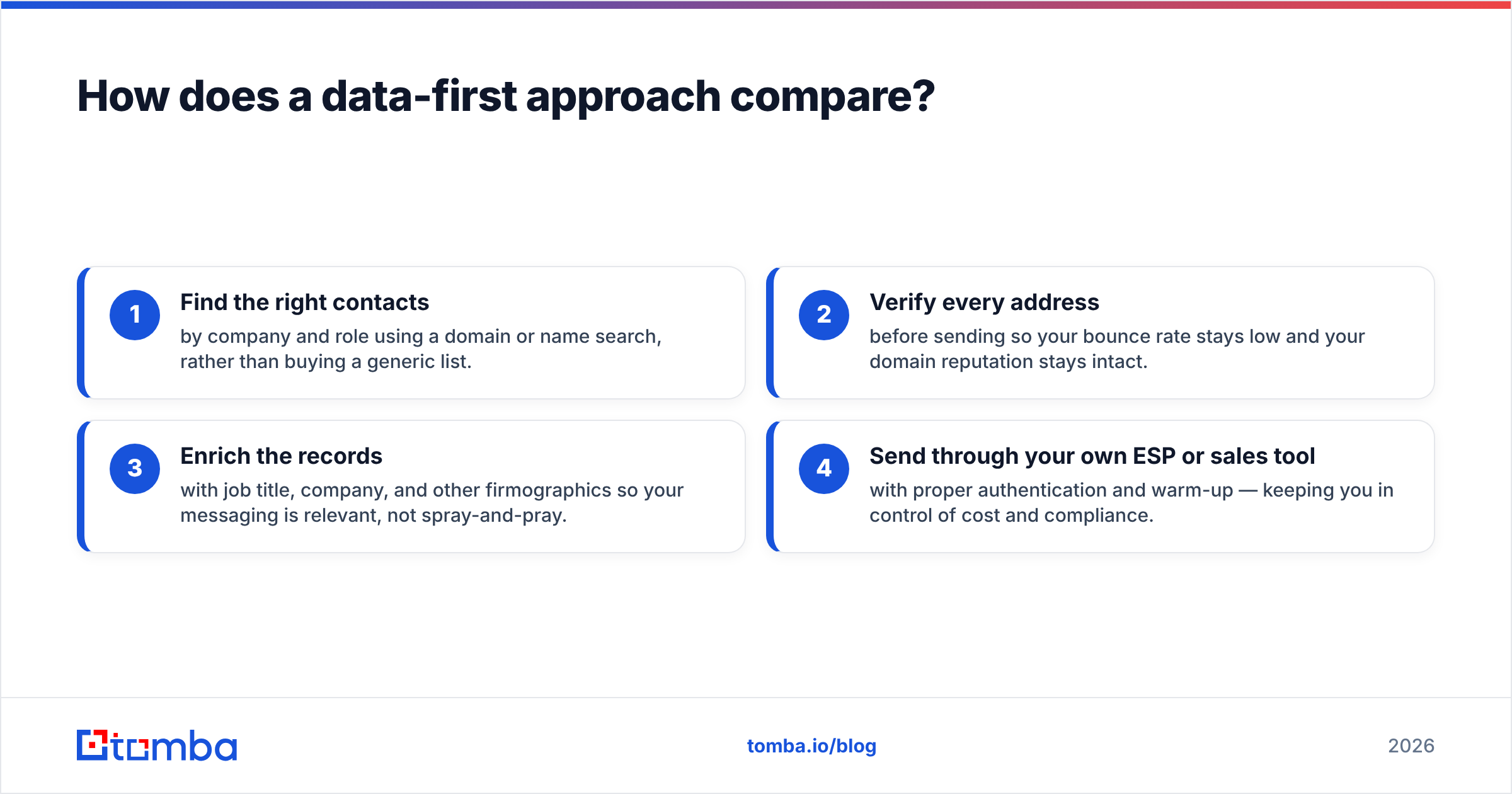
How does a data-first approach compare?#
Instead of paying a premium to survive a bad list, you can flip the model: start with clean, accurate, well-targeted data and run outreach through tools you already trust.
A data-first stack looks like this:
- Find the right contacts by company and role using a domain or name search, rather than buying a generic list.
- Verify every address before sending so your bounce rate stays low and your domain reputation stays intact.
- Enrich the records with job title, company, and other firmographics so your messaging is relevant, not spray-and-pray.
- Send through your own ESP or sales tool with proper authentication and warm-up — keeping you in control of cost and compliance.
This is where Tomba fits. Rather than renting infrastructure to blast cold lists, you use the Tomba Email Finder to source professional emails by domain, name, or company, verify them, and enrich them with data enrichment — all on transparent, public pricing that starts with a free tier (25 searches/month) and a $49/mo Starter plan. No demo wall, no annual lock-in to find out the cost.
To be fair: Tomba and Clickback are not direct competitors. Clickback is a sending platform; Tomba is a data platform. The point is that many Clickback evaluations start from the wrong premise. Before you commit to managed cold-list sending, ask whether your bottleneck is really deliverability — or whether it is the quality of the list itself. More often than not, it is the data.
The bottom line#
Clickback is a legitimate, specialized tool for B2B teams committed to cold-list email marketing, with genuine strengths in deliverability, list validation, and dedicated IPs. Its weaknesses — opaque quote-only pricing, annual contracts, a learning curve, and the compliance risk inherent to cold lists — mean it is not a casual purchase. Read the Clickback pricing reviews on Capterra and G2, book the demo with a list of hard questions, and negotiate.
But before you sign an annual contract to blast a purchased list, fix the upstream problem. Accurate, verified, well-targeted contact data is what actually drives replies — and it costs a fraction of an enterprise sending suite. Start with the Tomba Email Finder: find and verify the right B2B contacts on a transparent free-to-$49/mo plan, then run focused outreach you control. Spend on precision, not on surviving the consequences of a cold list.
// get started
Find, verify and enrich your first contacts today
Start on the free plan with 25 searches a month, then scale when your team is ready.
Free plan · No credit card required · GDPR & CCPA
// about the author