Clickback vs Hunter 2026: Which B2B Email Tool Wins?
Clickback sends cold email to purchased lists; Hunter finds and verifies addresses. Here's how the two B2B email tools actually compare in 2026 — pricing, accuracy, and compliance.
Clickback vs Hunter: Which B2B Email Tool Actually Fits Your Outbound?
You landed here because two tools keep showing up in the same shortlist — and they barely do the same job. Clickback and Hunter both touch "B2B email," but one blasts cold email to lists you buy, and the other helps you find and verify the right address before you ever hit send. Picking wrong wastes budget and burns your sending domain.
TL;DR — Clickback vs Hunter at a glance#
- Clickback is a cold-email sending platform built around purchased/contact lists, CAN-SPAM-style compliance, and "implied consent" outreach. It's a campaign engine, not a data tool.
- Hunter is an email finder and verifier — domain search, individual lookups, a confidence score, and lightweight campaign features bolted on top.
- They are not direct competitors. Clickback answers "how do I email a big cold list?"; Hunter answers "what is this person's email and is it valid?"
- If accuracy of contact data is your bottleneck, Hunter (or a stronger finder) wins. If high-volume permission-based blasting is your model, Clickback fits — with deliverability risk attached.
- For most modern outbound teams, a dedicated email finder plus a sending tool beats either one trying to do both.
What is Clickback and who is it for?#
Clickback is a Canadian B2B email lead-generation platform. Its pitch is unusual: instead of warming up to a small opt-in list, you upload (or buy) a large cold list and send compliant "email lead generation" campaigns to it. The product leans hard on the legal framing — it markets itself around CAN-SPAM and CASL "implied consent" so that sending to cold B2B contacts stays on the right side of the rules in North America.
In practice, Clickback bundles three things:
- List support — it expects you to bring a cold list, and it positions itself as the safe way to mail it.
- A sending engine — dedicated IPs, deliverability handling, and reporting tuned for cold volume.
- Lead scoring — it tracks opens/clicks and surfaces "engaged" contacts so sales can follow up.
That model is powerful for a specific buyer: a marketing team running high-volume top-of-funnel email to net-new accounts, comfortable with the compliance burden. It is a poor fit if you want surgical, one-to-one prospecting or if you care most about the quality of each address rather than the size of the blast.

What is Hunter and who is it for?#
Hunter (hunter.io) is the email-finding side of the coin. You give it a company domain and it returns the email addresses associated with that domain, the most likely pattern (first.last@, flast@, etc.), and a confidence score for each result. It also verifies addresses, supports bulk processing, and now ships a basic "Campaigns" feature for sending sequences.
Hunter's strengths are clarity and accessibility. The free tier lets you try real lookups, the Chrome extension surfaces emails as you browse, and the API is clean enough that developers wire it into CRMs and scripts quickly. Its weakness is depth: confidence scores can be optimistic, catch-all domains trip it up, and the campaign features are thin next to a real outreach platform.
So Hunter is for the prospector who needs good data first — the SDR building a targeted list of 200 right-fit accounts, the founder finding a decision-maker's address, the growth marketer enriching a CRM. It is not a mass-mailing tool, and it does not pretend to solve the buy-a-list use case Clickback is built for.
Clickback vs Hunter: the core comparison#
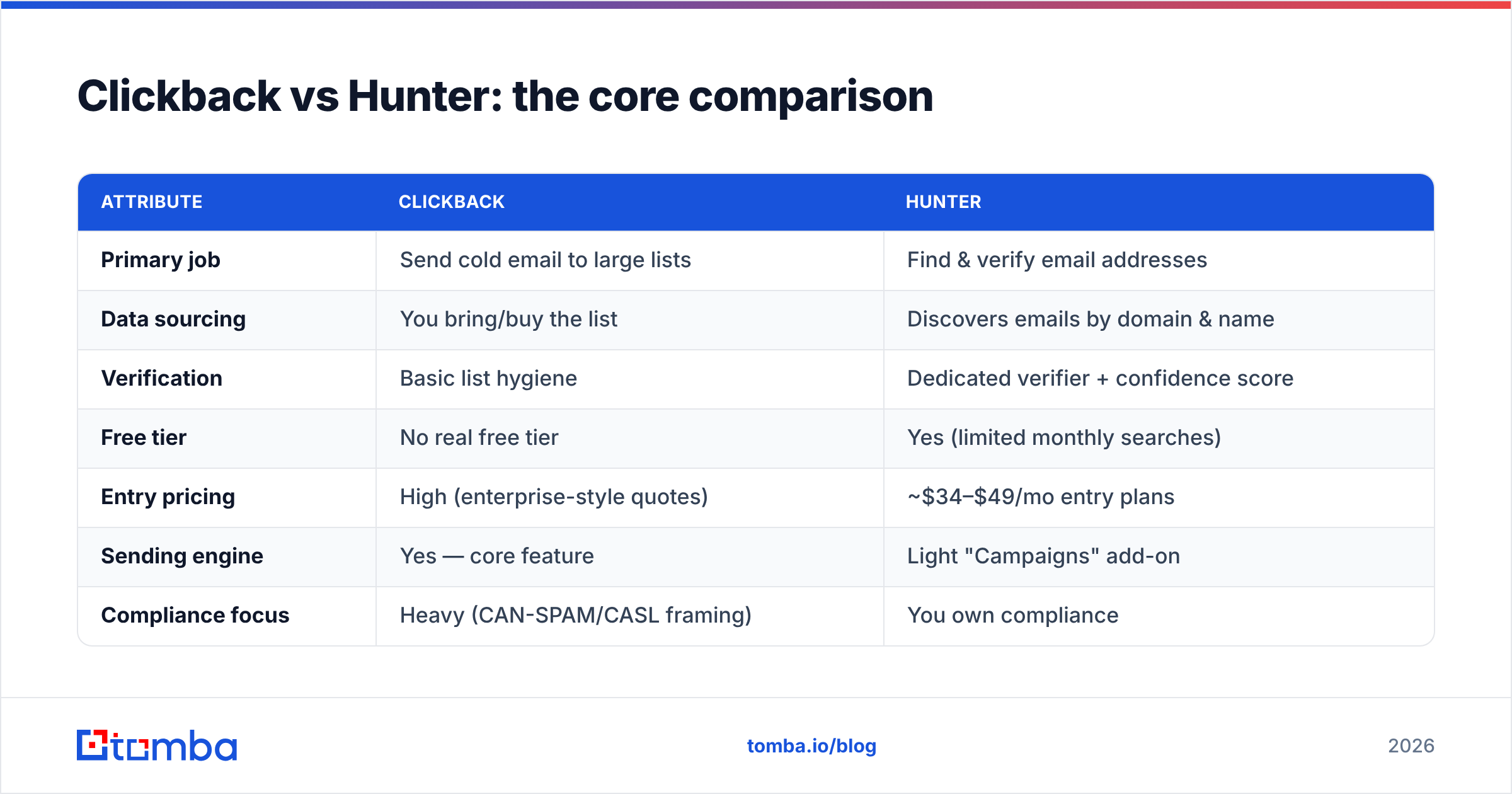
Here's the honest side-by-side. Notice that the two tools overlap on almost nothing except the word "email."
| Attribute | Clickback | Hunter |
|---|---|---|
| Primary job | Send cold email to large lists | Find & verify email addresses |
| Data sourcing | You bring/buy the list | Discovers emails by domain & name |
| Verification | Basic list hygiene | Dedicated verifier + confidence score |
| Free tier | No real free tier | Yes (limited monthly searches) |
| Entry pricing | High (enterprise-style quotes) | ~$34–$49/mo entry plans |
| Sending engine | Yes — core feature | Light "Campaigns" add-on |
| Compliance focus | Heavy (CAN-SPAM/CASL framing) | You own compliance |
| API | Limited | Robust, developer-friendly |
| Best for | High-volume permission-based blasts | Targeted prospecting & enrichment |
| Deliverability risk | Higher (cold volume) | Lower (you control sending) |
The takeaway: if you put these two in a head-to-head "which is better," you're really asking which problem do I have? A finder and a blaster are different machines.
How do they compare on email accuracy?#
Accuracy is where this matters most, because everything downstream — deliverability, reply rate, sender reputation — depends on whether the address is real.
Hunter exposes accuracy directly through its confidence score and a separate verification step. That transparency is genuinely useful: you can filter to only high-confidence results before importing. But two failure modes show up at scale:
- Catch-all domains. When a mail server accepts everything, a simple verifier can't confirm a specific inbox. Hunter often returns these as "accept-all," leaving you guessing. A dedicated catch-all verifier handles this far better.
- Optimistic scores. A high confidence number is a probability, not a guarantee. Pattern-guessed addresses can score well and still bounce.
Clickback's "accuracy" is a different concept entirely. It doesn't find emails — it ingests a list you supply and runs hygiene to reduce bounces before a campaign. If the list you bought is stale, no amount of platform polish fixes the underlying garbage. That's the structural risk of the buy-a-list model: your results are only as clean as your source.
This is exactly why many teams insert a verification layer between data and send. Running every address through an email verifier before a campaign — regardless of where the list came from — protects your domain reputation and your numbers. Skipping it is the single most common reason cold campaigns tank.
What about pricing — Clickback vs Hunter cost?#
The pricing gap reflects the product gap.
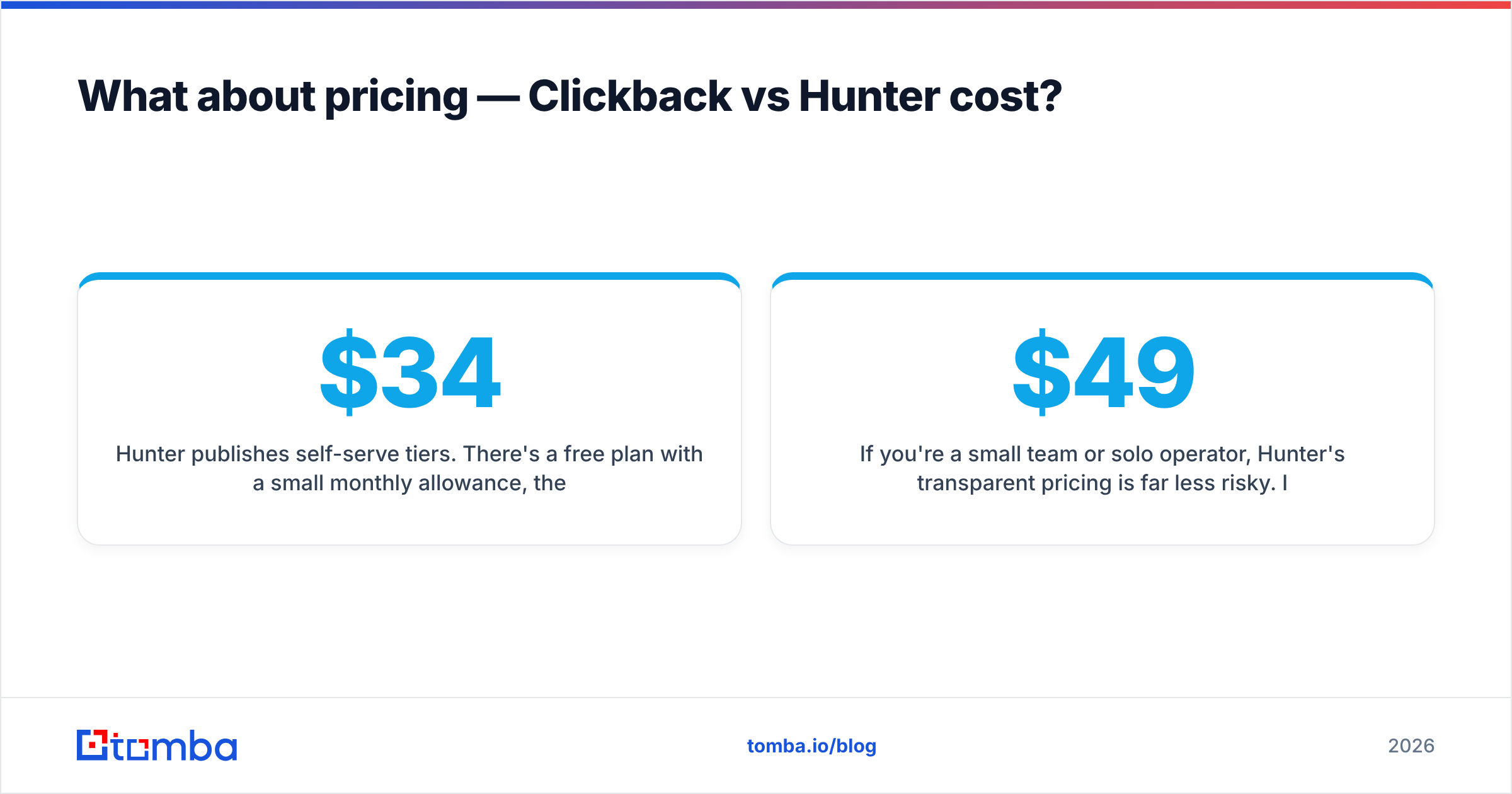
- Hunter publishes self-serve tiers. There's a free plan with a small monthly allowance, then paid plans roughly in the $34–$104/mo range depending on search/verification volume. You can start today on a card.
- Clickback is quote-driven and positioned as an enterprise marketing spend. You're paying for a managed sending engine, deliverability infrastructure, and the compliance wrapper — so expect a meaningfully higher commitment, often with onboarding.
If you're a small team or solo operator, Hunter's transparent pricing is far less risky. If you're a funded marketing org planning sustained high-volume sends, Clickback's cost can be justified — but only if the buy-a-list motion actually fits your market. For a sense of where a modern finder lands between these extremes, compare both to Tomba pricing: a free tier (25 searches/mo), Starter at $49/mo, Growth at $99/mo, and Pro at $249/mo.
Where does a dedicated email finder fit?#
Here's the part the Clickback-vs-Hunter framing hides: for most outbound teams in 2026, the winning setup isn't "pick one of these two." It's find accurate data with a specialist tool, verify it, then send with a tool built for sending.
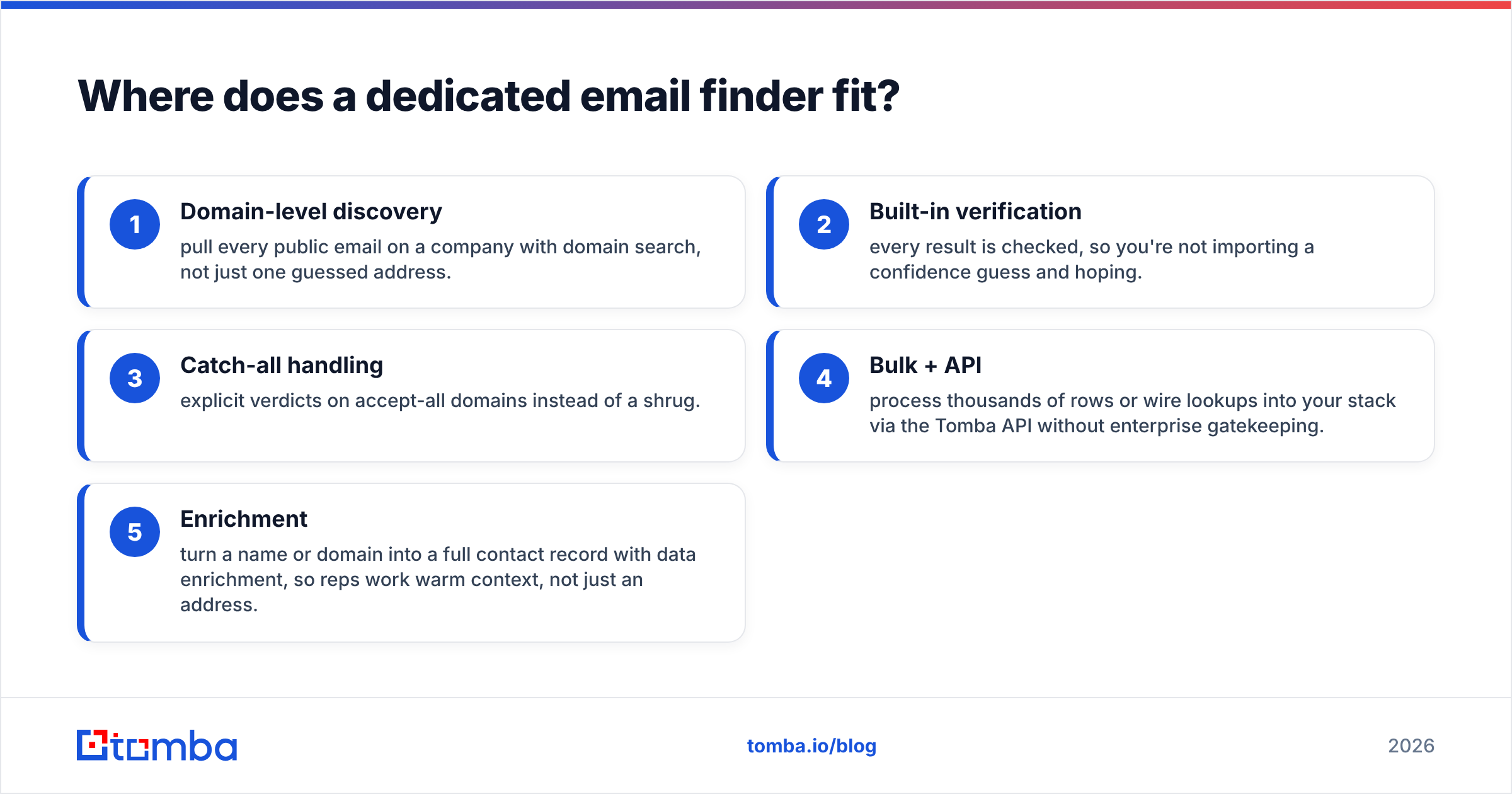
Hunter is a fine entry point, but if data accuracy is your real constraint, a finder focused on coverage and verification will outperform it. That's the lane Tomba sits in. A few concrete advantages of using a dedicated finder over either option above:
- Domain-level discovery — pull every public email on a company with domain search, not just one guessed address.
- Built-in verification — every result is checked, so you're not importing a confidence guess and hoping.
- Catch-all handling — explicit verdicts on accept-all domains instead of a shrug.
- Bulk + API — process thousands of rows or wire lookups into your stack via the Tomba API without enterprise gatekeeping.
- Enrichment — turn a name or domain into a full contact record with data enrichment, so reps work warm context, not just an address.
You then push verified contacts into whatever sending tool matches your motion — a sequencer for one-to-one SDR work, or yes, even Clickback if your model is genuinely high-volume permission-based mailing. The point is to stop asking one tool to both find and blast, because that's where quality leaks out.
Is Clickback or Hunter better for deliverability?#
Deliverability splits cleanly along the same line.
Hunter helps deliverability indirectly — cleaner data means fewer bounces, and fewer bounces protect your sender reputation. But Hunter doesn't manage your sending; you do, through your own ESP or sequencer, and you own warmup, SPF/DKIM, and volume ramp.
Clickback manages deliverability directly — that's a core part of what you pay for. Dedicated IPs and reputation handling are built in. The catch is structural: cold, high-volume sends to purchased lists are inherently the highest-risk pattern for spam complaints and blocklisting, no matter how good the infrastructure. The platform mitigates risk; it can't erase the risk of the model itself.
The neutral conclusion: neither tool is a deliverability silver bullet. Your results come from list quality first, authentication and warmup second, and platform features a distant third. Verify before you send, keep volume sane, and watch your complaint rate — that order doesn't change regardless of which vendor you pick.
Clickback vs Hunter: which should you choose?#
Decide by your actual job, not the brand names:
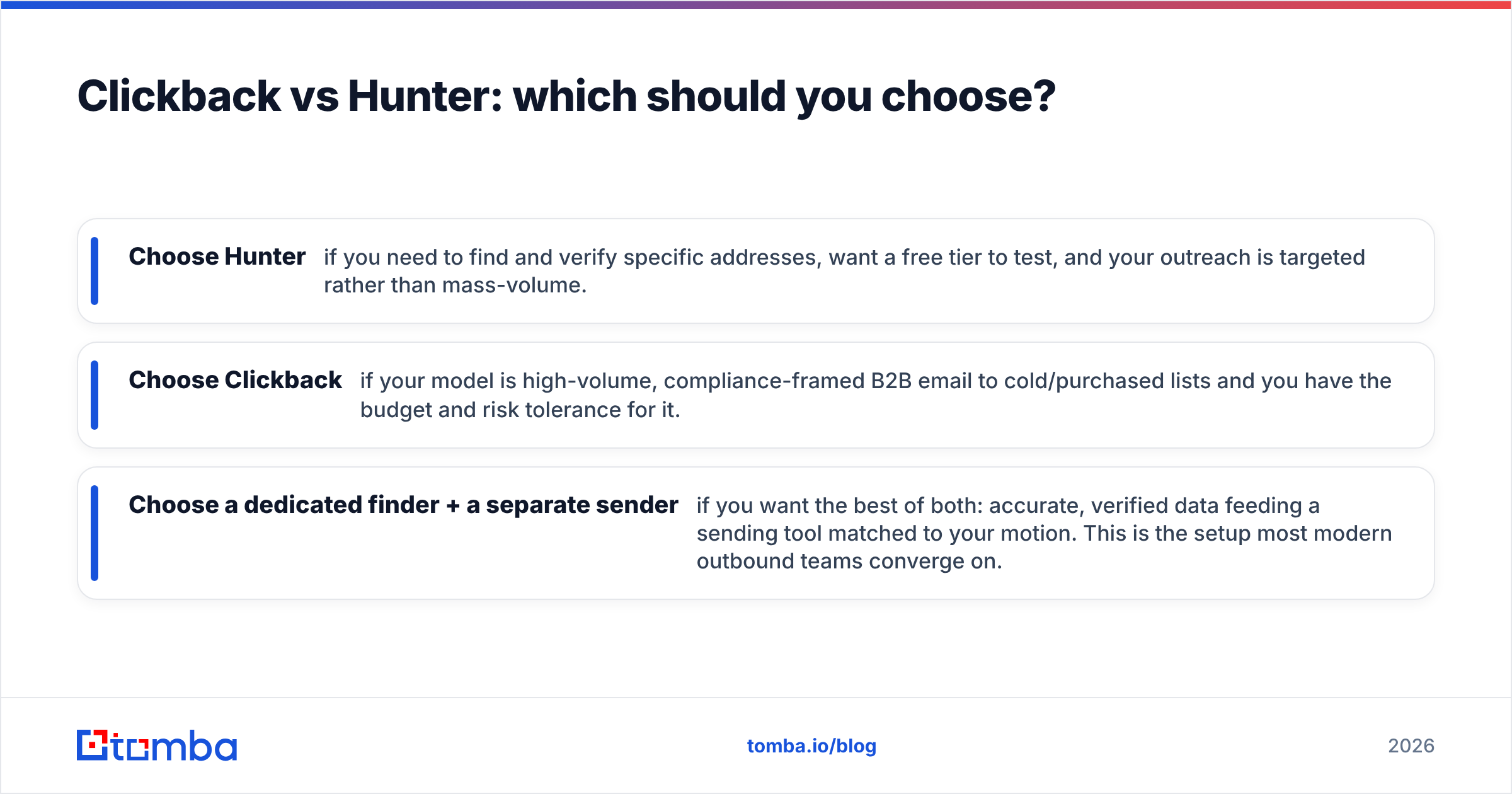
- Choose Hunter if you need to find and verify specific addresses, want a free tier to test, and your outreach is targeted rather than mass-volume.
- Choose Clickback if your model is high-volume, compliance-framed B2B email to cold/purchased lists and you have the budget and risk tolerance for it.
- Choose a dedicated finder + a separate sender if you want the best of both: accurate, verified data feeding a sending tool matched to your motion. This is the setup most modern outbound teams converge on.
For a broader view, both tools sit among dozens of options — it's worth reading independent reviews on G2 and checking each vendor's own docs at hunter.io and clickback.com before committing. Tools change fast, and your stack should reflect your 2026 motion, not last year's.
The bottom line#
Clickback and Hunter aren't really rivals — they're two halves of an outbound stack. Hunter (or a stronger finder) gives you the who and the where; Clickback gives you the send at scale. The mistake is treating either as a complete solution and quietly inheriting its weakness — thin data on one side, list-quality risk on the other.
If your real bottleneck is finding accurate, verified contacts your reps can actually reach, start there. Tomba's Email Finder turns a name or domain into a verified, deliverable address — with built-in verification, catch-all handling, bulk processing, and an API — and the free tier (25 searches/mo) lets you test accuracy against your own target accounts before you spend a dollar. Get the data right first, and whichever sending tool you choose performs better for it.
// get started
Find, verify and enrich your first contacts today
Start on the free plan with 25 searches a month, then scale when your team is ready.
Free plan · No credit card required · GDPR & CCPA
// about the author