Client Email Templates That Get Replies (2026 Guide)
Steal 12 client email templates for onboarding, check-ins, upsells, and tough conversations — plus the structure and timing that actually earn replies in 2026.
TL;DR
- Good client email templates aren't scripts you paste blind — they're reusable skeletons (subject, hook, value, single ask) you personalize in under 60 seconds.
- The highest-converting client emails share one trait: exactly one clear call to action, not three.
- Below you get 12 copy-ready templates across onboarding, status updates, upsells, renewals, late payments, and re-engaging quiet accounts.
- Timing beats wording. A mediocre template sent at the right moment outperforms a brilliant one sent at the wrong one.
- Templates only work if the email reaches a real inbox — verify the contact and clean your list before you hit send.
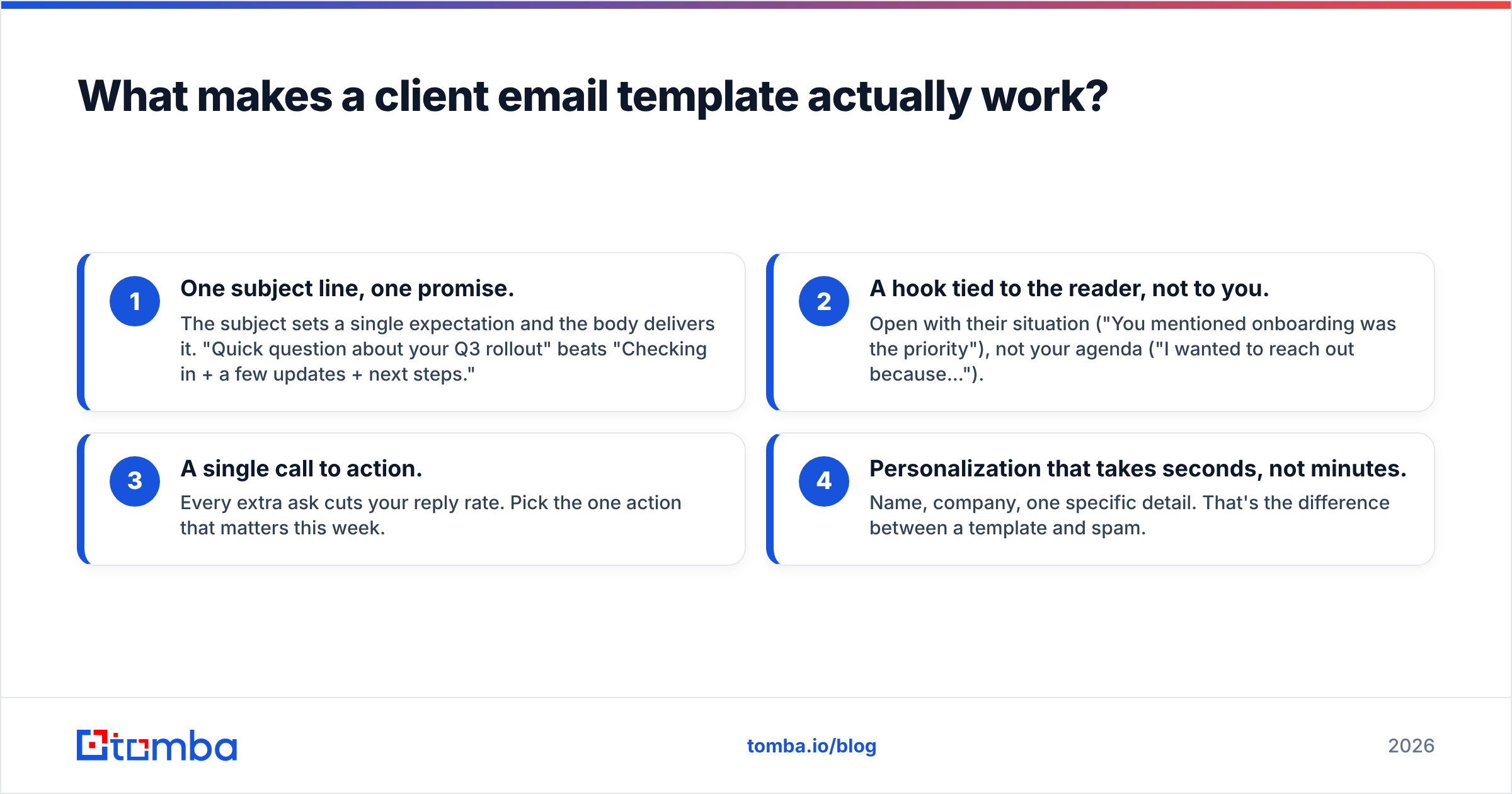
What makes a client email template actually work?#
The short answer: a template works when it removes writing friction without removing the human. Think of a template like a chef's mise en place — the ingredients are prepped and arranged, but the dish still gets cooked fresh for each guest. The moment a client can smell "this was blasted to 400 people," your template has failed, no matter how clever the copy.
Across the high-performing client emails I've seen, four things repeat:
- One subject line, one promise. The subject sets a single expectation and the body delivers it. "Quick question about your Q3 rollout" beats "Checking in + a few updates + next steps."
- A hook tied to the reader, not to you. Open with their situation ("You mentioned onboarding was the priority"), not your agenda ("I wanted to reach out because...").
- A single call to action. Every extra ask cuts your reply rate. Pick the one action that matters this week.
- Personalization that takes seconds, not minutes. Name, company, one specific detail. That's the difference between a template and spam.
Here's the part most "swipe file" articles skip: the best client email templates are built around the relationship stage, not the channel. An onboarding email and a renewal email have opposite jobs — one builds momentum, the other protects it. Use the wrong template at the wrong stage and even perfect grammar won't save you.
)
If you want the underlying principles before the copy, HubSpot's email marketing guide is a solid neutral reference on structure and segmentation.
Which client email templates do you actually need?#
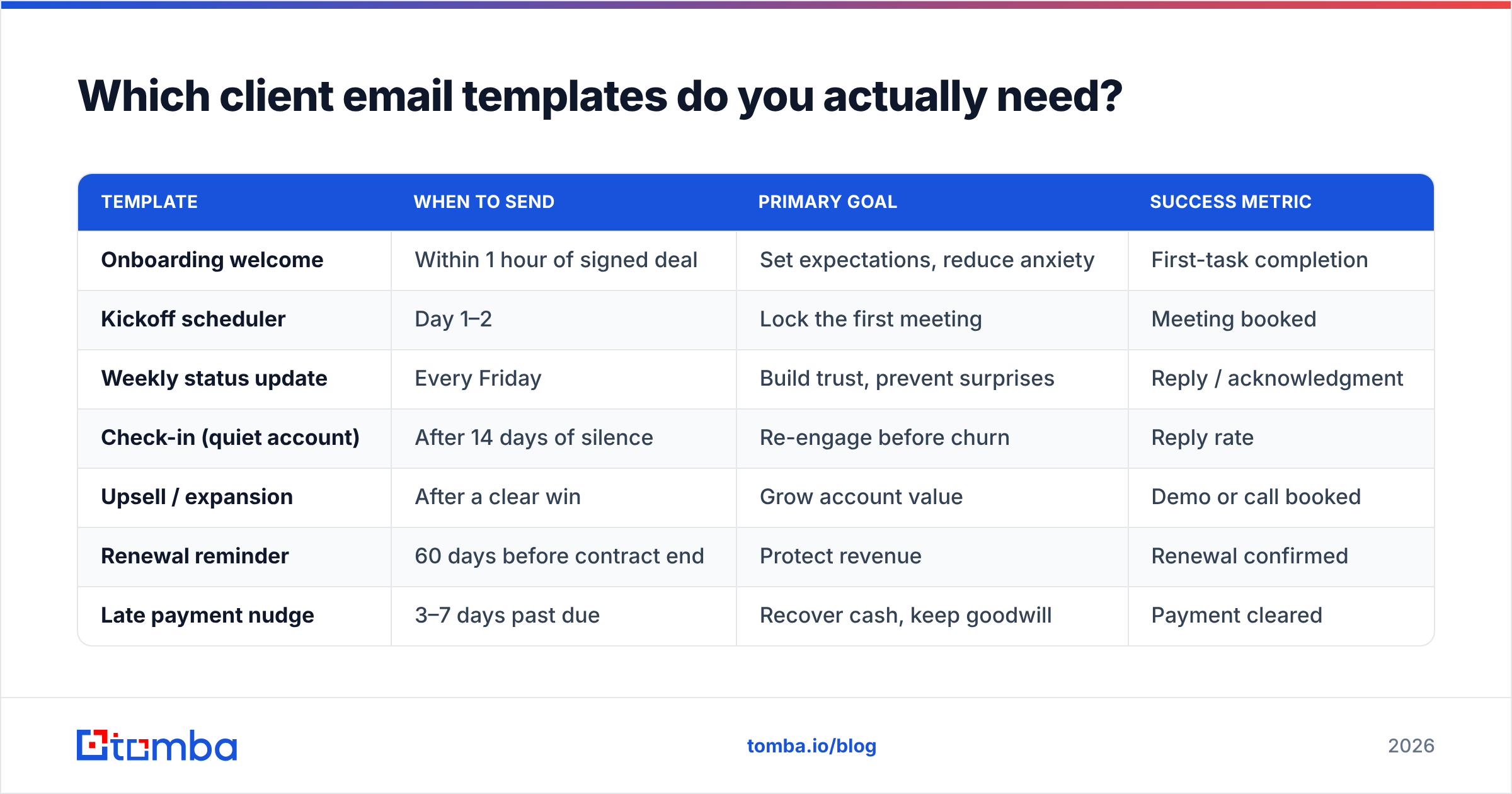
You don't need 50 templates. You need a small library mapped to the moments that repeat in every client relationship. Here's the core set, what each one is for, and the single metric it should move.
| Template | When to send | Primary goal | Success metric |
|---|---|---|---|
| Onboarding welcome | Within 1 hour of signed deal | Set expectations, reduce anxiety | First-task completion |
| Kickoff scheduler | Day 1–2 | Lock the first meeting | Meeting booked |
| Weekly status update | Every Friday | Build trust, prevent surprises | Reply / acknowledgment |
| Check-in (quiet account) | After 14 days of silence | Re-engage before churn | Reply rate |
| Upsell / expansion | After a clear win | Grow account value | Demo or call booked |
| Renewal reminder | 60 days before contract end | Protect revenue | Renewal confirmed |
| Late payment nudge | 3–7 days past due | Recover cash, keep goodwill | Payment cleared |
| Referral request | Right after positive feedback | Generate warm leads | Intro made |
Notice the pattern: each template has exactly one job and one metric. When a template tries to do two jobs, split it into two emails sent days apart. Your reply rate will thank you.
A quick note on segmentation before the templates: a "client" isn't one persona. The economic buyer who signed the contract cares about ROI and risk. The day-to-day user cares about whether your product makes their Tuesday easier. Sending the same status update to both is how you bore one and confuse the other.
What are the best onboarding email templates?#
Onboarding is where most client relationships are silently won or lost. The first 72 hours set the tone. Your job is to replace uncertainty with momentum.
Template 1 — The welcome email (send within an hour)
Subject: You're in, {{First Name}} — here's step one
Hi {{First Name}},
Welcome aboard. I'll be your main point of contact at {{Company}}, so reply to this email anytime you're stuck.
To get your first win this week, here's the one thing to do next: {{single specific action — e.g., "connect your calendar so we can pull your meeting data"}}. It takes about 5 minutes.
I've blocked time Thursday and Friday for your kickoff call — grab whichever slot works: {{scheduling link}}.
Talk soon,
{{Your Name}}
Why it works: one action, one link, a warm tone, and zero corporate throat-clearing. The reader knows exactly what to do before they finish reading.
Template 2 — The kickoff reminder (send if no booking in 48 hours)
Subject: Quick — want to lock your kickoff this week?
Hi {{First Name}},
No rush at all, but I'd love to get your kickoff on the calendar before the week closes so we don't lose momentum on {{their stated goal}}.
Here's the link again: {{scheduling link}}. If none of those times fit, just reply with two windows that do and I'll make it work.
{{Your Name}}
This one leans on a soft deadline ("before the week closes") and offers an escape hatch (reply with your own times). That combination consistently lifts booking rates without feeling pushy.
For a deeper dive on subject-line testing, you can run drafts through a free subject line generator before you commit copy to your library.
How do you write client update and check-in emails?#
Status updates are the unglamorous workhorses of account management. Done right, they make a client feel managed; done wrong, they read like busywork.
Template 3 — The weekly status update
Subject: {{Company}} update — week of {{date}}
Hi {{First Name}},
Quick recap so nothing's a surprise:
- Done this week: {{1–2 concrete wins}}
- In progress: {{what's moving, expected date}}
- Need from you: {{one specific item, or "nothing — you're all set"}}
Anything you'd reprioritize? Reply and I'll adjust.
{{Your Name}}
The structure matters more than the words. Three labeled buckets — done, in progress, need from you — let a busy client scan in eight seconds. The "Need from you" line is your single CTA.
Template 4 — The quiet-account check-in
Subject: Still on track for {{their goal}}?
Hi {{First Name}},
It's been a couple of weeks, so I wanted to check you're getting what you need toward {{specific outcome}}.
Is there anything blocking you right now? Even a one-word reply helps me help you.
{{Your Name}}
A two-week silence is an early churn signal, not a scheduling gap. This template reopens the door with the lowest-possible-effort ask ("even a one-word reply"). That phrasing alone tends to recover replies that a generic "just checking in" never would.
If you manage these cadences at scale, it's worth tracking your email response rate per template so you know which skeletons to keep and which to retire.
What are the best upsell and renewal email templates?#
Expansion and renewal emails carry revenue weight, so the temptation is to over-explain. Resist it. The reader already knows your product; you're asking them to take one more step.
Template 5 — The win-based upsell
Subject: You just hit {{milestone}} — here's what's next
Hi {{First Name}},
Congrats — {{specific result, e.g., "your team booked 40% more demos last month"}}. That's exactly the kind of traction {{feature/tier}} is built to compound.
Worth a 15-minute look at how {{specific benefit}}? Here's my calendar: {{link}}.
{{Your Name}}
Anchor the upsell to a real win the client just experienced. You're not selling more — you're helping them do more of what's already working.
Template 6 — The renewal reminder (60 days out)
Subject: Your {{Company}} renewal — let's make it easy
Hi {{First Name}},
Your contract renews on {{date}}. Before then, I'd love to do a quick review of what worked this year and where we can push further next year.
Got 20 minutes in the next two weeks? {{link}}
{{Your Name}}
Sixty days gives room for a real conversation instead of a panicked last-week scramble. The framing — a forward-looking review, not a payment demand — keeps the relationship warm.
)
Template 7 — The late-payment nudge
Subject: Quick one on invoice {{#}}
Hi {{First Name}},
Hope all's well. Invoice {{#}} from {{date}} looks still open on my end — totally possible it slipped through. Here's the link to settle it: {{link}}.
If there's a hold-up on your side, just tell me and we'll sort it.
Thanks,
{{Your Name}}
The tone here is everything. You assume good faith ("totally possible it slipped through"), keep it short, and offer help rather than threat. That's how you recover the cash and the relationship.
How do you personalize templates without rewriting them?#
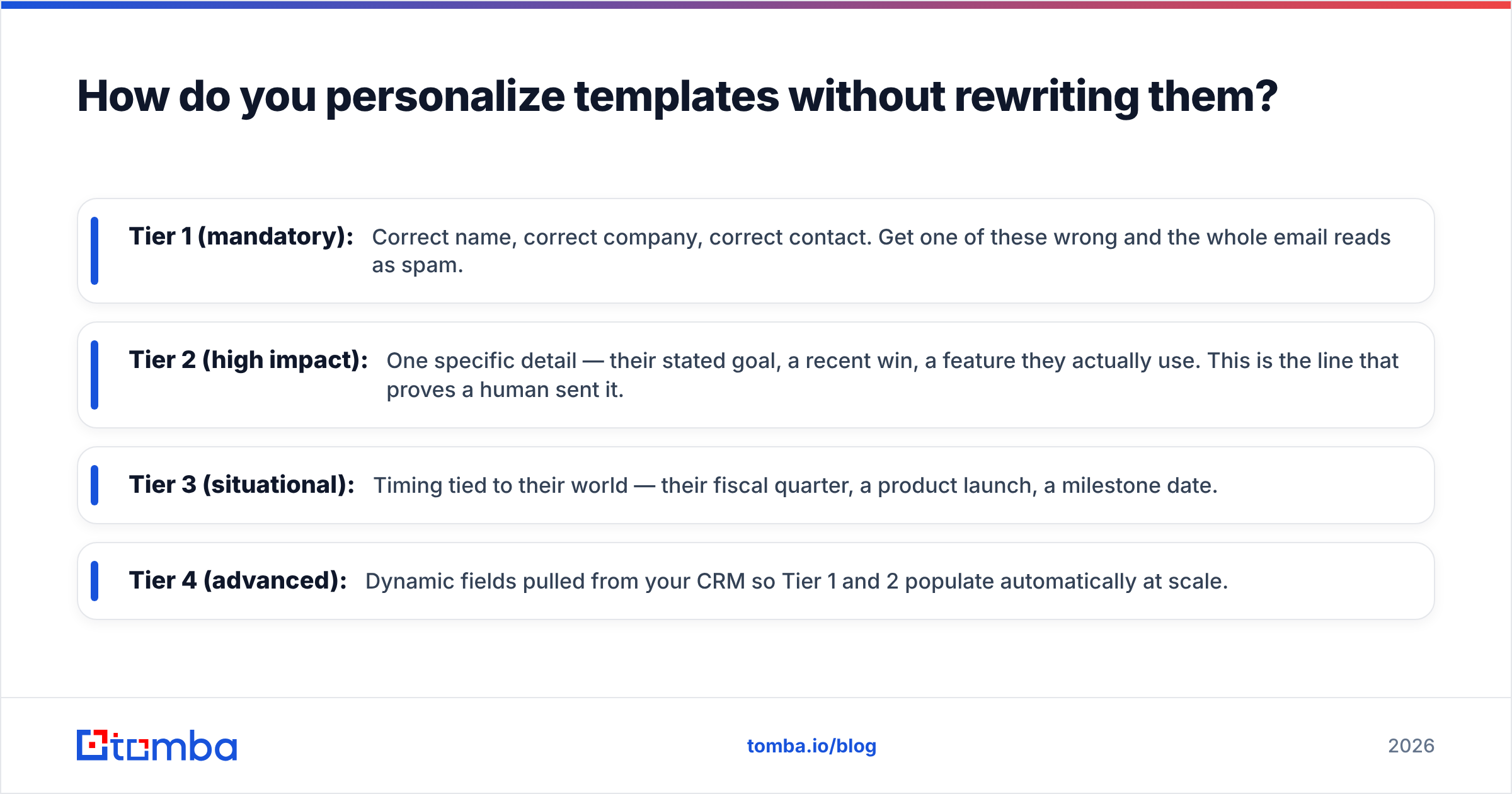
Personalization is a spectrum, not a switch. The goal is the maximum relevance for the minimum effort, and there's a clear hierarchy of what moves the needle.
- Tier 1 (mandatory): Correct name, correct company, correct contact. Get one of these wrong and the whole email reads as spam.
- Tier 2 (high impact): One specific detail — their stated goal, a recent win, a feature they actually use. This is the line that proves a human sent it.
- Tier 3 (situational): Timing tied to their world — their fiscal quarter, a product launch, a milestone date.
- Tier 4 (advanced): Dynamic fields pulled from your CRM so Tier 1 and 2 populate automatically at scale.
Here's the uncomfortable truth that undercuts every template library: personalization fails before it starts if your contact data is wrong. A flawless template sent to a bounced address, a stale "no-longer-with-the-company" inbox, or a misspelled name does negative work — it actively damages your sender reputation and your credibility.
That's why list hygiene sits upstream of copywriting. Before a renewal sequence goes out, run the addresses through an email verifier so you're not pouring great copy into dead inboxes. And when you're adding new stakeholders to an account — a new champion, a new economic buyer — you often need to find their address first. A reliable email finder closes that gap without guesswork.
For broader context on why deliverability underpins all of this, Mailchimp's research on email benchmarks is a useful neutral data point on open and reply rates by industry.
Free vs. paid: how should you build your template system?#
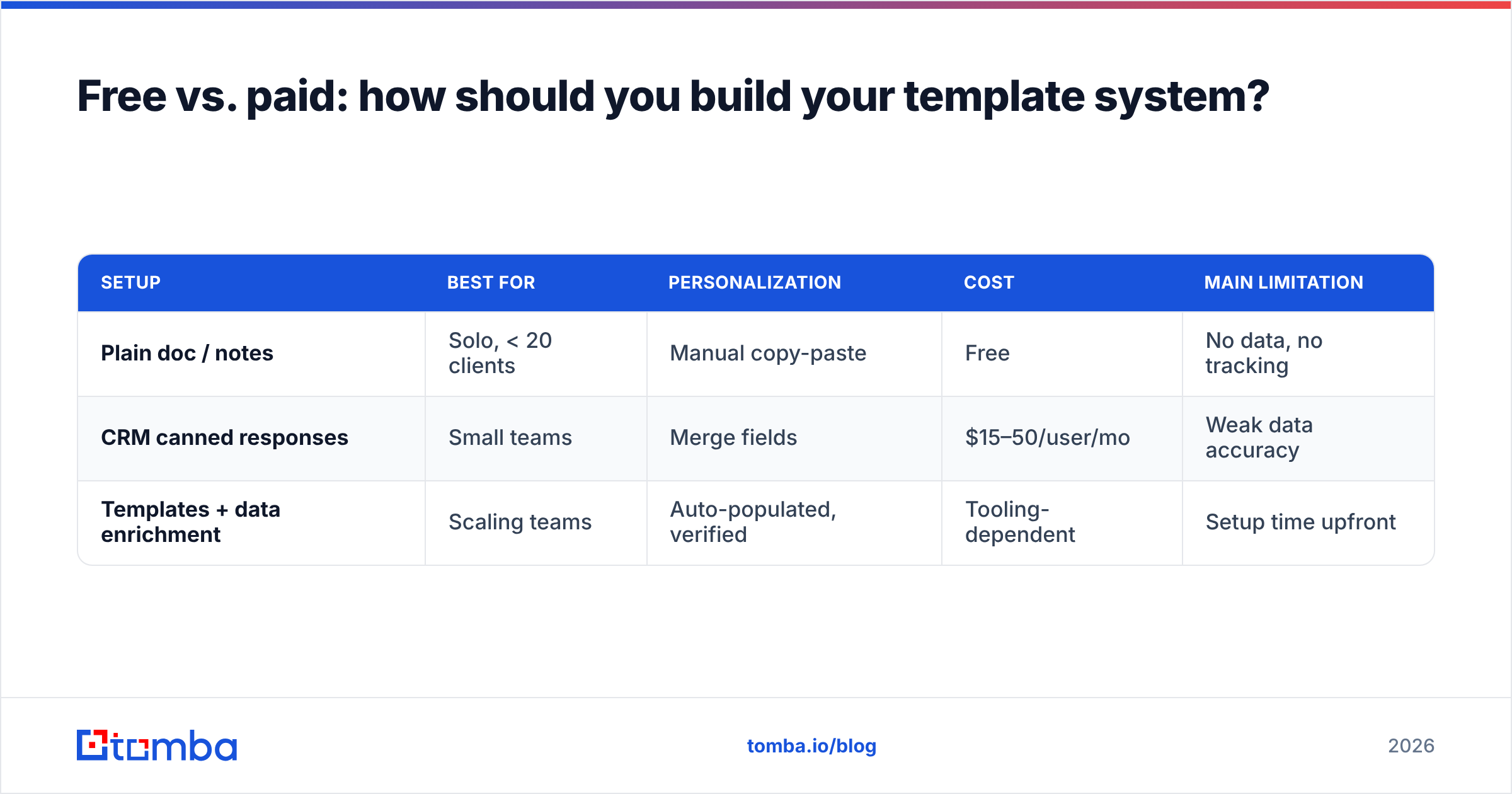
You can start with nothing but a docs file. You'll outgrow it fast. Here's an honest comparison of the three common setups so you can pick by where your team actually is.
| Setup | Best for | Personalization | Cost | Main limitation |
|---|---|---|---|---|
| Plain doc / notes | Solo, < 20 clients | Manual copy-paste | Free | No data, no tracking |
| CRM canned responses | Small teams | Merge fields | $15–50/user/mo | Weak data accuracy |
| Templates + data enrichment | Scaling teams | Auto-populated, verified | Tooling-dependent | Setup time upfront |
The jump that matters is from the first row to the third: moving from "I retype the same email" to "my template auto-fills verified, accurate fields." That's where time savings compound. With clean data enrichment feeding your merge fields, a 5-minute personalization job drops to 30 seconds and the error rate falls toward zero.
A practical middle path: keep your copy in a simple shared library (so the whole team uses the same proven skeletons), and keep your data in a system that verifies and enriches contacts automatically. Separate the words from the data and each gets easier to maintain.
What mistakes kill client email templates?#
Even strong templates die from predictable, fixable errors. Watch for these:
- The triple ask. "Can you review the doc, approve the budget, and book a call?" Pick one. Send the rest later.
- The wall of text. If your email needs scrolling, it needs cutting. Clients skim; respect that.
- The fake-personal opener. "I hope this email finds you well" tells the reader nothing and signals template. Open with their situation instead.
- The unverified send. Bouncing into a dead inbox doesn't just fail — it drags down your domain's sender reputation and makes future emails land in spam.
- The set-and-forget library. Templates decay. Review reply rates quarterly and rewrite the bottom performers.
- No follow-up plan. A single send is a coin flip. Most replies come from the second or third touch, not the first.
The throughline: templates are a starting point, not an autopilot. Treat them like recipes you tweak per guest, measure what each one returns, and keep your underlying contact data clean enough that the personalization is actually true.
Put your client email templates to work#
You now have the skeletons — onboarding, updates, upsells, renewals, payment nudges, and re-engagement — plus the structure and timing that make them land. But copy is only half the equation. The other half is reaching the right inbox, every time, with the right name attached.
That's where your data layer earns its keep. Before you send a single sequence, find and confirm your contacts with the Tomba Email Finder: search by name, company, or domain to get the verified professional address behind each stakeholder, then enrich the record so your merge fields populate themselves. Start free with 25 searches a month, and scale up through Tomba's pricing — Starter at $49/mo, Growth at $99/mo — only when your client list outgrows the free tier. Great templates plus accurate, verified contacts is how good emails become booked meetings.
// get started
Find, verify and enrich your first contacts today
Start on the free plan with 25 searches a month, then scale when your team is ready.
Free plan · No credit card required · GDPR & CCPA
// about the author