Clodura.ai Pros and Cons: An Honest 2026 Review & Verdict
A neutral breakdown of Clodura.ai's strengths, weaknesses, pricing, and data quality in 2026 — plus where it wins and where a leaner tool fits better.
You are weighing the Cloduraai pros and cons because the platform promises an all-in-one prospecting engine. One login bundles a B2B contact database, an email finder, sequences, and buyer-intent signals. The real question is not whether it has features. It does. The question is whether the data is clean enough, and the price fair enough, to anchor your outbound on. This review answers that without the sponsored gloss.
TL;DR — Cloduraai pros and cons at a glance#
- Best for: small-to-mid sales teams that want a database, email finder, and email sequencer bundled into one subscription instead of paying for three tools.
- Biggest pro: a large self-reported contact database (100M+ records) with direct dials and an org-chart view that speeds up account research.
- Biggest con: data accuracy is inconsistent on niche or non-US segments, and verification often needs a second pass before you send.
- Pricing reality: a free tier exists, but the useful intent-data and bulk-export features sit on higher plans, so real costs climb fast.
- Verdict: strong as a research-plus-sequencing hub; weaker as a pure accuracy play, where a dedicated email finder and email verifier still earn their place in the stack.
What is Clodura.ai and who is it for?#
Clodura.ai is a B2B sales intelligence and prospecting platform. Think of it as a Swiss Army knife for outbound. Instead of carrying a separate database, an email finder, and a sequencer, you get one handle with several blades folded in. You search the database, pull contacts and direct dials, and enrich them with company and technographic data. Then you drop them into an email cadence — all without leaving the app.
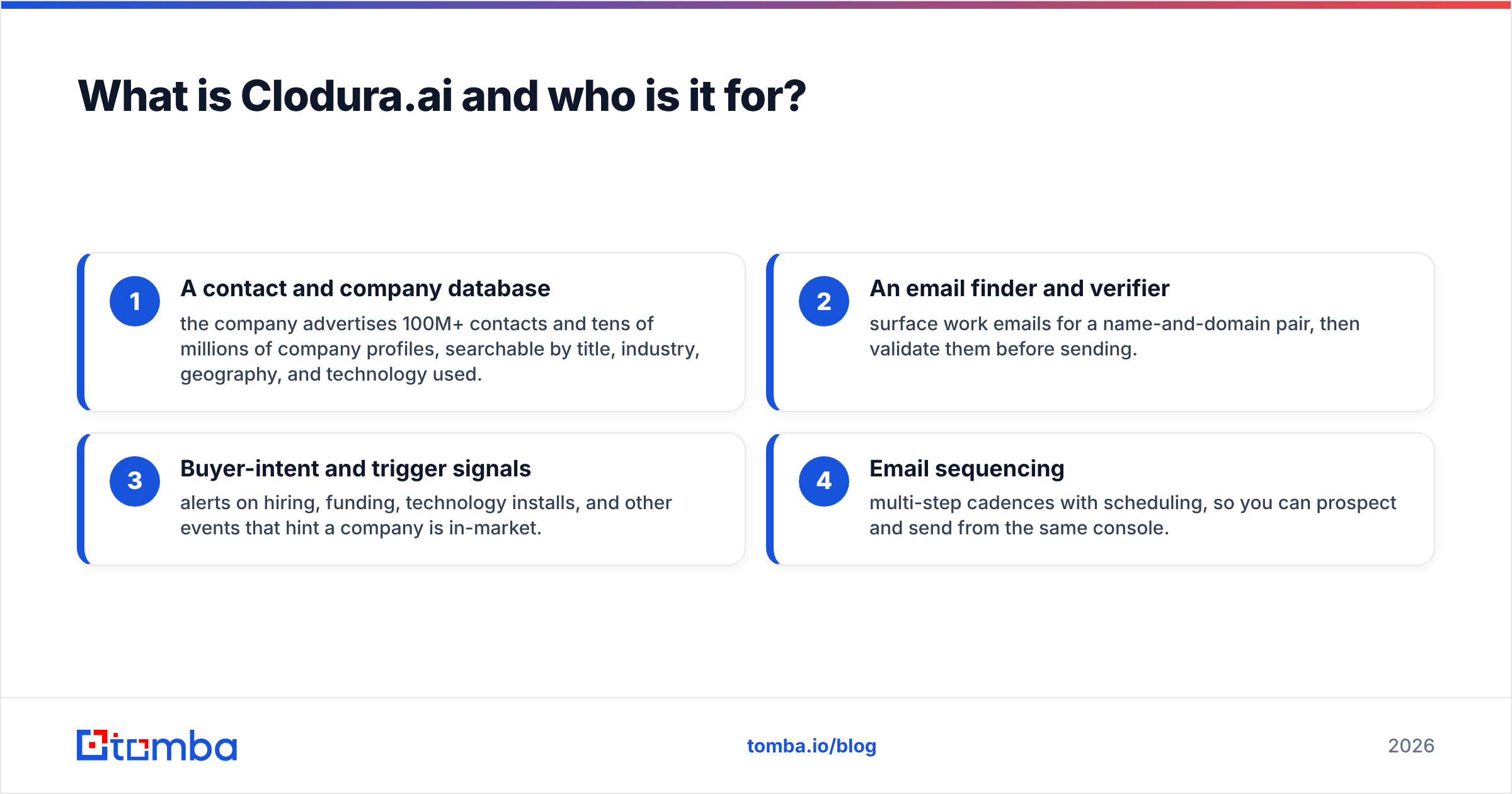
The platform leans on four pillars:
- A contact and company database — the company advertises 100M+ contacts and tens of millions of company profiles, searchable by title, industry, geography, and technology used.
- An email finder and verifier — surface work emails for a name-and-domain pair, then validate them before sending.
- Buyer-intent and trigger signals — alerts on hiring, funding, technology installs, and other events that hint a company is in-market.
- Email sequencing — multi-step cadences with scheduling, so you can prospect and send from the same console.
The target user is a founder-led sales team or an SMB SDR crew that wants fewer logins and a single bill. Enterprise revenue teams with a mature stack usually already own a CRM, a sequencer, and a data vendor, so Clodura's all-in-one pitch matters less to them. For the official feature list and current packaging, see clodura.ai.
What are the main pros of Clodura.ai?#
The strongest argument for Clodura.ai is consolidation. When research, contact data, and sending live in one place, your reps stop tab-hopping and your tooling spreadsheet gets shorter.
- All-in-one workflow. You can go from "find accounts in fintech using AWS" to "send a three-step sequence" without exporting a single CSV. For a small team, that removes real friction.
- Direct dials and org charts. Clodura surfaces phone numbers and a department/hierarchy view. That helps when you are mapping a buying committee or planning a cold-calling push alongside email.
- Buyer-intent and triggers. Hiring spikes, funding rounds, and technology installs are bundled in, so you can time outreach to events rather than blasting a static list.
- Technographic search. Filtering accounts by the tools they run ("companies using Salesforce") is a clean way to build a relevant market. It works well for a product that integrates with — or competes against — a known stack.
- A real free tier. You can test the interface and data shape before paying, which is more than several competitors offer.
In short: as a research-and-launch hub, Clodura covers a lot of ground for one subscription. That breadth is the headline pro, and it is a legitimate one.
What are the cons and limitations of Clodura.ai?#
The trade-off for breadth is depth. A tool that does five things rarely does any single one as well as a specialist, and Clodura is no exception.
- Inconsistent data accuracy. Coverage is solid for US mid-market and tech. Quality drops on smaller companies, non-US regions, and senior-leadership emails. Plan for a verification pass before you trust an export — bad addresses quietly wreck your sender reputation.
- Catch-all ambiguity. Like most database tools, Clodura returns plenty of catch-all domains where an SMTP check can't confirm deliverability. Without a dedicated catch-all verifier, those land in a gray zone you have to manage yourself.
- Credit and export limits. The cheaper plans throttle exports and lock the best intent features behind higher tiers. So the "all-in-one" price is rarely the price you actually pay.
- A learning curve. Cramming a database, intent engine, and sequencer into one UI makes the interface busy. New reps need ramp time before they're productive.
- Sequencing is functional, not best-in-class. The cadence tools work, but deliverability controls, inbox rotation, and A/B depth lag behind dedicated sending platforms.
None of these are dealbreakers on their own. Together they explain why many teams weigh the Cloduraai pros and cons and decide to use Clodura for research, then add a separate, accuracy-first toolchain for the final find-and-verify step before sending.
How accurate is Clodura.ai's data?#
Accuracy is the make-or-break metric. The honest answer is "good in its core segments, uneven outside them." A database that claims 100M+ records is only as good as the share that's still current. B2B contact data decays by roughly 30% a year as people change jobs. No vendor escapes that math. The difference is how aggressively they re-verify.
Here's the practical rule: treat any database export as a list of candidates, not confirmed addresses. Run it through real-time verification before the first send. That single habit protects your domain more than any vendor's marketing-claimed accuracy figure. Tomba's own data sources page explains why multi-source cross-checking beats a single static list — the same logic applies no matter which database you start from.
Does your outbound depend on hitting senior decision-makers in specific regions? Then validate a sample of 100 contacts from any vendor before you commit. Measure the genuine bounce rate yourself rather than trusting a headline number. That test costs an afternoon and saves a quarter of deliverability cleanup.
Clodura.ai vs. a specialist email-finding stack#
The clearest way to decide is to put the all-in-one model next to the specialist model side by side. Neither is "better" universally — they solve different problems.
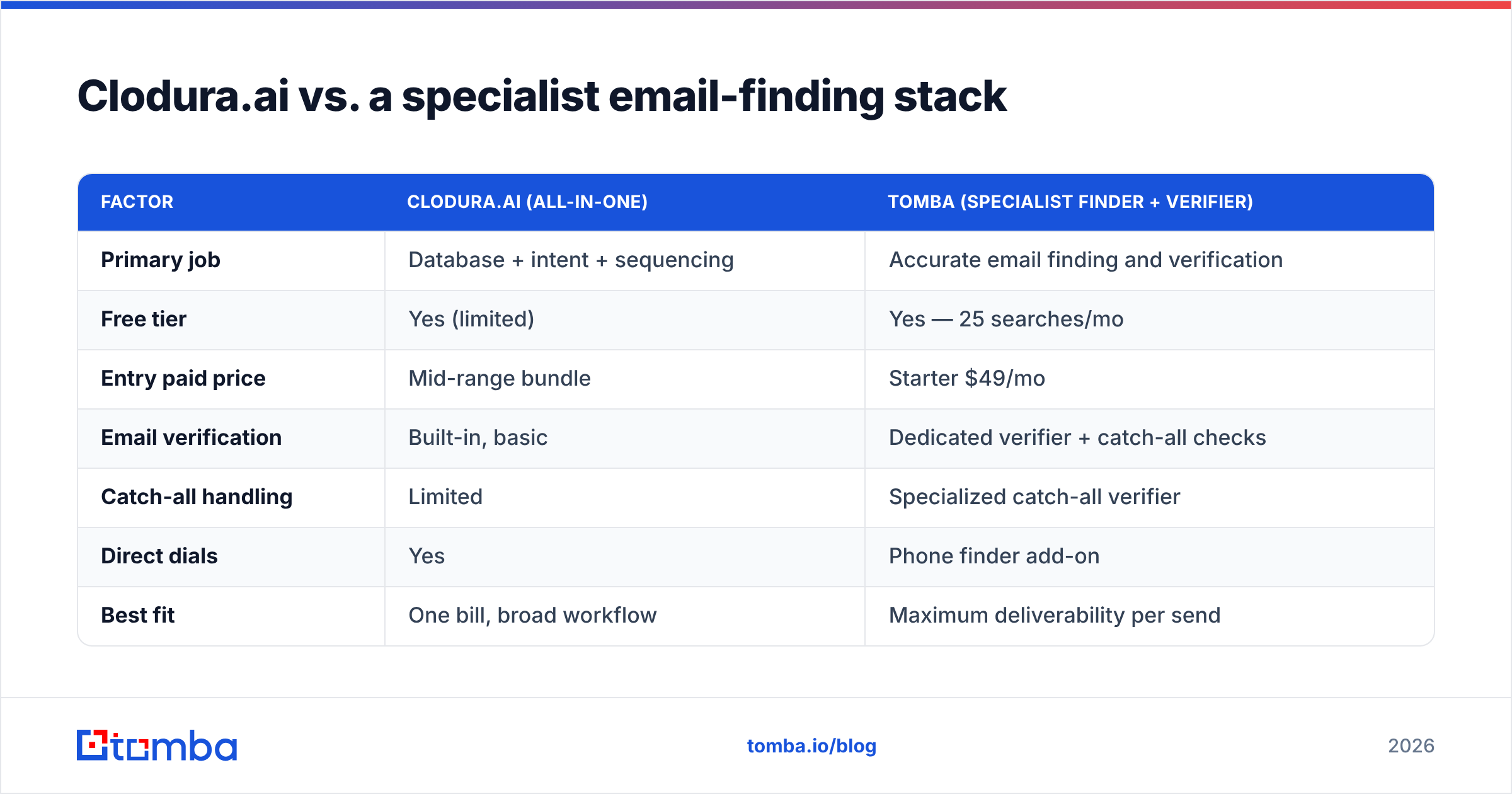
| Factor | Clodura.ai (all-in-one) | Tomba (specialist finder + verifier) |
|---|---|---|
| Primary job | Database + intent + sequencing | Accurate email finding and verification |
| Free tier | Yes (limited) | Yes — 25 searches/mo |
| Entry paid price | Mid-range bundle | Starter $49/mo |
| Email verification | Built-in, basic | Dedicated verifier + catch-all checks |
| Catch-all handling | Limited | Specialized catch-all verifier |
| Direct dials | Yes | Phone finder add-on |
| Best fit | One bill, broad workflow | Maximum deliverability per send |
| Data approach | Single large database | Multi-source cross-verification |
The takeaway: if you want one console for the whole motion and can tolerate a cleanup pass, Clodura's bundle is reasonable. If your number-one priority is that the email you send actually lands, a specialist find-and-verify layer pays for itself by protecting your domain. Many teams run both — Clodura to research, a focused finder to confirm. For a full picture of where each tool sits, G2's category listings and Capterra reviews are useful neutral references.

How does Clodura.ai pricing compare in 2026?#
Clodura uses a freemium-to-tiered model: a free plan to get you in the door, then paid tiers that unlock more credits, exports, and intent data. The friction point is predictable. The features that make the platform powerful — deep intent and large bulk exports — sit on the upper plans. So the entry price understates the real cost of running it at scale. Always confirm current numbers on the vendor's pricing page, because B2B SaaS packaging changes often.
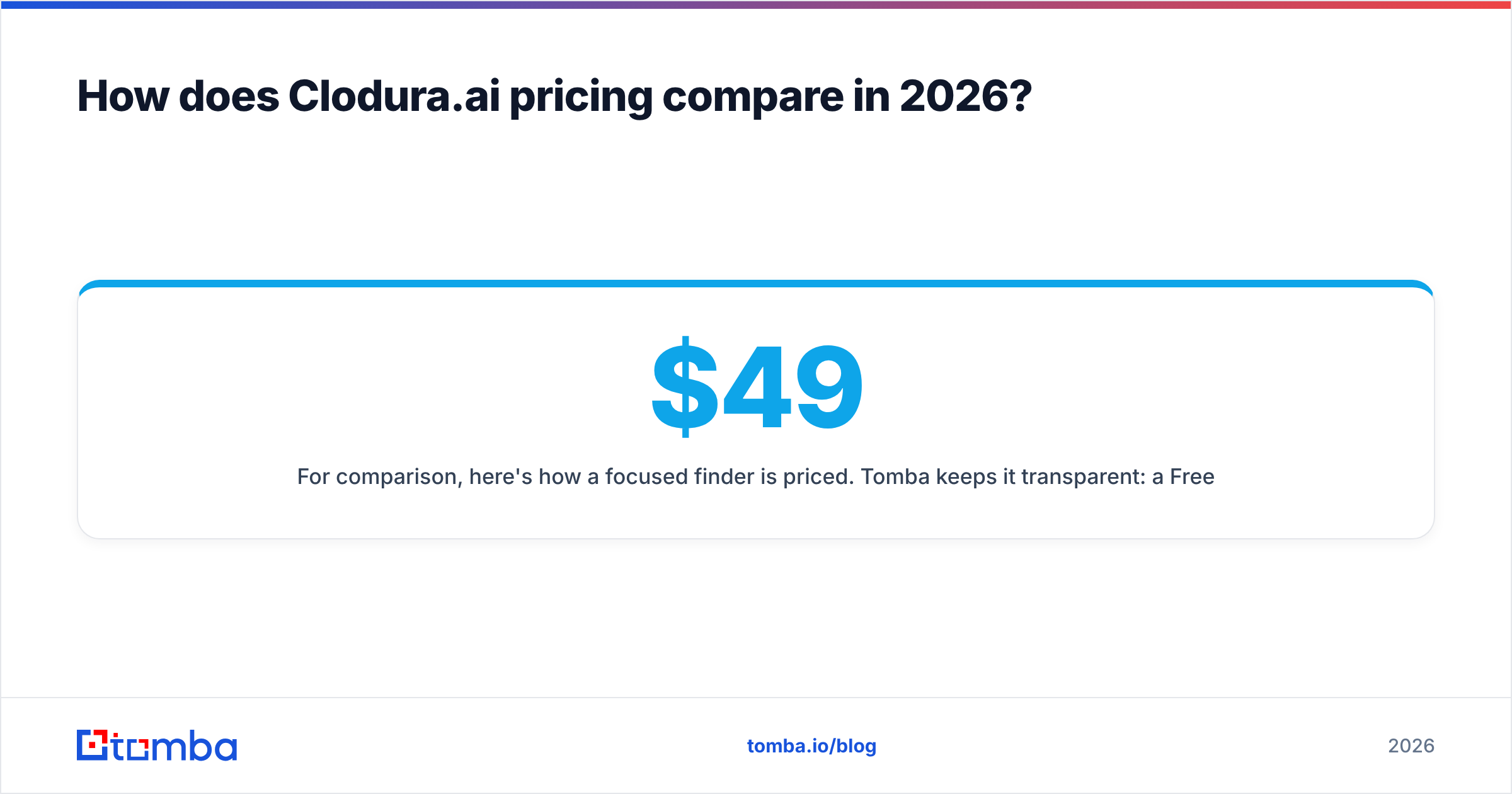
For comparison, here's how a focused finder is priced. Tomba keeps it transparent: a Free tier with 25 searches/month, Starter at $49/mo, Growth at $99/mo, Pro at $249/mo, and custom Enterprise. You can see the full breakdown on the Tomba pricing page. The point isn't that one is cheaper line-for-line. It's that you should map the features you'll actually use to dollars, instead of anchoring on a free tier or a headline bundle.
A simple budgeting exercise:
- Count real seats and monthly credits you need, not the plan's ceiling.
- Add a verification budget if your primary tool's accuracy is uneven — bounces cost more than credits.
- Check export caps on the tier you'd actually buy; throttled exports can force an upgrade you didn't plan for.
- Price the alternative split: a research tool plus a specialist bulk email finder is sometimes cheaper and cleaner than one premium bundle.
When should you choose Clodura.ai — and when not?#
Choose Clodura.ai if you are a small or mid-sized team that values one login over best-in-class depth. It fits best when you sell into US mid-market or tech, where its data is strongest, and you want intent signals and sequencing without buying three separate products. The consolidation is real, and for the right team it's worth the trade-offs.
Look elsewhere (or supplement) if your outbound lives or dies on deliverability, you target hard-to-reach senior leaders or non-US markets, or you already own a CRM and sequencer and only need a clean data layer. In those cases, bolting a dedicated finder and verifier onto your existing stack gives you more accuracy per dollar than swapping everything for an all-in-one.
A pragmatic hybrid that many teams land on:
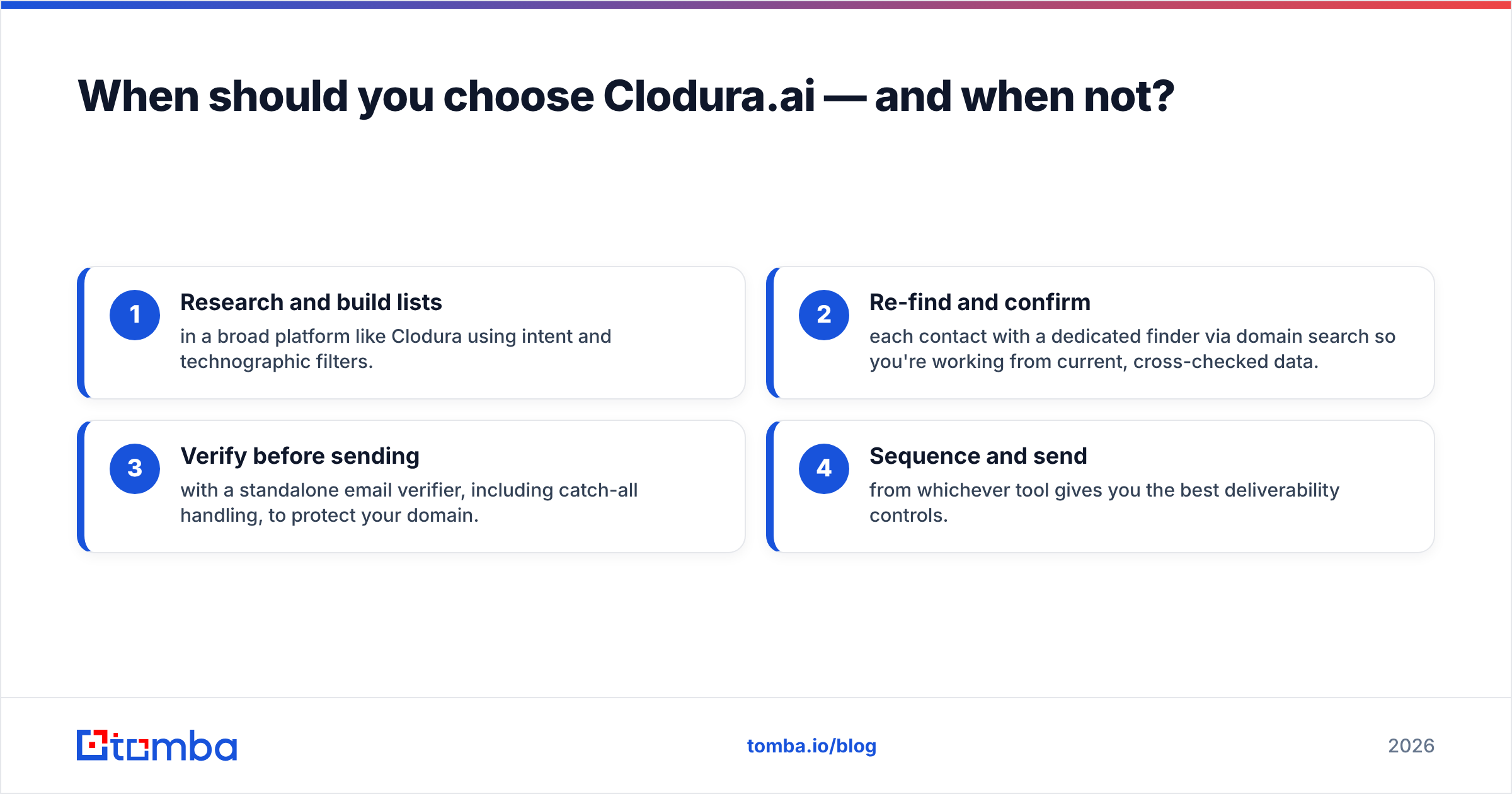
- Research and build lists in a broad platform like Clodura using intent and technographic filters.
- Re-find and confirm each contact with a dedicated finder via domain search so you're working from current, cross-checked data.
- Verify before sending with a standalone email verifier, including catch-all handling, to protect your domain.
- Sequence and send from whichever tool gives you the best deliverability controls.
This split keeps the research breadth Clodura is good at while removing the accuracy risk that comes with sending straight off any single database.
Frequently asked questions#
Is Clodura.ai worth it in 2026? For small teams wanting a research-plus-sequencing hub on one bill, yes — provided you budget for a verification pass. For accuracy-first outbound to tough segments, a specialist toolchain is the safer spend.
Does Clodura.ai have a free plan? Yes, there's a limited free tier that's good for evaluating the interface and data shape. The intent and bulk-export features that make it powerful sit on paid plans.
How accurate is Clodura.ai's email data? Solid in US mid-market and tech, uneven on niche, non-US, and senior-leadership records. Always verify a sample before trusting an export at scale.
Can I use Clodura.ai with my CRM? Yes — it offers integrations. But if you already run a mature CRM and sequencer, you may only need its data layer, not the whole platform.
The verdict#
Weighing the Cloduraai pros and cons comes down to one thing: the job you are hiring it for. Clodura.ai is a capable all-in-one that trades specialist depth for workflow breadth. Its database, direct dials, intent signals, and sequencing save small teams from juggling tools. That is the real pro. The real con is data accuracy that wobbles outside its core segments, plus pricing that climbs once you need the features that matter. Judge it as a research-and-launch hub, not a guarantee that every email lands.
If deliverability is your priority, pair your research tool with an accuracy-first finder. Tomba's Email Finder cross-checks multiple sources to surface verified work emails, with a free tier of 25 searches a month and Starter at $49/mo — so you can confirm and clean any list before it touches your sequencer. Start free, validate a sample against whatever database you use today, and let the bounce rate decide.
Ready to find emails that actually work?
Join 150,000+ professionals who stopped guessing and started sending. Free credits on signup — no credit card required.
Get the Tomba newsletter
Practical outbound tactics and product updates — once every two weeks.
About the author