Clodura.AI Reviews 2026: Features, Pricing & Best Alternatives
An honest, hands-on look at Clodura.AI in 2026 — data accuracy, pricing tiers, sequencing, and where leaner email-finder alternatives like Tomba win on cost and precision.
Choosing a B2B sales-intelligence platform is like buying a Swiss Army knife when you might only need a good scalpel. Clodura.AI bundles a contact database, email finder, sequencing, and intent data into one subscription. The question every buyer actually asks is simpler: does the data hold up, and is the bundle worth what you pay? These Clodura.AI reviews answer both with concrete numbers, not marketing copy.
TL;DR — Clodura.AI in one screen#
- What it is: An all-in-one B2B sales-intelligence suite — database (~600M+ contacts claimed), email finder/verifier, cadence builder, and buyer-intent signals.
- Best for: Small-to-mid sales teams that want database, outreach, and sequencing under one login and don't already own a CRM-native cadence tool.
- Where it struggles: Email accuracy on niche domains, UI learning curve, and per-seat pricing that climbs fast once you add sequencing volume.
- The honest trade-off: If you mostly need accurate emails and phone numbers — not a full cadence engine — a focused tool like the Tomba Email Finder usually delivers higher precision per dollar.
- Verdict: A capable generalist. Strong if you'll use every module; overkill (and overpriced) if you only need clean contact data.
What is Clodura.AI and who is it for?#
Clodura.AI is a sales-prospecting platform that tries to collapse three tools — a contact database, an email-finding/verification layer, and a sales-engagement cadence — into a single workflow. You search by company, title, technology, or location; pull contacts; verify them; then drop them into automated email sequences without leaving the app.
That bundling is the whole pitch. Instead of paying for a database vendor, a separate email verifier, and a cadence platform, you get one subscription. For a five-person team that hasn't standardized its stack yet, that consolidation is genuinely appealing.
The catch is the one every all-in-one faces: a jack-of-all-trades rarely beats a specialist at any single job. Clodura's database is broad but uneven by region. Its sequencing is functional but lighter than dedicated engagement platforms. And its email accuracy — the metric that actually determines whether your campaigns land — is good in bulk but inconsistent on smaller or international domains, which is exactly where a precision tool earns its keep.

How accurate is Clodura.AI's data in 2026?#
Accuracy is the only review metric that survives contact with a real campaign. A database that's 95% accurate on Fortune-500 domains can drop to 70% on regional SMBs, and your bounce rate — not the vendor's homepage — tells the true story.
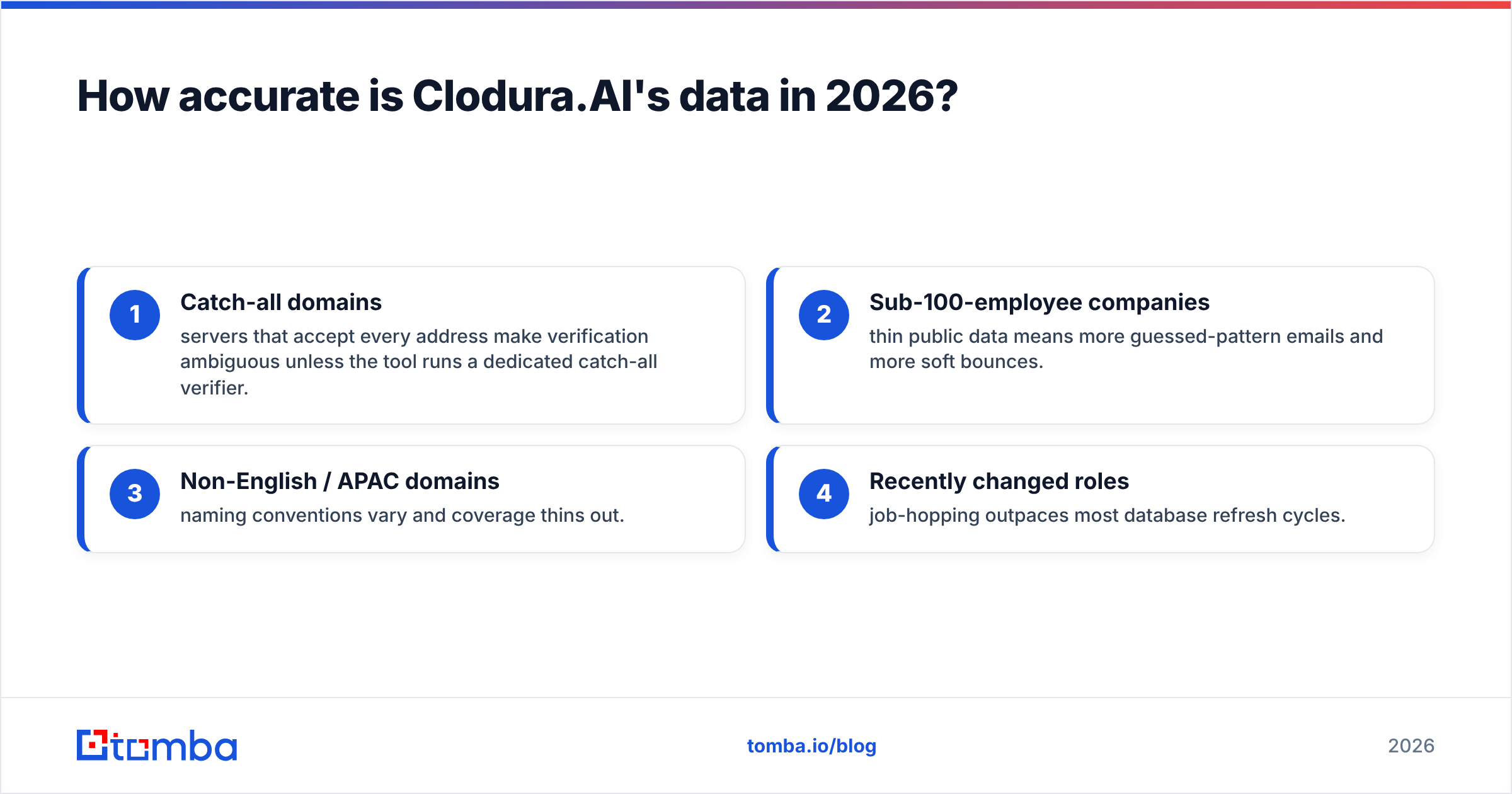
In practice, Clodura.AI performs well on large, well-indexed US and Western European companies, where public footprints are dense and patterns are easy to infer. It gets shakier on:
- Catch-all domains — servers that accept every address make verification ambiguous unless the tool runs a dedicated catch-all verifier.
- Sub-100-employee companies — thin public data means more guessed-pattern emails and more soft bounces.
- Non-English / APAC domains — naming conventions vary and coverage thins out.
- Recently changed roles — job-hopping outpaces most database refresh cycles.
The practical defense is the same regardless of vendor: always run a separate verification pass before you send. Don't trust any single provider's "verified" label at face value. Treating verification as a distinct step — even on data that arrives "pre-checked" — is what keeps your sender reputation intact and your domain off blocklists.
What features does Clodura.AI include?#
Here's the honest module-by-module breakdown, because "all-in-one" means each piece deserves its own scrutiny.
- Contact & company database — Search and filter a large B2B dataset by firmographics, tech stack, and title. Strong for building broad lists; weaker for surgical, hard-to-find targets.
- Email finder & verifier — Pulls work emails from the database and validates them. Solid in bulk, inconsistent on the edge cases above.
- Sales cadences — Multi-step email sequences with scheduling and basic A/B logic. Capable, but lighter than Outreach- or Salesloft-class engagement tools.
- Buyer intent & news alerts — Trigger signals (funding, hiring, tech changes) to time outreach. Useful as a prioritization layer, not a precision instrument.
- Direct dials / phone data — Phone coverage exists but varies by region — verify before your reps dial, much like you would with a dedicated phone validator.
The strength is integration: data flows into sequences without CSV gymnastics. The weakness is depth — no single module is best-in-class, and you're paying for all of them whether you use them or not.
How much does Clodura.AI cost?#
Clodura.AI uses tiered, per-seat pricing with credit allowances for finds and verifications, plus add-on costs as sequencing volume grows. Exact numbers shift, so confirm current figures on the vendor's own pricing page before you commit — but the structure matters more than the sticker.
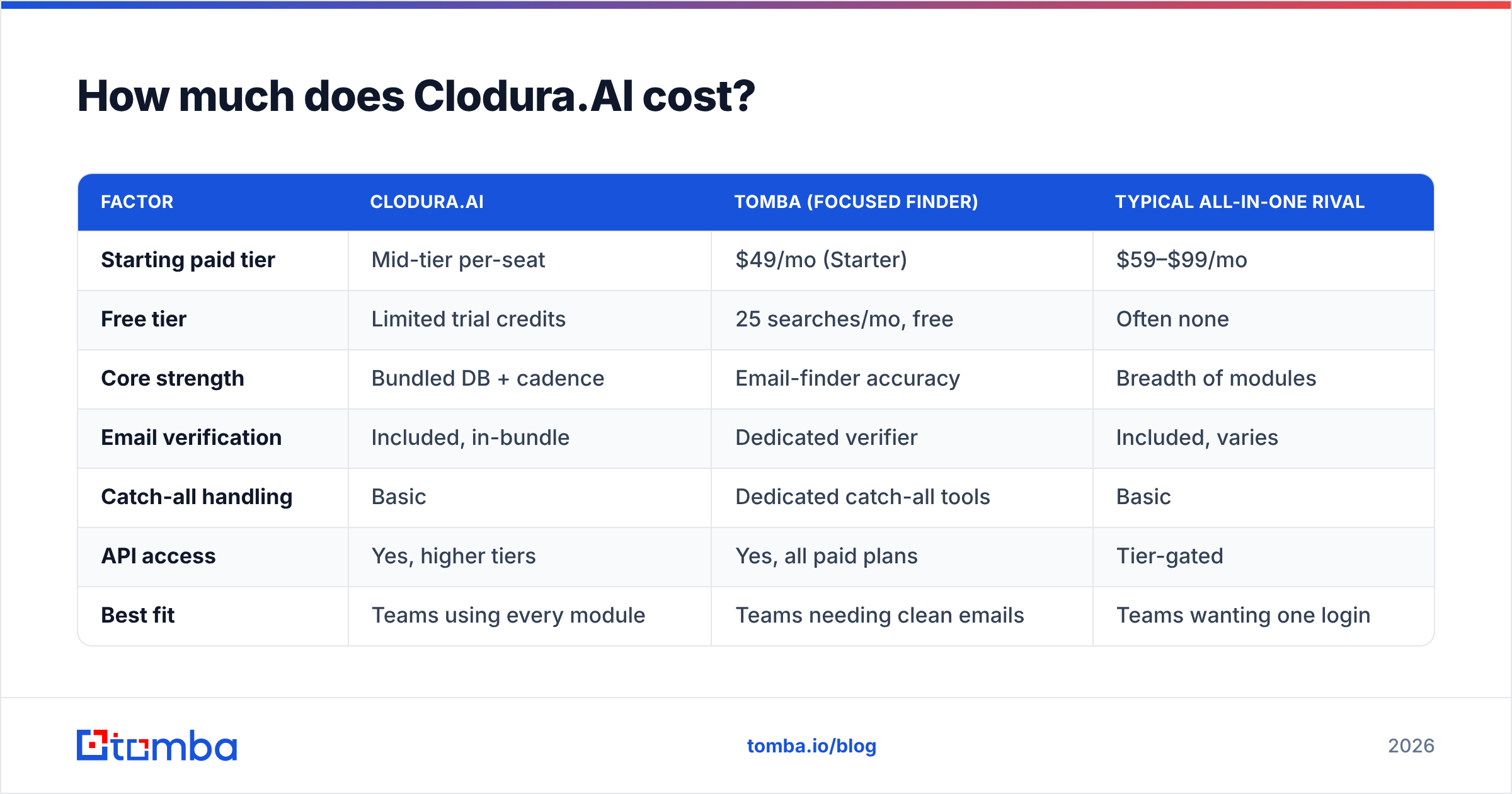
The table below frames Clodura against two reference points: a focused email-finder approach (Tomba) and a typical broad all-in-one competitor. Prices are representative starting tiers for 2026; verify each vendor directly.
| Factor | Clodura.AI | Tomba (focused finder) | Typical all-in-one rival |
|---|---|---|---|
| Starting paid tier | Mid-tier per-seat | $49/mo (Starter) | $59–$99/mo |
| Free tier | Limited trial credits | 25 searches/mo, free | Often none |
| Core strength | Bundled DB + cadence | Email-finder accuracy | Breadth of modules |
| Email verification | Included, in-bundle | Dedicated verifier | Included, varies |
| Catch-all handling | Basic | Dedicated catch-all tools | Basic |
| API access | Yes, higher tiers | Yes, all paid plans | Tier-gated |
| Best fit | Teams using every module | Teams needing clean emails | Teams wanting one login |
The pattern is clear. If you'll genuinely use the database, the sequencer, and the intent data every week, the bundle math can work. If your real need is "accurate emails I can trust," you're subsidizing modules you won't open. For reference, Tomba's tiers run Free (25 searches), Starter $49/mo, Growth $99/mo, and Pro $249/mo — priced around the one job of finding and verifying contacts rather than the whole suite.
Is Clodura.AI better than a focused email finder?#
It depends on what breaks your workflow today. Conclusion first: if outreach volume and sequencing are your bottleneck, Clodura's bundle helps; if data quality and cost-per-accurate-email are your bottleneck, a specialist wins.
Think of it like a gym membership versus a personal trainer. The all-in-one gym (Clodura) gives you every machine under one fee — great if you use the whole floor. The trainer (a focused tool) does one thing with measurably better results. Most early-stage teams overestimate how many machines they'll touch.
Where a dedicated finder pulls ahead:
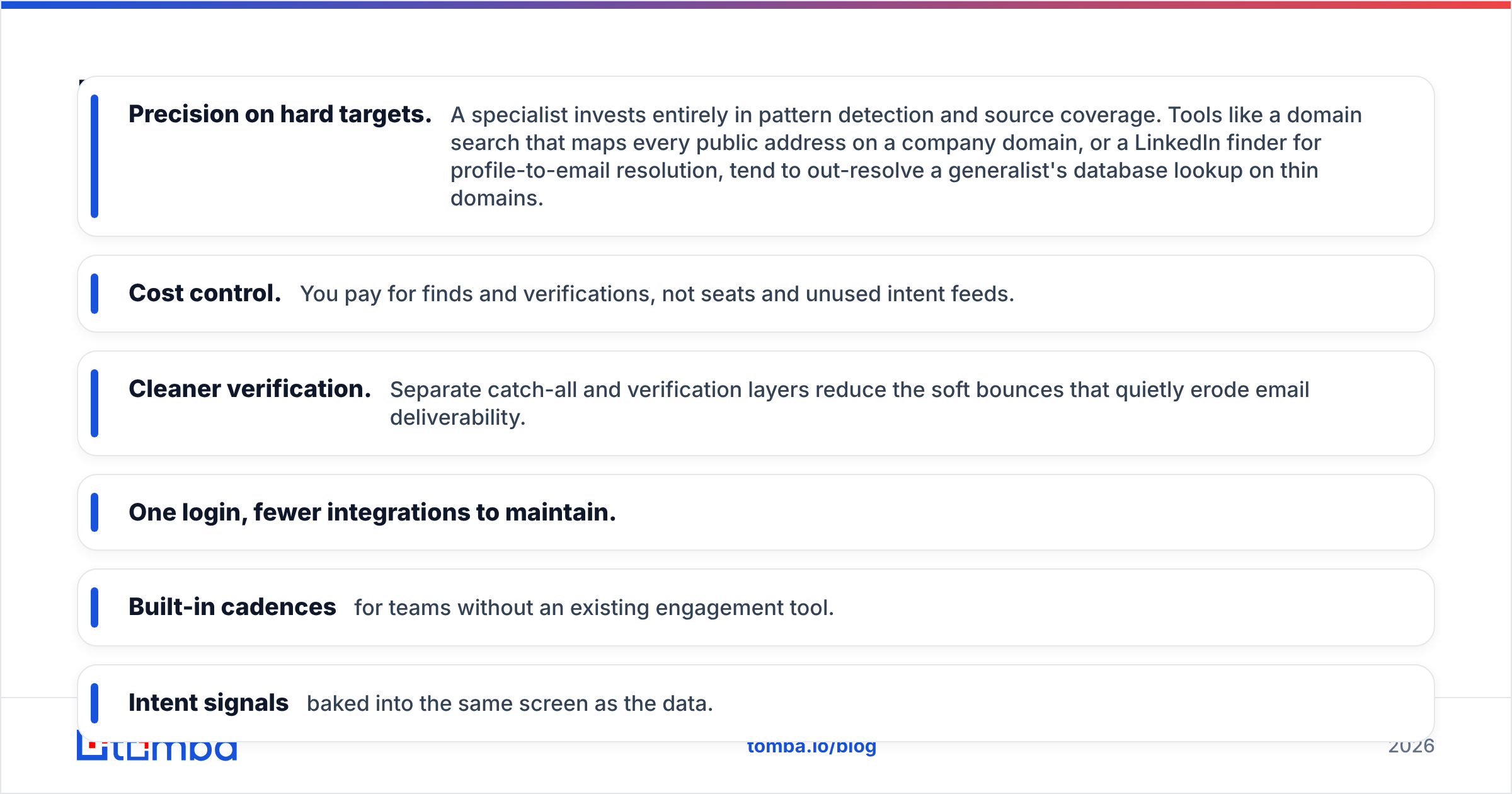
- Precision on hard targets. A specialist invests entirely in pattern detection and source coverage. Tools like a domain search that maps every public address on a company domain, or a LinkedIn finder for profile-to-email resolution, tend to out-resolve a generalist's database lookup on thin domains.
- Cost control. You pay for finds and verifications, not seats and unused intent feeds.
- Cleaner verification. Separate catch-all and verification layers reduce the soft bounces that quietly erode email deliverability.
Where Clodura pulls ahead:
- One login, fewer integrations to maintain.
- Built-in cadences for teams without an existing engagement tool.
- Intent signals baked into the same screen as the data.

What do real Clodura.AI reviews say?#
Aggregated user sentiment on platforms like G2 and Capterra clusters around a consistent few themes — worth reading before any vendor demo frames the narrative for you.
Common praise:
- Good value when the full suite is used — consolidation saves on tool sprawl.
- Helpful support and onboarding for smaller teams.
- Intent and trigger alerts that genuinely improve outreach timing.
Common criticism:
- Email accuracy dips on niche, SMB, and international domains — the recurring complaint.
- UI has a learning curve; the breadth of features can overwhelm new users.
- Credit limits and per-seat costs that escalate faster than expected at scale.
- Occasional stale records on fast-moving roles.
None of this disqualifies Clodura. It confirms the all-in-one trade-off: breadth bought at the cost of best-in-class depth in any one area. Read reviews with your own use case in mind — a team living in sequences weighs accuracy complaints differently than a team that just needs a clean export.
How to get the most accurate data — whatever tool you pick#
The smartest buyers don't religiously pick one vendor. They build a verification habit that protects every campaign:
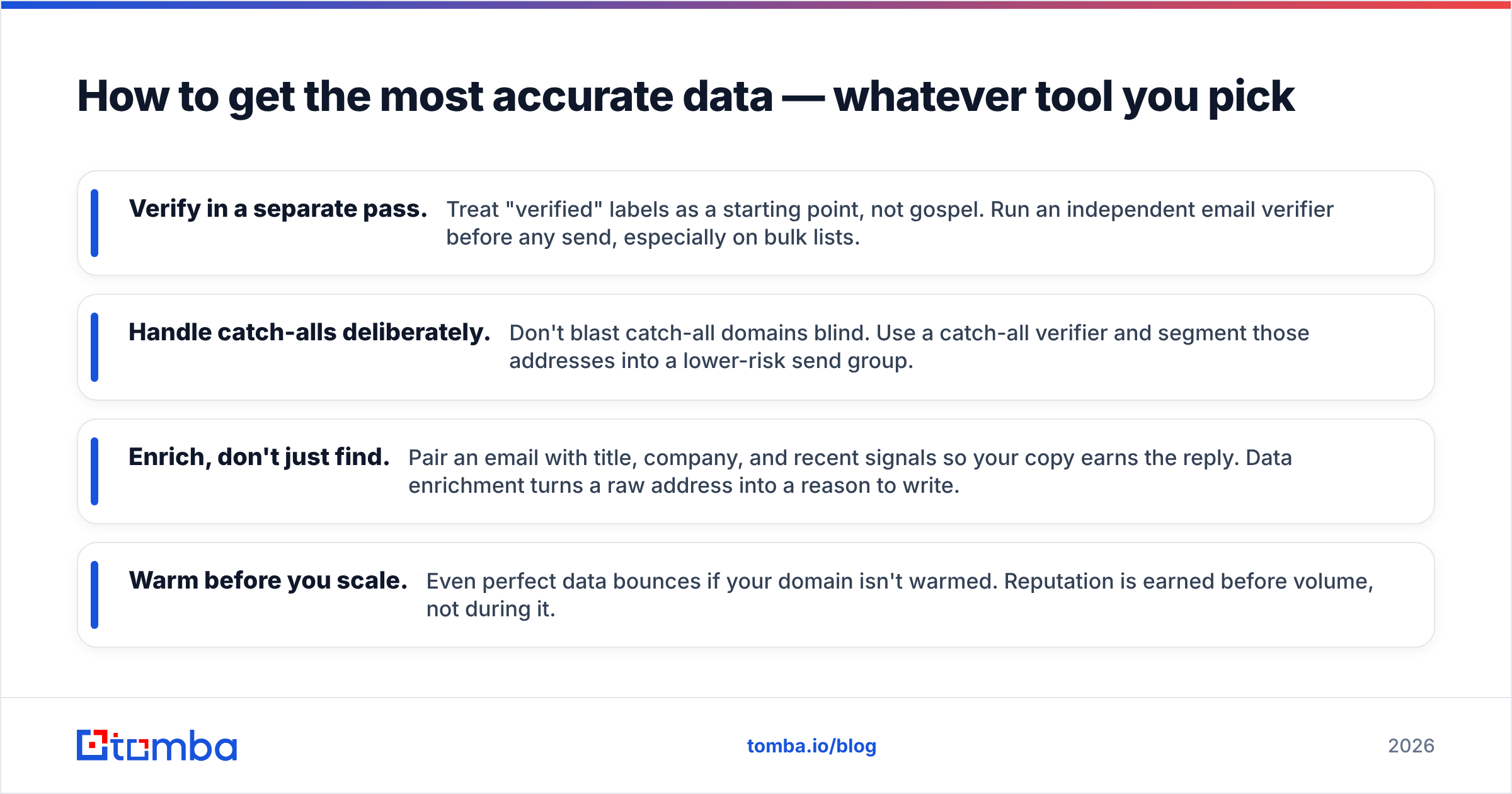
- Verify in a separate pass. Treat "verified" labels as a starting point, not gospel. Run an independent email verifier before any send, especially on bulk lists.
- Handle catch-alls deliberately. Don't blast catch-all domains blind. Use a catch-all verifier and segment those addresses into a lower-risk send group.
- Enrich, don't just find. Pair an email with title, company, and recent signals so your copy earns the reply. Data enrichment turns a raw address into a reason to write.
- Warm before you scale. Even perfect data bounces if your domain isn't warmed. Reputation is earned before volume, not during it.
This is also where a focused finder fits cleanly alongside Clodura rather than against it: use the suite for discovery and sequencing, and layer a precision verification step on top to cut bounces.

Clodura.AI alternatives worth comparing#
No single tool is universally right. Depending on your bottleneck, weigh these angles:
| If your priority is… | Look for… |
|---|---|
| Maximum email accuracy per dollar | A dedicated email finder + verifier |
| Bulk list building at scale | A deep B2B database with strong filters |
| Heavy multi-step sequencing | A specialized sales-engagement platform |
| Tight budget, low volume | A tool with a real free tier and pay-as-you-go finds |
| Developer/automation workflows | A clean, well-documented email finder API |
For teams whose real need is accurate, verifiable contact data without the suite tax, Tomba sits in the "maximum accuracy per dollar" row — a focused finder with a free tier, transparent Tomba pricing, and verification built around precision rather than breadth. For broader database-and-cadence needs, Clodura remains a legitimate contender if you'll use the whole thing.
Frequently asked questions#
Is Clodura.AI worth it in 2026? Yes, if your team will actively use the database, sequencing, and intent modules together. If you mainly need accurate emails, a focused finder gives better accuracy per dollar.
How accurate is Clodura.AI's email data? Strong on large US/EU domains, weaker on SMB, catch-all, and international targets. Always run an independent verification pass before sending, regardless of vendor.
Does Clodura.AI have a free plan? It offers limited trial credits rather than a generous perpetual free tier. By contrast, Tomba's free tier includes 25 searches per month.
What's the best Clodura.AI alternative for email finding? For pure email-finding accuracy and cost control, a dedicated tool like Tomba's email finder is the most common swap. For database breadth, compare full B2B data providers.
The bottom line#
Clodura.AI is a competent all-in-one that rewards teams who use every module and frustrates those who only need part of it. The recurring review theme — good breadth, uneven email accuracy — is the predictable cost of bundling. Your decision comes down to one honest question: are you buying a suite, or are you buying accurate contacts?
If it's the latter, stop paying for modules you won't open. Start with the Tomba Email Finder — find professional email addresses by domain, name, or company, verify them in the same workflow, and keep your bounce rate and sender reputation where they belong. Test it free with 25 searches a month, then scale on the plan that matches your volume — not your tool sprawl.
// get started
Find, verify and enrich your first contacts today
Start on the free plan with 25 searches a month, then scale when your team is ready.
Free plan · No credit card required · GDPR & CCPA
// about the author