Clodura.ai vs FinalScout 2026: Which Email Finder Wins?
A neutral, hands-on breakdown of Clodura.ai vs FinalScout in 2026 — database depth, email accuracy, pricing, and where each tool actually fits your outbound stack.
TL;DR
- Clodura.ai is a full prospecting suite — a 600M+ contact database, direct dials, buyer intent, and built-in email sequencing. It wins when you want one platform to find and work leads.
- FinalScout is a focused LinkedIn email finder with a ChatGPT-style writer and a "valid email" deliverability promise. It wins when LinkedIn is your only sourcing channel.
- On raw email accuracy, both lean on pattern guessing plus verification; neither consistently beats a dedicated finder with live SMTP checks.
- Pricing favors FinalScout for solo LinkedIn prospectors; Clodura.ai costs more but bundles dialing, intent, and CRM workflows.
- If your real bottleneck is clean, verified emails at scale across any domain, a specialist finder like Tomba Email Finder is the cheaper, more accurate core — and you bolt sequencing on top.
If you are comparing Clodura.ai vs FinalScout, you are really asking one question: do I want an all-in-one prospecting database, or a lightweight LinkedIn-to-email tool? This guide answers that with concrete features, pricing, and accuracy notes — no marketing gloss.
What is Clodura.ai?#
Clodura.ai positions itself as an AI-powered sales prospecting platform, not just an email finder. Think of it as a hardware store rather than a single tool: you walk in for emails, but you leave with phone numbers, org charts, buyer-intent signals, and a sequencing engine.
The core pieces:
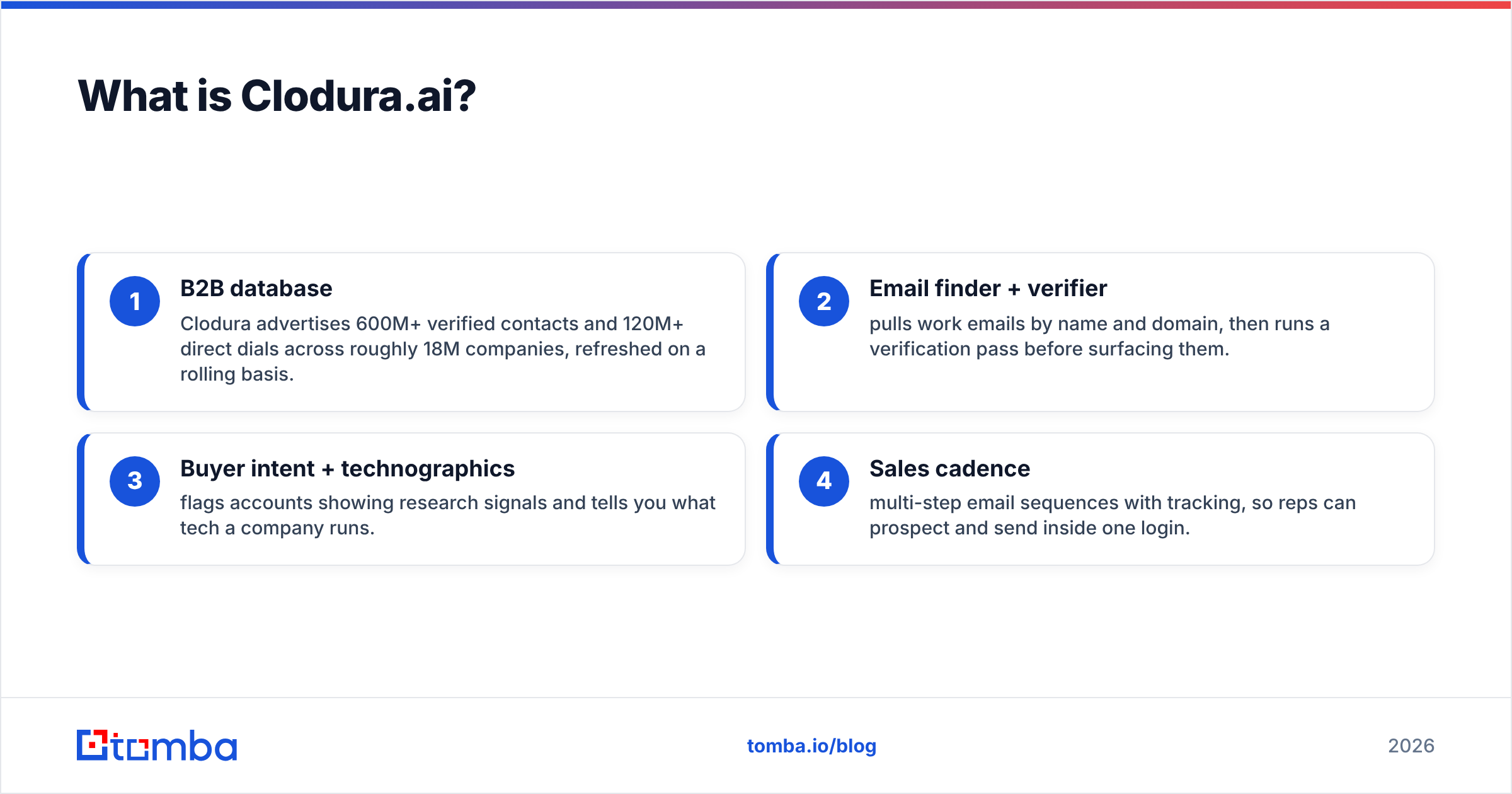
- B2B database — Clodura advertises 600M+ verified contacts and 120M+ direct dials across roughly 18M companies, refreshed on a rolling basis.
- Email finder + verifier — pulls work emails by name and domain, then runs a verification pass before surfacing them.
- Buyer intent + technographics — flags accounts showing research signals and tells you what tech a company runs.
- Sales cadence — multi-step email sequences with tracking, so reps can prospect and send inside one login.
That breadth is the selling point. For a team that hates stitching five tools together, Clodura collapses sourcing, enrichment, and first-touch into a single dashboard. The trade-off is that no single module is best-in-class — the database is broad but uneven outside North America, and the sequencing is functional rather than something that replaces a dedicated platform like Outreach.

What is FinalScout?#
FinalScout is the opposite philosophy: do one job well. It is a LinkedIn-first email finder that extracts verified work emails from profiles, Sales Navigator searches, and company pages, then helps you write outreach with an AI assistant.
The headline feature is its "99% deliverability" claim — FinalScout only returns emails it believes will not bounce, and markets a guarantee around that. For a solo founder or recruiter living inside LinkedIn, that simplicity is attractive: install the extension, open a profile, get an email, draft a message.
Where FinalScout is thin: there is no real intent data, no phone/dialer layer, and the database outside of LinkedIn-sourced contacts is limited. It is a finder and a writer, not a prospecting platform. If LinkedIn is not your primary channel, a large chunk of FinalScout's value disappears.

Clodura.ai vs FinalScout: feature comparison#
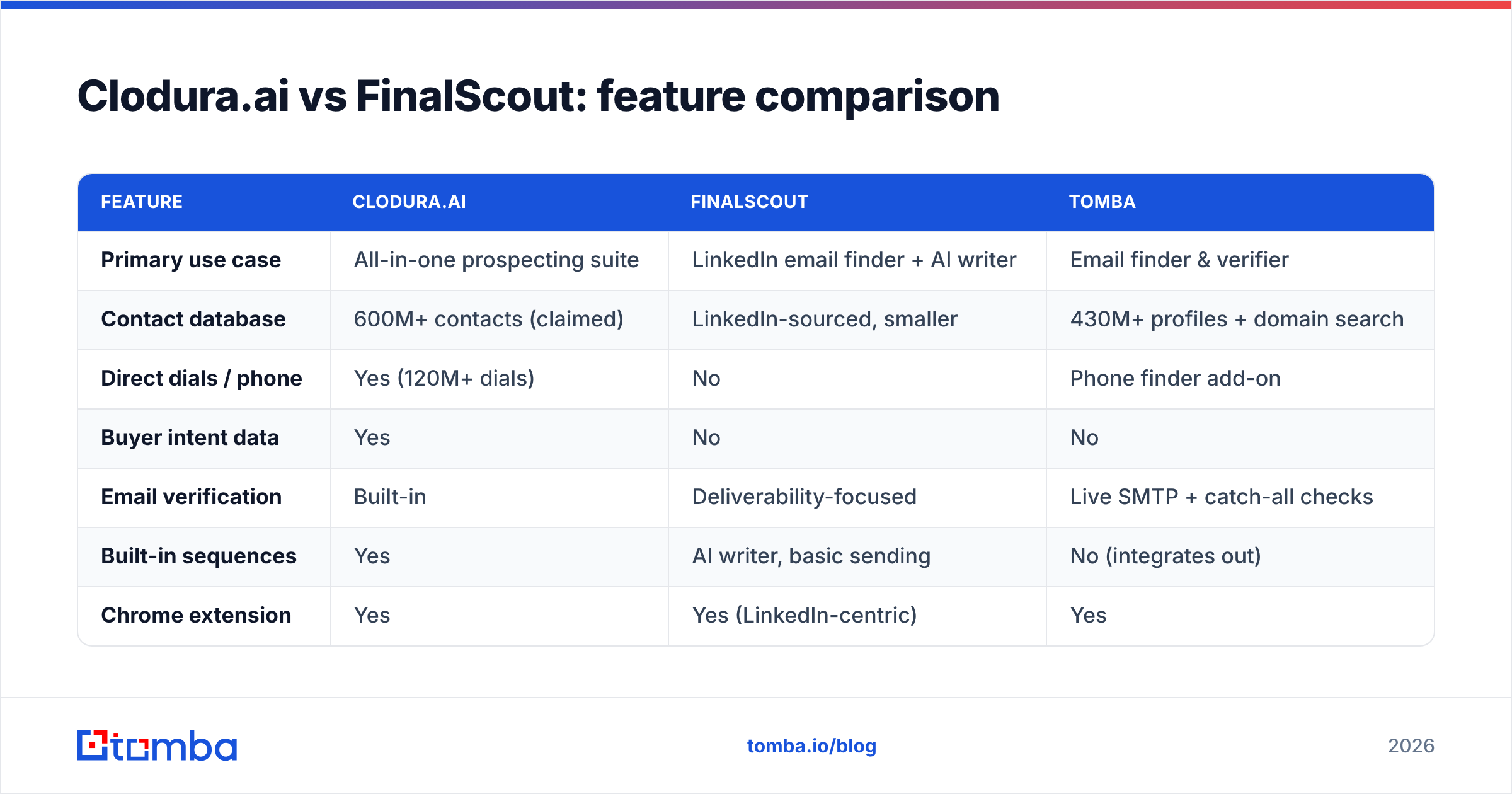
Here is the side-by-side. Treat vendor-published database and accuracy numbers as marketing claims, not audited benchmarks — always validate on your own list before committing budget.
| Feature | Clodura.ai | FinalScout | Tomba |
|---|---|---|---|
| Primary use case | All-in-one prospecting suite | LinkedIn email finder + AI writer | Email finder & verifier |
| Contact database | 600M+ contacts (claimed) | LinkedIn-sourced, smaller | 430M+ profiles + domain search |
| Direct dials / phone | Yes (120M+ dials) | No | Phone finder add-on |
| Buyer intent data | Yes | No | No |
| Email verification | Built-in | Deliverability-focused | Live SMTP + catch-all checks |
| Built-in sequences | Yes | AI writer, basic sending | No (integrates out) |
| Chrome extension | Yes | Yes (LinkedIn-centric) | Yes |
| API access | Yes | Limited | Full REST API + bulk |
| Free tier | Limited free plan | Free credits | 25 searches/mo free |
| Starting paid price | ~$33/user/mo (annual) | ~$35/mo | $49/mo |
A few honest takeaways from the table:
- Clodura is the only one of the three that bundles intent + dials + sequencing. If you want a single seat to replace three tools, that is the column to read.
- FinalScout is the cheapest entry point for pure LinkedIn email finding, but its scope is narrow by design.
- A specialist finder focuses budget on the one thing every outbound motion depends on — a deliverable address — via email verification with live SMTP and catch-all verification, rather than spreading credits across modules you may not use.

Is Clodura.ai better than FinalScout for email accuracy?#
Short answer: it depends on the domain, and neither is a clear winner on accuracy alone.
Both tools build emails the same fundamental way — guess the pattern (first.last@, f.last@, etc.) from known company formats, then verify. The difference is in the verification rigor and the data freshness behind the guess.
- Clodura verifies in bulk and leans on its large database, so common corporate domains resolve well. Accuracy dips on smaller companies, non-US regions, and catch-all domains, where servers accept every address and break simple SMTP checks.
- FinalScout is conservative — it would rather return nothing than a risky email, which is why its deliverability claim holds up. The cost is coverage: you get fewer emails, and many LinkedIn profiles return blanks.
This is the accuracy trap with every finder: a tool can look "99% accurate" simply by refusing to answer on hard cases. High deliverability with low coverage is not the same as a tool that finds and validates the difficult addresses. When you evaluate any finder, measure two numbers together — hit rate (how often it returns an email) and bounce rate (how often that email is dead).
This is exactly where a dedicated finder earns its place. Tomba's approach combines pattern intelligence with live SMTP verification and explicit catch-all verifier handling, so you get a confidence score instead of a silent blank. You can read more about where Tomba gets its data if sourcing transparency matters to your compliance team — and it should, given GDPR and CCPA exposure. For third-party validation of any vendor's claims, cross-check reviews on G2 before you trust a published accuracy figure.
How does pricing compare in 2026?#
Pricing is where the two tools diverge sharply, because you are paying for fundamentally different scopes.
FinalScout is built for individuals. Its plans scale by the number of emails you find per month, with a free tier to test and paid tiers landing in the ~$35–$110/mo range for solo and small-team usage. There are no per-seat dialer or intent costs because those features do not exist — what you see is what you pay for.
Clodura.ai prices per user and unlocks the suite. Entry plans start lower than you might expect (around $33/user/mo billed annually), but the modules that justify the platform — full intent data, higher credit ceilings, and team features — sit on higher tiers. For a 3–5 person team wanting the whole machine, real spend climbs quickly.
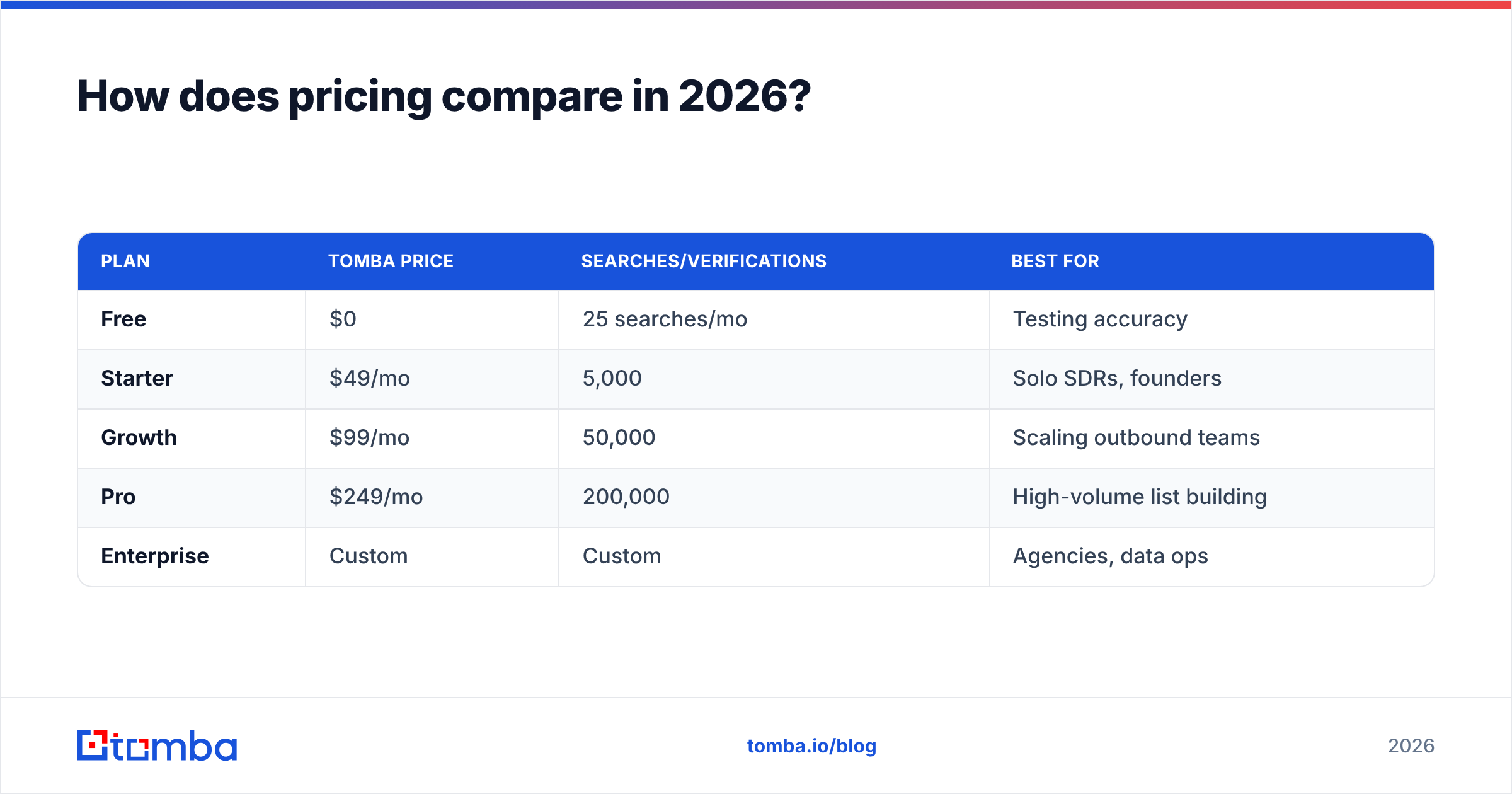
Here is how a focused finder fits alongside them. Tomba's pricing is credit-based and channel-agnostic:
| Plan | Tomba price | Searches/Verifications | Best for |
|---|---|---|---|
| Free | $0 | 25 searches/mo | Testing accuracy |
| Starter | $49/mo | 5,000 | Solo SDRs, founders |
| Growth | $99/mo | 50,000 | Scaling outbound teams |
| Pro | $249/mo | 200,000 | High-volume list building |
| Enterprise | Custom | Custom | Agencies, data ops |
The strategic point: if your spend on Clodura or FinalScout is mostly going toward finding and verifying emails, you are often overpaying for bundled features you do not touch. Splitting the stack — a cheap, accurate finder for the data layer plus your existing CRM or sequencer — frequently costs less than one all-in-one seat.
Which tool fits which team?#
Match the tool to your motion, not to the longest feature list.
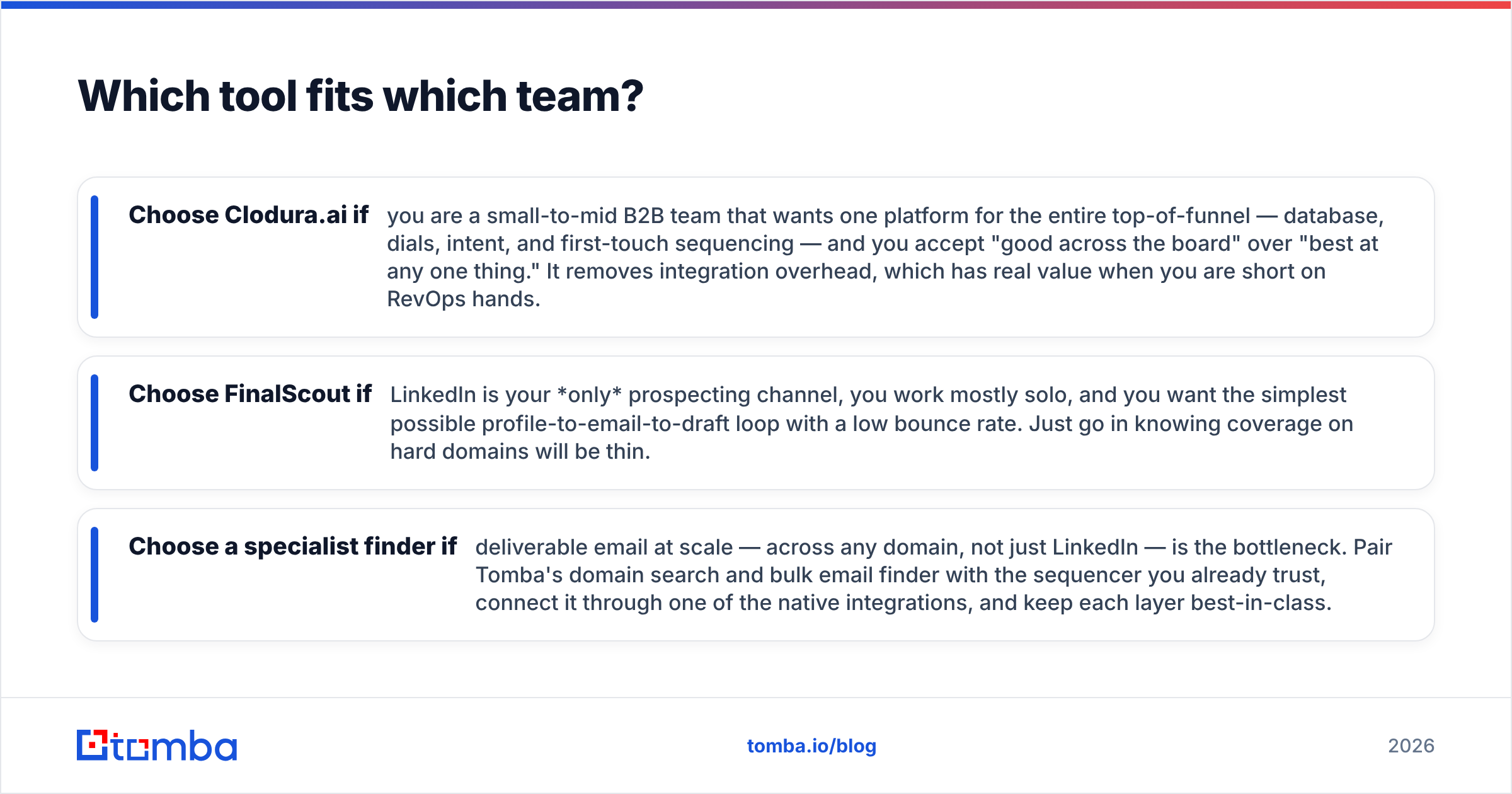
- Choose Clodura.ai if you are a small-to-mid B2B team that wants one platform for the entire top-of-funnel — database, dials, intent, and first-touch sequencing — and you accept "good across the board" over "best at any one thing." It removes integration overhead, which has real value when you are short on RevOps hands.
- Choose FinalScout if LinkedIn is your only prospecting channel, you work mostly solo, and you want the simplest possible profile-to-email-to-draft loop with a low bounce rate. Just go in knowing coverage on hard domains will be thin.
- Choose a specialist finder if deliverable email at scale — across any domain, not just LinkedIn — is the bottleneck. Pair Tomba's domain search and bulk email finder with the sequencer you already trust, connect it through one of the native integrations, and keep each layer best-in-class.
A practical hybrid many teams land on: use Clodura or your CRM for account discovery and intent, then route every contact through a dedicated finder and email verifier before it ever hits a sequence. That single verification step protects your sender reputation and is the cheapest insurance against the deliverability cliff that kills cold campaigns. HubSpot's own research on email deliverability underscores why list hygiene, not volume, drives reply rates.
Common questions about Clodura.ai vs FinalScout#
Is FinalScout's 99% deliverability claim real? It is plausible because FinalScout is conservative — it withholds risky emails, which keeps measured bounce rates low. The hidden cost is coverage: you find fewer emails overall. Always judge a finder on hit rate and bounce rate together.
Does Clodura.ai work outside North America? Its database is strongest in the US and reasonable in Western Europe, but coverage and accuracy thin out in APAC, LATAM, and smaller markets. Test on your actual target geography before committing.
Can I use either tool just for emails and ignore the rest? With FinalScout, yes — that is essentially its whole product. With Clodura you can, but you would be paying suite pricing for one module, which rarely makes financial sense versus a focused finder.
Do these tools replace a verifier? Not fully. Both verify at find-time, but lists decay 2–3% per month as people change jobs. Re-verify before each send with a tool that handles catch-all domains explicitly.
The bottom line#
Clodura.ai and FinalScout solve different problems. Clodura is a broad prospecting suite for teams that want everything in one login; FinalScout is a lean LinkedIn email finder for solo operators who value simplicity and low bounce rates. Neither is "the best email finder" in the absolute sense — they are the best fit for specific workflows.
If the thing you actually need is accurate, verified email across every domain your reps target — not just the ones with rich LinkedIn profiles — start with the data layer and build out. Try Tomba Email Finder free with 25 searches a month, validate the accuracy on your own list, and keep your sequencer and CRM exactly as they are. Get the foundation right, and every tool downstream works better.
// get started
Find, verify and enrich your first contacts today
Start on the free plan with 25 searches a month, then scale when your team is ready.
Free plan · No credit card required · GDPR & CCPA
// about the author