Clodura.ai vs Mailshunt 2026: Which B2B Tool Wins?
Clodura.ai is a sales-intelligence database; Mailshunt is a cold-email sender. We compare features, pricing, and data quality so you pick the right stack in 2026.
You are probably comparing Clodura.ai vs Mailshunt because you want one platform to do everything: find prospects, get their emails, and send the campaign. Here is the blunt answer before the details.
TL;DR
- Clodura.ai is a sales-intelligence and prospecting database — its job is to find accounts and contacts, surface buying signals, and hand you a list.
- Mailshunt is a cold-email sending and email-marketing tool — its job is to deliver campaigns, rotate inboxes, and automate follow-ups.
- They are not true competitors. Most teams that "compare" them actually need one of each, plus a verification layer in between.
- On raw contact-data accuracy, neither is built primarily as an email-finder — that is where a dedicated tool like the Tomba Email Finder earns its place in the stack.
- If you only have budget for one paid tool right now, choose based on your bottleneck: no list = Clodura, no sending engine = Mailshunt.
What is Clodura.ai?#
Clodura.ai is a B2B sales-intelligence platform. Think of it as a giant, searchable phone book of companies and decision-makers, layered with intent data. You filter by industry, headcount, technology stack, or job title, and it returns a list of accounts and the people inside them. It also bundles basic email-finding, an email verifier, a built-in dialer, and lightweight sequencing.
The pitch is "all-in-one prospecting." That breadth is genuinely useful for a small team that does not want five subscriptions. The trade-off is that each module is good-enough rather than best-in-class — the database is the strong part, and the outreach features are convenience add-ons.
Clodura leans heavily on its claimed contact volume and direct-dial coverage. If your motion is account-based and you live in filters and org charts, that is the appeal. You can read independent user feedback on platforms like G2 before committing.
What is Mailshunt?#
Mailshunt is a cold-email and email-marketing sending tool. Its job starts after you already have a list. You import contacts, write a sequence, connect sending accounts, and Mailshunt handles delivery, inbox rotation, automated follow-ups, and reply tracking.
In other words, Mailshunt is the engine, not the fuel. It does not pretend to be a prospecting database. Its value is in deliverability mechanics: spreading volume across mailboxes, scheduling sends to look human, and keeping campaigns out of spam folders. If you already buy or build your lists elsewhere, a dedicated sender like this is exactly what you want — and you should pair it with strong email deliverability hygiene to protect your domain.
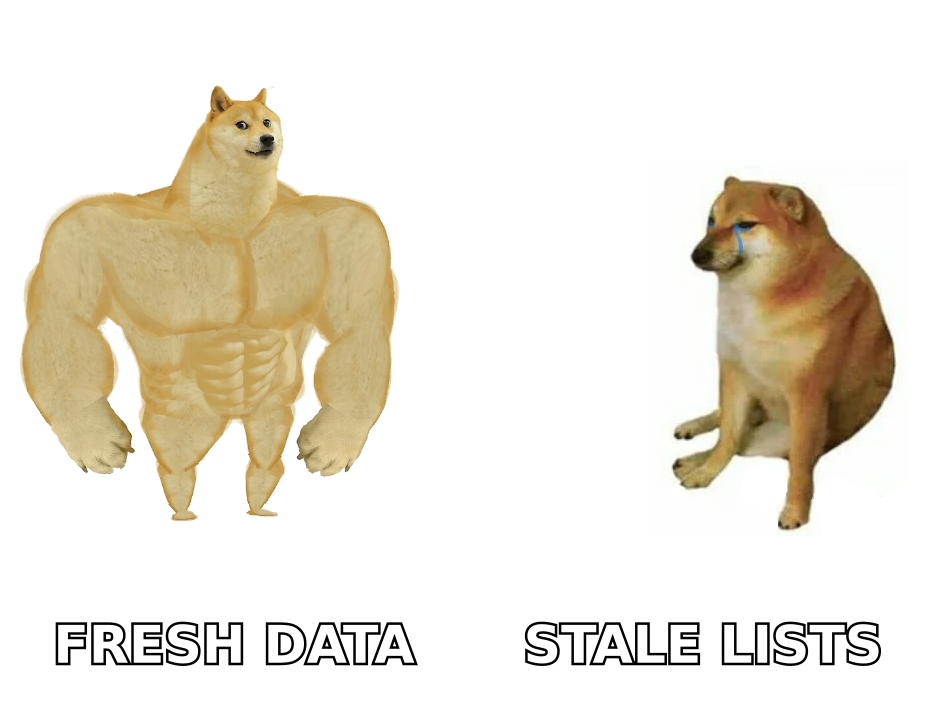
Clodura.ai vs Mailshunt: how do they actually compare?#
Here is the core distinction in one table. Notice that most rows are not head-to-head — they are complementary.
| Attribute | Clodura.ai | Mailshunt |
|---|---|---|
| Primary job | Find accounts & contacts | Send cold-email campaigns |
| Category | Sales intelligence / database | Email sending & marketing |
| Contact database | Yes (large claimed volume) | No |
| Email finding | Built-in (secondary feature) | No |
| Email verification | Basic, bundled | Limited / relies on import quality |
| Inbox rotation | Limited | Yes (core strength) |
| Automated follow-ups | Basic sequencing | Yes (core strength) |
| Intent / buying signals | Yes | No |
| Best for | Building the prospect list | Delivering to the list |
The takeaway: comparing them feels like comparing a grocery store to an oven. One gives you ingredients; the other cooks. The real question is not "which is better" but "which gap am I filling?"
Where each one is the clear winner#
To make the decision concrete, here is who should pick what:
- Choose Clodura.ai if your bottleneck is finding people — you have a sender already, or you mostly run account-based plays and need filters, org charts, and intent signals.
- Choose Mailshunt if your bottleneck is delivery — you already have clean lists from a database or scraping, and you keep landing in spam or want multi-inbox volume.
- Choose both if you are scaling outbound and want a dedicated source and a dedicated sender, rather than one tool doing both at 70%.
- Choose neither (yet) if your real problem is data accuracy — bounced emails and wrong contacts. That is a verification and email-finding problem, and it is worth solving first.
Which one has better data quality?#
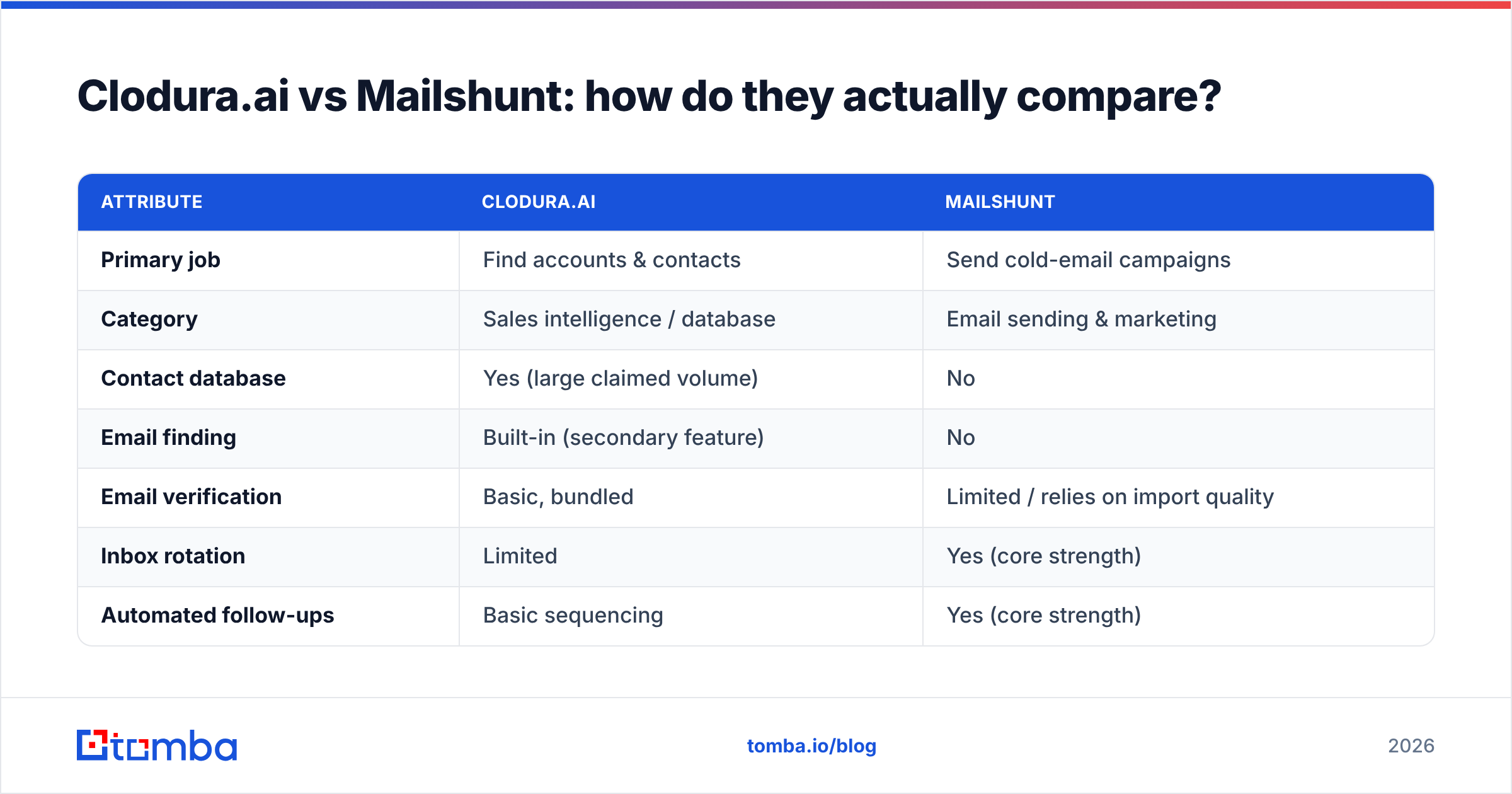
Neither tool was built as a specialist email finder, and that matters. Clodura includes email finding as a feature of its database, and Mailshunt depends almost entirely on the quality of whatever list you import. If the underlying data is wrong, Mailshunt will faithfully deliver your message to a dead inbox — and your bounce rate will punish your domain.
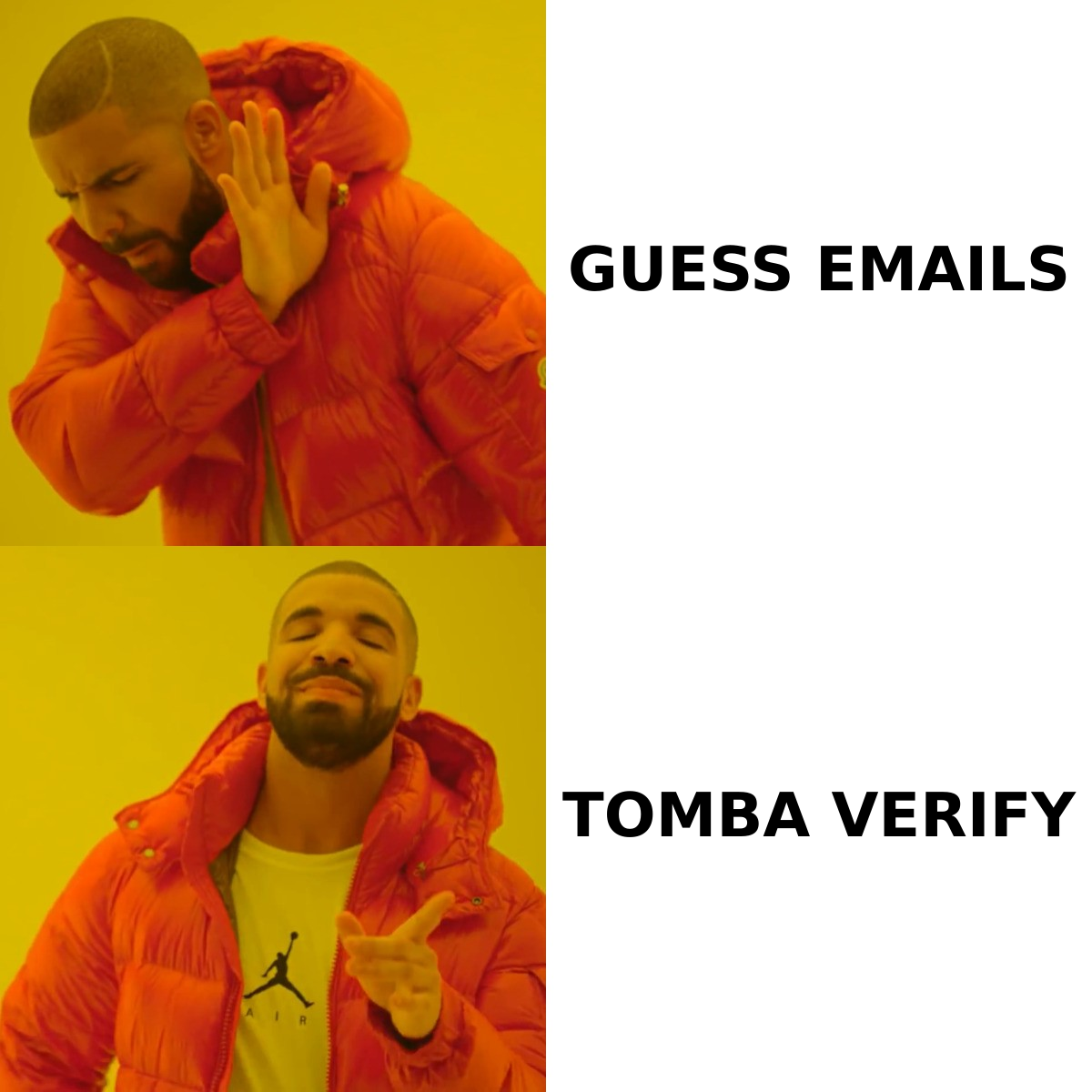
This is the trap teams fall into. They buy an all-in-one or a sender, run a campaign, and watch 15–25% of emails bounce. The fix is not a different sender; it is a clean, verified list. Running contacts through a dedicated email verifier before they ever touch Mailshunt protects your sender reputation and keeps deliverability high.
For sourcing the emails themselves, a focused tool finds addresses by name and company domain with verification baked in. You can also run a domain search to pull every public email pattern at a target company — useful when Clodura's coverage is thin for a specific niche or region.
A practical accuracy stack#
A reliable 2026 outbound stack usually looks like three layers, not one:
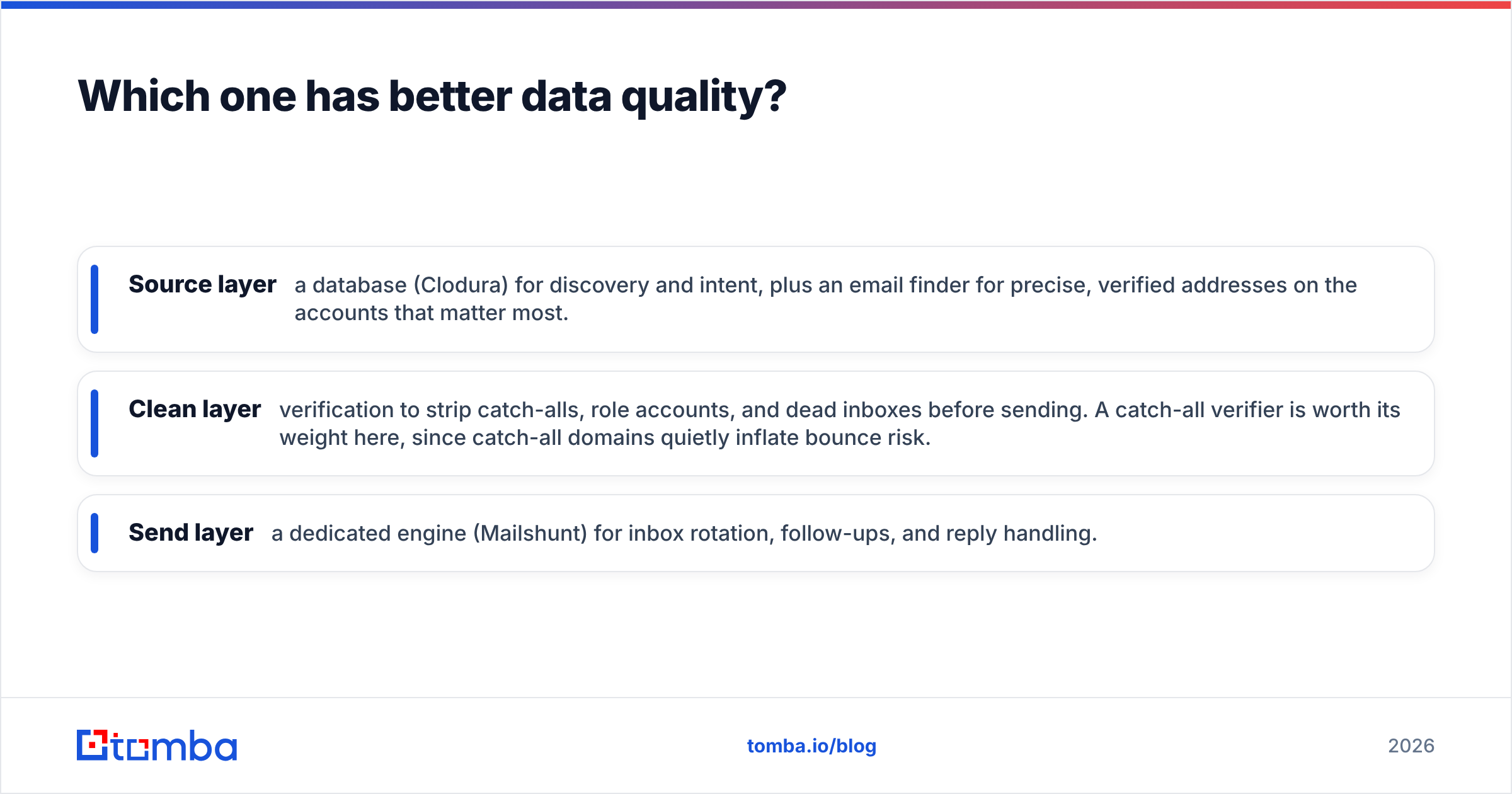
- Source layer — a database (Clodura) for discovery and intent, plus an email finder for precise, verified addresses on the accounts that matter most.
- Clean layer — verification to strip catch-alls, role accounts, and dead inboxes before sending. A catch-all verifier is worth its weight here, since catch-all domains quietly inflate bounce risk.
- Send layer — a dedicated engine (Mailshunt) for inbox rotation, follow-ups, and reply handling.
Skip the clean layer and the other two layers underperform no matter how good they are.
How does pricing compare?#
Both tools price by usage tier, and both publish entry plans aimed at small teams. Clodura's cost scales with the number of contacts and credits you pull from the database; Mailshunt's cost scales with sending volume and connected mailboxes. Always confirm current numbers on each vendor's own site, since B2B SaaS pricing changes often.
The more useful comparison is cost per outcome. A cheap sender that blasts a dirty list is expensive once you count burned domains and replacement-mailbox costs. A rich database is wasted if you never send. Budget across the whole workflow, not per tool.
For comparison, here is how a dedicated finder/verifier layer is priced, so you can slot it into the math:
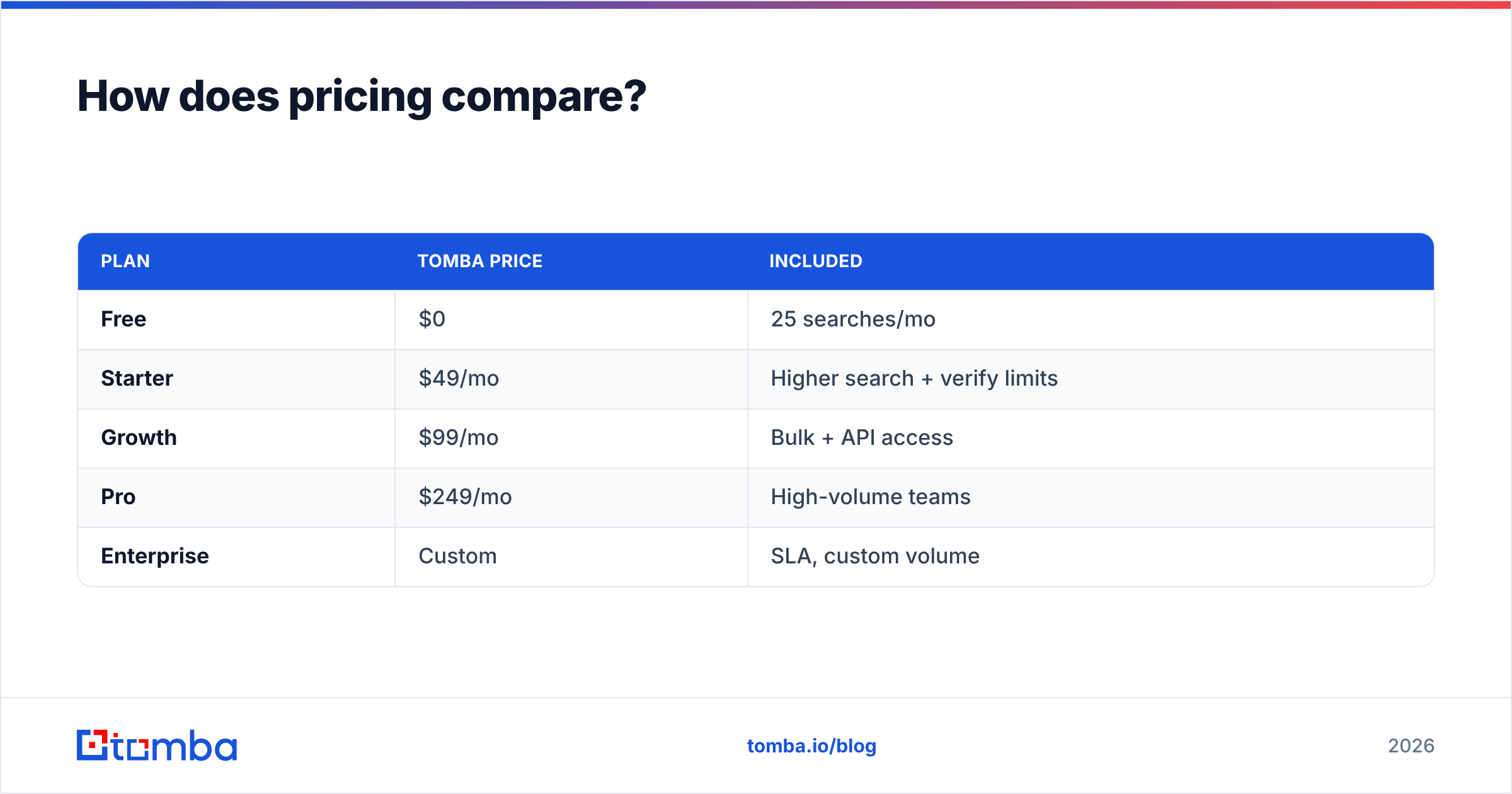
| Plan | Tomba price | Included |
|---|---|---|
| Free | $0 | 25 searches/mo |
| Starter | $49/mo | Higher search + verify limits |
| Growth | $99/mo | Bulk + API access |
| Pro | $249/mo | High-volume teams |
| Enterprise | Custom | SLA, custom volume |
You can see the full breakdown on the Tomba pricing page. The point is not that one line item is cheapest — it is that adding a sub-$100 verification layer often saves more than it costs by lifting deliverability on the tools you already pay for.
Can you use Clodura.ai and Mailshunt together?#
Yes, and for many teams that is the smartest setup. Use Clodura to build and filter the target list, export it, verify and enrich it, then load it into Mailshunt to run the sequence. The handoff between "list" and "send" is exactly where data quality decides your results.
That middle step is where teams cut corners. Exporting straight from any database into any sender without verifying is the single most common cause of high bounce rates. If you want to enrich those records with firmographics, titles, or phone numbers before sending, a dedicated data enrichment pass fills the gaps Clodura leaves and gives your reps more to personalize on.
If your outreach also includes calls, layer in a phone finder so reps are not stuck in email-only sequences. Multi-channel consistently outperforms single-channel, and the same verified contact record should feed both.
Integration reality check#
Before you commit to a two-tool stack, confirm the plumbing:
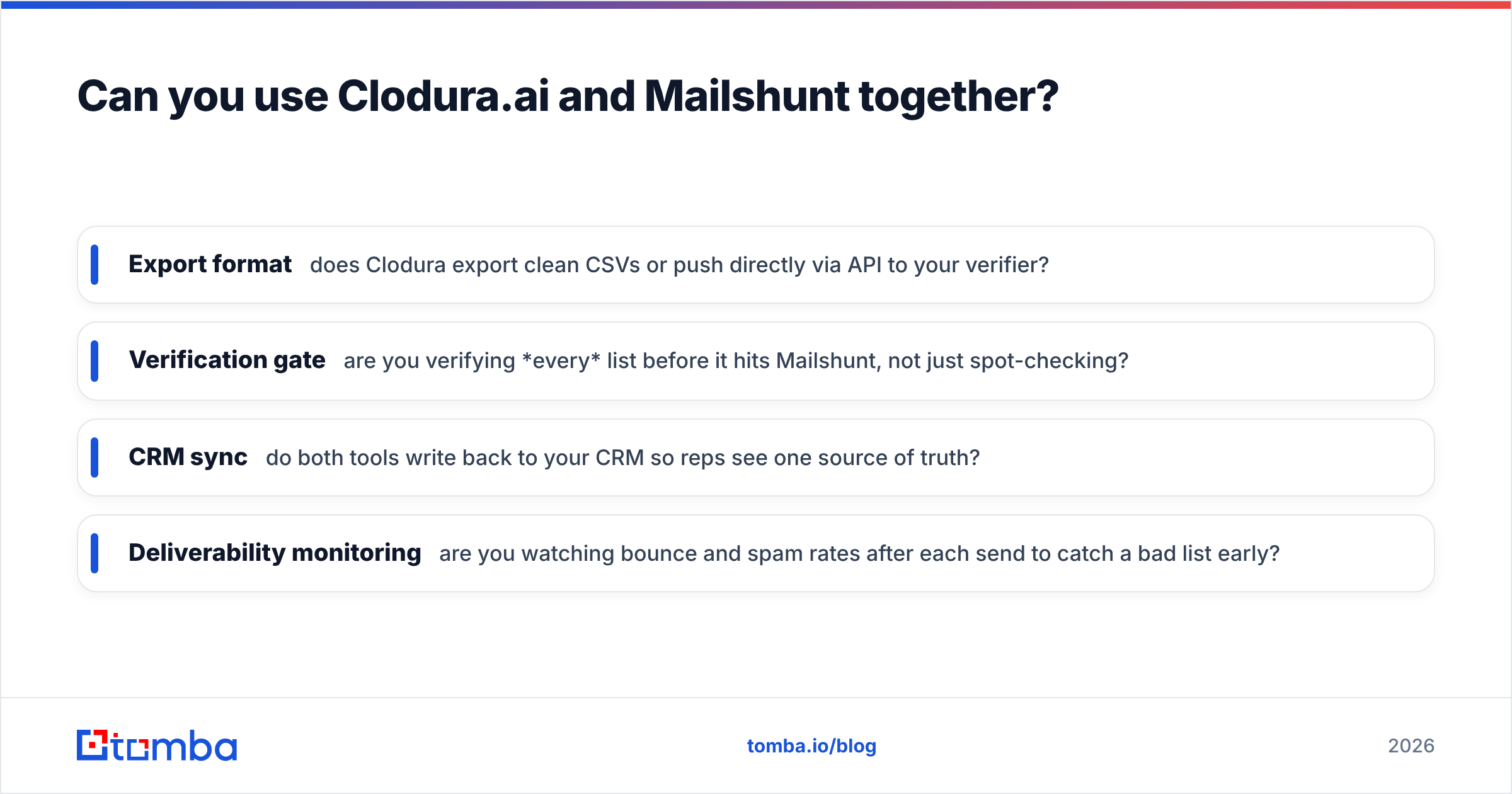
- Export format — does Clodura export clean CSVs or push directly via API to your verifier?
- Verification gate — are you verifying every list before it hits Mailshunt, not just spot-checking?
- CRM sync — do both tools write back to your CRM so reps see one source of truth?
- Deliverability monitoring — are you watching bounce and spam rates after each send to catch a bad list early?
Tools that connect through Zapier or native CRM integrations make this far less painful than manual CSV shuffling.
Which should you choose in 2026?#
Pick based on your actual bottleneck, not the marketing.
- If you cannot find enough qualified prospects, Clodura.ai solves the discovery problem and adds intent signals on top.
- If your lists are fine but campaigns underperform on delivery, Mailshunt solves the sending problem with inbox rotation and follow-up automation.
- If your real issue is bounces, wrong contacts, and burned domains — which is the silent killer for most outbound teams — fix the data layer first with a dedicated finder and verifier, then optimize the rest.
The honest framing is that Clodura and Mailshunt sit on opposite ends of the same workflow, with verification as the bridge between them. Buy for the gap you have, and do not expect either one to be a best-in-class email-finding engine, because that is not what either was designed to be. For broader context on the category, vendor-comparison sites like Capterra are a useful neutral reference.
Where Tomba fits#
Whether you land on Clodura, Mailshunt, or both, the make-or-break layer is contact accuracy. The Tomba Email Finder finds professional email addresses by name, company, or domain and verifies them before they reach your sender — so the campaigns you run in Mailshunt hit real inboxes and the lists you pull from Clodura actually convert. Start free with 25 searches a month, then scale on a plan that matches your volume. Fix the data first, and every other tool in your stack works harder for the same spend.
// get started
Find, verify and enrich your first contacts today
Start on the free plan with 25 searches a month, then scale when your team is ready.
Free plan · No credit card required · GDPR & CCPA
// about the author