Intro Emails: How to Write Sales Introduction Emails in 2026
Learn how to write intro emails that actually get replies — proven structures, real B2B templates, and a copy framework you can ship today.
TL;DR
- An intro email is the first message you send to someone who doesn't know you — its only job is to earn a reply, not to close a deal.
- The winning structure is short: relevant hook, one-line credibility, single ask. Anything longer gets skimmed and deleted.
- Personalization beats volume. A 60-word message tied to one real trigger outperforms a polished 200-word pitch every time.
- Deliverability is half the battle: a verified address and a clean domain decide whether your intro even reaches the inbox.
- Below you get a copy framework, four B2B templates, a subject-line cheat sheet, and a comparison of intro types so you pick the right one.
What is an intro email?#
An intro email is the first written contact you make with a prospect, partner, or new connection who has no prior relationship with you. Think of it like knocking on a stranger's door: you have about three seconds before they decide whether to open it wider or shut it. The email's job is not to explain everything about your product — it's to make the reader curious enough to reply.
That single distinction fixes most bad intro emails. People treat the first message like a brochure and cram in features, pricing, and a calendar link. The reader sees a wall of text from an unknown sender and archives it. A strong intro email does the opposite: it reads like one human noticed something specific about another and had a short, relevant reason to reach out.
There are three common situations where you'll write one:
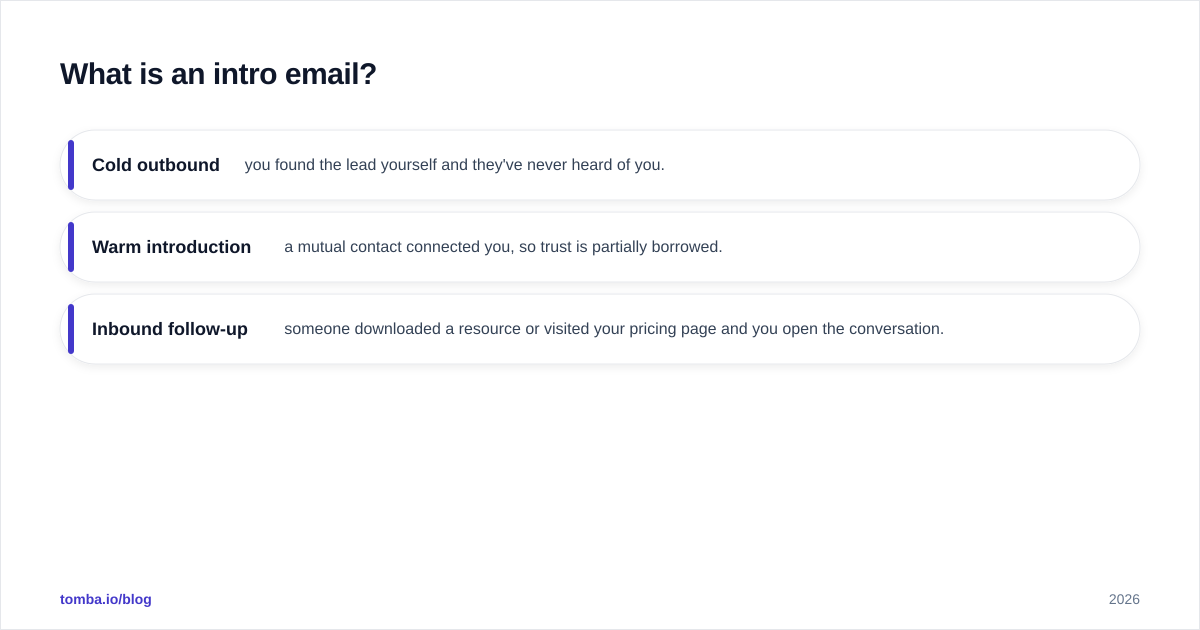
- Cold outbound — you found the lead yourself and they've never heard of you.
- Warm introduction — a mutual contact connected you, so trust is partially borrowed.
- Inbound follow-up — someone downloaded a resource or visited your pricing page and you open the conversation.
The structure stays similar across all three; only the amount of borrowed trust changes how hard you have to work in the opening line.
What makes an intro email actually get a reply?#
Replies come from relevance, brevity, and a single clear ask — in that order. According to HubSpot's sales research, the vast majority of buyers want emails that are personalized to their role and timing, and they delete generic blasts on sight. Volume without relevance is just noise that trains the reader to ignore you.
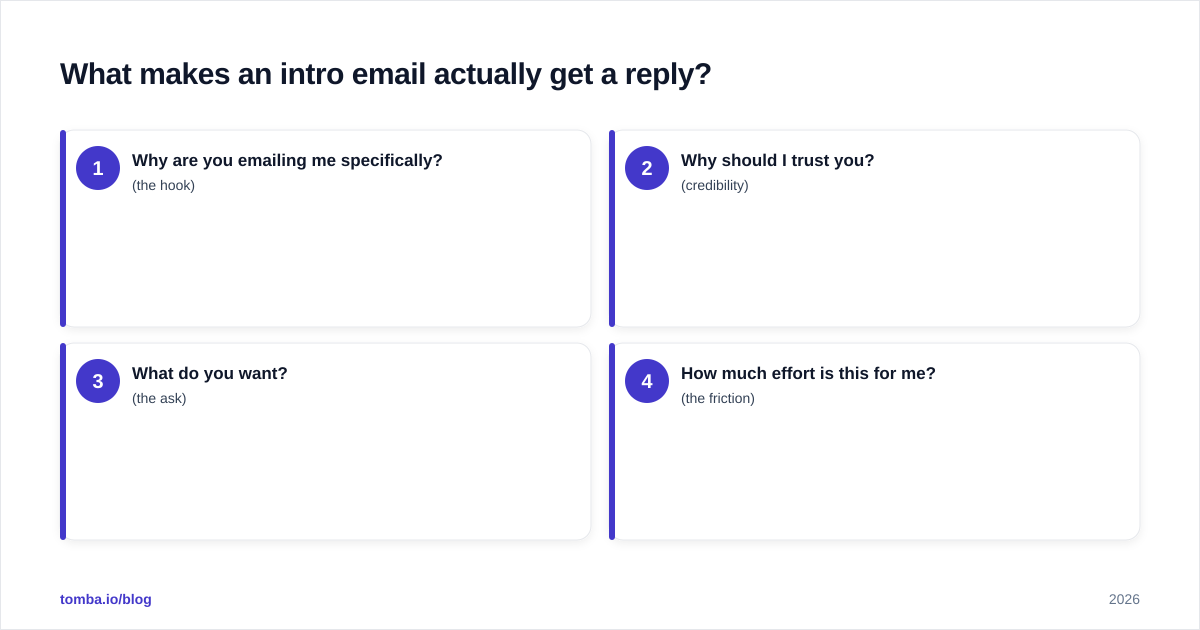
Here's the mental model. Every intro email answers four silent questions the reader is asking:
- Why are you emailing me specifically? (the hook)
- Why should I trust you? (credibility)
- What do you want? (the ask)
- How much effort is this for me? (the friction)
If your email answers all four in under 90 words, you've already beaten most of the inbox. The hook is where 80% of your effort should go, because it's the only part that proves you didn't copy-paste. A trigger works best: a funding round, a new hire, a product launch, a job post, a podcast they were on. Tie your reason for writing to something that happened in their world, not yours.

The friction question is the one most reps forget. "Do you have 30 minutes Tuesday?" is high friction — it asks the reader to check a calendar and commit a block of time to a stranger. "Worth a quick look?" is low friction — it asks for a yes or no. Lower the ask and your reply rate climbs, even if your copy is otherwise identical. You can always escalate to a meeting once they've replied once.
What are the different types of intro emails?#
Not every intro email should look the same. The right format depends on how much trust you've already earned and what you want next. Here's how the main types stack up.
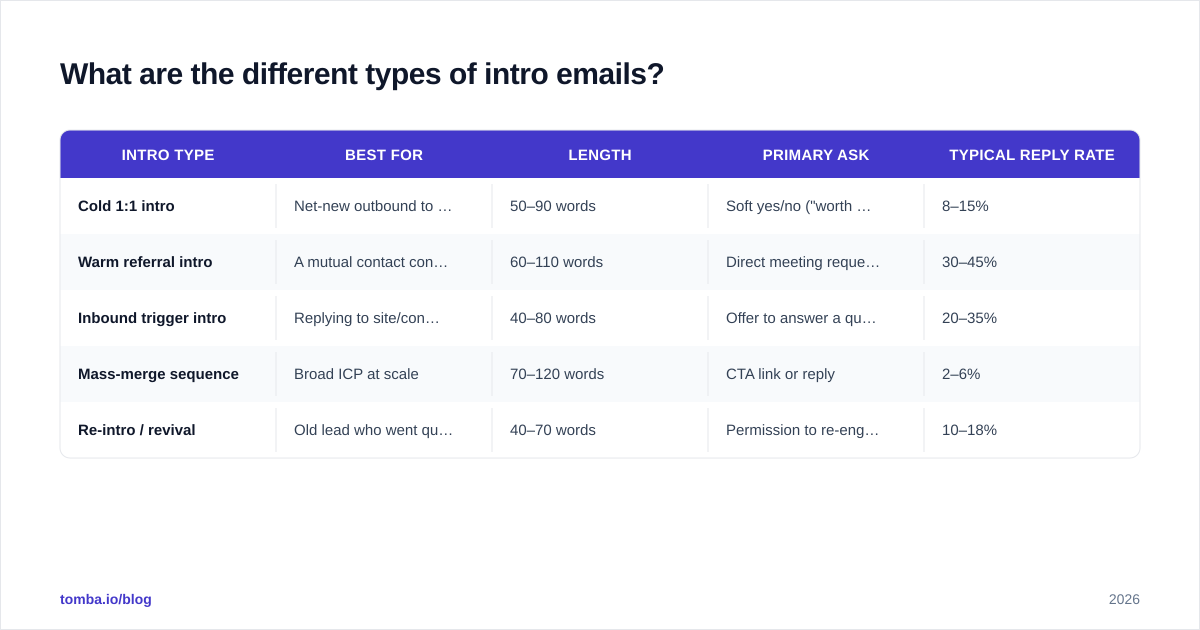
| Intro type | Best for | Length | Primary ask | Typical reply rate |
|---|---|---|---|---|
| Cold 1:1 intro | Net-new outbound to a named lead | 50–90 words | Soft yes/no ("worth a look?") | 8–15% |
| Warm referral intro | A mutual contact connected you | 60–110 words | Direct meeting request | 30–45% |
| Inbound trigger intro | Replying to site/content activity | 40–80 words | Offer to answer a question | 20–35% |
| Mass-merge sequence | Broad ICP at scale | 70–120 words | CTA link or reply | 2–6% |
| Re-intro / revival | Old lead who went quiet | 40–70 words | Permission to re-engage | 10–18% |
The pattern is clear: the more borrowed trust you have, the more directly you can ask for time. A cold 1:1 intro has to earn the conversation, so the ask stays soft. A warm referral can go straight for the meeting because someone the reader respects already vouched for you. Match the ask to the trust and your numbers improve without changing a single word of your value proposition.
How do you structure a cold intro email?#
Use a four-part structure: hook, credibility, ask, sign-off. Keep it under 90 words and one idea per email.
1. The hook (1–2 sentences). Open with them, not you. Reference the specific trigger that made you reach out. Never start with "My name is" or "I hope this email finds you well" — both signal a template and waste your most valuable line.
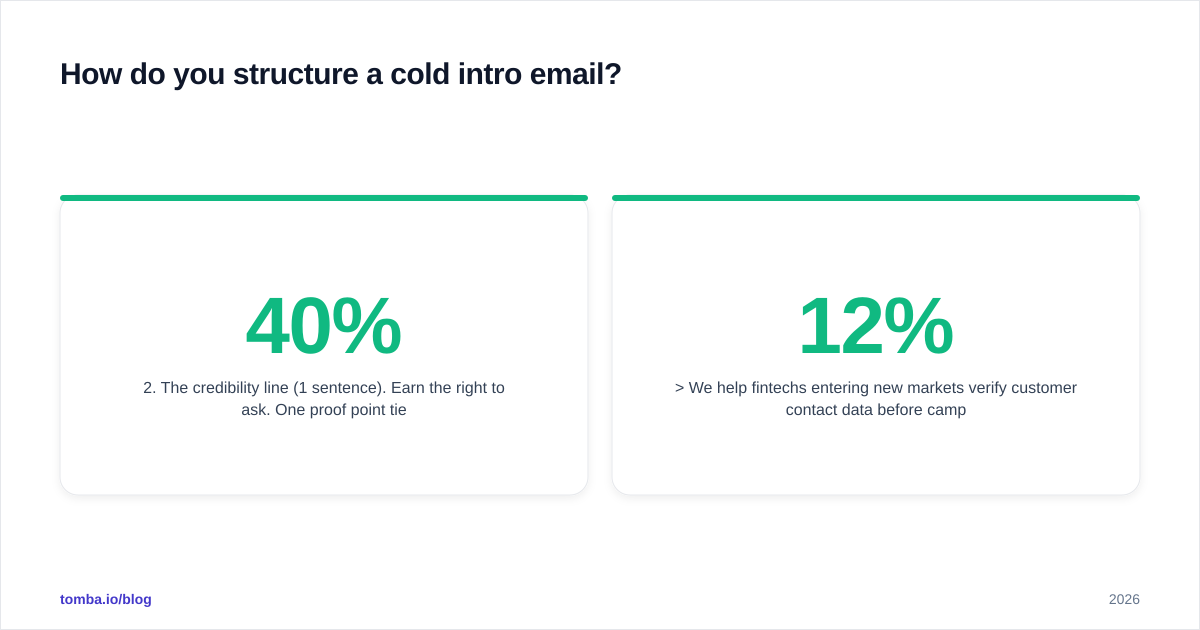
2. The credibility line (1 sentence). Earn the right to ask. One proof point tied to their world: a comparable customer, a relevant result, a specific number. "We helped two other Series B fintechs cut onboarding time by 40%" beats "We're a leading platform."
3. The ask (1 sentence). One ask, phrased as a low-friction question. Don't stack a meeting request, a link, and a PDF in the same email.
4. The sign-off. Plain and human. Your name, company, and a one-line signature. Skip the banner images that trip spam filters.
Here's the framework applied to a real cold intro:
Subject: quick idea after your Lagos launch
Hi Amara — saw Paystack-style expansion news about your Lagos rollout last week. Congrats.
We help fintechs entering new markets verify customer contact data before campaigns go out, so deliverability doesn't tank in week one. Two Series B teams cut bounce rates from 12% to under 2% with us.
Worth a quick look, or is data quality already handled internally?
— Ben, Tomba
That's 62 words. It names a trigger, offers one proof point, and asks a yes/no question. The reader can reply in five seconds, which is exactly the point.
When you scale this, the bottleneck becomes finding accurate addresses and keeping your subject lines fresh. A subject line generator helps you test angles quickly, and pulling from proven cold email templates keeps your body copy out of the spam folder.
What B2B intro email templates actually work?#
Steal these four and swap in your own triggers. Each maps to a row in the table above.
Template 1 — Cold 1:1 (trigger-based)
Subject: idea for {{company}}'s {{trigger}}
Hi {{first_name}}, noticed {{specific_trigger}}. Most teams hitting that stage run into {{pain}}. We helped {{comparable_customer}} solve it by {{outcome}}. Worth a quick look?
Template 2 — Warm referral
Subject: {{mutual_contact}} suggested I reach out
Hi {{first_name}}, {{mutual_contact}} mentioned you're rethinking {{area}} this quarter and thought we should talk. We do {{one_line_value}}. Are you free for 15 minutes Thursday?
Template 3 — Inbound trigger
Subject: saw you were looking at {{topic}}
Hi {{first_name}}, you stopped by our {{page}} earlier — happy to answer anything without a sales pitch. What were you hoping to figure out?
Template 4 — Re-intro / revival
Subject: still on your radar?
Hi {{first_name}}, we spoke back in {{month}} about {{topic}} and the timing wasn't right. Things may have changed — should I check back, or close the loop for now?
Notice that every template keeps a single ask and reads like a person typed it. The variables aren't decoration; each one forces you to do real research before you hit send. If a merge field is empty, the email shouldn't go out.

How do you write intro email subject lines?#
Your subject line decides whether any of the above gets read. Aim for 3–6 words, lowercase, and zero hype. The goal is to look like an internal note, not a marketing campaign — buyers open emails that feel personal and skip ones that feel broadcast.
Proven angles:
- Trigger reference: "after your Series B"
- Mutual contact: "{{name}} suggested I reach out"
- Curiosity question: "worth a quick test?"
- Specific number: "cut your bounce rate 6x"
- Plain and human: "quick question, {{first_name}}"
Avoid ALL CAPS, exclamation marks, "FREE," "guarantee," and emoji — they hurt both open rates and your email deliverability. Test two subject lines per send and let your response rate tell you which framing your market actually responds to. You can review independent tool ratings on G2 to benchmark what high-performing senders do differently.
Why does deliverability decide your intro email's fate?#
Because the best-written intro email is worthless if it never reaches the inbox. You can nail every line and still land in spam if your sending hygiene is poor. Two factors dominate.
First, address accuracy. Sending to invalid or guessed addresses spikes your bounce rate, and mailbox providers read high bounces as a spam signal — which then hurts delivery to your good contacts too. Verify every address before a campaign. A quick pass through an email verifier removes the addresses that would otherwise wreck your sender reputation.
Second, sourcing quality. Scraped lists and stale databases are full of role accounts and dead inboxes. Pulling fresh, verified contacts with an email finder keeps your list clean from the start, so you spend your effort on copy instead of cleanup. If you want to understand how this fits a broader outbound motion, Wikipedia's overview of email marketing is a solid neutral primer on permission, reputation, and engagement signals.
The order matters: find accurate contacts, verify them, then write. Reverse it and you're polishing copy that bounces.
What are the most common intro email mistakes?#
Most failed intros share the same handful of errors. Fix these and your reply rate moves before you touch your value proposition.
- Leading with yourself. "My name is X and I work at Y" puts the reader's least-interesting subject first. Open with them.
- Stacking multiple asks. A meeting, a link, and a PDF in one email gives the reader three reasons to defer. Pick one.
- Writing too long. Anything past 120 words gets skimmed. If you can't make the case in 90, your offer isn't sharp enough yet.
- Fake personalization. "I love what you're doing at {{company}}" fools no one. Reference a specific, verifiable trigger or skip the line.
- No clear next step. Vague closings like "let me know your thoughts" leave the reader unsure what to do. Ask a yes/no question.
- Ignoring follow-up. Most replies come from the second or third touch, not the first. A polite two-message follow-up sequence roughly doubles your total reply rate.
The throughline is respect for the reader's time. Every word you cut and every ask you simplify signals that you value their attention — and that's what earns the reply.
Put it together: your intro email checklist#
Before you hit send on any intro email, run this quick gate:
- Does the first sentence reference something specific to them?
- Is the whole email under 90 words?
- Is there exactly one ask, phrased as a low-friction question?
- Did you verify the recipient's address?
- Does the subject line read like a human note, not a campaign?
If all five are yes, send it. If any is no, fix that one thing first — it'll move your numbers more than rewriting the whole message.
Ready to send intros that land?#
Great intro copy starts with a real, deliverable address. The Tomba Email Finder gives you accurate professional emails by name, domain, or company — verified before they hit your list — so your carefully written intros actually reach a human inbox instead of bouncing into spam. Start on the free tier (25 searches a month), and when you're ready to scale outbound, Tomba's plans run from $49/mo Starter to Growth and Pro. Find the right people, verify them, then write the intro that earns the reply.
// get started
Find, verify and enrich your first contacts today
Start on the free plan with 25 searches a month, then scale when your team is ready.
Free plan · No credit card required · GDPR & CCPA
// about the author