AI Email Generator in 2026: How to Pick One That Converts
An AI email generator can draft cold outreach, replies, and sequences in seconds. Here's how the top tools compare in 2026 and how to use them without sounding robotic.
TL;DR
- An AI email generator turns a short prompt — recipient, goal, tone — into a ready-to-edit email in seconds, killing the blank-page problem for cold outreach, replies, and follow-ups.
- The best tools in 2026 do more than spit out text: they personalize from real contact data, match your brand voice, and plug into your sending stack.
- AI gets you 80% of the way; the last 20% (a specific opening line, a real pain point, a human edit) is what earns replies.
- Generated copy is worthless if it lands in spam or hits a dead inbox — pair any generator with verified data and clean deliverability.
- Below: a side-by-side comparison of the leading options, a repeatable prompting framework, and where Tomba fits.
What is an AI email generator?#
An AI email generator is a tool that writes email copy for you from a short brief. You tell it who you're emailing, what you want (book a demo, reconnect, reply to a complaint), and what tone to use — it returns a structured draft with a subject line, opening, body, and call to action.
Think of it like a sous-chef. You decide the dish and the ingredients; the AI does the chopping and the first pass at plating. You still taste, adjust the seasoning, and send it out under your name. The model handles structure and speed; you own judgment and accuracy.
Under the hood, modern generators run on large language models fine-tuned for sales and marketing copy. The good ones layer three things on top of raw text generation:
- Personalization inputs — name, company, role, recent activity, or a scraped LinkedIn line.
- Voice control — formal vs. casual, short vs. detailed, your saved brand samples.
- Workflow integration — push the draft straight into a CRM, sequence, or inbox.
If a tool only does step one, it's a glorified template. The ones worth paying for do all three.
Why use an AI email generator at all?#
The conclusion first: speed and consistency, not creativity. A rep who writes 40 cold emails a day spends most of that time on structure they've written a hundred times. AI collapses that to minutes so the human time goes to research and the one line that actually matters.
Concrete wins teams report:
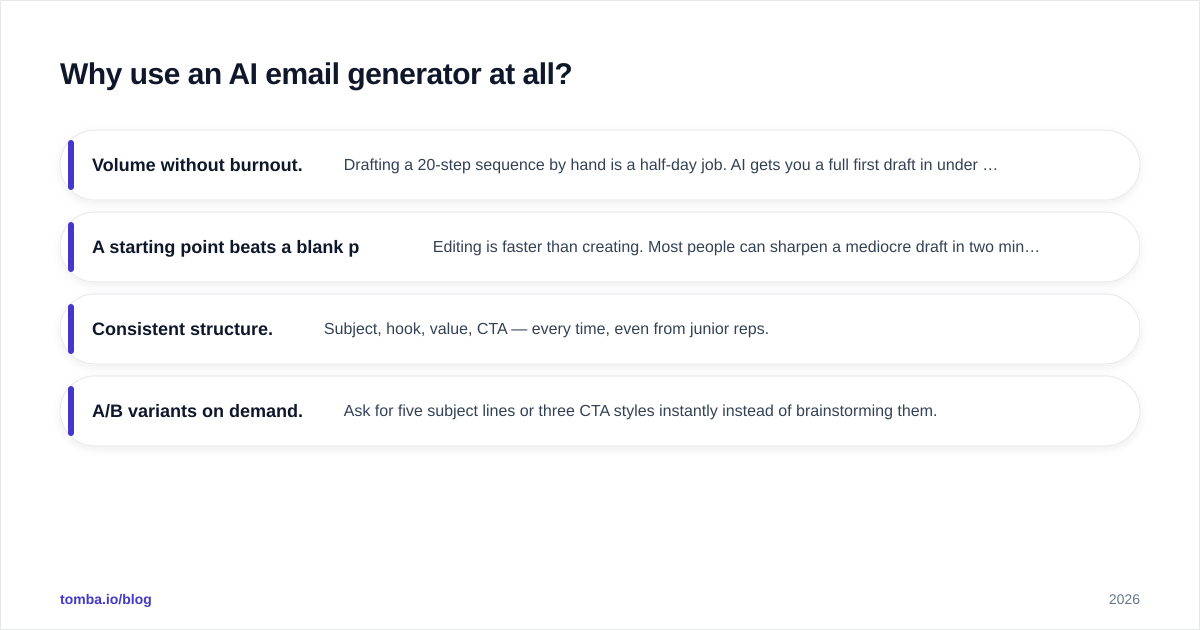
- Volume without burnout. Drafting a 20-step sequence by hand is a half-day job. AI gets you a full first draft in under an hour.
- A starting point beats a blank page. Editing is faster than creating. Most people can sharpen a mediocre draft in two minutes but freeze for ten staring at an empty composer.
- Consistent structure. Subject, hook, value, CTA — every time, even from junior reps.
- A/B variants on demand. Ask for five subject lines or three CTA styles instantly instead of brainstorming them.

The catch: AI writes average by default, because it's trained on average. Out of the box it produces the same "I hope this email finds you well" sludge everyone else generates. The value comes from how you prompt it and how hard you edit — more on that below.
What are the best AI email generator tools in 2026?#
There's no single winner — it depends on whether you need cold outreach, marketing campaigns, or quick inbox replies. Here's how the main categories stack up.
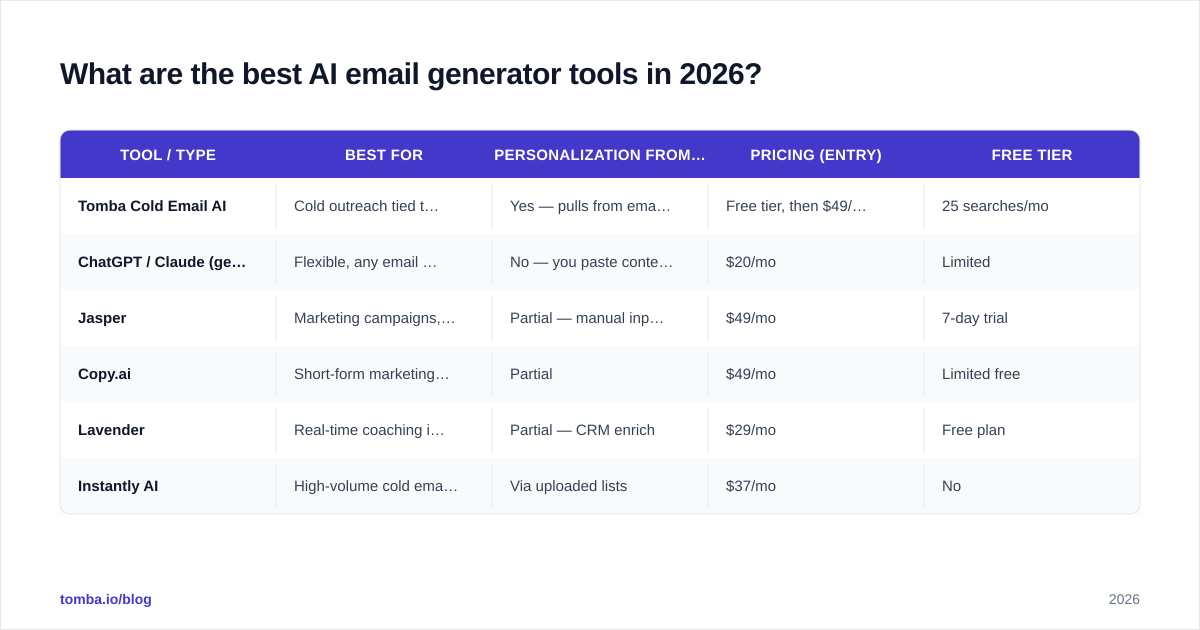
| Tool / type | Best for | Personalization from data | Pricing (entry) | Free tier |
|---|---|---|---|---|
| Tomba Cold Email AI | Cold outreach tied to verified contacts | Yes — pulls from email finder data | Free tier, then $49/mo | 25 searches/mo |
| ChatGPT / Claude (general LLM) | Flexible, any email type | No — you paste context manually | $20/mo | Limited |
| Jasper | Marketing campaigns, brand voice | Partial — manual inputs | $49/mo | 7-day trial |
| Copy.ai | Short-form marketing copy | Partial | $49/mo | Limited free |
| Lavender | Real-time coaching inside your inbox | Partial — CRM enrich | $29/mo | Free plan |
| Instantly AI | High-volume cold email sending | Via uploaded lists | $37/mo | No |
A few honest notes on the table:
- General LLMs (ChatGPT, Claude) are the most flexible and cheapest per seat, but they don't know who you're emailing. You become the personalization engine, pasting in context every time. Fine for low volume, painful at scale.
- Marketing-first tools (Jasper, Copy.ai) shine for newsletters, ads, and landing copy with strong brand-voice features, but they're overkill if all you need is cold outreach.
- Sales-native tools that connect copy generation to real contact data are the ones that produce sendable emails, not just drafts you have to fill in. Tomba's cold email AI sits here because it generates against the same contact record you found the email with.
For a deeper neutral comparison of the broader category, G2's email marketing software grid is a reasonable starting point, and HubSpot's blog covers prompting tactics in depth.
How do you prompt an AI email generator so it doesn't sound like a robot?#
Conclusion first: give the model specifics it can't invent. Generic prompts produce generic emails. The fix is a repeatable input framework.
Use the R-G-T-P structure for every prompt:
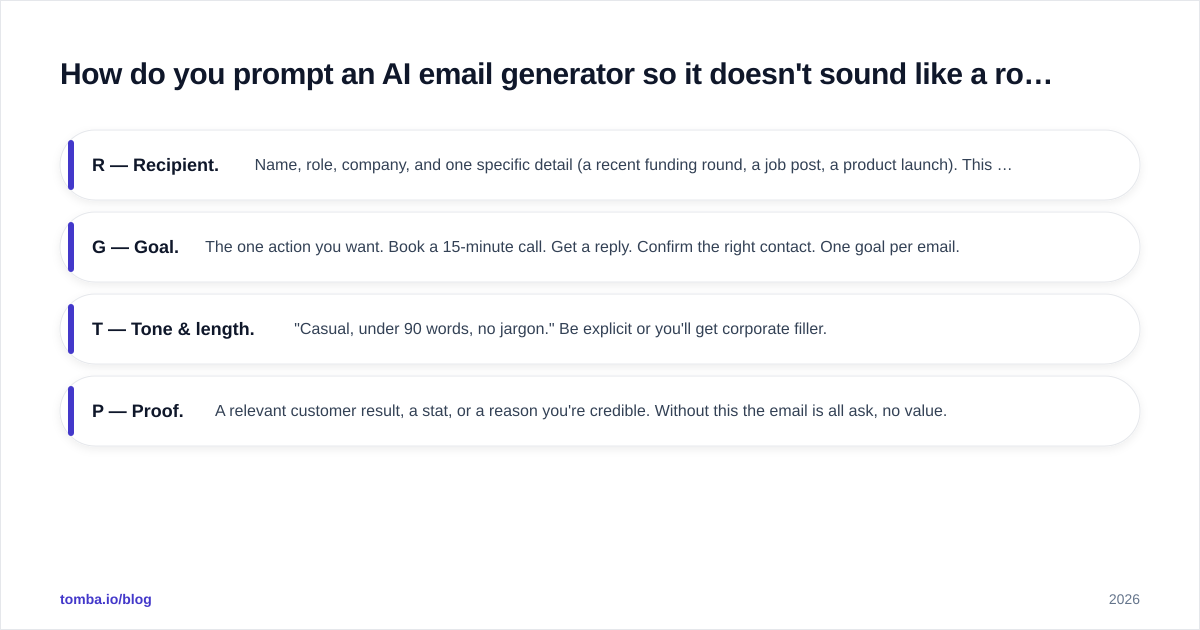
- R — Recipient. Name, role, company, and one specific detail (a recent funding round, a job post, a product launch). This single detail is what separates "personalized" from "mail merge."
- G — Goal. The one action you want. Book a 15-minute call. Get a reply. Confirm the right contact. One goal per email.
- T — Tone & length. "Casual, under 90 words, no jargon." Be explicit or you'll get corporate filler.
- P — Proof. A relevant customer result, a stat, or a reason you're credible. Without this the email is all ask, no value.
Example prompt:
"Write a cold email to Sarah Chen, VP of Sales at Acme. Detail: they just posted three SDR roles. Goal: book a 15-min call about ramping new reps faster. Tone: casual, under 80 words. Proof: we cut ramp time 30% for a similar 50-person team."
That produces something usable. "Write a cold sales email" produces sludge.

Three editing rules after generation, because the model won't do these for you:
- Cut the first sentence. AI loves a warm-up line. Delete it 90% of the time — your real opener is usually sentence two.
- Replace one generic phrase with a specific one. Swap "your company's growth" for "your Q2 expansion into EMEA."
- Read it aloud. If you wouldn't say it to someone's face, rewrite it.
If you want pre-built starting points, our cold email templates library and the subject line generator pair well with any AI draft.
Does an AI email generator actually improve response rates?#
Honest answer: not by itself. An AI email generator improves throughput and consistency. Whether it improves your response rate depends on three things that have nothing to do with the copy model:
1. Did the email reach a real person? The best-written email in the world earns zero replies if it bounces or hits a role address nobody reads. Before you send anything generated, run your list through an email verifier to strip invalid and risky addresses. A 5% bounce rate will tank your sender reputation faster than any clever subject line can save it.
2. Did it land in the inbox? Generated copy stuffed with spammy phrases, links, and ALL-CAPS gets filtered. AI doesn't automatically respect email deliverability rules. Keep links minimal, skip spam-trigger words, and warm up new sending domains.
3. Was the targeting right? AI can't fix a bad list. Emailing the wrong persona with a flawless message still fails. This is where finding the right contact matters more than the prose.
So the real funnel looks like this: right contact → valid email → inbox placement → good copy → reply. AI only touches the fourth box. The first two are a data problem, and that's the part most teams under-invest in.
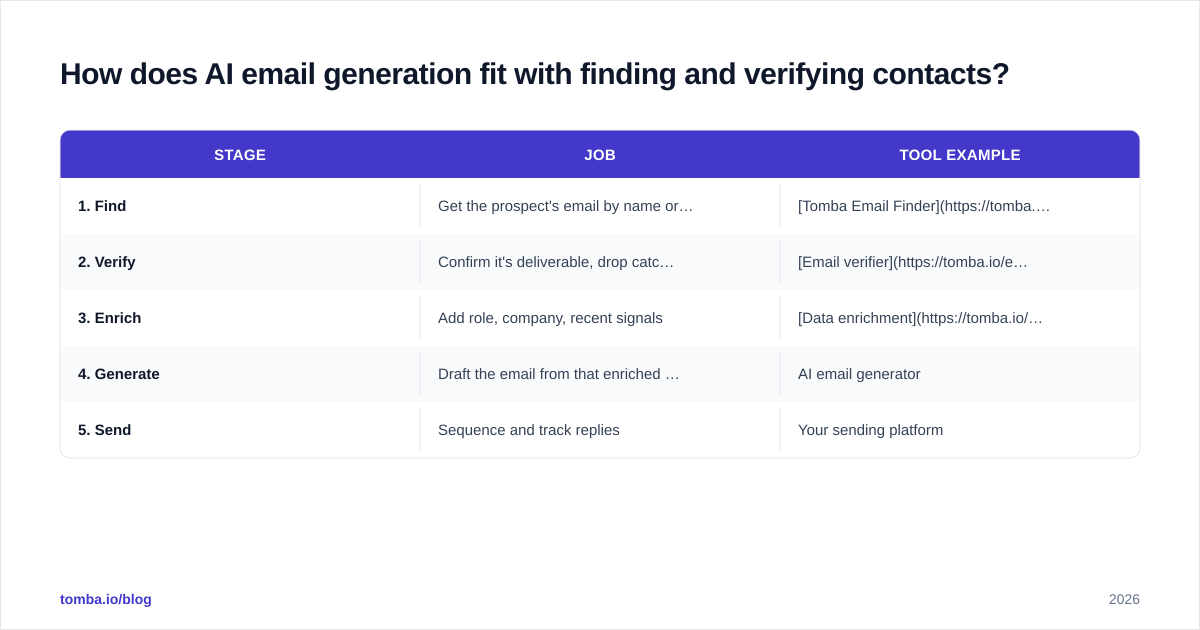
How does AI email generation fit with finding and verifying contacts?#
This is the piece most "best AI email writer" articles skip. Generating copy is the easy, cheap part now. The expensive part is knowing who to email and confirming the address is real.
A realistic 2026 outbound stack looks like:
| Stage | Job | Tool example |
|---|---|---|
| 1. Find | Get the prospect's email by name or domain | Tomba Email Finder |
| 2. Verify | Confirm it's deliverable, drop catch-alls | Email verifier |
| 3. Enrich | Add role, company, recent signals | Data enrichment |
| 4. Generate | Draft the email from that enriched record | AI email generator |
| 5. Send | Sequence and track replies | Your sending platform |
The reason this order matters: the data you collect in stages 1–3 is exactly the personalization fuel the AI needs in stage 4. The "specific detail" in your R-G-T-P prompt comes from enrichment, not imagination. Skip the data layer and your AI is guessing.
For team workflows, you can pull verified contacts in bulk with the bulk email finder or wire the whole thing together through the Tomba API, then hand each clean record to your generator. That's how you scale personalized outreach without either spamming or hand-writing every line.
What are the limits and risks of AI email generators?#
Use them, but go in clear-eyed:
- Hallucinated facts. AI will confidently invent a customer result or a stat. Never send a claim you haven't verified.
- Sameness at scale. If everyone uses the same tool with the same prompts, inboxes fill with near-identical emails. Your specific detail is the only moat.
- Compliance. Generated cold email still has to follow CAN-SPAM, GDPR, and similar rules — unsubscribe options, accurate sender info, lawful basis. The model won't remind you.
- Over-automation. A fully hands-off "generate and blast" setup is how brands burn domains. Keep a human in the loop for at least a skim.
- Voice drift. Without saved brand samples, output reverts to generic. Feed it your best past emails as reference.
The teams that win treat AI as a drafting accelerator wrapped in human judgment and clean data — not as a send button.
The bottom line#
An AI email generator is one of the highest-leverage tools in a 2026 outbound stack, but only when it sits on top of accurate contact data. The copy is cheap; reaching the right verified person is what actually moves reply rates.
Start at the source. Use Tomba Email Finder to get the right professional email by name, company, or domain, verify it so nothing bounces, then let your AI generator draft against that enriched record. You can do it for free on the 25-searches/month tier and scale up from the $49/mo Starter plan whenever your volume grows — see the full Tomba pricing breakdown. Find the person first; let AI handle the keystrokes.
Ready to find emails that actually work?
Join 150,000+ professionals who stopped guessing and started sending. Free credits on signup — no credit card required.
Get the Tomba newsletter
Practical outbound tactics and product updates — once every two weeks.
About the author