AI in Email Marketing: The 2026 Playbook for Marketers
AI in email marketing has moved from hype to daily workflow. Here's how to use it for segmentation, copy, send-time, and deliverability in 2026 — without losing the human touch.
TL;DR
- AI in email marketing in 2026 means four concrete jobs: segmentation, copy drafting, send-time optimization, and deliverability monitoring — not a magic "write my campaign" button.
- The biggest wins come from prediction (who to send to, when) and personalization at scale, not from generating more generic copy.
- Clean, verified data is the fuel. AI on a dirty list just makes bad decisions faster.
- Keep a human in the loop for brand voice, offers, and compliance. AI drafts; you approve.
- Below: a use-case breakdown, a tool comparison table, a step-by-step framework, and the mistakes that quietly kill deliverability.
What does "AI in email marketing" actually mean in 2026?#
The short version: AI in email marketing is software that predicts and personalizes, so you stop guessing. Think of it like a seasoned chef who has cooked the same dish ten thousand times — they don't measure every gram, they read the pan. Modern email platforms have now "cooked" billions of sends, so they can read your list and tell you who is about to churn, which subject line will land, and when a given contact actually opens their inbox.
That covers a few distinct capabilities that often get lumped together:
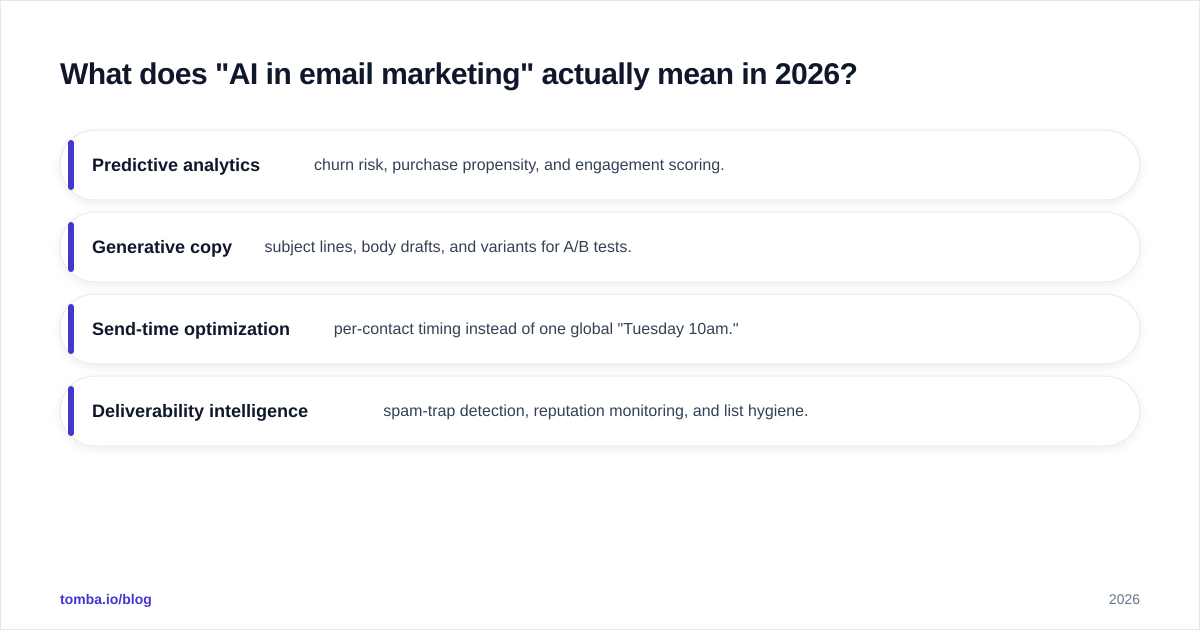
- Predictive analytics — churn risk, purchase propensity, and engagement scoring.
- Generative copy — subject lines, body drafts, and variants for A/B tests.
- Send-time optimization — per-contact timing instead of one global "Tuesday 10am."
- Deliverability intelligence — spam-trap detection, reputation monitoring, and list hygiene.
Most marketers only use the second one (writing copy) and ignore the other three, which is where the real lift hides. The generative layer is the least defensible advantage — everyone has the same models. The data and prediction layers are where you separate from the pack.
Where does AI deliver real ROI in an email program?#
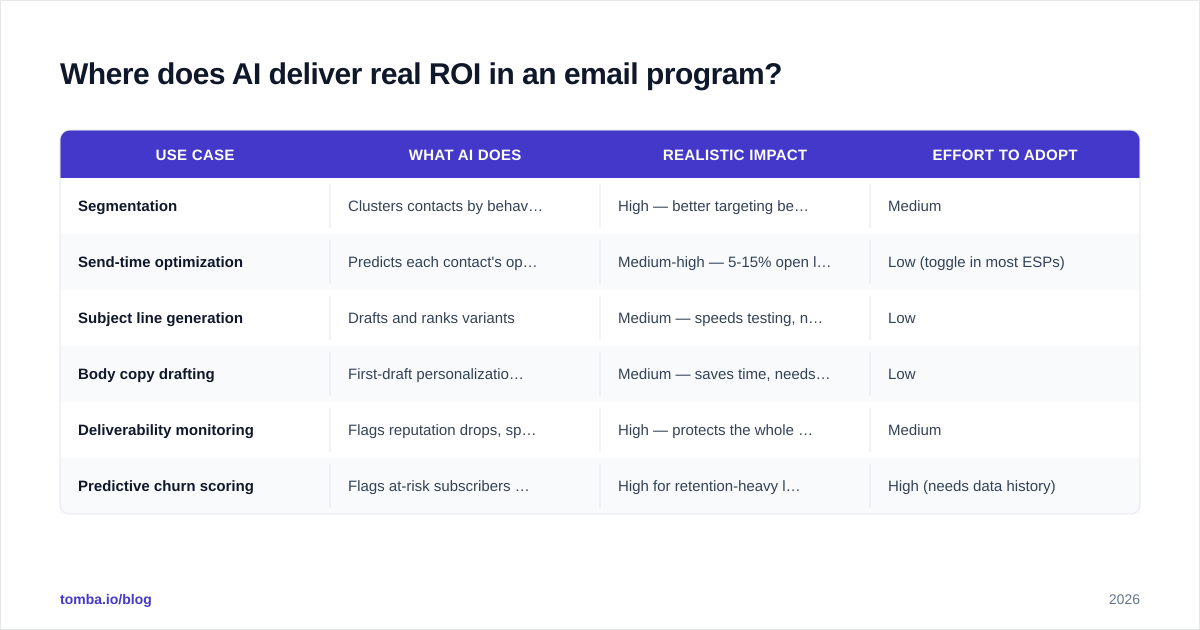
Not everywhere equally. Here's the honest breakdown of where AI earns its keep versus where it's mostly noise.
| Use case | What AI does | Realistic impact | Effort to adopt |
|---|---|---|---|
| Segmentation | Clusters contacts by behavior, propensity, lifecycle stage | High — better targeting beats better copy | Medium |
| Send-time optimization | Predicts each contact's open window | Medium-high — 5-15% open lift common | Low (toggle in most ESPs) |
| Subject line generation | Drafts and ranks variants | Medium — speeds testing, not a silver bullet | Low |
| Body copy drafting | First-draft personalization at scale | Medium — saves time, needs editing | Low |
| Deliverability monitoring | Flags reputation drops, spam traps | High — protects the whole channel | Medium |
| Predictive churn scoring | Flags at-risk subscribers for win-back | High for retention-heavy lists | High (needs data history) |
The pattern: the highest-ROI uses (segmentation, deliverability, churn) all depend on data quality. The easiest-to-adopt uses (subject lines, copy) give the smallest moat. Plan your roadmap around that tension.
How is AI personalization different from old-school merge tags?#
Merge tags swap a token; AI changes the message. The difference is like the gap between a form letter that prints "Dear [FIRST_NAME]" and a sales rep who remembers you asked about pricing last quarter and opens with that.
Old personalization was lookup-based: pull a field, drop it in. AI personalization is inference-based: it looks at what a contact did (pages viewed, emails opened, products browsed) and predicts what they want next. In practice that means:
- Dynamic content blocks chosen per recipient based on predicted interest.
- Offer selection — discount-sensitive contacts get a discount; feature-driven ones get a feature.
- Cadence adjustment — engaged contacts get more, cooling ones get a pullback before they unsubscribe.
The catch is that inference needs identity. You can only personalize a contact you can actually reach and recognize. That's why a verified, enriched contact record matters more than the model you point at it. If you're building B2B lists, pairing an email verifier with your enrichment step keeps the AI from personalizing to addresses that bounce.
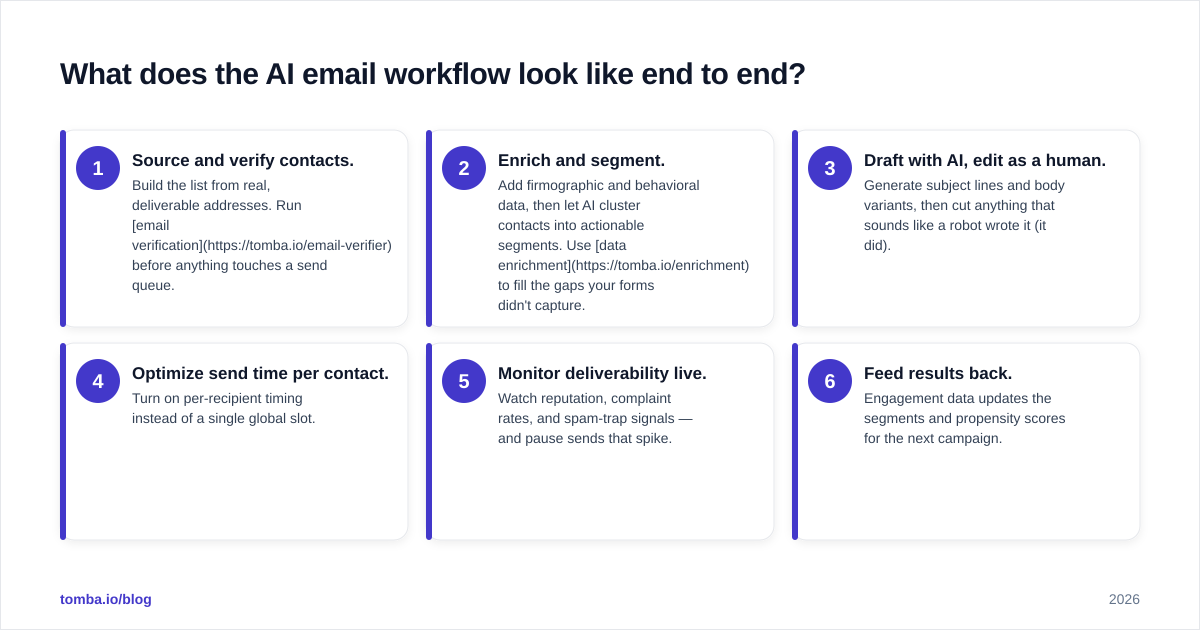
What does the AI email workflow look like end to end?#
Here's a concrete sequence you can copy. Each step feeds the next, and the quality of step one determines the ceiling on every step after it.
- Source and verify contacts. Build the list from real, deliverable addresses. Run email verification before anything touches a send queue.
- Enrich and segment. Add firmographic and behavioral data, then let AI cluster contacts into actionable segments. Use data enrichment to fill the gaps your forms didn't capture.
- Draft with AI, edit as a human. Generate subject lines and body variants, then cut anything that sounds like a robot wrote it (it did).
- Optimize send time per contact. Turn on per-recipient timing instead of a single global slot.
- Monitor deliverability live. Watch reputation, complaint rates, and spam-trap signals — and pause sends that spike.
- Feed results back. Engagement data updates the segments and propensity scores for the next campaign.
Notice the loop. AI email marketing is not a campaign, it's a flywheel — every send teaches the system who to talk to next.
Which AI email marketing tools should you compare?#
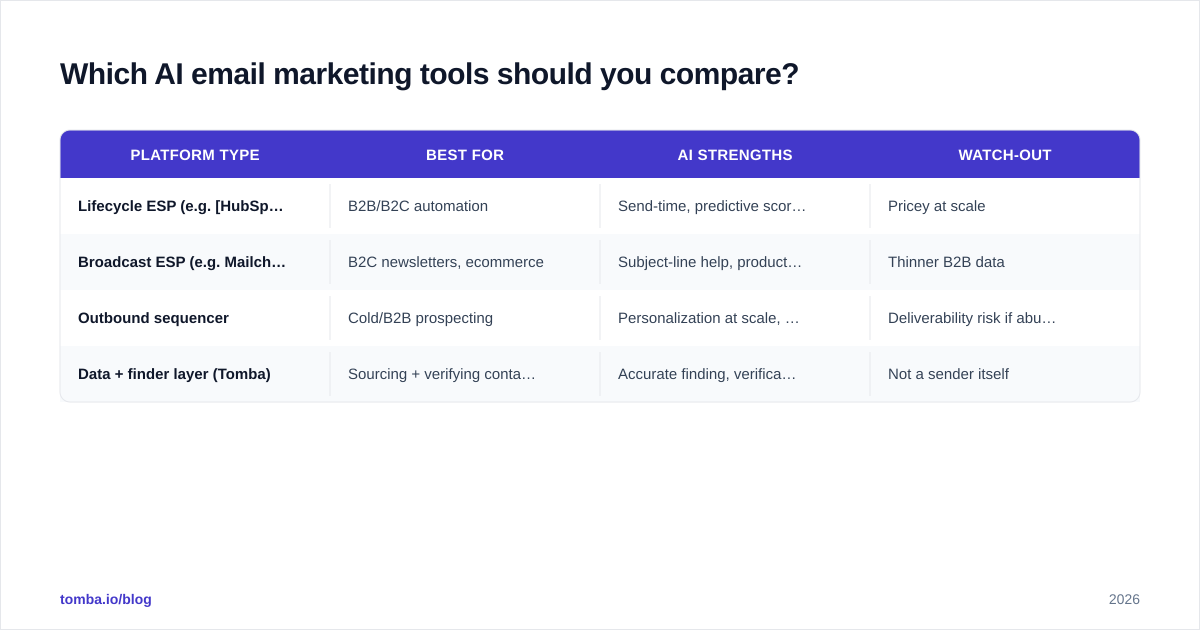
There's no single "best" — it depends on whether you're doing B2C broadcast, B2B outbound, or lifecycle automation. Here's how the common categories stack up.
| Platform type | Best for | AI strengths | Watch-out |
|---|---|---|---|
| Lifecycle ESP (e.g. HubSpot) | B2B/B2C automation | Send-time, predictive scoring, copy assistant | Pricey at scale |
| Broadcast ESP (e.g. Mailchimp) | B2C newsletters, ecommerce | Subject-line help, product recs | Thinner B2B data |
| Outbound sequencer | Cold/B2B prospecting | Personalization at scale, reply detection | Deliverability risk if abused |
| Data + finder layer (Tomba) | Sourcing + verifying contacts | Accurate finding, verification, enrichment | Not a sender itself |
The smartest stacks separate the sending layer from the data layer. You let your ESP do automation and your data provider keep the list clean and complete. For the sourcing layer, Tomba sits upstream: you find and verify the contacts, then push them into whichever sender you prefer via the Tomba API or a native integration. Compare third-party reviews on G2 before committing — vendor demos always look better than production.
How do you keep AI from wrecking your deliverability?#
AI makes it easy to send more, faster — which is exactly how reputations die. Volume without hygiene is the fastest path to the spam folder. A few rules keep the channel healthy:
- Verify before you send, every time. AI-generated copy to an unverified list still bounces. High bounce rates tank your sender reputation no matter how good the words are.
- Don't let AI inflate frequency. Just because the model can write ten emails doesn't mean a contact wants ten emails.
- Watch complaint signals. Rising spam complaints are an early warning. Pause and diagnose before you keep sending.
- Authenticate properly. SPF, DKIM, and DMARC are table stakes. Check your SPF record and confirm alignment before any AI-scaled campaign.
- Respect catch-all uncertainty. AI can't tell you a catch-all domain is real. A dedicated catch-all verifier reduces the guesswork on those addresses.
The principle: AI scales whatever you feed it, good or bad. Treat email deliverability as the constraint your AI program optimizes around, not an afterthought.
Should AI write your emails, or just help?#
Help — not write-and-send. The teams getting results use AI as a fast first-drafter and a tireless analyst, then keep humans on the decisions that carry brand and legal risk.
Here's a clean division of labor:
Let AI handle:
- First-draft subject lines and body copy
- Variant generation for testing
- Segment discovery and propensity scoring
- Send-time prediction
- Anomaly detection in deliverability metrics
Keep humans on:
- Final voice and tone
- Offers, pricing, and claims (compliance lives here)
- Strategic positioning and narrative
- Anything legally sensitive (unsubscribe handling, regional consent rules)
A useful test: would you be comfortable if this email went out with zero human review? For analytics and timing, usually yes. For the actual offer and wording, almost never. AI-generated copy also has a tell — it over-explains and hedges. If your drafts read like every other AI email in the inbox, you've automated mediocrity. Edit hard, or run them through a tool like Tomba's cold email AI as a starting point and then make them sound like a person.
What's a realistic 30-day rollout plan?#
Don't boil the ocean. Sequence adoption so each step proves value before the next.
- Week 1 — Clean the foundation. Verify your existing list, remove dead addresses, fix authentication. No AI yet. This alone often lifts open rates because you stop hitting traps.
- Week 2 — Turn on the easy wins. Enable send-time optimization and AI subject-line suggestions in your ESP. Measure against your current baseline.
- Week 3 — Add personalization. Layer behavioral segmentation and dynamic content for your top two audiences. Keep humans approving copy.
- Week 4 — Close the loop. Set up deliverability monitoring and feed engagement data back into your segments. Review what worked, kill what didn't.
By day 30 you'll know which AI features actually moved your numbers versus which were demo-ware. Most teams find segmentation and send-time deliver the clearest lift, while generative copy is a time-saver more than a conversion driver.
The bottom line#
AI in email marketing in 2026 is a force multiplier on the fundamentals, not a replacement for them. Clean data, real segmentation, honest copy, and protected deliverability still win — AI just lets you do all four faster and at larger scale. Start with data quality, adopt the prediction features before the generation features, and keep a human on every decision that touches your brand or your subscribers' trust.
If your email program is only as good as the contacts feeding it, fix that layer first. The Tomba Email Finder helps you build accurate, verified B2B lists by domain, name, or company — so every AI campaign downstream is personalizing to real people who actually receive your mail. Start on the free tier (25 searches/month), and scale up through Tomba's plans — Starter at $49/mo, Growth at $99/mo — as your sending volume grows. Feed the flywheel clean data, and let the AI do the rest.
Ready to find emails that actually work?
Join 150,000+ professionals who stopped guessing and started sending. Free credits on signup — no credit card required.
Get the Tomba newsletter
Practical outbound tactics and product updates — once every two weeks.
About the author