Aircall vs MightyCall 2026: Which VoIP Phone System Wins?
Aircall vs MightyCall compared on price, features, integrations, and call quality so you can pick the right business phone system for your sales team in 2026.
Choosing a business phone system usually comes down to a quiet tradeoff: deep integrations and polish versus flat, predictable pricing. Aircall and MightyCall sit on opposite ends of that line. This guide breaks down where each one actually wins so you can stop comparing feature checklists and pick the system your team will actually use.
TL;DR — Aircall vs MightyCall at a glance#
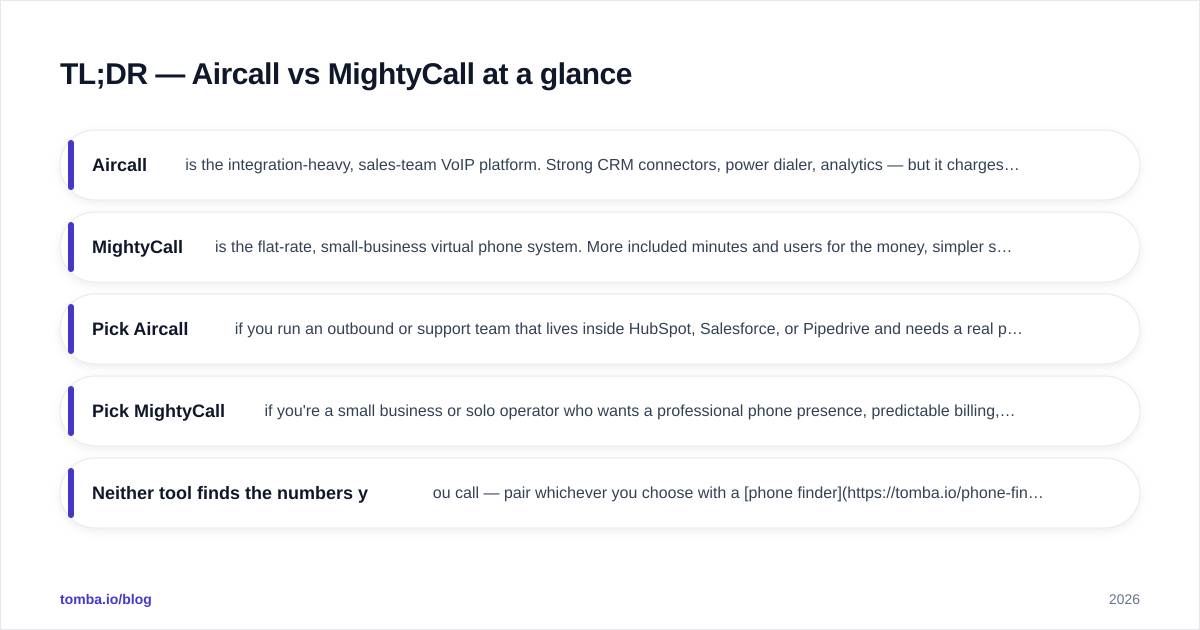
- Aircall is the integration-heavy, sales-team VoIP platform. Strong CRM connectors, power dialer, analytics — but it charges per user and gates the good stuff behind higher tiers.
- MightyCall is the flat-rate, small-business virtual phone system. More included minutes and users for the money, simpler setup, lighter on native integrations.
- Pick Aircall if you run an outbound or support team that lives inside HubSpot, Salesforce, or Pipedrive and needs a real power dialer plus call analytics.
- Pick MightyCall if you're a small business or solo operator who wants a professional phone presence, predictable billing, and don't need a CRM glued to every call.
- Neither tool finds the numbers you call — pair whichever you choose with a phone finder so your dialer isn't sitting idle.
What is Aircall?#
Aircall is a cloud-based VoIP phone system built for sales and support teams that already run a CRM. Think of it as the phone layer that bolts onto your existing stack — every call, recording, and voicemail flows back into HubSpot or Salesforce automatically, so reps don't log calls by hand.
Its core strengths are the integrations marketplace (100+ native connectors), the Power Dialer for outbound campaigns, and call analytics that managers actually use for coaching. The catch is the pricing model: Aircall bills per user per month, with a three-seat minimum, and reserves features like the power dialer and advanced analytics for its higher plan. You can read more on the official Aircall site.
What is MightyCall?#
MightyCall is a virtual phone system aimed at small businesses, freelancers, and lean teams. Instead of charging per seat for everything, it bundles a generous pool of minutes and users into flat monthly plans. Setup takes minutes — you get a business number, call menus (IVR), voicemail-to-text, and a softphone app without touching a CRM.
The everyday analogy: Aircall is a fitted suit tailored to your sales process, while MightyCall is a sharp off-the-rack blazer that fits most small businesses out of the box for a fraction of the cost. MightyCall trades deep native integrations for simplicity and price predictability. For most owner-operated businesses, that trade is the right one. The MightyCall homepage lays out the current plan structure.

Aircall vs MightyCall: full comparison table#
Here's the head-to-head on the attributes that actually drive a buying decision. Prices reflect publicly listed 2026 plans and can shift, so confirm on each vendor's pricing page before you commit.
| Attribute | Aircall | MightyCall |
|---|---|---|
| Entry price | ~$30/user/mo (3-user min) | ~$15/user/mo (flat plans) |
| Billing model | Per seat | Flat tiers with user pools |
| Free trial | 7 days | 7 days |
| Power dialer | Yes (higher tier) | Yes (mid/higher tier) |
| CRM integrations | 100+ native | Limited native + API/Zapier |
| Call recording | Yes | Yes |
| IVR / call menus | Yes | Yes (strong) |
| Analytics & coaching | Advanced | Basic to mid |
| Voicemail-to-text | Yes | Yes |
| Best fit | Sales/support teams on a CRM | Small businesses, solos |
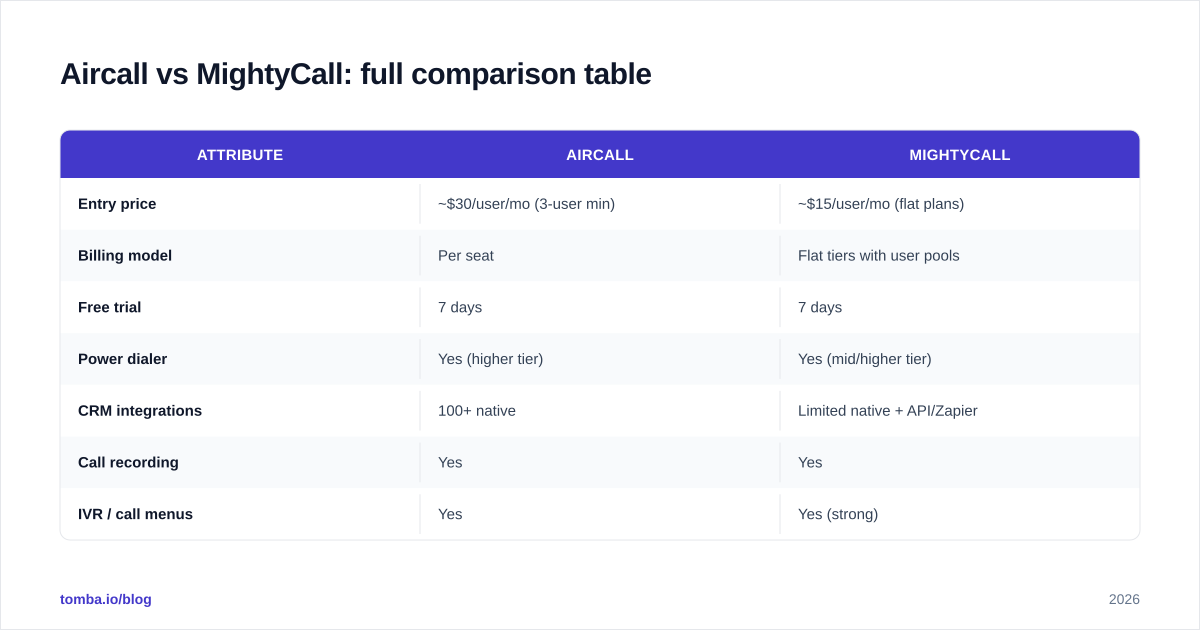
The pattern is clear: Aircall charges more and earns it through integrations and analytics depth; MightyCall undercuts on price and wins on simplicity and included usage.
Is Aircall better than MightyCall?#
It depends entirely on whether your calls need to talk to your CRM. Aircall is better if your reps work deals inside HubSpot, Salesforce, or Pipedrive and you want every dial, note, and recording synced without manual logging. The power dialer alone can lift connect rates for an SDR team running through hundreds of numbers a day, and the analytics give managers real coaching material.
Aircall pulls ahead when:
- You run a dedicated outbound or inbound team of 3+ reps.
- CRM sync is non-negotiable — you measure activity inside your pipeline tool.
- You need call monitoring, whisper, and barge for live coaching.
- Your call analytics feed performance reviews and quota tracking.
But "better" has a price tag. With a three-seat minimum and per-user billing, a five-rep team on Aircall's mid tier costs meaningfully more than the same team on MightyCall. If you don't use the integrations, you're paying for a Ferrari to drive to the mailbox.
Is MightyCall better than Aircall?#
MightyCall is better when predictable cost and fast setup matter more than CRM depth. For a small business that just needs a professional phone presence — a main line, a few extensions, a call menu, and voicemail that lands in an inbox — MightyCall delivers that without the per-seat math.
MightyCall pulls ahead when:
- You're a solo operator, agency, or team under ~10 people.
- You want flat, forecastable monthly billing with users included.
- Native CRM sync isn't core to how you work (or Zapier covers it).
- You value a short onboarding over a deep feature tree.
The honest limitation: MightyCall's native integration list is short next to Aircall's. If your sales process is built around automatic CRM logging and advanced reporting, you'll feel the ceiling. For everyone else, that ceiling is far above your head and the savings are real every single month.
How do pricing models actually compare?#
This is where most teams get the decision wrong, so run the math on your real headcount.
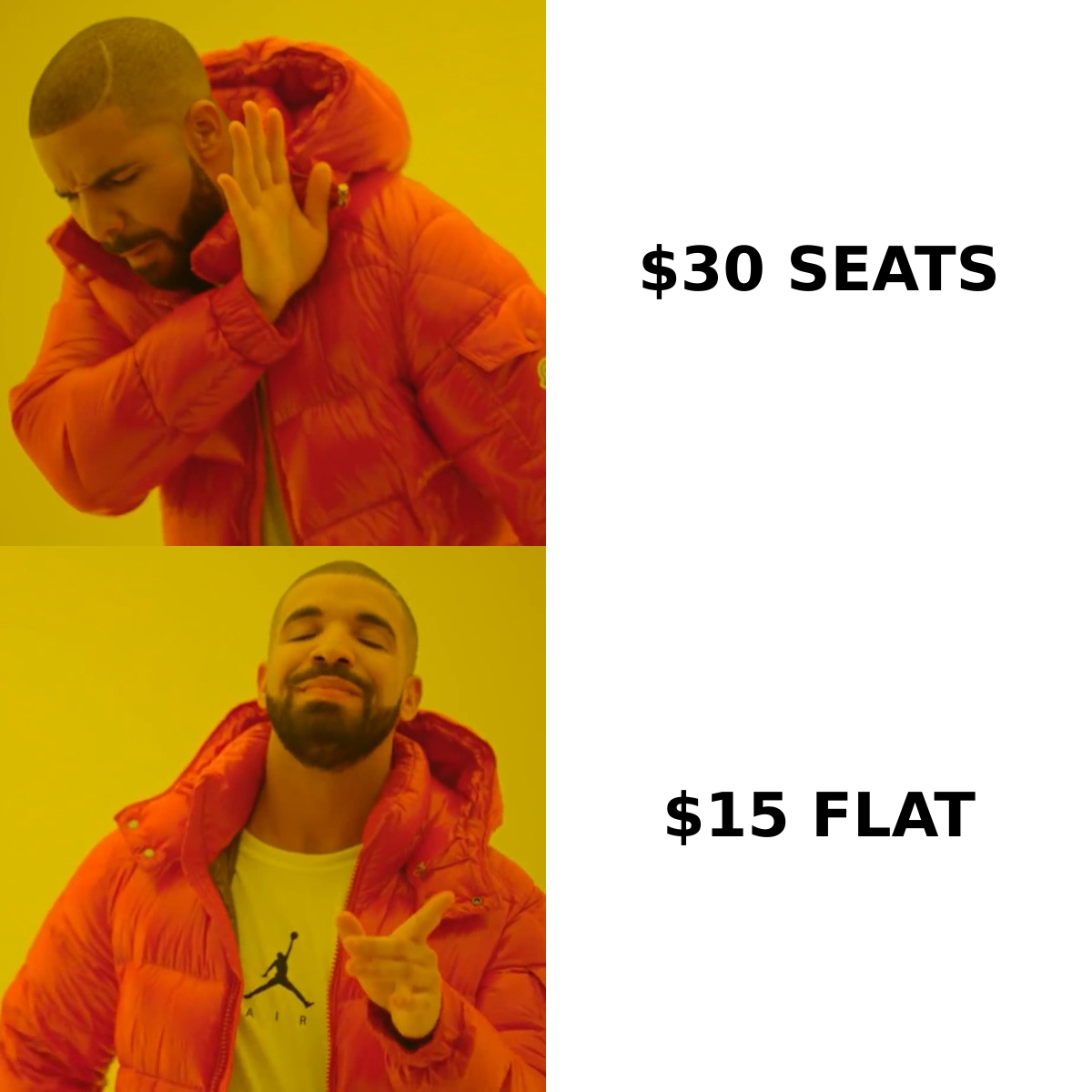
Aircall's per-seat model scales linearly: every rep you add is another full subscription. That's fine — even efficient — when each seat is a revenue-generating caller who uses the integrations daily. It gets expensive fast when you have part-time users, occasional callers, or admins who just need a number.
MightyCall's flat tiers bundle a set number of users and minutes. If your usage fits inside the plan, your cost per user drops as you grow into the bundle. If you blow past the included minutes, overage or a tier bump applies — so estimate your monthly call volume honestly before you sign.
A quick decision rule:
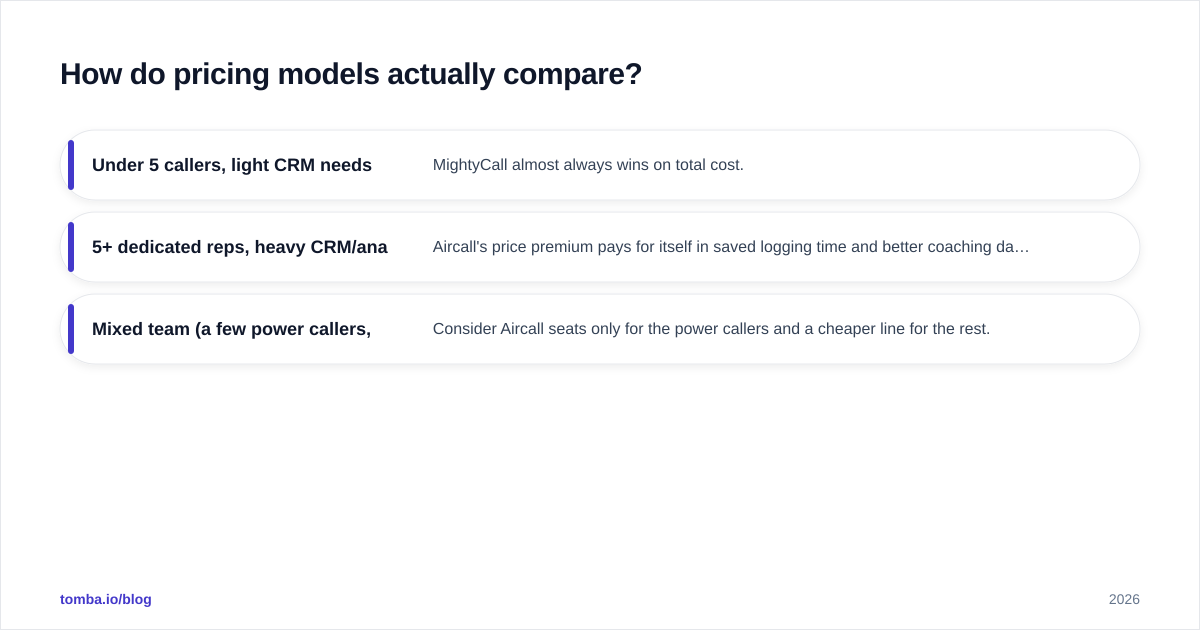
- Under 5 callers, light CRM needs: MightyCall almost always wins on total cost.
- 5+ dedicated reps, heavy CRM/analytics needs: Aircall's price premium pays for itself in saved logging time and better coaching data.
- Mixed team (a few power callers, many occasional users): Consider Aircall seats only for the power callers and a cheaper line for the rest.
For a full picture of what a calling stack costs once you add data and enrichment, compare these phone plans against your Tomba pricing line item — the dialer is only half the bill.
What about integrations and workflow fit?#
Aircall's integration marketplace is its moat. Native, two-way connectors for major CRMs, helpdesks, and sales engagement tools mean a call becomes a logged activity, a triggered workflow, and a data point without a rep lifting a finger. If you've standardized on a CRM and want the phone to disappear into it, Aircall is hard to beat.
MightyCall covers the essentials and leans on Zapier and its API for the long tail. That's enough for businesses whose phone and CRM don't need to be married. But if you're evaluating a tool to power a high-velocity outbound motion, the difference in native depth is the single biggest reason to pay Aircall's premium.
Whichever you choose, remember the phone system is the megaphone, not the audience. It dials and logs — it does not build your list. That's a separate job, and the quality of your list determines whether either tool earns its keep.
How do you keep either dialer fed with good numbers?#
A power dialer with a stale or empty list is an expensive paperweight. Before you optimize the call layer, fix the data layer:
- Source verified contacts. Pull direct dials and mobile numbers for your target accounts instead of guessing extensions. Tomba's find phone numbers tool returns B2B numbers tied to real people at the company.
- Enrich the record. Attach title, company, and email so reps open every call with context. Contact enrichment turns a bare number into a full profile.
- Validate before you dial. Bad numbers waste connect attempts and drag your metrics down. Run lists through a phone validator so reps only spend time on lines that ring.
Do that, and both Aircall and MightyCall perform better — not because the phone system changed, but because the list behind it got sharper.
Which one should you choose?#
Here's the clean verdict, conclusion first:
- Choose Aircall if you're a sales or support team of three or more, you live inside a CRM, and call analytics and a power dialer drive how you coach and hit quota. You'll pay more per seat, and for the right team that cost returns itself in logged-call automation and reporting.
- Choose MightyCall if you're a small business, agency, or solo operator who wants a polished phone presence, flat predictable billing, and fast setup without a CRM dependency. You'll save real money every month and lose little you'd actually use.
There's no universal winner — there's a fit. Map the decision to your headcount, your CRM dependency, and your monthly call volume, and the answer usually picks itself. If you're still torn, start both 7-day trials in parallel and run a week of real calls through each; the friction (or lack of it) tells you more than any spec sheet.
Feed your new phone system with better leads#
A phone system only dials numbers you give it. The fastest way to lift connect rates on either Aircall or MightyCall is a cleaner, richer list — and that starts with finding the right people to call. Use the Tomba Email Finder to surface decision-makers by domain or name, then layer in direct dials and enrichment so every rep opens each call with a name, a title, and a reason to talk. The dialer is the easy part. The list is what closes. Start free with 25 searches a month and see how much sharper your outbound gets when the data behind the call is right.
// get started
Find, verify and enrich your first contacts today
Start on the free plan with 25 searches a month, then scale when your team is ready.
Free plan · No credit card required · GDPR & CCPA
// about the author