Aircall vs RingCentral 2026: Which Phone System Wins?
Aircall vs RingCentral compared on price, features, dialer power, and CRM fit — a neutral 2026 breakdown to help sales teams pick the right cloud phone.
Choosing a business phone system in 2026 usually comes down to two names that keep showing up on every shortlist: Aircall and RingCentral. They solve the same core problem — voice calls in the cloud — but they were built for different buyers, and picking the wrong one means paying for seats your team never touches or hitting feature walls mid-quarter.
This is a neutral, hands-on comparison. No vendor is paying for a verdict here. The goal is to help you match the tool to your actual sales motion, call volume, and stack.
TL;DR — Aircall vs RingCentral in 5 bullets#
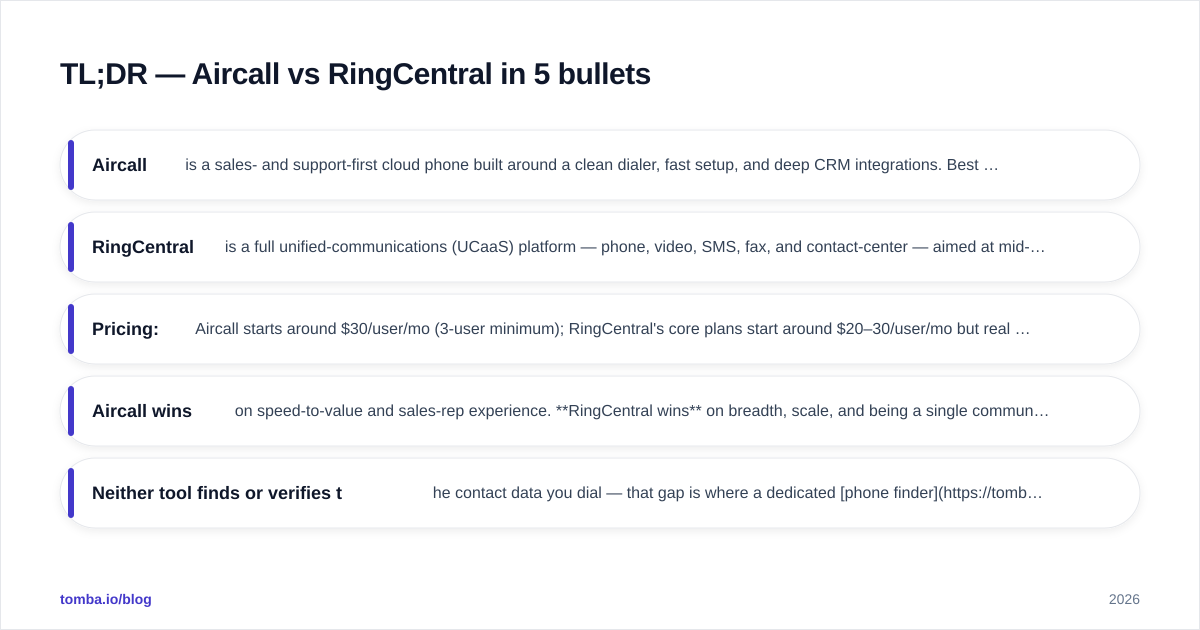
- Aircall is a sales- and support-first cloud phone built around a clean dialer, fast setup, and deep CRM integrations. Best for teams of 3–200 who live inside HubSpot, Salesforce, or Pipedrive.
- RingCentral is a full unified-communications (UCaaS) platform — phone, video, SMS, fax, and contact-center — aimed at mid-market and enterprise that want one vendor for everything.
- Pricing: Aircall starts around $30/user/mo (3-user minimum); RingCentral's core plans start around $20–30/user/mo but real sales features live in higher tiers.
- Aircall wins on speed-to-value and sales-rep experience. RingCentral wins on breadth, scale, and being a single communications backbone.
- Neither tool finds or verifies the contact data you dial — that gap is where a dedicated phone finder earns its keep.
What is Aircall and who is it for?#
Aircall is a cloud-based phone system designed for sales and support teams that want to be calling within an afternoon, not a fiscal quarter. You buy numbers in 100+ countries, assign them to teams, and reps start dialing from a browser, desktop app, or mobile.
Its center of gravity is the sales workflow: power dialer, click-to-call from inside your CRM, call tagging, shared call inboxes, and automatic logging. Aircall deliberately stays narrow — it is a phone system, not a Swiss-army communications suite — and that focus is the whole pitch. Setup is genuinely fast, the admin panel is approachable, and the integration marketplace covers the tools most outbound teams already run.
The trade-off: Aircall is voice-led. Video meetings, advanced contact-center routing, and heavy SMS campaigns are either light or absent depending on plan. If your team's day is calls + CRM, that's a feature, not a bug. You can read real buyer feedback on Aircall's G2 profile before committing.
What is RingCentral and who is it for?#
RingCentral is a unified communications platform. Think of it less as a phone app and more as the entire telecom department rebuilt in software: voice, video conferencing, team messaging, business SMS, fax, and a full contact-center product (RingCX / RingCentral Contact Center) all under one login.
That breadth is the reason large organizations standardize on it. One vendor, one bill, one admin console for a 2,000-seat company with offices on three continents. RingCentral's reliability SLA, compliance certifications, and analytics depth are built for buyers who need to answer to IT and procurement, not just a sales manager. Their official feature breakdown lives at ringcentral.com.
The cost of all that surface area is complexity. Onboarding takes longer, the admin experience has more knobs, and the lower-priced tiers hold back features (like advanced integrations and analytics) that sales teams often assume are included. RingCentral rewards the buyer who will actually use video + SMS + contact center; it overcharges the buyer who only wants a great outbound dialer.
Aircall vs RingCentral: side-by-side comparison#
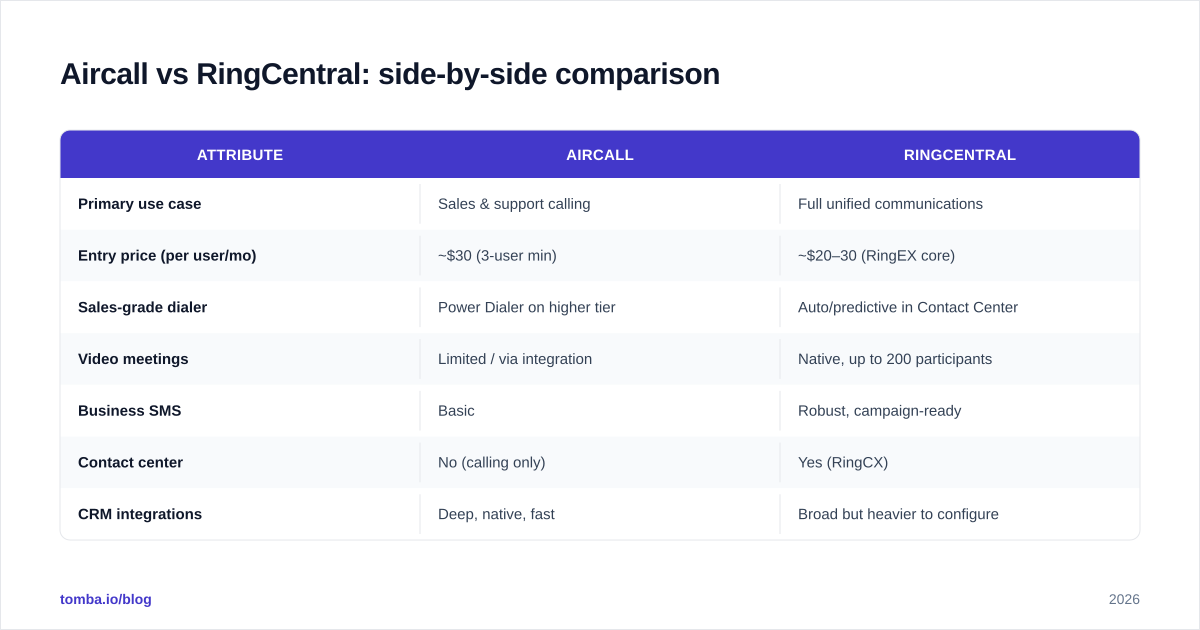
Here's the head-to-head on the attributes that actually drive a buying decision. Treat published prices as starting points — both vendors negotiate on annual contracts and seat count.
| Attribute | Aircall | RingCentral |
|---|---|---|
| Primary use case | Sales & support calling | Full unified communications |
| Entry price (per user/mo) | ~$30 (3-user min) | ~$20–30 (RingEX core) |
| Sales-grade dialer | Power Dialer on higher tier | Auto/predictive in Contact Center |
| Video meetings | Limited / via integration | Native, up to 200 participants |
| Business SMS | Basic | Robust, campaign-ready |
| Contact center | No (calling only) | Yes (RingCX) |
| CRM integrations | Deep, native, fast | Broad but heavier to configure |
| Setup time | Hours | Days to weeks |
| Best fit team size | 3–200 | 50–10,000+ |
| Free tier | No (free trial only) | No (free trial only) |
The pattern is clear: if a row matters to you and it says "limited" under Aircall, that's a signal you may be a RingCentral buyer — and vice versa.
Is Aircall better than RingCentral for sales teams?#
For a focused outbound or inbound sales team, Aircall is usually the better fit — and the reason is friction, not feature count.
Reps adopt tools that get out of their way. Aircall's click-to-call sits right inside the CRM record, calls log themselves, and dispositions take one click. A rep can make 80 dials a day without thinking about the phone system at all. RingCentral can do sales calling well, but its sales-grade dialer features live in the Contact Center product, which means more configuration and a heavier interface for a rep whose only job is conversations.
Where RingCentral pulls ahead for sales is the blended team — the org where the same headcount handles calls, video demos, and SMS follow-up, and where leadership wants unified analytics across all of it. If your "sales call" is really a video product demo half the time, RingCentral's native conferencing stops being a nice-to-have.
One thing neither platform does: tell you who to call. A dialer is only as good as the list feeding it. If your reps burn 20% of their day chasing wrong numbers, the phone system isn't the bottleneck — the data is. Pairing either tool with verified contact data from a phone validator keeps connect rates from quietly bleeding out.
How do Aircall and RingCentral compare on integrations?#
Integrations are where most sales teams actually feel the difference day to day.
Aircall's integration philosophy is "native and fast." Its marketplace has 100+ pre-built connectors, and the CRM ones — HubSpot, Salesforce, Pipedrive, Zoho — are tight: two-way contact sync, automatic call logging, click-to-call from the record, and insight cards that surface customer context when the phone rings. Setup is typically a few clicks and an OAuth grant.
RingCentral integrates with an even broader list, including the unified-comms tools Aircall doesn't touch (Microsoft Teams, Google Workspace, video-heavy stacks). But because the platform is bigger, configuring those integrations to behave the way a sales team wants takes more time and often an admin who knows the platform.
A practical decision framework:
If your stack centers on a sales CRM and you want logging to "just work," Aircall's native depth wins. If your stack is a sprawling Microsoft or Google enterprise environment and the phone is one of ten communication channels, RingCentral's breadth wins. Whichever you choose, the contact records feeding those integrations still need clean phone numbers and emails — which is why teams often run a data enrichment step before the data ever reaches the dialer. If you're connecting through HubSpot specifically, check that your enrichment layer also has a native HubSpot integration so numbers land on the record automatically.
What about pricing — which is cheaper?#
Cheaper depends entirely on what you'll use, and the headline numbers mislead in both directions.
Aircall's entry plan looks pricier per seat, but it bundles the sales features a calling team actually needs and has a hard 3-user minimum. For a 10-rep outbound team, the all-in cost is predictable and most of what you pay for gets used.
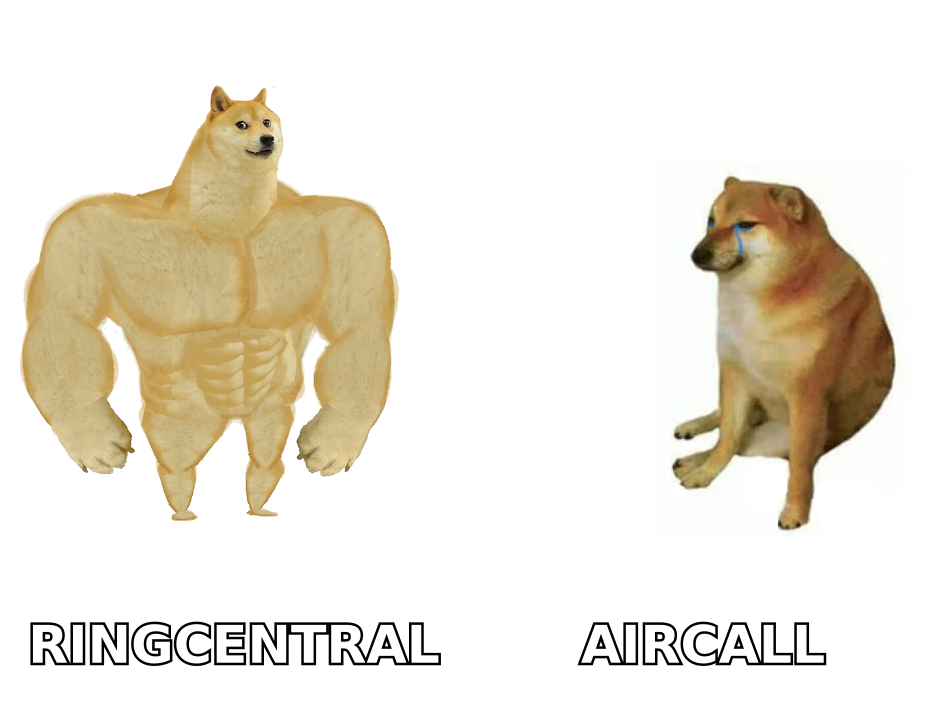
RingCentral's entry tier looks cheaper, but the sales-relevant capabilities — advanced analytics, deeper integrations, the real dialer — sit in higher tiers or in the Contact Center add-on. A team that signs up for the cheapest RingCentral plan expecting Aircall-style sales tooling will end up upgrading. Conversely, if you genuinely consolidate phone + video + SMS + fax + contact center onto RingCentral and retire three other vendors, the blended cost can undercut buying each separately.
Rule of thumb:
- Pure calling team, ≤50 seats: Aircall is usually cheaper for what you use.
- Consolidating multiple comms tools, 50+ seats: RingCentral can win on total cost of ownership.
- Always price the tier that contains the features you need, not the cheapest tier on the page.
Aircall vs RingCentral: pros and cons#
| Aircall | RingCentral | |
|---|---|---|
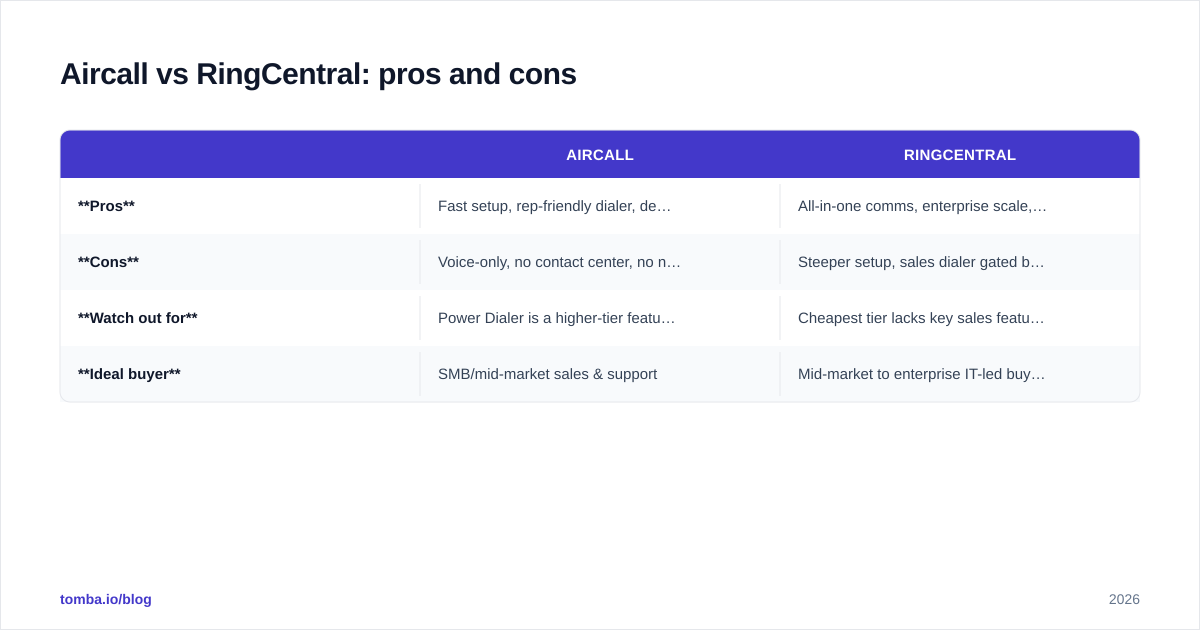
| Pros | Fast setup, rep-friendly dialer, deep native CRM logging, clean admin | All-in-one comms, enterprise scale, native video + SMS, strong SLA |
| Cons | Voice-only, no contact center, no native video depth | Steeper setup, sales dialer gated behind Contact Center, more complexity |
| Watch out for | Power Dialer is a higher-tier feature | Cheapest tier lacks key sales features |
| Ideal buyer | SMB/mid-market sales & support | Mid-market to enterprise IT-led buyer |
How do you decide between Aircall and RingCentral?#
Answer three questions honestly:
- Is voice 80%+ of how your team communicates with prospects? If yes, lean Aircall. If your reps split time across calls, video demos, and SMS, lean RingCentral.
- Who owns the buying decision — a sales leader or IT/procurement? Sales-led buyers value Aircall's speed and rep experience. IT-led buyers value RingCentral's consolidation, compliance, and single-vendor governance.
- How big will you be in 18 months? Aircall scales comfortably into the low hundreds of seats. If you're planning a multi-thousand-seat, multi-region rollout with a formal contact center, RingCentral is built for that ceiling.
There's no universally "better" tool here — there's a better fit for your motion. A 25-person SaaS sales team running HubSpot will be happiest on Aircall. A 1,500-person company retiring four separate communication vendors will be happiest on RingCentral.
The piece both tools assume you already have#
Here's the uncomfortable truth that neither vendor's marketing leads with: a phone system dials numbers — it does not find them, and it does not check whether they're still good. Every minute a rep spends on a disconnected line or a wrong contact is a minute the platform you paid for is working against you.
That's the layer to solve before you obsess over dialer features. Build clean, verified contact records first, then let Aircall or RingCentral do what it does well. Use Tomba's Email Finder to source the decision-maker's professional email, enrich the record with a direct line, and verify both before the number ever reaches your dialer. Pair it with the right cloud phone and your connect rate stops depending on luck. Compare Tomba pricing — starting free for 25 searches a month, then $49/mo Starter — and feed your new phone system the kind of data that actually converts.
// get started
Find, verify and enrich your first contacts today
Start on the free plan with 25 searches a month, then scale when your team is ready.
Free plan · No credit card required · GDPR & CCPA
// about the author