Altss vs GetProspect 2026: Which B2B Email Finder Wins?
Altss vs GetProspect compared on accuracy, data freshness, pricing, and LinkedIn workflows — plus where a verification-first tool like Tomba fits in 2026.
TL;DR
- Altss is built around real-time, on-demand contact lookups with a focus on hard-to-reach decision-makers, founders, and investors — strong freshness, smaller catalog.
- GetProspect leads with a large pre-built B2B database plus a LinkedIn Chrome extension and bulk enrichment — strong scale, freshness varies by record.
- Pick Altss when you need fresh, niche contacts and live verification at the moment of outreach; pick GetProspect when you need volume, list-building, and CRM-style organization.
- Neither replaces a dedicated verification layer — pair your finder with an email verifier to protect deliverability before you send.
- For teams that want accuracy-first data with an email finder, domain search, and verification under one roof, Tomba is the value pick at $49/mo.
What are Altss and GetProspect?#
Think of Altss and GetProspect as two different libraries. Altss is the rare-books room — fewer titles, but the ones it holds are current, hand-checked, and hard to find anywhere else. GetProspect is the public library — millions of records on the shelf, browsable in bulk, but some books are a few editions out of date.
Altss positions itself as a real-time B2B contact intelligence platform. Instead of serving cached rows, it leans on live lookups to return verified emails and direct dials for decision-makers, often targeting founders, executives, and investor networks that thinner databases miss. The trade-off: coverage is narrower, and per-lookup workflows reward precision over spray-and-pray.
GetProspect is a long-standing email finder and prospecting suite. Its core is a B2B contact database (the vendor cites 200M+ contacts), wrapped with a LinkedIn Chrome extension, list management, bulk email search, and lightweight CRM features. It is built for sales teams that want to assemble large, segmented lists quickly and push them into a sequence tool.
Both solve the same job — turn a name, domain, or LinkedIn profile into a usable email — but they optimize for opposite ends of the freshness-vs-volume spectrum.
How accurate is the data in Altss vs GetProspect?#
Accuracy is where this comparison actually gets decided, because a cheap email that bounces costs you more than an expensive one that lands.
Altss's real-time model is its accuracy argument. Because it verifies at request time rather than serving a row that was scraped months ago, the email you get is more likely to still be valid the moment you export it. That matters most for senior contacts who change companies often — the population where stale databases fail hardest.
GetProspect's accuracy is database-dependent. A frequently-updated record on a common corporate domain (think @company.com with a clear first.last pattern) will resolve cleanly. A record on a catch-all domain, or one untouched for a year, is a coin flip. GetProspect does provide verification status flags, but a "valid" flag from any provider is a probability, not a guarantee — especially across catch-all domains that accept every address at the SMTP layer.

The honest takeaway: real-time tools like Altss tend to win on freshness for niche, senior targets, while database tools like GetProspect win on breadth. But independent benchmarks consistently show that no single finder hits 95%+ deliverable across every domain type. That is why accuracy-focused teams treat the finder and the verifier as two separate jobs — find the address, then re-validate it against live SMTP and catch-all logic right before send. Tomba publishes its data sources for exactly this reason: you should be able to see where a contact came from before you trust it.
Altss vs GetProspect: feature and pricing comparison#
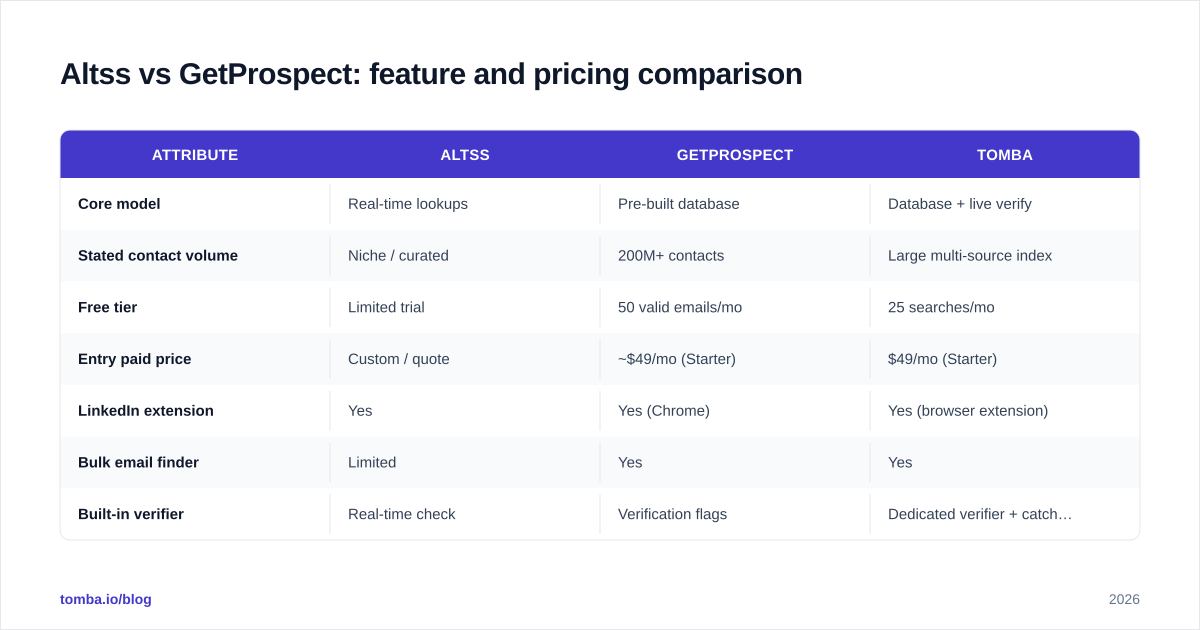
Here is the head-to-head on the attributes that change your buying decision. (Altss publishes less standardized public pricing than GetProspect, so treat its figures as indicative and confirm on a sales call.)
| Attribute | Altss | GetProspect | Tomba |
|---|---|---|---|
| Core model | Real-time lookups | Pre-built database | Database + live verify |
| Stated contact volume | Niche / curated | 200M+ contacts | Large multi-source index |
| Free tier | Limited trial | 50 valid emails/mo | 25 searches/mo |
| Entry paid price | Custom / quote | ~$49/mo (Starter) | $49/mo (Starter) |
| LinkedIn extension | Yes | Yes (Chrome) | Yes (browser extension) |
| Bulk email finder | Limited | Yes | Yes |
| Built-in verifier | Real-time check | Verification flags | Dedicated verifier + catch-all |
| Phone / direct dials | Strong focus | Add-on | Phone finder available |
| Best fit | Founders, investors, niche execs | High-volume list building | Accuracy-first all-rounder |
A few notes that the table can't capture:
- Free tiers differ in kind. GetProspect's 50 valid emails/month is generous for testing list quality. Tomba's free tier gives 25 searches plus access to the verifier so you can test the find-then-verify loop end to end.
- Pricing transparency favors GetProspect and Tomba. If you need to budget without a sales call, custom-quote tools add friction.
- Phone data is Altss's quiet strength. If your motion is multi-channel (call + email), that direct-dial focus is worth weighing.
Which tool is better for LinkedIn prospecting?#
For LinkedIn-driven outbound, GetProspect has the more mature surface today. Its Chrome extension is designed to pull contacts directly off profiles and search results, then drop them into lists you can segment and enrich in bulk — the classic "build a 500-person list from a Sales Navigator search" workflow.
Altss handles LinkedIn lookups too, but its strength shows when you're chasing a specific hard-to-find person rather than scraping a list of 500. If your rep identifies a target founder and needs a current, verified email now, the real-time model shines. If your SDR needs to assemble a territory list before Monday, the database model is faster.
If LinkedIn is your primary channel regardless of which finder you choose, a dedicated LinkedIn finder that converts profile URLs into verified business emails is worth adding to the stack — it keeps your sourcing channel and your verification channel honest about each other.

What about deliverability and bounce rates?#
This is the part most comparison posts skip, and it's the part that actually determines whether your campaign works.
Your sender reputation is a bank account. Every hard bounce is a withdrawal, and once your balance drops, even your good emails start landing in spam. A finder that returns a 90% deliverable list still hands you a 10% bounce rate — and on a 1,000-contact send, that 100 bounces is enough to dent your sender reputation for weeks.
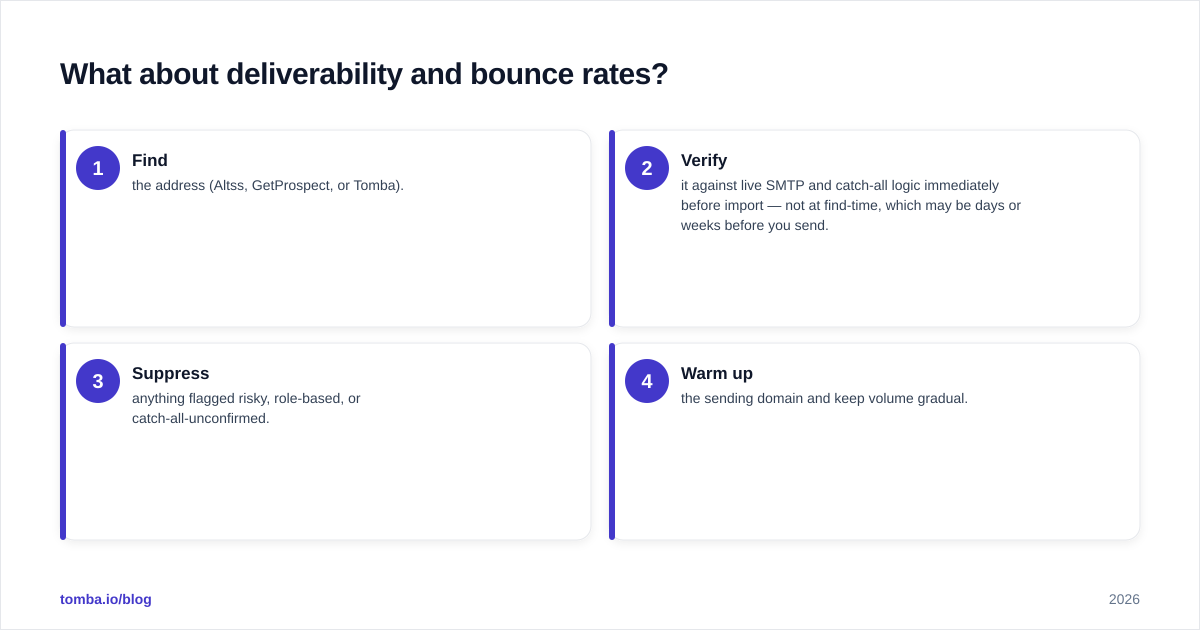
That's why the workflow matters more than the tool brand:
- Find the address (Altss, GetProspect, or Tomba).
- Verify it against live SMTP and catch-all logic immediately before import — not at find-time, which may be days or weeks before you send.
- Suppress anything flagged risky, role-based, or catch-all-unconfirmed.
- Warm up the sending domain and keep volume gradual.
Both Altss and GetProspect include verification signals, but neither removes the need for a final-mile check, particularly on catch-all domains where SMTP accepts everything. Running a separate email verification pass before each campaign is the single highest-ROI habit in cold outreach. For the mechanics, our guide on protecting email deliverability covers SPF, DKIM, and bounce thresholds in depth.
Is Altss or GetProspect better value in 2026?#
Value depends entirely on your motion, so here's the decision in plain terms.
Choose Altss if:
- You sell to founders, executives, or investors who move companies often.
- Freshness at the moment of outreach matters more than list size.
- Phone/direct-dial coverage is part of your play.
- You can work with custom pricing and lower volume.
Choose GetProspect if:
- You build large, segmented lists from LinkedIn and Sales Navigator.
- Predictable per-seat pricing and a usable free tier matter.
- Bulk enrichment and list organization are core to your day.
- Volume beats niche depth for your ICP.
Consider Tomba if:
- You want accuracy-first data and a built-in verifier, domain search, and catch-all handling without buying three tools.
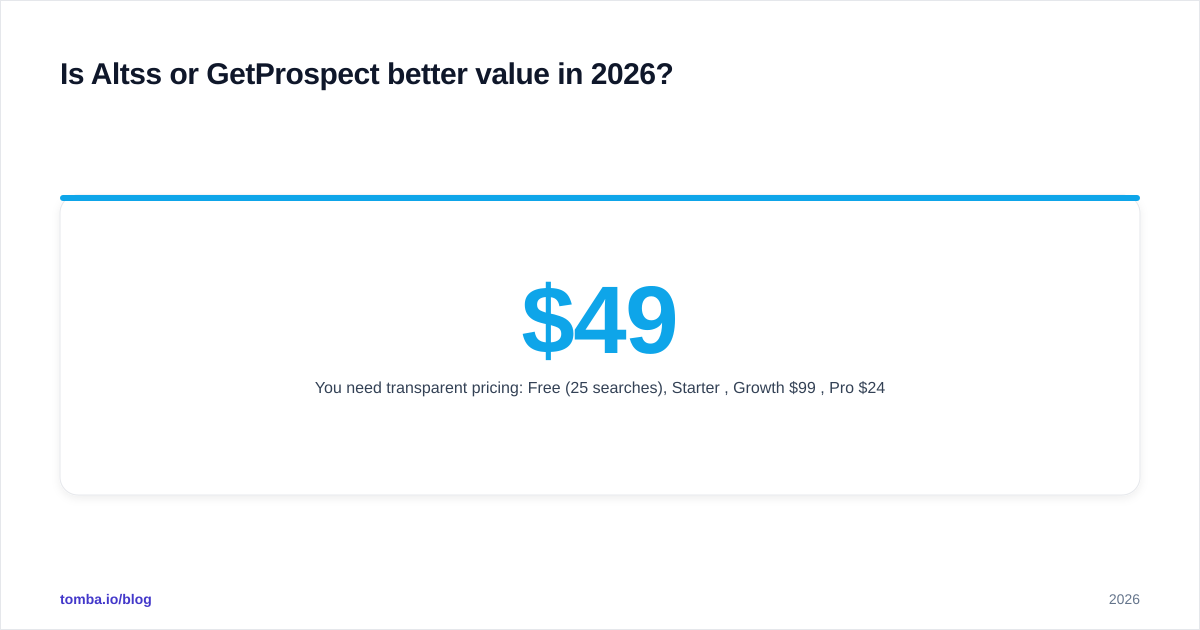
- You need transparent pricing: Free (25 searches), Starter $49/mo, Growth $99/mo, Pro $249/mo.
- You want an email finder API and bulk tools for engineering or RevOps workflows.

The framing that helps most teams: this is rarely "the best tool" and almost always "the best tool for this motion." A founder-led startup chasing 40 dream-logo accounts will get more from real-time depth. A 12-rep SDR team running territory plays will get more from database scale. And a team that wants one accuracy-minded platform to cover both finding and verifying will land on a consolidated option.
How do I evaluate either tool before buying?#
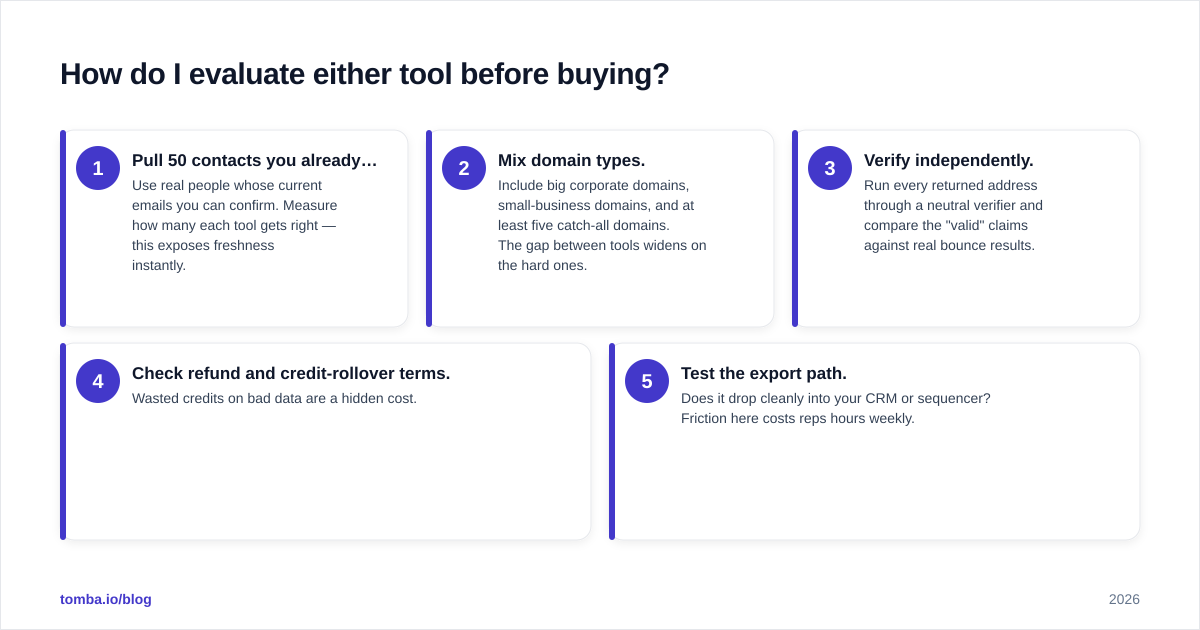
Run the same 30-minute test on any finder, including these two:
- Pull 50 contacts you already know. Use real people whose current emails you can confirm. Measure how many each tool gets right — this exposes freshness instantly.
- Mix domain types. Include big corporate domains, small-business domains, and at least five catch-all domains. The gap between tools widens on the hard ones.
- Verify independently. Run every returned address through a neutral verifier and compare the "valid" claims against real bounce results.
- Check refund and credit-rollover terms. Wasted credits on bad data are a hidden cost.
- Test the export path. Does it drop cleanly into your CRM or sequencer? Friction here costs reps hours weekly.
For comparison shopping beyond these two, third-party review sites like G2 and Capterra are useful for surfacing real bounce-rate complaints buried in reviews — read the 3-star reviews, not the 5-star ones, since that's where deliverability pain shows up.
The bottom line#
Altss and GetProspect are both legitimate choices that simply optimize for different things: Altss for real-time freshness on hard-to-reach people, GetProspect for database-driven scale and LinkedIn list-building. Match the tool to your motion and you'll be happy with either.
But whichever finder you pick, the deliverability rule doesn't change — find, then verify, then send. If you'd rather not stitch a finder and a verifier together from two vendors, Tomba gives you an accuracy-first email finder, a built-in verifier, domain search, catch-all detection, and a phone finder under one transparent plan starting at $49/mo, with a free tier so you can run the 50-contact test above before paying a cent. Start with the free tier, benchmark it against your current list, and keep your sender reputation in the green.
Ready to find emails that actually work?
Join 150,000+ professionals who stopped guessing and started sending. Free credits on signup — no credit card required.
Get the Tomba newsletter
Practical outbound tactics and product updates — once every two weeks.
About the author