Anymail Finder vs FindThatLead: 2026 Accuracy Compared
Anymail Finder vs FindThatLead: an honest 2026 breakdown of accuracy, pricing, credits, and which email finder actually fits your outbound stack.
placeholder
TL;DR
- Anymail Finder wins on verified-email discipline: you mostly pay for results it can confirm, which keeps bounce rates low for cold outbound.
- FindThatLead is the broader prospecting suite — email finding plus lead lists, a Chrome extension, and a basic sending tool — but accuracy is more variable.
- Pricing models differ in kind, not just price: Anymail Finder charges per verified email, FindThatLead charges per credit whether the result lands or not.
- Pick Anymail Finder for deliverability-first sales teams; pick FindThatLead if you want an all-in-one prospect-and-send starter kit on a budget.
- If you care about per-result accuracy and a free tier to test it, Tomba is worth benchmarking against both before you commit.
What do Anymail Finder and FindThatLead actually do?#
Both tools answer the same core question: "What's the work email for this person at this company?" They just take different routes.
Anymail Finder is a focused email-finding and verification tool. You give it a name and a domain (or upload a list), and it returns an address with a confidence label. Its selling point is that it tries hard not to charge you for guesses — if it can't verify an email, you typically don't burn a credit on it.
FindThatLead is a wider lead-generation platform. Email finding is one feature among several: a domain-based "Lead Search," a Chrome extension that scrapes prospects from LinkedIn and websites, a Prospector for building lists by role and location, and a lightweight cold-email sender called Scrab.in/Email Sender. It aims to be the whole top-of-funnel, not just the lookup step.
Think of it like buying a camera. Anymail Finder is the prime lens that does one thing sharply. FindThatLead is the all-in-one travel zoom — more versatile, but you trade some edge sharpness for the convenience.
How accurate is each email finder?#
Accuracy is the only metric that matters for cold outbound, because a 10% bounce rate can wreck your sender reputation faster than any subject line can save it.
Anymail Finder's architecture is built around verification before delivery. It performs SMTP-level checks and only marks an address "verified" when the receiving server accepts it. Addresses it can't confirm are returned as "not found" rather than passed off as guesses — and in its standard pricing, unverified results don't cost you.
FindThatLead also verifies, but its scoring is looser in practice. You'll see more results returned overall, including pattern-based guesses (firstname@domain, f.lastname@domain) that look plausible but haven't cleared an SMTP handshake. That higher yield is great for raw volume and worse for bounce rates if you mail the whole list without a second pass through an email verifier.

The practical takeaway: if you send straight from the export, Anymail Finder will protect your domain reputation better. If you use FindThatLead, budget for a verification step before you load anything into your sequencer. For the mechanics of why bounces hurt, see this primer on email deliverability.
)
Anymail Finder vs FindThatLead: side-by-side comparison#
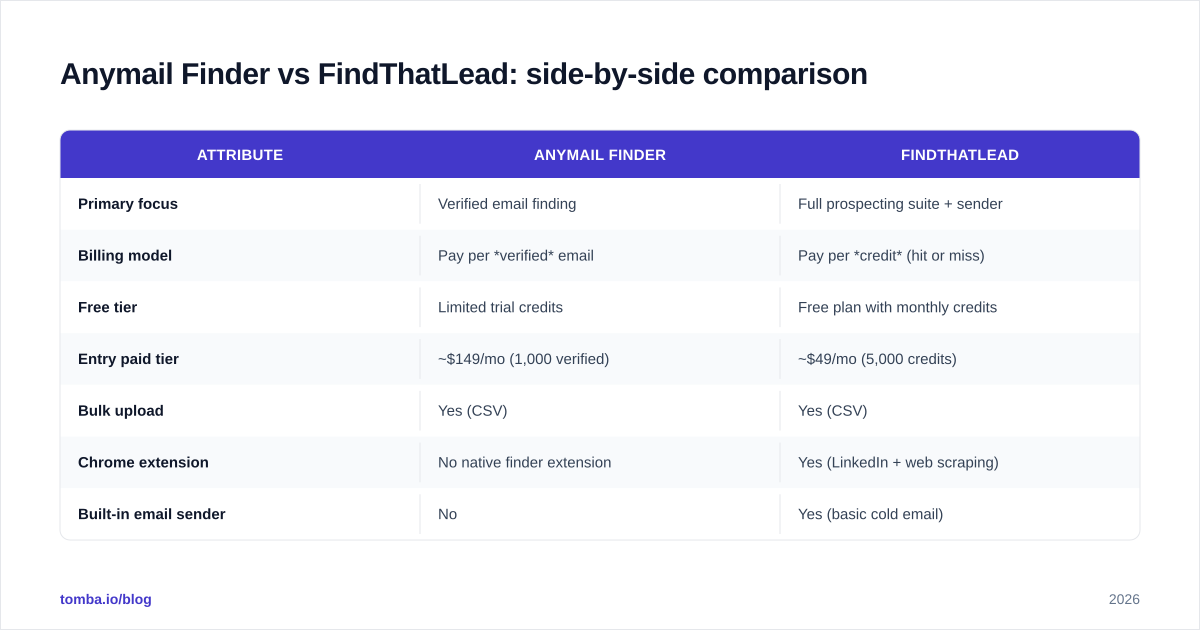
Here's the head-to-head on the attributes that decide most purchases. Prices reflect publicly listed entry tiers in 2026 and shift with promotions, so confirm on each vendor's pricing page before you buy.
| Attribute | Anymail Finder | FindThatLead |
|---|---|---|
| Primary focus | Verified email finding | Full prospecting suite + sender |
| Billing model | Pay per verified email | Pay per credit (hit or miss) |
| Free tier | Limited trial credits | Free plan with monthly credits |
| Entry paid tier | ~$149/mo (1,000 verified) | ~$49/mo (5,000 credits) |
| Bulk upload | Yes (CSV) | Yes (CSV) |
| Chrome extension | No native finder extension | Yes (LinkedIn + web scraping) |
| Built-in email sender | No | Yes (basic cold email) |
| LinkedIn prospecting | Limited | Strong (core feature) |
| Best for | Deliverability-first teams | Budget all-in-one starters |
Two rows deserve emphasis. First, the billing model difference is the real story: a "credit" on FindThatLead can be spent on a guess that bounces, while an Anymail Finder charge generally maps to a usable address. A cheaper sticker price with a worse hit rate can cost more per valid contact. Second, FindThatLead's sender and extension genuinely add value if you don't already own those tools — but if you run HubSpot or a dedicated sequencer, you're paying for overlap.
Which is better for cold email deliverability?#
Anymail Finder, in most cases. Cold email lives and dies by bounce rate, and the tool that returns fewer-but-confirmed addresses keeps you out of spam folders.
That said, "better tool" doesn't excuse skipping fundamentals. Neither finder fixes a missing SPF record, an unwarmed domain, or a spammy template. Before you blame your data source for low replies, check that your authentication is in order with an SPF checker and that your domain isn't flagged with a blacklist checker.
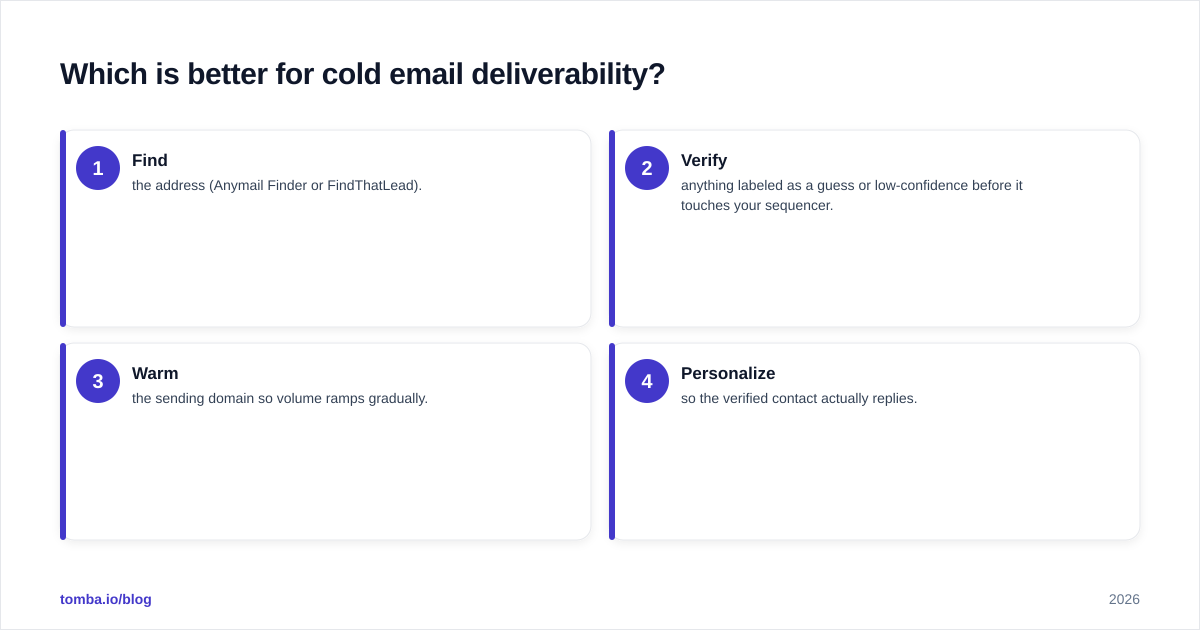
The workflow that wins regardless of vendor:
- Find the address (Anymail Finder or FindThatLead).
- Verify anything labeled as a guess or low-confidence before it touches your sequencer.
- Warm the sending domain so volume ramps gradually.
- Personalize so the verified contact actually replies.
FindThatLead users should treat step 2 as mandatory. Anymail Finder users can often compress steps 1 and 2 into one, which is the whole point of paying per verified result.
)
How does pricing really compare?#
Sticker price lies; cost-per-valid-email tells the truth.
Say you need 1,000 usable addresses. On FindThatLead's entry plan (~$49/mo, ~5,000 credits) you might spend 5,000 credits to get there if roughly 1 in 5 results is unusable or unverified — meaning the "5,000-credit" plan yields about 1,000 good contacts, the same target Anymail Finder's higher-priced tier guarantees as verified. Suddenly the gap narrows, and for teams where a single bounce-driven blacklisting costs days of deliverability, Anymail Finder's premium can pay for itself.
The honest framing:
- Low budget, high tolerance for cleanup → FindThatLead. You get volume and tooling cheaply, and you do the verification yourself.
- Deliverability is mission-critical → Anymail Finder. You pay more upfront and waste less downstream.
- You want both low cost and verified-only results → benchmark a third option (more on that below), because the two-way framing hides better deals.
For a sense of how transparent credit models can look, compare both against published Tomba pricing tiers before deciding which model fits your monthly volume.
What about integrations and workflow fit?#
FindThatLead leans into being a self-contained funnel. Its Chrome extension pulls prospects directly off LinkedIn and company sites, the Prospector builds lists by filters, and the built-in sender lets a solo founder run a campaign without any other software. For a one-person sales motion, that consolidation is the main reason to choose it.
Anymail Finder is the opposite philosophy: do the finding well, then hand off cleanly. It exports tidy CSVs and offers an API for teams that already have a CRM and sequencer and just want a reliable data feed. If your stack is built around Salesforce or a dedicated outreach platform, that "do one thing well" posture is a feature, not a limitation.
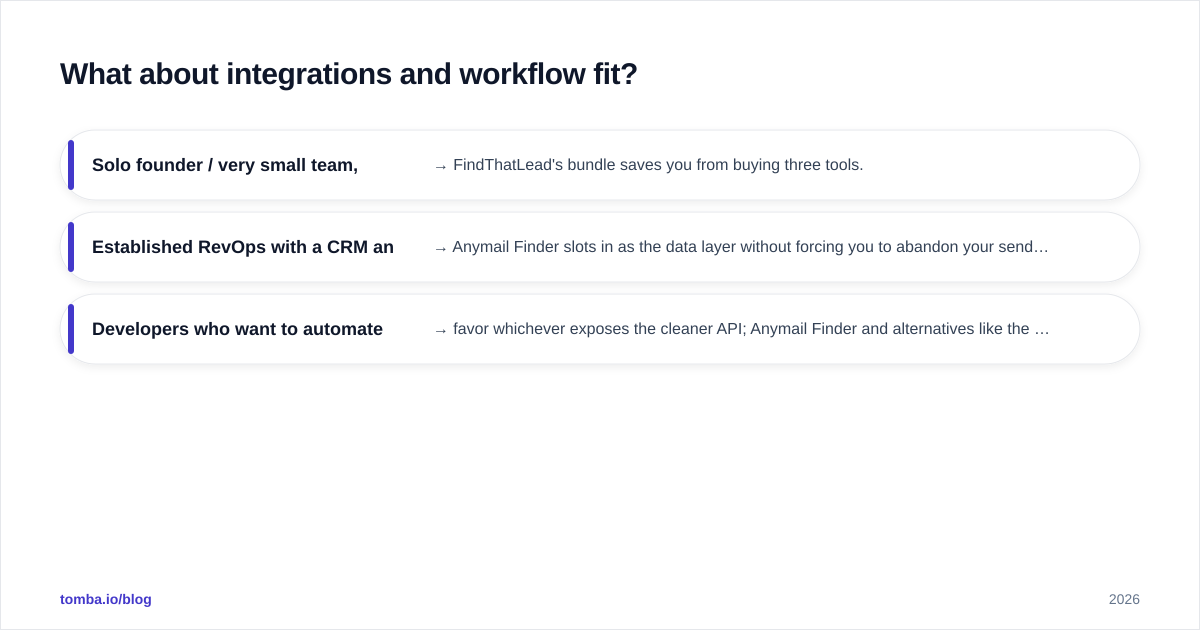
A quick fit test:
- Solo founder / very small team, no existing stack → FindThatLead's bundle saves you from buying three tools.
- Established RevOps with a CRM and sequencer → Anymail Finder slots in as the data layer without forcing you to abandon your sender.
- Developers who want to automate enrichment → favor whichever exposes the cleaner API; Anymail Finder and alternatives like the Tomba API are built for that.

Where do both tools fall short?#
Being fair to both:
Anymail Finder limitations — narrower scope means no native prospecting extension and no built-in sender, so you're assembling the rest of your stack yourself. Its premium per-verified pricing also stings at low volumes, where the per-result cost is highest. And like every finder, it returns "not found" for genuinely hard-to-reach contacts at small or privacy-locked companies.
FindThatLead limitations — the credit model rewards the vendor when results miss, which misaligns incentives. Verification quality is uneven, so disciplined teams end up paying for a second verification pass anyway. The bundled sender is fine for starters but thin next to a dedicated sequencer, and power users often outgrow it within a quarter.
Neither tool is a database play. If your real need is browsing a large, filterable B2B database rather than looking up known names, both finders will feel limiting and you should evaluate a different category of product entirely.
What's the verdict on Anymail Finder vs FindThatLead?#
Choose Anymail Finder if deliverability is non-negotiable. You'll pay more per result, but the verified-only model keeps bounce rates low and your sender reputation intact — exactly what a scaling outbound team needs.
Choose FindThatLead if you want an affordable, all-in-one starter and you're willing to verify lists yourself before sending. For solo founders and early-stage teams who value breadth and budget over per-result precision, the bundled extension and sender are a real convenience.
But the two-way framing is artificially narrow. Both tools force a trade-off — accuracy or affordability, focus or breadth — and that trade-off isn't actually mandatory in 2026.
That's where it's worth running a third benchmark. Tomba's Email Finder pairs verified, source-cited results with a transparent credit model and a genuinely usable free tier (25 searches/month) so you can test accuracy on your own prospect list before paying a cent. Its paid plans start at $49/mo (Growth $99/mo, Pro $249/mo), it ships a Chrome extension, a built-in email verifier, domain search, and bulk lead generation — covering both the precision Anymail Finder is known for and the breadth FindThatLead offers, without the credit-on-a-guess penalty. Start with the free tier, run the same 50 names through all three, and let your own bounce rate pick the winner.
// get started
Find, verify and enrich your first contacts today
Start on the free plan with 25 searches a month, then scale when your team is ready.
Free plan · No credit card required · GDPR & CCPA
// about the author