Apexverify vs Wiza 2026: Best Email Finder Compared
Apexverify vs Wiza compared head-to-head for 2026 — accuracy, pricing, LinkedIn coverage, and verification depth. See which email tool fits your outbound stack, and where a third option wins.
Choosing between Apexverify vs Wiza usually comes down to one question: do you need to find contacts at scale, or verify the ones you already have? They look similar on a feature grid, but they were built to solve opposite ends of the same problem. This breakdown shows where each one earns its place — and where a more complete platform makes both redundant.
TL;DR — Apexverify vs Wiza in 30 seconds#
- Wiza is a LinkedIn-first prospecting tool. Its strength is turning Sales Navigator searches and lists into exportable contacts with emails and phone numbers.
- Apexverify is built around email verification and validation — confirming whether an address is deliverable before you send.
- Accuracy is the deciding factor: a finder that returns 1,000 emails is useless if 30% bounce. Verification depth matters more than raw volume.
- Pricing favors Wiza for credit-based LinkedIn exports; Apexverify is leaner if verification is your only job.
- If you want finding and multi-step verification in one place (including catch-all handling), neither covers the full loop — that's where Tomba Email Finder fits.
What is Apexverify and what is it actually good at?#
Apexverify positions itself as an email verification and validation service. Think of it as the spell-checker for your contact list: you feed it addresses, and it tells you which ones are real, which will bounce, and which are risky (catch-all or role-based like info@).
The core jobs Apexverify does well:
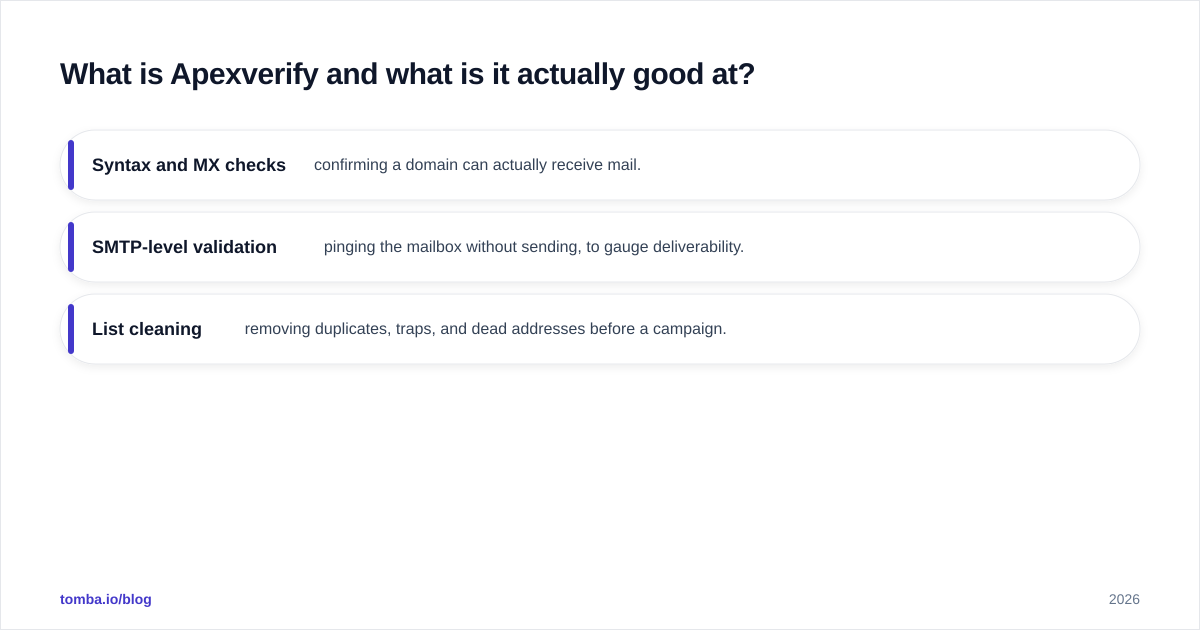
- Syntax and MX checks — confirming a domain can actually receive mail.
- SMTP-level validation — pinging the mailbox without sending, to gauge deliverability.
- List cleaning — removing duplicates, traps, and dead addresses before a campaign.
What Apexverify is not built for is discovery. It assumes you already have a list. If your problem is "I have 500 target companies but no contact emails," verification alone doesn't solve it. You'd still need a separate finder, then pipe the results into Apexverify. That two-tool tax is the recurring theme in this comparison.
What is Wiza and who is it for?#
Wiza is a LinkedIn-native lead tool. Its whole identity is built around Sales Navigator: you run a search, Wiza scrapes the list, and it returns enriched rows with work emails, personal emails, and phone numbers. For SDRs who live inside LinkedIn, that workflow is hard to beat.
Wiza's strengths:
- Bulk LinkedIn exports — turn a Sales Nav search of thousands of profiles into a CSV in minutes.
- Real-time email finding — it attempts to find and verify on export, so you're not handed obvious junk.
- Phone and personal-email enrichment — useful for multichannel outreach.
The trade-off is that Wiza is tethered to LinkedIn. If your prospecting starts somewhere else — a list of domains, a conference attendee sheet, a CRM export with no emails — Wiza's LinkedIn-first design is less natural. You can still use it, but you're working against the grain.
Apexverify vs Wiza: the head-to-head comparison#
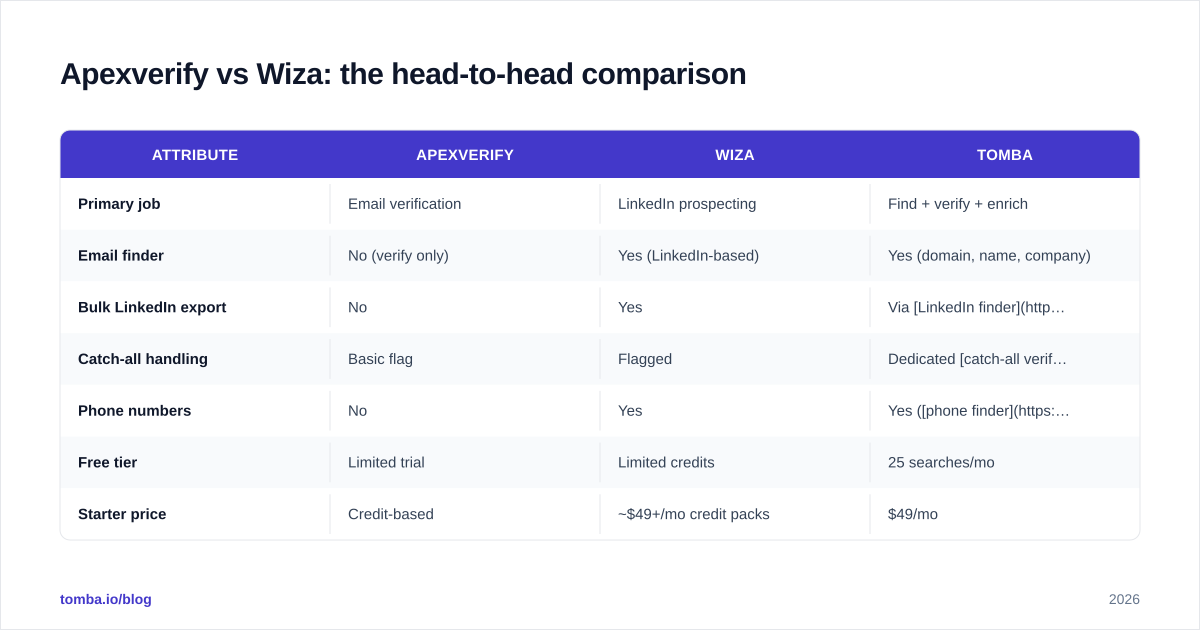
Here's the practical breakdown. Treat the verification column as the one that protects your sender reputation — bounces are what get you blacklisted.
| Attribute | Apexverify | Wiza | Tomba |
|---|---|---|---|
| Primary job | Email verification | LinkedIn prospecting | Find + verify + enrich |
| Email finder | No (verify only) | Yes (LinkedIn-based) | Yes (domain, name, company) |
| Bulk LinkedIn export | No | Yes | Via LinkedIn finder |
| Catch-all handling | Basic flag | Flagged | Dedicated catch-all verifier |
| Phone numbers | No | Yes | Yes (phone finder) |
| Free tier | Limited trial | Limited credits | 25 searches/mo |
| Starter price | Credit-based | ~$49+/mo credit packs | $49/mo |
| API access | Yes | Yes | Yes (Tomba API) |
| Best for | Cleaning lists | LinkedIn-heavy SDRs | End-to-end outbound |
The pattern is clear: Apexverify and Wiza each own one half of the workflow. Wiza finds, Apexverify verifies. Run them together and you cover the loop — but you pay twice, manage two credit pools, and stitch two exports.

Is Wiza more accurate than Apexverify?#
Wrong question — they measure different things. Wiza's accuracy is about finding the right email; Apexverify's accuracy is about confirming an email is deliverable. A fair test runs them in sequence: let Wiza find, then let Apexverify (or any verifier) judge the output.
In practice, LinkedIn-sourced emails carry a known weakness — a lot of guessed or pattern-derived first.last@company.com addresses. Some are real, some aren't. That's exactly why a verification layer exists. So when people say "Wiza's accuracy dropped," they often mean the unverified exports bounced. Running those exports through real SMTP verification fixes most of it.
Apexverify's accuracy depends on how aggressively it probes catch-all domains. Catch-all servers accept every address at the SMTP handshake, so a naive verifier marks junk as "valid." A serious workflow needs a catch-all finder that goes beyond the handshake. If your target accounts are enterprise domains (which are frequently catch-all), this single capability decides whether your "clean" list is actually clean.
For an independent read on either tool, check verified buyer reviews on G2 before committing — feature pages oversell, and bounce-rate complaints surface fast in reviews.
How does pricing compare for Apexverify vs Wiza?#
Both lean on credits, which makes apples-to-apples pricing tricky. The honest framing:
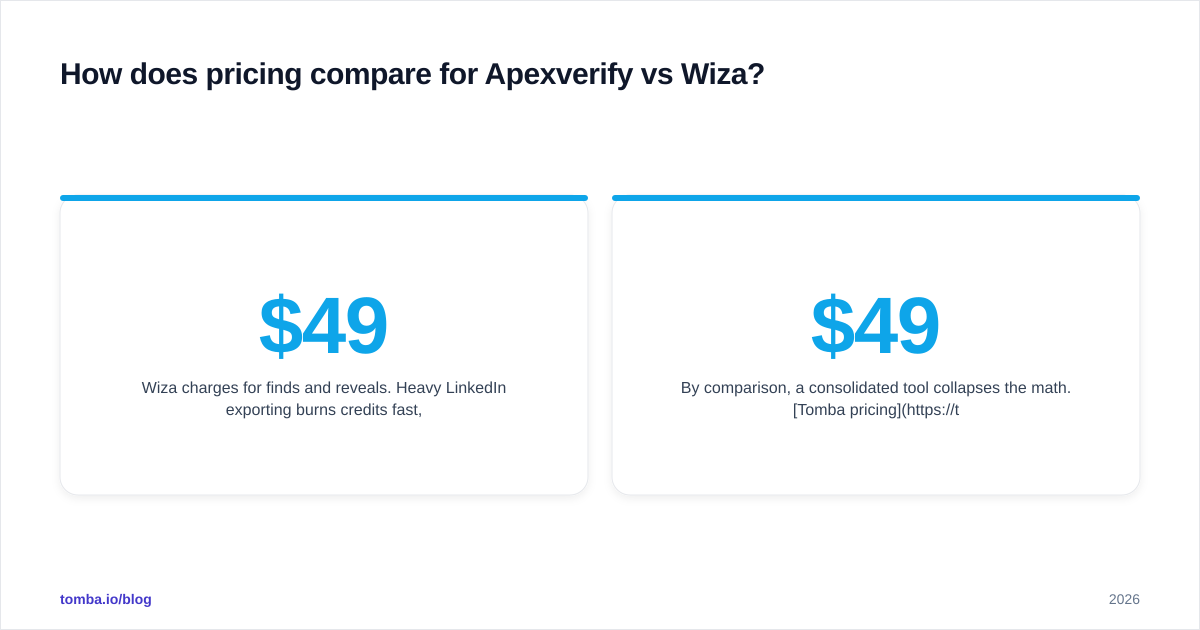
- Wiza charges for finds and reveals. Heavy LinkedIn exporting burns credits fast, and personal-email/phone enrichment costs more per row. Plans typically start around the $49/mo band for meaningful volume.
- Apexverify charges per verification. Since you only pay to clean addresses you already have, the per-unit cost is lower — but remember you still need a finder somewhere in the stack, which is a separate line item.
The hidden cost in the Apexverify-plus-Wiza approach is operational, not just dollars. Two subscriptions, two APIs, two sets of credits to forecast, and a manual handoff between them. For a small team, that overhead is real.
By comparison, a consolidated tool collapses the math. Tomba pricing bundles finding, verification, and enrichment under one credit system: Free (25 searches/mo), Starter at $49/mo, Growth at $99/mo, Pro at $249/mo, and Enterprise custom. One pool, one bill, one workflow — instead of paying a finder and a verifier separately.
When should you choose Apexverify?#
Pick Apexverify if verification is your only gap. Specifically:
- You already have a reliable source of contacts (an existing CRM, a partner list, scraped data) and just need it cleaned.
- Your bounce rate is creeping up and you need to protect email deliverability before the next send.
- You want a lightweight, API-first verification endpoint to drop into a signup form or an existing pipeline.
Apexverify is the right call when the finding problem is solved and the trust problem isn't. It does one thing, and a focused tool is often cleaner than a do-everything platform you only half-use.
When should you choose Wiza?#
Pick Wiza if LinkedIn is your prospecting engine. Specifically:
- Your SDRs build lists inside Sales Navigator and need fast bulk export.
- You want phone numbers and personal emails for multichannel sequences.
- Your ICP is best discovered by job title and company filters that LinkedIn does well.
Wiza shines when the starting point is always a LinkedIn search. The further your sourcing drifts from LinkedIn — domain lists, event sheets, inbound form fills — the less Wiza's design helps you.
What's the better all-in-one alternative to both?#
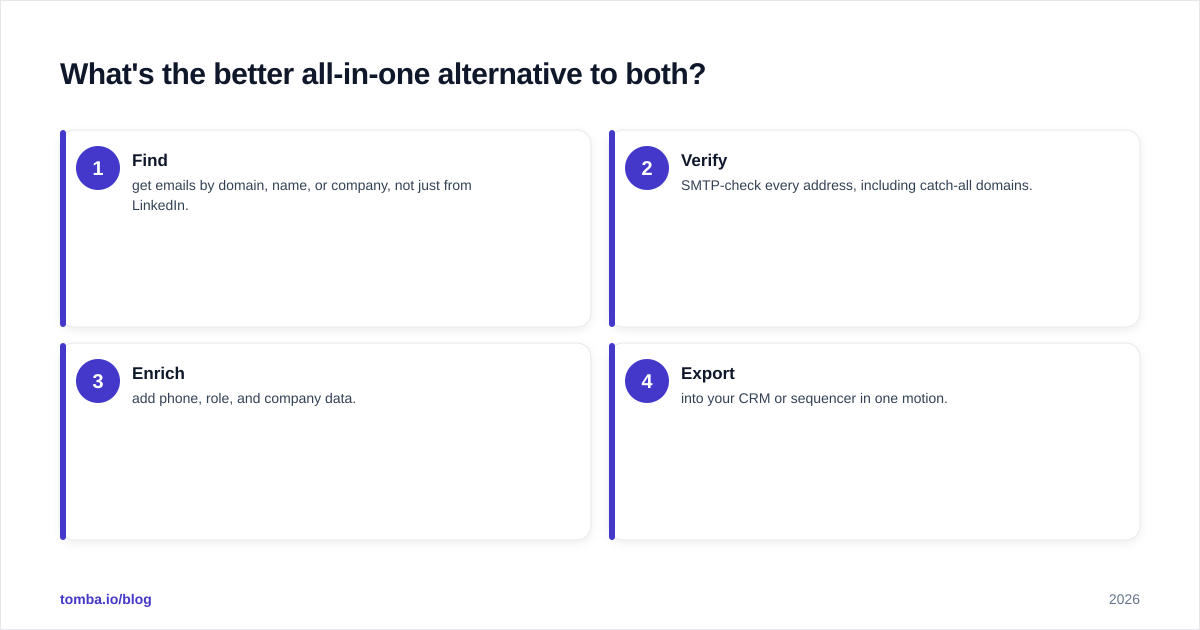
If the recurring frustration in the Apexverify vs Wiza debate is "I need both, but I don't want two tools," that's the signal to consolidate. The end-to-end loop looks like this:
- Find — get emails by domain, name, or company, not just from LinkedIn.
- Verify — SMTP-check every address, including catch-all domains.
- Enrich — add phone, role, and company data.
- Export — into your CRM or sequencer in one motion.
Tomba covers all four. Start with domain search to pull every public email pattern at a company, run results through the email verifier, handle tricky domains with the catch-all verifier, and enrich with data enrichment — all under one credit pool. For LinkedIn-heavy teams, the LinkedIn finder reproduces Wiza's core motion without leaving the platform.
This isn't to say Apexverify and Wiza are bad — they're focused tools that do their one job well. But "focused" becomes "fragmented" once you're paying for and syncing both. Consolidation removes the handoff.
For broader context on building a clean outbound data layer, HubSpot's sales resources and Wiza's own product docs are worth reading alongside hands-on trials.
Apexverify vs Wiza: which should you actually buy?#
Conclusion first: buy Wiza if your world is LinkedIn, buy Apexverify if you only need to clean lists, and buy neither if you want the whole loop in one tool.
- Choose Wiza for LinkedIn-native bulk prospecting with phone and personal-email enrichment.
- Choose Apexverify for low-cost, API-friendly verification of an existing list.
- Choose Tomba when you'd otherwise be running both — finding, verification, catch-all handling, and enrichment without the two-tool tax.
The mistake teams make is treating "find" and "verify" as one purchase when these two vendors split them. Map your actual gap before you swipe the card: if you only have one gap, a focused tool wins; if you have both, consolidation wins on cost and on sanity.
Ready to stop stitching two tools together?#
If the Apexverify vs Wiza comparison left you realizing you need both finding and verification, skip the dual subscription. Tomba Email Finder finds professional emails by domain, name, or company — then verifies them in the same flow, handles catch-all domains, and enriches the results, all from one credit pool starting free with 25 searches a month. Run a real prospecting list through it before you renew either tool, and compare the bounce rate yourself. That single test usually settles the debate.
Ready to find emails that actually work?
Join 150,000+ professionals who stopped guessing and started sending. Free credits on signup — no credit card required.
Get the Tomba newsletter
Practical outbound tactics and product updates — once every two weeks.
About the author