9 Best Attio Alternatives in 2026: CRMs Ranked & Compared
Attio is sleek, but it is not the right CRM for every team. Here are the 9 best Attio alternatives in 2026, compared on pricing, data, and fit.
Attio earned its reputation by making CRMs feel modern again: real-time sync, a flexible data model, and a UI that does not look like enterprise software from 2009. But "modern and flexible" is not the same as "right for your team." Some teams want deeper sales automation, some want a cheaper seat price, and some want a CRM that ships with built-in calling or a mature marketing suite. If any of that sounds like you, it is worth knowing your options before you commit a whole revenue team to one tool.
This guide ranks the nine best Attio alternatives in 2026, compares them on the attributes that actually change your daily workflow, and shows you how to keep whichever CRM you pick stocked with accurate contact data.
TL;DR#
- Attio is excellent for flexibility and design, but it can feel thin on native sales automation, calling, and marketing features compared to older platforms.
- Best overall alternative: HubSpot if you want an all-in-one suite; Pipedrive if you want a simple, sales-first pipeline.
- Best for scrappy teams: Folk and Capsule keep things light and affordable.
- Best for enterprise complexity: Salesforce remains the configurability king.
- The CRM is only as good as its data — pair any tool on this list with data enrichment so your records do not rot.
Why look for an Attio alternative?#
The short answer: fit, price, and feature depth. Attio is a genuinely good product, so most teams leave for specific reasons rather than because it is broken.
The most common ones we hear:
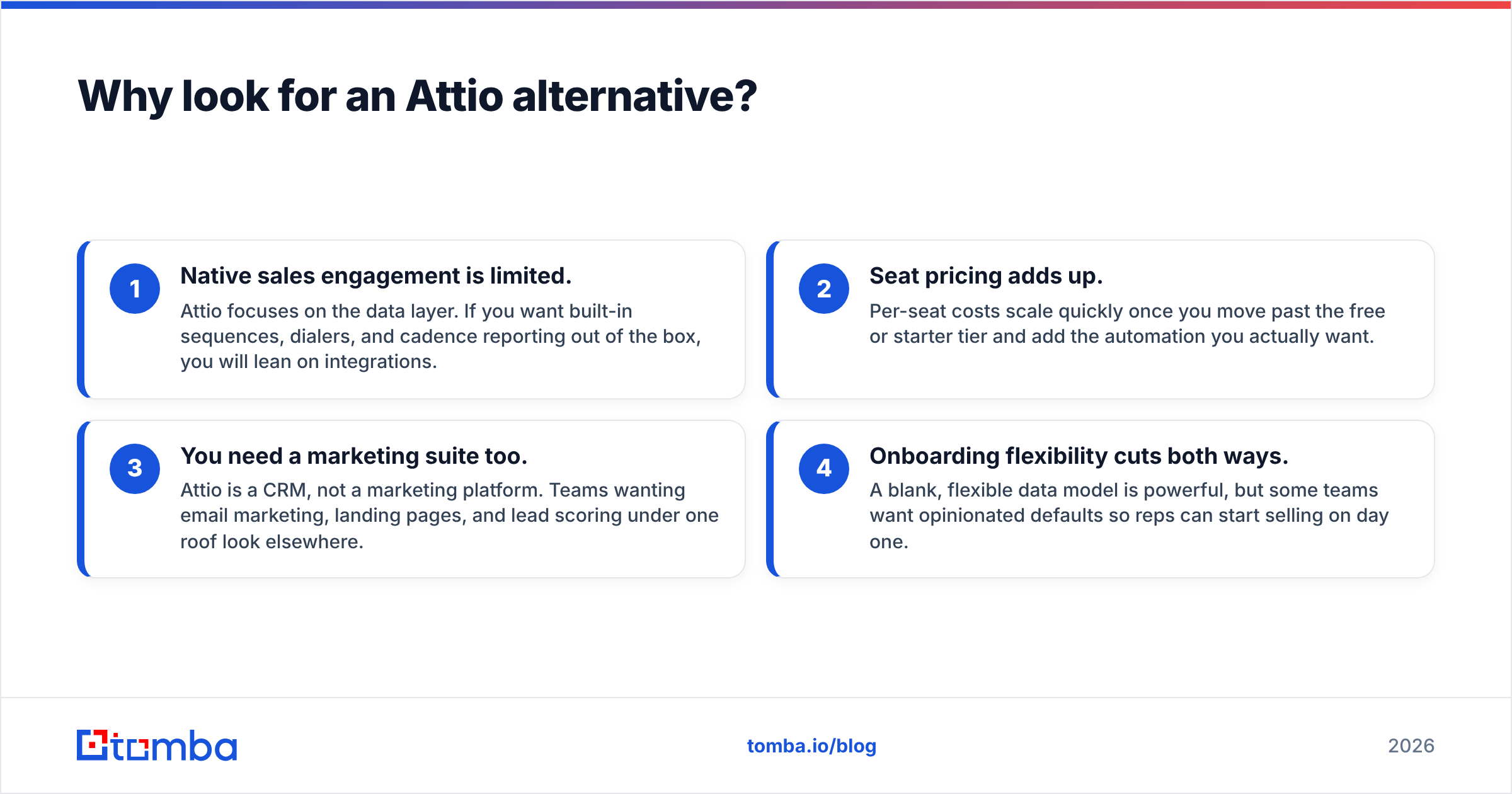
- Native sales engagement is limited. Attio focuses on the data layer. If you want built-in sequences, dialers, and cadence reporting out of the box, you will lean on integrations.
- Seat pricing adds up. Per-seat costs scale quickly once you move past the free or starter tier and add the automation you actually want.
- You need a marketing suite too. Attio is a CRM, not a marketing platform. Teams wanting email marketing, landing pages, and lead scoring under one roof look elsewhere.
- Onboarding flexibility cuts both ways. A blank, flexible data model is powerful, but some teams want opinionated defaults so reps can start selling on day one.
None of these make Attio a bad CRM. They just mean a different tool may map better to how your team sells.
What are the best Attio alternatives in 2026?#
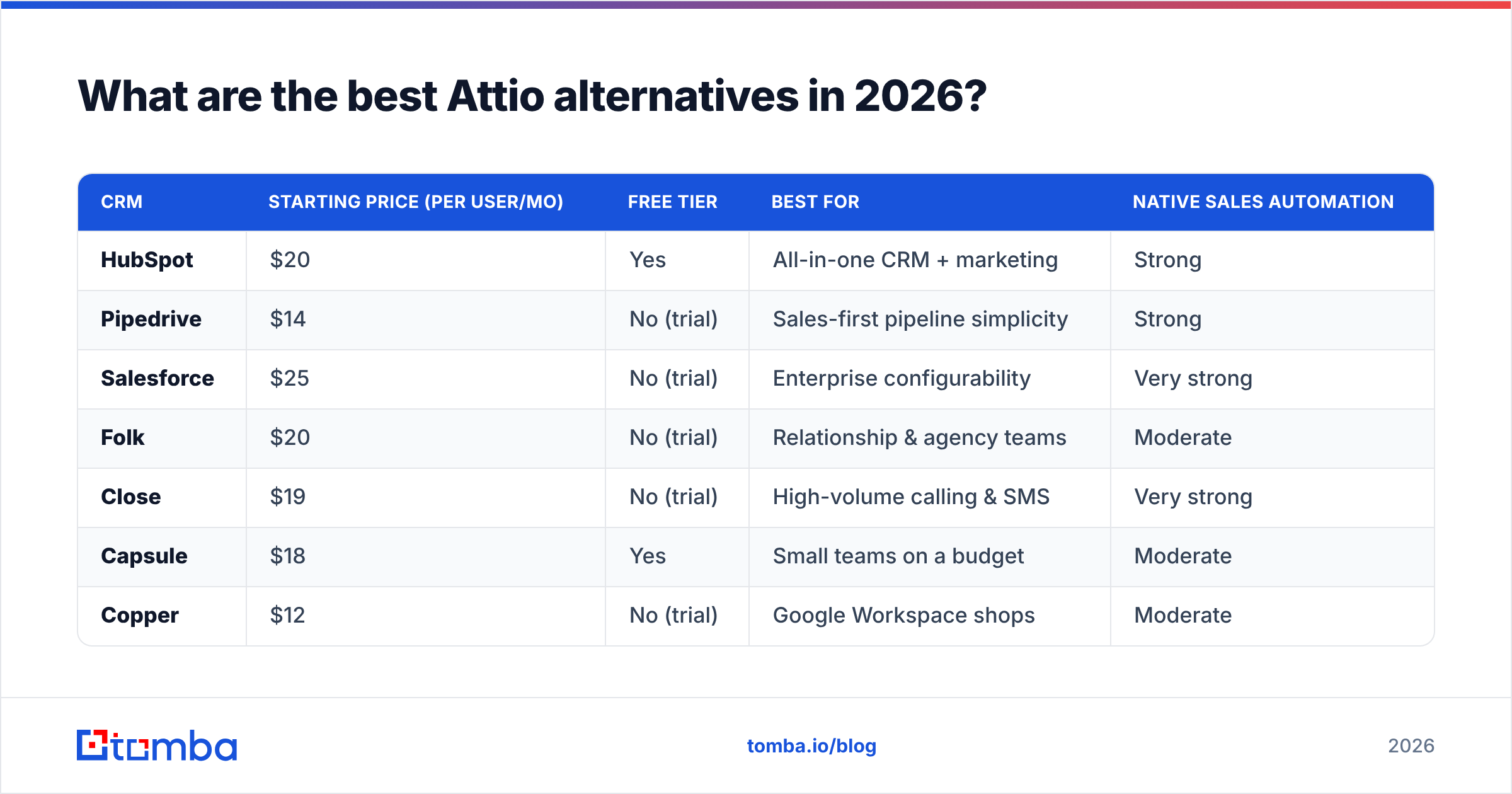
Here is the full field at a glance. Prices reflect entry-level paid plans and can change, so always confirm on the vendor's own site.
| CRM | Starting price (per user/mo) | Free tier | Best for | Native sales automation |
|---|---|---|---|---|
| HubSpot | $20 | Yes | All-in-one CRM + marketing | Strong |
| Pipedrive | $14 | No (trial) | Sales-first pipeline simplicity | Strong |
| Salesforce | $25 | No (trial) | Enterprise configurability | Very strong |
| Folk | $20 | No (trial) | Relationship & agency teams | Moderate |
| Close | $19 | No (trial) | High-volume calling & SMS | Very strong |
| Capsule | $18 | Yes | Small teams on a budget | Moderate |
| Copper | $12 | No (trial) | Google Workspace shops | Moderate |
| Zoho CRM | $14 | Yes | Feature breadth on a budget | Strong |
| monday CRM | $12 | No (trial) | Visual, work-OS style teams | Moderate |
Now let us break down where each one actually wins.
1. HubSpot — best all-in-one alternative#
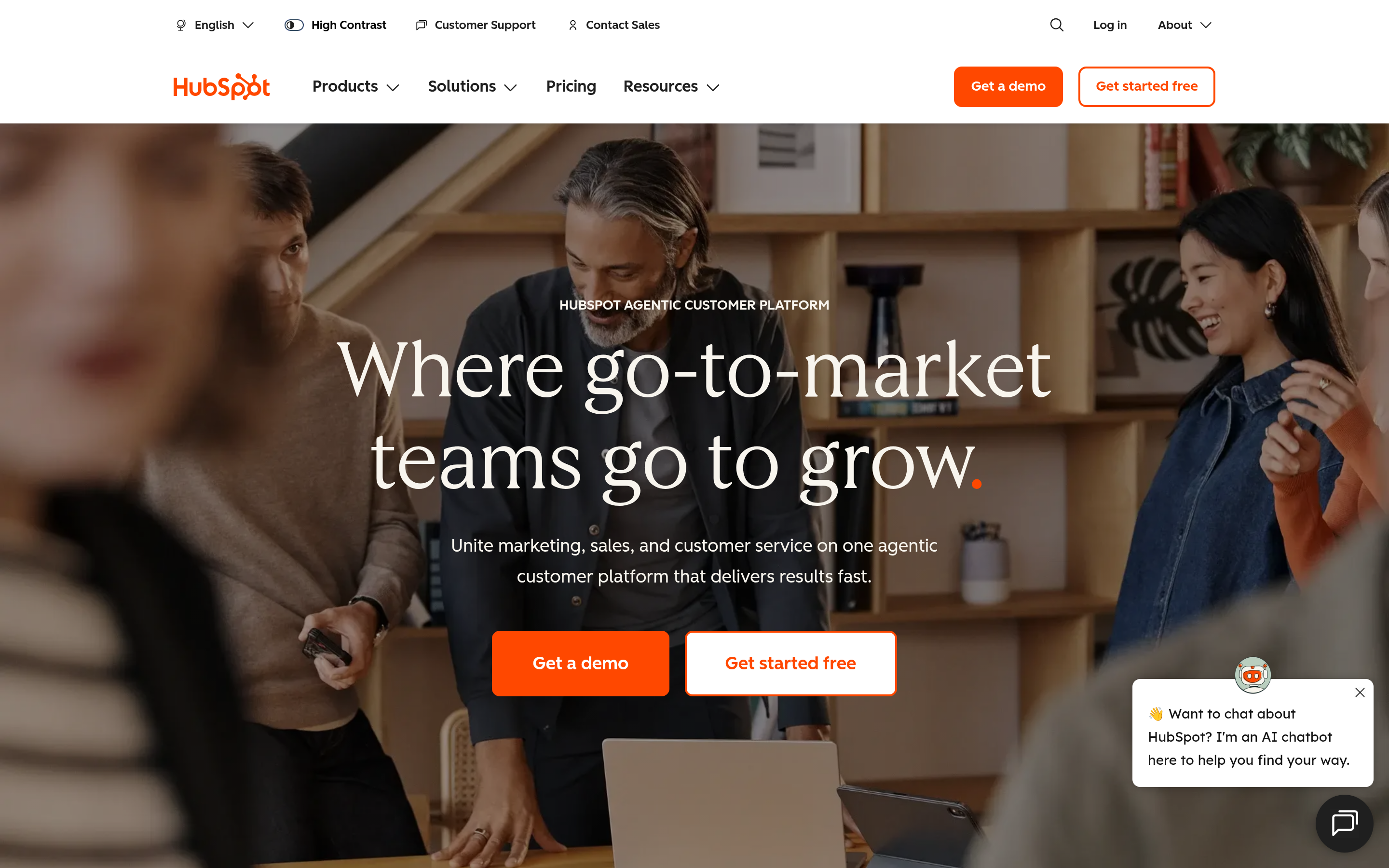
If Attio feels too narrow, HubSpot is the obvious swing in the other direction. You get CRM, marketing automation, customer service, and content tools sharing one contact record. The free tier is genuinely usable, and the upgrade path is smooth even if seat pricing climbs once you reach the Professional tiers.
Pick HubSpot if: you want marketing and sales in one place and you would rather grow into a platform than stitch together point tools. Connect it through the HubSpot integration to keep contact records enriched automatically.
2. Pipedrive — best sales-first simplicity#
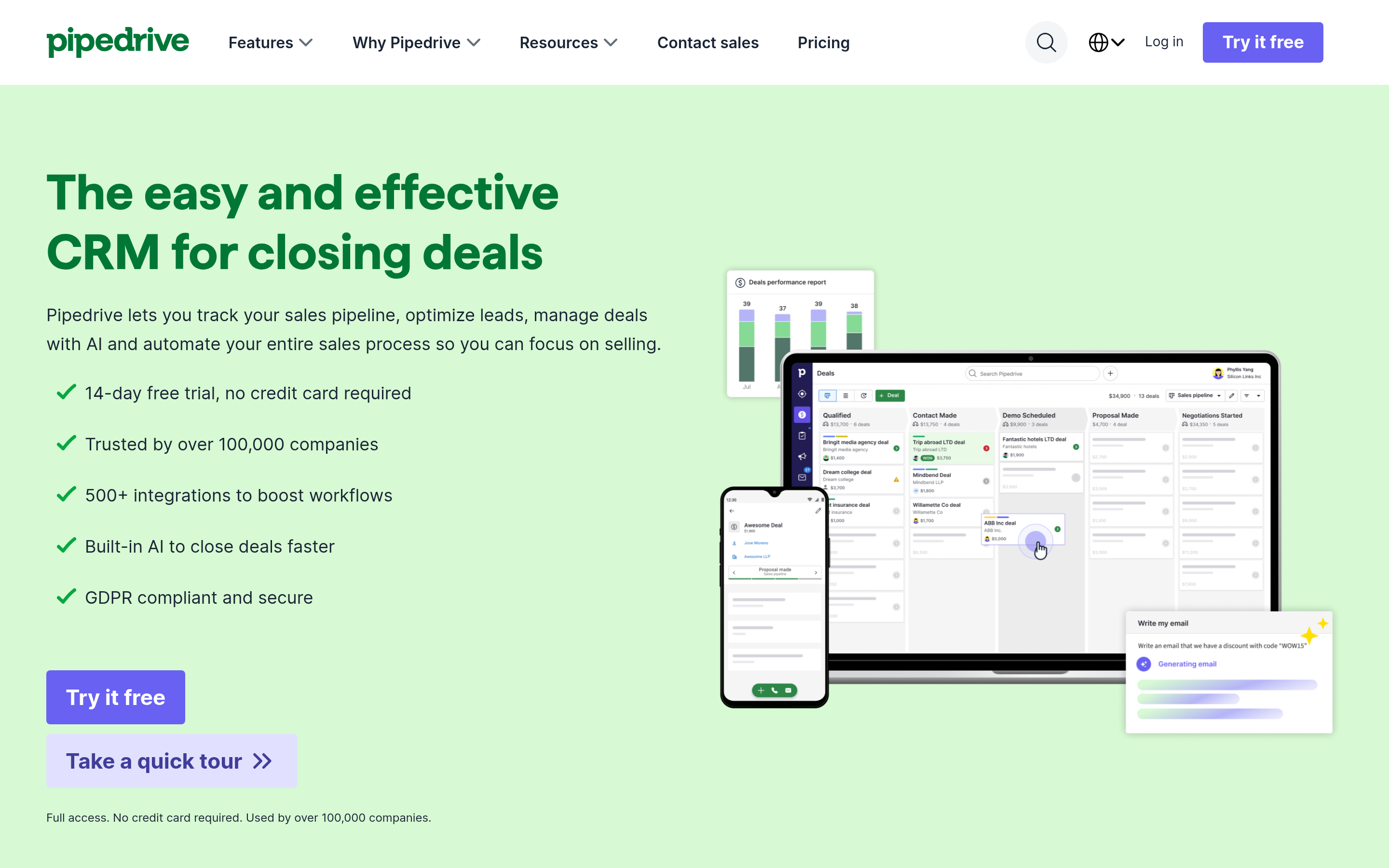
Where Attio is a flexible canvas, Pipedrive is an opinionated sales pipeline. Drag deals through stages, set activity reminders, and let the system nag reps about what to do next. It is one of the easiest CRMs to roll out because there is very little to configure before reps can sell.
Pick Pipedrive if: you run an outbound or inside-sales motion and want pipeline clarity without a build phase. Pair it via the Pipedrive integration.
3. Salesforce — best for enterprise complexity#
Nobody calls Salesforce simple, and that is the point. If your revenue org needs custom objects, granular permissions, territory management, and a marketplace of thousands of apps, Salesforce remains the most configurable CRM on earth. The cost is complexity and admin overhead — you will likely need a dedicated admin.
Pick Salesforce if: you have outgrown lightweight tools and need a platform that bends to any process.
4. Folk — best for relationship and agency teams#

Folk is the alternative that feels closest to Attio in spirit: clean, modern, and built around relationships rather than rigid pipelines. It shines for agencies, VCs, and partnership teams who manage networks more than linear sales funnels, with smart enrichment and email sequencing built in.
Pick Folk if: you liked Attio's design ethos but want stronger relationship and outreach features.
5. Close — best for high-volume calling#
Close bakes calling, SMS, and email sequencing directly into the CRM. There is no bolting on a separate dialer — reps live inside one window and the activity logs itself. For phone-heavy SDR and inside-sales teams, that single decision saves hours a week.
Pick Close if: your team's day is dominated by calls and you want cadence reporting without extra tools.
6. Capsule — best budget pick for small teams#
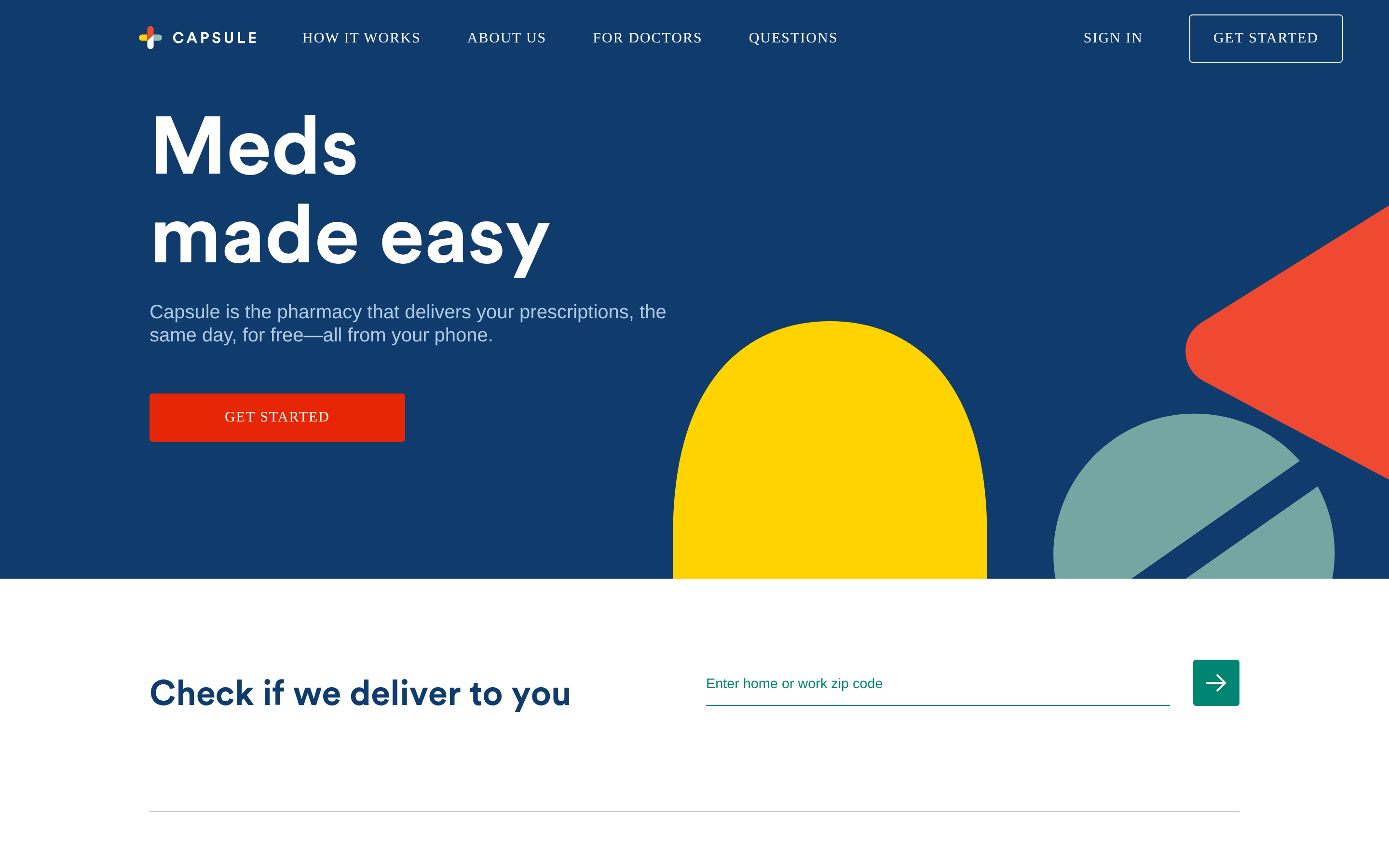
Capsule keeps the surface area small on purpose: contacts, pipelines, tasks, and light automation, at a friendly price with a free tier for up to two users. It will not replace a marketing suite, but for a small team that just needs to track deals without overhead, it is a strong, affordable choice.
7. Copper — best for Google Workspace shops#
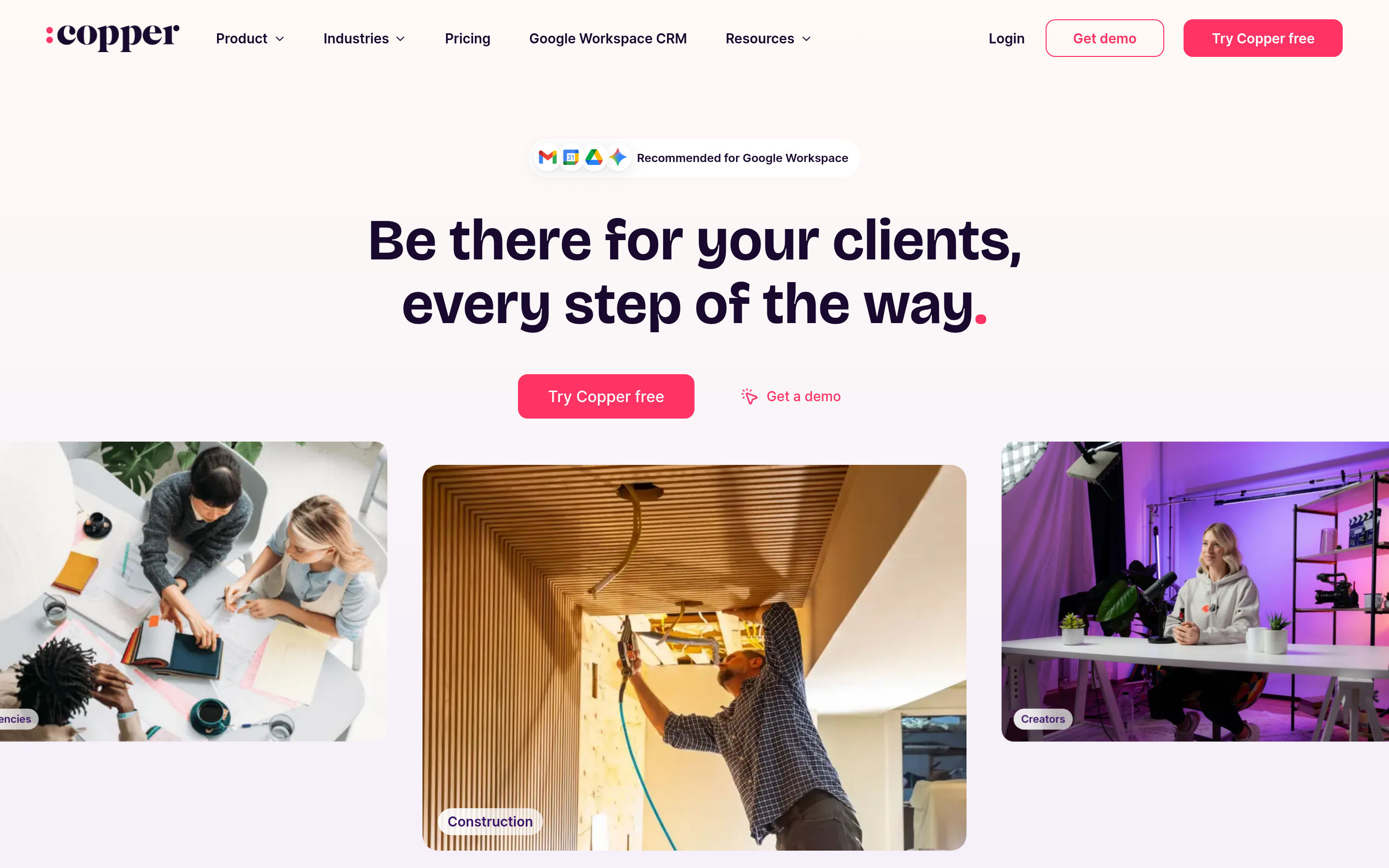
Copper lives inside Gmail and Google Calendar, auto-logging emails and meetings without you leaving your inbox. If your company runs on Google Workspace, the lack of context switching is a real productivity win.
8. Zoho CRM — best feature breadth per dollar#
Zoho packs an enormous amount — workflow automation, AI scoring, multichannel outreach — into low per-seat pricing, and it plugs into the broader Zoho suite. The trade-off is a busier interface than Attio's, but you get serious depth for the money.
9. monday CRM — best visual work-OS#
monday CRM extends monday.com's colorful, board-based work OS into sales. If your team already lives in monday for project work, running deals on the same visual canvas keeps everyone in one place.
Attio vs the alternatives: how to actually choose#
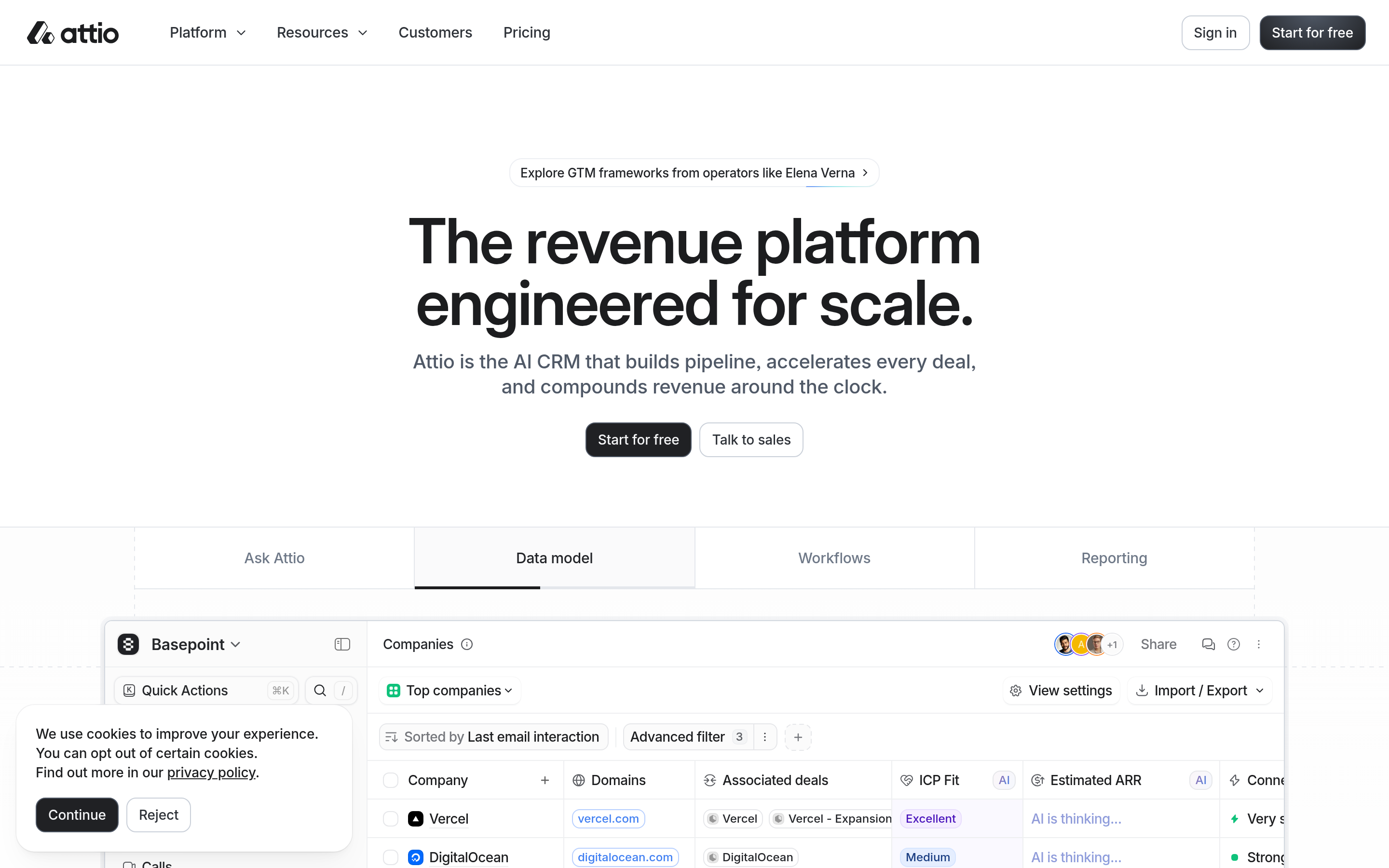
Conclusion first: match the CRM to your primary motion, not to a feature checklist. A flashy feature you never use is worth nothing.
Use this quick decision frame:
- Sell mostly by phone? → Close or Pipedrive.
- Need marketing under the same roof? → HubSpot or Zoho.
- Manage relationships and networks, not funnels? → Folk or Attio itself.
- Live inside Google Workspace? → Copper.
- Need deep enterprise customization? → Salesforce.
- Tight budget, small team? → Capsule or monday CRM.
Think of a CRM like a kitchen. Attio is a beautiful open-plan kitchen you can arrange however you like. HubSpot is a fully stocked restaurant kitchen. Pipedrive is a tight, efficient line where every station has one job. None is "best" in the abstract — it depends on what you are cooking.
Does the CRM matter more than the data inside it?#
Here is the truth most CRM comparison posts skip: the platform you pick matters far less than the quality of the data you put in it. A pristine Salesforce org full of bounced emails and stale job titles is worse than a humble Capsule account with clean, current records.
B2B contact data decays roughly 30% per year as people change jobs, companies rebrand, and domains move. That means whatever CRM you migrate to, you are signing up for a continuous data problem, not a one-time import.
This is where your CRM and a dedicated data layer should work together:
- Find the contacts — use an email finder to source verified professional addresses by name and company before they ever hit your pipeline.
- Verify before you send — run new contacts through an email verifier so your sequences do not torch your sender reputation on dead inboxes.
- Enrich what you already have — push records through contact enrichment to fill in titles, companies, phone numbers, and socials.
- Keep it current — re-verify on a schedule rather than once at import.
Most of these CRMs integrate with data tools through native connectors or Zapier integration, so you do not have to choose between a CRM you love and the data hygiene you need.
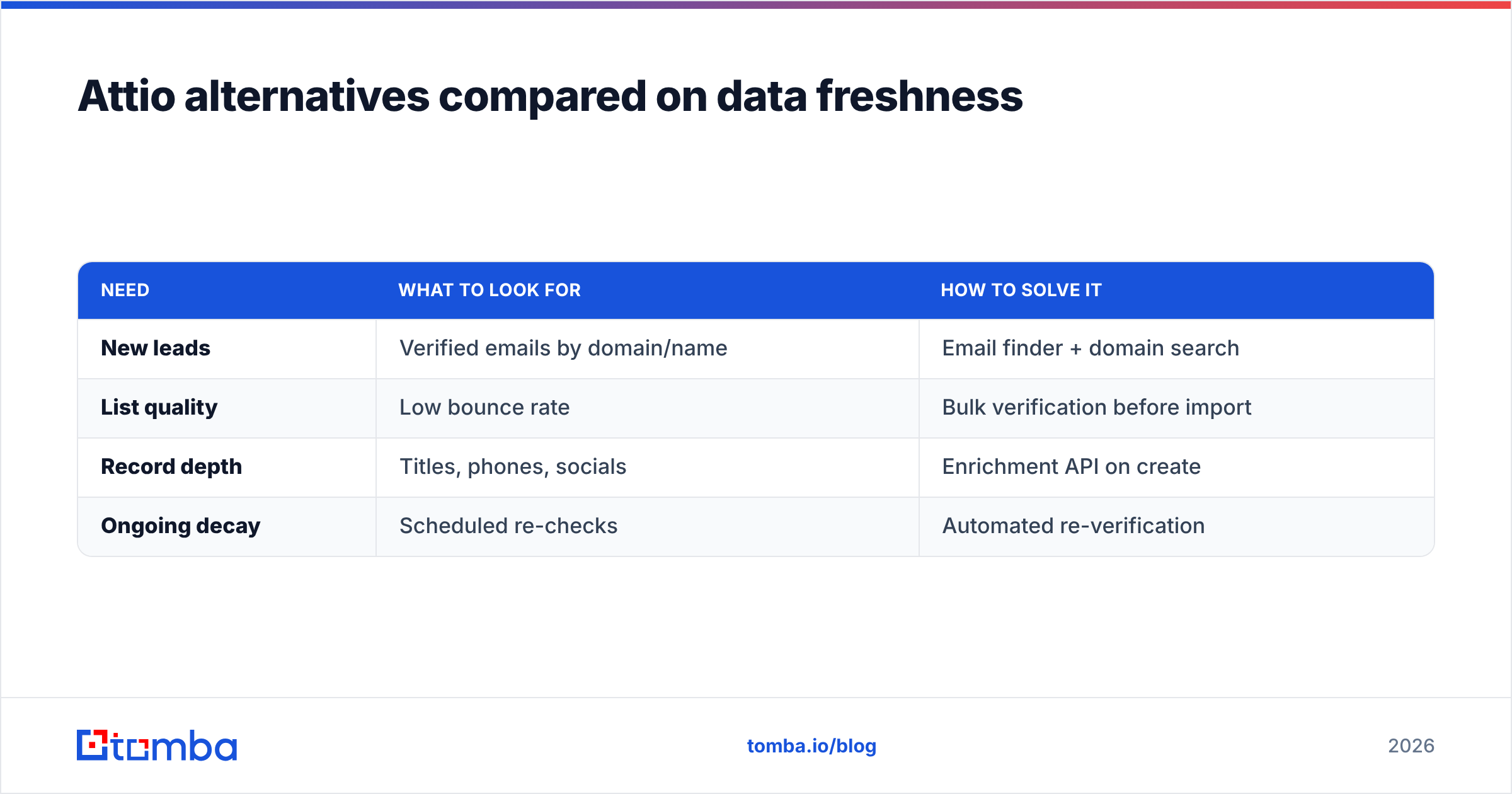
Attio alternatives compared on data freshness#
| Need | What to look for | How to solve it |
|---|---|---|
| New leads | Verified emails by domain/name | Email finder + domain search |
| List quality | Low bounce rate | Bulk verification before import |
| Record depth | Titles, phones, socials | Enrichment API on create |
| Ongoing decay | Scheduled re-checks | Automated re-verification |
Notice that none of these rows are about the CRM brand. They are about the pipeline feeding it. Whether you land on HubSpot, Pipedrive, or stay on Attio, the maintenance work is the same — and it is the part that quietly determines whether your reps trust the system at all.
You can sanity-check vendor claims on independent review sites like G2, but no review score tells you how clean your data is. That part is on your process.
How much do Attio alternatives cost?#
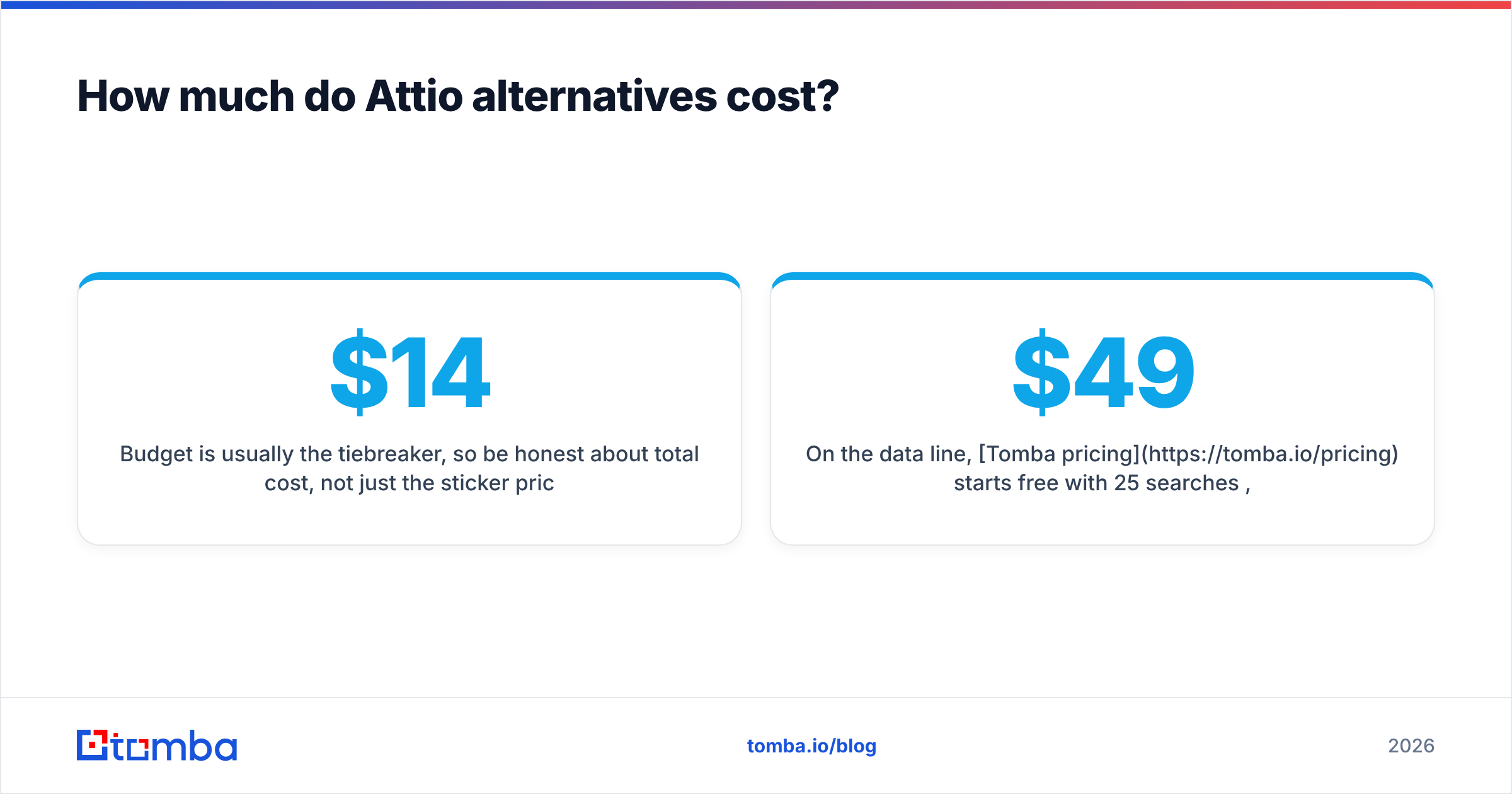
Budget is usually the tiebreaker, so be honest about total cost, not just the sticker price. A $14 seat that needs three paid add-ons to match Attio is not a $14 seat.
A realistic way to budget:
- Seat price × number of reps — the obvious line item.
- Automation tier — the features you actually want often sit one tier up.
- Data tooling — enrichment and verification to keep records usable.
- Migration time — your team's hours moving from Attio are a real cost.
On the data line, Tomba pricing starts free with 25 searches per month, then $49/mo for the Starter plan, $99/mo for Growth, and $249/mo for Pro — so you can keep records clean without the per-seat math that CRMs charge. That keeps your data budget predictable no matter which CRM seat price you end up paying.
Which Attio alternative should you choose?#
If you want one recommendation per situation:
- All-in-one team: HubSpot.
- Pure sales pipeline: Pipedrive.
- Phone-heavy team: Close.
- Relationship/agency team: Folk.
- Enterprise: Salesforce.
- Budget-conscious: Capsule or monday CRM.
But remember the throughline of this whole guide: the CRM is the container, not the contents. The teams that win are not the ones with the trendiest CRM — they are the ones whose reps trust that every record is real, reachable, and up to date.
Keep any CRM stocked with data that converts#
Whichever Attio alternative you land on, it will only perform as well as the contacts inside it. Start with Tomba Email Finder to source verified, professional email addresses by name, company, or domain — then verify and enrich them before they ever reach your pipeline. Try the free tier first, wire it into your new CRM through a native integration or the Tomba API, and let your reps spend their time selling instead of fixing broken records. The CRM you choose is a one-time decision; clean data is the habit that makes it pay off.
// get started
Find, verify and enrich your first contacts today
Start on the free plan with 25 searches a month, then scale when your team is ready.
Free plan · No credit card required · GDPR & CCPA
// about the author