Attio vs Pipedrive 2026: Which CRM Fits Your Sales Team?
Attio is the flexible, data-native CRM; Pipedrive is the proven pipeline workhorse. Here's an honest 2026 breakdown of pricing, features, and which one fits your team.
Choosing between Attio and Pipedrive usually comes down to one question: do you want a CRM that bends to your data model, or one that already knows what a sales pipeline should look like? Both are excellent. Neither is for everyone. This guide breaks down where each one wins so you stop comparing feature lists and start matching a tool to how your team actually sells.
TL;DR — Attio vs Pipedrive at a glance#
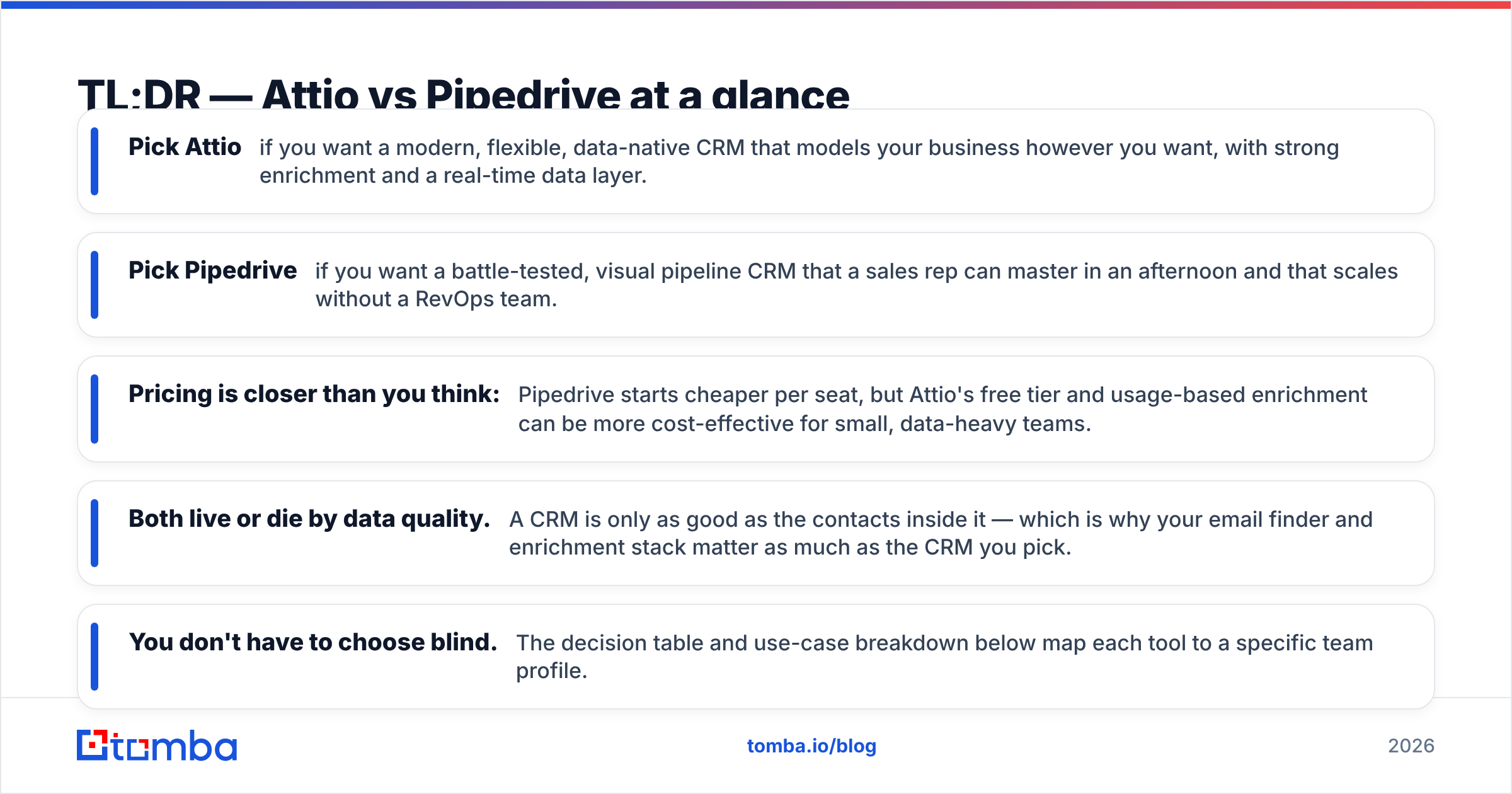
- Pick Attio if you want a modern, flexible, data-native CRM that models your business however you want, with strong enrichment and a real-time data layer.
- Pick Pipedrive if you want a battle-tested, visual pipeline CRM that a sales rep can master in an afternoon and that scales without a RevOps team.
- Pricing is closer than you think: Pipedrive starts cheaper per seat, but Attio's free tier and usage-based enrichment can be more cost-effective for small, data-heavy teams.
- Both live or die by data quality. A CRM is only as good as the contacts inside it — which is why your email finder and enrichment stack matter as much as the CRM you pick.
- You don't have to choose blind. The decision table and use-case breakdown below map each tool to a specific team profile.
What is Attio?#
Attio is a CRM built around a flexible, relational data model — think of it less like a rigid filing cabinet and more like a spreadsheet that understands relationships. Instead of forcing your business into predefined "Leads," "Contacts," and "Deals" objects, Attio lets you define custom objects, attributes, and connections between them. A workspace can model accounts, investors, partners, candidates, or anything else you track.
Its standout traits are a clean modern interface, real-time syncing, and a built-in data layer that auto-enriches records from email and calendar activity. For teams that have outgrown a spreadsheet but find legacy CRMs bloated, Attio feels like a breath of fresh air. You can read more about its positioning on the Attio homepage.
The trade-off: that flexibility means you have to design your system. Attio gives you a blank, powerful canvas — and some teams want the canvas pre-painted.
What is Pipedrive?#
Pipedrive is the original visual, pipeline-first CRM. Its entire philosophy is "see your deals, move them forward." The drag-and-drop pipeline view is the heart of the product, and almost everything — activities, reminders, automations — is organized around pushing deals from one stage to the next.
It's opinionated in the best way for sales teams: it assumes you have leads, deals, and a process, and it gets out of your way so reps can sell. With well over a decade in market and a huge user base, it's one of the most reviewed CRMs on G2. The official Pipedrive site leans hard into ease of use, and that reputation is earned.
The trade-off: Pipedrive is purpose-built for deal pipelines. If your "thing" isn't a classic sales deal — say you're tracking complex partnerships or a non-linear process — you'll be bending the tool.
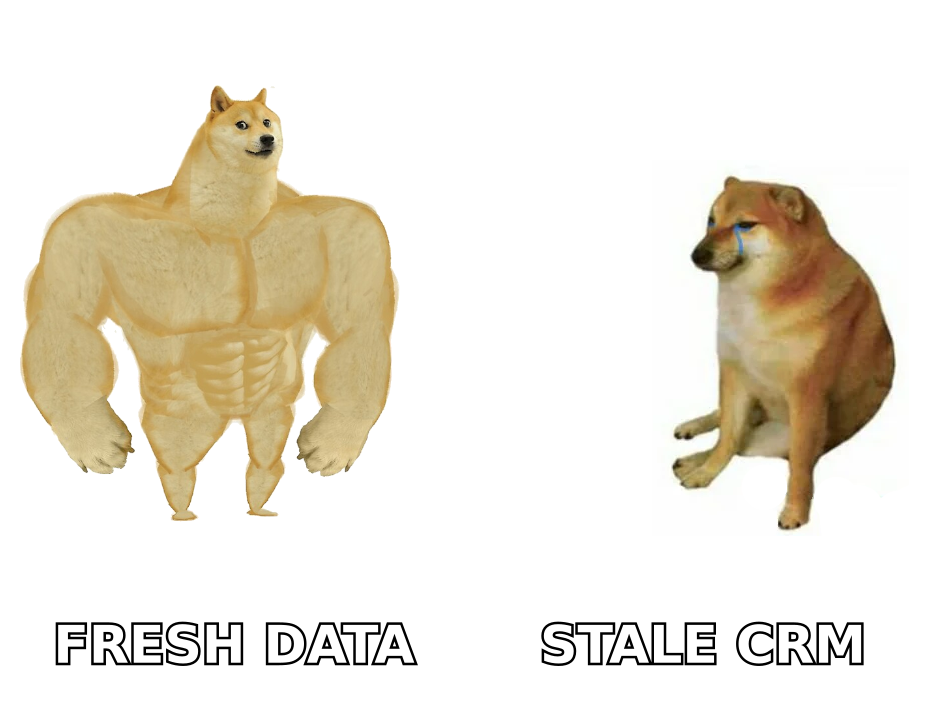
Replace the meme above with the rendered version — keep the alt text describing fresh vs stale CRM data.
How do Attio and Pipedrive compare on features and pricing?#
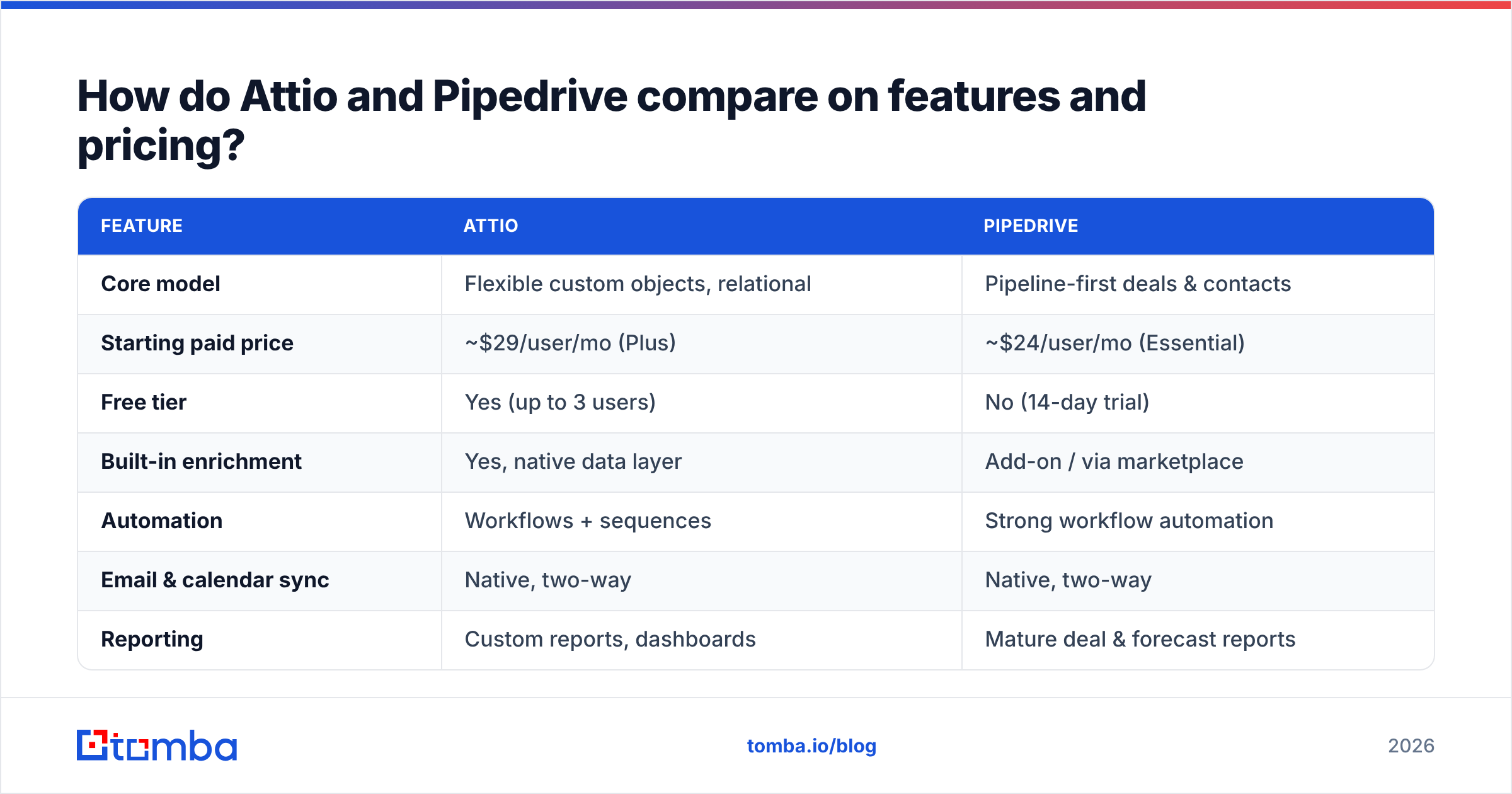
Here's the side-by-side that matters. Prices reflect publicly listed per-seat plans as of 2026; always confirm current numbers on each vendor's pricing page.
| Feature | Attio | Pipedrive |
|---|---|---|
| Core model | Flexible custom objects, relational | Pipeline-first deals & contacts |
| Starting paid price | ~$29/user/mo (Plus) | ~$24/user/mo (Essential) |
| Free tier | Yes (up to 3 users) | No (14-day trial) |
| Built-in enrichment | Yes, native data layer | Add-on / via marketplace |
| Automation | Workflows + sequences | Strong workflow automation |
| Email & calendar sync | Native, two-way | Native, two-way |
| Reporting | Custom reports, dashboards | Mature deal & forecast reports |
| Best for | Data-heavy, flexible orgs | Pipeline-focused sales teams |
| Learning curve | Moderate (you design it) | Low (ready out of the box) |
A few honest notes on that table:
- Pipedrive wins on time-to-value. New reps are productive almost immediately because the structure is already there.
- Attio wins on flexibility and data freshness. Its native enrichment and relational model handle messy, non-linear businesses better.
- Pricing is tier-dependent. Pipedrive's cheaper entry plan locks several features (like advanced automation) behind higher tiers, while Attio's free plan can carry a small team a surprisingly long way.
- Both integrate widely, but check your specific stack — automation depth varies by plan on both products.
Is Attio better than Pipedrive?#
Neither is "better" in the abstract — they optimize for different teams. Here's the decision framework:
- Choose Attio if your data is relational and messy, you want native enrichment, your team has someone who enjoys designing systems, or you're a startup that wants a modern tool you won't outgrow in 18 months.
- Choose Pipedrive if you run a classic outbound or inbound sales motion, you want reps selling on day one, you value mature forecasting, or you simply don't have time to architect a CRM.
If you're a founder-led startup with a non-standard process, Attio's flexibility pays off. If you're a 10-person sales team that just needs to work deals and hit quota, Pipedrive's simplicity is a feature, not a limitation.
For more on aligning tools to process, our breakdown of sales process and pipeline fundamentals is a useful companion read.
Which CRM integrates better with your sales stack?#
Both connect to the usual suspects — email, calendar, Slack, and thousands of apps via Zapier and native marketplaces. The practical differences:
- Pipedrive has a deeper, more mature marketplace because of its age and size. If you need a niche integration, odds are it exists. It also offers a robust native API and well-documented webhooks.
- Attio has a smaller but fast-growing ecosystem and a genuinely excellent API. Its real-time architecture makes it a strong fit for teams that build custom internal tooling.
Whichever you choose, the integration that quietly determines your win rate is the one feeding clean contact data into the CRM. A pristine pipeline view is useless if half the email addresses bounce. That's where a dedicated email verifier and an email finder earn their keep — they make sure the records inside Attio or Pipedrive are real before a rep ever hits send.
If you run Pipedrive specifically, Tomba's Pipedrive integration can push verified contacts straight into your pipeline so reps aren't manually copying emails between tabs.
Why does data quality matter more than the CRM you pick?#
Here's the uncomfortable truth: most "CRM problems" are actually data problems. Reps don't abandon the CRM because the buttons are in the wrong place — they abandon it because the data is stale, duplicated, or wrong.
Think of your CRM as a kitchen. Attio and Pipedrive are different layouts of the same kitchen — one's an open-plan chef's station, the other's a tidy galley. But neither makes a good meal with rotten ingredients. The ingredients are your contact data.
This is why teams that obsess over CRM features but ignore their data pipeline plateau fast. Buying scraped lists feels productive and quietly poisons your sender reputation and your reporting. Finding and verifying contacts at the point of entry keeps the whole system honest.

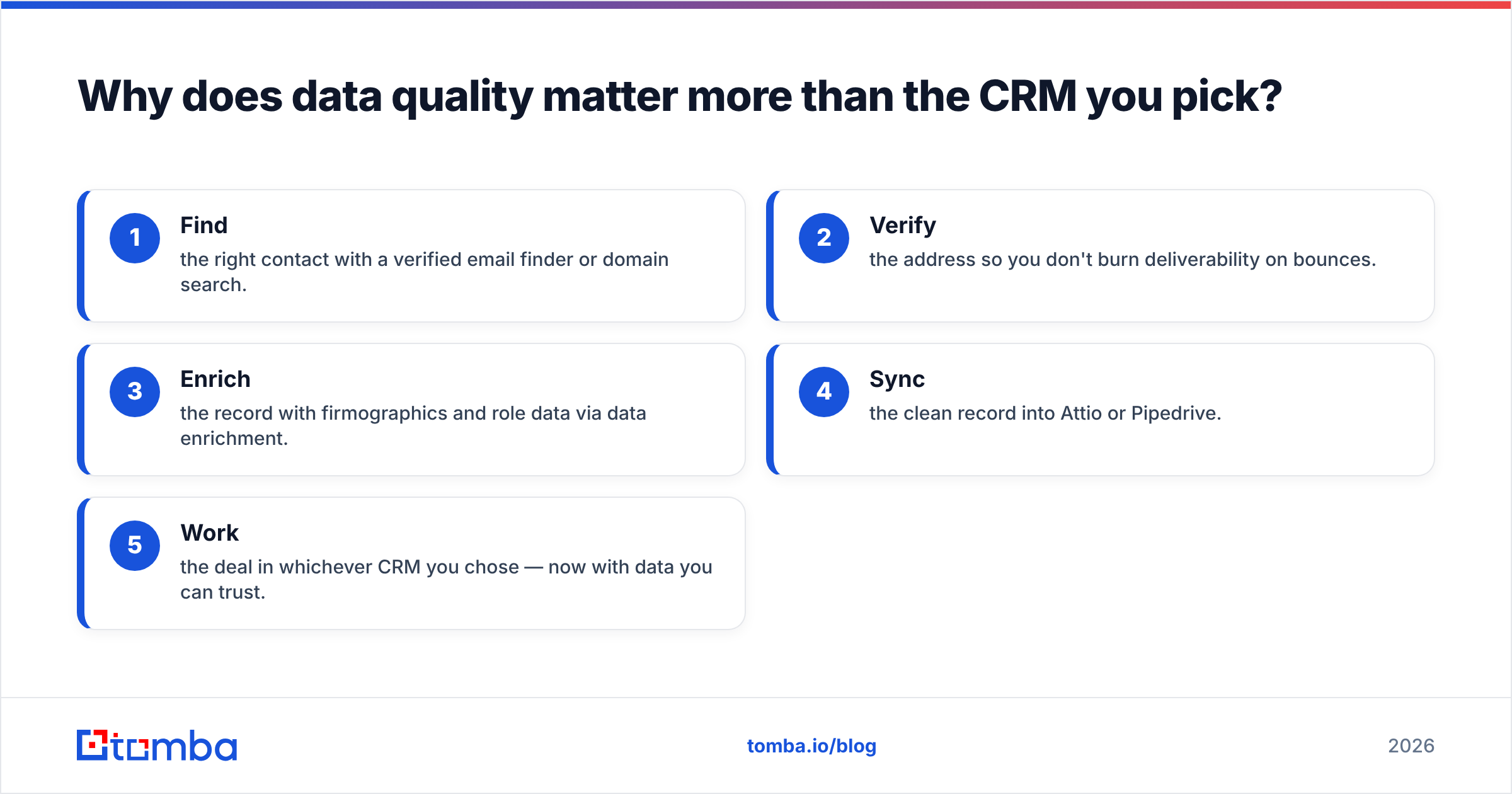
A healthy data flow looks like this:
- Find the right contact with a verified email finder or domain search.
- Verify the address so you don't burn deliverability on bounces.
- Enrich the record with firmographics and role data via data enrichment.
- Sync the clean record into Attio or Pipedrive.
- Work the deal in whichever CRM you chose — now with data you can trust.
Get those first three steps right and the CRM choice becomes a matter of taste, not survival.
What do real users say about Attio vs Pipedrive?#
Patterns from public reviews on G2 and Capterra are consistent:
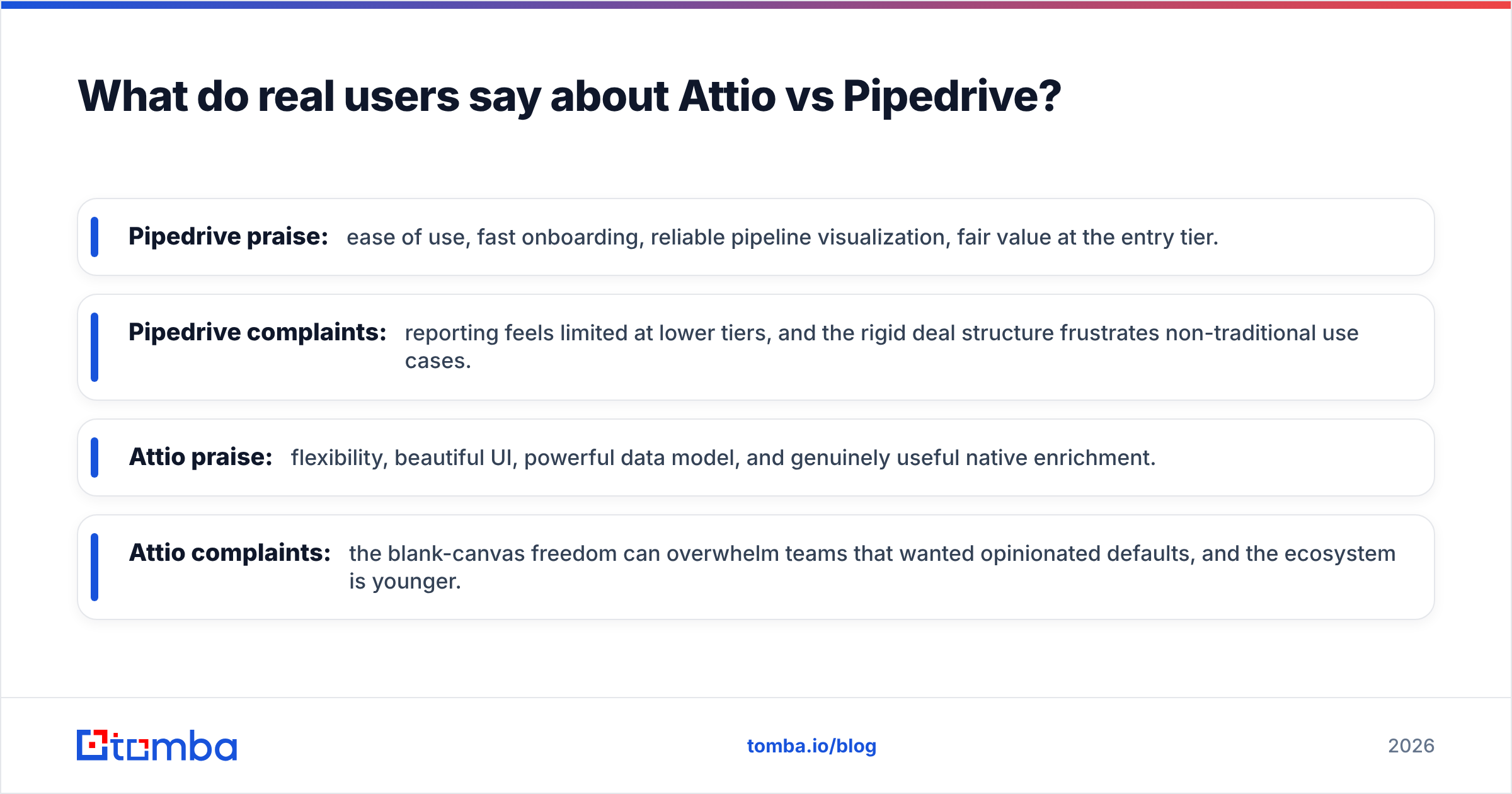
- Pipedrive praise: ease of use, fast onboarding, reliable pipeline visualization, fair value at the entry tier.
- Pipedrive complaints: reporting feels limited at lower tiers, and the rigid deal structure frustrates non-traditional use cases.
- Attio praise: flexibility, beautiful UI, powerful data model, and genuinely useful native enrichment.
- Attio complaints: the blank-canvas freedom can overwhelm teams that wanted opinionated defaults, and the ecosystem is younger.
Notice that almost none of the complaints are about the things marketing pages fight over. They're about fit and data. Match the tool to your process, keep your data clean, and most of the common gripes evaporate.
Attio vs Pipedrive: which should you choose in 2026?#
Quick verdict by team type:
- Early-stage startup, non-linear process: Attio.
- Classic SMB sales team, fast ramp: Pipedrive.
- RevOps-savvy team that wants to build: Attio.
- Lean team with no admin time: Pipedrive.
- Data-obsessed team either way: the CRM matters less than your enrichment stack.
Both tools offer trials or free tiers, so the cheapest path to certainty is to load 20 real, verified contacts into each and run a week of actual selling. The one your reps reach for without being told is your answer.
Where Tomba fits in#
Whichever CRM wins your evaluation, it's only as strong as the contacts inside it. Tomba's Email Finder finds professional email addresses by name, domain, or company — then verifies them — so every record you push into Attio or Pipedrive is real on day one. Pair it with data enrichment and bulk processing, and you feed your CRM clean, deduplicated, deliverable contacts instead of guesses.
Start free with 25 searches a month, then scale on a plan that fits — see full Tomba pricing (Starter is $49/mo). Pick the CRM you love; just don't let it run on bad data.
// get started
Find, verify and enrich your first contacts today
Start on the free plan with 25 searches a month, then scale when your team is ready.
Free plan · No credit card required · GDPR & CCPA
// about the author