Best Augment Alternatives for AI Coding in 2026 (Ranked)
Augment Code is strong on large codebases, but it isn't the only option. Here are the best Augment alternatives in 2026, compared on context, pricing, and real workflow fit.
Augment Code earned its reputation on one thing: understanding big, messy, real-world codebases. Its context engine indexes your whole repo so the assistant answers like a senior engineer who's read every file. That's genuinely useful. But it isn't the only tool that does this well in 2026, and depending on your stack, budget, and how much agentic autonomy you want, it may not be the best fit for you.
This guide ranks the strongest Augment alternatives, compares them on the attributes that actually matter, and helps you match a tool to your workflow instead of the hype.
TL;DR#
- Best overall alternative: Cursor — the closest match to Augment's deep-context experience with a more mature agent mode and a huge community.
- Best free option: Codeium/Windsurf and Sourcegraph Cody both ship usable free tiers; great for solo devs and students.
- Best for teams already on GitHub: GitHub Copilot — tightest ecosystem fit, predictable per-seat pricing.
- Best for terminal-first work: Claude Code — agentic, runs where you already live, usage-based billing.
- The real differentiator is context, not autocomplete. Pick the tool that indexes and reasons over your repo most accurately.
What is Augment Code, and why look for alternatives?#
Augment Code is an AI coding assistant built around a "context engine" that indexes your entire repository, dependencies included, so suggestions and chat answers reflect how your codebase actually works rather than generic patterns from public training data. It offers chat, completions, and agent features inside popular editors.
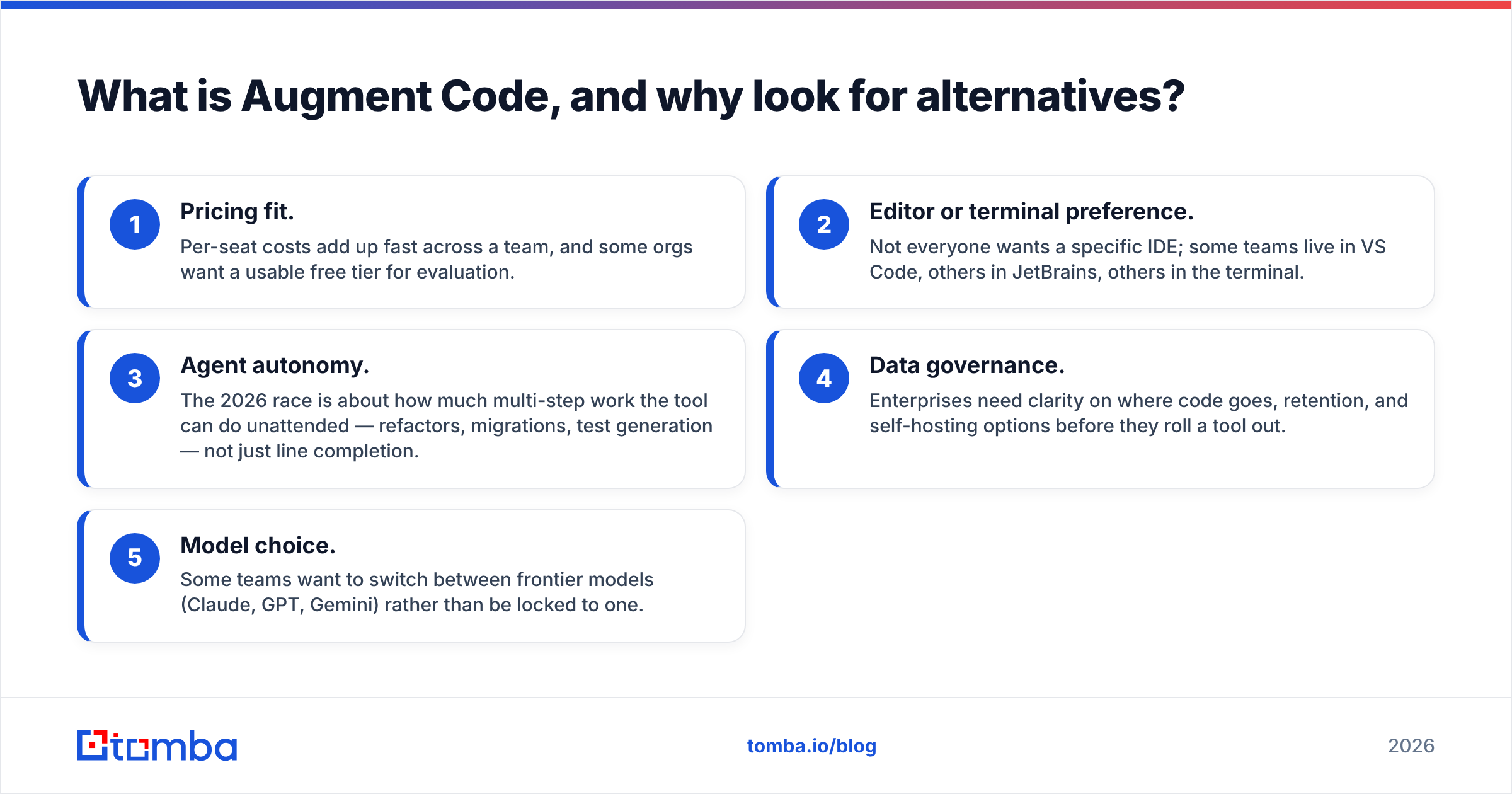
People shop for alternatives for predictable reasons:
- Pricing fit. Per-seat costs add up fast across a team, and some orgs want a usable free tier for evaluation.
- Editor or terminal preference. Not everyone wants a specific IDE; some teams live in VS Code, others in JetBrains, others in the terminal.
- Agent autonomy. The 2026 race is about how much multi-step work the tool can do unattended — refactors, migrations, test generation — not just line completion.
- Data governance. Enterprises need clarity on where code goes, retention, and self-hosting options before they roll a tool out.
- Model choice. Some teams want to switch between frontier models (Claude, GPT, Gemini) rather than be locked to one.
If any of those describe you, the field below is worth a serious look.

What should you look for in an Augment alternative?#
Before comparing logos, get clear on the buying criteria. The tools differ less on raw model quality (most now let you pick frontier models) and more on how they feed those models your code.
- Context depth: Does it index the whole repo, or just open files? Whole-repo retrieval is the feature that made Augment notable, so any real alternative needs a credible answer here.
- Agent capability: Can it plan and execute multi-file changes, run terminal commands, and self-correct from test failures? This is where 2026 tools separate.
- Editor coverage: VS Code only, or JetBrains, Neovim, and terminal too? Match the tool to where your team actually works.
- Pricing model: Flat per-seat (predictable) versus usage-based (scales with how hard you push it). Neither is wrong; they suit different teams.
- Privacy and deployment: Zero-retention modes, SOC 2, and self-hosting matter the moment legal gets involved.
- Model flexibility: Single locked model versus a switcher across Claude, GPT, and Gemini.
Keep that list handy as you read — it maps directly to the comparison table below.
Which are the best Augment alternatives in 2026?#
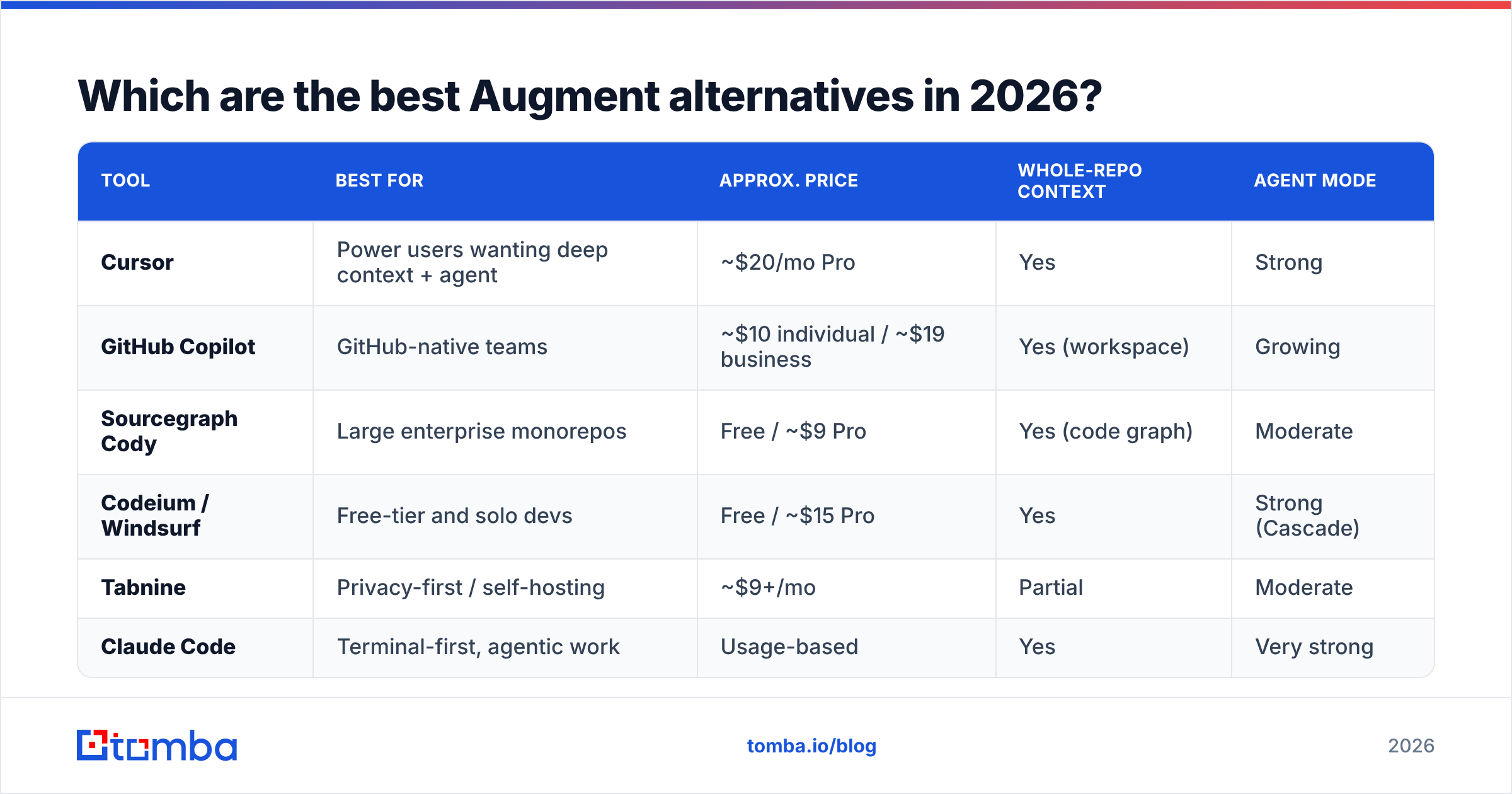
Here's the head-to-head. Prices are approximate public list rates for individual/pro tiers as of early 2026 and change often, so confirm on each vendor's site before you buy.
| Tool | Best for | Approx. price | Whole-repo context | Agent mode |
|---|---|---|---|---|
| Cursor | Power users wanting deep context + agent | ~$20/mo Pro | Yes | Strong |
| GitHub Copilot | GitHub-native teams | ~$10 individual / ~$19 business | Yes (workspace) | Growing |
| Sourcegraph Cody | Large enterprise monorepos | Free / ~$9 Pro | Yes (code graph) | Moderate |
| Codeium / Windsurf | Free-tier and solo devs | Free / ~$15 Pro | Yes | Strong (Cascade) |
| Tabnine | Privacy-first / self-hosting | ~$9+/mo | Partial | Moderate |
| Claude Code | Terminal-first, agentic work | Usage-based | Yes | Very strong |
No single row wins every column. The right pick depends on which two or three criteria you weighted highest in the previous section.
Cursor#
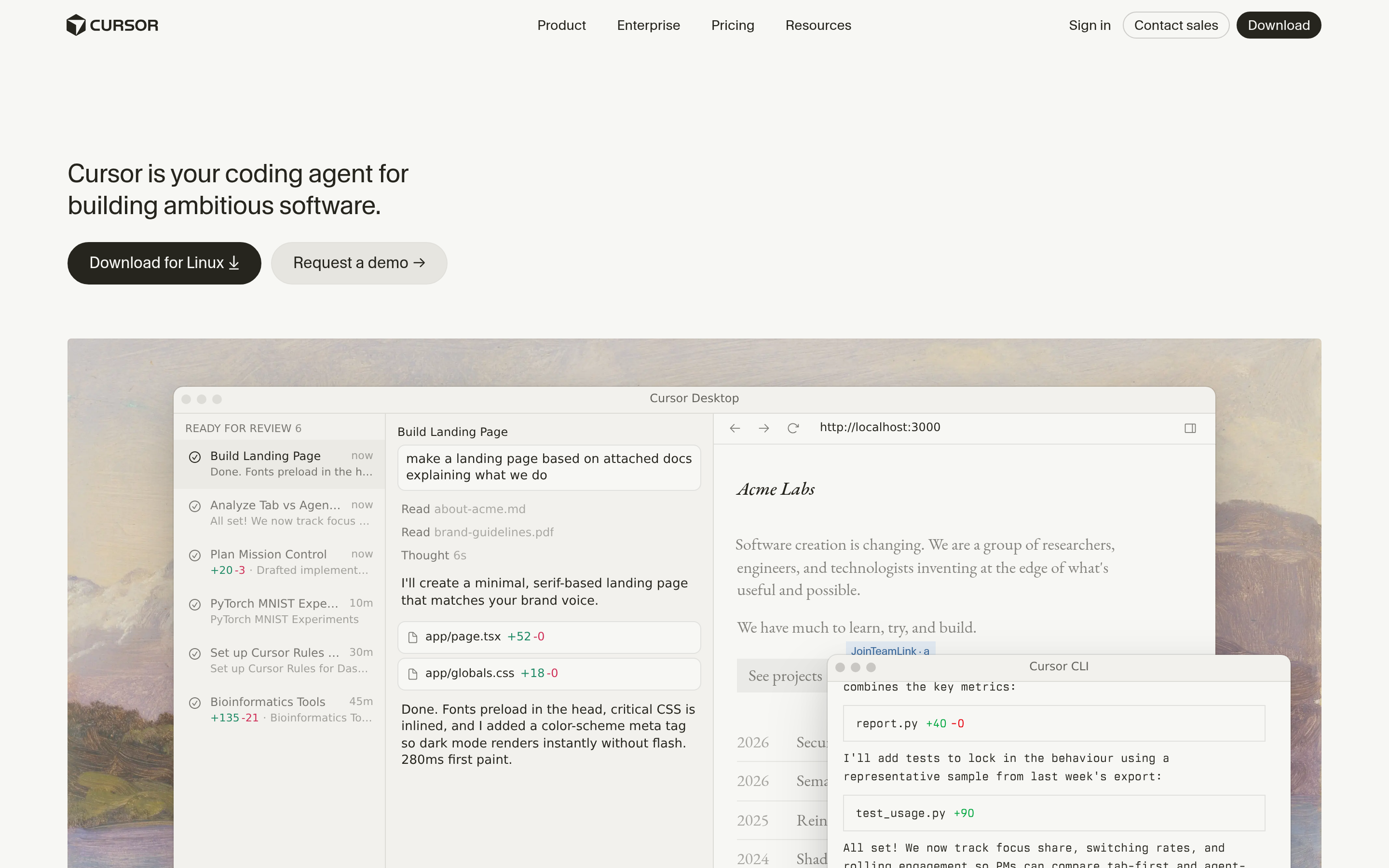
Cursor is the alternative most teams land on. It's a VS Code fork, so the migration cost is near zero, and its codebase indexing plus "Composer"/agent workflows give you the deep-context feel that draws people to Augment in the first place. Its agent mode can edit across many files, run commands, and iterate. The trade-off: at heavy usage the value can depend on which model you're routing to, and the dedicated-editor approach won't suit JetBrains loyalists.
GitHub Copilot#
GitHub Copilot is the safe institutional choice. If your code already lives on GitHub and your team is on VS Code or JetBrains, the integration is unbeatable and procurement is trivial. Copilot Workspace and its agent features have closed much of the gap on whole-repo reasoning. It rarely tops raw benchmarks for autonomous refactors, but the ecosystem gravity and per-seat predictability win a lot of deals.
Sourcegraph Cody#
Cody leans on Sourcegraph's code-graph heritage, which makes it a standout for genuinely large monorepos where "search the whole codebase accurately" is the hard part. It offers a free tier and enterprise controls, and it's a natural fit for orgs that already run Sourcegraph for code search.
Codeium / Windsurf#
Codeium (and its Windsurf editor with the Cascade agent) offers one of the most generous free tiers in the category, which makes it the easy recommendation for students, solo devs, and teams that want to evaluate without a contract. Cascade's agentic flow is competitive with the paid leaders, so "free" here doesn't mean "toy."
Tabnine#
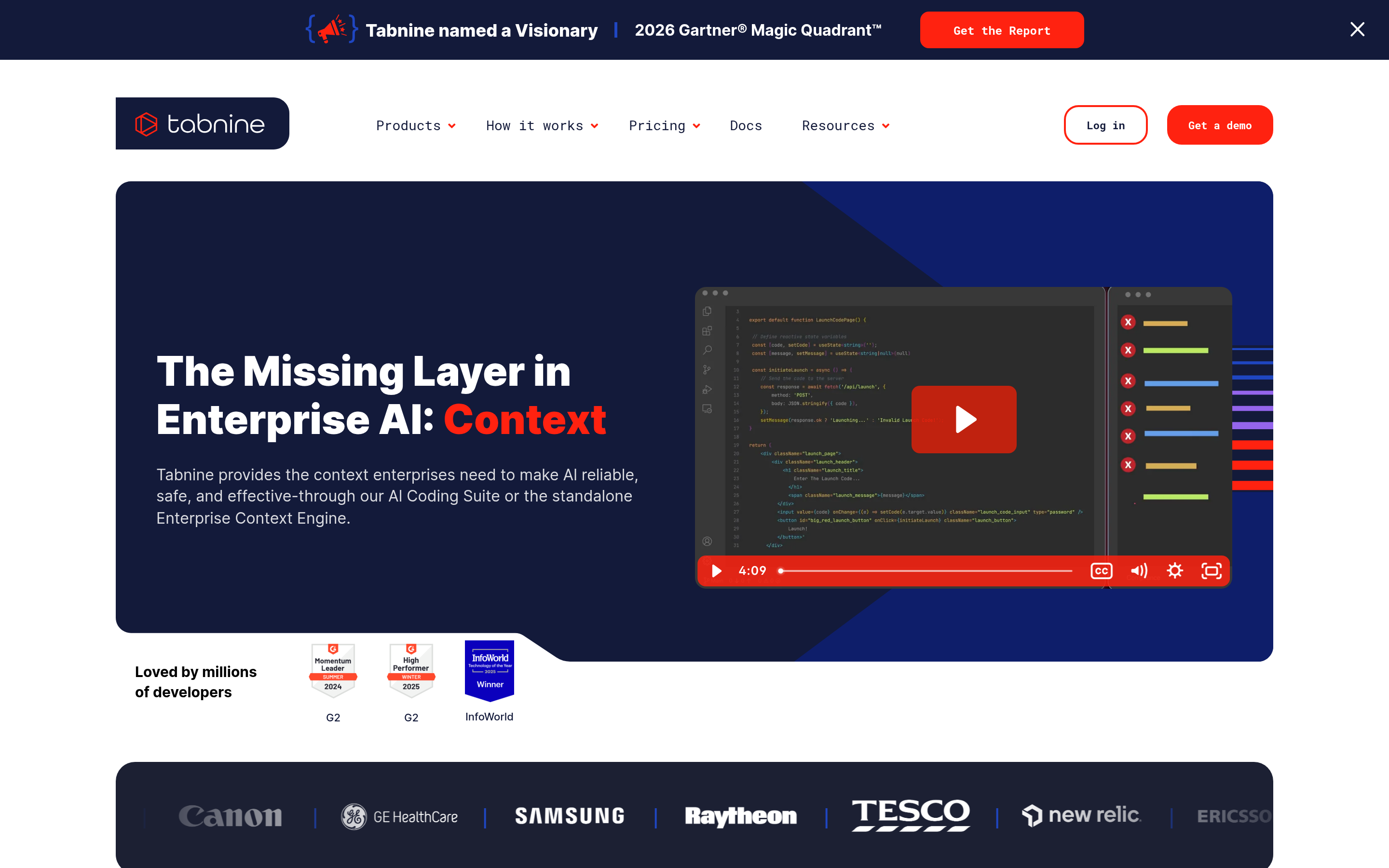
Tabnine's pitch is privacy and control: self-hosting, on-prem options, and training boundaries that keep your code in-house. If you're in a regulated industry or your security team vetoes cloud-only assistants, Tabnine is often the only one that clears review.
Claude Code#
If you live in the terminal, Claude Code takes a different shape than the IDE tools: it's an agentic CLI that reads your repo, plans, edits, runs tests, and corrects itself, billed by usage. For migrations, broad refactors, and scripted automation it's exceptionally capable, and it pairs well with whatever editor you already use.

Is any Augment alternative actually better than Augment?#
Conclusion first: "better" depends entirely on your top constraint, and for most teams one of three tools wins.
- If you want the closest experience with a bigger community: Cursor. It replicates the deep-context workflow and has the largest ecosystem of tips, extensions, and shared prompts.
- If procurement and ecosystem fit dominate: GitHub Copilot. You'll trade a little agent horsepower for zero friction.
- If budget is the constraint: Codeium/Windsurf or Cody. Real free tiers, no card required to evaluate.
Augment still earns its keep when whole-repo accuracy on a large, idiosyncratic codebase is your single most important factor — that's the problem it was built around. The honest takeaway is that the category has converged: most leaders now do repo-wide context and agent execution competently, so the deciding factors are price, editor, governance, and how each one feels on your code during a trial.
How do you actually choose? A 4-step test drive#
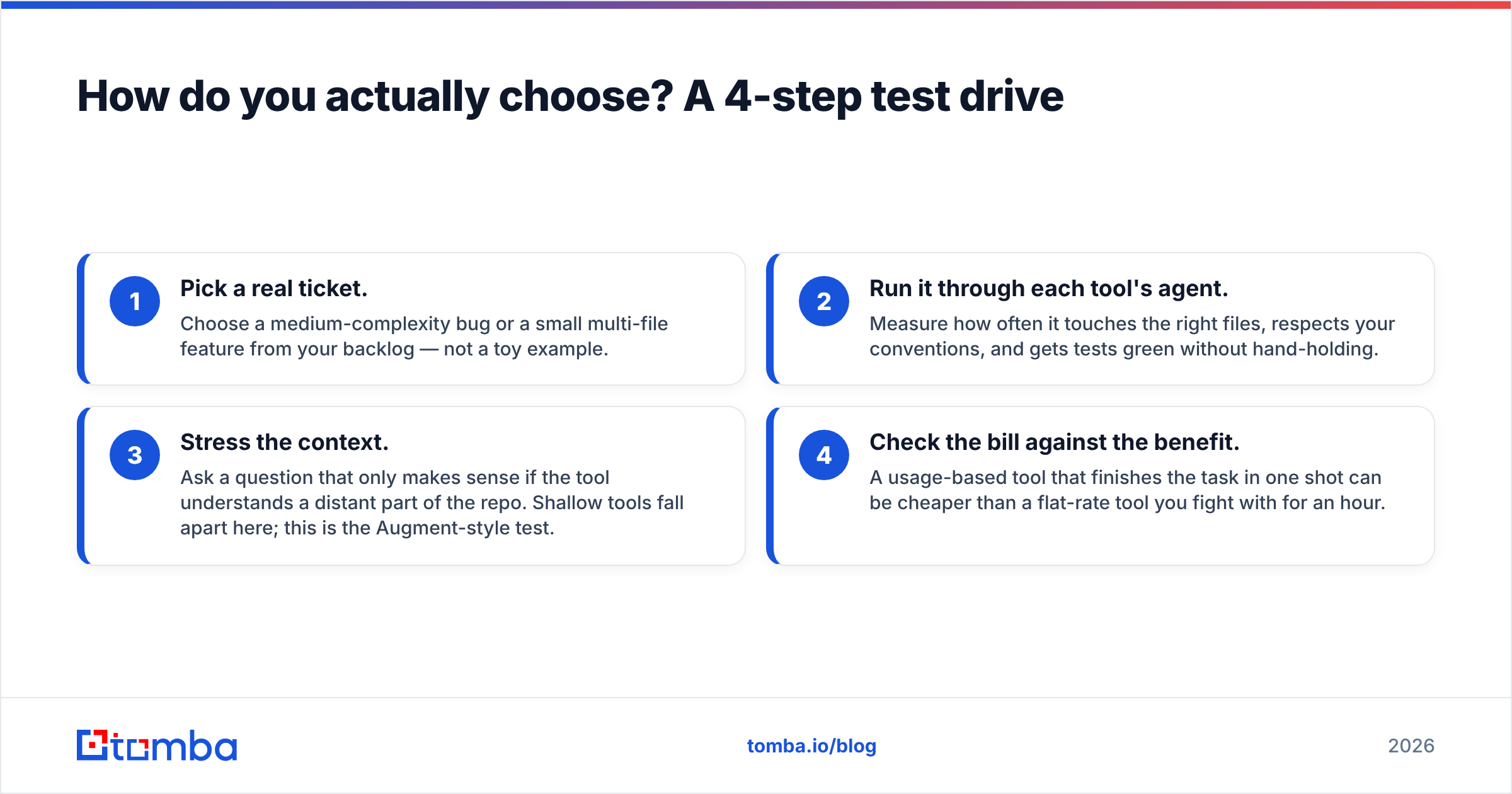
Don't buy on a feature grid alone. Run the same realistic task through your shortlist:
- Pick a real ticket. Choose a medium-complexity bug or a small multi-file feature from your backlog — not a toy example.
- Run it through each tool's agent. Measure how often it touches the right files, respects your conventions, and gets tests green without hand-holding.
- Stress the context. Ask a question that only makes sense if the tool understands a distant part of the repo. Shallow tools fall apart here; this is the Augment-style test.
- Check the bill against the benefit. A usage-based tool that finishes the task in one shot can be cheaper than a flat-rate tool you fight with for an hour.
Two days of this beats two weeks of reading comparison posts — including this one.
Where does clean data fit into your AI build stack?#
Here's the bridge a lot of "alternatives" roundups skip: many developers reading this aren't just writing app code — they're building outbound, lead-gen, and go-to-market tooling. The day your AI coding assistant helps you ship a prospecting feature or an enrichment job, the quality of your data layer matters as much as the quality of your code layer.
That's where a programmable data provider earns a place in your stack. Tomba exposes its core services through a clean Tomba API, a CLI, and an MCP server, so the same agentic tools you're evaluating above can call it directly. Building a script that turns a list of domains into verified contacts? Your AI assistant can wire up the email finder endpoint in a few lines. Need a teammate-friendly setup? The Tomba MCP server lets agents like Claude Code call email lookup and verification as native tools.
In other words: pick the coding assistant that fits your team, then give it good data to build on. The two decisions compound.
How much should you budget?#
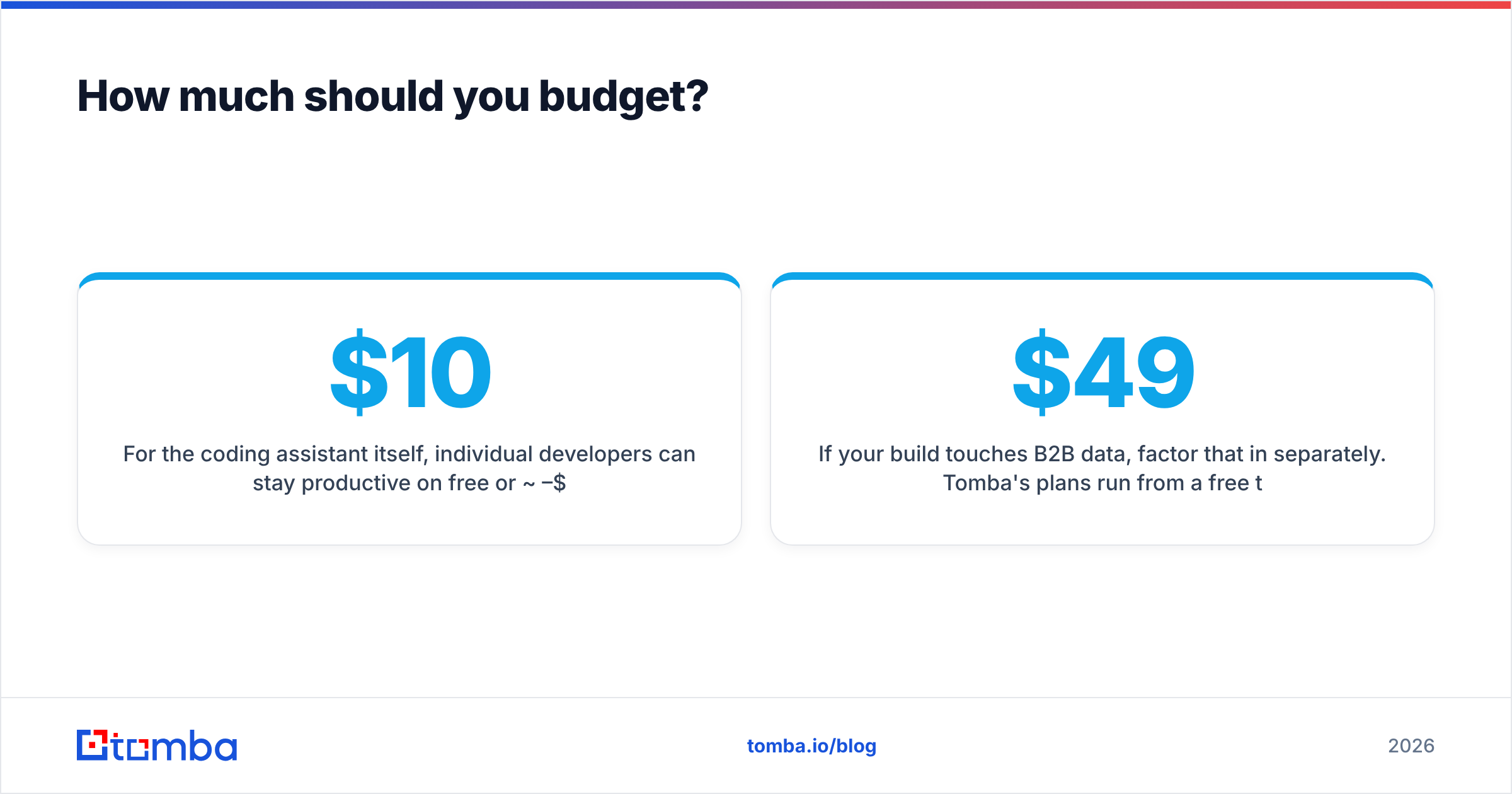
For the coding assistant itself, individual developers can stay productive on free or ~$10–$20/month tiers; teams typically land at $9–$39 per seat depending on enterprise controls. Usage-based tools like Claude Code can be cheaper or pricier than flat-rate depending on how hard you push them — model the cost against a typical week, not a worst case.
If your build touches B2B data, factor that in separately. Tomba's plans run from a free tier (25 searches/month) to Starter at $49/month, Growth at $99/month, and Pro at $249/month, with enterprise pricing for high-volume API use — full Tomba pricing is on the site. The point is to budget the code tool and the data tool as two line items, because they solve two different problems.
Frequently asked questions#
Is Augment Code worth it in 2026? Yes, if whole-repo accuracy on a large or unusual codebase is your top priority. If price, editor preference, or governance ranks higher, one of the alternatives above will likely fit better.
What's the best free Augment alternative? Codeium/Windsurf and Sourcegraph Cody both ship genuinely usable free tiers. Start there if you want to evaluate without a contract.
Can I switch editors without losing my workflow? Mostly, yes. Cursor is a VS Code fork (near-zero migration), Copilot and Tabnine support multiple IDEs, and Claude Code is editor-agnostic since it runs in the terminal.
Do these tools send my code to the cloud? Most do by default, with zero-retention modes available on paid tiers. Tabnine is the standout for self-hosted and on-prem deployments if that's a hard requirement.
The bottom line#
The AI coding category has matured to the point where most leaders — Cursor, Copilot, Cody, Codeium, Tabnine, Claude Code — do repo-wide context and agentic edits competently. So stop optimizing for the spec sheet and optimize for your constraint: ecosystem fit, budget, editor, or governance. Run the four-step test drive on your real backlog and let the results decide.
And when your AI assistant starts building anything that touches prospects, leads, or enrichment, pair it with a data source it can call directly. Spin up the Tomba Email Finder and its API, point your agent at it, and let your shiny new coding tool ship features that actually need clean, verified contact data — not just clever code. Start on the free tier, then scale when it earns it.
// get started
Find, verify and enrich your first contacts today
Start on the free plan with 25 searches a month, then scale when your team is ready.
Free plan · No credit card required · GDPR & CCPA
// about the author