Automated Cold Email Scheduling: A 2026 Sending Guide
Stop blasting your whole list at 9 a.m. Learn how automated cold email scheduling lifts reply rates with send-time windows, throttling, and time-zone logic in 2026.
TL;DR
- Automated cold email scheduling means letting software decide when and how fast each message sends — not firing your whole list at once.
- The three levers that matter most: send-time windows, per-inbox throttling, and recipient time-zone alignment.
- Blasting 500 emails in five minutes is the fastest way to tank your sender reputation and land in spam.
- The right stack pairs a clean, verified list with a scheduler that staggers sends across mailboxes and hours.
- Start with verified contacts and conservative volume, then scale daily limits as your domain warms.
What is automated cold email scheduling?#
Automated cold email scheduling is the practice of using software to control the timing, pacing, and distribution of your outbound emails instead of sending them manually or all at once. Think of it like a restaurant kitchen during a dinner rush: a good expediter releases plates in a steady rhythm so the line never jams and nothing comes out cold. A bad one dumps every order at once and the whole service collapses. Your sending infrastructure works the same way — steady, staggered delivery keeps inboxes (and spam filters) happy.
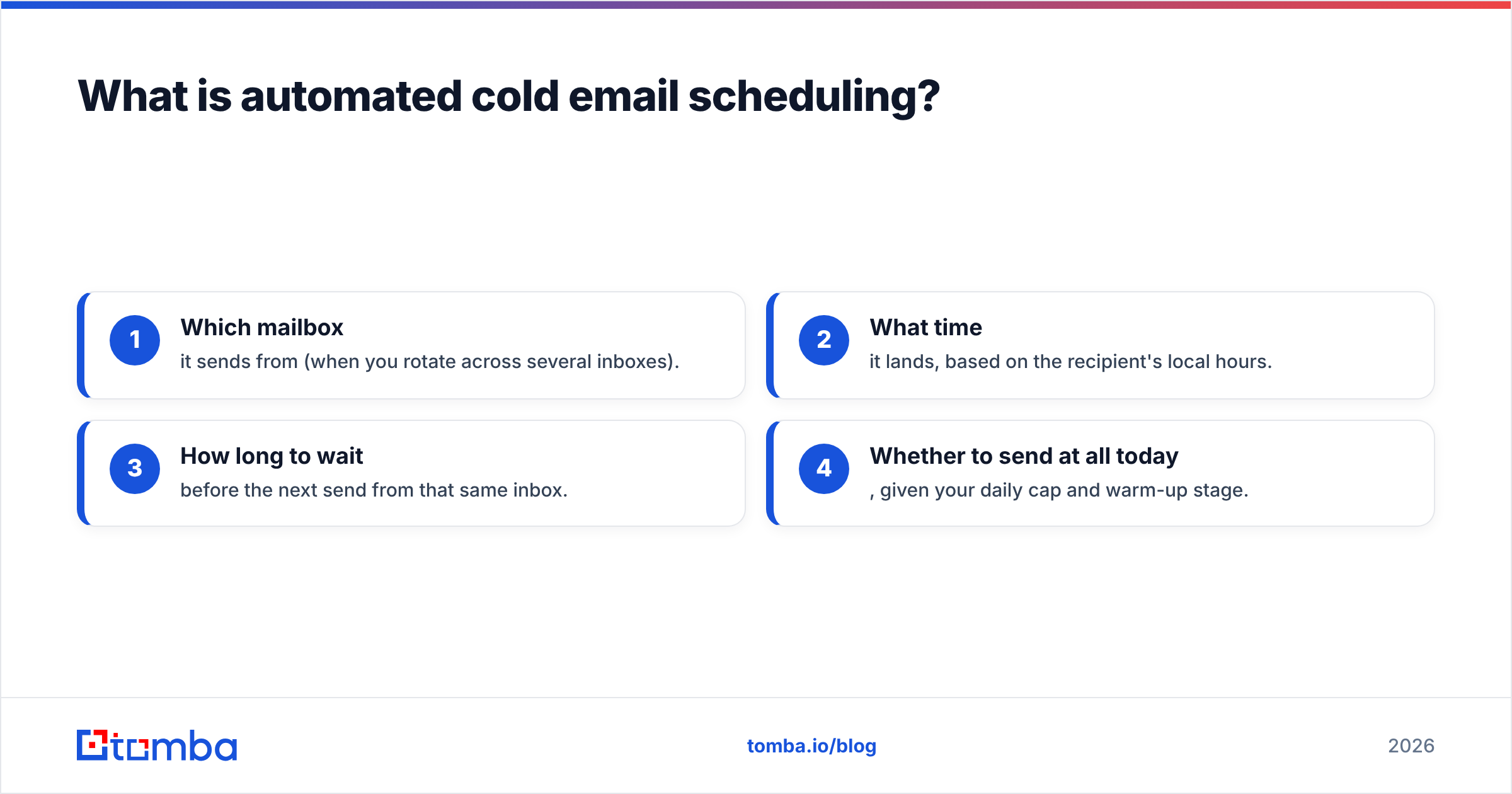
In practical terms, a scheduler decides four things for every message in a campaign:
- Which mailbox it sends from (when you rotate across several inboxes).
- What time it lands, based on the recipient's local hours.
- How long to wait before the next send from that same inbox.
- Whether to send at all today, given your daily cap and warm-up stage.
Manual sending can't do any of this reliably. The moment your list passes a few hundred contacts, human timing becomes the bottleneck — and the deliverability risk.
)
Why does send timing matter so much for cold email?#
Timing matters because mailbox providers judge patterns, not just content. Gmail and Outlook watch how a domain behaves: a brand-new domain that suddenly sends 800 identical messages between 9:00 and 9:05 a.m. looks exactly like a spammer, regardless of how good the copy is. Google's own Postmaster Tools exists precisely so senders can monitor the reputation signals that timing and volume feed into.
There are two distinct problems automated scheduling solves:
- Reputation protection. Spreading sends over hours and across mailboxes mimics human behavior and keeps spam-complaint and bounce spikes from clustering.
- Engagement optimization. A message that arrives at 7:30 a.m. in the recipient's time zone sits near the top of their inbox when they start work, instead of buried under 40 newer emails by the time they log on.
Most teams obsess over subject lines and ignore timing entirely. That's backwards. You can have the best cold email templates in your industry, but if half your sends land at 2 a.m. local time or trip a volume filter, the copy never gets read.
How does automated cold email scheduling actually work?#
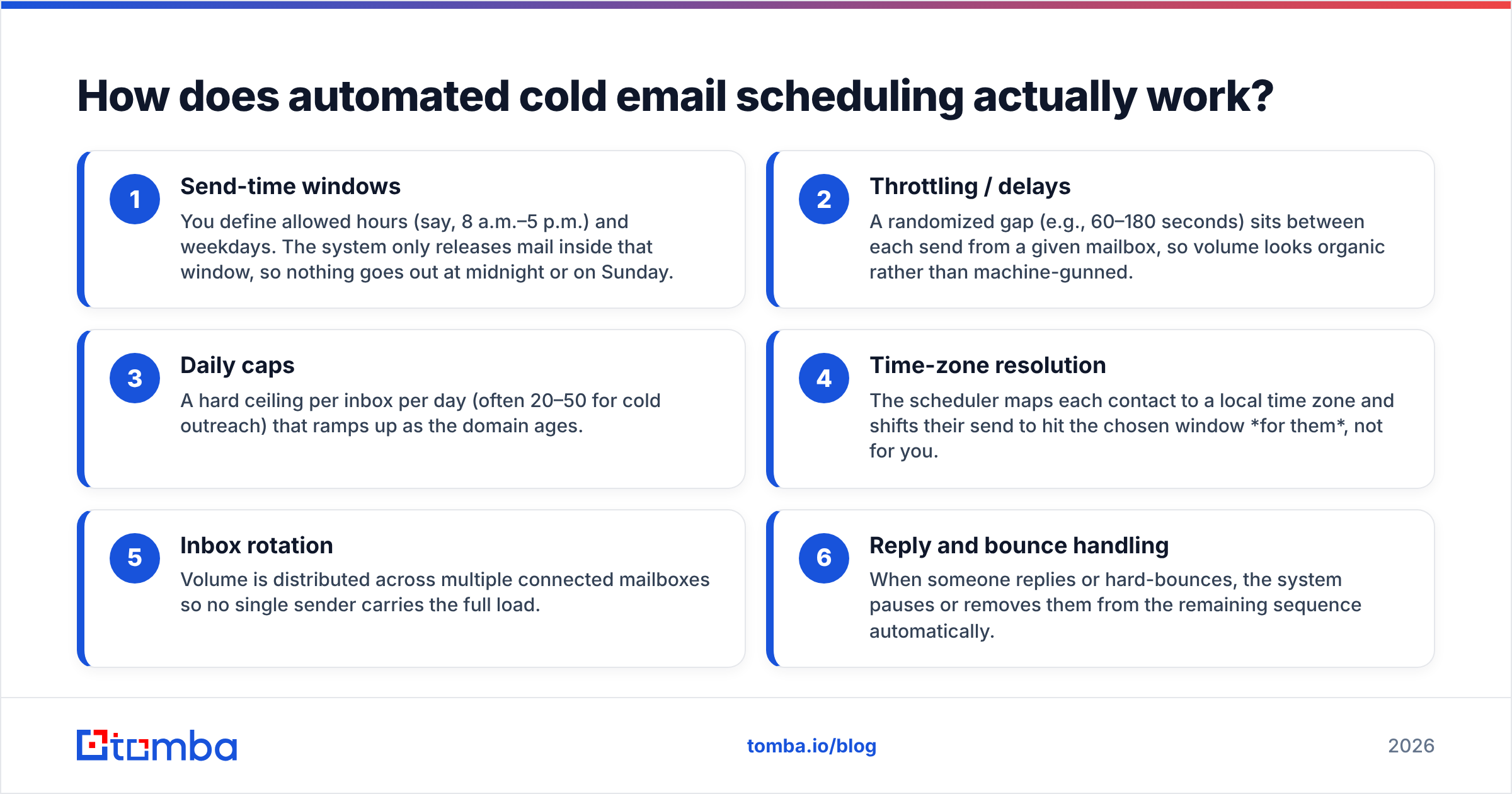
Under the hood, every serious scheduler combines a handful of mechanisms. Here are the core building blocks, each doing one job well:
- Send-time windows — You define allowed hours (say, 8 a.m.–5 p.m.) and weekdays. The system only releases mail inside that window, so nothing goes out at midnight or on Sunday.
- Throttling / delays — A randomized gap (e.g., 60–180 seconds) sits between each send from a given mailbox, so volume looks organic rather than machine-gunned.
- Daily caps — A hard ceiling per inbox per day (often 20–50 for cold outreach) that ramps up as the domain ages.
- Time-zone resolution — The scheduler maps each contact to a local time zone and shifts their send to hit the chosen window for them, not for you.
- Inbox rotation — Volume is distributed across multiple connected mailboxes so no single sender carries the full load.
- Reply and bounce handling — When someone replies or hard-bounces, the system pauses or removes them from the remaining sequence automatically.
The interplay of these six pieces is what separates "scheduled" from "automated." A basic tool might only offer send windows; a mature platform coordinates all six so your effective sending looks like a busy human, not a script.
What does a healthy sending schedule look like?#
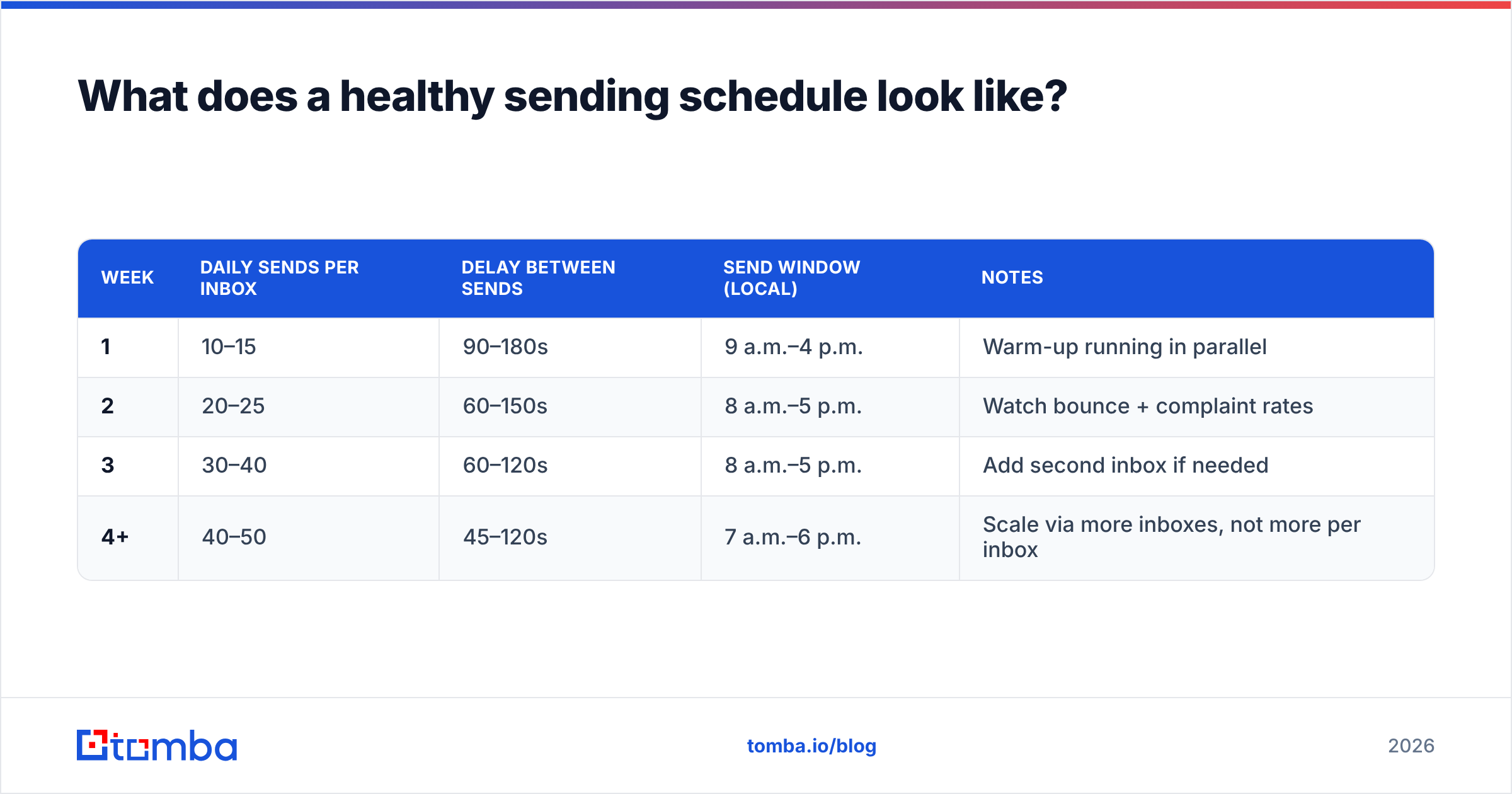
Below is a realistic ramp for a fresh domain doing cold outreach. The exact numbers vary by provider and warm-up status, but the shape — slow start, gradual climb — is non-negotiable.
| Week | Daily sends per inbox | Delay between sends | Send window (local) | Notes |
|---|---|---|---|---|
| 1 | 10–15 | 90–180s | 9 a.m.–4 p.m. | Warm-up running in parallel |
| 2 | 20–25 | 60–150s | 8 a.m.–5 p.m. | Watch bounce + complaint rates |
| 3 | 30–40 | 60–120s | 8 a.m.–5 p.m. | Add second inbox if needed |
| 4+ | 40–50 | 45–120s | 7 a.m.–6 p.m. | Scale via more inboxes, not more per inbox |
The key discipline most people miss: you scale volume by adding mailboxes, not by cramming more sends into one inbox. Two inboxes at 40/day each is far safer than one inbox at 80/day. Pair this ramp with an email warmup routine so your domains are building positive engagement signals before real campaigns hit.
How do scheduling approaches compare?#
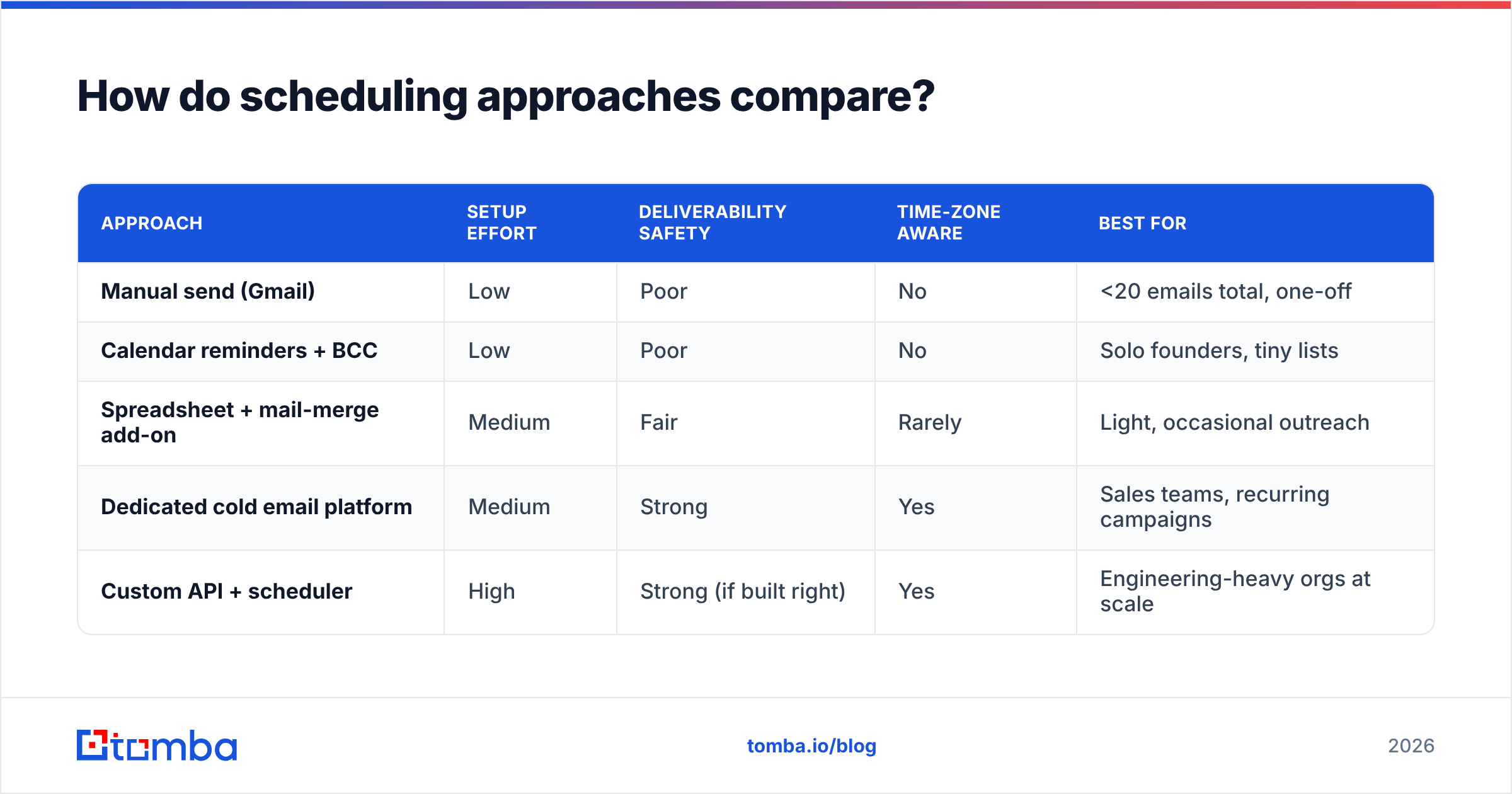
Not every team needs the same level of automation. Here's how the common options stack up.
| Approach | Setup effort | Deliverability safety | Time-zone aware | Best for |
|---|---|---|---|---|
| Manual send (Gmail) | Low | Poor | No | <20 emails total, one-off |
| Calendar reminders + BCC | Low | Poor | No | Solo founders, tiny lists |
| Spreadsheet + mail-merge add-on | Medium | Fair | Rarely | Light, occasional outreach |
| Dedicated cold email platform | Medium | Strong | Yes | Sales teams, recurring campaigns |
| Custom API + scheduler | High | Strong (if built right) | Yes | Engineering-heavy orgs at scale |
For most B2B teams, a dedicated platform is the sweet spot: it handles windows, throttling, rotation, and time zones without you writing a line of code. The custom-API route only pays off when you have unusual volume or workflow needs and engineers to maintain it. Tools like those reviewed on G2's sales engagement category give a sense of the landscape, but the underlying scheduling principles are identical across them.
Does automated scheduling replace deliverability fundamentals?#
No — and this is where teams burn their domains. Scheduling controls pacing, but pacing can't rescue a campaign built on a bad foundation. Three fundamentals have to be in place first:
- Authentication. SPF, DKIM, and DMARC must be configured correctly, or even perfectly timed mail gets filtered. HubSpot's email deliverability guide is a solid primer on the basics.
- List hygiene. Every invalid or risky address you send to is a bounce that hurts your reputation. Scrub your list with an email verifier before a single message schedules.
- Relevant copy. Throttling buys you trust over time; spammy, irrelevant copy spends it just as fast.
)
The mental model: scheduling is the throttle, but authentication and list quality are the engine and the fuel. A throttle on a broken engine still goes nowhere.
What scheduling mistakes kill the most campaigns?#
These are the failure patterns that show up again and again in cold outreach post-mortems:
- The Monday 9 a.m. spike. Everyone schedules for "the best time," so the entire industry's mail lands at once and competition for attention peaks. Spread across the morning instead.
- Sending to unverified lists. No amount of clever timing fixes a 12% bounce rate. Verify first.
- One inbox, maximum volume. Concentrating all sends in a single mailbox is the single biggest reputation risk.
- Ignoring replies in the sequence. If someone responds "interested" and your automation sends them a "did you get my last email?" two days later, you've torched the deal.
- No time-zone logic. A 9 a.m. send from New York hits a London prospect at 2 p.m. and a San Francisco prospect at 6 a.m. — three very different inbox positions.
Avoiding these is mostly about configuration discipline, not fancy features. Set conservative caps, verify your data, respect replies, and let the scheduler do the boring work consistently.
How do you build the data side of an automated schedule?#
A scheduler is only as good as the contacts feeding it. Automation amplifies whatever you put in — including garbage. So the workflow that actually scales looks like this:
- Source verified contacts. Use a tool to find email addresses tied to real, current roles rather than scraping stale lists.
- Verify before import. Run the list through verification to strip catch-alls, traps, and dead addresses.
- Enrich with time zone and role data. This is what makes time-zone-aware scheduling possible in the first place.
- Segment by send window logic. Group contacts so each segment maps cleanly to a local sending window.
- Feed the scheduler in controlled batches. Respect your daily caps and warm-up stage.
This is also where accuracy compounds. If 1 in 5 of your addresses is wrong, your scheduler is spending a fifth of your daily cap producing bounces — which actively damages the reputation your careful pacing was trying to protect. Clean data isn't a nice-to-have alongside scheduling; it's the precondition for it working at all.
What should a 2026 sending stack include?#
Pulling it together, a modern automated cold email setup has four layers:
- Data layer — verified, enriched contacts with time-zone metadata.
- Scheduling layer — windows, throttling, caps, rotation, and reply handling.
- Authentication layer — SPF, DKIM, DMARC, plus ongoing warm-up.
- Monitoring layer — bounce, complaint, and reputation tracking via tools like Postmaster.
Get those four right and "scheduling" stops being a thing you worry about — it just runs quietly in the background while your reply rates climb. Skip any one of them and the others can't compensate.
The bottom line#
Automated cold email scheduling isn't about finding one magic send time. It's about pacing — distributing volume across hours, mailboxes, and time zones so your domain behaves like a trustworthy human sender while your prospects see your message at the moment they're most likely to read it. The teams that win at outbound treat timing as infrastructure, not an afterthought.
And it all starts upstream of the schedule, with the list itself. Before you tune a single send window, make sure every address is real and current. Tomba's Email Finder helps you build verified, role-accurate contact lists by domain, name, or company — so the contacts your scheduler sends to actually exist and actually convert. Start free with 25 searches a month, and check the full Tomba pricing when you're ready to scale your outreach. Clean data in, better replies out.
// get started
Find, verify and enrich your first contacts today
Start on the free plan with 25 searches a month, then scale when your team is ready.
Free plan · No credit card required · GDPR & CCPA
// about the author