Automated Lead Generation Software: Best Tools for 2026
A practical, vendor-neutral guide to automated lead generation software in 2026 — how it works, what to look for, a side-by-side tool comparison, and the workflow that actually fills a pipeline.
Automated lead generation software promises a pipeline that fills itself while you sleep. The reality is more nuanced: automation removes the repetitive grind — finding contacts, verifying emails, enriching records, syncing to your CRM — but it still needs a smart human pointing it at the right accounts. This guide breaks down what these tools actually do, how to compare them, and how to assemble a stack that produces qualified leads instead of bounced emails.
TL;DR#
- Automated lead generation software replaces manual prospecting steps — sourcing, finding contact data, verifying it, enriching it, and routing it — with API-driven workflows.
- The single biggest quality lever is data accuracy. A tool that hands you stale or unverified emails poisons every downstream step.
- The strongest 2026 stacks combine a data/finder layer (e.g. Tomba), an outreach layer, and a CRM — not one bloated all-in-one.
- Watch for hidden costs: credit rollover rules, catch-all handling, and per-seat versus per-credit pricing.
- Start small. Automate one repeatable workflow — say, "new account → find decision-maker email → verify → push to CRM" — before scaling.
What is automated lead generation software?#
Automated lead generation software is any tool that performs prospecting tasks programmatically instead of by hand. Think of it like a dishwasher for sales ops: you still decide what goes in and how it's loaded, but the scrubbing — the repetitive, time-consuming work — happens without you standing at the sink.
In practice, "automation" spans a spectrum:
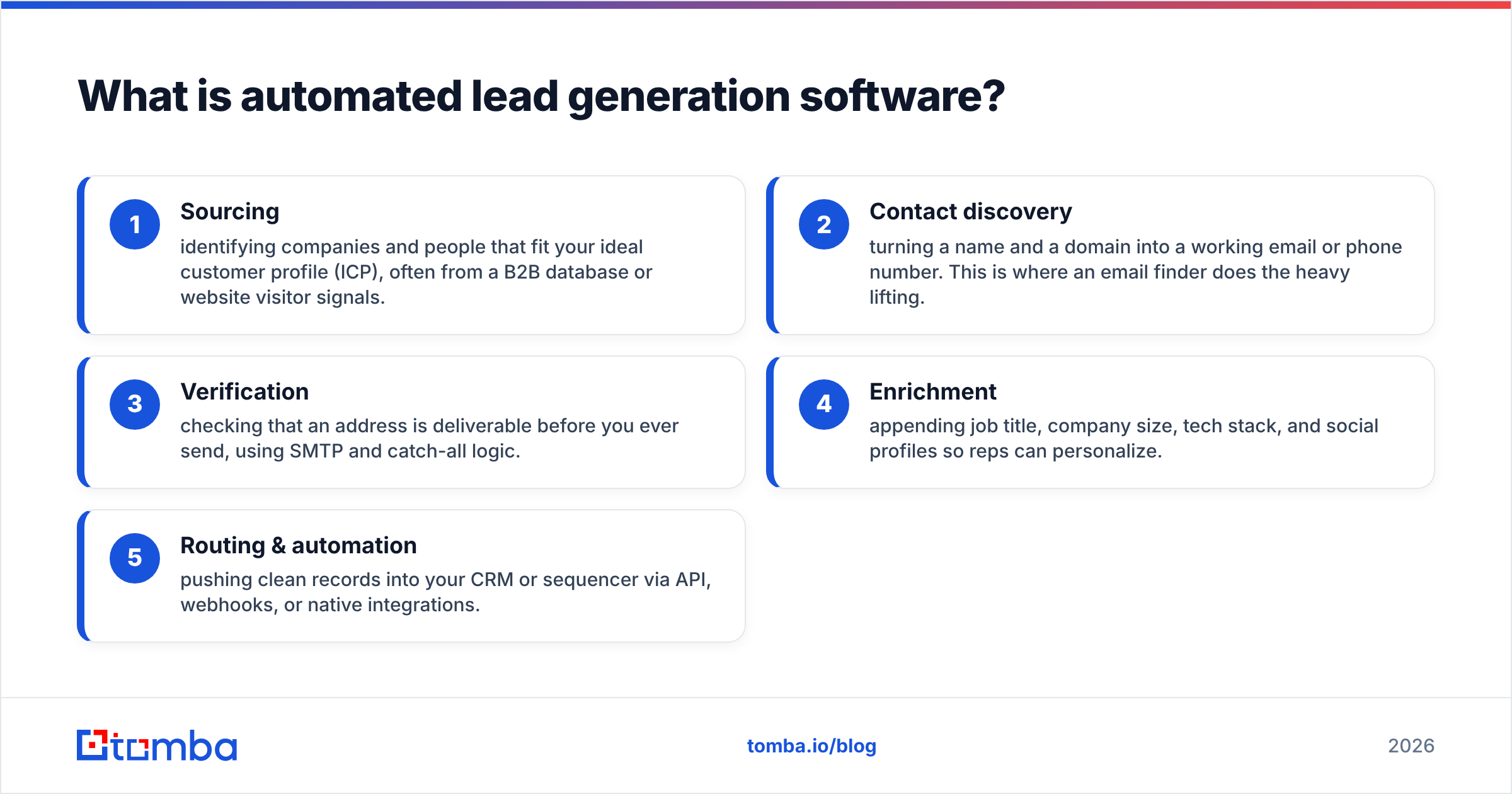
- Sourcing — identifying companies and people that fit your ideal customer profile (ICP), often from a B2B database or website visitor signals.
- Contact discovery — turning a name and a domain into a working email or phone number. This is where an email finder does the heavy lifting.
- Verification — checking that an address is deliverable before you ever send, using SMTP and catch-all logic.
- Enrichment — appending job title, company size, tech stack, and social profiles so reps can personalize.
- Routing & automation — pushing clean records into your CRM or sequencer via API, webhooks, or native integrations.
A tool might own one slice or several. The mistake teams make is assuming "automated" means "hands-off." It means "fewer hands" — the strategy is still yours.
How does automated lead generation actually work?#
Most modern stacks follow the same data pipeline, regardless of vendor branding. Understanding the stages helps you spot where a tool is strong and where it's quietly weak.
- Trigger — something kicks off the workflow: a new account added to a list, a form fill, a website visit, or a scheduled batch job.
- Find — the system resolves a contact. Given a domain, a domain search returns the people and email patterns at that company; given a name plus domain, a finder returns the specific address.
- Verify — each address passes through an email verifier that runs syntax, MX, SMTP, and catch-all checks, returning a deliverability score.
- Enrich — the record gains firmographic and contact fields so it's actually usable for segmentation and personalization.
- Sync — clean, scored records flow into the CRM or outreach tool, often through a native integration or Tomba API call inside a Zapier or Make scenario.
The quality of stage two and three determines everything downstream. According to peer reviews aggregated on G2, the most common complaint about lead tools isn't features — it's data decay. Emails that worked last quarter bounce this quarter because people change jobs roughly every two to three years.
What features matter most in 2026?#
Not all "automation" is equal. Use this checklist to separate marketing copy from real capability:
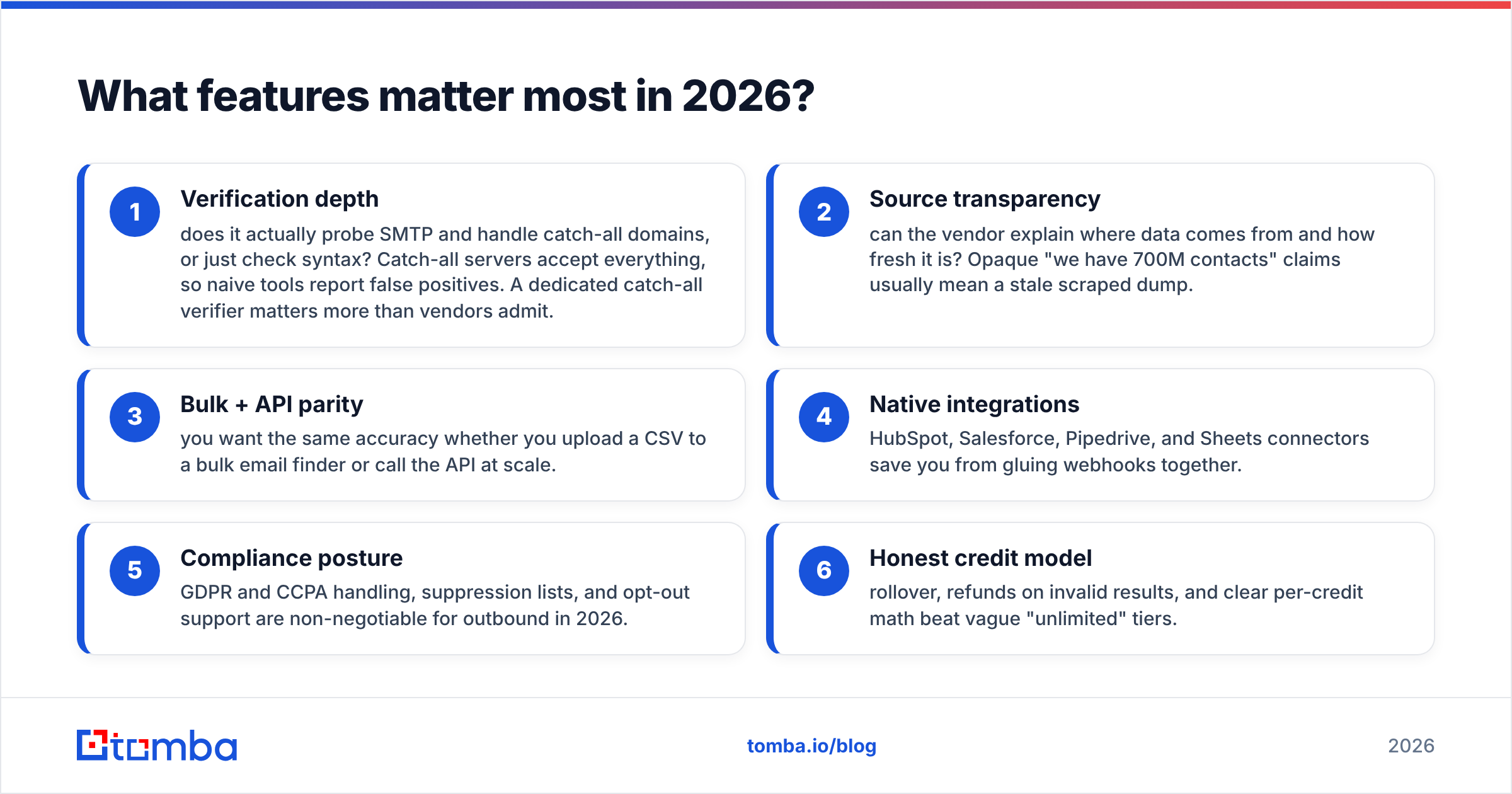
- Verification depth — does it actually probe SMTP and handle catch-all domains, or just check syntax? Catch-all servers accept everything, so naive tools report false positives. A dedicated catch-all verifier matters more than vendors admit.
- Source transparency — can the vendor explain where data comes from and how fresh it is? Opaque "we have 700M contacts" claims usually mean a stale scraped dump.
- Bulk + API parity — you want the same accuracy whether you upload a CSV to a bulk email finder or call the API at scale.
- Native integrations — HubSpot, Salesforce, Pipedrive, and Sheets connectors save you from gluing webhooks together.
- Compliance posture — GDPR and CCPA handling, suppression lists, and opt-out support are non-negotiable for outbound in 2026.
- Honest credit model — rollover, refunds on invalid results, and clear per-credit math beat vague "unlimited" tiers.
If a tool nails verification and source transparency, it can be average everywhere else and still outperform a flashy all-in-one with bad data.
How do the main types of tools compare?#
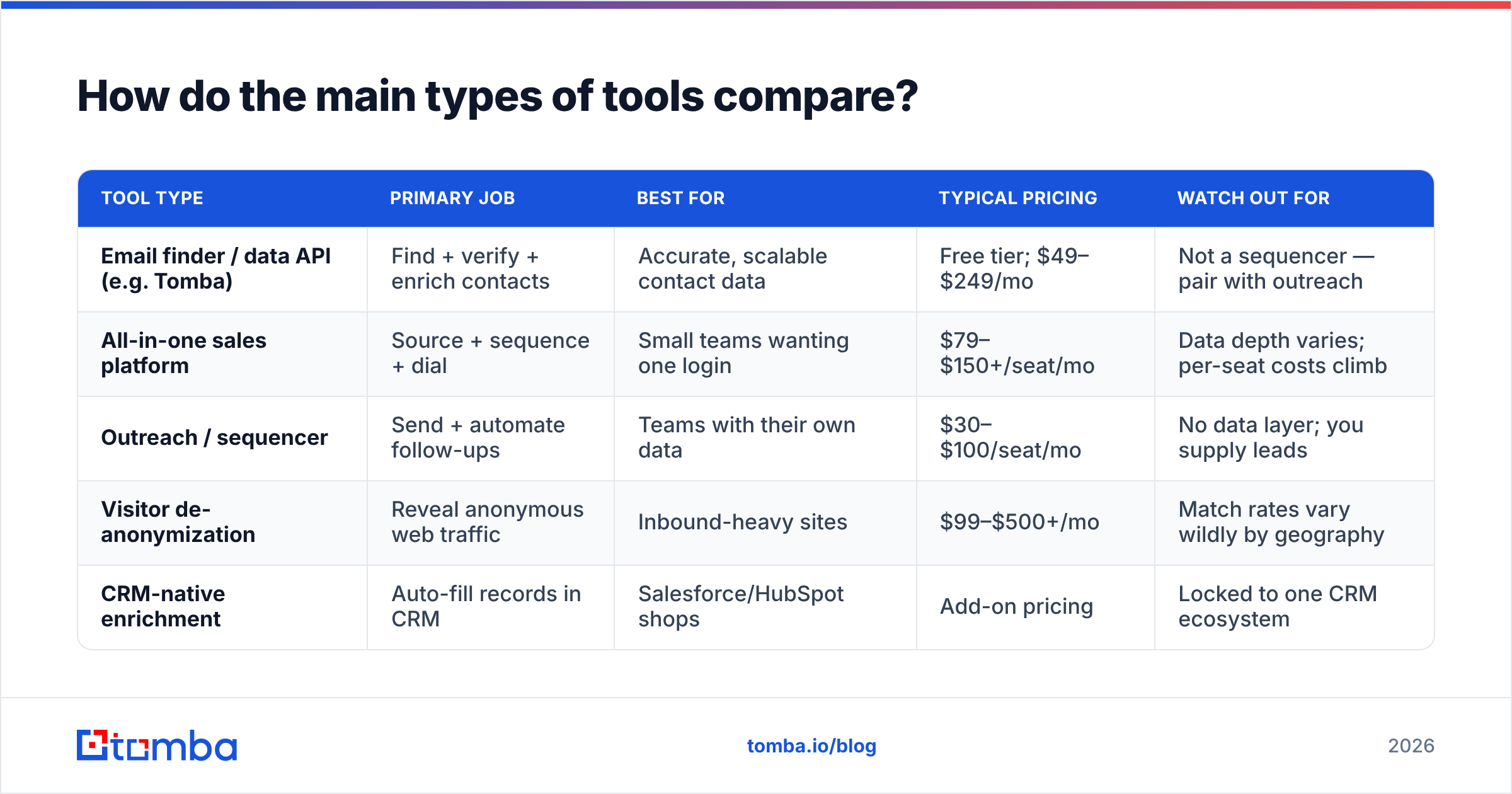
There's no single "best" category — it depends on whether you need data, outreach, or orchestration. Here's how the main classes of automated lead generation software stack up.
| Tool type | Primary job | Best for | Typical pricing | Watch out for |
|---|---|---|---|---|
| Email finder / data API (e.g. Tomba) | Find + verify + enrich contacts | Accurate, scalable contact data | Free tier; $49–$249/mo | Not a sequencer — pair with outreach |
| All-in-one sales platform | Source + sequence + dial | Small teams wanting one login | $79–$150+/seat/mo | Data depth varies; per-seat costs climb |
| Outreach / sequencer | Send + automate follow-ups | Teams with their own data | $30–$100/seat/mo | No data layer; you supply leads |
| Visitor de-anonymization | Reveal anonymous web traffic | Inbound-heavy sites | $99–$500+/mo | Match rates vary wildly by geography |
| CRM-native enrichment | Auto-fill records in CRM | Salesforce/HubSpot shops | Add-on pricing | Locked to one CRM ecosystem |
The takeaway: the data layer and the outreach layer are different jobs. Teams that try to buy one box for both usually overpay for a mediocre version of each. A focused finder feeding a focused sequencer almost always beats a bloated suite.
Is an all-in-one platform better than a focused stack?#
Short answer: a focused stack wins on quality and flexibility; an all-in-one wins on simplicity for very small teams. The trade-off is real.
All-in-one platforms (Apollo, Seamless, and similar) bundle a contact database with sequencing and dialing. That's convenient — one bill, one login. But the database is usually the weakest part of the bundle, because the vendor's engineering attention is split across a dozen features. When the data is mediocre, every email you send inherits that mediocrity.
A focused stack lets you choose the best tool for each job: a precise data provider, a deliverability-obsessed sequencer, and your CRM of record. You can swap any layer without ripping out the others. The cost is integration work, but native connectors and tools like the Tomba API reduce that to an afternoon.

For teams selling enterprise deals where each contact matters, focused-stack accuracy pays for itself in a single closed deal. For a solo founder doing volume outbound, an all-in-one may be "good enough" to start. Be honest about which you are — and revisit the decision as you scale, because the all-in-one's per-seat pricing punishes growth.
How much does automated lead generation software cost?#
Pricing models fall into two camps, and conflating them is how teams overspend.
- Per-credit (typical of data providers): you pay for searches or verifications. Predictable for batch work; you only pay for what you use.
- Per-seat (typical of platforms): you pay per rep, often with "credit caps" hidden inside each seat. Costs balloon as you hire.
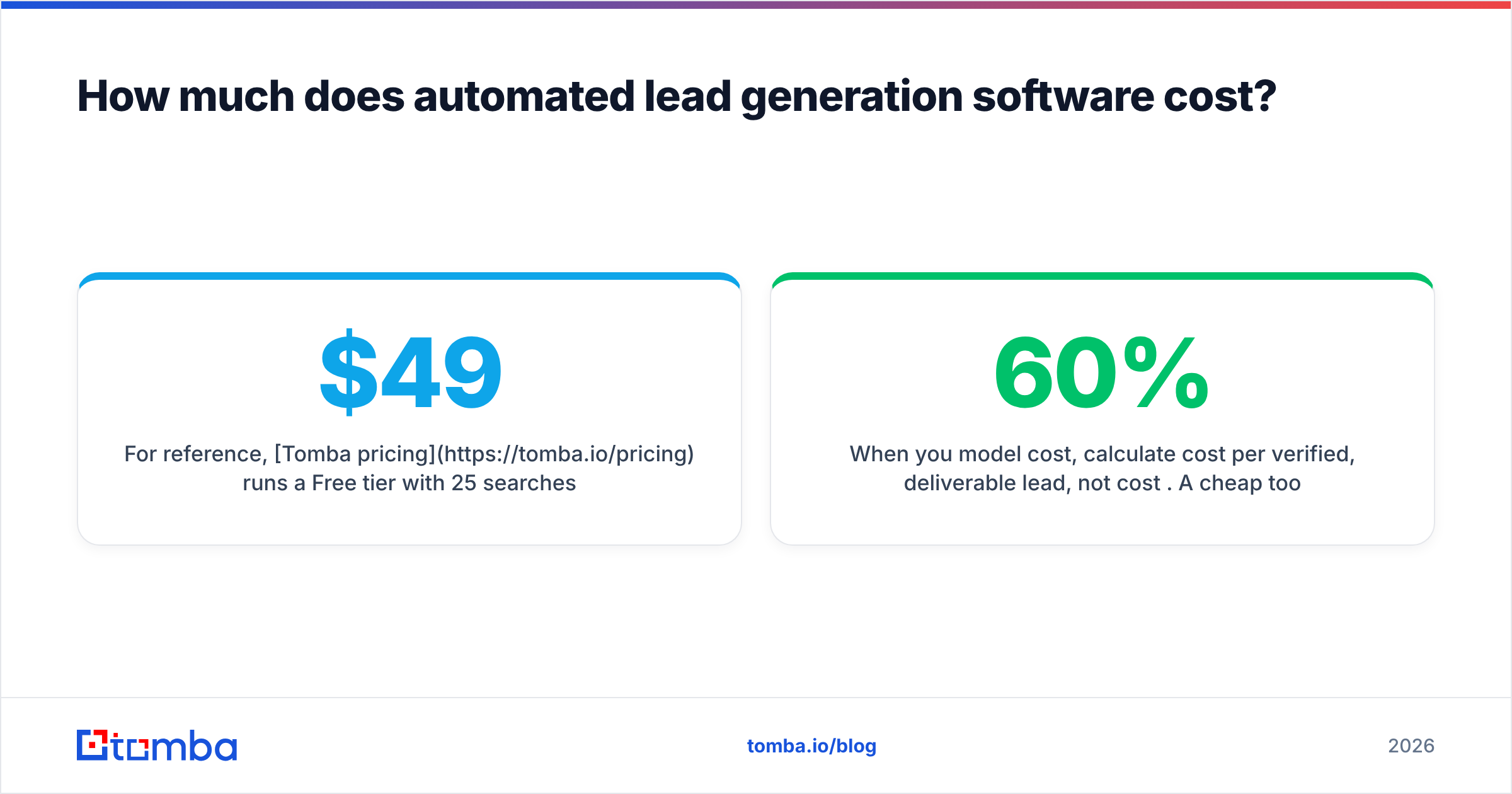
For reference, Tomba pricing runs a Free tier with 25 searches a month, then Starter at $49/mo, Growth at $99/mo, Pro at $249/mo, and custom Enterprise. That credit model means a two-person team and a ten-person team pay based on volume, not headcount — which is usually cheaper for data-heavy workflows than a per-seat suite.
When you model cost, calculate cost per verified, deliverable lead, not cost per credit. A cheap tool that returns 60% deliverable addresses is more expensive than a pricier one at 95%, because you're paying your reps to chase bounces. Industry guidance from vendors like HubSpot consistently points to data quality, not seat count, as the driver of outbound ROI.
What does a real automated workflow look like?#
Here's a concrete, buildable example you can stand up this week. It assumes a finder/data layer, a sequencer, and a CRM.
- Define the trigger. A new target account lands in a "To Prospect" list in your CRM (added manually, by a SDR, or by a visitor-reveal tool).
- Find the people. A domain search returns the relevant roles at that company and the company's email pattern.
- Resolve the email. The finder turns "VP of Marketing at acme.com" into a specific address.
- Verify before send. Each address runs through verification; anything below your deliverability threshold is held back or flagged for manual review.
- Enrich. Data enrichment appends title, seniority, company size, and LinkedIn so the first line can be personalized.
- Route. Clean, scored, enriched records sync to your sequencer and CRM with a "verified" tag.
- Sequence. Only verified contacts enter outreach, protecting your sender reputation.
Notice that automation handles steps two through six. The human defines the ICP (step one) and writes the messaging (step seven). That division of labor is the whole point — machines do the repetitive resolution work; you do the strategy and the copy.
How do you avoid the common pitfalls?#
Most automated lead generation failures trace back to four mistakes:
- Skipping verification. Sending to unverified lists tanks deliverability fast. Always verify before the first send, and re-verify lists older than 90 days.
- Treating catch-all as valid. Catch-all domains accept any address, so they need special handling — not a blind "valid" stamp.
- Over-automating the message. Automation belongs in data and routing, not in pretending a templated blast is personalization. Use enrichment fields to write genuinely relevant openers.
- Ignoring compliance. Maintain suppression lists, honor opt-outs, and document your data sourcing. Analyst guidance from firms like Gartner increasingly ties outbound performance to compliance maturity, not just volume.
Get those four right and you're ahead of most teams running the same tools.
Which type of tool should you start with?#
Start with the data layer, because everything else depends on it. You can run a perfectly good outbound motion with a great finder, a spreadsheet, and your existing email — and add a sequencer later. You cannot run a good motion with a great sequencer and bad data.
Pick a finder that's transparent about data sources, verifies natively, and exposes an API so you can automate the full pipeline as you grow. Add outreach automation once your data foundation is clean and your messaging is dialed in.
The bottom line#
Automated lead generation software is leverage, not magic. The tools that win in 2026 aren't the ones with the longest feature list — they're the ones that hand your reps accurate, verified, enriched contacts and get out of the way. Build the data layer first, automate one workflow end-to-end, measure cost per deliverable lead, and scale what works.
If you want that data layer to be reliable, the Tomba Email Finder is built exactly for this: find professional emails by domain, name, or company, verify them before you send, and wire the whole thing into your CRM through the API or native integrations. Start on the free tier, test it against your own target accounts, and only scale once the accuracy proves itself on your list — not a vendor's demo.
// get started
Find, verify and enrich your first contacts today
Start on the free plan with 25 searches a month, then scale when your team is ready.
Free plan · No credit card required · GDPR & CCPA
// about the author