Best B2B Email Marketing Tools in 2026: Compare 9 Platforms
A neutral breakdown of the best B2B email marketing tools in 2026 — pricing, deliverability, automation, and where each one actually fits your stack.
TL;DR
- "B2B email marketing tools" is a crowded label covering three jobs: broadcast/nurture (Mailchimp, HubSpot), cold outbound (Instantly, Saleshandy), and the data layer that feeds both (Tomba, Clearbit).
- No single platform wins every category. Pick by primary use case first, then by deliverability features and list hygiene — not by feature-count.
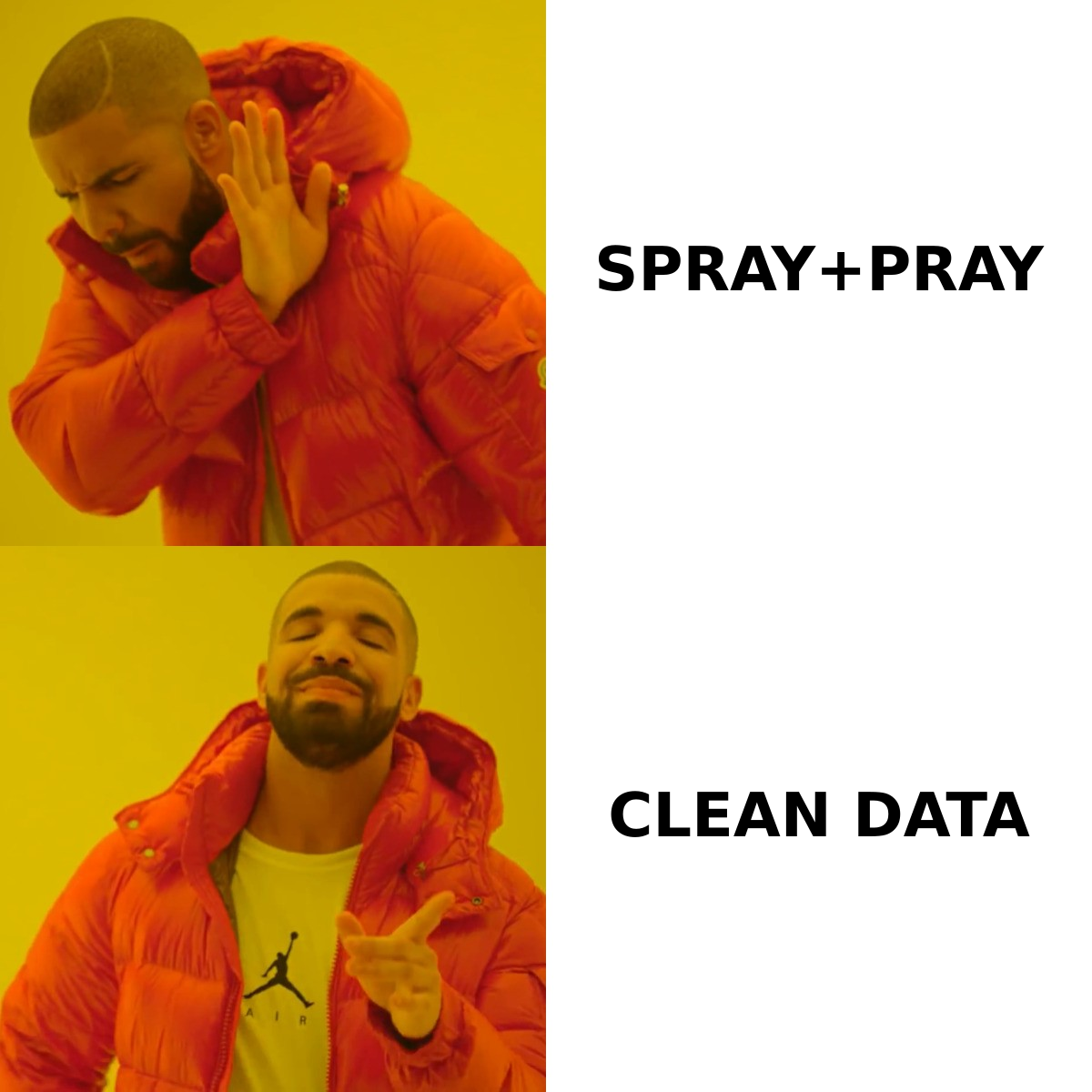
- Deliverability is the silent killer. The best automation is worthless if your sender reputation is shot from bad data and no warmup.
- Your list quality caps your results. A verified, well-sourced list out-performs a bigger dirty one every time, regardless of which sending tool you choose.
- For most B2B teams the winning stack is a finder/verifier (data) + a sending platform (delivery) + a CRM (tracking) — three layers, not one bloated suite.
What are B2B email marketing tools, really?#
A B2B email marketing tool is any software that helps you build a list, send messages at scale, and measure replies — but that one sentence hides three very different jobs that vendors love to blur together.
Think of it like a restaurant. You need ingredients (contact data), a kitchen (the sending engine), and a dining room that tracks who ordered what (the CRM). A lot of "all-in-one" platforms claim to be all three, but most are genuinely excellent at only one. When you buy a kitchen and expect it to grow vegetables, you end up disappointed.
Here are the three layers, and the questions each one answers:
- Data / sourcing tools — Who am I emailing, and is the address real? This is where an email finder and an email verifier live. Garbage in, garbage out: the address has to be correct before anything else matters.
- Sending / automation tools — How do I send 500 personalized emails without my domain getting flagged? Sequencing, A/B testing, warmup, and inbox rotation belong here.
- CRM / tracking tools — Did it work, and what happens after the reply? Pipeline stages, lead scoring, and revenue attribution.
The mistake most teams make is shopping in layer 2 (the shiny sequencer) while ignoring layer 1 (the data). That's backwards. Your list quality sets the ceiling on every other number in the funnel.
Which categories of B2B email marketing tools exist in 2026?#
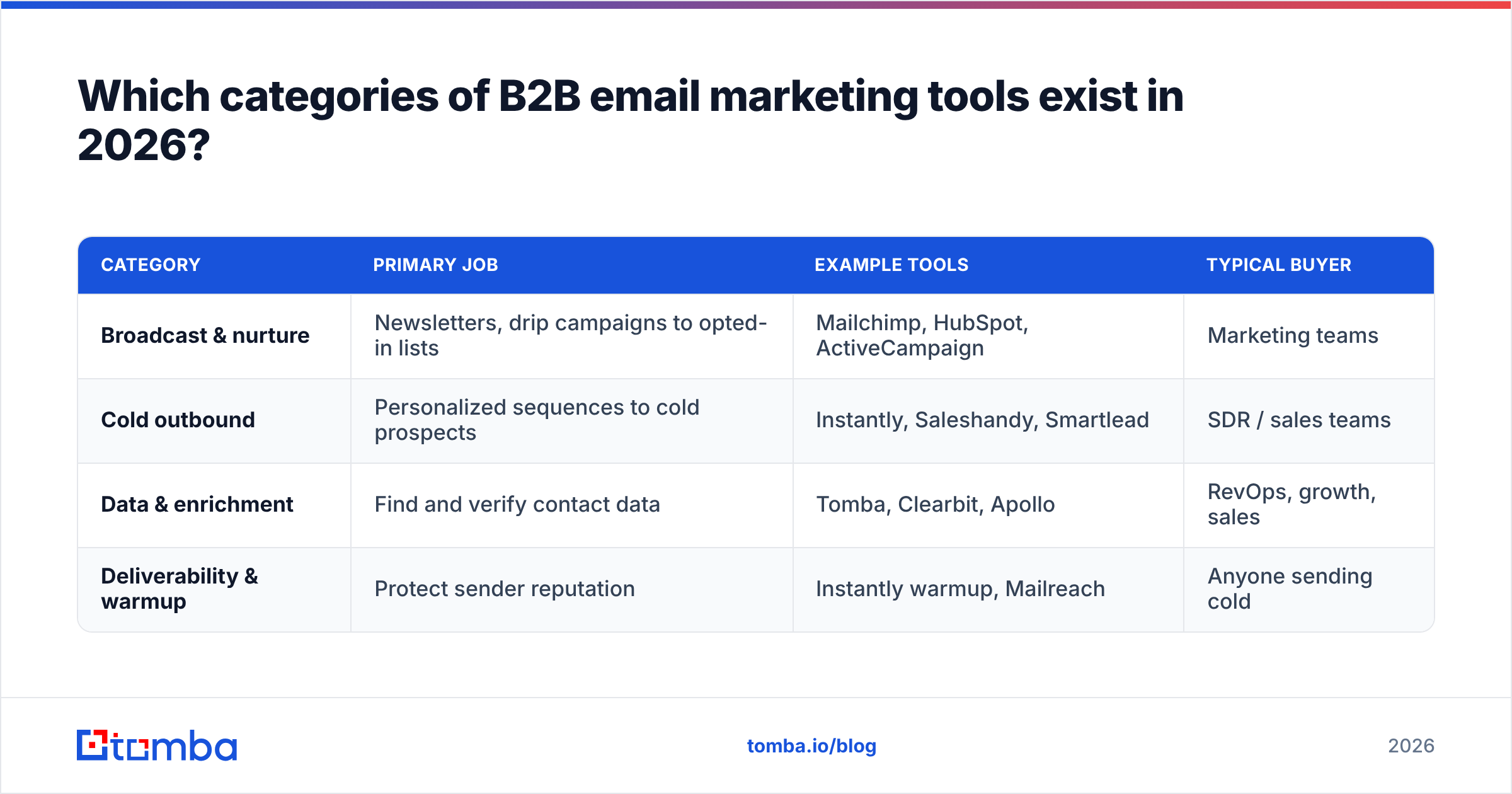
Buyers usually arrive searching for "the best tool" when they actually need to first decide which category they're shopping in. The categories barely overlap.
| Category | Primary job | Example tools | Typical buyer |
|---|---|---|---|
| Broadcast & nurture | Newsletters, drip campaigns to opted-in lists | Mailchimp, HubSpot, ActiveCampaign | Marketing teams |
| Cold outbound | Personalized sequences to cold prospects | Instantly, Saleshandy, Smartlead | SDR / sales teams |
| Data & enrichment | Find and verify contact data | Tomba, Clearbit, Apollo | RevOps, growth, sales |
| Deliverability & warmup | Protect sender reputation | Instantly warmup, Mailreach | Anyone sending cold |
The legal line between broadcast and cold outbound matters more than people admit. Newsletter platforms like Mailchimp are built around opt-in lists and explicitly discourage cold emailing — send purchased lists through them and you'll get suspended fast. Cold outbound tools assume you're contacting prospects who haven't opted in, so they're engineered around inbox rotation and per-message personalization to stay compliant and deliverable.
If you blur these two, you'll either get banned (cold list in a broadcast tool) or waste money (newsletter features you'll never touch for outbound). Decide the job first.
How do the top B2B email marketing tools compare on price and features?#
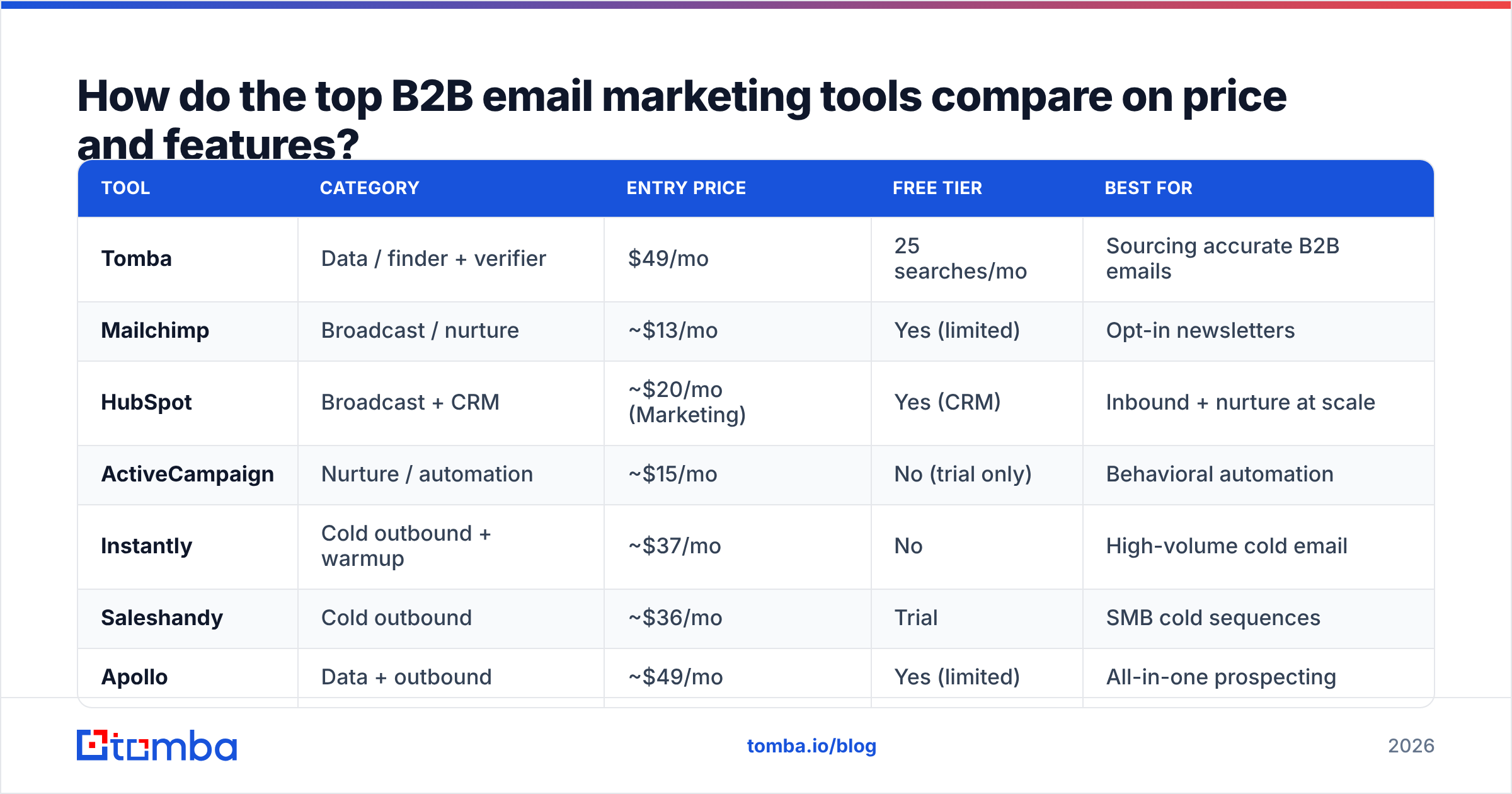
Below is a like-for-like look at the platforms B2B teams shortlist most often in 2026. Prices are entry paid tiers and move around, so treat them as directional and confirm on each vendor's page before you buy.
| Tool | Category | Entry price | Free tier | Best for |
|---|---|---|---|---|
| Tomba | Data / finder + verifier | $49/mo | 25 searches/mo | Sourcing accurate B2B emails |
| Mailchimp | Broadcast / nurture | ~$13/mo | Yes (limited) | Opt-in newsletters |
| HubSpot | Broadcast + CRM | ~$20/mo (Marketing) | Yes (CRM) | Inbound + nurture at scale |
| ActiveCampaign | Nurture / automation | ~$15/mo | No (trial only) | Behavioral automation |
| Instantly | Cold outbound + warmup | ~$37/mo | No | High-volume cold email |
| Saleshandy | Cold outbound | ~$36/mo | Trial | SMB cold sequences |
| Apollo | Data + outbound | ~$49/mo | Yes (limited) | All-in-one prospecting |
| Clearbit | Enrichment | Custom / high | No | Enterprise enrichment |
A few honest reads on this table:
- Mailchimp and HubSpot are not cold-email tools. They look cheap, but they're built for people who already gave you their address. Don't buy them to do outbound.
- Apollo bundles data + sending, which is convenient, but bundled data accuracy is often weaker than a dedicated finder, and you're locked into their sender. If your cold sends are core to revenue, decoupling data from delivery gives you more control.
- Clearbit is enterprise-priced. It's excellent enrichment, but if you're a 5-person team, you'll feel the bill. See the Clearbit alternative breakdown if budget is the constraint.
- Tomba sits in the data layer on purpose. It doesn't try to be your sender; it makes sure the addresses your sender uses are real. You can check Tomba pricing — the Starter plan is $49/mo, not the $39 you'll see misquoted around the web.
Why does deliverability matter more than features?#
Deliverability beats features because an email in the spam folder converts at zero, no matter how clever your sequencing is. This is the part buyers skip and regret.
Email deliverability is the probability your message reaches the inbox rather than spam or a hard bounce. Three things move that number, and only one of them is "the tool":
- List quality. Every invalid address you hit raises your bounce rate. Mailbox providers read a high bounce rate as a spam signal and start filtering your good emails too. This is why verification isn't optional — it protects the deliverability of the emails that are real.
- Sender reputation. Your sender reputation is built over time from engagement, complaints, and bounces. New domains have none, which is why warmup exists. Google's own Postmaster Tools will show you your domain reputation if you want the raw signal.
- Authentication. SPF, DKIM, and DMARC tell receiving servers you're allowed to send for your domain. Skip these in 2026 and Gmail/Yahoo will throttle or reject you outright — their bulk-sender rules now require it.
Here's the order of operations most teams get wrong, and the order that actually works:
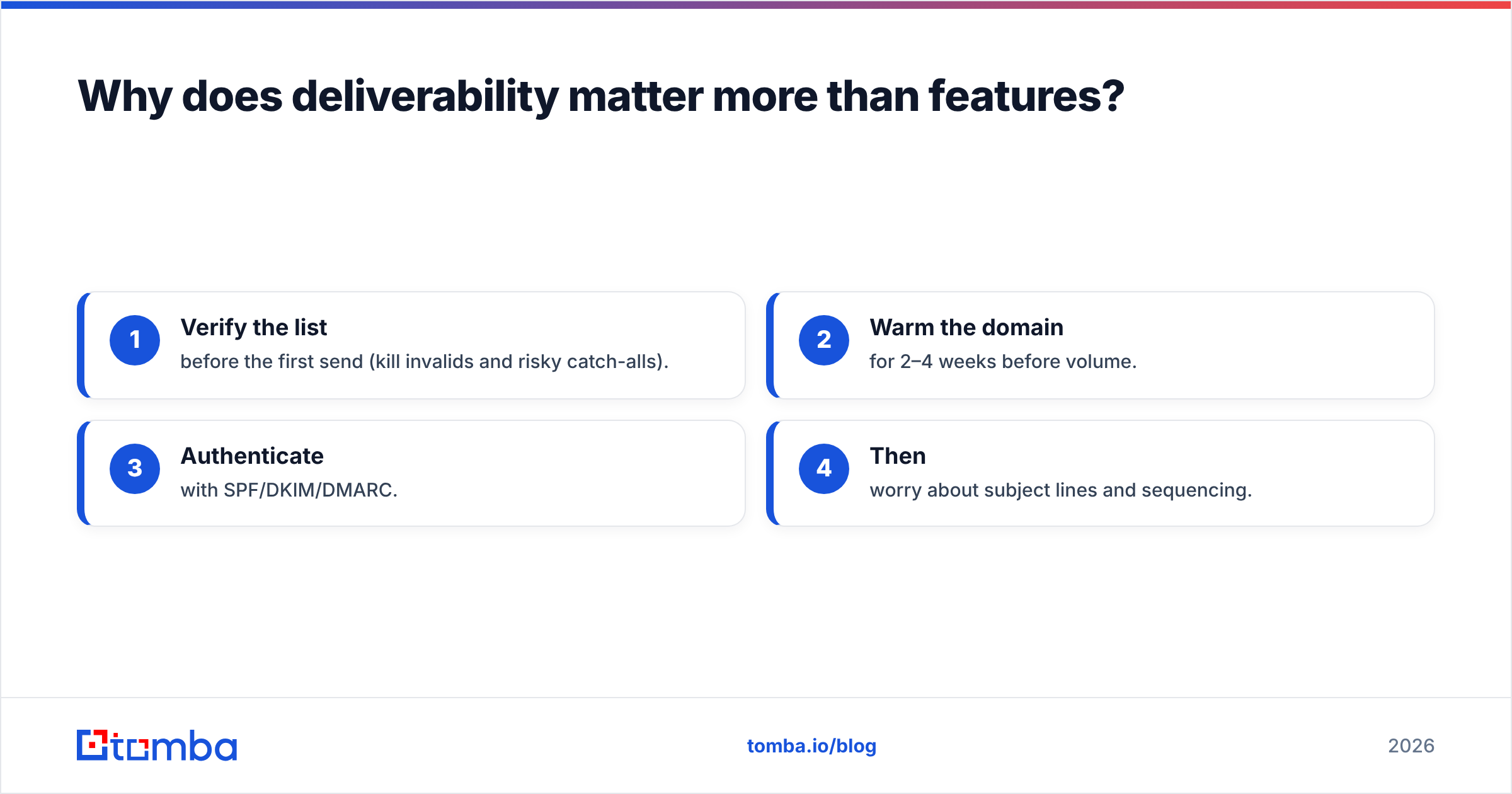
- Verify the list before the first send (kill invalids and risky catch-alls).
- Warm the domain for 2–4 weeks before volume.
- Authenticate with SPF/DKIM/DMARC.
- Then worry about subject lines and sequencing.
If you do steps 1–3, an average sending tool will outperform a premium one running on a dirty list. That's the whole game.

How should you build a B2B email marketing stack instead of buying one tool?#
Build a three-layer stack and let each tool do the one thing it's best at — this beats a single bloated suite for both results and cost.
A practical, vendor-neutral stack for most B2B teams looks like this:
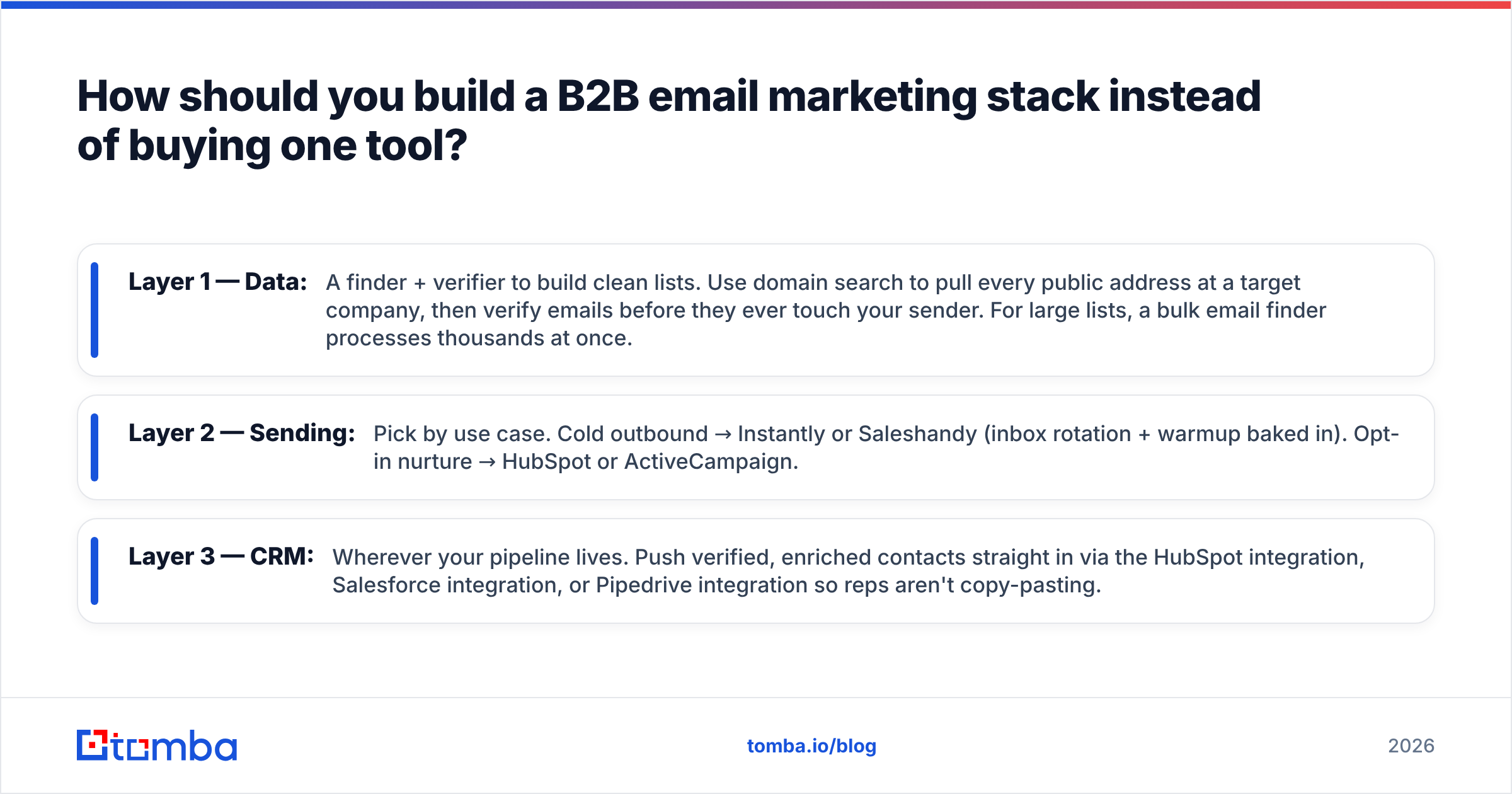
- Layer 1 — Data: A finder + verifier to build clean lists. Use domain search to pull every public address at a target company, then verify emails before they ever touch your sender. For large lists, a bulk email finder processes thousands at once.
- Layer 2 — Sending: Pick by use case. Cold outbound → Instantly or Saleshandy (inbox rotation + warmup baked in). Opt-in nurture → HubSpot or ActiveCampaign.
- Layer 3 — CRM: Wherever your pipeline lives. Push verified, enriched contacts straight in via the HubSpot integration, Salesforce integration, or Pipedrive integration so reps aren't copy-pasting.
The reason to decouple is leverage. If your sending tool raises prices or tanks deliverability, you swap layer 2 without rebuilding your data pipeline. If you want to test a new sequencer, your clean data follows you. An all-in-one suite makes that switch expensive on purpose.
Cost-wise, a decoupled stack is usually cheaper too. You pay a data tool for data (and only buy the credits you use), a sender for sending, and skip the "platform tax" that bundled suites charge for features you'll never open.
A quick worked example#
Say you're targeting 500 SaaS companies. The decoupled flow:
- Run domain search across the 500 domains to surface role-based and named contacts.
- Push the results through the email verifier; drop anything that bounces or is an unverifiable catch-all (a catch-all verifier helps you decide which catch-alls are worth a gamble).
- Enrich the survivors with title, company size, and LinkedIn via data enrichment.
- Load the clean, enriched list into your cold-email tool and sequence.
Steps 1–3 are the difference between a 2% bounce rate and a 20% one. The sending tool in step 4 barely matters by comparison.
Are free B2B email marketing tools good enough?#
Free tools are genuinely useful for testing and tiny volumes, but every free tier is a funnel toward a paid plan, and the limits are designed to pinch exactly where B2B teams need room.
Most free tiers cap one of three things: monthly sends, contacts stored, or — for data tools — searches/credits. Tomba's free tier gives 25 searches a month, which is plenty to validate that the data quality is real before you commit, but not enough to run a campaign. Mailchimp's free tier limits contacts and stamps its branding on your emails.
Where free actually shines:
- Validating data accuracy before you pay. Run a sample of known contacts through a finder and check the hit rate yourself.
- One-off lookups. Free utilities like an email checker or email permutator cover occasional needs with no signup pain.
- Side-by-side trials. Spin up free tiers of two sending tools and send to a seed list to compare inbox placement.
Where free falls apart: the moment you need volume, automation, or a response rate you can actually report on. At that point you're choosing a paid plan anyway, so the smarter question is "which free tier proves the quality I'm buying?" not "which is free forever?"
What's the verdict — which B2B email marketing tool should you choose?#
Choose by your primary job, then verify the layer below it before you spend on the layer above.
- You run opt-in newsletters and nurture: HubSpot (if you want CRM in the box) or ActiveCampaign (if you want the deepest behavioral automation). Compare both directly on G2 before committing.
- You run cold outbound: A dedicated sender (Instantly, Saleshandy, Smartlead) paired with a real data tool. Don't run cold lists through Mailchimp.
- Your bottleneck is data, not sending: Start at the data layer. A clean, verified list raises every downstream metric, and it's the cheapest fix per dollar.
For that data layer, Tomba is the most direct fit for B2B teams: find professional addresses by name, company, or domain with the Tomba Email Finder, verify them so your bounce rate stays low, and push the clean contacts into whatever sender and CRM you already use — no lock-in, no platform tax. Start on the free tier (25 searches), confirm the accuracy on contacts you already know, then scale up on the $49/mo Starter plan when the results prove out. Your sending tool can be anyone's. The data underneath it should be right.
// get started
Find, verify and enrich your first contacts today
Start on the free plan with 25 searches a month, then scale when your team is ready.
Free plan · No credit card required · GDPR & CCPA
// about the author