B2B List Building in 2026: The Complete Playbook + Tools
Buying lists is dead. Learn how modern B2B list building actually works in 2026 — the data sources, the workflow, the tools, and the accuracy benchmarks that keep your lists clean.
TL;DR
- B2B list building in 2026 means building a verified, ICP-matched contact list from live data — not buying a stale CSV that bounces 30% of the time.
- The workflow is four steps: define your ICP, source contacts, verify and enrich, then keep the list clean on a schedule.
- Bounce rate is the metric that makes or breaks deliverability. Keep it under 3% by verifying every address before you send.
- Tool choice comes down to data accuracy, verification depth, and price-per-contact — not the size of the marketing claim.
- A focused stack (finder + verifier + enrichment) beats a bloated all-in-one for most teams under 50 reps.
What is B2B list building?#
B2B list building is the process of assembling a list of business contacts — names, job titles, company data, and verified email addresses or phone numbers — that match the kind of buyer you actually sell to.
Think of it like stocking a kitchen for a specific menu. You don't buy every ingredient in the store; you buy exactly what the dishes on your menu require, and you check that nothing is expired. A good prospect list works the same way: targeted, fresh, and trimmed of anything that will spoil your sender reputation.
The old way — buying a 50,000-row spreadsheet from a broker — fails on both counts. The data is generic (not matched to your ideal customer) and stale (titles change, people leave, domains die). When you blast it, mailbox providers notice the bounces and spam complaints, and your email deliverability collapses for every campaign, not just the bad one.
Modern list building flips this. You start from a precise definition of who you want, pull live contact data for those specific people, verify each address, and enrich it with the context your reps need to write a relevant first line.
Why does buying lists still fail in 2026?#
Because the economics never changed, but the penalties got worse. Mailbox providers at Google and Microsoft tightened bulk-sender rules in 2024, and a list with a high bounce rate now gets throttled or blocked far faster than it did a few years ago.
Here's what a bought list actually costs you once you account for the damage:
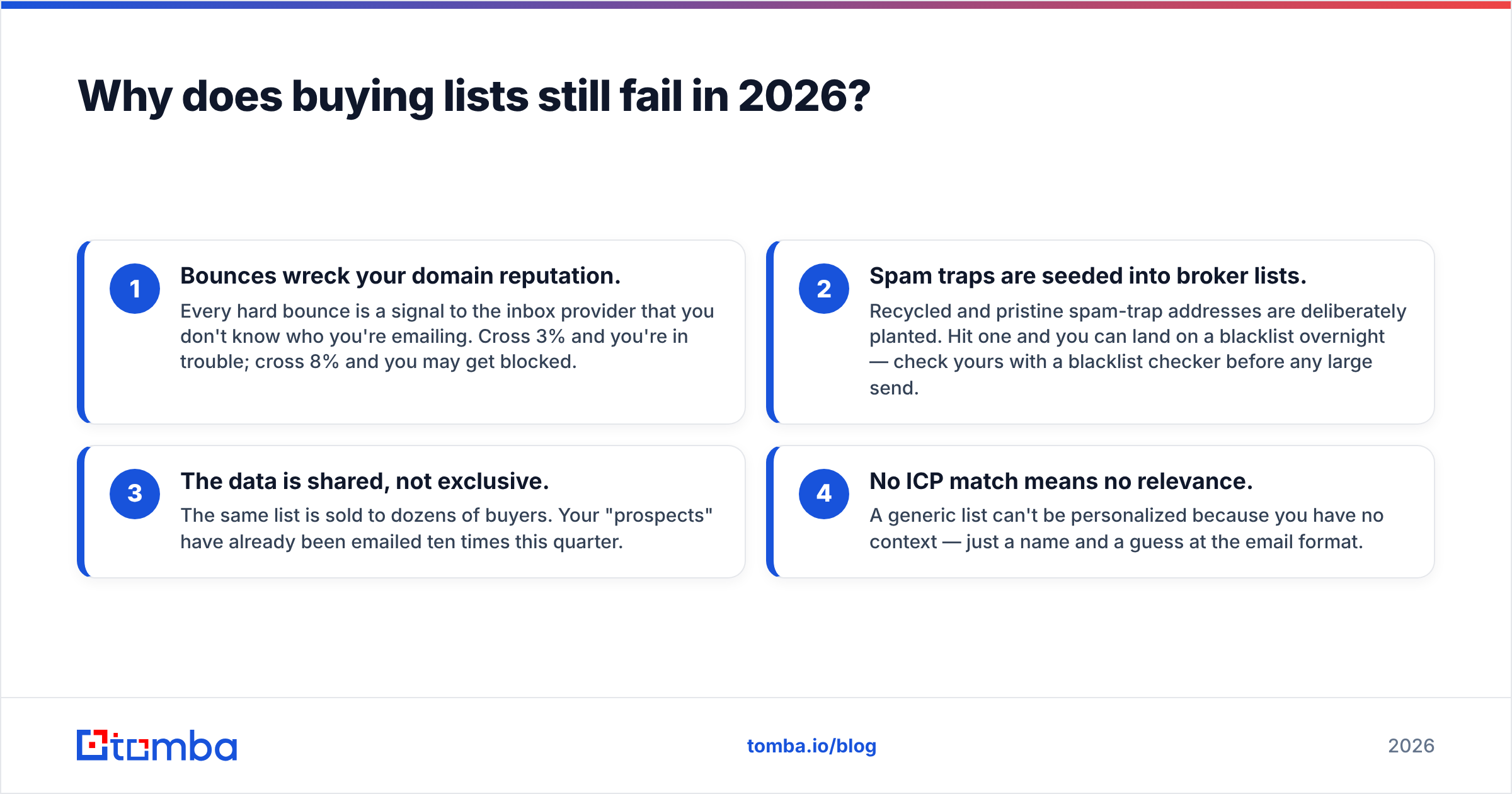
- Bounces wreck your domain reputation. Every hard bounce is a signal to the inbox provider that you don't know who you're emailing. Cross 3% and you're in trouble; cross 8% and you may get blocked.
- Spam traps are seeded into broker lists. Recycled and pristine spam-trap addresses are deliberately planted. Hit one and you can land on a blacklist overnight — check yours with a blacklist checker before any large send.
- The data is shared, not exclusive. The same list is sold to dozens of buyers. Your "prospects" have already been emailed ten times this quarter.
- No ICP match means no relevance. A generic list can't be personalized because you have no context — just a name and a guess at the email format.
Building beats buying because you control all four variables. You decide who's on the list, you verify before you send, and the data is yours alone.
How do you define your ICP before building a list?#
Conclusion first: write your Ideal Customer Profile down to filterable attributes before you touch a single tool, or you'll build a big list of the wrong people fast.
An ICP is the spec sheet for your list. The more concrete the attributes, the more precise your sourcing. At minimum, define:
- Firmographics — industry, company size (headcount or revenue), geography, and growth stage.
- Technographics — the tools they already run (a CRM, a cloud provider, a specific platform) that signal fit.
- Trigger events — recent funding, a new hire in a target role, expansion, or a tech migration.
- Persona / role — the exact job titles of the decision-maker and the champion, not just "marketing."
Once those are written as filters, sourcing becomes a search query instead of a guessing game. A vague ICP ("SaaS companies") returns noise. A sharp one ("Series A–B B2B SaaS, 50–200 employees, US, using HubSpot, VP Marketing or Demand Gen lead") returns a list you can act on the same day.
What does a modern B2B list building workflow look like?#
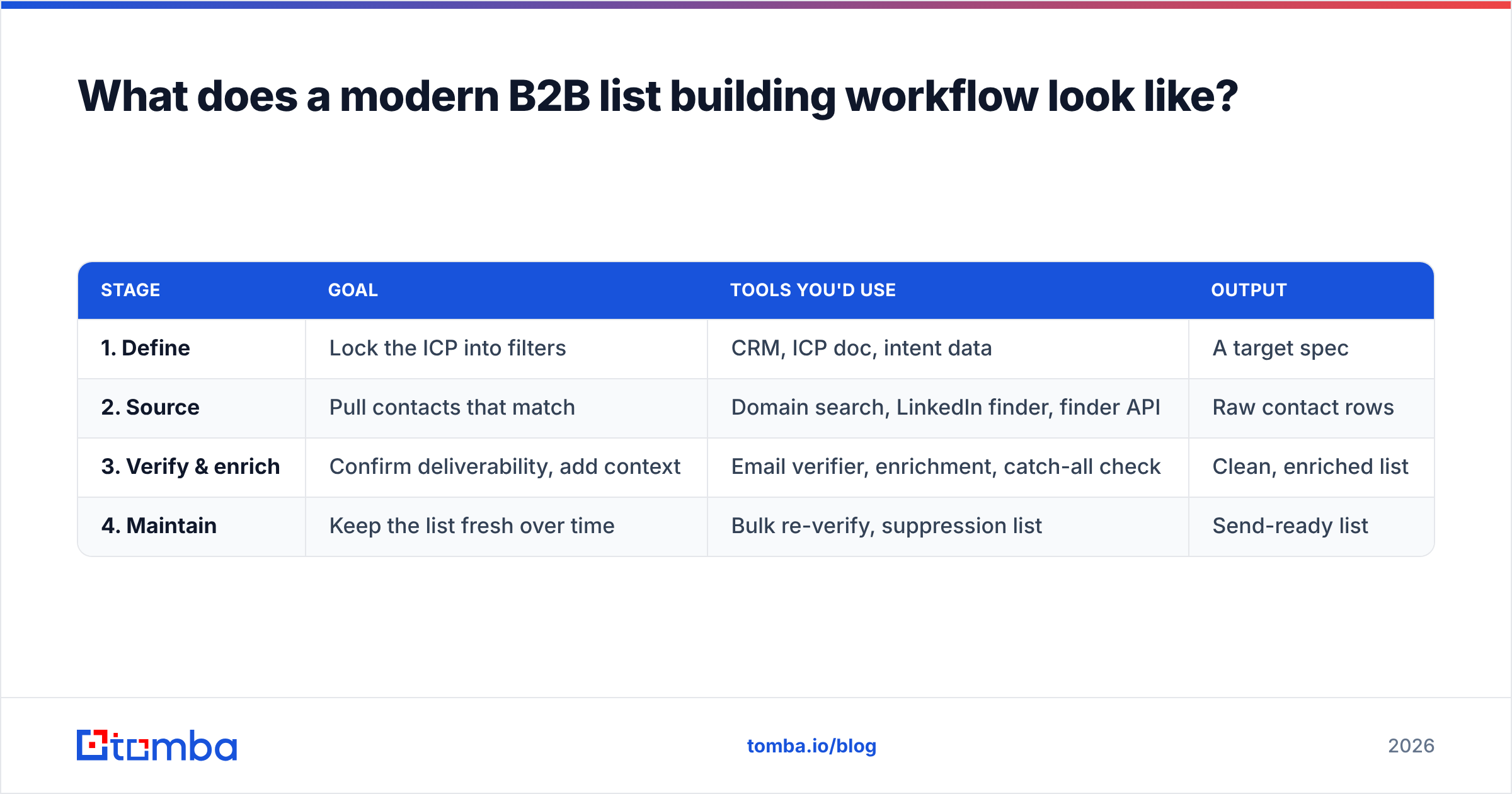
Four stages, run in order. Each one feeds the next, and skipping the verification stage is the single most common mistake.
| Stage | Goal | Tools you'd use | Output |
|---|---|---|---|
| 1. Define | Lock the ICP into filters | CRM, ICP doc, intent data | A target spec |
| 2. Source | Pull contacts that match | Domain search, LinkedIn finder, finder API | Raw contact rows |
| 3. Verify & enrich | Confirm deliverability, add context | Email verifier, enrichment, catch-all check | Clean, enriched list |
| 4. Maintain | Keep the list fresh over time | Bulk re-verify, suppression list | Send-ready list |
Stage 2 — source is where most of the work happens. If you already have a list of target companies, run a domain search to pull every public email address and role at each domain in one pass. If you're working from individuals (say, a LinkedIn search export), use a LinkedIn finder to resolve each profile to a work email. For programmatic, at-scale building, the email finder API lets you wire sourcing directly into your own data pipeline.
Stage 3 — verify and enrich is non-negotiable. Sourcing gives you candidate addresses; verification tells you which ones will actually deliver. Run every address through an email verifier to drop invalids, then enrich the survivors with firmographic and role data so reps can personalize.
How do you keep a B2B list clean and deliverable?#
Treat your list like fresh produce, not canned goods — it decays whether you use it or not. Roughly 22–30% of B2B contact data goes stale every year as people change jobs, so a list you built in January is meaningfully wrong by summer.
A maintenance routine that holds up:
- Verify at send time, not just at build time. An address valid in March can be dead in June. Re-verify any list older than 60–90 days before a campaign.
- Handle catch-all domains deliberately. Catch-all servers accept every address, so a standard verify can't confirm a real mailbox. Route those through a catch-all verifier instead of guessing.
- Maintain a suppression list. Bounces, unsubscribes, and complaints go on a permanent do-not-contact list and get scrubbed from every future build.
- Bulk-process on a schedule. Use a bulk verify job monthly rather than cleaning ad hoc, so nothing slips through.
- Watch your bounce rate as a leading indicator. If it creeps above 3%, stop and re-verify before it drags your domain reputation down.
Keeping bounce rate low isn't a nice-to-have. It's the difference between landing in the inbox and landing in spam for your entire program. The cleaner the list, the more your good campaigns benefit.
Which tools should you use for B2B list building?#
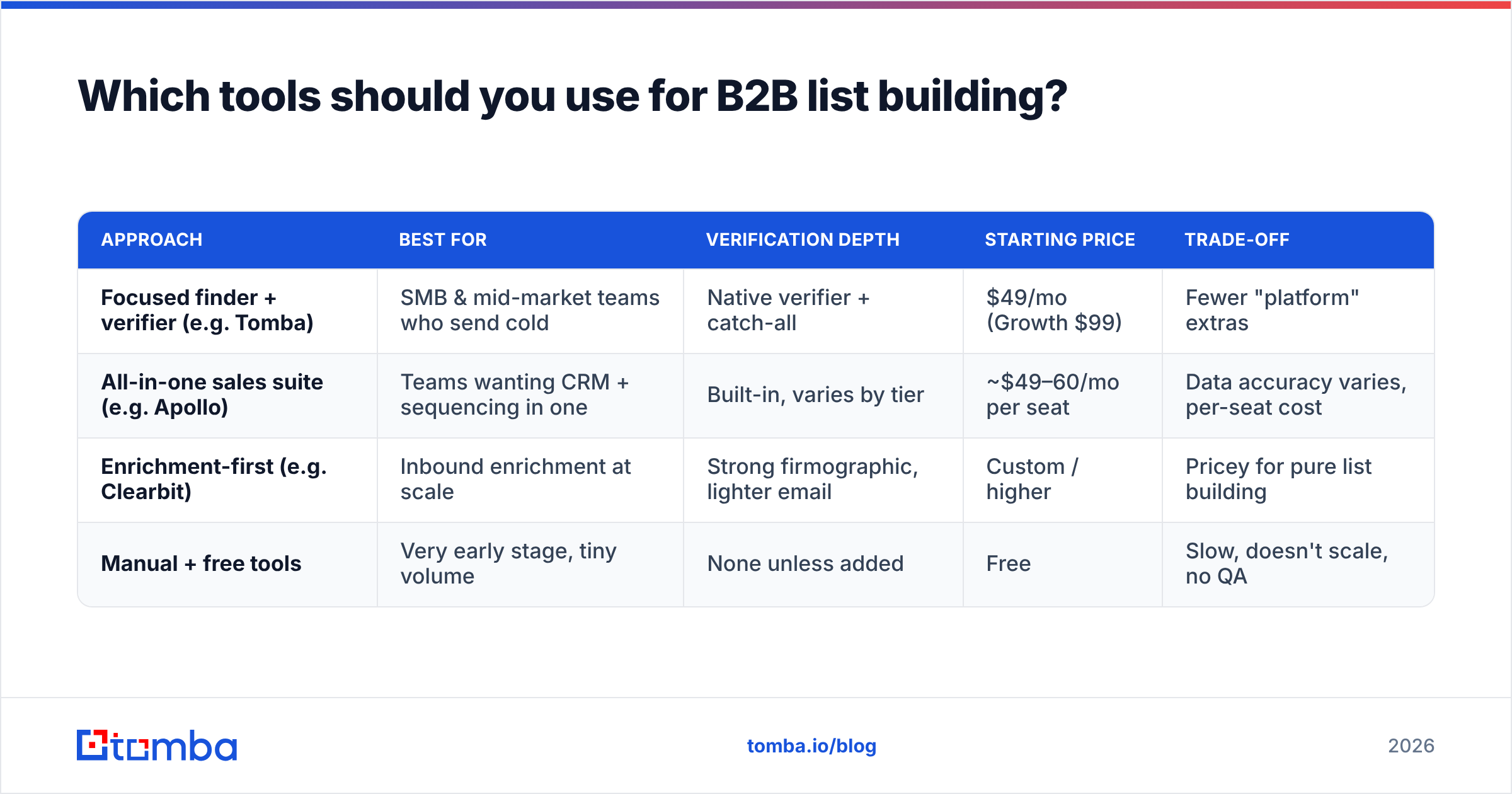
The honest answer: it depends on whether you value data accuracy and verification depth (a focused stack) or breadth of features in one login (an all-in-one suite). Here's a neutral comparison of the common approaches.
| Approach | Best for | Verification depth | Starting price | Trade-off |
|---|---|---|---|---|
| Focused finder + verifier (e.g. Tomba) | SMB & mid-market teams who send cold | Native verifier + catch-all | $49/mo (Growth $99) | Fewer "platform" extras |
| All-in-one sales suite (e.g. Apollo) | Teams wanting CRM + sequencing in one | Built-in, varies by tier | ~$49–60/mo per seat | Data accuracy varies, per-seat cost |
| Enrichment-first (e.g. Clearbit) | Inbound enrichment at scale | Strong firmographic, lighter email | Custom / higher | Pricey for pure list building |
| Manual + free tools | Very early stage, tiny volume | None unless added | Free | Slow, doesn't scale, no QA |
A few notes to keep this fair. Apollo bundles sequencing and a database into one product, which is genuinely convenient if you want everything in a single tab — but reps frequently flag accuracy drift on its B2B records, so you still verify before sending. Clearbit (now part of HubSpot) is excellent at enriching inbound traffic but overkill if your job is simply to build outbound lists. If you're weighing platforms specifically, the Apollo alternative and Clearbit alternative breakdowns go deeper than this table can.
For most teams building cold-outreach lists, a focused stack wins on the two metrics that matter: how many sourced addresses actually deliver, and what each verified contact costs. Tomba's free tier (25 searches/mo) lets you test accuracy on your own target accounts before paying — see full Tomba pricing for the Starter ($49/mo), Growth ($99/mo), and Pro ($249/mo) tiers.
Independent reviews are worth reading before you commit; G2's email-finder category and vendor docs like HubSpot's data-enrichment guides give you a second opinion that isn't a vendor pitch.
How do you build a list at scale without burning your reputation?#
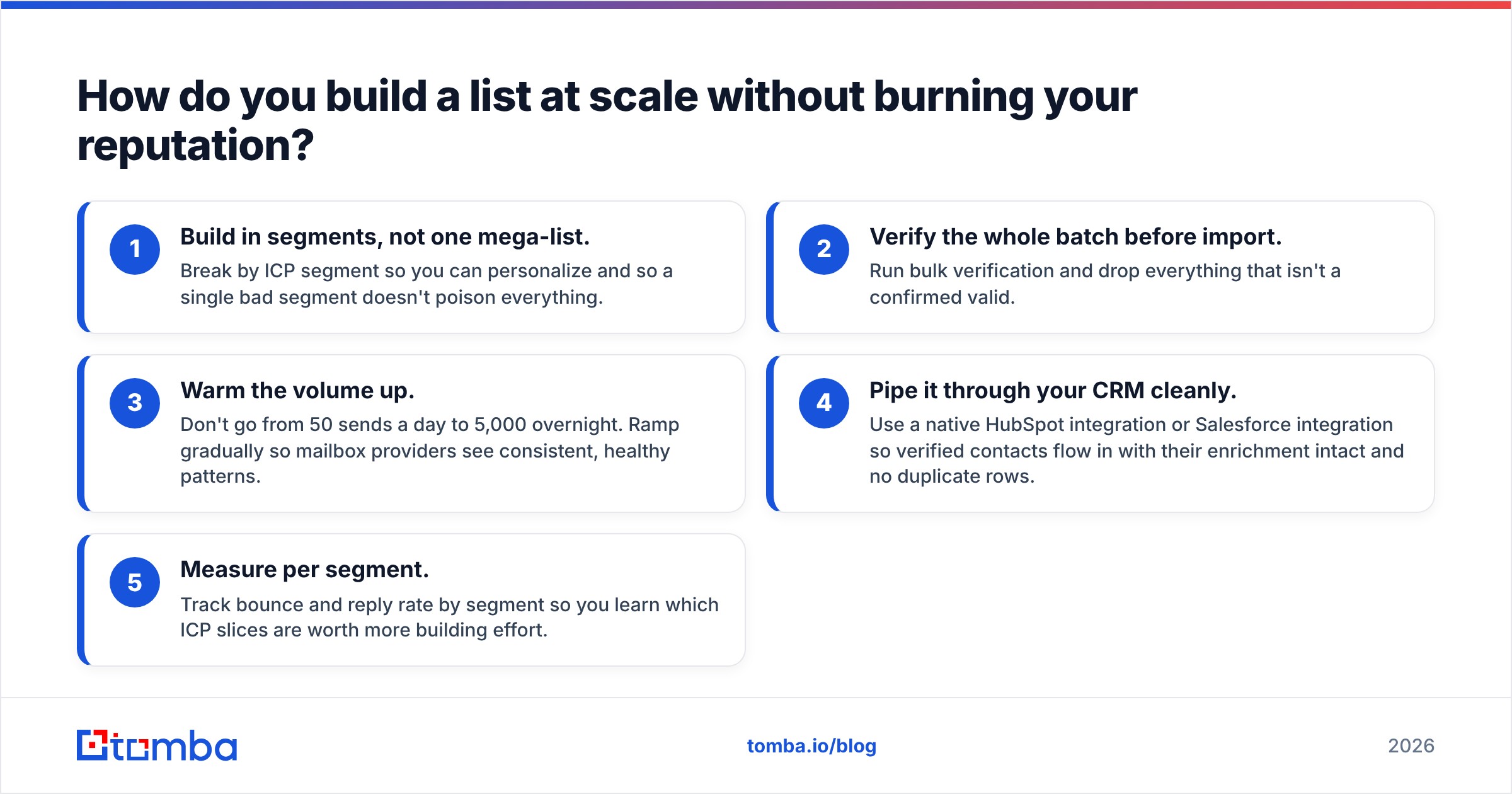
Scale carefully — volume amplifies whatever quality problem you already have. Ten bad addresses out of a hundred is a nuisance; ten thousand out of a hundred thousand is a blacklisting.
The pattern that scales safely:
- Build in segments, not one mega-list. Break by ICP segment so you can personalize and so a single bad segment doesn't poison everything.
- Verify the whole batch before import. Run bulk verification and drop everything that isn't a confirmed valid.
- Warm the volume up. Don't go from 50 sends a day to 5,000 overnight. Ramp gradually so mailbox providers see consistent, healthy patterns.
- Pipe it through your CRM cleanly. Use a native HubSpot integration or Salesforce integration so verified contacts flow in with their enrichment intact and no duplicate rows.
- Measure per segment. Track bounce and reply rate by segment so you learn which ICP slices are worth more building effort.
This is also where automation earns its keep. A Zapier integration or the API can trigger a verify-and-enrich step every time a new lead enters your funnel, so your list is born clean instead of cleaned later.
What metrics tell you your list is actually good?#
A list is only as good as what it does in a campaign. Judge it on outcomes, not row count:
- Bounce rate — under 3% is healthy; under 1% is excellent. This is your data-quality scoreboard.
- Valid-address rate at verification — what percentage of sourced addresses pass verification. Low rates mean your source is weak.
- Reply rate — relevance, not just deliverability. A high-bounce list can't reply; a low-relevance list won't.
- Coverage — what share of your target accounts you actually found a verified contact for. This is where finder accuracy directly drives pipeline.
If coverage is low, your finder isn't matching enough of your ICP. If bounce rate is high, your verification step is missing or too shallow. Both are fixable in the workflow above.
Where should you start?#
Start small and prove accuracy on accounts you already know. Pick ten target companies, run them through a domain search, verify the results, and check the output against reality. If the data holds up on accounts you can validate by hand, it'll hold up at scale.
B2B list building in 2026 isn't about who has the biggest database — it's about who builds the cleanest, most relevant list for your menu and keeps it fresh. Get the workflow right and a 500-contact list you built will out-perform a 50,000-row list you bought, every time.
Ready to build instead of buy? Start with the Tomba Email Finder — find verified professional emails by name, company, or domain, with a native verifier and catch-all detection built in so your lists ship clean. The free tier gives you 25 searches a month to test accuracy on your own target accounts before you spend a dollar. Build the list once, build it right, and protect the sender reputation everything else depends on.
// get started
Find, verify and enrich your first contacts today
Start on the free plan with 25 searches a month, then scale when your team is ready.
Free plan · No credit card required · GDPR & CCPA
// about the author