B2B Prospecting Tools for Enterprise: 2026 Buyer's Guide
Enterprise prospecting needs more than a Chrome extension. Here's how to evaluate B2B prospecting tools for enterprise teams in 2026 — data depth, compliance, API limits, and total cost.
Enterprise prospecting breaks the tools that work fine for a five-person startup. When you have 80 reps, three regions, a security review board, and a CRM that touches revenue forecasting, "it found my prospect's email" is the easy part. The hard part is data accuracy at scale, deduplication across teams, compliance sign-off, and an API that won't throttle you at 9 a.m. on Monday.
This guide breaks down how to evaluate b2b prospecting tools for enterprise in 2026 — what actually matters once you cross a few hundred seats, where most platforms quietly fall over, and how to assemble a stack that survives procurement and a security audit.
TL;DR#
- Enterprise prospecting is a data + workflow problem, not a "find email" problem. Accuracy, coverage, and deduplication matter more than any single feature.
- The five evaluation axes that decide it: data quality, scale/API limits, compliance (GDPR/CCPA/SOC 2), CRM integration depth, and total cost per usable record.
- Bundled "all-in-one" suites trade depth for convenience — strong sequencing, weak data freshness. Specialist data layers like Tomba feed cleaner records into them.
- Run a paired accuracy bake-off before signing. Test the same 500 contacts across two vendors and measure verified deliverability, not just "found" counts.
- For the data layer, a high-accuracy email finder with a real API and bulk tooling is the foundation the rest of the stack sits on.
What counts as a B2B prospecting tool for enterprise?#
A B2B prospecting tool helps reps find, verify, and reach the right contacts at target accounts. At the enterprise tier, "the right contacts" comes with constraints a smaller team never feels: legal needs a documented data-sourcing basis, IT needs SSO and SOC 2, RevOps needs clean writes into Salesforce, and finance needs predictable per-seat or per-credit cost across hundreds of users.
Think of it like the difference between a home kitchen and a hotel kitchen. Both cook food. Only one has to feed 2,000 people on a fixed budget without a single case of food poisoning. Enterprise prospecting tools are the hotel kitchen — same core job, completely different requirements for throughput, safety, and consistency.
Most enterprise stacks combine three layers:
- The data layer — where contact and company records come from (email finders, data enrichment, intent providers). This is the foundation; bad data here poisons everything downstream.
- The engagement layer — sequencing, dialers, and multichannel cadences (Outreach, Salesloft, and similar).
- The intelligence layer — intent, account scoring, and conversation analytics that tell reps who to work and when.
The classic mistake is buying one all-in-one suite and assuming its bundled data is enterprise-grade. It rarely is. The engagement layer is where most suites invest; the data layer is where they cut corners.
)
What separates enterprise-grade from SMB tools?#
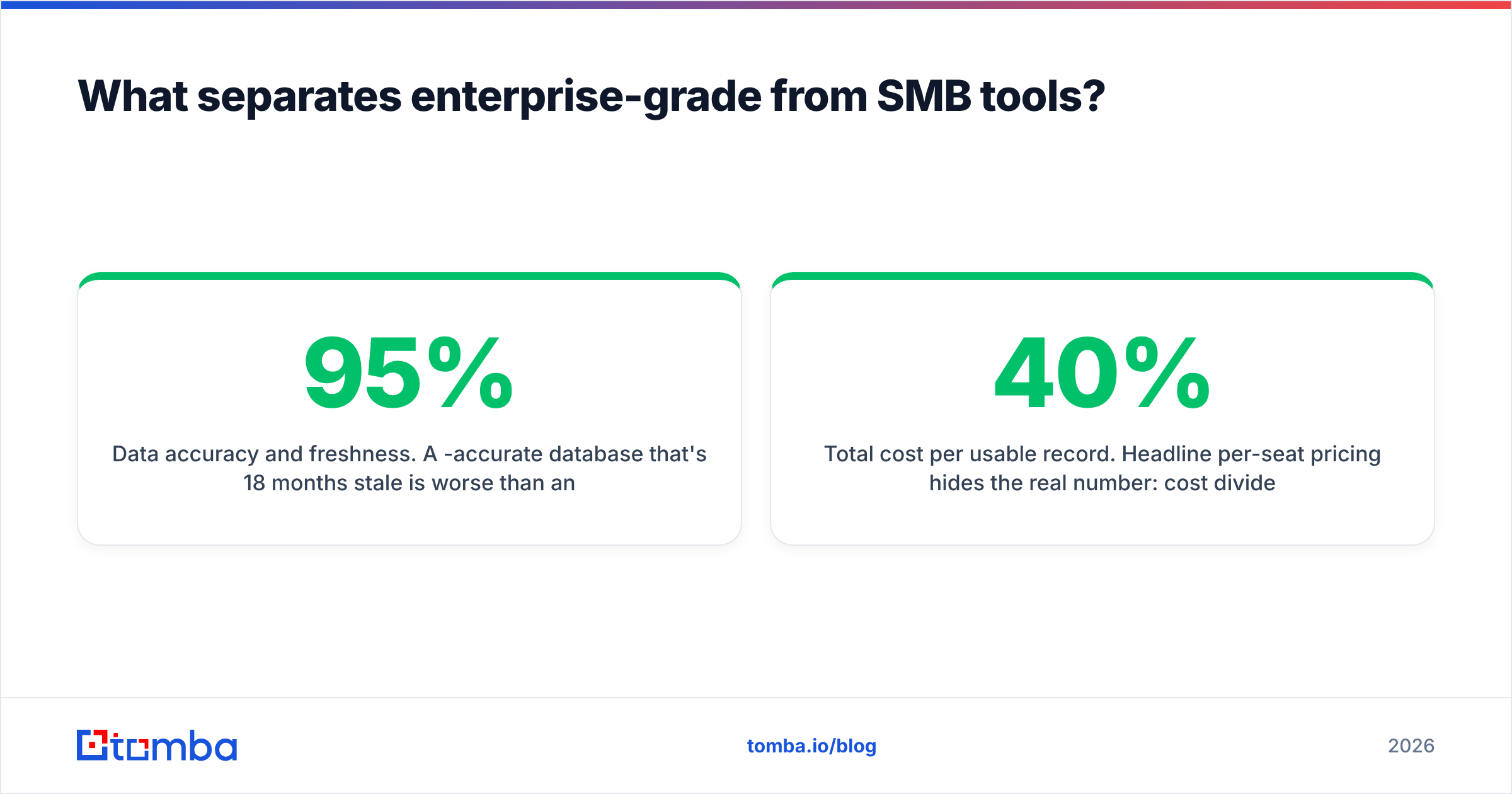
Five axes decide whether a tool survives at scale. Score every vendor on each — not on the demo, on a real pilot.
- Data accuracy and freshness. A 95%-accurate database that's 18 months stale is worse than an 85%-accurate one refreshed weekly. Job changes are the silent killer of B2B data. Ask vendors for their re-verification cadence and bounce-rate guarantees in writing.
- Scale and API throughput. Per-minute rate limits, concurrent request ceilings, and bulk processing caps determine whether RevOps can enrich 200,000 records overnight or has to babysit a queue for a week. A real email finder API with documented limits beats a "contact sales" black box.
- Compliance posture. GDPR lawful-basis documentation, CCPA opt-out handling, SOC 2 Type II, and a published list of where the data comes from. If a vendor can't tell you their data sources, your legal team will eventually find out the hard way.
- CRM and stack integration. Native, field-mapped writes into Salesforce or HubSpot with dedup logic — not a CSV export and a prayer. Bidirectional sync prevents the duplicate-account chaos that wrecks territory plans.
- Total cost per usable record. Headline per-seat pricing hides the real number: cost divided by verified, deliverable contacts your reps actually use. A cheap seat that returns 40% catch-alls is expensive.
How do the main enterprise prospecting tools compare?#
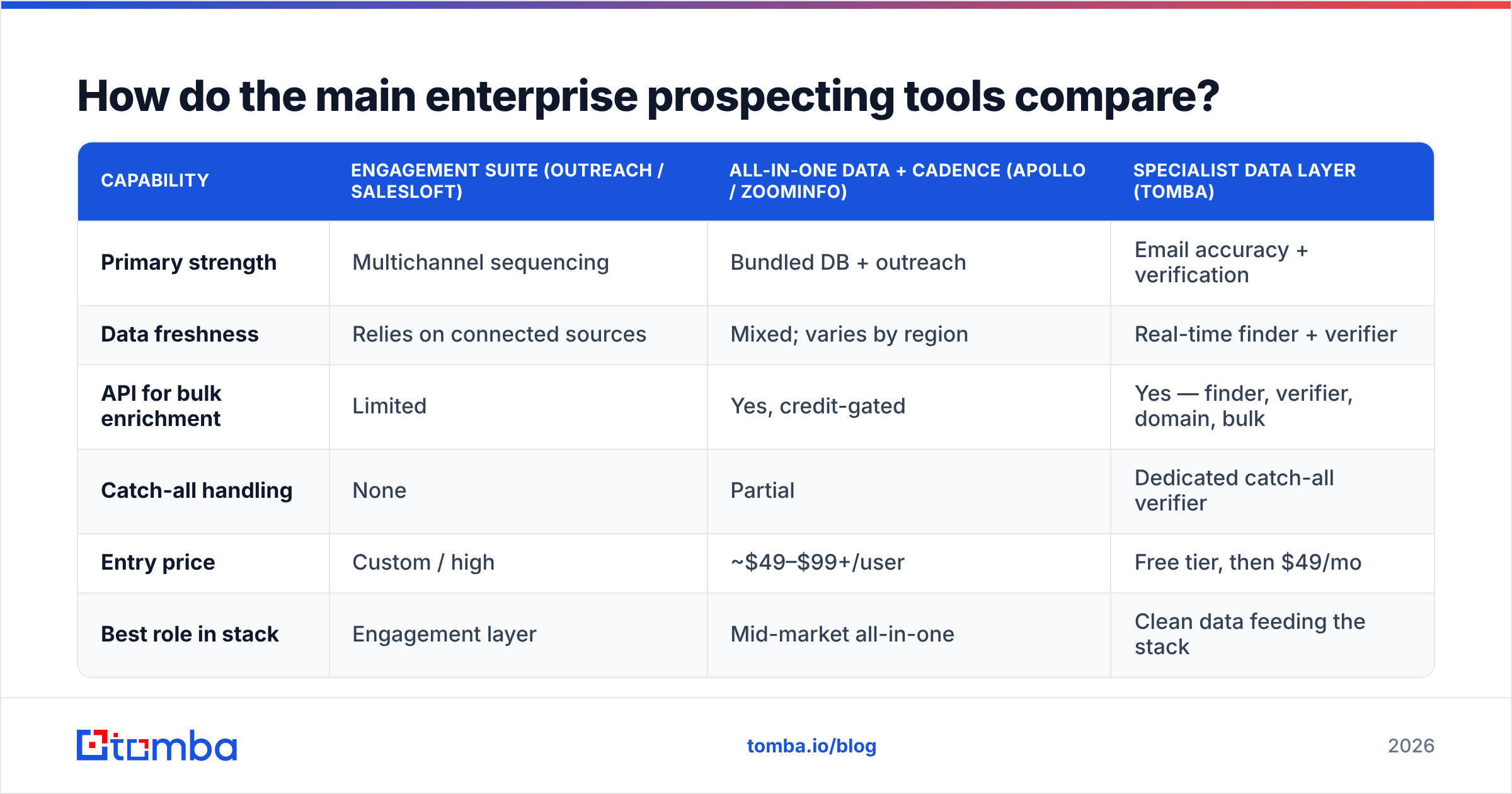
No single platform wins every axis. Engagement suites lead on cadences and reporting; specialist data vendors lead on accuracy and API economics. Here's how the common building blocks stack up for an enterprise buyer.
| Capability | Engagement suite (Outreach / Salesloft) | All-in-one data + cadence (Apollo / ZoomInfo) | Specialist data layer (Tomba) |
|---|---|---|---|
| Primary strength | Multichannel sequencing | Bundled DB + outreach | Email accuracy + verification |
| Data freshness | Relies on connected sources | Mixed; varies by region | Real-time finder + verifier |
| API for bulk enrichment | Limited | Yes, credit-gated | Yes — finder, verifier, domain, bulk |
| Catch-all handling | None | Partial | Dedicated catch-all verifier |
| Entry price | Custom / high | ~$49–$99+/user | Free tier, then $49/mo |
| Best role in stack | Engagement layer | Mid-market all-in-one | Clean data feeding the stack |
The pattern: enterprises rarely buy one of these. A mature stack uses an engagement suite for cadences, an intent provider for timing, and a high-accuracy data layer to keep the whole thing fed with verified contacts. Bolting a clean data source onto a strong engagement suite consistently beats trusting any single vendor's bundled database.
Independent review data backs this up — accuracy and "data quality" complaints dominate the negative reviews of bundled suites on G2, while specialist verification tools score highest on deliverability. Cross-check vendor claims against Gartner Peer Insights before you sign anything.
How should you run an enterprise vendor bake-off?#
Don't trust the demo. Demos use cherry-picked accounts. Run a paired test on your data instead.
- Pull a representative sample. Take 500 real target contacts spanning your actual ICP — regions, company sizes, and seniority levels you sell into. Skew it toward the segments where you struggle, not the easy logos.
- Run the same list through each finalist. Same names, same domains, same day. Use each vendor's domain search and finder on identical inputs.
- Measure deliverability, not "found." A "found" email that bounces is a negative. Send the results through a neutral verifier and count verified deliverable addresses. Treat catch-alls as their own bucket — a tool that flags them honestly is more valuable than one that calls them "valid."
- Time the bulk run. Note how long 500 records took and whether you hit a rate limit. Multiply mentally by the 50,000+ you'll actually run.
- Hand it to legal. Have each vendor document data sourcing and DPA terms. The fastest, most accurate tool is useless if it fails your compliance review.
Score each vendor on a simple sheet: verified-deliverable rate, catch-all transparency, throughput, and cost per usable record. The winner is almost never the one with the loudest demo.
)
Where does data accuracy actually come from?#
Accuracy isn't magic — it's sourcing plus verification plus refresh cadence. Tools that find an email by guessing a pattern (first.last@domain.com) and never check it will hand your reps a bounce list. Tools that find and verify against live mail servers, then re-verify on a schedule, are the ones that protect your sender reputation.
This is why the data layer deserves its own line item in your evaluation. A few practical checks:
- Does the tool separate "found" from "verified"? Honest vendors show you a confidence score and a verification status, not a single green checkmark.
- How are catch-all domains handled? Catch-all servers accept everything, so a naive verifier marks them "valid." A real catch-all finder tells you the truth, which matters enormously when you sell into mid-market and enterprise domains that are usually catch-all.
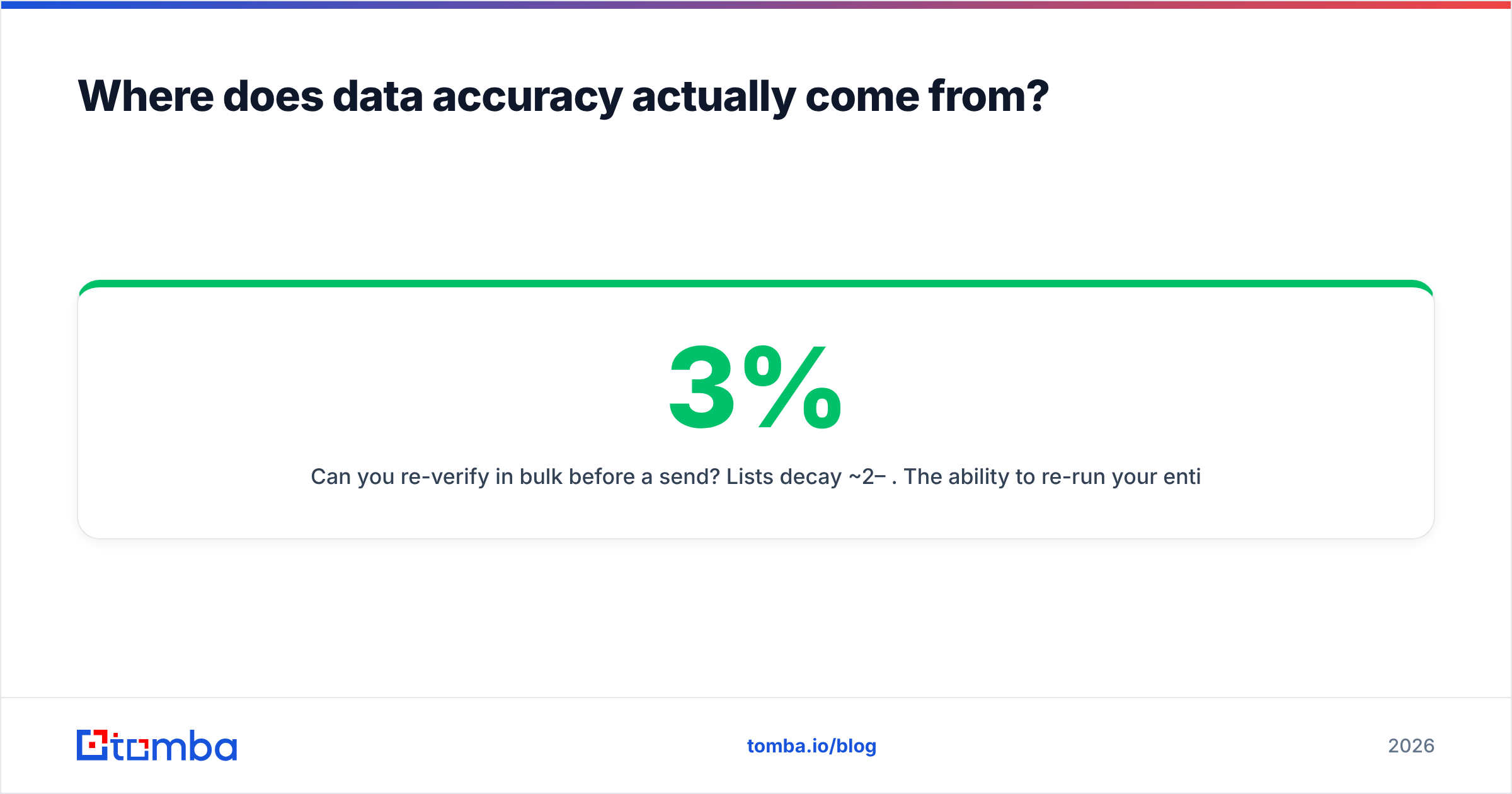
- Can you re-verify in bulk before a send? Lists decay ~2–3% per month. The ability to re-run your entire list through a bulk verifier before a major campaign is the difference between a 1% and a 6% bounce rate.
Tomba's data layer is built around exactly this: a finder that returns sources and confidence, a verifier with catch-all detection, and a bulk pipeline plus API for enrichment at enterprise volume. It's not trying to be your sequencing tool — it's trying to be the clean fuel your sequencing tool runs on.
What about compliance and security at enterprise scale?#
Compliance is where enterprise deals live or die. A tool that crushes the accuracy test still gets vetoed if it can't satisfy your security and legal teams.
The non-negotiables for 2026:
- SOC 2 Type II (not just Type I) and ideally ISO 27001 for the platform handling your prospect data.
- GDPR lawful basis documentation and a signed DPA, plus EU data residency options if you sell into Europe. Salesforce's own trust and compliance documentation is a useful benchmark for what "good" looks like.
- CCPA / US state-law opt-out handling baked into the workflow, so a deletion request actually propagates.
- SSO, SCIM provisioning, and role-based access so you can offboard a departing rep in one click instead of leaking your contact database.
- Audit logs for who pulled which records — increasingly a procurement requirement, not a nice-to-have.
Ask for the security packet before the pilot, not after. Tools that hesitate to share it are telling you something.
How do you control cost across hundreds of seats?#
Enterprise pricing is rarely the published per-seat number. The levers that actually move your bill:
- Credit pooling vs. per-seat caps. Pooled credits across the org prevent the "rep A is out of credits while rep B has 400 unused" waste.
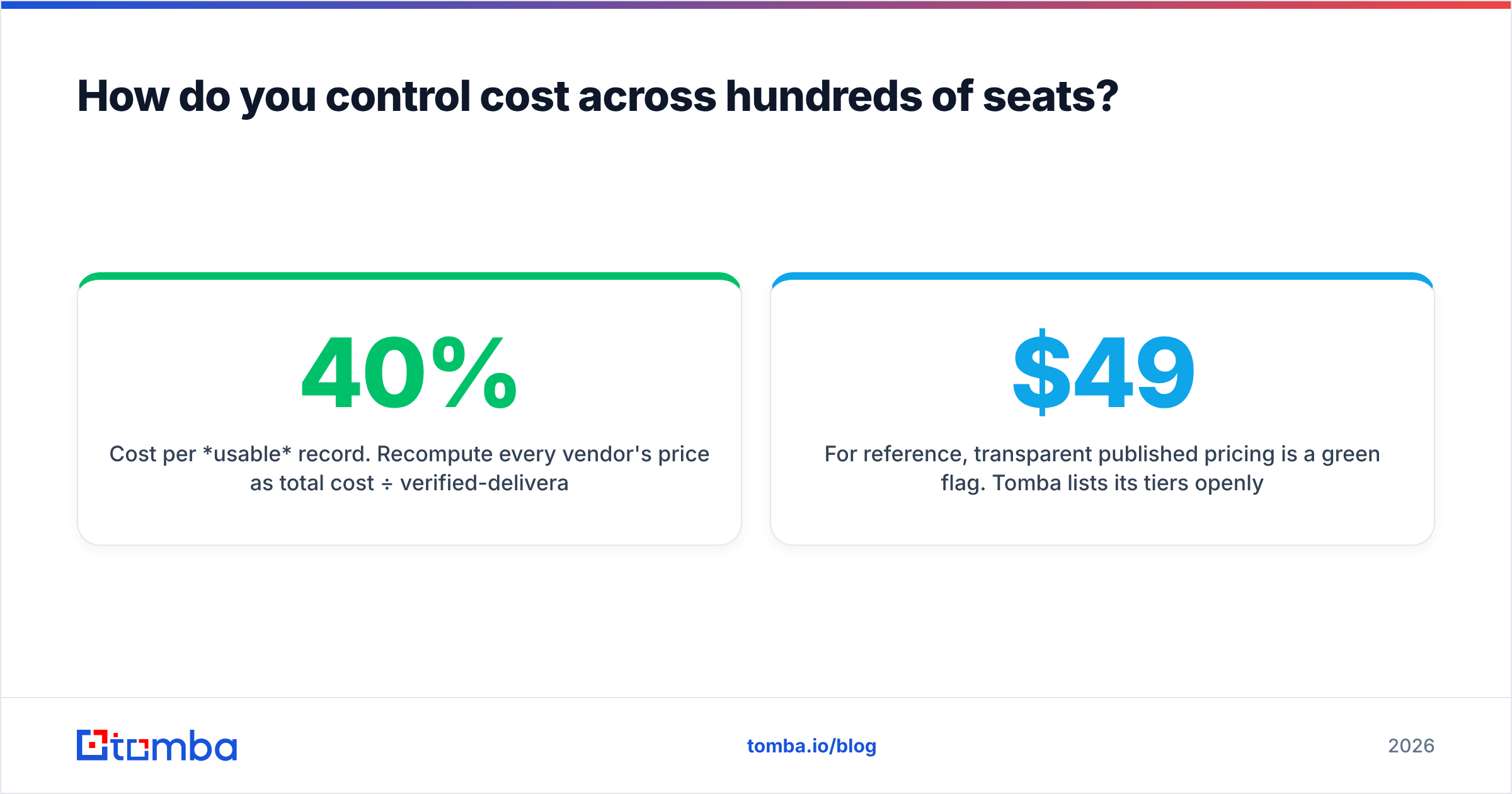
- Cost per usable record. Recompute every vendor's price as total cost ÷ verified-deliverable contacts. A "cheaper" tool with a 40% catch-all rate is often the most expensive.
- API vs. UI pricing. If RevOps will enrich in bulk via API, make sure API calls aren't priced at a punishing premium over seat-based UI lookups.
- Annual commit flexibility. Negotiate the ability to reallocate unused credits or seats quarterly. Usage is never evenly distributed.
For reference, transparent published pricing is a green flag. Tomba lists its tiers openly — a Free tier with 25 searches/month, Starter at $49/mo, Growth at $99/mo, Pro at $249/mo, and custom Enterprise — so you can model cost before a sales call rather than after. You can see the full breakdown on the Tomba pricing page.
What's the right enterprise prospecting stack in 2026?#
The winning pattern is specialist layers, integrated cleanly — not one suite that claims to do everything:
- Data layer: a high-accuracy email finder + verifier with a real API and bulk tooling (this is where Tomba fits).
- Engagement layer: an enterprise sequencing suite for multichannel cadences and rep workflow.
- Intelligence layer: intent and account-scoring data to prioritize who reps work first.
- CRM as the spine: everything writes back to Salesforce or HubSpot with dedup logic so territory and forecasting stay clean.
This modular approach lets you swap any one layer without ripping out the whole stack — and it lets you hold each vendor to a single, measurable standard instead of grading an all-in-one on a curve.
Frequently asked questions#
Is an all-in-one platform enough for enterprise prospecting? Usually not for the data layer. All-in-one suites invest in sequencing and reporting; their bundled contact data tends to be staler and less region-complete than a specialist provider. Pairing a clean data source with your suite outperforms relying on bundled data alone.
How do I measure prospecting data accuracy honestly? Run a paired sample (same 500 contacts across two vendors), then measure verified deliverable emails through a neutral verifier — not the "found" count. Track catch-alls separately, since they inflate naive accuracy claims.
What's the difference between finding and verifying an email? Finding locates a likely address (often by pattern). Verifying checks it against live mail servers to confirm it accepts mail. Enterprise sends require both, plus re-verification before major campaigns, to protect deliverability.
Build your enterprise prospecting on a clean data layer#
The fastest way to fix an underperforming enterprise prospecting motion is to fix the data feeding it. Before you renegotiate your engagement suite or buy more intent data, make sure the contacts hitting your sequences are real, verified, and fresh.
The Tomba Email Finder is built for exactly that role — accurate email discovery with confidence scoring, catch-all detection, bulk processing, and an API that holds up at enterprise volume. Start free with 25 searches, run a paired accuracy test against your current vendor, and let the deliverability numbers make the decision for you.
Ready to find emails that actually work?
Join 150,000+ professionals who stopped guessing and started sending. Free credits on signup — no credit card required.
Get the Tomba newsletter
Practical outbound tactics and product updates — once every two weeks.
About the author