Best CRM Software in 2026: Top 10 Tools Compared & Ranked
A neutral, hands-on breakdown of the best CRM software in 2026 — pricing, features, and use cases for HubSpot, Salesforce, Pipedrive, and more, plus how to feed any CRM clean data.
Best CRM Software in 2026: Top 10 Tools Compared & Ranked
Picking a CRM is less about which tool has the longest feature list and more about which one your reps will actually use every day. The "best" CRM for a two-person agency is a disaster for a 200-rep sales org, and vice versa. This guide ranks the top options for 2026 by what they actually cost, who they fit, and where they break down.
TL;DR#
- Best overall for mid-market: HubSpot — the cleanest UI and the deepest free tier, but pricing climbs fast as you add seats and Marketing Hub.
- Best for enterprise: Salesforce — endlessly customizable and powerful, with a learning curve and admin cost to match.
- Best for pure sales pipelines: Pipedrive — simple, visual, affordable, and built for closers rather than marketers.
- Best value: Zoho CRM — enterprise-grade features at SMB pricing, if you can tolerate a busier interface.
- The thing every CRM forgets: A CRM is only as good as the contact data inside it. Garbage in, garbage out — so pair whichever you pick with a reliable email finder and verifier.
What is CRM software, and why does it matter in 2026?#
A CRM (customer relationship management) platform is the system of record for every interaction your company has with prospects and customers. Think of it as the shared memory of your revenue team: who you talked to, what they said, what they bought, and what happens next. Without it, that memory lives in inboxes, spreadsheets, and the heads of reps who eventually leave.
In 2026, three shifts have changed what "best" means. First, AI is now table stakes — every serious vendor ships call summaries, deal scoring, and draft email generation. Second, consolidation is real: buyers want fewer tools, so CRMs that bundle marketing, support, and sales automation are winning. Third, data quality has become the deciding factor. A CRM packed with bounced emails and stale phone numbers actively costs you money in wasted rep time and damaged sender reputation.
)
The core capabilities every CRM should cover#
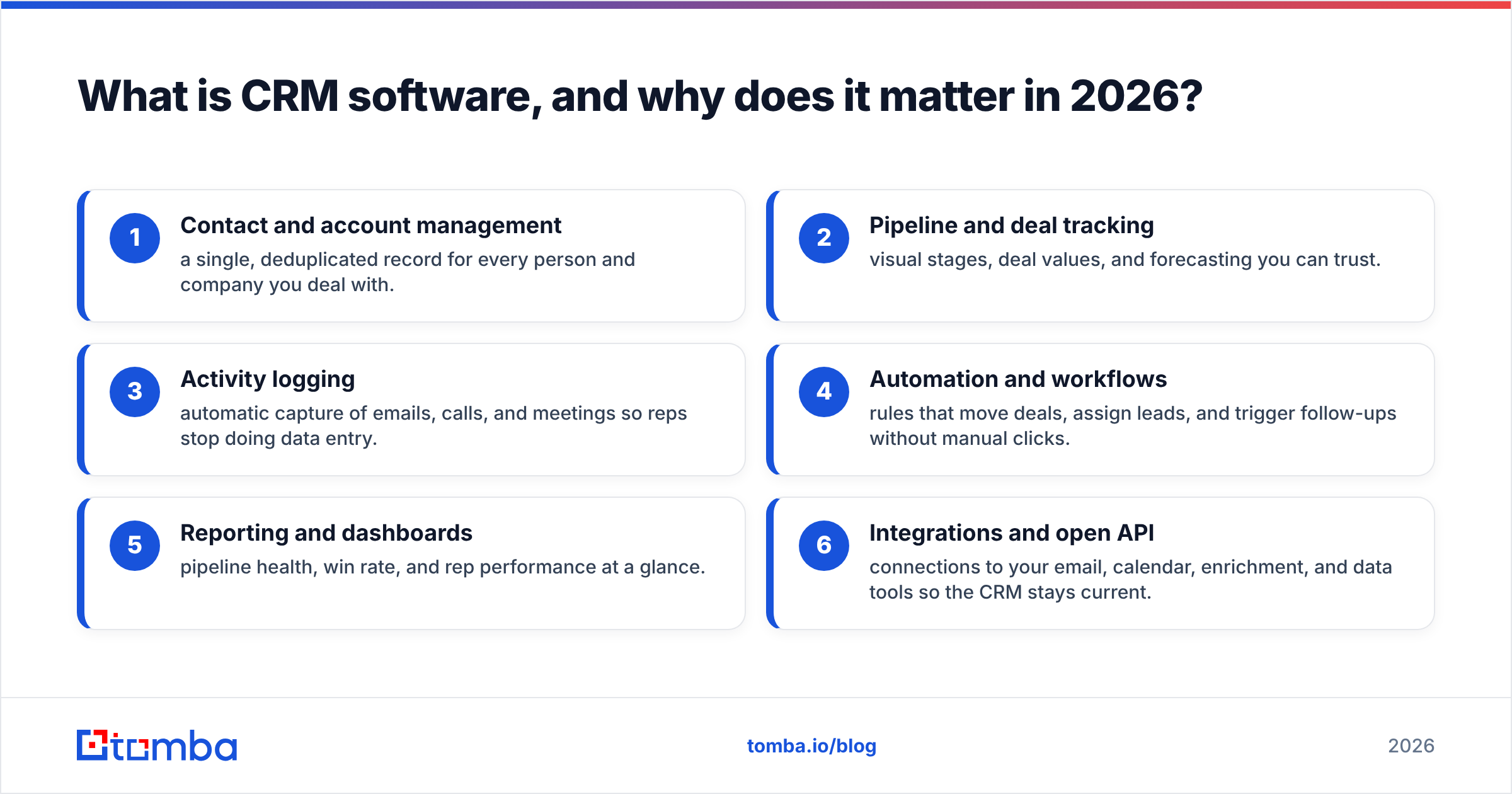
Before comparing brands, line up your must-haves. A genuine CRM — not just a contact list — should deliver all six of these:
- Contact and account management — a single, deduplicated record for every person and company you deal with.
- Pipeline and deal tracking — visual stages, deal values, and forecasting you can trust.
- Activity logging — automatic capture of emails, calls, and meetings so reps stop doing data entry.
- Automation and workflows — rules that move deals, assign leads, and trigger follow-ups without manual clicks.
- Reporting and dashboards — pipeline health, win rate, and rep performance at a glance.
- Integrations and open API — connections to your email, calendar, enrichment, and data tools so the CRM stays current.
If a tool is missing two or more of these, it's a contact manager wearing a CRM costume.
What is the best CRM software in 2026? (Comparison table)#
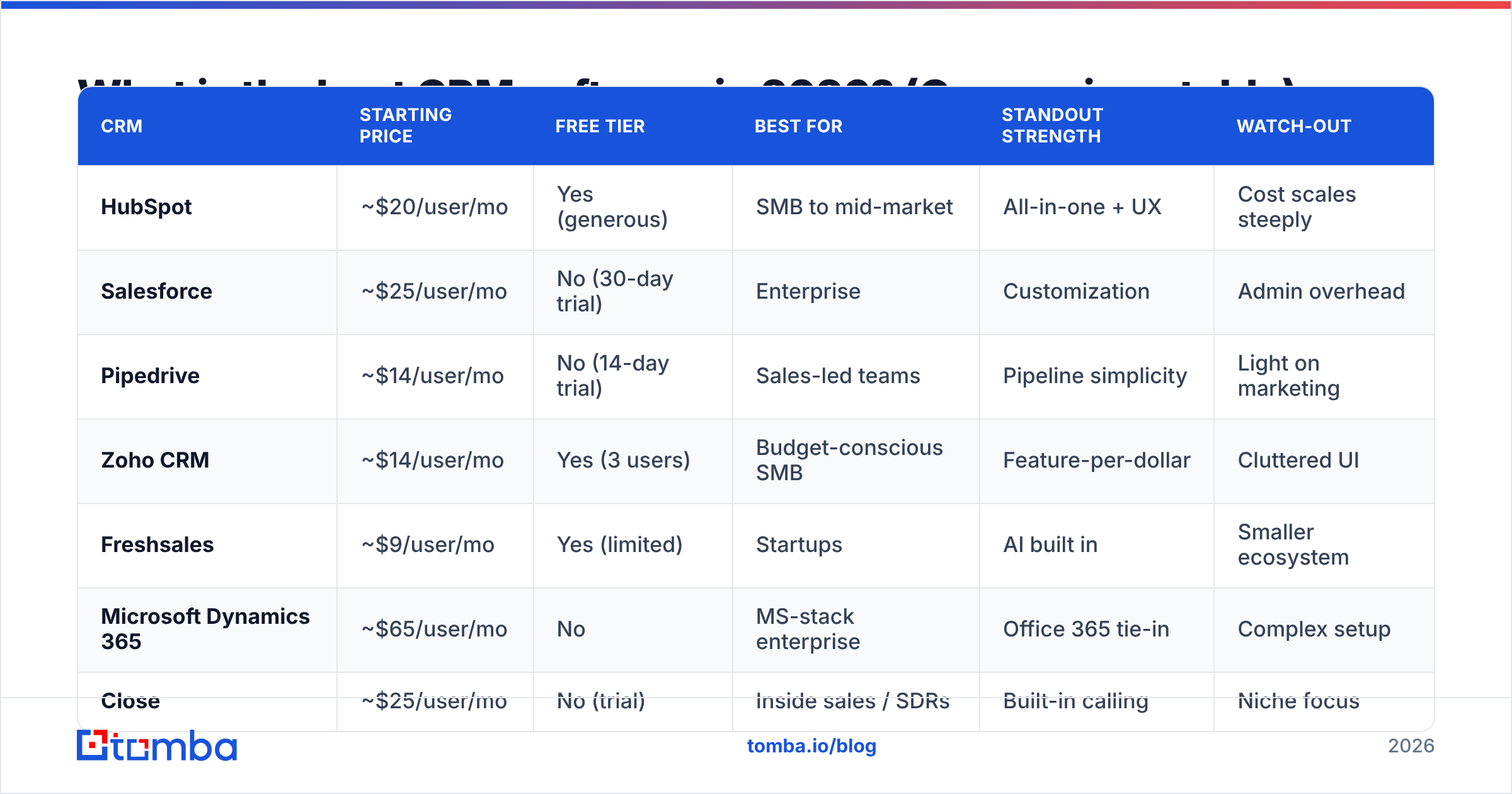
Here's the head-to-head on the platforms most B2B teams shortlist. Prices are entry paid tiers billed annually, per user per month, and rounded — always confirm current rates on each vendor's site since CRM pricing changes often.
| CRM | Starting price | Free tier | Best for | Standout strength | Watch-out |
|---|---|---|---|---|---|
| HubSpot | ~$20/user/mo | Yes (generous) | SMB to mid-market | All-in-one + UX | Cost scales steeply |
| Salesforce | ~$25/user/mo | No (30-day trial) | Enterprise | Customization | Admin overhead |
| Pipedrive | ~$14/user/mo | No (14-day trial) | Sales-led teams | Pipeline simplicity | Light on marketing |
| Zoho CRM | ~$14/user/mo | Yes (3 users) | Budget-conscious SMB | Feature-per-dollar | Cluttered UI |
| Freshsales | ~$9/user/mo | Yes (limited) | Startups | AI built in | Smaller ecosystem |
| Microsoft Dynamics 365 | ~$65/user/mo | No | MS-stack enterprise | Office 365 tie-in | Complex setup |
| Close | ~$25/user/mo | No (trial) | Inside sales / SDRs | Built-in calling | Niche focus |
| monday CRM | ~$12/user/mo | Yes (limited) | Cross-functional teams | Flexible boards | Not CRM-native |
A quick read of this table: if budget is tight and you want a real free tier, HubSpot and Zoho lead. If you live and die by the pipeline, Pipedrive or Close. If you need infinite customization and have the admin budget, Salesforce or Dynamics.
Is HubSpot or Salesforce the better CRM?#
Short answer: HubSpot for ease and speed, Salesforce for depth and scale. This is the matchup most buyers agonize over, so it's worth unpacking.
HubSpot wins on time-to-value. You can sign up, import contacts, and have reps working deals the same afternoon. Its free CRM is genuinely usable, and the paid tiers add marketing automation, ticketing, and content tools under one login. The catch is the bill: once you cross into Professional and Enterprise tiers and stack multiple "Hubs," HubSpot can become one of the most expensive options on this list. Review the full breakdown on HubSpot's own pricing page before you commit.
Salesforce is the opposite trade-off. It can model almost any business process you can imagine, integrates with thousands of apps on AppExchange, and scales to tens of thousands of users. But that power comes with a dedicated-admin tax — most serious Salesforce shops employ or contract a certified administrator. For a five-person startup, that's overkill. For a 500-rep enterprise with complex territories and approvals, it's the safe default.
A useful tiebreaker: check independent reviews on G2 and weight them by company size similar to yours. A glowing enterprise review tells a 10-person team very little.
How much does the best CRM software cost?#
CRM pricing is rarely the sticker price. Three hidden costs catch teams off guard:
- Tier jumps. The features you actually want (automation, custom reporting, more pipelines) almost always sit one tier above where you start. Budget for the realistic tier, not the cheapest one.
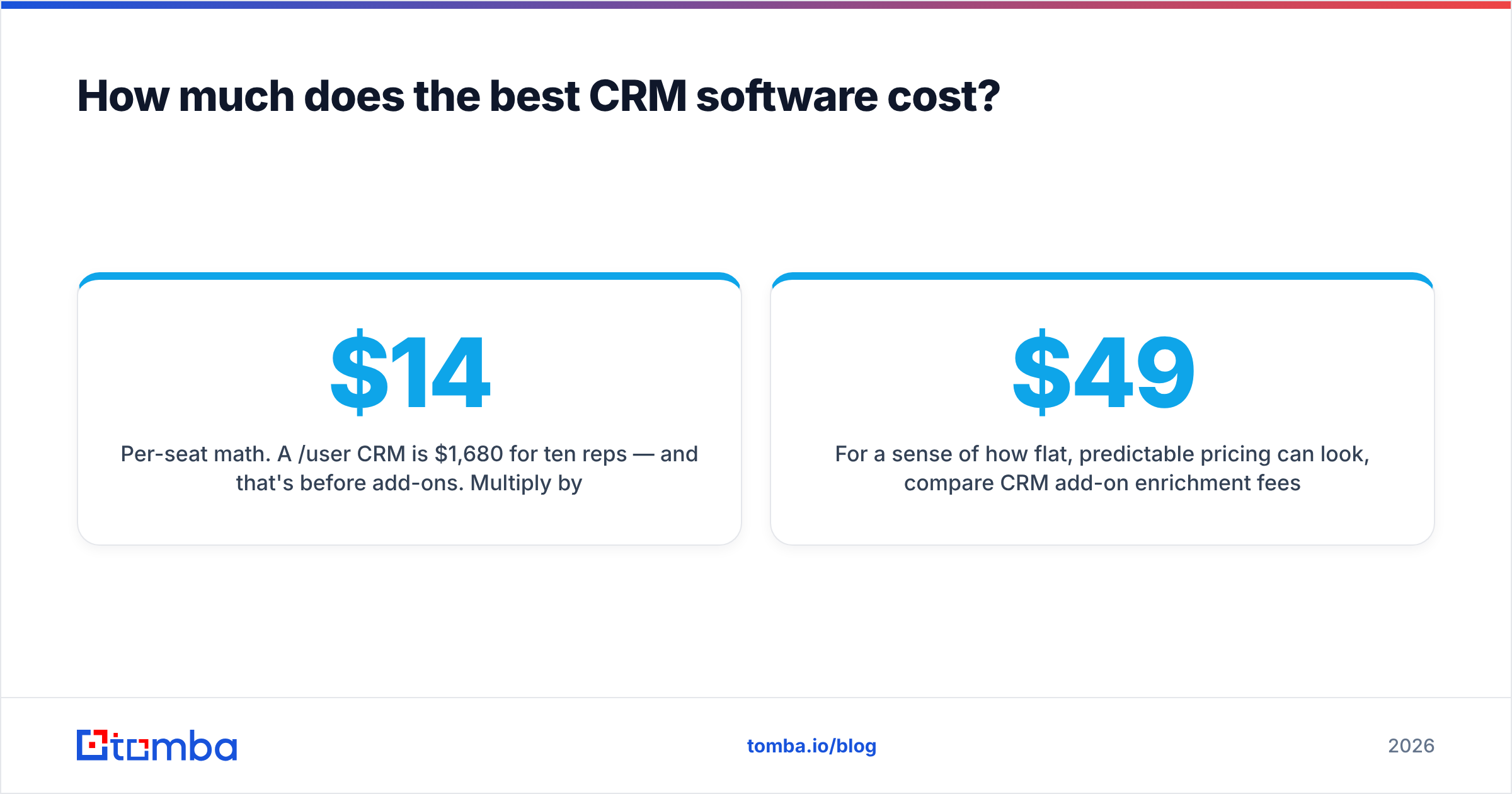
- Per-seat math. A $14/user CRM is $1,680/year for ten reps — and that's before add-ons. Multiply by your real headcount including managers and ops.
- Data and enrichment. Many CRMs charge extra for contact enrichment or limit API calls. You'll often get better data cheaper by pairing a lean CRM with a dedicated data enrichment tool.
For a sense of how flat, predictable pricing can look, compare CRM add-on enrichment fees against standalone Tomba pricing: a Free tier with 25 searches a month, Starter at $49/mo, Growth at $99/mo, and Pro at $249/mo. The point isn't that one replaces the other — it's that you should price data separately and shop it separately.
Which CRM is best for small businesses vs enterprise?#
The honest answer is that "best CRM software" splits cleanly by company size, and forcing the wrong fit is the most common buying mistake.
For small businesses and startups, prioritize a real free tier, fast onboarding, and a flat learning curve. HubSpot's free CRM, Zoho, and Freshsales all let a small team get productive without a consultant. Avoid Salesforce and Dynamics here — you'll pay for power you can't use yet.
For mid-market teams (roughly 20–200 reps), the decision usually comes down to HubSpot vs Pipedrive vs Zoho, balanced against how much marketing automation you need bundled in. This is also the stage where clean data and pipeline discipline start driving real revenue, so weight integrations heavily.
For enterprise, Salesforce and Microsoft Dynamics dominate for a reason: granular permissions, territory management, approval workflows, and compliance controls that smaller tools simply don't have. Budget for admin headcount as part of the total cost.
)
Why does data quality decide whether your CRM succeeds?#
Here's the part most "best CRM" lists skip: the platform barely matters if the data inside it is wrong. Industry estimates consistently put B2B data decay at roughly 25–30% per year — people change jobs, companies rebrand, domains move. A CRM full of dead contacts produces inflated pipeline reports, bounced cold emails, and reps chasing ghosts.
This is where your tool stack matters more than your CRM brand. Three habits keep any CRM healthy:
- Verify on entry. Run every new contact through an email verifier before it lands in the CRM so bounces never enter your sequences.
- Enrich systematically. When a deal advances, fill in missing roles, phone numbers, and company data automatically instead of guessing.
- Find what's missing. When a record has a name and company but no email, a domain search or email finder closes the gap in seconds rather than a manual hunt.
Most CRMs offer enrichment as a paid bolt-on, but the quality varies wildly. A dedicated finder-and-verifier layer — feeding the CRM through native integrations or the Tomba API — usually beats the built-in option on both accuracy and price.
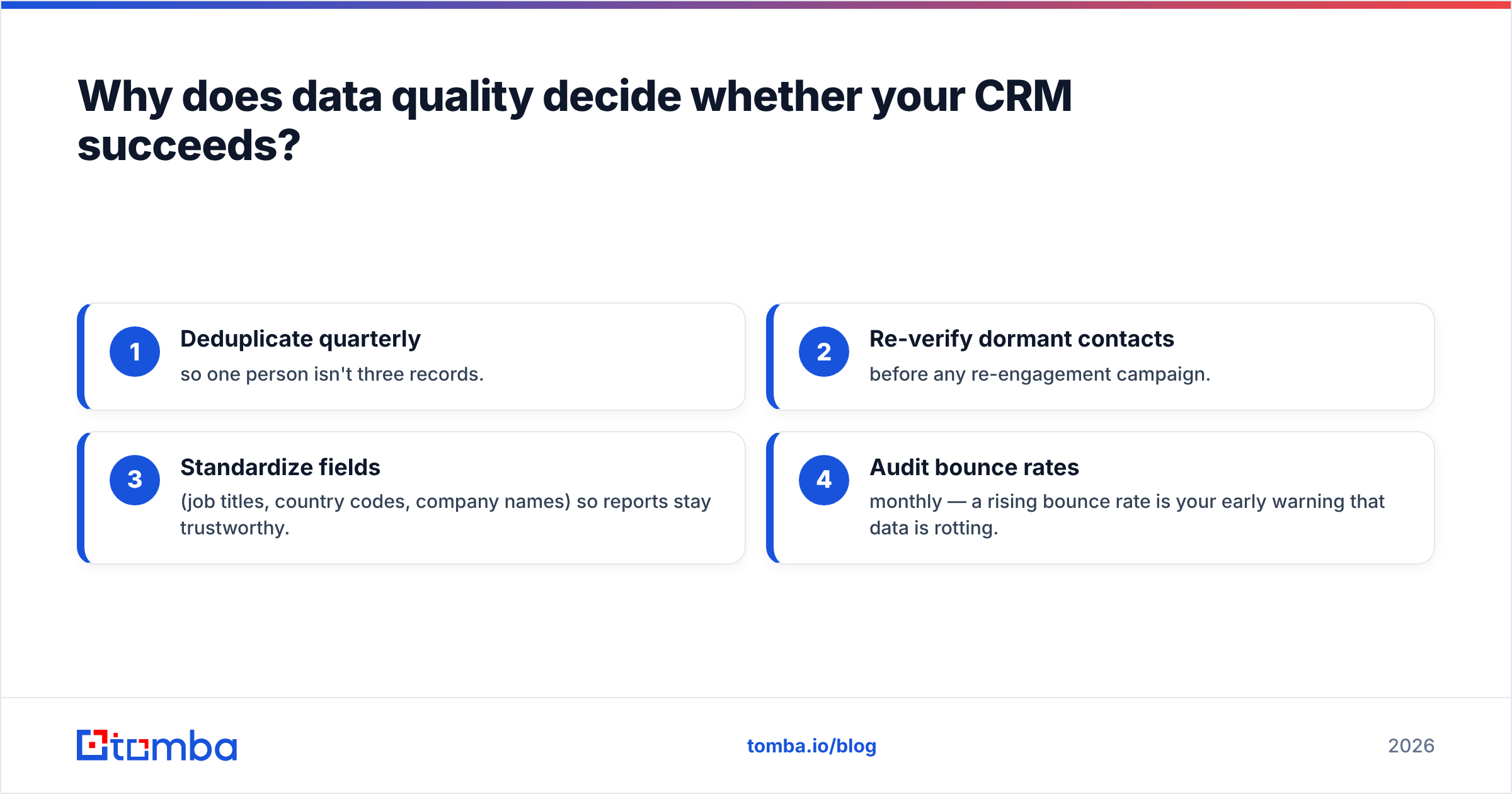
A simple CRM data hygiene checklist#
- Deduplicate quarterly so one person isn't three records.
- Re-verify dormant contacts before any re-engagement campaign.
- Standardize fields (job titles, country codes, company names) so reports stay trustworthy.
- Audit bounce rates monthly — a rising bounce rate is your early warning that data is rotting.
How do you choose the right CRM? (A practical framework)#
Skip the feature spreadsheet wars and answer these four questions instead:
- Who's the primary user? Marketers want HubSpot's bundled tools; closers want Pipedrive's pipeline; admins want Salesforce's control. Buy for the person who logs in most.
- What's your real headcount in 18 months? Pick a tool whose next tier you can grow into, not one you'll outgrow or one you're overpaying for today.
- Where does your data come from? If you do outbound, your CRM needs to ingest clean, verified contacts at scale — plan the data pipeline before the CRM.
- What must it integrate with? Email, calendar, billing, and your enrichment stack are non-negotiable. Check the integration directory before you trial anything.
Run a two-week trial with three real reps and ten real deals. A CRM that feels great in a demo but slows your team down in week two is the wrong CRM, no matter how it ranks on any list — including this one.
The bottom line#
There is no single "best CRM software" — there's the best CRM for your team size, your sales motion, and your budget. HubSpot wins on ease, Salesforce on depth, Pipedrive on pure pipeline focus, and Zoho on value. But every one of them lives or dies on the quality of the contacts you put inside it.
That's the layer Tomba is built for. Before a lead ever reaches your CRM, use the Tomba Email Finder to find accurate, verified professional emails by name, company, or domain — then push them straight into HubSpot, Salesforce, Pipedrive, or whatever you choose via native integrations and the API. Start free with 25 searches a month, and let your CRM run on data that's actually correct.
// get started
Find, verify and enrich your first contacts today
Start on the free plan with 25 searches a month, then scale when your team is ready.
Free plan · No credit card required · GDPR & CCPA
Get the Tomba newsletter
Product and data updates
// about the author