Best Way to Send Mass Email in 2026: A Deliverability Guide
The best way to send mass email in 2026 isn't a bigger BCC field — it's the right platform, a verified list, and a warmed-up domain. Here's the full playbook.
Sending one email is easy. Sending 5,000 emails that actually land in the inbox — without burning your domain, tripping spam filters, or getting your account suspended — is a different problem entirely. Most "mass email" failures have nothing to do with the message and everything to do with the plumbing: the platform, the list, and the domain reputation behind it.
This guide breaks down the best way to send mass email in 2026, from picking the right tool to keeping your sender reputation intact. No fluff, just the steps that move your deliverability needle.
TL;DR — The Best Way to Send Mass Email#
- There is no single "send mass email" button — match the tool to the goal: newsletters (Mailchimp), cold outreach (Instantly/Smartlead), or transactional (SendGrid).
- Your list quality matters more than your subject line. Verify every address before you send or your bounce rate will sink your whole domain.
- Warm up the sending domain for 2–4 weeks before any large volume, and authenticate with SPF, DKIM, and DMARC.
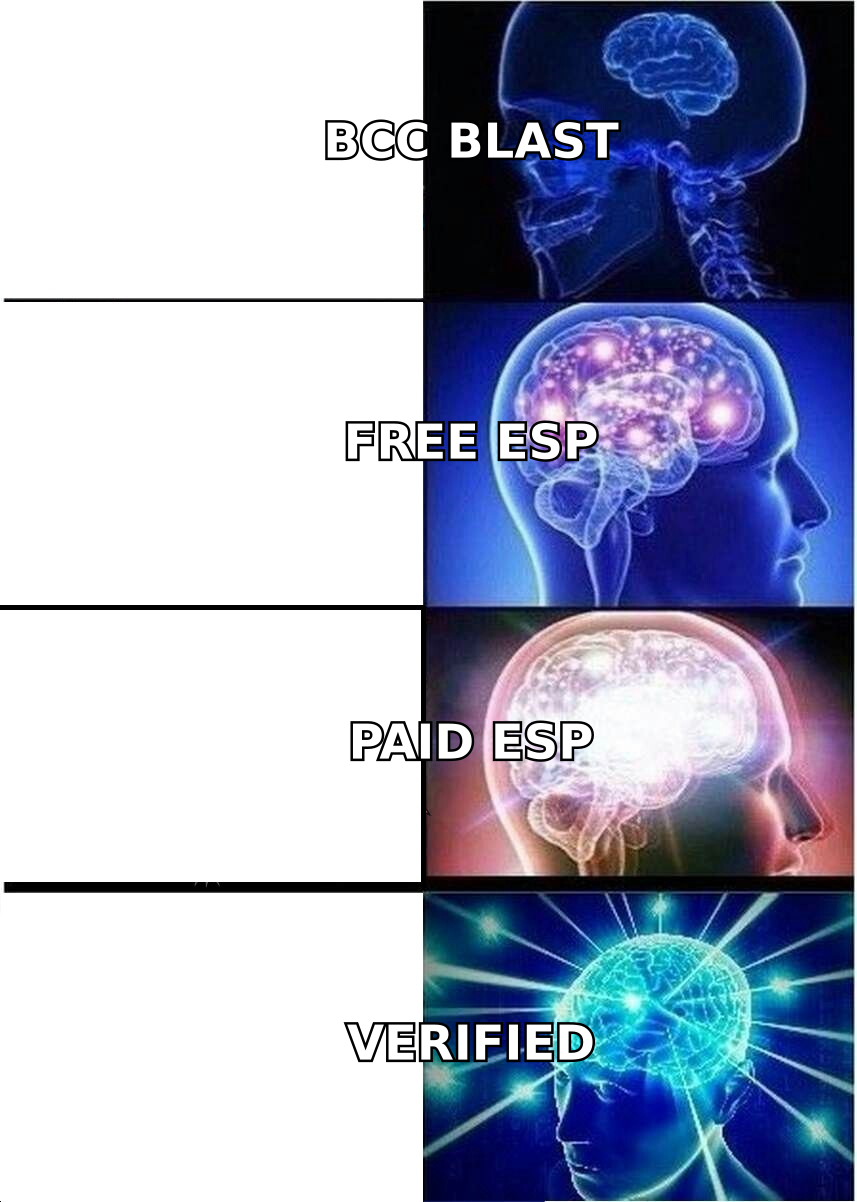
- Never BCC a few hundred people from Gmail. It looks like spam, leaks addresses, and gets capped fast.
- Segment and personalize. Smaller, targeted batches outperform one giant blast every time.
What Counts as "Mass Email" — And Why the Method Changes#
"Mass email" is a catch-all for three very different jobs, and using the wrong tool for the job is the most common mistake people make.
- Bulk marketing / newsletters — Opt-in subscribers who expect to hear from you. CAN-SPAM and GDPR compliant, sent through an ESP like Mailchimp or HubSpot.
- Cold outreach — Prospects who haven't opted in, sent in small personalized batches from a dedicated domain through tools built for replies, not opens.
- Transactional email — Receipts, password resets, alerts. High-trust, triggered by user action, sent through an API like SendGrid or Postmark.
Each has different volume limits, deliverability rules, and legal obligations. A newsletter platform will throttle or ban you for cold outreach. A cold-email tool will get crushed trying to send 100,000 newsletters. Decide which job you're doing first.
Why Does Mass Email Land in Spam?#
Before you scale up, understand what kills deliverability. Spam filters in 2026 score you on three things: authentication, reputation, and engagement.
- Authentication — Did SPF, DKIM, and DMARC pass? If not, you're flagged before the content is even read.
- Reputation — Is your domain and IP trusted? New domains and sudden volume spikes look exactly like spammer behavior.
- Engagement — Are people opening, replying, and not marking you as spam? Low engagement and high bounces tell Gmail and Outlook to bury you.
The single biggest avoidable killer is a dirty list. Every email sent to a dead address counts as a hard bounce, and a bounce rate above 2–3% tells mailbox providers you're not maintaining your list — a classic spammer tell. That's why list verification isn't optional. Run your list through an email verifier before any campaign, and check your sender reputation so you know where you stand.
What's the Best Platform to Send Mass Email?#
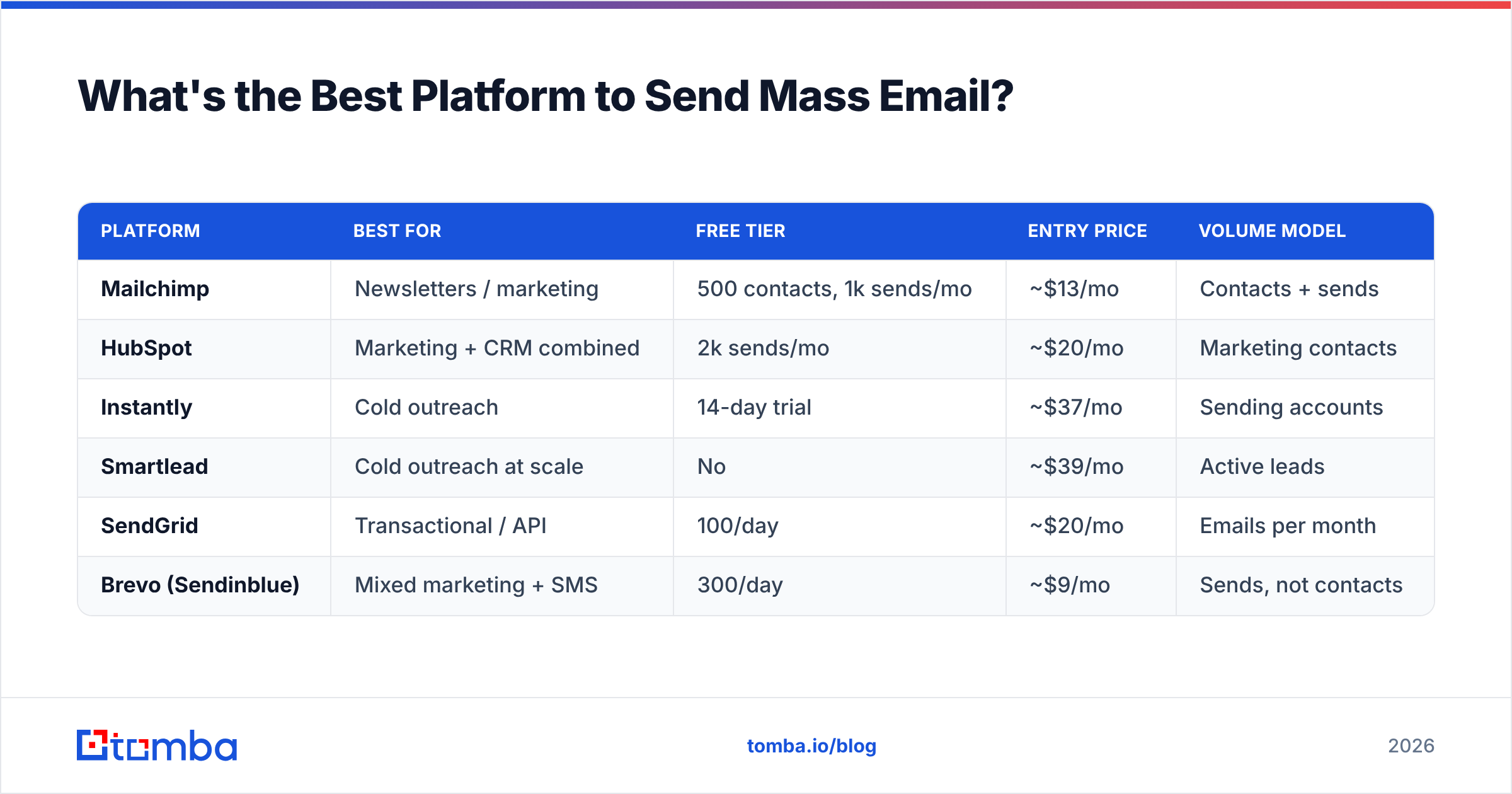
The "best" platform depends entirely on which of the three jobs you're doing. Here's a concrete comparison across the categories most teams actually choose between.
| Platform | Best for | Free tier | Entry price | Volume model |
|---|---|---|---|---|
| Mailchimp | Newsletters / marketing | 500 contacts, 1k sends/mo | ~$13/mo | Contacts + sends |
| HubSpot | Marketing + CRM combined | 2k sends/mo | ~$20/mo | Marketing contacts |
| Instantly | Cold outreach | 14-day trial | ~$37/mo | Sending accounts |
| Smartlead | Cold outreach at scale | No | ~$39/mo | Active leads |
| SendGrid | Transactional / API | 100/day | ~$20/mo | Emails per month |
| Brevo (Sendinblue) | Mixed marketing + SMS | 300/day | ~$9/mo | Sends, not contacts |
A few rules of thumb when reading this table:
- Pick by job, not by price. A $9/mo plan that bans cold outreach is useless if cold outreach is your goal.
- Watch the pricing axis. Contact-based pricing (Mailchimp) punishes big lists; send-based pricing (Brevo) punishes high frequency.
- For cold email, you need multiple inboxes and built-in warmup — that's why dedicated tools exist instead of using a newsletter ESP.
You can compare user reviews for any of these on an independent directory like G2 before committing. Don't take a vendor's word — including this one.
How Do You Build a Clean List to Send To?#
Garbage in, spam folder out. The quality of your recipient list determines your deliverability more than any other single factor. Here's the workflow that keeps bounce rates low.
- Collect addresses from real sources — your CRM, signup forms, or a compliant prospecting tool. Never buy scraped lists; they're loaded with spam traps.
- Find verified business emails — when prospecting, use an email finder that returns a confidence score instead of guessing patterns by hand.
- Verify before you send — run the full list through verification to remove dead addresses, role accounts, and risky catch-alls.
- Process at scale — for large lists, a bulk email finder and bulk verifier let you clean thousands of rows in one pass instead of one at a time.
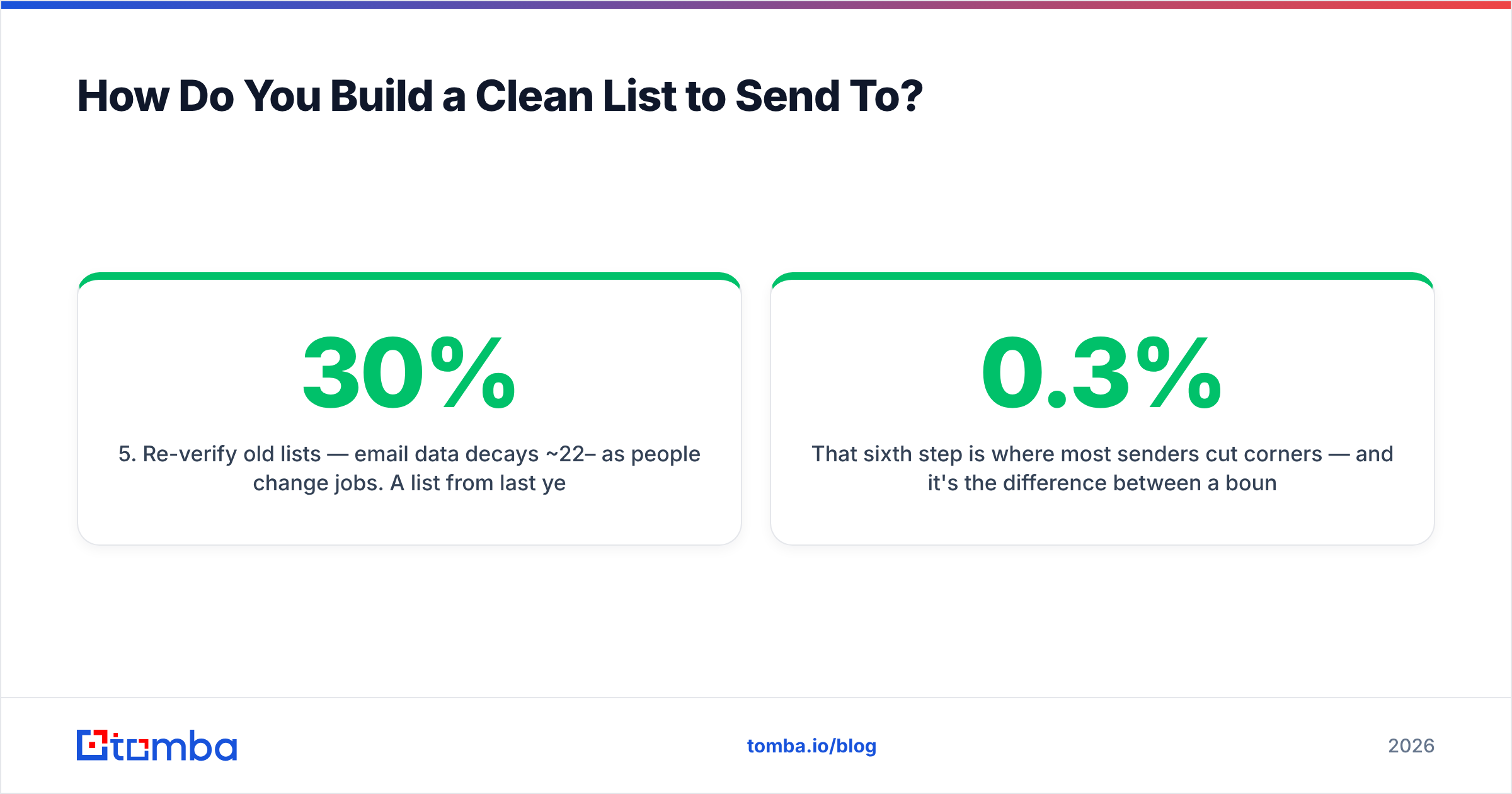
- Re-verify old lists — email data decays ~22–30% per year as people change jobs. A list from last year is already partly dead.
- Suppress and segment — remove unsubscribes and hard bounces permanently, then split the rest by persona so your message stays relevant.
That sixth step is where most senders cut corners — and it's the difference between a 0.3% bounce rate and a 5% one.
Warming Up: The Step Everyone Skips#
Here's the truth most people only learn after torching a domain: you cannot send mass email from a brand-new domain on day one. Mailbox providers treat sudden volume from an unknown sender as an attack.
Domain warmup means gradually ramping your sending volume over 2–4 weeks so providers build trust in your domain. Start at 10–20 emails a day, increase ~30% every few days, and keep engagement high while you do it. Most cold-email platforms automate this with warmup networks that send and reply to seed inboxes. For planning your ramp, a free email warmup calculator shows the daily schedule to hit your target volume safely.
While you warm up, lock down authentication:
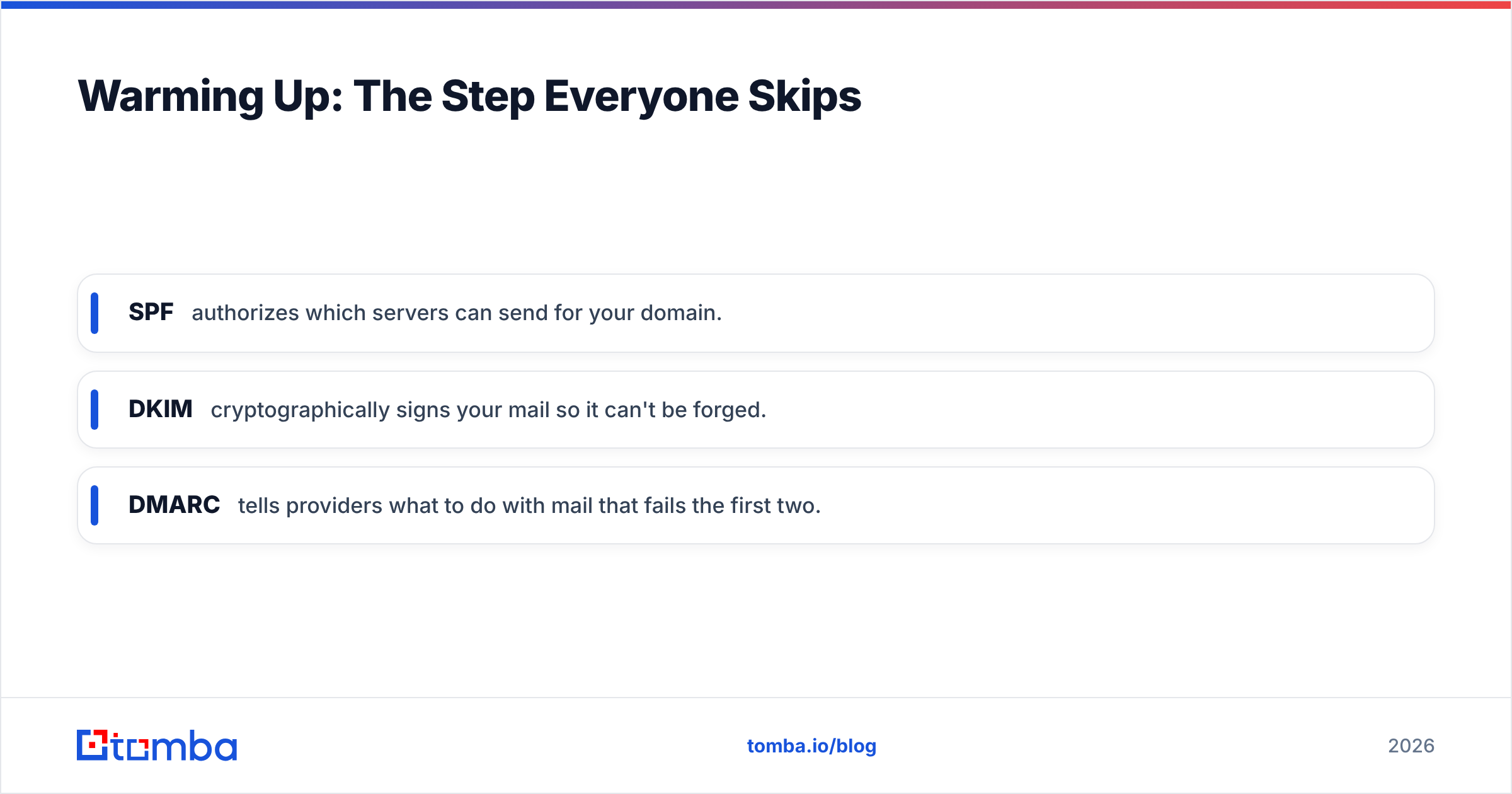
- SPF — authorizes which servers can send for your domain.
- DKIM — cryptographically signs your mail so it can't be forged.
- DMARC — tells providers what to do with mail that fails the first two.
Google and Yahoo have required these for bulk senders since 2024, and enforcement only tightened in 2026. You can confirm your records and reputation through Google Postmaster Tools, which shows your domain reputation and spam rate straight from Gmail.
Is It Okay to Send Mass Email From Gmail or Outlook?#
Short answer: only for tiny volumes, and never by BCC. Standard Gmail caps you at 500 recipients per day (2,000 for Workspace), and Outlook has similar limits. BCC-blasting a few hundred contacts triggers throttling, leaks everyone's address if you slip into CC, and offers zero tracking or unsubscribe handling.
If you're sending more than a handful of personalized emails, use a proper platform with a mail-merge feature or a sending tool that connects to your inbox via API. It handles unsubscribes, rate limits, and personalization tokens for you — and it keeps your primary domain out of the blast radius if something goes wrong.
For genuine bulk marketing, HubSpot's own guide to email deliverability is a solid, vendor-neutral primer on the engagement signals that matter.
How Do You Keep Deliverability High Over Time?#
Sending well once is easy. Staying in the inbox campaign after campaign is the real game. Treat these as ongoing maintenance, not a one-time checklist:
- Keep bounce rate under 2%. Re-verify your list every 60–90 days and remove anyone who hasn't engaged in months.
- Monitor your spam complaint rate. Stay under 0.1% (Google's hard line). One bad campaign can undo months of reputation.
- Use a dedicated sending domain (e.g.,
mail.yourcompany.com) so a deliverability problem never touches your main domain's email. - Run a spam test before every send. A quick spam checker flags trigger words and broken authentication before your audience ever sees the message.
- Segment for engagement. Sending only to people who actually open lifts your reputation; blasting cold subscribers tanks it.
- Respect the unsubscribe. A visible one-click unsubscribe is legally required and protects your complaint rate — people who can't unsubscribe hit "spam" instead.
The pattern across all of these: deliverability is a reputation you maintain, not a setting you flip. Tools handle the mechanics, but the discipline of a clean list and steady volume is what keeps you in the inbox.
Common Mass Email Mistakes (and the Fix)#
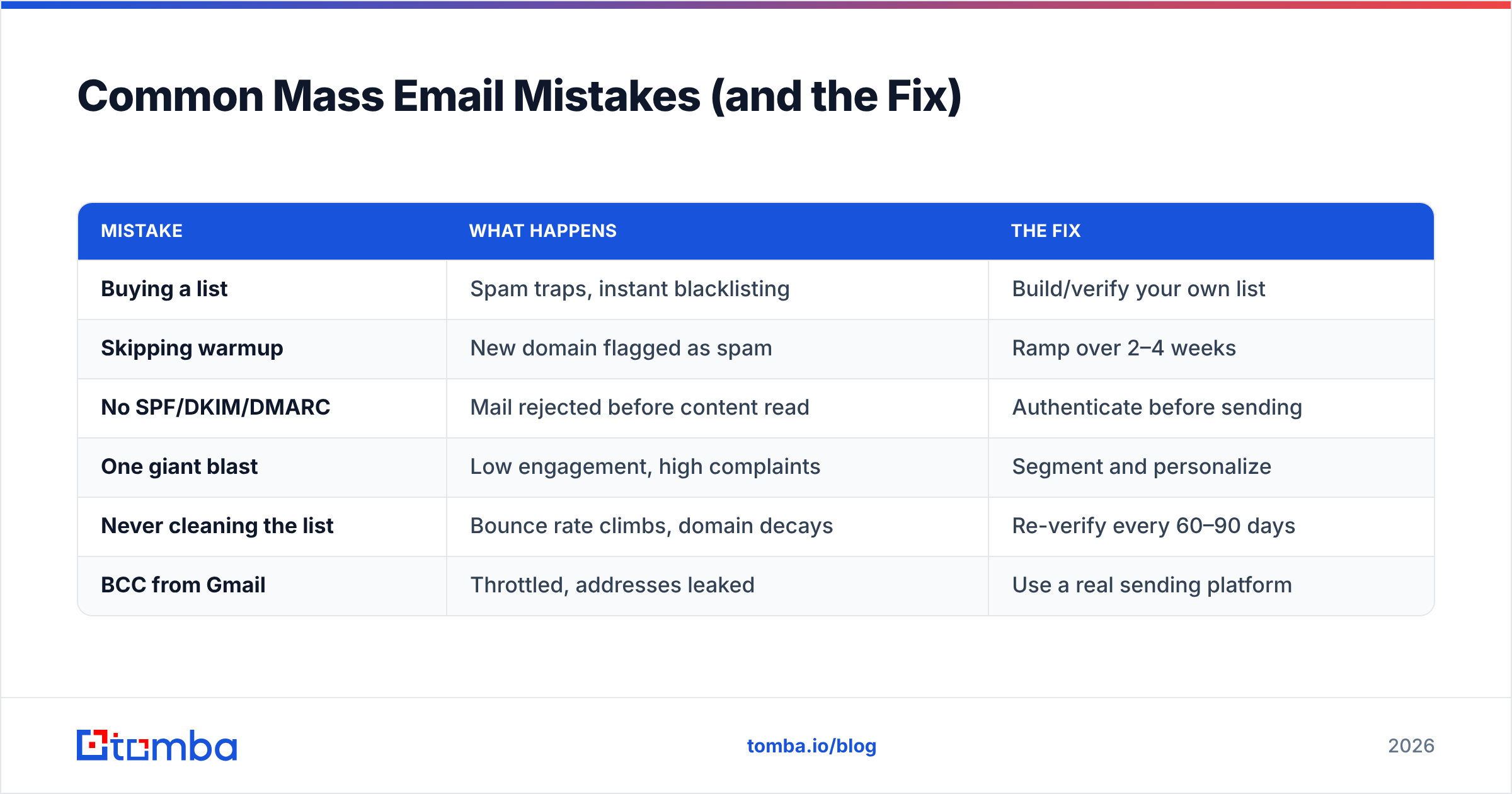
| Mistake | What happens | The fix |
|---|---|---|
| Buying a list | Spam traps, instant blacklisting | Build/verify your own list |
| Skipping warmup | New domain flagged as spam | Ramp over 2–4 weeks |
| No SPF/DKIM/DMARC | Mail rejected before content read | Authenticate before sending |
| One giant blast | Low engagement, high complaints | Segment and personalize |
| Never cleaning the list | Bounce rate climbs, domain decays | Re-verify every 60–90 days |
| BCC from Gmail | Throttled, addresses leaked | Use a real sending platform |
If you map your current process against this table and find yourself on the left side more than once, that's your roadmap. Fix the highest-volume leak first — usually the list.
The Best Way to Send Mass Email, in One Sentence#
Pick the platform that matches your job, send to a verified and segmented list from a warmed-up, authenticated domain, and keep your bounce and complaint rates low over time. Everything else — the subject line, the send time, the copy — is optimization on top of a foundation that has to be solid first.
The foundation always starts with the list. A perfect message sent to dead addresses still bounces, and bounces are what get you blocked. Before your next campaign, make sure every address is real and reachable: use Tomba's Email Finder to source accurate, verified business emails with confidence scores, then clean them in bulk before you hit send. Start free with 25 searches a month and scale up on Tomba pricing — Starter is $49/mo when you're ready for volume. Your inbox placement will thank you.
// get started
Find, verify and enrich your first contacts today
Start on the free plan with 25 searches a month, then scale when your team is ready.
Free plan · No credit card required · GDPR & CCPA
// about the author