Bitscale Pros and Cons (2026): Honest Review, Pricing & Alternatives
A no-fluff breakdown of Bitscale's pros and cons in 2026 — what the AI-powered GTM data platform does well, where it falls short, real pricing, and the cheaper alternatives worth testing first.
Bitscale Pros and Cons: An Honest 2026 Review
Bitscale promises to turn a spreadsheet into an AI-powered go-to-market engine — scrape, enrich, and write personalized outbound at scale from one grid. That pitch is genuinely compelling, but it hides real trade-offs around cost, accuracy, and complexity. This guide weighs the Bitscale pros and cons so you can decide whether it belongs in your stack or whether a focused tool does the job for a fraction of the price.
TL;DR — Bitscale at a glance#
- Best for: RevOps and growth teams who want a single spreadsheet-style canvas to chain scraping, enrichment, and AI copy across 70+ data providers.
- Biggest pro: Waterfall enrichment — it queries multiple data vendors in sequence so you stop paying for one provider's blind spots.
- Biggest con: Credit-based pricing gets expensive fast, the learning curve is real, and data accuracy still depends on the underlying providers you route through.
- Watch out for: "AI agent" features that look magical in demos but need heavy prompt tuning to be reliable in production.
- Cheaper path: If you mostly need accurate work emails and verification, a dedicated email finder covers 80% of the use case at a flat, predictable price.
What is Bitscale and who is it for?#
Bitscale is an AI-driven GTM (go-to-market) data platform built around a spreadsheet interface. Think of it like a souped-up Google Sheet where every column can run a job: scrape a LinkedIn profile, pull firmographics, enrich a contact through a "waterfall" of providers, then draft a personalized first line with an LLM — all without writing code.
Its core promise is consolidation. Instead of stitching together a scraper, an enrichment vendor, an email verifier, and a copy tool, you orchestrate the whole pipeline inside one grid. That makes it attractive to lead-generation agencies, RevOps teams, and outbound-heavy startups who live in spreadsheets and want automation without engineering tickets.
If you only need to find and verify business emails, Bitscale is overkill. If you're building complex, multi-step enrichment flows for thousands of accounts, it's exactly the kind of tool you'd evaluate. To frame where it sits in your stack, it helps to understand revenue operations as the discipline Bitscale is trying to serve.
What are the main pros of Bitscale?#
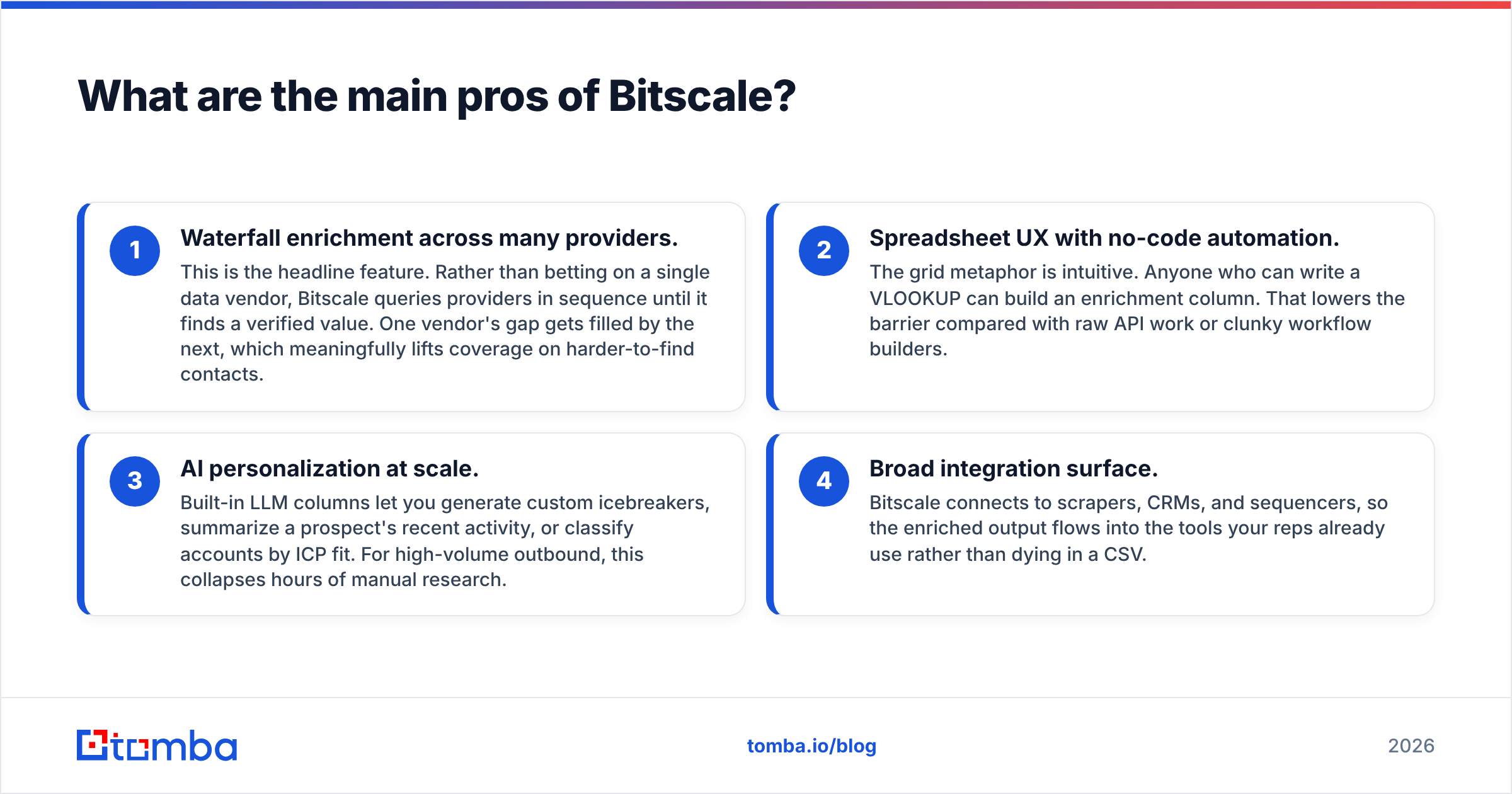
The upside is real, and it clusters around four strengths.
- Waterfall enrichment across many providers. This is the headline feature. Rather than betting on a single data vendor, Bitscale queries providers in sequence until it finds a verified value. One vendor's gap gets filled by the next, which meaningfully lifts coverage on harder-to-find contacts.
- Spreadsheet UX with no-code automation. The grid metaphor is intuitive. Anyone who can write a VLOOKUP can build an enrichment column. That lowers the barrier compared with raw API work or clunky workflow builders.
- AI personalization at scale. Built-in LLM columns let you generate custom icebreakers, summarize a prospect's recent activity, or classify accounts by ICP fit. For high-volume outbound, this collapses hours of manual research.
- Broad integration surface. Bitscale connects to scrapers, CRMs, and sequencers, so the enriched output flows into the tools your reps already use rather than dying in a CSV.
For teams running serious outbound sales strategy, that combination of coverage plus automation is the reason Bitscale shows up on shortlists.
What are the main cons of Bitscale?#
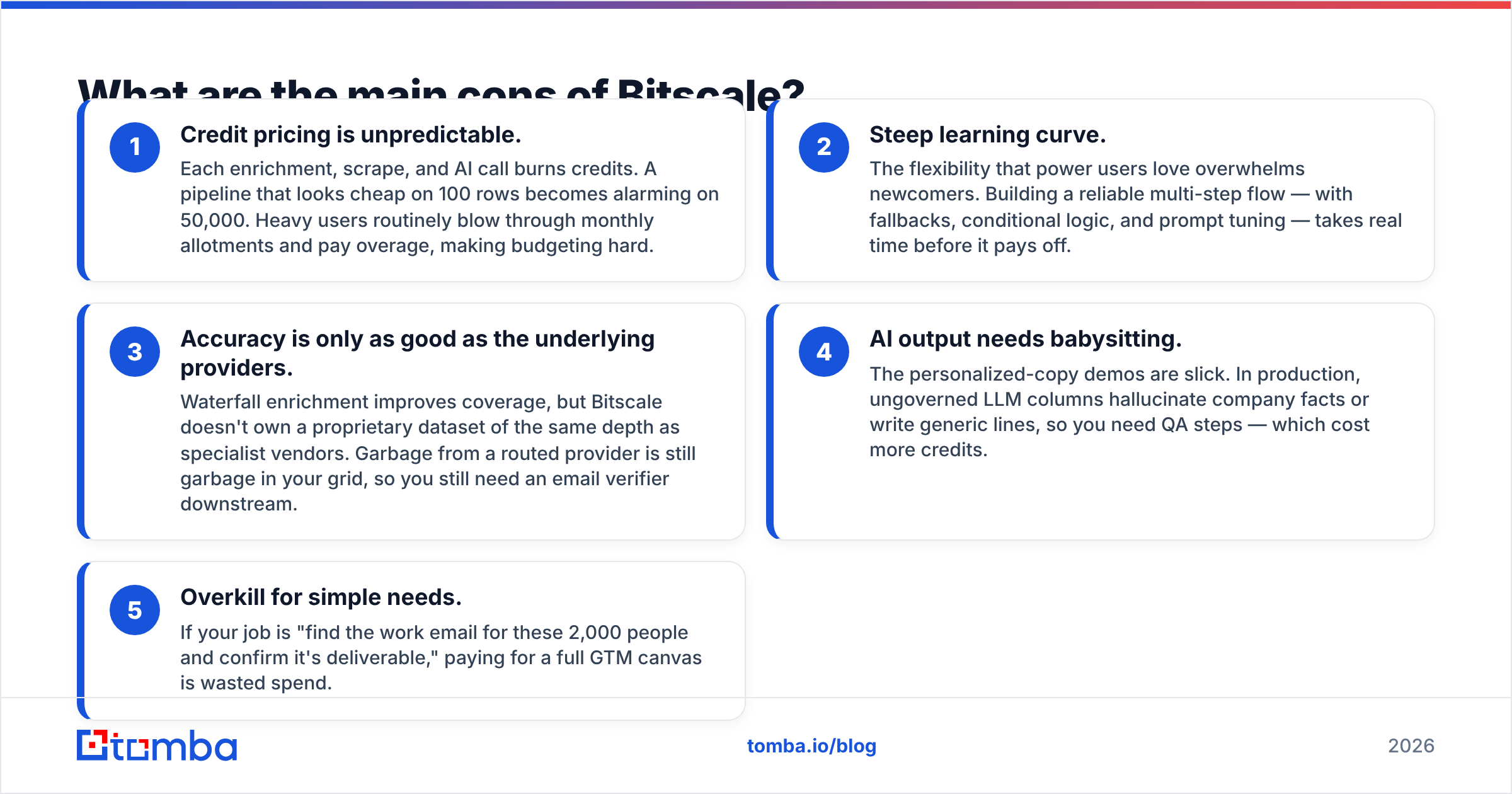
Now the honest part. Every strength has a cost.
- Credit pricing is unpredictable. Each enrichment, scrape, and AI call burns credits. A pipeline that looks cheap on 100 rows becomes alarming on 50,000. Heavy users routinely blow through monthly allotments and pay overage, making budgeting hard.
- Steep learning curve. The flexibility that power users love overwhelms newcomers. Building a reliable multi-step flow — with fallbacks, conditional logic, and prompt tuning — takes real time before it pays off.
- Accuracy is only as good as the underlying providers. Waterfall enrichment improves coverage, but Bitscale doesn't own a proprietary dataset of the same depth as specialist vendors. Garbage from a routed provider is still garbage in your grid, so you still need an email verifier downstream.
- AI output needs babysitting. The personalized-copy demos are slick. In production, ungoverned LLM columns hallucinate company facts or write generic lines, so you need QA steps — which cost more credits.
- Overkill for simple needs. If your job is "find the work email for these 2,000 people and confirm it's deliverable," paying for a full GTM canvas is wasted spend.
Bitscale pros and cons summary table#
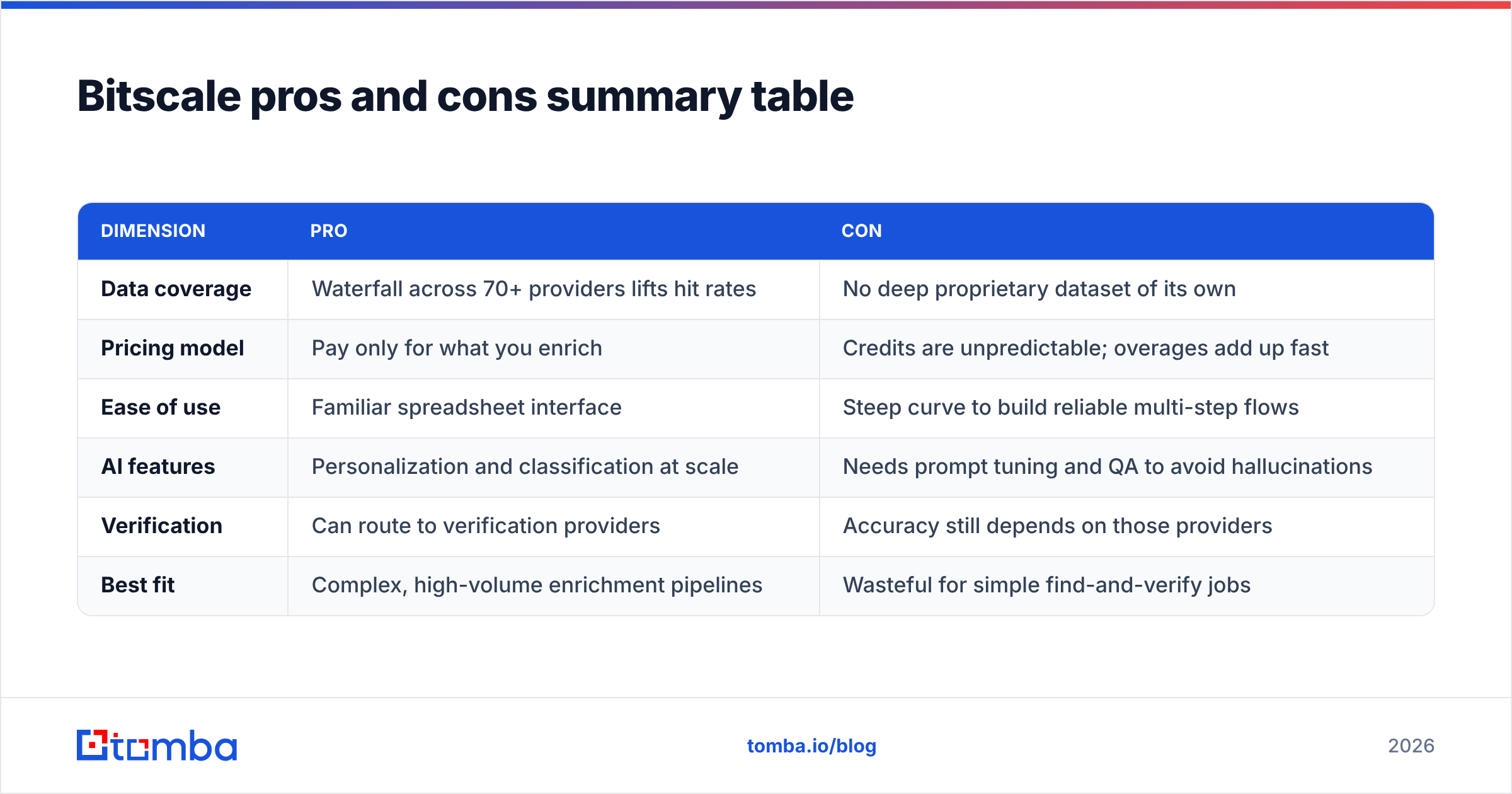
| Dimension | Pro | Con |
|---|---|---|
| Data coverage | Waterfall across 70+ providers lifts hit rates | No deep proprietary dataset of its own |
| Pricing model | Pay only for what you enrich | Credits are unpredictable; overages add up fast |
| Ease of use | Familiar spreadsheet interface | Steep curve to build reliable multi-step flows |
| AI features | Personalization and classification at scale | Needs prompt tuning and QA to avoid hallucinations |
| Verification | Can route to verification providers | Accuracy still depends on those providers |
| Best fit | Complex, high-volume enrichment pipelines | Wasteful for simple find-and-verify jobs |
How much does Bitscale cost in 2026?#
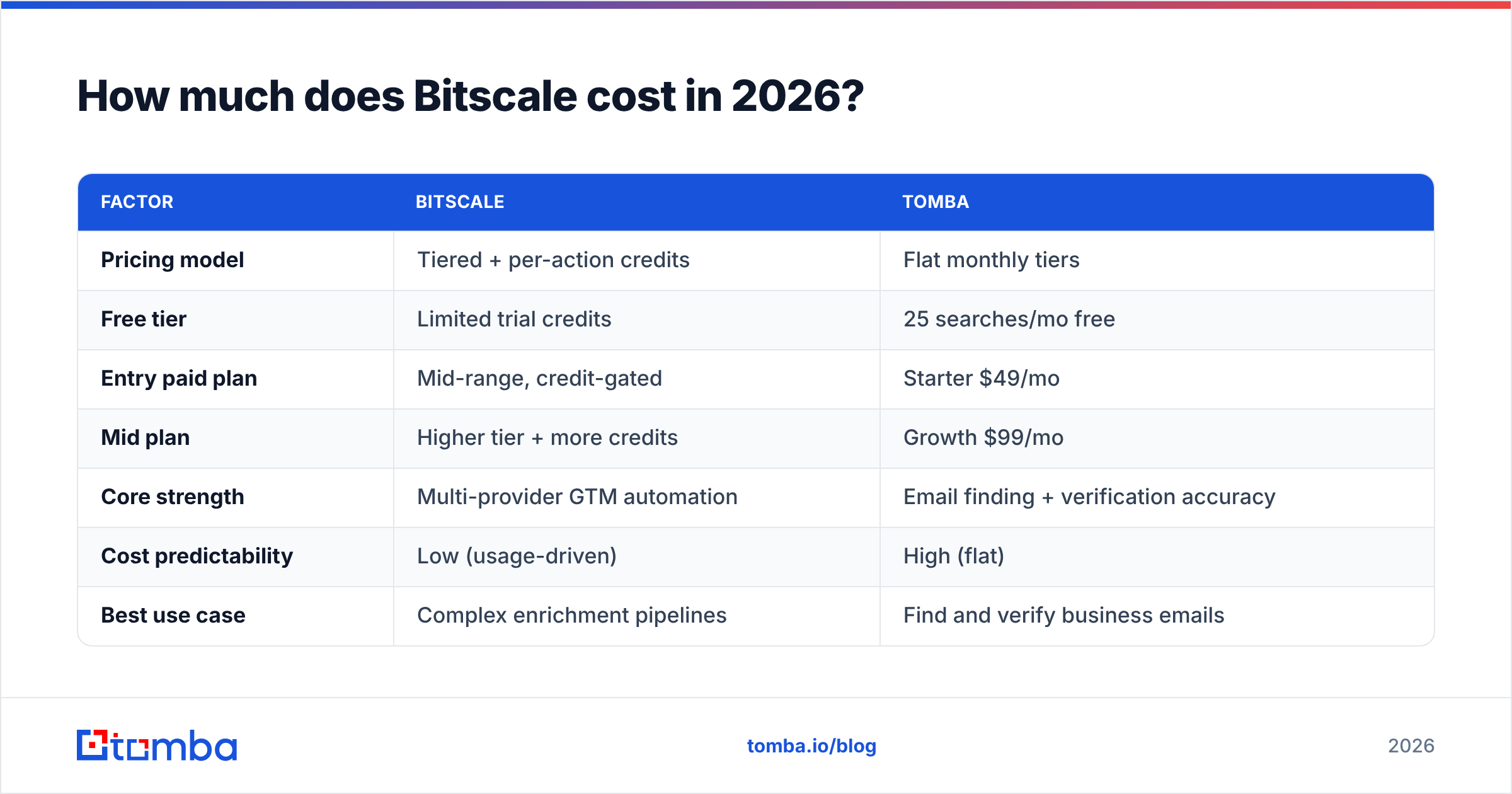
Bitscale uses tiered subscriptions plus a credit system, and pricing has shifted over time, so always confirm on the vendor's own page. The structure generally looks like a lower-cost entry plan for small teams, a mid-tier with more credits and seats, and custom enterprise pricing for high volume. Credits are consumed per action, and AI calls typically cost more credits than a basic lookup.
The practical takeaway: your real monthly cost is driven by usage, not the sticker price. A team enriching tens of thousands of rows with AI columns will land far above the advertised base tier. That's the opposite of a tool with flat, seat-based pricing where your bill is the same whether you run 1,000 or 100,000 lookups.
Here's how Bitscale's model compares with a focused email-finding tool like Tomba on the dimensions that drive cost.
| Factor | Bitscale | Tomba |
|---|---|---|
| Pricing model | Tiered + per-action credits | Flat monthly tiers |
| Free tier | Limited trial credits | 25 searches/mo free |
| Entry paid plan | Mid-range, credit-gated | Starter $49/mo |
| Mid plan | Higher tier + more credits | Growth $99/mo |
| Core strength | Multi-provider GTM automation | Email finding + verification accuracy |
| Cost predictability | Low (usage-driven) | High (flat) |
| Best use case | Complex enrichment pipelines | Find and verify business emails |
You can see full, current numbers on the Tomba pricing page; for Bitscale, check their site directly since credit values change.
Is Bitscale worth it, or should you use an alternative?#
The answer depends entirely on the complexity of your workflow.
Choose Bitscale if you're orchestrating genuinely multi-step pipelines — scrape a source, enrich through several providers, score the account with AI, and route the result into a sequencer — and you have someone willing to learn the tool and manage credit spend. For that profile, the consolidation is worth it.
Skip Bitscale if your real need is narrower. Most teams who think they need a GTM canvas actually need three things: accurate contact data, deliverability confidence, and a clean export. Those are solved problems that don't require credit roulette. According to peer reviews on G2, the most common complaint across this category of tools is exactly this mismatch — buying a Swiss Army knife to cut one piece of bread.
Bitscale alternatives worth testing#
- For email finding and verification: A dedicated tool gives you higher accuracy on the one job that matters most, at a flat price. Tomba's domain search and bulk email finder cover company-wide prospecting without per-action credit anxiety.
- For all-in-one prospecting databases: Apollo or similar platforms bundle a contact database with sequencing — useful if you want data and outreach together. Compare options on Capterra before committing.
- For developer-driven enrichment: If your team can write code, routing your own waterfall through the Tomba API often beats paying a platform markup on the same underlying providers.
How does Bitscale handle data accuracy and verification?#
Bitscale's accuracy is a routing question, not a single-source guarantee. Because it pulls from many providers, your hit rate on a given column reflects whichever vendor returned the value — and how fresh that vendor's data is. Waterfalls help with coverage (finding something), but they don't automatically guarantee correctness.
That's why a verification step is non-negotiable in any serious pipeline. Sending to unverified addresses tanks your email deliverability and burns sender reputation you can't easily rebuild. Whether you verify inside Bitscale (more credits) or export and run a focused email verification pass, don't skip it. Catch-all domains in particular need special handling — a generic "valid" flag can still bounce, which is why teams layer in a dedicated catch-all verifier.
The honest summary: Bitscale is a strong orchestration layer, but it inherits the accuracy of whatever it routes through. It doesn't replace the discipline of verifying before you send.
Who should actually buy Bitscale?#
Map it to three profiles:
- Lead-gen agencies running bespoke enrichment for many clients benefit most — the flexibility justifies the learning curve, and they can pass credit costs through to clients.
- RevOps teams at scaling startups who need repeatable, auditable data pipelines and have the headcount to maintain them.
- Solo founders and small sales teams are the worst fit. The complexity and unpredictable cost outweigh the upside when your real need is a clean list of verified contacts.
If you're in that third group, you'll get to revenue faster with a focused tool than with a platform you spend two weeks configuring.
Frequently asked questions about Bitscale#
Is Bitscale a CRM? No. It's a data enrichment and automation layer that feeds your CRM and outreach tools. It doesn't manage deals or pipeline stages.
Does Bitscale replace an email finder? Partially. It can route to email-finding providers, but a dedicated finder usually delivers better accuracy and predictable cost for that single job.
Why is my Bitscale bill higher than expected? Almost always credit consumption — AI columns and repeated enrichment runs add up. Audit which columns run on every row versus only when needed.
Can I just use the providers directly? Yes, if you can code. Calling the underlying APIs yourself avoids platform markup, though you lose the no-code orchestration.
The bottom line on Bitscale's pros and cons#
Bitscale is a capable, flexible GTM data platform whose strengths — waterfall enrichment, spreadsheet UX, and AI personalization — are real, and whose weaknesses — credit unpredictability, a steep curve, and provider-dependent accuracy — are equally real. It rewards complex, high-volume workflows and punishes simple ones.
If your actual goal is to find accurate, verified business emails without gambling on credits, start with the simpler tool. Tomba's Email Finder gives you company-wide email discovery and built-in verification on flat, predictable pricing — a free tier with 25 searches, Starter at $49/mo, and Growth at $99/mo. Test it on your next list, see the hit rate for yourself, and add a full GTM canvas only when your workflows genuinely outgrow a focused finder.
Ready to find emails that actually work?
Join 150,000+ professionals who stopped guessing and started sending. Free credits on signup — no credit card required.
Get the Tomba newsletter
Practical outbound tactics and product updates — once every two weeks.
About the author