Bounceremove vs Reachfast: Which Email Tool Wins 2026
Bounceremove cleans lists, Reachfast finds contacts — but which one actually protects your sender reputation and pipeline in 2026? A neutral, data-first breakdown.
Choosing between Bounceremove and Reachfast usually starts with the wrong question. These tools sit on opposite ends of the email-data workflow: one removes bad addresses after you have a list, the other finds addresses before you have one. Picking the "winner" depends entirely on where your pipeline leaks.
This is a neutral breakdown of what each tool does well, where each falls short, and how the spend actually maps to outcomes — verified contacts, lower bounce rates, and protected sender reputation.
TL;DR#
- Bounceremove is positioned as a list-cleaning / bounce-prevention layer — you feed it an existing list and it flags risky, invalid, and catch-all addresses before you send.
- Reachfast is positioned as a contact-discovery tool — it finds email addresses for people and companies you don't yet have data on.
- They solve different problems, so "bounceremove vs reachfast" is really "do I need to find data or clean data?" Most teams need both.
- Running two single-purpose tools means two bills, two integrations, and data that never quite lines up.
- A combined finder-plus-verifier platform like Tomba collapses both jobs into one workflow, with a transparent free tier and a $49/mo starter plan.
What do Bounceremove and Reachfast actually do?#
Think of your outbound list like a contact book you inherited from a previous owner. Some entries are real, some moved away, and some never existed. Reachfast is the researcher who fills in the missing entries. Bounceremove is the auditor who crosses out the dead ones before you waste stamps mailing them.
That distinction matters because the two failure modes are different. A weak finder leaves you with empty rows and a thin pipeline. A weak verifier leaves you with a full list that quietly destroys your sender reputation every time you hit send.
Here is the core split:
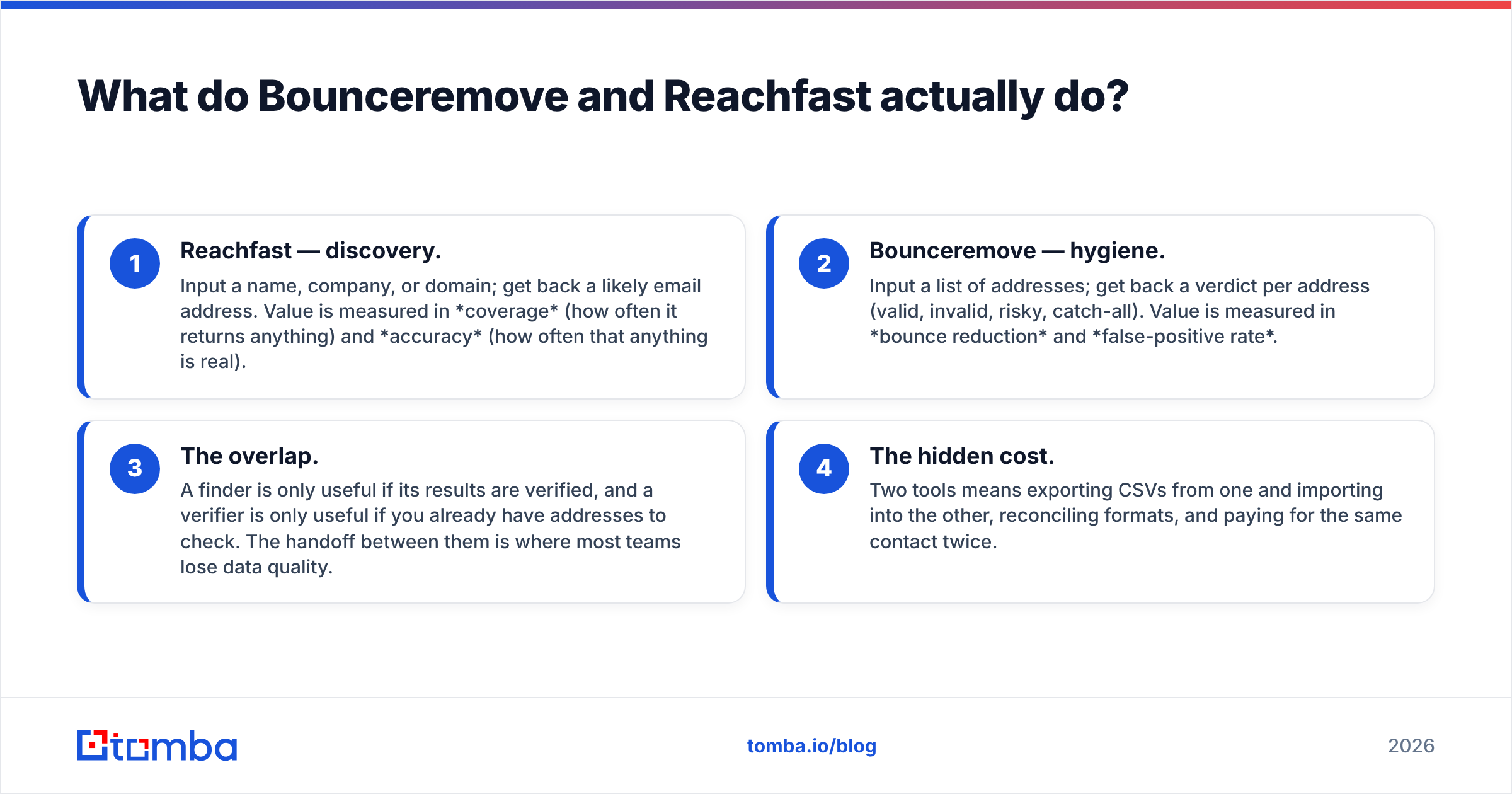
- Reachfast — discovery. Input a name, company, or domain; get back a likely email address. Value is measured in coverage (how often it returns anything) and accuracy (how often that anything is real).
- Bounceremove — hygiene. Input a list of addresses; get back a verdict per address (valid, invalid, risky, catch-all). Value is measured in bounce reduction and false-positive rate.
- The overlap. A finder is only useful if its results are verified, and a verifier is only useful if you already have addresses to check. The handoff between them is where most teams lose data quality.
- The hidden cost. Two tools means exporting CSVs from one and importing into the other, reconciling formats, and paying for the same contact twice.
)
Is Bounceremove better than Reachfast for deliverability?#
For deliverability specifically, a dedicated bounce-cleaner like Bounceremove has the narrower, more defensible job. Removing invalid addresses before a send is the single highest-leverage action you can take to protect email deliverability. Mailbox providers treat a high bounce rate as a spam signal, and once your domain reputation drops, even your valid recipients stop seeing you in the inbox.
But "better for deliverability" has a ceiling. Cleaning a list you sourced badly is damage control, not strategy. If Reachfast (or any finder) handed you low-quality guesses in the first place, Bounceremove can only tell you they're bad — it can't replace them with good ones. You still end up with a thin list.
The more complete approach is to verify at the point of discovery, so every address that enters your CRM is already confirmed. That removes the second tool from the equation entirely. You can pressure-test any address yourself with a free email verifier before it ever reaches a campaign.
A few deliverability fundamentals neither tool replaces:
- Authentication. Set up SPF, DKIM, and DMARC. Run a quick SPF checker to confirm your record is valid — a verifier won't fix a broken DNS record.
- Warmup. New domains need gradual volume ramp. No amount of list cleaning compensates for a cold domain blasting 2,000 emails on day one.
- Catch-all handling. Catch-all domains accept everything at the SMTP layer, so a naive verifier marks them "valid" when they may not be. A dedicated catch-all verifier is the difference between a real check and a coin flip.
Bounceremove vs Reachfast: feature and pricing comparison#
Here's the head-to-head. Note that because these tools target different stages, the most honest comparison adds a combined-workflow option so you can see what "one tool for both" looks like.
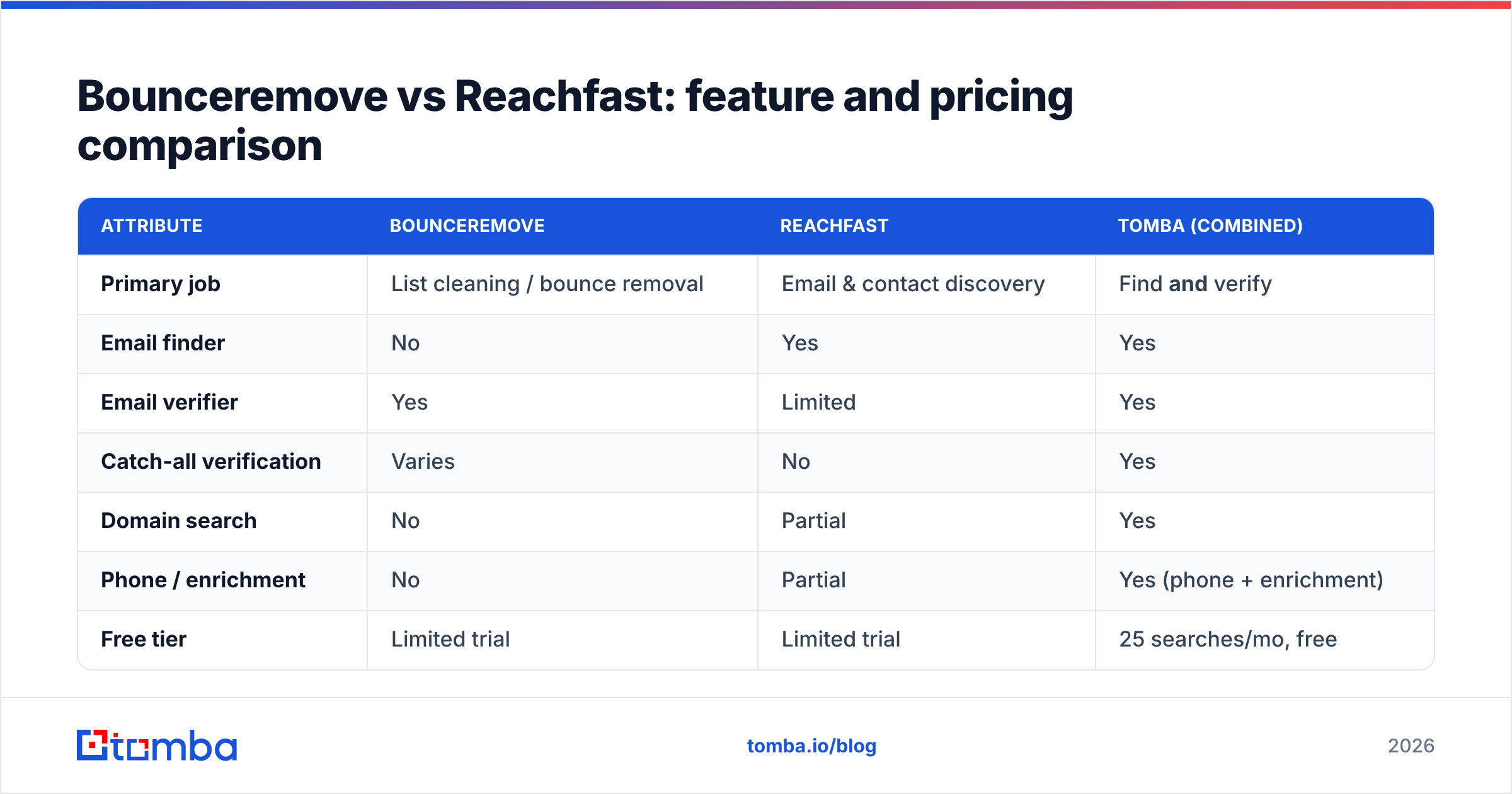
| Attribute | Bounceremove | Reachfast | Tomba (combined) |
|---|---|---|---|
| Primary job | List cleaning / bounce removal | Email & contact discovery | Find and verify |
| Email finder | No | Yes | Yes |
| Email verifier | Yes | Limited | Yes |
| Catch-all verification | Varies | No | Yes |
| Domain search | No | Partial | Yes |
| Phone / enrichment | No | Partial | Yes (phone + enrichment) |
| Free tier | Limited trial | Limited trial | 25 searches/mo, free |
| Entry paid plan | Per-credit | Per-credit | $49/mo (Starter) |
| API access | Verification only | Finder only | Full finder + verifier API |
| Bulk processing | Yes | Yes | Yes (bulk finder + verify) |
The pattern is clear: each specialist tool wins inside its own lane and is blank outside it. If your only problem is a dirty 200k list, Bounceremove's focus is an advantage. If your only problem is empty rows, Reachfast's focus is an advantage. The trouble is that most go-to-market teams have both problems at once, and the per-credit pricing on single-purpose tools adds up fast when you're paying two vendors.
For a transparent breakdown of what combined coverage costs, see the full Tomba pricing tiers — Free (25 searches), Starter $49/mo, Growth $99/mo, Pro $249/mo, and custom Enterprise.
How accurate is each tool's data?#
Accuracy is where vendor marketing and reality diverge most, so treat any single headline number with suspicion. There are two metrics that actually matter, and they pull in opposite directions:
- False positives (a verifier says "valid," the email bounces). These are the dangerous ones — they're the bounces that tank your reputation.
- False negatives (a verifier says "invalid" or "risky," but the address is fine). These quietly shrink your reachable audience and cost you real conversations.
A bounce-removal tool tuned to minimize false positives will often over-flag catch-all and role-based addresses as "risky," meaning you discard contacts you could have reached. A finder tuned for coverage will return more addresses but include more guesses. Neither is "wrong" — they're optimized for different fears.

The only reliable way to judge accuracy is to run your own sample. Take 100 known-good contacts, push them through each tool, and measure the verdicts against reality. Transparency about data sources is the best proxy when you can't test — a vendor that explains where its data comes from and how often it refreshes is generally more trustworthy than one quoting a round "99%" with no methodology.
)
When should you pick a dedicated tool vs a combined platform?#
Pick a dedicated tool when:
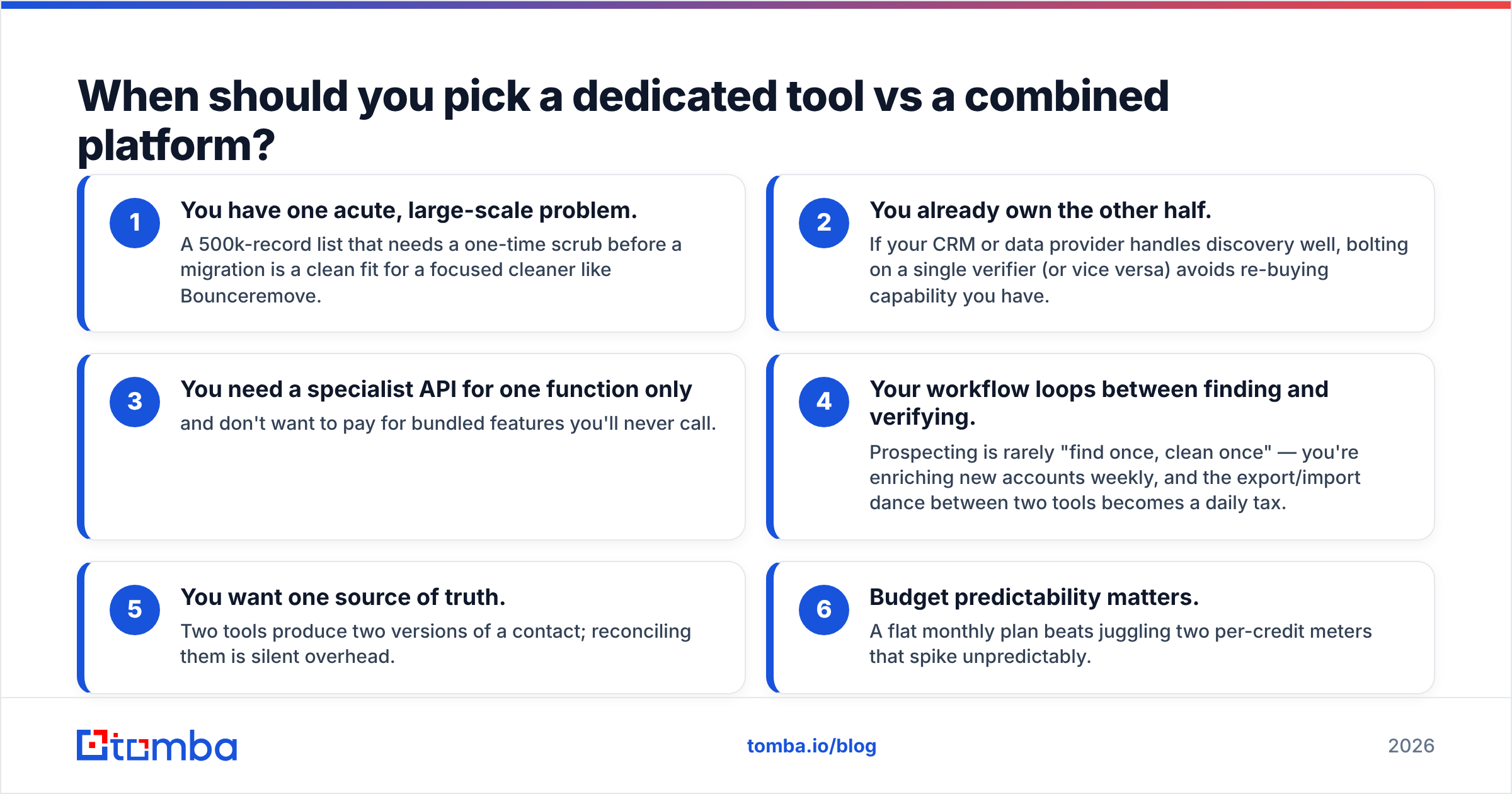
- You have one acute, large-scale problem. A 500k-record list that needs a one-time scrub before a migration is a clean fit for a focused cleaner like Bounceremove.
- You already own the other half. If your CRM or data provider handles discovery well, bolting on a single verifier (or vice versa) avoids re-buying capability you have.
- You need a specialist API for one function only and don't want to pay for bundled features you'll never call.
Pick a combined platform when:
- Your workflow loops between finding and verifying. Prospecting is rarely "find once, clean once" — you're enriching new accounts weekly, and the export/import dance between two tools becomes a daily tax.
- You want one source of truth. Two tools produce two versions of a contact; reconciling them is silent overhead.
- Budget predictability matters. A flat monthly plan beats juggling two per-credit meters that spike unpredictably.
This is the practical case for consolidating. With a single platform you can run domain search to discover every address at a target company, verify each one inline, enrich with phone numbers, and push the clean record straight to your CRM — without ever exporting a CSV. The same engine is reachable through the Tomba API and a bulk email finder for high-volume runs.
What about integrations and workflow fit?#
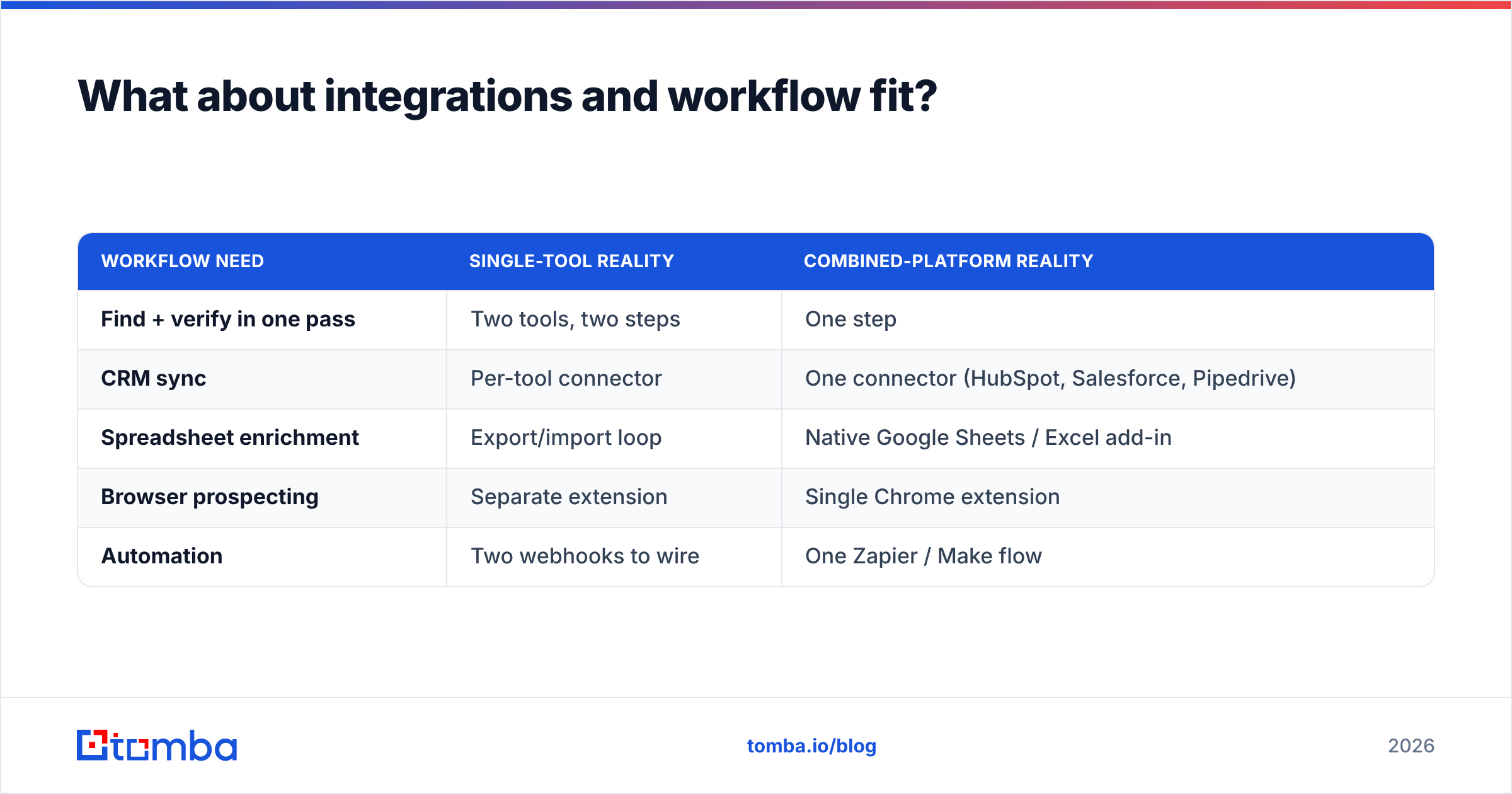
A tool is only as good as the friction to use it daily. Both Bounceremove and Reachfast offer their own integrations, but single-purpose tools tend to integrate at the function level (a verify step here, a find step there) rather than the workflow level.
| Workflow need | Single-tool reality | Combined-platform reality |
|---|---|---|
| Find + verify in one pass | Two tools, two steps | One step |
| CRM sync | Per-tool connector | One connector (HubSpot, Salesforce, Pipedrive) |
| Spreadsheet enrichment | Export/import loop | Native Google Sheets / Excel add-in |
| Browser prospecting | Separate extension | Single Chrome extension |
| Automation | Two webhooks to wire | One Zapier / Make flow |
If you live in your CRM, the integration story often outweighs a few accuracy percentage points. A slightly less precise tool that writes verified data directly into HubSpot will beat a marginally more precise one that dumps a CSV you have to clean by hand. For broader context, third-party review sites like G2 and Capterra are useful for reading how real teams describe each tool's day-to-day workflow fit, and vendor docs such as HubSpot's integration directory show what actually connects.
Bounceremove vs Reachfast: the verdict#
There's no universal winner, because they're not really competitors — they're two halves of the same job.
- Choose Bounceremove if your single biggest pain is bounce rate on lists you already have, and discovery is handled elsewhere.
- Choose Reachfast if your single biggest pain is empty CRM rows, and you have a separate, trusted verification step.
- Choose neither in isolation if, like most teams, you need to find and clean in the same motion — that's where running two tools quietly costs you more in time and reconciliation than it saves.
If you'd rather not stitch two vendors together, start with the Tomba Email Finder. It finds professional email addresses by name, company, or domain, verifies them in the same pass, and enriches the record with phone and company data — all under one plan. The free tier gives you 25 searches a month to test it against your own list before you spend a dollar, and paid plans begin at $49/mo. Run your hardest 50 contacts through it, compare the results to whatever you're using now, and let the bounce rate decide.
// get started
Find, verify and enrich your first contacts today
Start on the free plan with 25 searches a month, then scale when your team is ready.
Free plan · No credit card required · GDPR & CCPA
// about the author