Bulk Email Sender: Best Tools and Safe Setup Guide for 2026
Choosing a bulk email sender in 2026? Compare the best platforms, learn how to protect deliverability, and see why clean data beats raw volume every time.
Bulk Email Sender: Best Tools and Safe Setup Guide for 2026
A bulk email sender lets you deliver one message to thousands of recipients at once. The catch in 2026 is that volume without hygiene is the fastest way to land in spam, get your domain blacklisted, and torch your sender reputation. This guide shows you how to pick the right tool, set it up safely, and prep the kind of clean, verified list that keeps your campaigns out of the junk folder.
TL;DR#
- A bulk email sender is software that sends large volumes of email through shared or dedicated infrastructure (SMTP relays, marketing ESPs, or cold-email sequencers).
- Marketing ESPs (Mailchimp, Brevo) are for opt-in newsletters; cold-email tools (Instantly, Saleshandy) are for outbound; transactional APIs (SendGrid, Postmark) are for receipts and alerts. Pick by use case, not by price alone.
- Deliverability is decided before you hit send: authenticated domains (SPF, DKIM, DMARC), warmed inboxes, and a verified list matter more than the platform.
- Dirty lists are the number-one cause of bounces and spam complaints. Verify and enrich your contacts first — that is where a tool like Tomba fits in the workflow.
- Never buy a list. Send to addresses you sourced and verified yourself, and segment so every message is relevant.
What is a bulk email sender?#
A bulk email sender is any platform built to push high volumes of email reliably, instead of the handful your personal Gmail allows before it throttles you. Think of it like the difference between mailing a birthday card and running a distribution center: your home mailbox handles one envelope at a time, but a fulfillment hub has loading docks, sorting systems, and compliance checks so thousands of packages leave correctly every day.
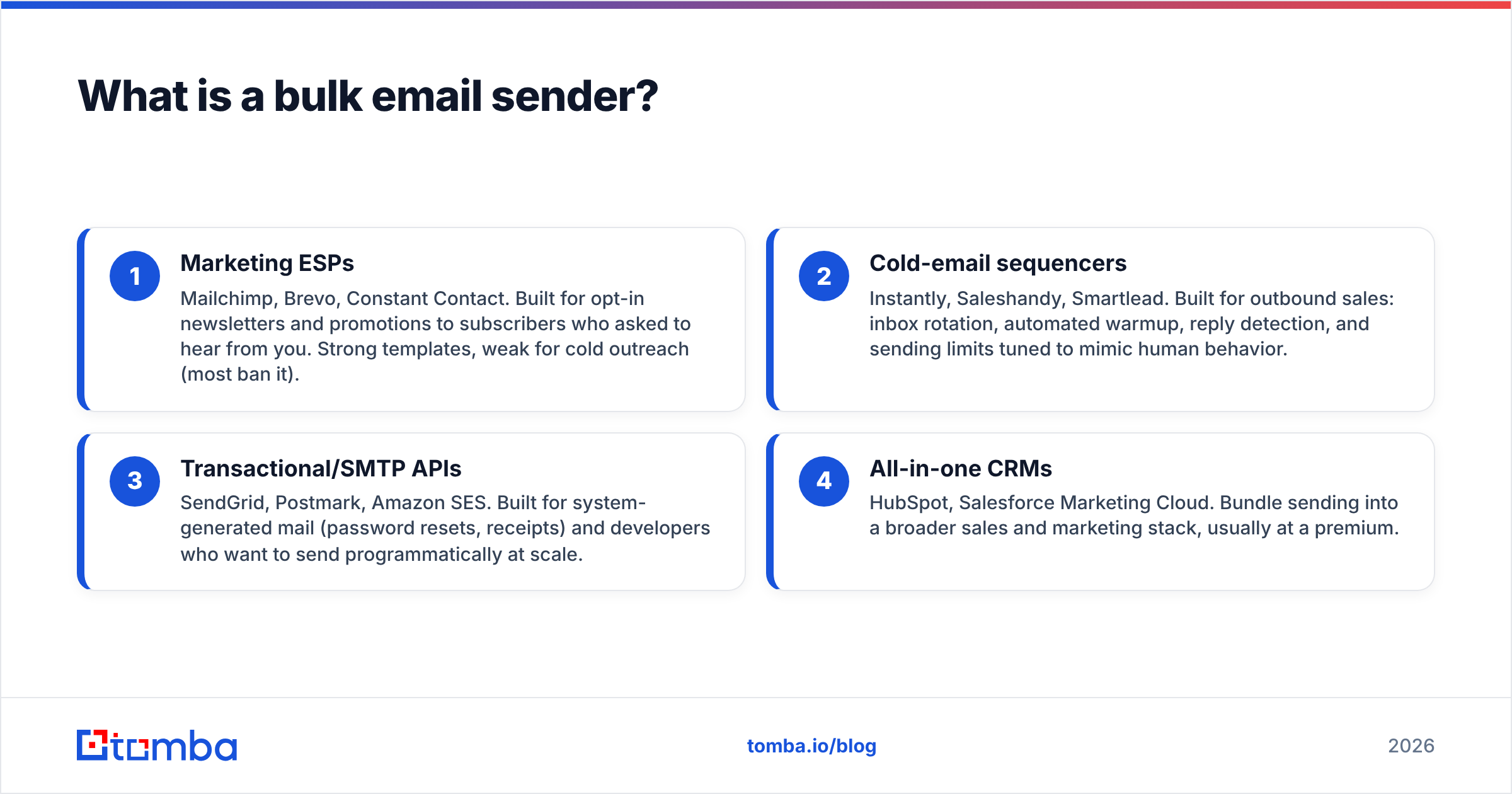
Technically, these tools sit on top of email-sending infrastructure and add list management, scheduling, authentication, throttling, and analytics. They fall into three broad families, and confusing them is the most common mistake teams make.
- Marketing ESPs — Mailchimp, Brevo, Constant Contact. Built for opt-in newsletters and promotions to subscribers who asked to hear from you. Strong templates, weak for cold outreach (most ban it).
- Cold-email sequencers — Instantly, Saleshandy, Smartlead. Built for outbound sales: inbox rotation, automated warmup, reply detection, and sending limits tuned to mimic human behavior.
- Transactional/SMTP APIs — SendGrid, Postmark, Amazon SES. Built for system-generated mail (password resets, receipts) and developers who want to send programmatically at scale.
- All-in-one CRMs — HubSpot, Salesforce Marketing Cloud. Bundle sending into a broader sales and marketing stack, usually at a premium.
Pick the wrong family and no amount of clever copy saves you. A marketing ESP will suspend your account for cold outreach; a cold-email tool will underperform for a 200,000-subscriber newsletter.
Which bulk email sender should you choose?#
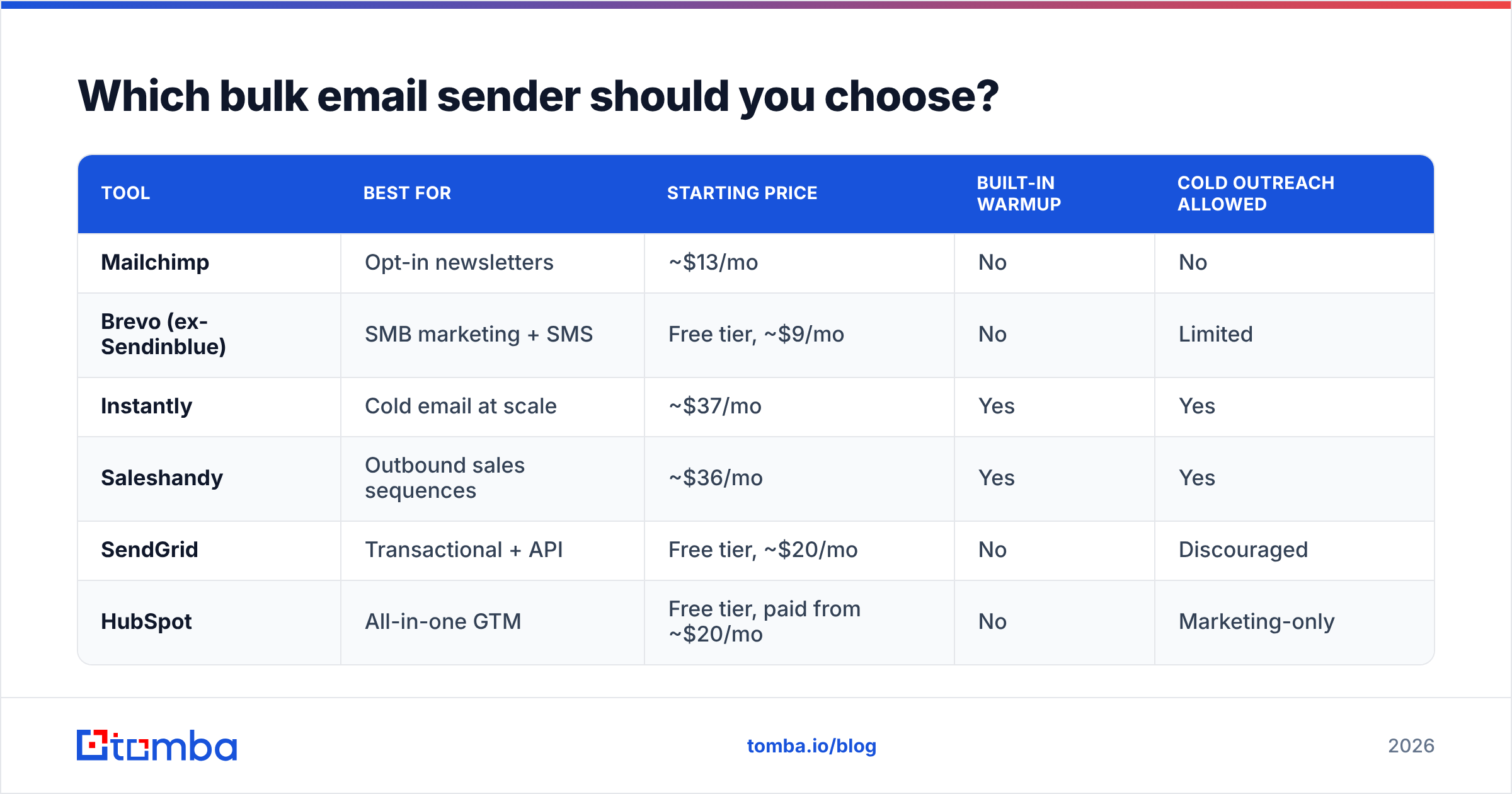
The right answer depends on whether you are nurturing subscribers, prospecting cold, or firing transactional messages. Here is a side-by-side on the dimensions that actually move the needle.
| Tool | Best for | Starting price | Built-in warmup | Cold outreach allowed |
|---|---|---|---|---|
| Mailchimp | Opt-in newsletters | ~$13/mo | No | No |
| Brevo (ex-Sendinblue) | SMB marketing + SMS | Free tier, ~$9/mo | No | Limited |
| Instantly | Cold email at scale | ~$37/mo | Yes | Yes |
| Saleshandy | Outbound sales sequences | ~$36/mo | Yes | Yes |
| SendGrid | Transactional + API | Free tier, ~$20/mo | No | Discouraged |
| HubSpot | All-in-one GTM | Free tier, paid from ~$20/mo | No | Marketing-only |
A few patterns worth calling out:
- Free tiers are a trap if you skip warmup. A brand-new sending domain blasting 5,000 emails on day one looks exactly like a spammer to inbox providers. Volume should ramp over weeks.
- "Unlimited sending" is a marketing line, not a deliverability strategy. Gmail and Outlook throttle based on engagement and reputation, not your plan tier.
- Inbox rotation is the cold-email differentiator. Tools like Instantly and Saleshandy spread volume across many mailboxes so no single inbox trips a limit. If you are doing outbound, this is non-negotiable. If you need alternatives, compare an Instantly alternative or a Saleshandy alternative before committing.
For a deeper look at how teams structure outbound, vendor directories like G2's email marketing category are useful for filtering by review volume and use case rather than ad spend.
Why does deliverability matter more than the sender itself?#
Your bulk email sender is the truck; deliverability is whether the road is open. You can own the best truck on the market and still get stuck at a closed checkpoint if your paperwork is wrong.
Deliverability is decided by signals you control before sending:
- Authentication. SPF, DKIM, and DMARC records tell receiving servers your mail is legitimate. As of 2024, Google and Yahoo require all three for bulk senders, and that bar has only tightened. Use a SPF checker to confirm your record resolves correctly.
- Sender reputation. Mailbox providers score your domain and IP based on bounce rate, spam complaints, and engagement. One bad campaign to a stale list can tank a reputation you spent months building. Read up on sender reputation before your first send.
- List quality. This is the lever most people ignore. Sending to invalid or abandoned addresses spikes your bounce rate, and a bounce rate above ~3% gets you throttled fast.
- Engagement. Opens, replies, and clicks raise your standing; deletions and "mark as spam" sink it. Relevance is a deliverability feature, not just a copy concern.
Google's own Postmaster Tools documentation spells out the bulk-sender requirements in plain language — it is worth reading once and bookmarking. If you want the conceptual grounding, the email deliverability glossary entry covers the moving parts.
How do you prep a clean list before sending in bulk?#
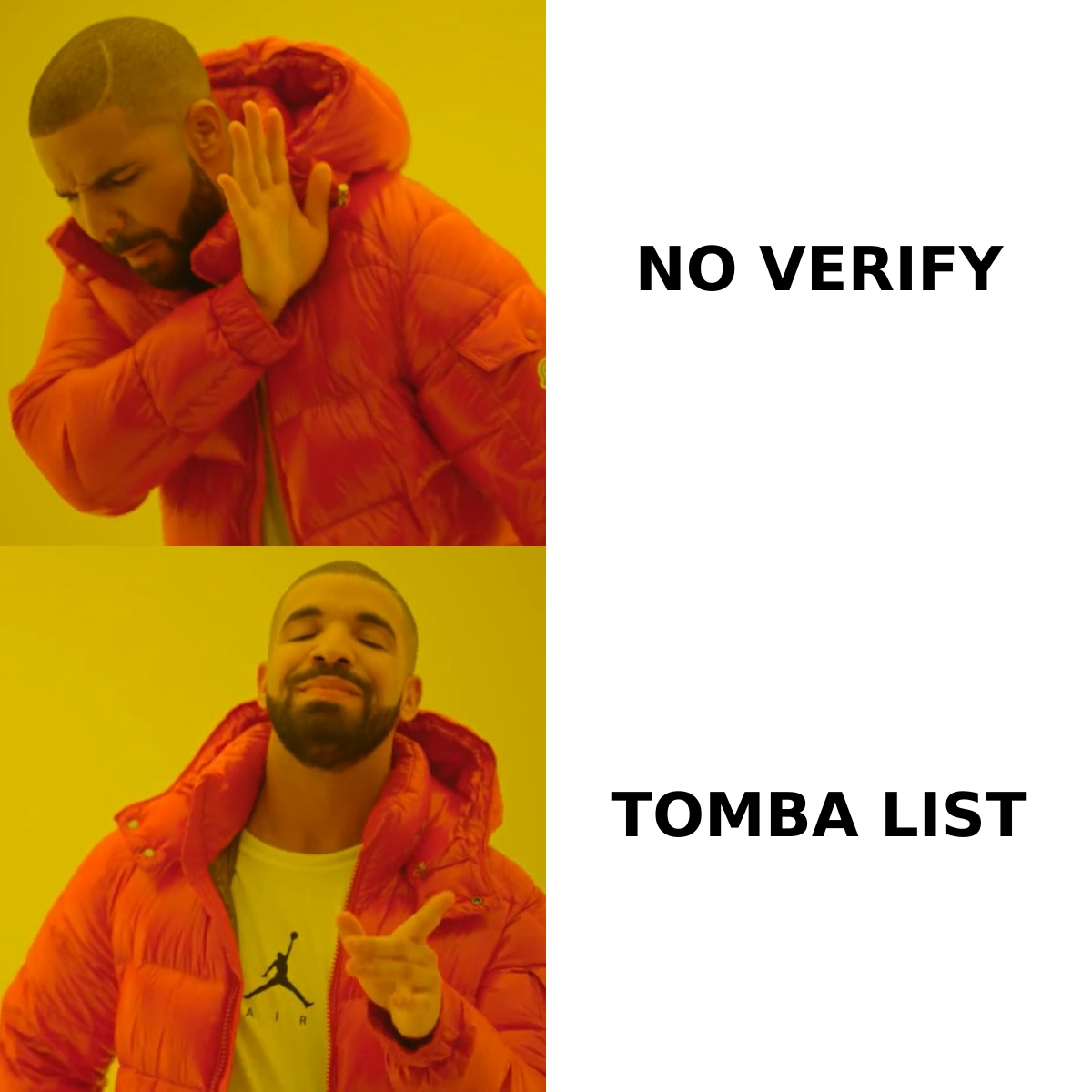
Verify and enrich first, send second. A bulk email sender amplifies whatever you feed it — including garbage. Garbage in, blacklist out.
Here is the pre-send workflow that protects your domain:
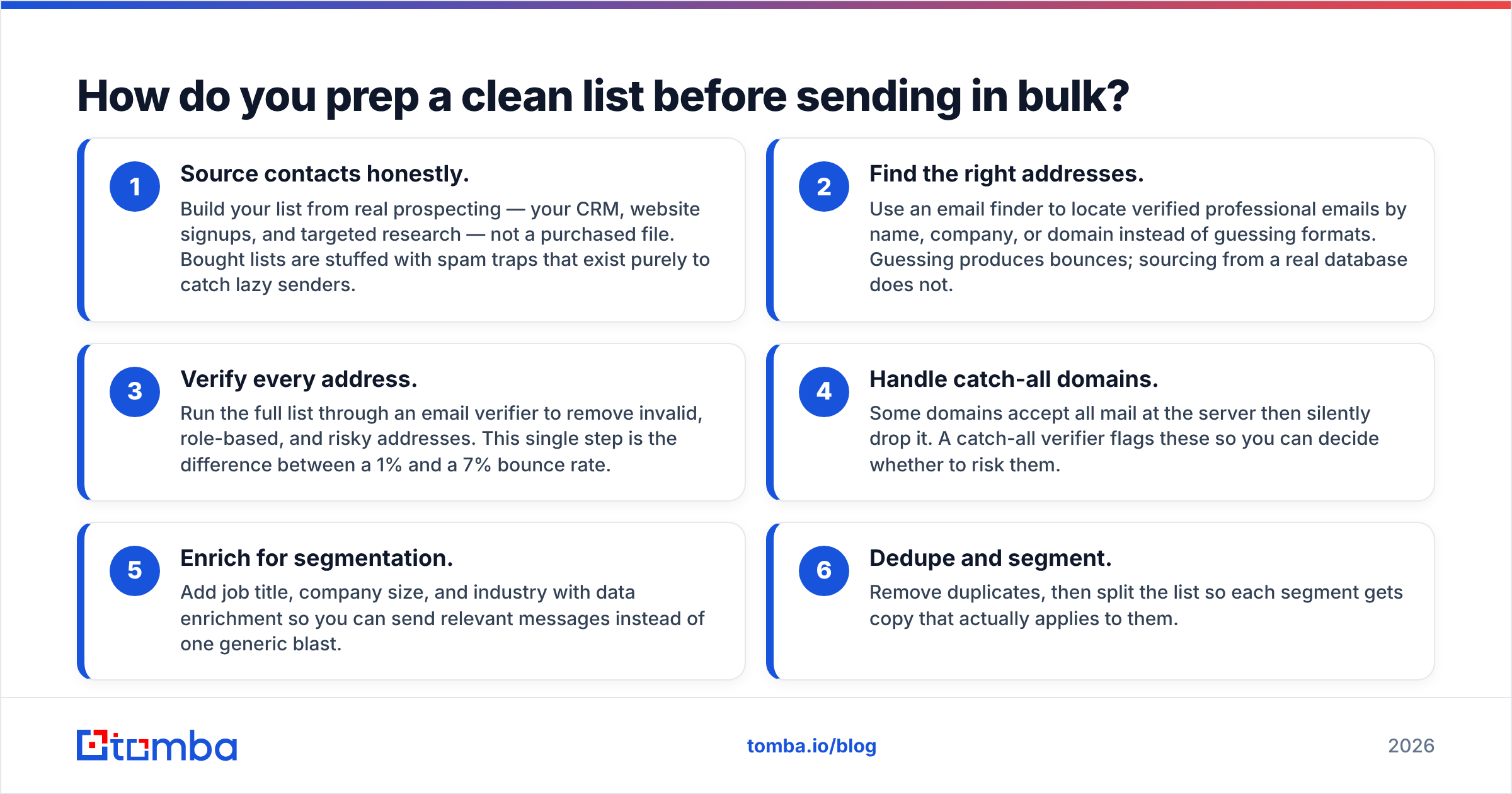
- Source contacts honestly. Build your list from real prospecting — your CRM, website signups, and targeted research — not a purchased file. Bought lists are stuffed with spam traps that exist purely to catch lazy senders.
- Find the right addresses. Use an email finder to locate verified professional emails by name, company, or domain instead of guessing formats. Guessing produces bounces; sourcing from a real database does not.
- Verify every address. Run the full list through an email verifier to remove invalid, role-based, and risky addresses. This single step is the difference between a 1% and a 7% bounce rate.
- Handle catch-all domains. Some domains accept all mail at the server then silently drop it. A catch-all verifier flags these so you can decide whether to risk them.
- Enrich for segmentation. Add job title, company size, and industry with data enrichment so you can send relevant messages instead of one generic blast.
- Dedupe and segment. Remove duplicates, then split the list so each segment gets copy that actually applies to them.

When you are working at scale, do this in batches rather than one address at a time. A bulk email finder lets you process and verify whole lists in one pass, which is what you want before loading anything into a sending platform.
What about pricing and credits?#
Budget for two line items, not one: the sending platform and the data layer. Teams routinely overspend on a fancy sender while feeding it a list that guarantees bounces.
Tomba sits on the data side of that equation, and the pricing is built to scale with list size rather than seats:
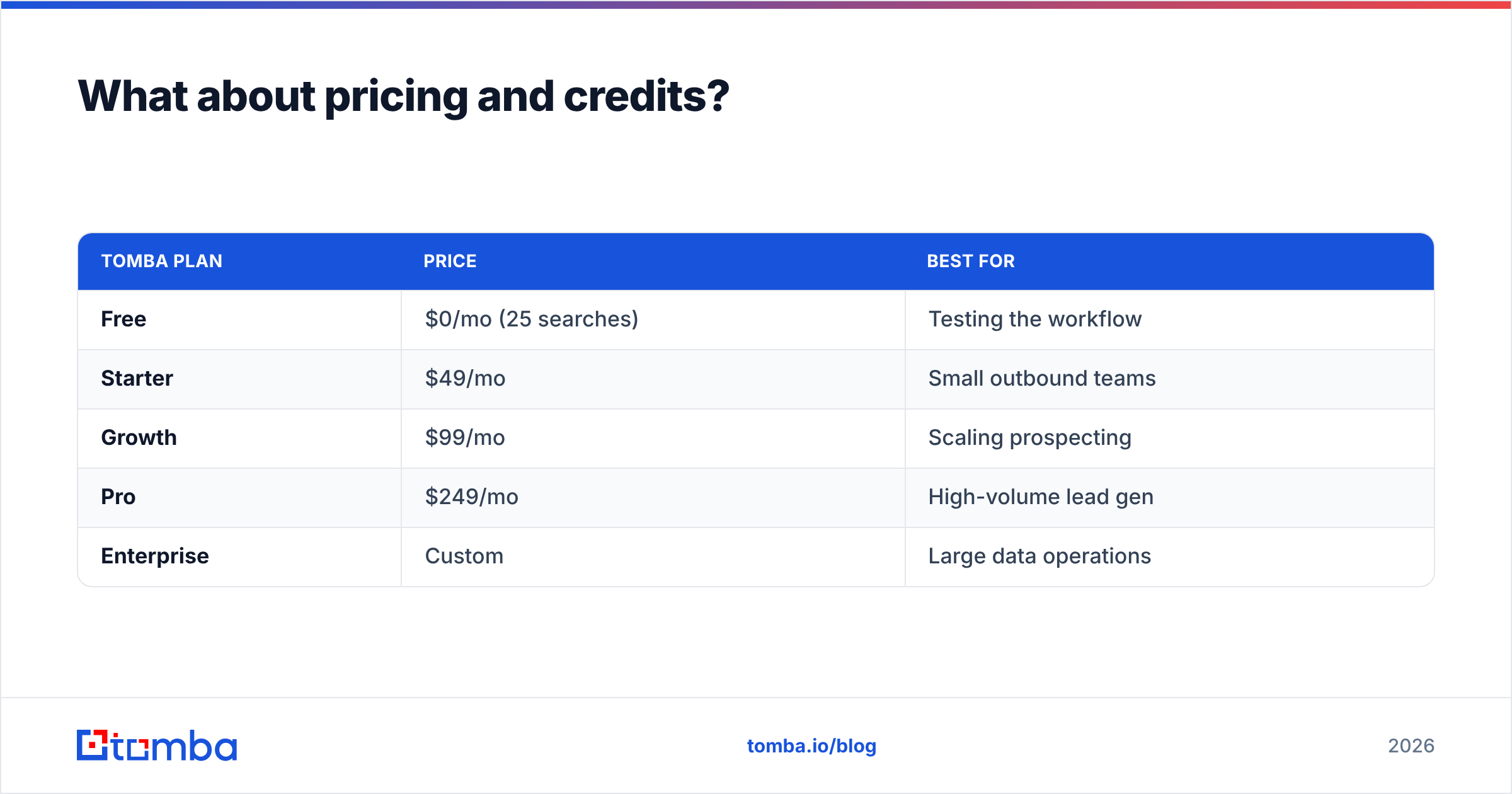
| Tomba plan | Price | Best for |
|---|---|---|
| Free | $0/mo (25 searches) | Testing the workflow |
| Starter | $49/mo | Small outbound teams |
| Growth | $99/mo | Scaling prospecting |
| Pro | $249/mo | High-volume lead gen |
| Enterprise | Custom | Large data operations |
Full Tomba pricing breaks down search and verification credits per tier. The point is to verify before you send: paying a few cents to confirm an address is far cheaper than the reputation damage from a bounce-heavy blast.
What mistakes get bulk senders blacklisted?#
Most blacklistings trace back to a short list of avoidable errors:
- No warmup. Sending high volume from a cold domain. Ramp gradually over weeks; tools with built-in warmup automate this.
- Skipping verification. Mailing a list you never cleaned. Bounce rate spikes, reputation craters.
- Buying lists. Purchased data is riddled with spam traps and unengaged contacts. It is the single fastest path to a blacklist.
- One message to everyone. No segmentation means low relevance, low engagement, and high complaint rates.
- Ignoring authentication. Missing SPF/DKIM/DMARC now gets bulk mail rejected outright by major providers.
- Hiding the unsubscribe. Hard-to-find opt-out links drive "mark as spam" clicks, which hurt far more than an unsubscribe.
Avoiding these is 80% of deliverability. The platform you choose matters; what you do before pressing send matters more.
How does a bulk email sender fit with cold outreach?#
For outbound specifically, the sender is the last step in a pipeline that starts with data. The sequence looks like this: identify accounts, find verified contacts, enrich and segment, warm up your inboxes, then send through a cold-email tool with inbox rotation. Skipping the data steps and jumping straight to "send" is why so many cold campaigns get sub-1% reply rates.
If your numbers are flat, audit the data layer before you blame the copy. A list that is 30% invalid will sink any campaign, no matter how good the subject line. Run the list back through verification, check your authentication records, and confirm your warmup is still active. Often the fix is upstream of the sender entirely.
Final take: clean data first, then scale#
A bulk email sender is only as good as the list you feed it. The tool decides how your email travels; your data and authentication decide whether it arrives. In 2026, with Gmail and Yahoo enforcing strict bulk-sender rules, the teams that win are the ones that verify, enrich, and segment before they ever click send.
Start with the data layer. Use the Tomba Email Finder to source verified professional emails, run them through verification to strip out bounces, and enrich each contact so your segmentation is sharp. Get that right, and any decent bulk email sender will deliver. Get it wrong, and the best platform on the market still lands you in spam. Build your list on a foundation you can trust — then scale with confidence.
// get started
Find, verify and enrich your first contacts today
Start on the free plan with 25 searches a month, then scale when your team is ready.
Free plan · No credit card required · GDPR & CCPA
// about the author