Bytemine vs ContactOut 2026: Which B2B Email Finder Wins?
Bytemine vs ContactOut compared on accuracy, pricing, data coverage, and integrations — plus where a leaner email finder beats both in 2026.
Choosing between Bytemine vs ContactOut comes down to one question most review posts dodge: do you need a LinkedIn-first contact extractor, or a domain-first email engine that holds up when you scale past a few hundred lookups a month? Both tools find B2B emails. They get there in very different ways, and that difference decides whether your bounce rate stays under 3% or quietly wrecks your sender reputation.
This is a neutral teardown. We pit the two head-to-head on data sourcing, accuracy, pricing, and workflow fit — then show where a leaner, verification-first email finder fits teams that care more about deliverability than browser plugins.
TL;DR#
- ContactOut is a LinkedIn-centric Chrome extension built for recruiters and AEs who live inside LinkedIn and Sales Navigator. Strong personal-email coverage, weaker as a bulk/API-first engine.
- Bytemine is a younger domain-and-prospecting platform aimed at outbound teams who want lists, filters, and finder + verifier in one place. Smaller, less proven data network.
- On raw email accuracy and verification, neither publishes independently audited numbers — treat vendor accuracy claims with skepticism and run your own test batch.
- If your workflow is API, bulk, and domain search rather than manual LinkedIn scraping, a verification-first tool like Tomba Email Finder usually delivers lower bounce rates at a lower price.
- Pricing reality: ContactOut gates real volume behind sales calls; Bytemine is cheaper but thinner. Always benchmark on your domains before committing annually.
What is Bytemine?#
Bytemine is a B2B prospecting and email-finding platform that bundles lead search, email discovery, and basic verification into one dashboard. The pitch is consolidation: instead of stitching a database, a finder, and a verifier together, you filter a contact list by industry, role, or geography and export verified-ish emails for outreach.
Think of Bytemine like a grocery store's pre-made meal kit — the ingredients are assembled for you, which is convenient, but you trade away control over where each ingredient came from. For small teams running their first few outbound campaigns, that convenience is real. The open question is data depth: Bytemine is newer and has a smaller crawled footprint than the incumbents, so coverage on niche industries or non-US regions can thin out fast.
Its core jobs:
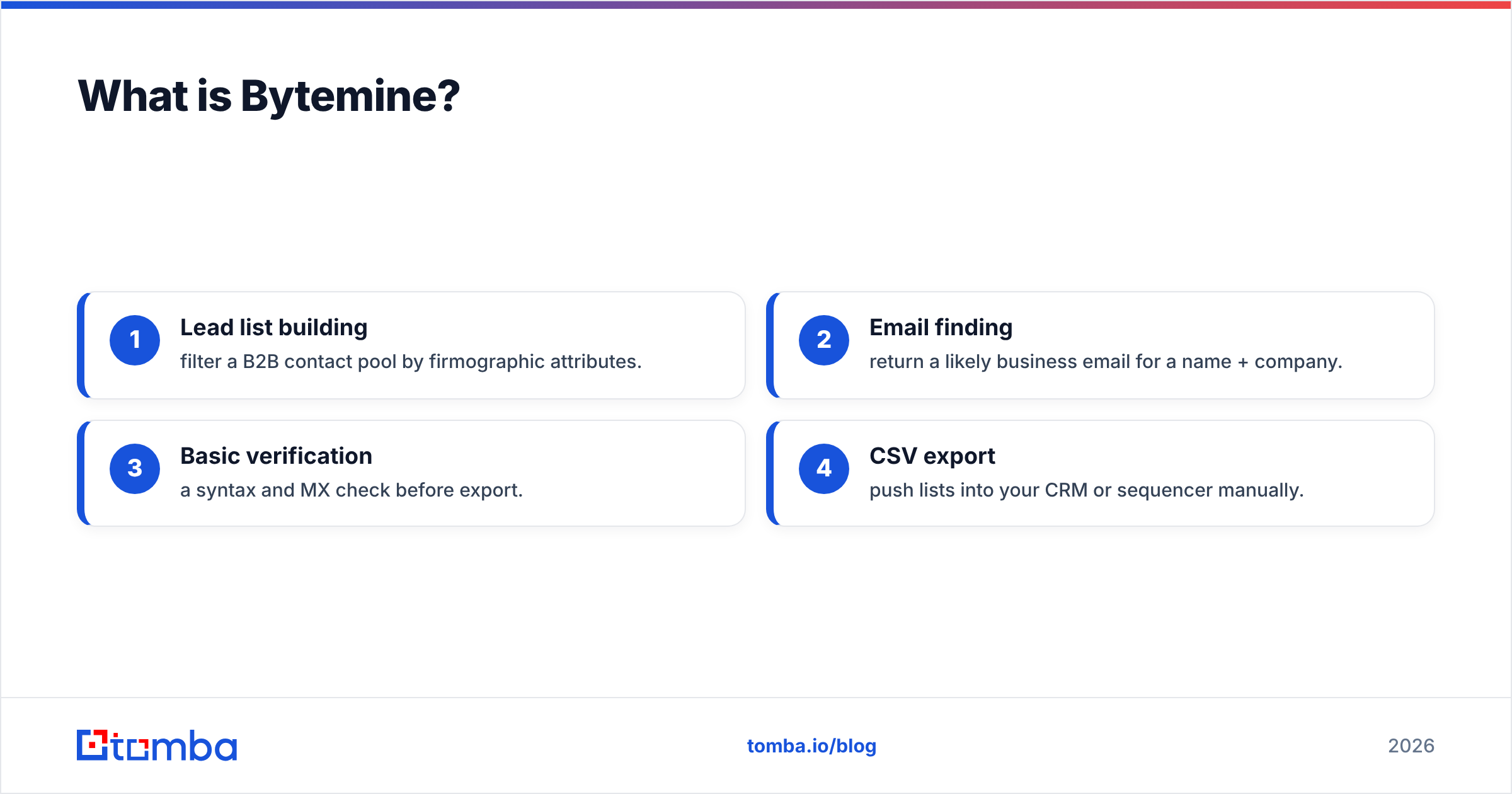
- Lead list building — filter a B2B contact pool by firmographic attributes.
- Email finding — return a likely business email for a name + company.
- Basic verification — a syntax and MX check before export.
- CSV export — push lists into your CRM or sequencer manually.
What is ContactOut?#
ContactOut is best known as a Chrome extension that surfaces personal and work emails (and phone numbers) directly on LinkedIn and Sales Navigator profiles. It has spent years indexing public profile data, and that focus shows: ContactOut's standout is personal email coverage, which recruiters value because candidates ignore corporate inboxes.
If Bytemine is a meal kit, ContactOut is a metal detector you sweep over LinkedIn — it lights up when there's contact data buried in a profile. That model is excellent when your prospecting starts on LinkedIn and you work profiles one at a time. It's a worse fit when you start from a domain, a CSV of company names, or an API call, because the tool's center of gravity is the browser, not your data pipeline.
ContactOut also offers a search portal and an API on higher tiers, but the experience and the pricing are clearly optimized around the extension and seat-based recruiter use.

Bytemine vs ContactOut: how do they compare?#
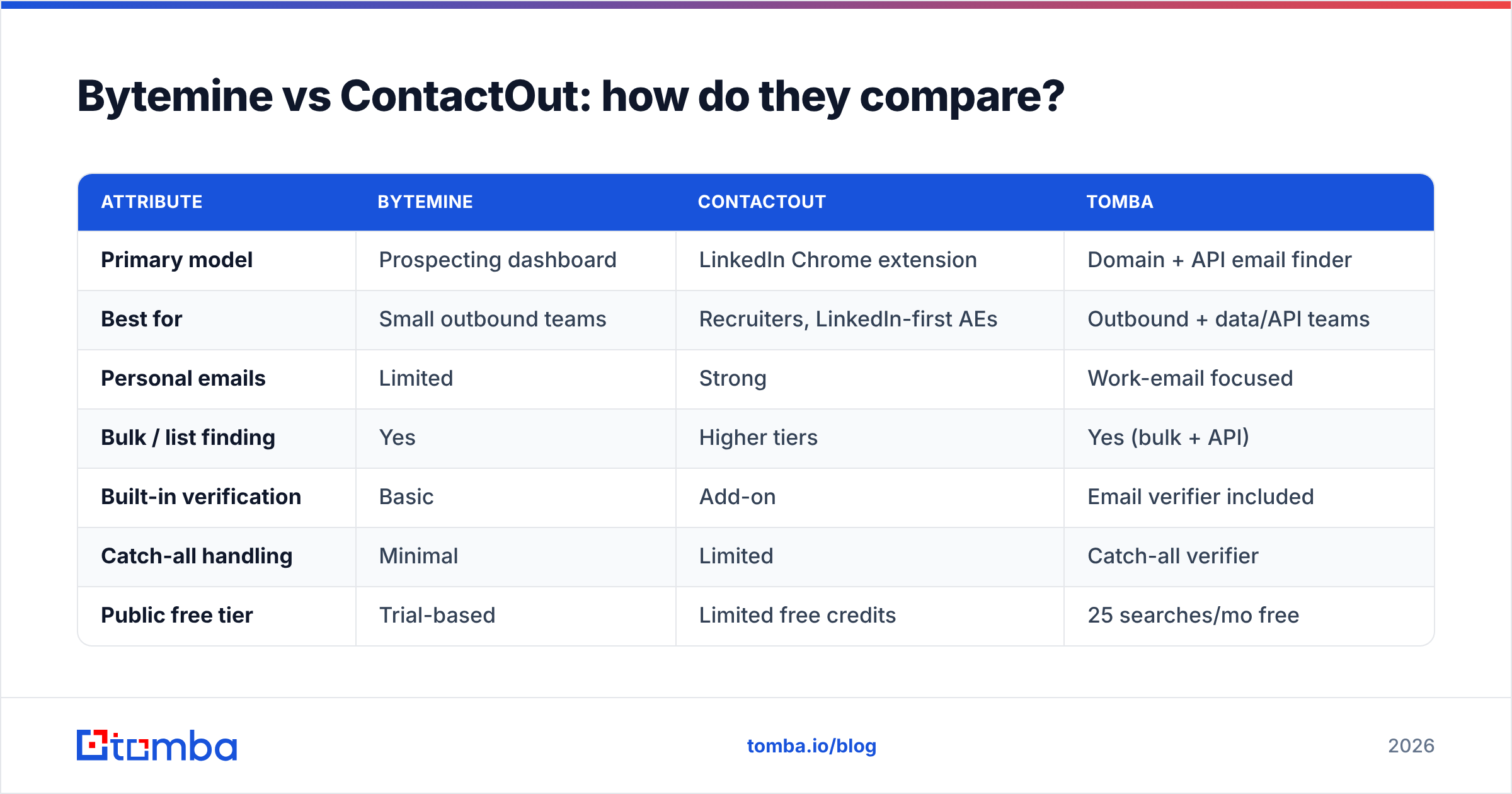
Here's the head-to-head on the attributes that actually change your outcomes. Where a vendor doesn't publish a number, we say so rather than inventing one.
| Attribute | Bytemine | ContactOut | Tomba |
|---|---|---|---|
| Primary model | Prospecting dashboard | LinkedIn Chrome extension | Domain + API email finder |
| Best for | Small outbound teams | Recruiters, LinkedIn-first AEs | Outbound + data/API teams |
| Personal emails | Limited | Strong | Work-email focused |
| Bulk / list finding | Yes | Higher tiers | Yes (bulk + API) |
| Built-in verification | Basic | Add-on | Email verifier included |
| Catch-all handling | Minimal | Limited | Catch-all verifier |
| Public free tier | Trial-based | Limited free credits | 25 searches/mo free |
| Entry paid price | Low, but thin | Gated via sales | $49/mo Starter |
| API maturity | Emerging | Higher tiers only | Full REST API + SDKs |
The pattern: ContactOut wins on LinkedIn-sourced personal emails, Bytemine wins on price-for-simplicity, and a domain-first engine wins on bulk, verification, and API depth. None of them is "best" in the abstract — fit depends on where your prospecting starts.
Which is more accurate — and can you trust the claims?#
Short answer: don't trust any unverified accuracy number, including the ones in this post's competitors' marketing. Email-finder accuracy is wildly dependent on the industry, region, and company size you're targeting. A tool that hits 95% on US SaaS executives can collapse to 60% on European logistics SMBs.
Three things drive real-world accuracy:
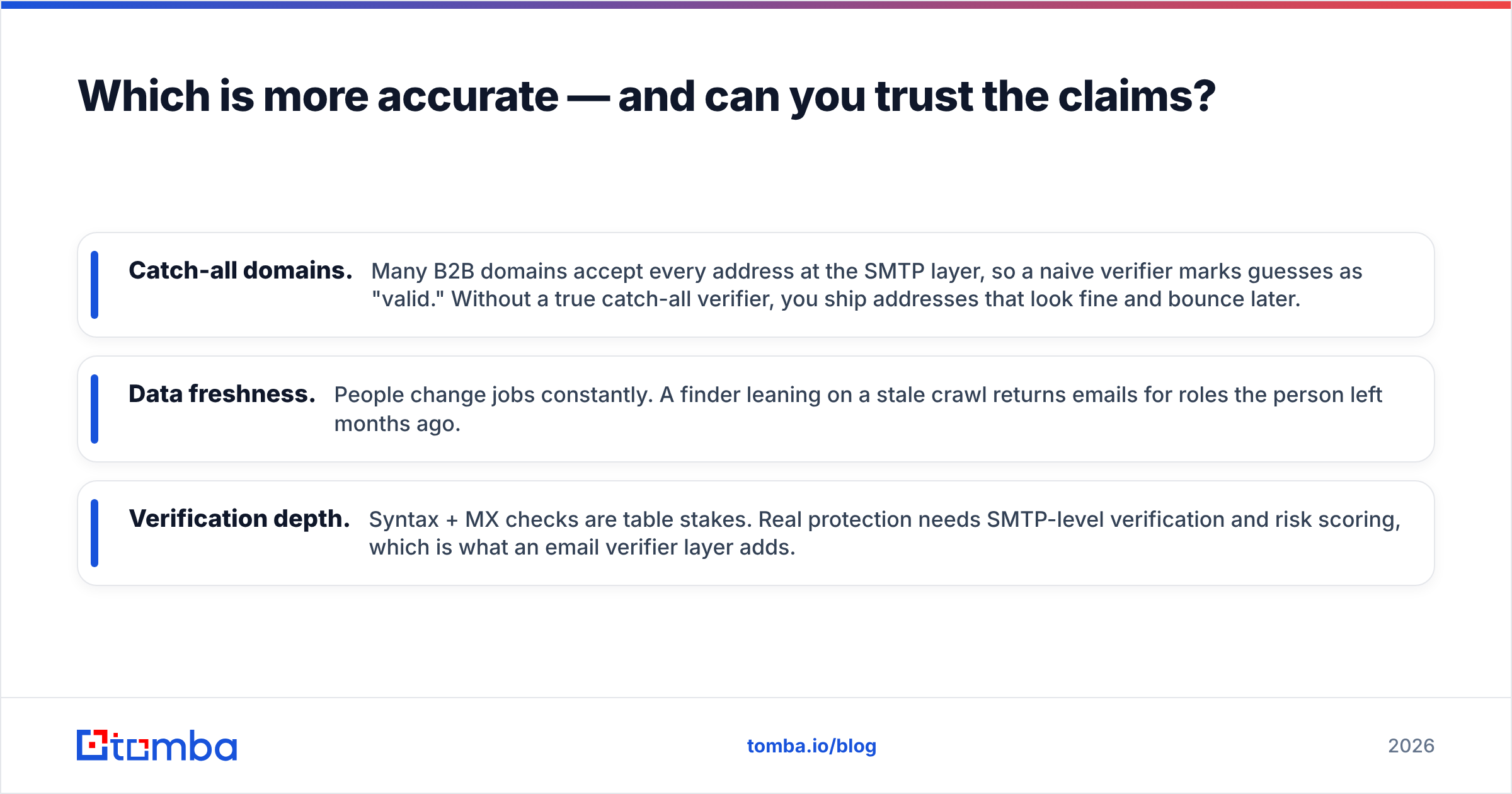
- Catch-all domains. Many B2B domains accept every address at the SMTP layer, so a naive verifier marks guesses as "valid." Without a true catch-all verifier, you ship addresses that look fine and bounce later.
- Data freshness. People change jobs constantly. A finder leaning on a stale crawl returns emails for roles the person left months ago.
- Verification depth. Syntax + MX checks are table stakes. Real protection needs SMTP-level verification and risk scoring, which is what an email verifier layer adds.
ContactOut's edge is breadth of indexed profiles; its weakness is that personal-email guesses are harder to verify at the SMTP layer. Bytemine's basic verification is convenient but shallow. If deliverability is the metric you're graded on, run a 200-contact test through each tool, send to a seed list, and measure real bounces — vendor dashboards lie by omission.
Rule of thumb: a tool's "valid" rate means nothing until you've measured its bounce rate on your own list.
How does pricing compare for Bytemine vs ContactOut?#
Pricing is where the two diverge most, and where total cost of ownership hides.
ContactOut offers a small free allotment, then pushes serious volume behind seat-based plans and sales conversations. For a recruiting team of 5 living in LinkedIn all day, the per-seat math can work. For a lean outbound team that needs 10,000 finds a month via API, the seat model gets expensive fast.
Bytemine undercuts on sticker price, which is genuinely attractive for early-stage teams. The catch is depth — you may pay less per month but spend more hours filling coverage gaps or re-verifying exports elsewhere.
For comparison, a verification-first competitor prices transparently without a sales gate:
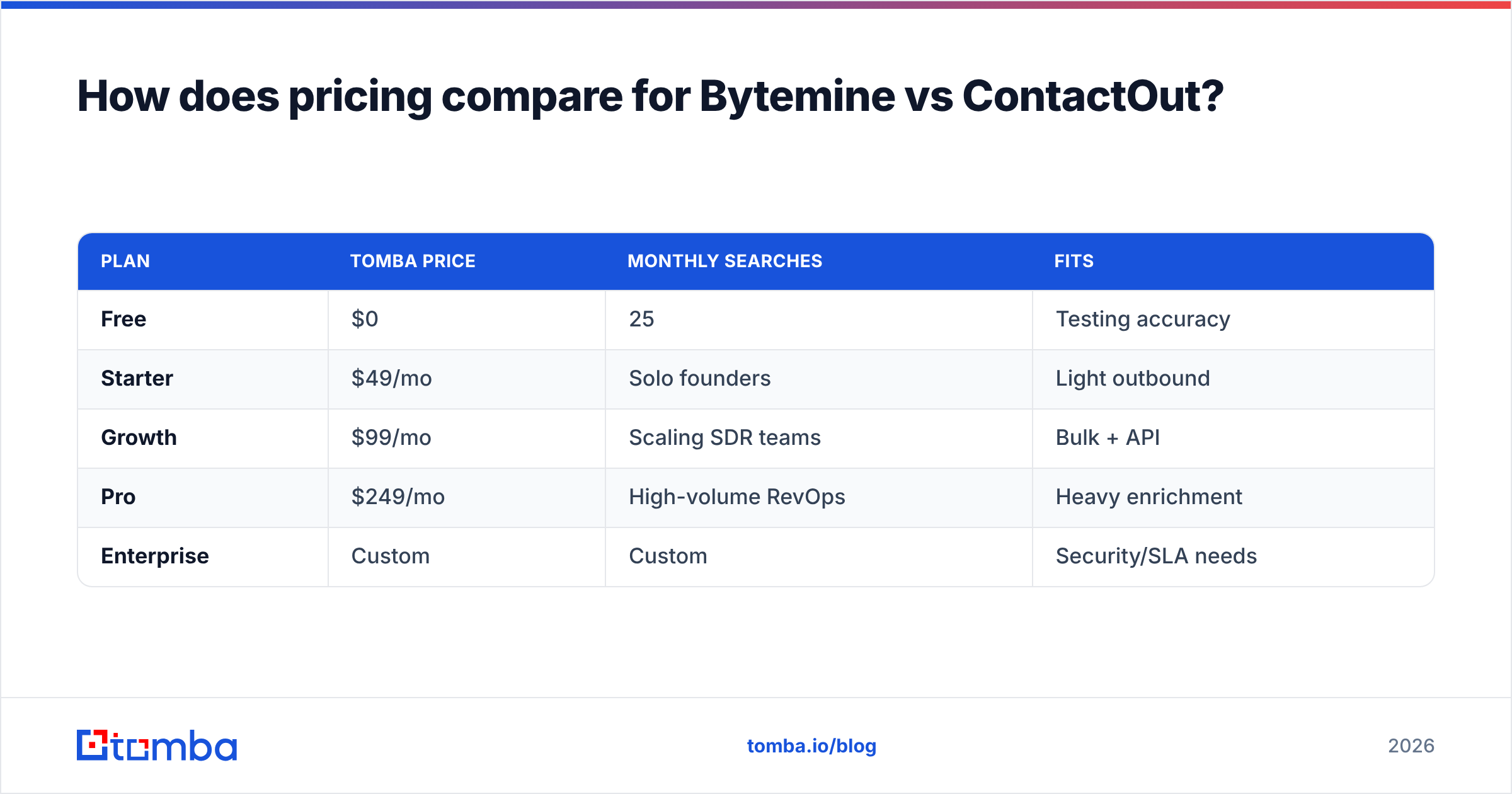
| Plan | Tomba price | Monthly searches | Fits |
|---|---|---|---|
| Free | $0 | 25 | Testing accuracy |
| Starter | $49/mo | Solo founders | Light outbound |
| Growth | $99/mo | Scaling SDR teams | Bulk + API |
| Pro | $249/mo | High-volume RevOps | Heavy enrichment |
| Enterprise | Custom | Custom | Security/SLA needs |
You can see full Tomba pricing without booking a call. The broader point for a Bytemine vs ContactOut decision: compare cost per verified, delivered email, not cost per credit. A cheap credit that bounces costs you sender reputation, which is far more expensive than the credit.

Which tool fits your workflow?#
Match the tool to where your prospecting actually begins.
- You live inside LinkedIn / Sales Navigator and chase personal emails → ContactOut's extension is the most natural fit. Recruiters especially benefit from its personal-email coverage.
- You're a small team wanting one cheap dashboard for lists → Bytemine is a reasonable starting point, with the caveat of thinner data and shallow verification.
- You start from domains, company lists, or code → a domain search + API engine is the better backbone. You can enrich a whole company in one call and pipe results straight into your CRM via native integrations.
- You send at volume and bounce rate is a KPI → prioritize built-in verification and catch-all handling over browser convenience.
Most mature teams end up running a hybrid: a LinkedIn extension for one-off sourcing, plus a verification-first API for the bulk and automated work. The mistake is forcing one tool to do both jobs and accepting a worse bounce rate as the price of fewer logins.
What about data sourcing and compliance?#
Where a tool gets its data matters for both accuracy and legal exposure. ContactOut indexes large volumes of public profile data; that breadth is its asset, but personal data handling under GDPR and similar regimes puts the compliance burden on you as the sender. Bytemine's sourcing is less documented publicly — ask directly before you buy.
Whatever you pick, do two things: confirm the vendor documents where its data comes from, and keep a verification step between the finder and your sequencer. You can cross-reference vendor claims on independent review sites like G2 and Capterra rather than trusting marketing pages — and read the provider's own docs, the way you'd vet any HubSpot or Salesforce integration, before wiring it into your stack.
Bytemine vs ContactOut: the verdict#
There's no single winner — there's a winner for your motion:
- Pick ContactOut if you're recruiting or selling from inside LinkedIn and personal emails are your prize.
- Pick Bytemine if you want the cheapest all-in-one dashboard and can live with thinner coverage and basic verification.
- Pick a verification-first email finder if you operate at the domain/API/bulk level and you're measured on deliverability, not just discovery.
The unsexy truth: the tool matters less than the verification discipline around it. A great finder feeding an unverified list still bounces. A modest finder paired with rigorous catch-all and SMTP verification quietly outperforms.
Try the verification-first approach#
If your prospecting starts from domains, company names, or an API call — not a LinkedIn tab — the Tomba Email Finder is built for exactly that. Find work emails by name or domain, verify them with catch-all detection in the same workflow, and scale through a documented Tomba API without seat-gated sales calls. Start free with 25 searches a month, run a real bounce-rate test against Bytemine and ContactOut on your list, and let the delivered-email numbers — not the marketing — pick your winner.
Ready to find emails that actually work?
Join 150,000+ professionals who stopped guessing and started sending. Free credits on signup — no credit card required.
Get the Tomba newsletter
Practical outbound tactics and product updates — once every two weeks.
About the author