Catch All Email Verification: The 2026 Practical Guide
Catch-all domains accept every address, so standard checks return "unknown." Here's how catch all email verification actually works in 2026 — and how to stop guessing.
Catch-all domains are the single biggest blind spot in email validation. A normal verifier pings the mail server, the server says "yes, that mailbox exists," and you move on. On a catch-all domain the server says "yes" to everything — ceo@acme.com, nobody@acme.com, and asdkjh@acme.com all return the same green light. That single behavior is why your list looks clean and your bounce rate still spikes.
This guide explains what catch all email verification is, why it's hard, and the concrete methods that work in 2026.
TL;DR#
- A catch-all (accept-all) domain is configured to accept mail for any address at that domain, so a standard SMTP check can't tell a real mailbox from a fake one.
- Verifiers return these as "catch-all," "accept-all," or "unknown" — not "valid." Treating them as valid is what wrecks your bounce rate.
- Catch all email verification layers extra signals — pattern analysis, historical engagement data, and provider-specific probes — on top of the basic SMTP handshake.
- The safe playbook: segment catch-all addresses, enrich and cross-reference them, then warm up before you blast.
- Tools differ wildly here. Pick one that flags catch-alls explicitly instead of silently marking them valid.
What is catch all email verification?#
Catch all email verification is the process of judging whether an address on an accept-all domain is likely to reach a real person, when the mail server itself refuses to confirm it.
Think of a catch-all domain like a mailroom that accepts every envelope regardless of the name on it, then sorts (or trashes) it internally later. From the street, you can't tell which names are real employees and which go straight to the shredder. A standard email verifier only gets to stand on the street and ask "do you accept mail for this name?" — and the mailroom always says yes.
So instead of relying on that one yes/no, catch all email verification combines several weaker signals into a confidence score:
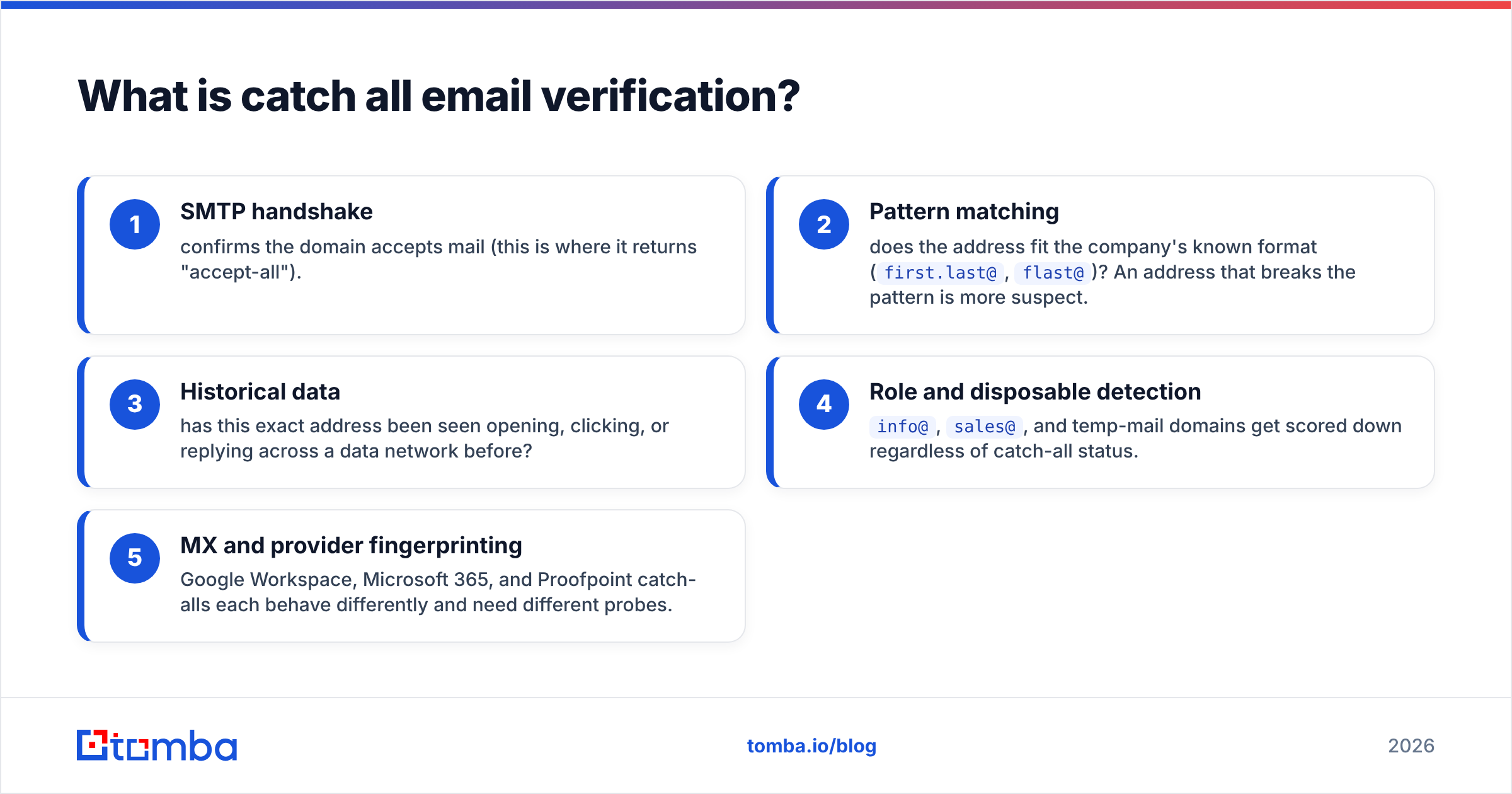
- SMTP handshake — confirms the domain accepts mail (this is where it returns "accept-all").
- Pattern matching — does the address fit the company's known format (
first.last@,flast@)? An address that breaks the pattern is more suspect. - Historical data — has this exact address been seen opening, clicking, or replying across a data network before?
- Role and disposable detection —
info@,sales@, and temp-mail domains get scored down regardless of catch-all status. - MX and provider fingerprinting — Google Workspace, Microsoft 365, and Proofpoint catch-alls each behave differently and need different probes.
The output isn't "valid" — it's "valid with X% confidence." That honesty is the whole point.
Why do catch-all domains break normal verification?#
Because the server lies — politely. During SMTP verification, your verifier opens a conversation with the recipient mail server and issues an RCPT TO command for the target address. A normal server replies 550 (no such user) for a fake mailbox and 250 OK for a real one. A catch-all server replies 250 OK for every address you try, real or invented.
Administrators enable this on purpose:
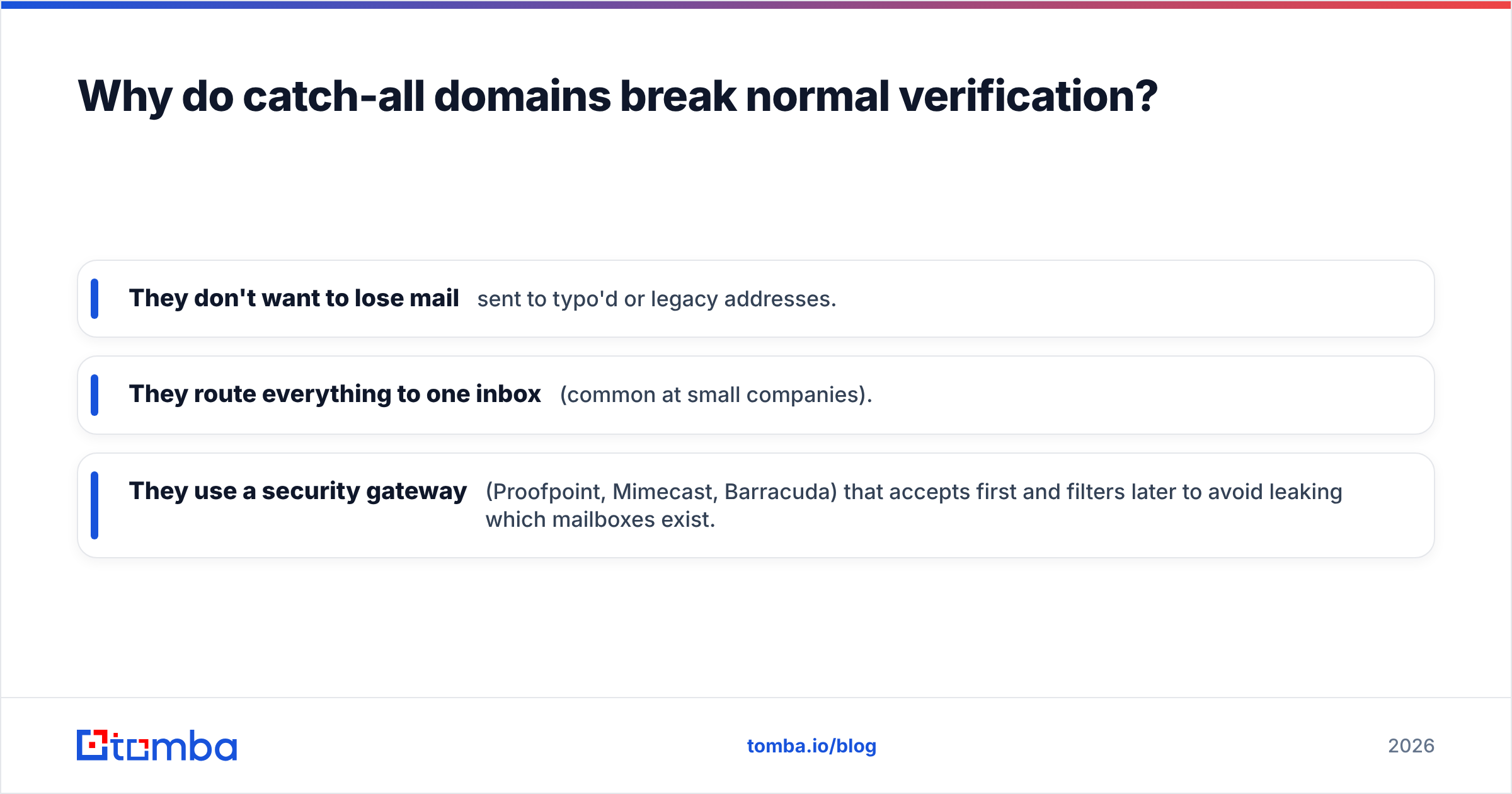
- They don't want to lose mail sent to typo'd or legacy addresses.
- They route everything to one inbox (common at small companies).
- They use a security gateway (Proofpoint, Mimecast, Barracuda) that accepts first and filters later to avoid leaking which mailboxes exist.
That last reason is increasingly common in 2026: enterprise security tools deliberately accept-all so attackers can't enumerate valid addresses. The side effect is that legitimate verification gets the same opaque wall. According to Google's own Postmaster guidance, sustained sends to non-existent mailboxes damage sender reputation — and catch-all domains are exactly where you can't see that risk coming.

How do you verify a catch-all email address?#
You can't get a hard "valid" — but you can get to a defensible confidence level. Here's the layered approach that works.
1. Confirm the domain is actually catch-all. Run the address through a catch-all verifier first. If the domain isn't catch-all, you get a normal valid/invalid answer and you're done. Only escalate the addresses that genuinely come back as accept-all.
2. Score the address pattern. Use domain search to pull the company's known email format and several confirmed addresses. If your target matches the dominant pattern (jane.doe@acme.com when the company uses first.last@), confidence rises. If it's a random string, drop it.
3. Cross-reference an identity. A real address usually maps to a real person you can see on LinkedIn, a company page, or a data network. If data enrichment returns a matching name, title, and company, the address is far more likely to land in a monitored inbox.
4. Check engagement history. Verifiers backed by large data networks know whether an address has shown activity before. A previously-active address on a catch-all domain is a strong positive signal.
5. Send carefully, not blindly. For the addresses that survive scoring, ramp volume gradually and watch bounces. Treat catch-all sends as a separate, lower-volume segment from your confirmed-valid list.
Catch-all verification methods compared#
Not every method gives you the same certainty or cost. Here's how the common approaches stack up.
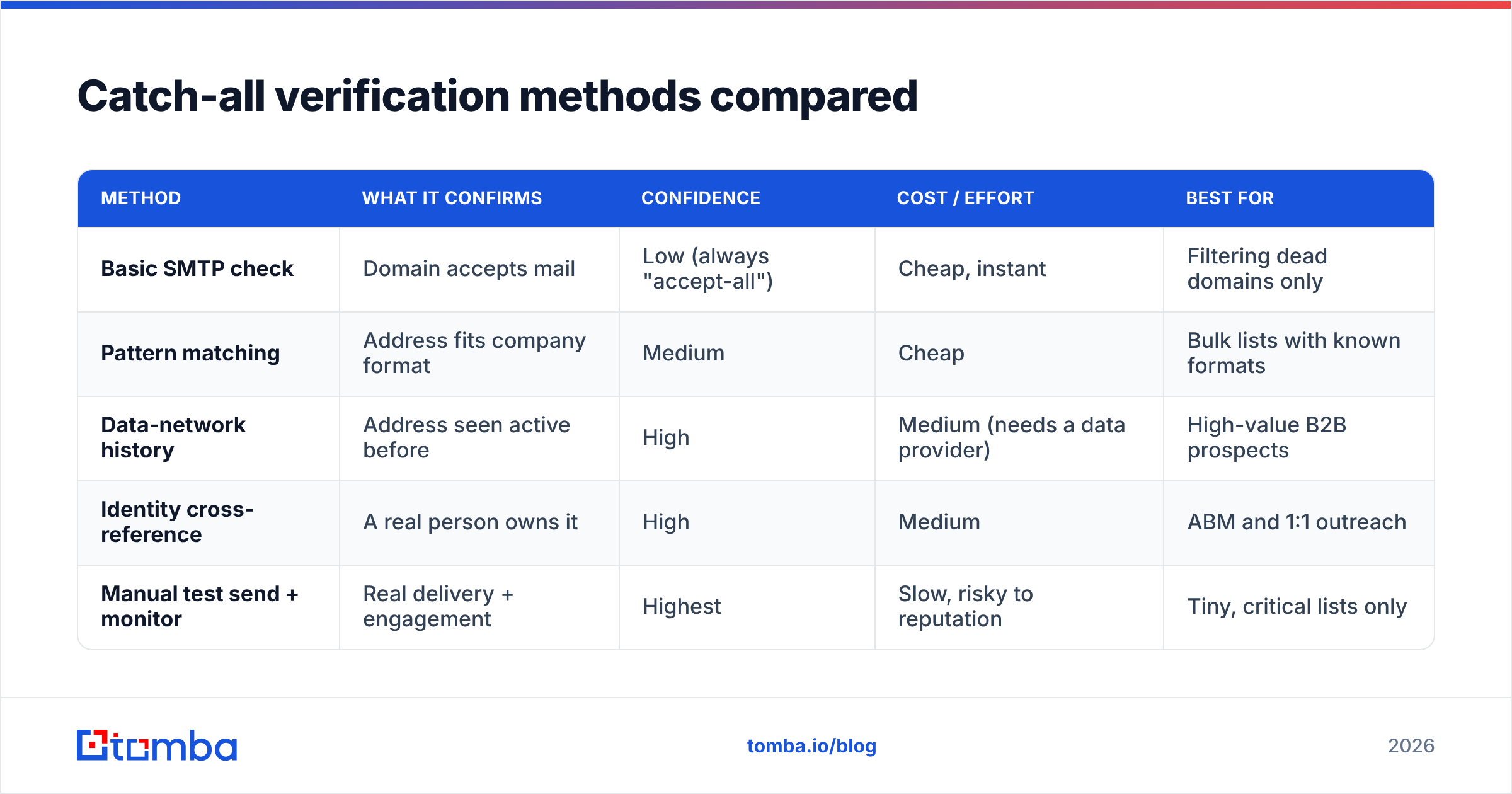
| Method | What it confirms | Confidence | Cost / effort | Best for |
|---|---|---|---|---|
| Basic SMTP check | Domain accepts mail | Low (always "accept-all") | Cheap, instant | Filtering dead domains only |
| Pattern matching | Address fits company format | Medium | Cheap | Bulk lists with known formats |
| Data-network history | Address seen active before | High | Medium (needs a data provider) | High-value B2B prospects |
| Identity cross-reference | A real person owns it | High | Medium | ABM and 1:1 outreach |
| Manual test send + monitor | Real delivery + engagement | Highest | Slow, risky to reputation | Tiny, critical lists only |
The practical takeaway: no single row wins. Production catch all email verification stacks the middle three rows so you get high confidence without manually test-sending to thousands of addresses.
How accurate can catch-all verification actually get?#
Honest answer: you should expect confidence scores, not guarantees. A good catch all email verification engine will correctly classify the underlying domain behavior with high reliability, but the per-address verdict on an accept-all domain is always probabilistic.
Set expectations like this:
- Domain-level catch-all detection: highly reliable — the SMTP behavior is deterministic.
- Address-level "this reaches a human": typically expressed as a confidence band (e.g., high / medium / low), because the server won't confirm it.
- Bounce reduction in practice: segmenting and scoring catch-alls instead of treating them as valid is what moves your bounce rate, not chasing a mythical 100% verdict.
Anyone promising "100% catch-all accuracy" is selling the SMTP lie back to you. The mail server hid the answer on purpose; software can narrow the odds, not invent certainty. Treat vendors who acknowledge this as more trustworthy, not less.

How does Tomba handle catch-all verification?#
Tomba treats catch-all as its own verdict instead of quietly bucketing it as valid. When you run an address, the email verifier reports the domain as accept-all and layers on pattern, role, disposable, and data-network signals so you get a confidence read rather than a misleading green checkmark.
A typical workflow looks like this:
- Find the addresses with the email finder or domain search, which already surfaces the company's email pattern.
- Flag catch-all domains with the catch-all verifier so they're segmented automatically.
- Enrich survivors so each address ties back to a named person and title.
- Bulk process the whole list with the bulk verify workflow or the email verification API when you need it in your own pipeline.
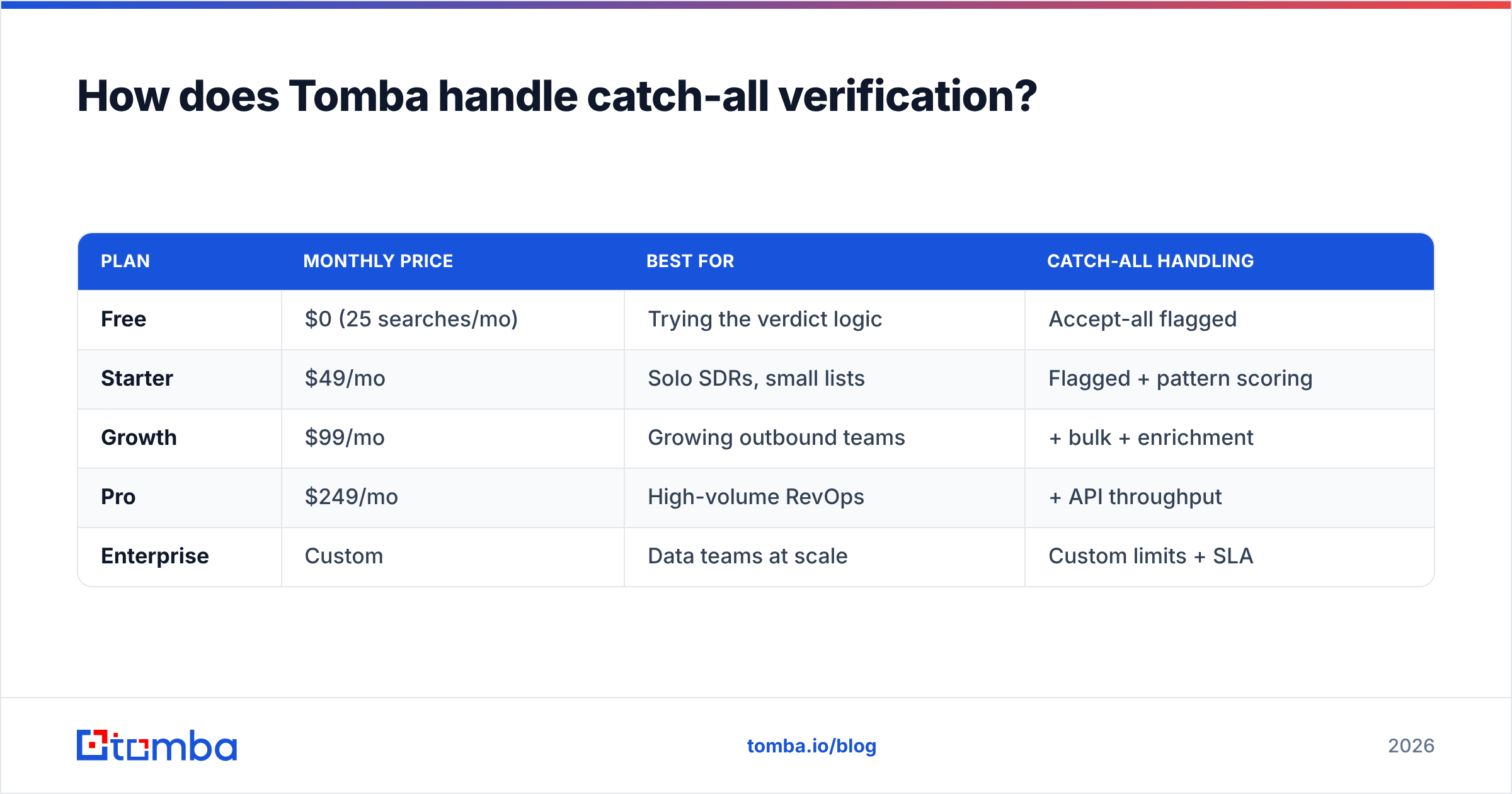
Here's how Tomba's plans map to that workflow:
| Plan | Monthly price | Best for | Catch-all handling |
|---|---|---|---|
| Free | $0 (25 searches/mo) | Trying the verdict logic | Accept-all flagged |
| Starter | $49/mo | Solo SDRs, small lists | Flagged + pattern scoring |
| Growth | $99/mo | Growing outbound teams | + bulk + enrichment |
| Pro | $249/mo | High-volume RevOps | + API throughput |
| Enterprise | Custom | Data teams at scale | Custom limits + SLA |
Full numbers live on the Tomba pricing page. The point isn't the tiers — it's that the catch-all verdict is exposed at every level instead of buried.
When should you actually email a catch-all address?#
Catch-all status is a yellow light, not a red one. Plenty of legitimate, high-value companies run accept-all domains — especially enterprises behind security gateways. Skipping every catch-all means skipping some of your best accounts.
Use this decision rule:
- High-value, identity-confirmed, pattern-matched → email it, in a warmed segment, watching bounces closely.
- Unknown person, off-pattern, no engagement history → don't, or route to a manual research queue.
- Role address (
info@,support@) on a catch-all → almost never worth direct outreach; treat as a fallback only.
Pair this with sane sending hygiene. Catch-all or not, your email deliverability still depends on authentication and reputation. Make sure SPF, DKIM, and DMARC are in order — you can sanity-check records with a free SPF checker — before you ramp volume to any segment, accept-all included. Reputation platforms like G2's deliverability category are a decent place to compare monitoring tools if you want a second layer of visibility.
Common catch-all mistakes to avoid#
- Treating "accept-all" as "valid." This is the cardinal sin. It inflates your "clean" list and quietly raises bounce risk.
- Discarding every catch-all. You'll throw away real enterprise prospects sitting behind security gateways.
- Blasting catch-alls at full volume. Ramp them as a separate, smaller segment and monitor bounces per send.
- Skipping enrichment. Without an identity behind the address, you're guessing. Cross-reference a real person first.
- Ignoring role addresses.
sales@andinfo@on a catch-all are low-intent no matter how the server responds. - Verifying once and never again. Domains change configuration; re-verify high-value lists periodically.
Frequently asked questions#
What does "catch-all" mean on an email verification report? It means the recipient domain is configured to accept mail for any address, so the server confirmed delivery for your test address — but it would have confirmed any address. The verdict is "accept-all," which is different from "valid."
Is a catch-all email safe to send to? Sometimes. If you can tie the address to a real person and it matches the company's email pattern, it's usually safe to send carefully. Random or off-pattern catch-all addresses carry real bounce risk.
Can any tool verify a catch-all email with 100% accuracy? No. The mail server deliberately withholds the per-mailbox answer. Good tools give you a confidence score from pattern, identity, and engagement signals — not a guarantee.
How is catch-all different from a disposable email? A catch-all is a real domain that accepts all addresses; a disposable is a throwaway domain (temp-mail style) used to dodge tracking. Both get flagged, but for different reasons.
Bottom line#
Catch-all domains don't have to be a black box. The losing move is letting a verifier call them "valid" and finding out the truth from your bounce report. The winning move is layered catch all email verification: flag the accept-all domain, score the pattern, confirm a real human, and send to a warmed segment.
Start by flagging accept-all domains and scoring real addresses with Tomba — run a list through the Tomba Email Finder to pull verified contacts with the company's email pattern, then let the verifier expose the catch-all verdict instead of hiding it. You can test the whole flow on the free tier before committing to a paid plan.
// get started
Find, verify and enrich your first contacts today
Start on the free plan with 25 searches a month, then scale when your team is ready.
Free plan · No credit card required · GDPR & CCPA
// about the author