How to Check Email Authenticity in 2026 (SPF, DKIM, DMARC)
Spoofed emails cost businesses billions a year. Here's how to check email authenticity using SPF, DKIM, DMARC, header analysis, and sender verification — step by step.
Spoofing is cheap, convincing, and everywhere. An attacker can put your CEO's name in the "From" field in about ten seconds — and unless you know how to check email authenticity, that message looks exactly like the real thing in your inbox. This guide shows you the signals that actually prove who sent an email, the tools that read those signals for you, and how to separate a genuine sender from a forged one before you click, reply, or wire money.
TL;DR#
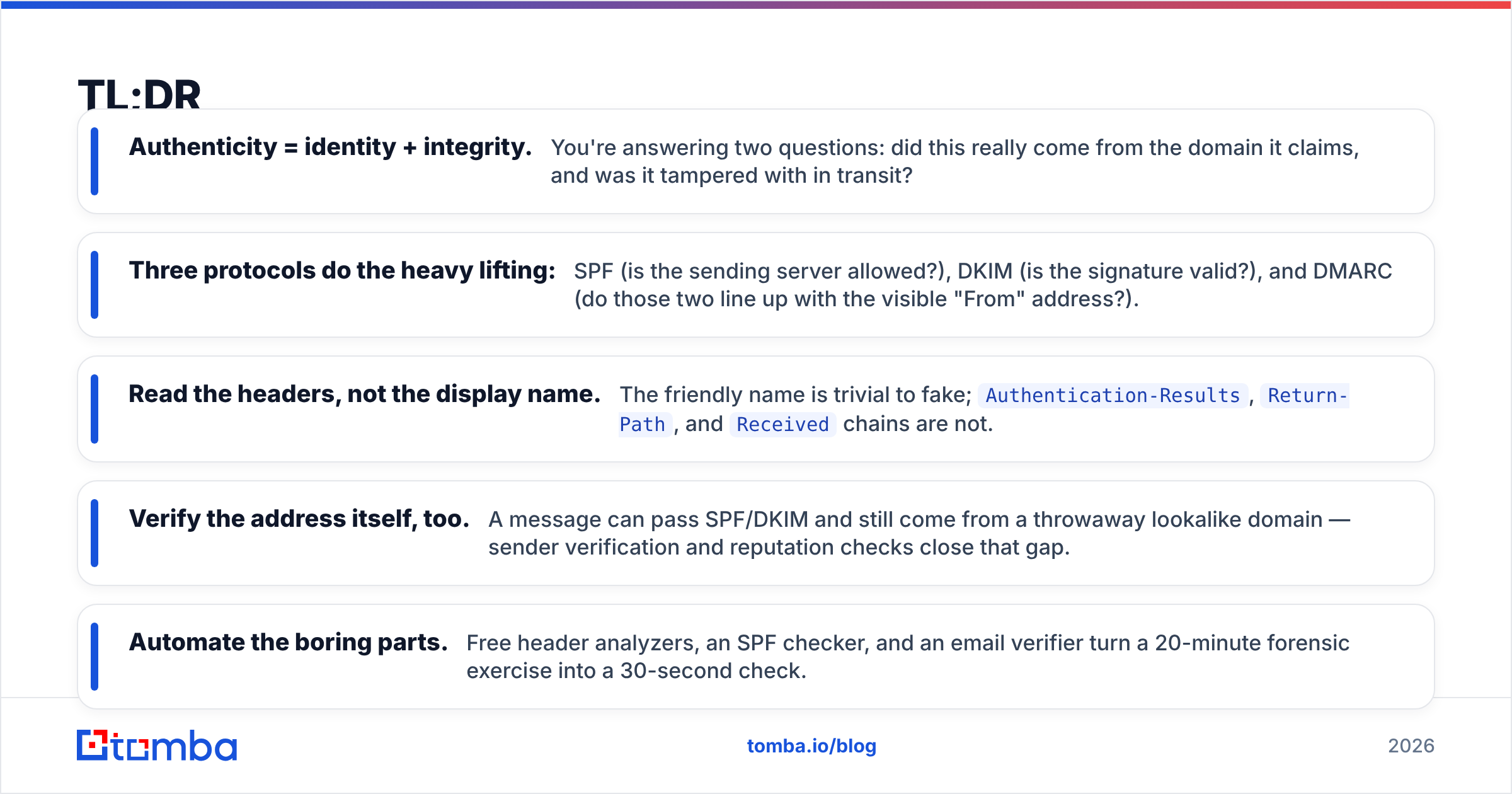
- Authenticity = identity + integrity. You're answering two questions: did this really come from the domain it claims, and was it tampered with in transit?
- Three protocols do the heavy lifting: SPF (is the sending server allowed?), DKIM (is the signature valid?), and DMARC (do those two line up with the visible "From" address?).
- Read the headers, not the display name. The friendly name is trivial to fake;
Authentication-Results,Return-Path, andReceivedchains are not. - Verify the address itself, too. A message can pass SPF/DKIM and still come from a throwaway lookalike domain — sender verification and reputation checks close that gap.
- Automate the boring parts. Free header analyzers, an SPF checker, and an email verifier turn a 20-minute forensic exercise into a 30-second check.
What does "check email authenticity" actually mean?#
Checking email authenticity means confirming two things at once: identity (the message came from the domain it claims) and integrity (nobody altered it between sending and delivery). Think of it like a sealed letter from a bank. The envelope's return address tells you who says they sent it, the wax seal proves it wasn't opened, and the signature inside proves a real person signed it. Email has equivalents for all three — most people just never look at them.
The catch is that the part you do look at — the sender's name and the "From" line your client shows — is the least trustworthy piece of the whole message. Display names are free text. The real proof lives in the headers and in the authentication results your mail server already computed but hid from you.
Which signals prove an email is genuine?#
Three authentication standards carry most of the weight. They're independent, they check different things, and the strongest verification comes from all three agreeing.
- SPF (Sender Policy Framework) — A DNS record listing which mail servers are allowed to send for a domain. When a message arrives, the receiving server checks the sending IP against that list. Fail = the server wasn't authorized. You can inspect any domain's record with an SPF record lookup.
- DKIM (DomainKeys Identified Mail) — A cryptographic signature added by the sending server, verified against a public key in DNS. A valid DKIM signature proves the message body and key headers were not modified in transit.
- DMARC (Domain-based Message Authentication) — The policy layer that ties SPF and DKIM to the visible "From" domain (alignment) and tells receivers what to do on failure: none, quarantine, or reject. Read the full breakdown of email deliverability to see how these stack.
- Header forensics — The
Receivedchain,Return-Path, andAuthentication-Resultsheaders let you trace the actual path and confirm the automated verdict yourself.
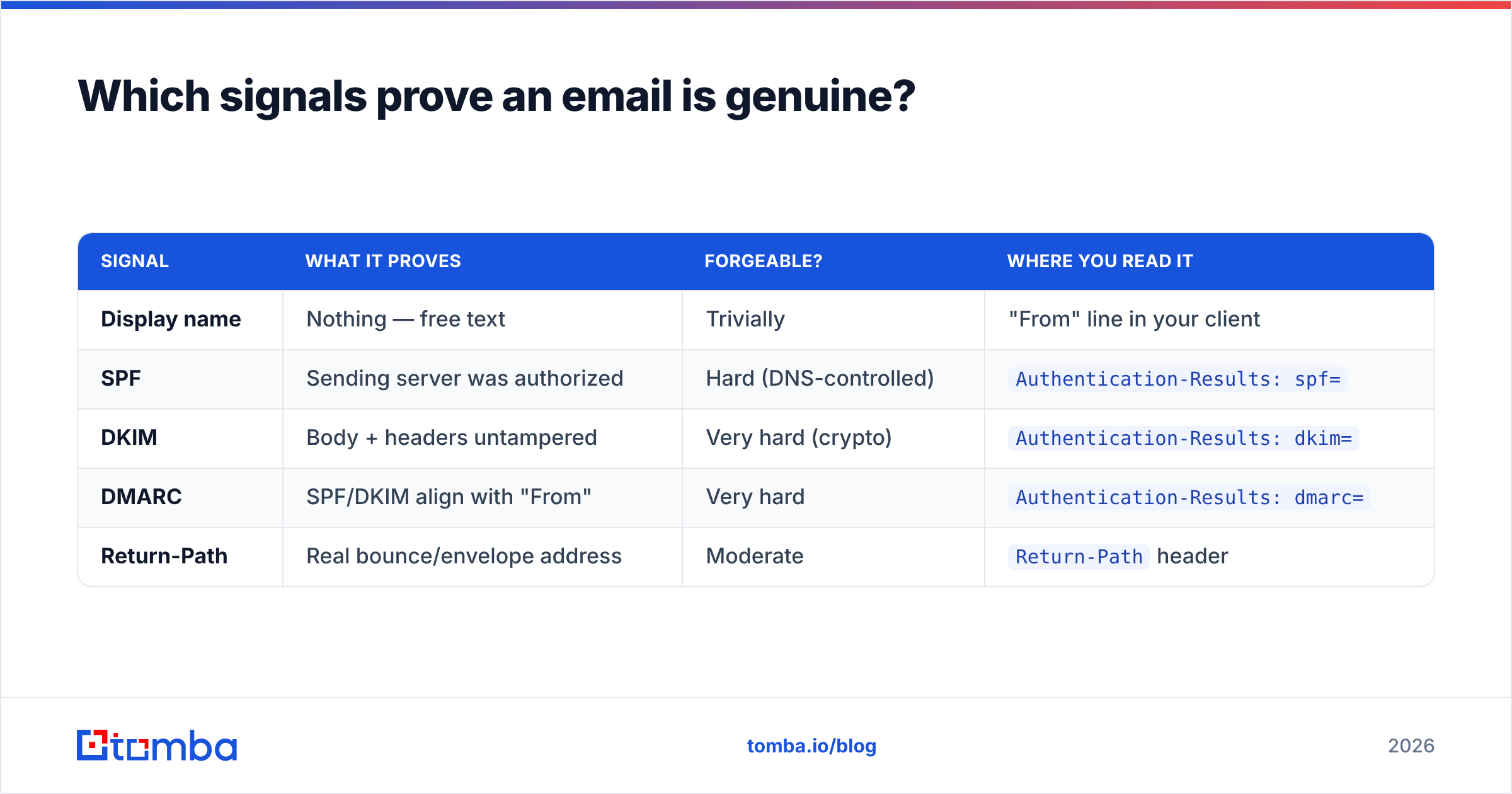
Here's how the three protocols compare on what they prove and how easy they are to forge:
| Signal | What it proves | Forgeable? | Where you read it |
|---|---|---|---|
| Display name | Nothing — free text | Trivially | "From" line in your client |
| SPF | Sending server was authorized | Hard (DNS-controlled) | Authentication-Results: spf= |
| DKIM | Body + headers untampered | Very hard (crypto) | Authentication-Results: dkim= |
| DMARC | SPF/DKIM align with "From" | Very hard | Authentication-Results: dmarc= |
| Return-Path | Real bounce/envelope address | Moderate | Return-Path header |
When all three pass and DMARC is set to reject or quarantine, you can trust the sending domain with high confidence. When any fail — or when the domain has no DMARC policy at all — treat the message as unverified until you do more digging.
How do you read email headers to verify a sender?#
The fastest manual check is the Authentication-Results header, which your mail provider writes after running SPF, DKIM, and DMARC for you. You just have to find it.
In Gmail: open the message, click the three-dot menu, choose Show original. In Outlook: open the message, File → Properties, read the Internet headers box. Both show the raw headers including the line you want:
Authentication-Results: mx.google.com;
  spf=pass (google.com: domain of news@stripe.com designates 192.0.2.10) smtp.mailfrom=news@stripe.com;
  dkim=pass header.i=@stripe.com;
  dmarc=pass (p=REJECT sp=REJECT) header.from=stripe.com
Three pass results plus a DMARC policy of REJECT is a genuine, well-protected sender. Now compare two failure patterns:
spf=failordkim=failwith a "From" address you recognize → likely spoofing. A legitimate sender's own server would pass its own records.- All pass, but
header.fromisstripe-billing-secure.com→ a lookalike domain that authenticated itself perfectly. The protocols did their job; the domain is just not the real Stripe. This is where address-level verification matters.
Walk the Received chain bottom-to-top to see the real hop sequence — the originating server is at the bottom, and a path that starts somewhere unexpected (a residential IP, a free webmail relay) for a supposed corporate sender is a red flag. Google's own Postmaster Tools documentation explains how receivers weight these signals, and dmarc.org is the canonical reference for alignment rules.
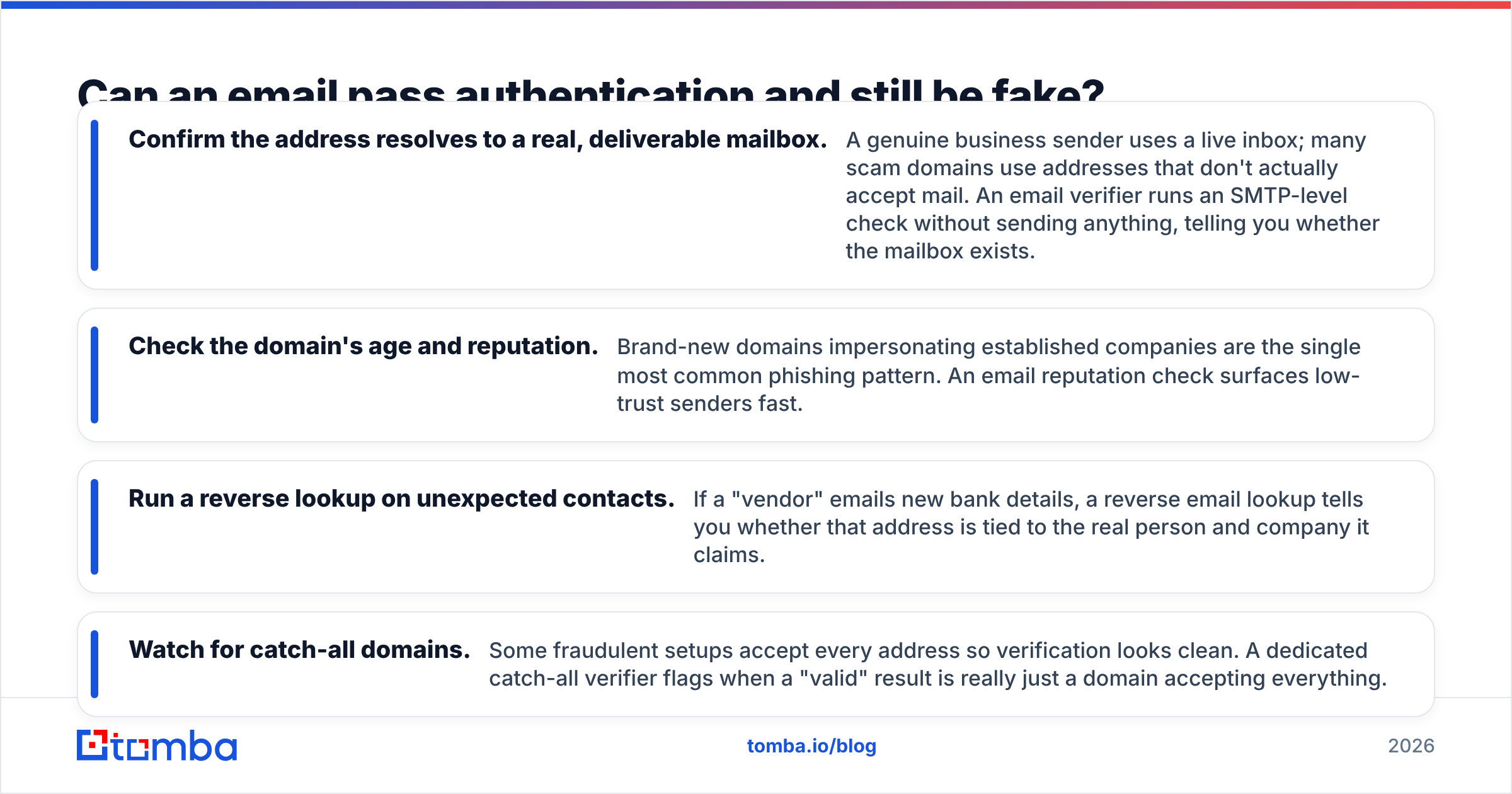
Can an email pass authentication and still be fake?#
Yes — and this is the trap most checklists miss. SPF, DKIM, and DMARC prove a message came intact from a domain that controls its DNS. They say nothing about whether that domain is who you think it is. An attacker who registers paypa1-support.com (note the digit) can set up flawless SPF, DKIM, and a reject DMARC policy. Every protocol passes. The email is still a fraud.
That's why authenticity verification has a second half: verifying the address and the sender behind it.

- Confirm the address resolves to a real, deliverable mailbox. A genuine business sender uses a live inbox; many scam domains use addresses that don't actually accept mail. An email verifier runs an SMTP-level check without sending anything, telling you whether the mailbox exists.
- Check the domain's age and reputation. Brand-new domains impersonating established companies are the single most common phishing pattern. An email reputation check surfaces low-trust senders fast.
- Run a reverse lookup on unexpected contacts. If a "vendor" emails new bank details, a reverse email lookup tells you whether that address is tied to the real person and company it claims.
- Watch for catch-all domains. Some fraudulent setups accept every address so verification looks clean. A dedicated catch-all verifier flags when a "valid" result is really just a domain accepting everything.
The principle: protocols verify the envelope, address tools verify the identity. You need both.
What tools check email authenticity fastest?#
You can do all of this by hand, but tools collapse the work. Here's how the common approaches compare for a non-specialist who needs an answer in under a minute:
| Approach | Checks identity? | Checks integrity? | Speed | Best for |
|---|---|---|---|---|
| Eyeballing the display name | No | No | Instant | Nothing — don't rely on it |
| Manual header reading | Partial | Yes | 5–15 min | One-off forensic deep dives |
| Free SPF/header analyzer | Yes | Yes | ~1 min | Confirming a suspicious message |
| Email verifier + reputation | Yes | No | ~30 sec | Confirming the address is real |
| Combined (verifier + SPF + headers) | Yes | Yes | ~2 min | High-stakes: payments, contracts |
For a single suspicious message, the practical workflow is: read Authentication-Results first, then run the sender's domain through an SPF checker and a blacklist checker, and finally verify the actual address with an email verifier. If you're vetting a list of inbound leads or contacts at scale, batch the address-verification step instead of doing it one at a time.
How do you check email authenticity step by step?#
Here's a repeatable routine you can run on any message that asks you to do something costly — pay an invoice, change credentials, approve a transfer.
- Stop at the display name. Don't trust it. Note the actual email address behind it.
- Open the raw headers (Show original / Internet headers) and find
Authentication-Results. - Confirm SPF, DKIM, and DMARC all say
pass. Anyfail,softfail, ornoneis a reason to slow down. - Check the
header.fromdomain character by character. Lookalikes (rnform,1forl, extra hyphens,.cofor.com) are the entire game. - Verify the address is a real mailbox with an email verifier — fraud domains often can't pass this.
- Cross-check the sender with a reverse lookup or reputation score if anything feels off, especially for first-time or money-related requests.
- When the request involves payment or credentials, verify out-of-band — call a known number, never one from the email.
Run steps 1–4 and you'll catch the vast majority of spoofing. Add 5–6 and you catch the authenticated-lookalike attacks that beat protocol-only checks. Most teams that get burned skipped step 4 or assumed "it passed DMARC" was the finish line.
How can businesses check authenticity at scale?#
For inbound sales, support, and finance teams, one-by-one checking doesn't scale — but the same logic applies to a pipeline. Verify every new contact's address before it enters your CRM, score sender reputation automatically, and flag domains registered in the last 30 days. A bulk email verifier handles thousands of addresses in one pass, and the email verification API lets you wire the check directly into your signup forms, lead routing, or vendor-onboarding flows so a bad address never reaches a human.
The payoff is twofold: you stop fraud and impersonation before they cost money, and you keep your own outbound clean — verified contact data means lower bounce rates and a healthier sender reputation, which is what keeps your legitimate mail out of everyone else's spam folder. Reviews on G2 consistently rank verification accuracy as the feature buyers weigh most, because a verifier that's wrong 15% of the time creates more work than it saves.
Common mistakes when verifying email authenticity#
- Trusting the green padlock or "verified" badge. Those reflect transport encryption (TLS) or a vendor's own UI — not whether the sender is who they claim.
- Treating
spf=passalone as proof. SPF passes for the envelope sender, which can differ from the visible "From." Without DMARC alignment, SPF alone is weak. - Ignoring
dmarc=none. A domain with no DMARC policy gives attackers room to spoof it. Absence of a verdict is itself a yellow flag. - Skipping address verification. The authenticated-lookalike attack walks right through protocol-only checks.
- Verifying once and never again. Domains change hands, get compromised, and land on blacklists. Re-check high-value senders periodically.
The bottom line#
To check email authenticity properly, read the machine's verdict (SPF, DKIM, DMARC in the headers), confirm the visible domain is genuinely who it claims, and verify the address resolves to a real mailbox. Protocols prove the envelope; verification proves the identity. Skip either half and you're guessing.
If you want the address-and-identity half handled in seconds instead of minutes, start with the Tomba Email Finder and pair it with the built-in email verifier to confirm any sender is real before you trust them. The free tier covers 25 searches a month, and paid Tomba plans start at $49/mo when you're ready to verify at scale — so the next "urgent invoice" from your "CEO" gets checked before it gets paid.
// get started
Find, verify and enrich your first contacts today
Start on the free plan with 25 searches a month, then scale when your team is ready.
Free plan · No credit card required · GDPR & CCPA
// about the author