How to Check Email Domain Reputation in 2026 (Full Guide)
Your domain reputation decides whether cold emails land in the inbox or rot in spam. Here's how to check email domain reputation, read the metrics that matter, and fix a damaged score before it costs you replies.
Your domain reputation is the single biggest reason your emails land in the inbox or vanish into spam — and most senders never check it until replies dry up. This guide shows you how to check email domain reputation, which numbers actually predict deliverability, and what to do when the score is bad.
TL;DR#
- Domain reputation is a trust score mailbox providers (Gmail, Outlook, Yahoo) assign to your sending domain based on engagement, complaints, spam-trap hits, and authentication.
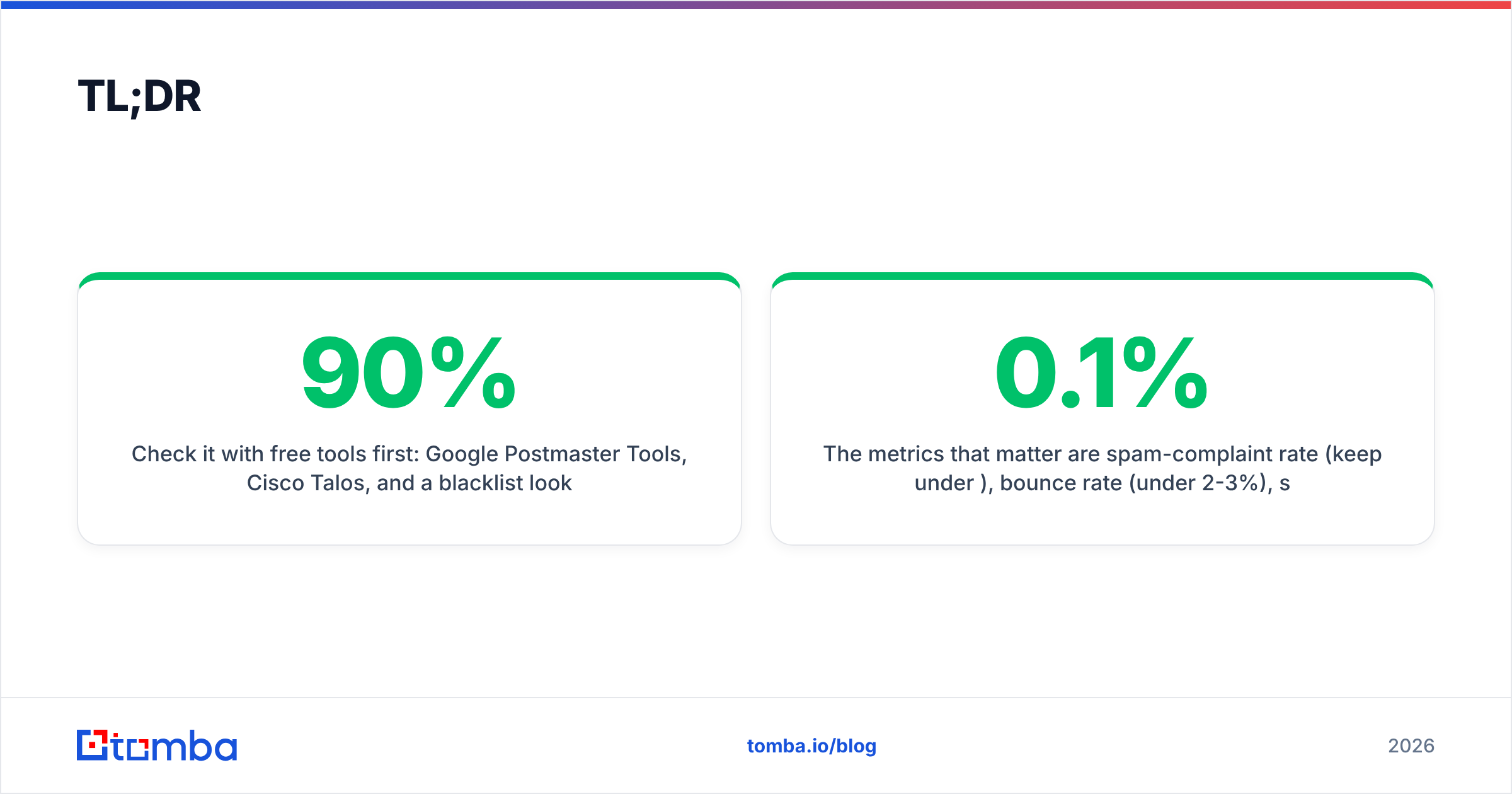
- Check it with free tools first: Google Postmaster Tools, Cisco Talos, and a blacklist lookup cover 90% of what you need before paying for anything.
- The metrics that matter are spam-complaint rate (keep under 0.1%), bounce rate (under 2-3%), spam-trap hits (zero), and authentication pass rates (SPF, DKIM, DMARC).
- A dirty contact list is the fastest way to wreck a good domain — verify addresses before you send, every time.
- Reputation recovers slowly. Fixing it takes weeks of clean sending; protecting it takes one habit: only email verified, opted-in contacts.
What is email domain reputation?#
Think of your domain reputation like a credit score for your email. Banks decide whether to lend you money based on your repayment history; mailbox providers decide whether to deliver your email based on your sending history. Pay your bills on time — low complaints, real recipients, steady volume — and you get inbox placement. Miss payments — spam traps, hard bounces, angry "mark as spam" clicks — and you get filtered or blocked.
Technically, email deliverability is governed by two overlapping reputations: your domain reputation (tied to the domain in your From address) and your IP reputation (tied to the server that sends the mail). Domain reputation is the more durable of the two — it follows you even if you switch sending infrastructure, which is exactly why it matters more for long-term cold outreach.
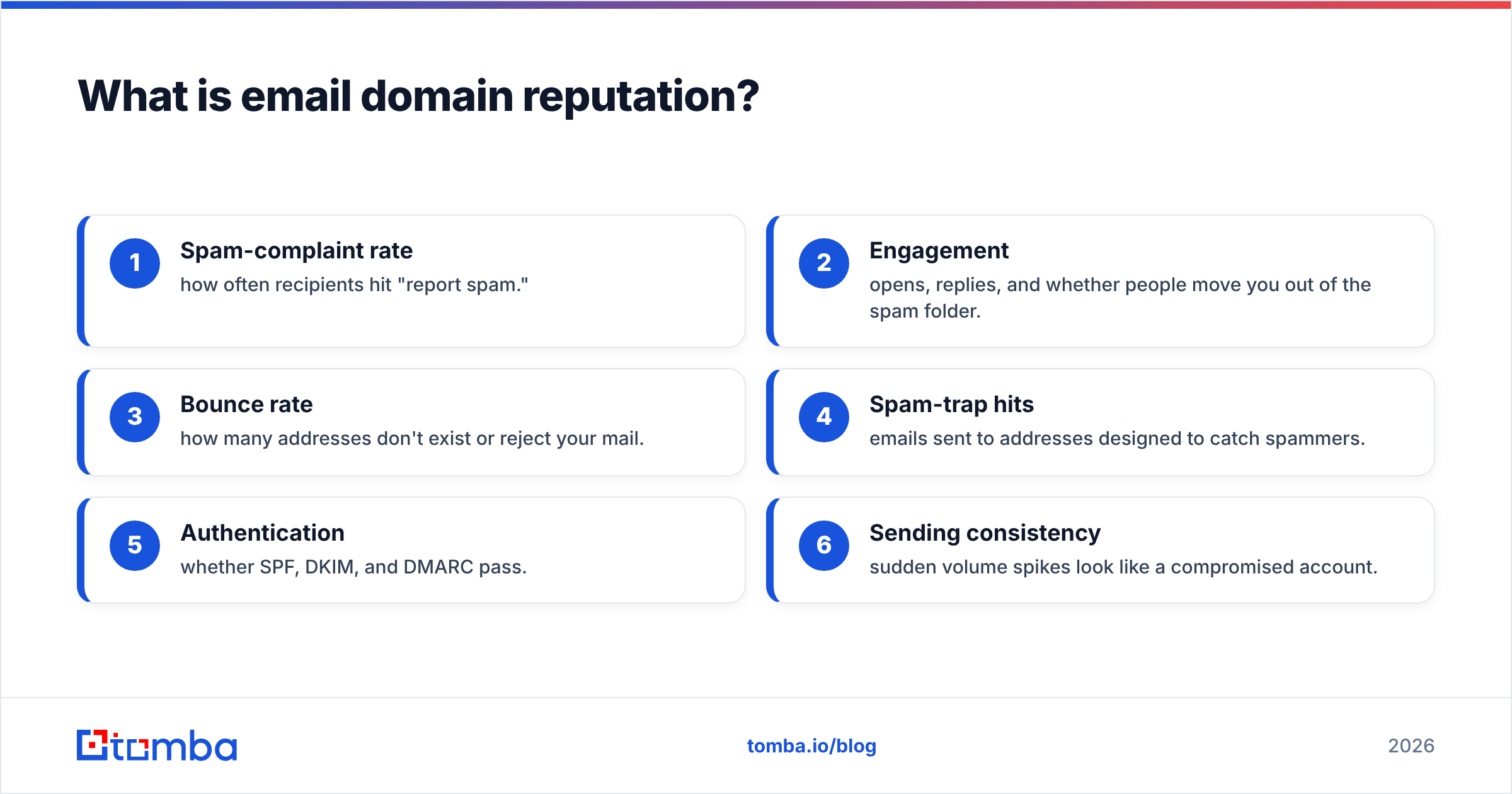
Mailbox providers build this score from signals they watch in real time:
- Spam-complaint rate — how often recipients hit "report spam."
- Engagement — opens, replies, and whether people move you out of the spam folder.
- Bounce rate — how many addresses don't exist or reject your mail.
- Spam-trap hits — emails sent to addresses designed to catch spammers.
- Authentication — whether SPF, DKIM, and DMARC pass.
- Sending consistency — sudden volume spikes look like a compromised account.
)
Why should you check email domain reputation before sending?#
Because by the time you feel a reputation problem, the damage is already weeks deep. Open rates don't drop with a warning label — your emails just quietly start landing in Promotions, then spam, then nowhere. Sales teams routinely blame their copy or their offer when the real culprit is a domain that providers stopped trusting three campaigns ago.
Checking first lets you answer three questions:
- Can I scale this domain? If reputation is already shaky, adding volume accelerates the collapse.
- Is my list the problem? A spike in bounces or complaints almost always traces back to a stale or unverified list.
- Am I on a blacklist? A single blacklisting can tank delivery across every recipient using that filter.
How do you check email domain reputation? (Step by step)#
Here's the practical workflow. Run these in order — each one narrows down where a problem lives.
1. Google Postmaster Tools. Add and verify your domain at Google Postmaster Tools. Because Gmail handles a huge share of B2B inboxes, its Domain Reputation dashboard (High / Medium / Low / Bad) is the closest thing to ground truth you'll get for free. It also shows spam rate, authentication pass rates, and delivery errors.
2. Check blacklists. Run your domain and sending IP through a blacklist lookup. Cisco's Talos Intelligence gives a Good/Neutral/Poor reputation verdict, and a blacklist checker tells you instantly if you're listed on Spamhaus, SORBS, or other major RBLs. Being listed explains sudden, total delivery failure.
3. Verify authentication. Confirm your SPF record, DKIM, and DMARC are published and passing. Use an SPF checker to catch the most common misconfiguration — a missing or overstuffed SPF record. Authentication is table stakes in 2026; Gmail and Yahoo now reject bulk mail that fails it.
4. Score your sender reputation. Tools like Validity's Sender Score rate your IP from 0-100. Anything below 80 needs attention; below 70 is actively hurting you.
5. Run a spam-content test. Even a trusted domain gets filtered by spammy copy. A spam checker flags trigger words, broken links, and missing unsubscribe headers before you send.
Which tools should you use to check domain reputation?#
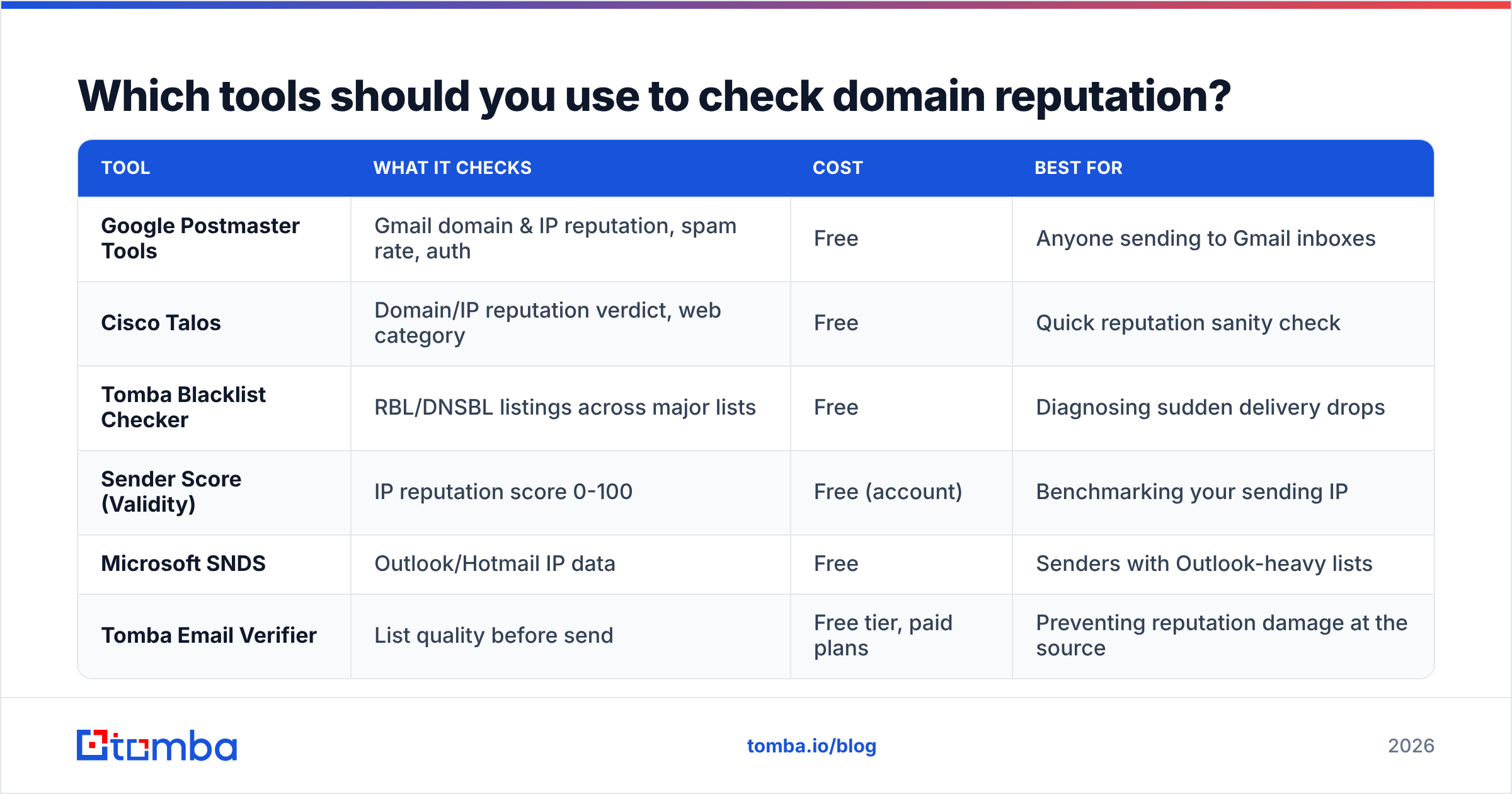
No single tool sees everything — Gmail won't tell you about Outlook, and a blacklist checker won't grade your engagement. Stack a few. Here's how the main options compare.
| Tool | What it checks | Cost | Best for |
|---|---|---|---|
| Google Postmaster Tools | Gmail domain & IP reputation, spam rate, auth | Free | Anyone sending to Gmail inboxes |
| Cisco Talos | Domain/IP reputation verdict, web category | Free | Quick reputation sanity check |
| Tomba Blacklist Checker | RBL/DNSBL listings across major lists | Free | Diagnosing sudden delivery drops |
| Sender Score (Validity) | IP reputation score 0-100 | Free (account) | Benchmarking your sending IP |
| Microsoft SNDS | Outlook/Hotmail IP data | Free | Senders with Outlook-heavy lists |
| Tomba Email Verifier | List quality before send | Free tier, paid plans | Preventing reputation damage at the source |
The pattern: free tools tell you whether your reputation is damaged. They don't fix it — and most of the time the fix lives one step upstream, in the quality of the list you're sending to.
What metrics actually define a healthy domain reputation?#
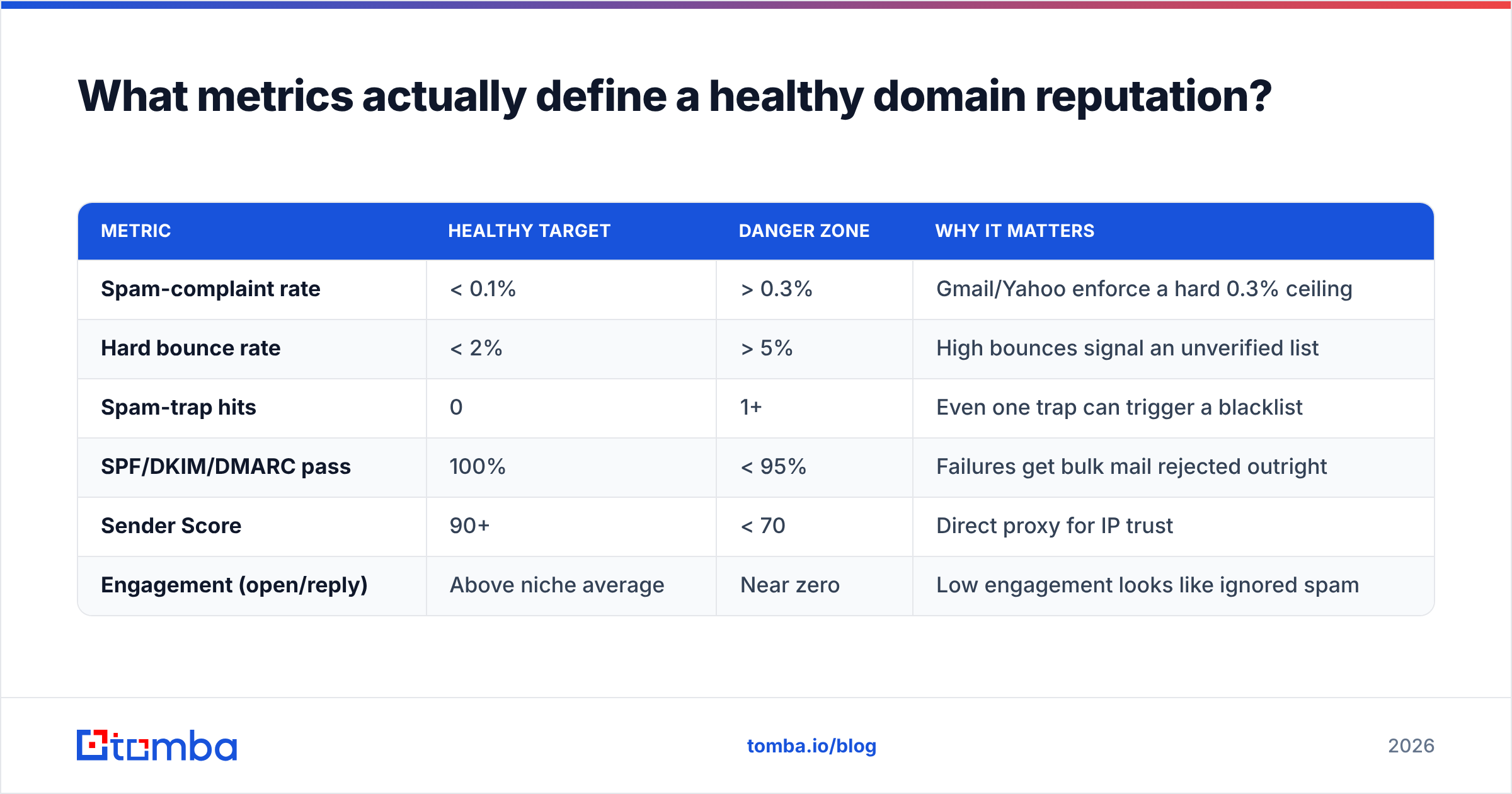
Knowing the thresholds turns a vague "looks bad" into a clear action list. These are the benchmarks mailbox providers reward in 2026:
| Metric | Healthy target | Danger zone | Why it matters |
|---|---|---|---|
| Spam-complaint rate | < 0.1% | > 0.3% | Gmail/Yahoo enforce a hard 0.3% ceiling |
| Hard bounce rate | < 2% | > 5% | High bounces signal an unverified list |
| Spam-trap hits | 0 | 1+ | Even one trap can trigger a blacklist |
| SPF/DKIM/DMARC pass | 100% | < 95% | Failures get bulk mail rejected outright |
| Sender Score | 90+ | < 70 | Direct proxy for IP trust |
| Engagement (open/reply) | Above niche average | Near zero | Low engagement looks like ignored spam |
Notice how many of these trace back to one root cause: who you're emailing. Spam traps, hard bounces, and low engagement all come from sending to addresses that are dead, mistyped, or never wanted your email. That's the lever you actually control.
)
How does your contact list damage (or protect) your reputation?#
Your list is the input; your reputation is the output. Feed providers garbage and they downgrade you fast. This is where most reputation problems are born — and where they're cheapest to prevent.
Here's the failure chain that wrecks a good domain:
- You scrape or buy a list. It's full of typos, role accounts (info@, sales@), and abandoned mailboxes.
- You send. A wave of hard bounces hits — providers read that as "this sender doesn't know their recipients."
- You hit a spam trap. Recycled or pristine traps land you on a blacklist.
- Real people complain. Cold contacts who never opted in click "report spam," pushing your complaint rate past the limit.
- Reputation drops. Now even your good emails to engaged prospects get filtered.
The fix is boring and effective: verify before you send. Run every address through an email verifier to remove invalids, catch-alls, and risky addresses. When you're building lists from scratch, start with accurate data — an email finder that returns verified, source-backed addresses keeps junk out of your pipeline from day one. Tomba documents where its data comes from, which is the difference between a contact you can trust and a guess that bounces.
For a deeper read on the trust signal itself, the concept of sender reputation explains how providers weigh history over time — it's cumulative, so today's clean send pays off for months.
How do you fix a damaged email domain reputation?#
You repair it the way you'd rebuild credit: stop the bleeding, then slowly prove you're trustworthy again. There's no instant reset — anyone selling one is selling snake oil.
Stop sending to bad addresses. Pull your list, run it through verification, and delete every invalid, catch-all-risk, and unengaged contact. This single step ends most active damage.
Get off blacklists. If a blacklist lookup flagged you, follow each list's delisting process — but only after you've fixed the behavior that got you listed. Delisting without a fix just gets you re-listed.
Fix authentication. Publish proper SPF, DKIM, and DMARC records. This is a one-time fix that immediately raises pass rates.
Re-warm the domain. Drop your volume, then ramp it slowly over 2-4 weeks while emailing only your most engaged contacts. Replies and opens are the fastest reputation repair signal there is.
Prune by engagement. Stop emailing people who haven't opened anything in 90+ days. They drag your engagement metrics down and add zero pipeline.
Segment by quality. Send your best content to your warmest segment first to rebuild positive signals before touching colder contacts.
Recovery typically takes three to six weeks of disciplined sending. The senders who recover fastest are the ones who treat list hygiene as permanent, not a one-time cleanup.
How often should you monitor domain reputation?#
Treat it like checking your mirrors while driving — constant, low-effort glances, not a single inspection before the trip.
- Weekly: Glance at Google Postmaster Tools for spam-rate and reputation shifts.
- Before every campaign: Verify the list and run a spam-content check.
- Monthly: Run a full blacklist and authentication audit.
- After any spike: New domain, big volume jump, or a flood of bounces? Check immediately.
If your sending is automated or high-volume, wire reputation checks into your stack via the Tomba API so verification happens before a single bad address ever leaves your system.
Frequently asked questions#
Is domain reputation the same as IP reputation? No. IP reputation is tied to the sending server and resets if you change infrastructure. Domain reputation follows your From-address domain and is harder to escape — which is why protecting it matters more for long-term outreach.
Can a new domain have bad reputation? A brand-new domain starts neutral, not bad. But sending high volume from an unwarmed domain looks suspicious and earns a poor reputation quickly. Warm up gradually.
Does buying email lists hurt domain reputation? Almost always, yes. Purchased lists are riddled with spam traps, dead addresses, and people who never opted in — the exact ingredients of a reputation collapse. Build lists from verified sources instead.
How long does it take to recover a bad reputation? Typically three to six weeks of clean, low-volume, high-engagement sending. There's no instant fix.
Protect your reputation at the source#
The cheapest reputation problem is the one you never create. Every blacklist hit, spam complaint, and hard bounce starts with a single bad address slipping into your list — so the highest-leverage move isn't a monitoring dashboard, it's clean data going in.
Start there with the Tomba Email Finder. It returns verified, source-backed professional emails so the contacts entering your pipeline are real, deliverable, and safe to send to. Pair it with verification on every list, and you stop reputation damage before it begins instead of scrambling to repair it after. The free tier gives you 25 searches a month to test the data quality yourself — check the addresses, check your reputation, and watch your inbox placement hold.
// get started
Find, verify and enrich your first contacts today
Start on the free plan with 25 searches a month, then scale when your team is ready.
Free plan · No credit card required · GDPR & CCPA
// about the author