How to Check Email for Spam Before You Send (2026 Guide)
Learn how to check email for spam before you hit send, read your spam score, fix authentication, and keep cold campaigns out of the junk folder in 2026.
You wrote a clean message, hit send, and got silence. Before you blame the copy, check whether the email even reached the inbox. A message that filters into spam never gets the chance to fail or succeed on merit — it just disappears.
This guide shows you how to check email for spam before you send at scale, how to read a spam score, and how to fix the issues that push you into the junk folder.
TL;DR#
- Check email for spam before the campaign, not after. Run a single test message through a spam checker and read the score, the authentication results, and the blacklist status.
- Three things decide placement: sender authentication (SPF, DKIM, DMARC), sender reputation, and message content. Most "spam" problems are authentication or reputation, not wording.
- Spam scores are diagnostic, not a guarantee. A 10/10 SpamAssassin score still lands in spam if your domain is cold or your list is full of dead addresses.
- List hygiene is half the battle. Bounces and spam-trap hits wreck reputation fast — verify addresses before you send.
- Tools to use: a spam-score checker, a sender-reputation checker, a blacklist checker, and an email verifier. They each answer a different question.
What does it mean to "check email for spam"?#
Checking email for spam means testing a real message against the same signals mailbox providers use to decide between Inbox, Promotions, and Junk — before that message reaches a single prospect.
Think of it like a pre-flight checklist. A pilot doesn't taxi onto the runway and hope the landing gear works; they confirm each system on the ground. A spam check is the same idea: you send one test message to an analyzer, and it reports back on the systems that matter — authentication records, content triggers, formatting, and reputation — so you fix problems while the cost of fixing them is still zero.
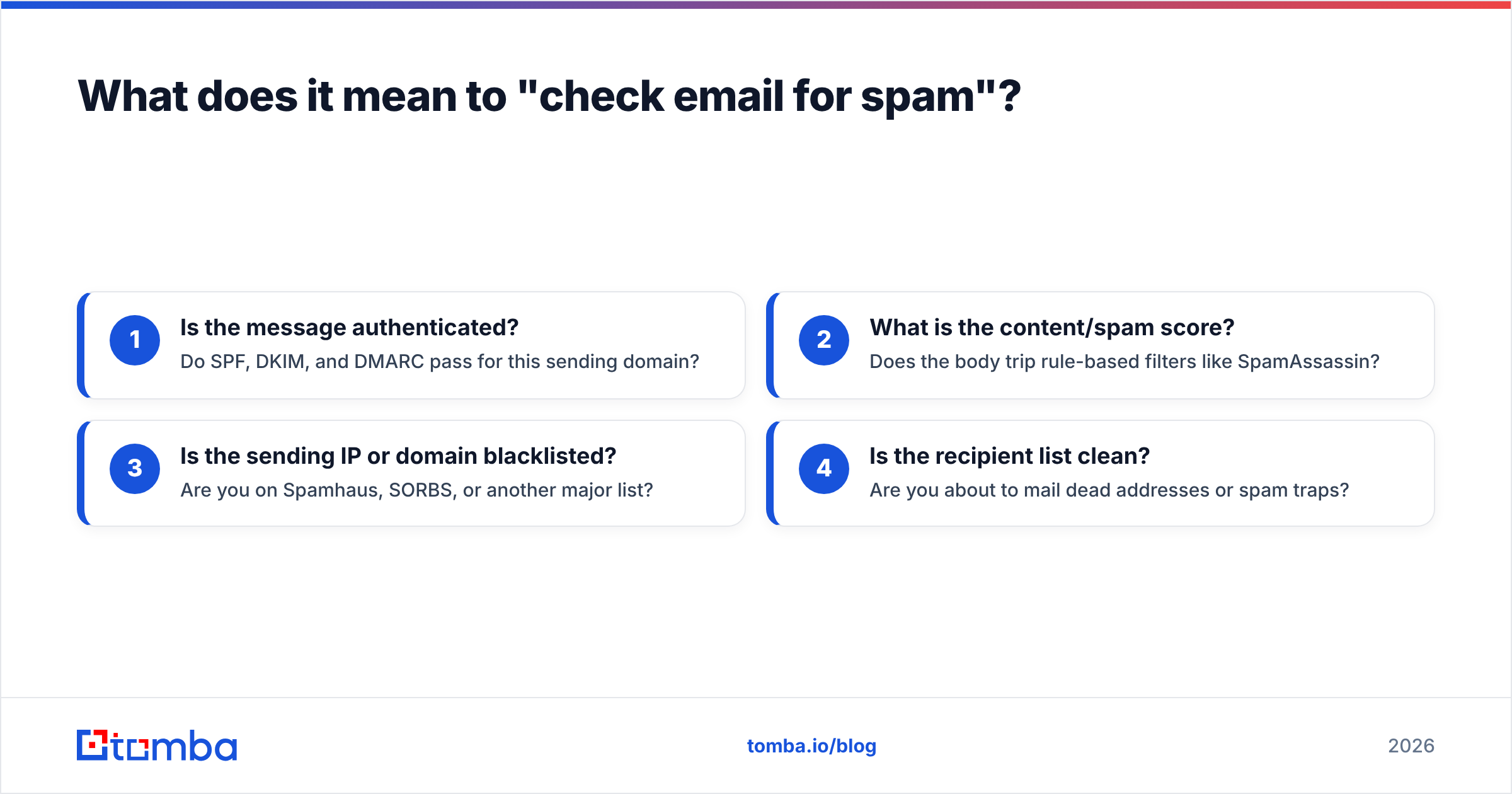
A complete spam check answers four separate questions:
- Is the message authenticated? Do SPF, DKIM, and DMARC pass for this sending domain?
- What is the content/spam score? Does the body trip rule-based filters like SpamAssassin?
- Is the sending IP or domain blacklisted? Are you on Spamhaus, SORBS, or another major list?
- Is the recipient list clean? Are you about to mail dead addresses or spam traps?
Skip any one of these and you get a false sense of safety. Authentication can be perfect while your list quietly drags reputation into the ground.
Why do your emails land in spam?#
Most senders assume spam placement is about "spammy words." In practice, wording is the smallest lever. The big three are technical and behavioral.
- Broken or missing authentication. If a provider can't verify that you're allowed to send from your domain, it treats you as suspicious by default. As of 2024, Google and Yahoo require SPF, DKIM, and DMARC for bulk senders, and that bar has only tightened since.
- Poor sender reputation. Mailbox providers score your domain and IP based on past behavior: complaint rates, bounce rates, and engagement. A brand-new domain with no history is a different risk than a warmed one. Learn the mechanics in this primer on sender reputation.
- Dirty lists. Sending to invalid addresses generates hard bounces; hitting a recycled spam trap can blacklist you outright.
- Content and formatting triggers. Image-only emails, link shorteners, mismatched "from" names, and aggressive sales language still add risk on top of the above.
The takeaway: a spam check that only scores your words misses where most damage actually happens.
How do you check email for spam before sending?#
Run this sequence on a single test send before you launch the real campaign. Each step maps to one of the four questions above.
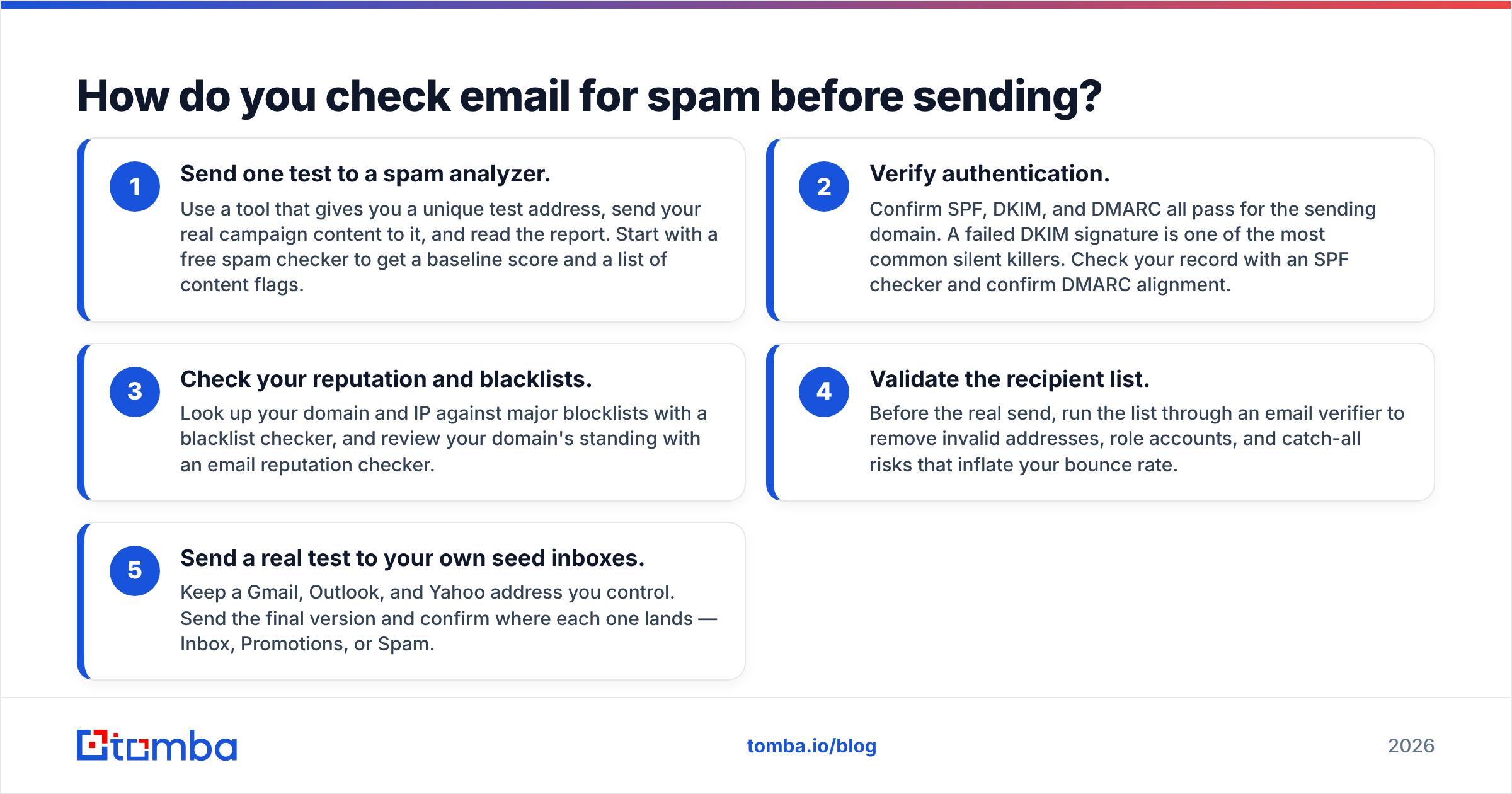
- Send one test to a spam analyzer. Use a tool that gives you a unique test address, send your real campaign content to it, and read the report. Start with a free spam checker to get a baseline score and a list of content flags.
- Verify authentication. Confirm SPF, DKIM, and DMARC all pass for the sending domain. A failed DKIM signature is one of the most common silent killers. Check your record with an SPF checker and confirm DMARC alignment.
- Check your reputation and blacklists. Look up your domain and IP against major blocklists with a blacklist checker, and review your domain's standing with an email reputation checker.
- Validate the recipient list. Before the real send, run the list through an email verifier to remove invalid addresses, role accounts, and catch-all risks that inflate your bounce rate.
- Send a real test to your own seed inboxes. Keep a Gmail, Outlook, and Yahoo address you control. Send the final version and confirm where each one lands — Inbox, Promotions, or Spam.
Do these five in order and you've covered authentication, content, reputation, and list quality in under fifteen minutes.
What tools can you use to check email for spam?#
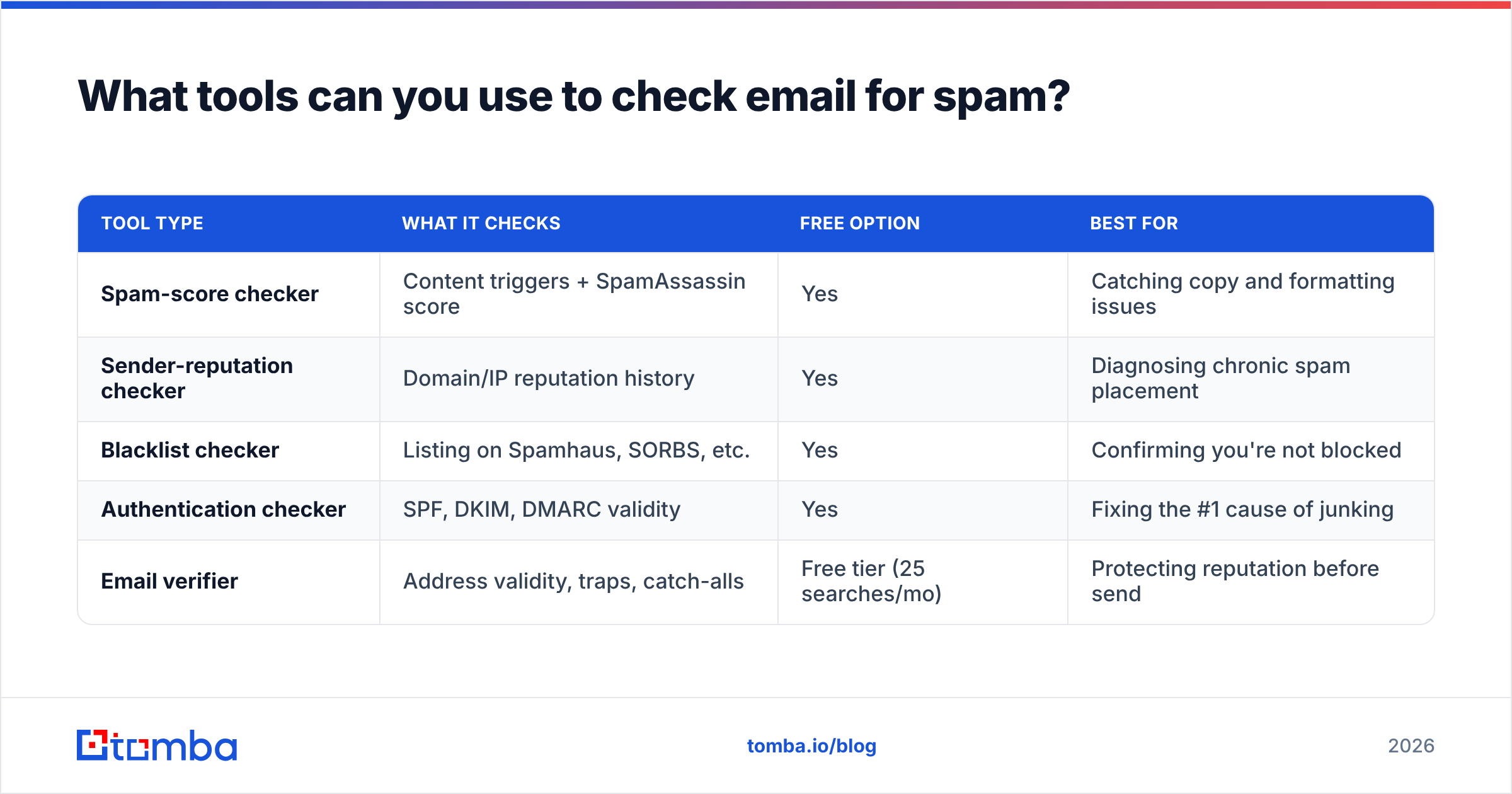
Different tools answer different questions, so most senders use two or three together. Here's how the common categories compare.
| Tool type | What it checks | Free option | Best for |
|---|---|---|---|
| Spam-score checker | Content triggers + SpamAssassin score | Yes | Catching copy and formatting issues |
| Sender-reputation checker | Domain/IP reputation history | Yes | Diagnosing chronic spam placement |
| Blacklist checker | Listing on Spamhaus, SORBS, etc. | Yes | Confirming you're not blocked |
| Authentication checker | SPF, DKIM, DMARC validity | Yes | Fixing the #1 cause of junking |
| Email verifier | Address validity, traps, catch-alls | Free tier (25 searches/mo) | Protecting reputation before send |
A spam-score checker alone tells you almost nothing about why a healthy-looking email keeps landing in junk — that's usually authentication or reputation. Pair the score with the other three for a real diagnosis.
For ongoing campaigns, layer in mailbox-provider tooling like Gmail Postmaster Tools, which shows your real-world spam rate, domain reputation, and authentication pass rates straight from Google.
How do you read a spam score?#
A spam score is a diagnostic signal, not a verdict. Most checkers run your message through SpamAssassin, which assigns points to risk factors; in the classic scale, a lower score is better and roughly 5.0+ is treated as spam.
Read the score like a doctor reads a blood panel — individual numbers point you toward a problem, but no single number is the whole diagnosis:
- 0–3 (good): Content is clean. If you still land in spam, the problem is authentication or reputation, not wording.
- 3–5 (caution): One or two fixable triggers. Common culprits: too many links, image-heavy body, or "spammy" phrases.
- 5+ (likely spam): Stack of issues. Rewrite, rebalance text-to-image ratio, and re-test.
Here's the trap: a perfect content score does not guarantee inbox placement. A 0.0 SpamAssassin score on a cold domain with an unverified list will still get junked. Treat the score as one of four checks, never the finish line.
How do you fix the issues a spam check finds?#
Once you've diagnosed the problem, fixes fall into three buckets. Work them in this order — authentication first, because it gates everything else.
Fix authentication (SPF, DKIM, DMARC)#
These three records prove you're allowed to send from your domain. They are non-negotiable in 2026.
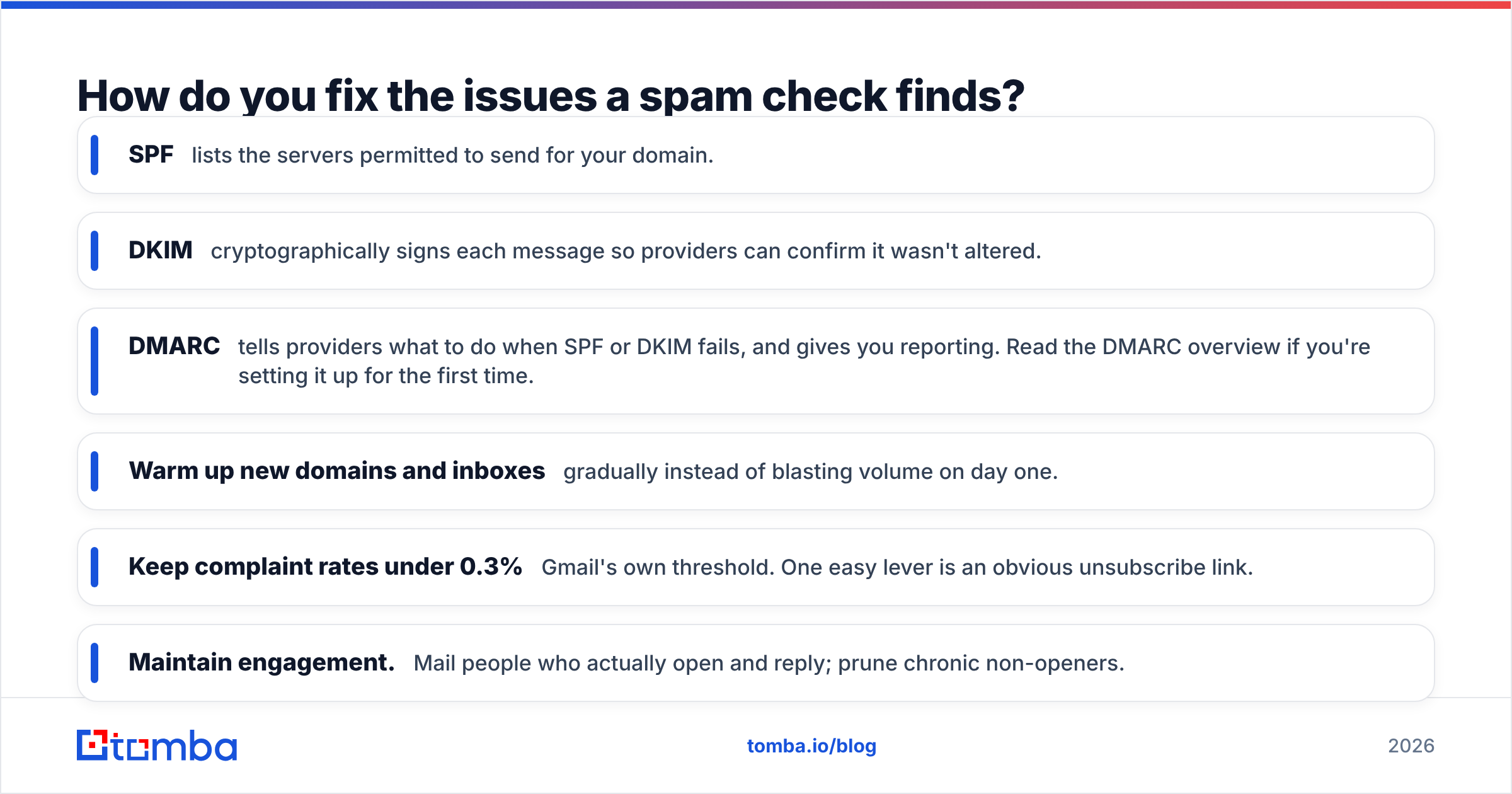
- SPF lists the servers permitted to send for your domain.
- DKIM cryptographically signs each message so providers can confirm it wasn't altered.
- DMARC tells providers what to do when SPF or DKIM fails, and gives you reporting. Read the DMARC overview if you're setting it up for the first time.
If any of the three fails in your spam-check report, fix it before touching your copy. Authentication failures cause more silent junking than every "spammy word" combined.
Fix reputation#
Reputation is earned slowly and lost quickly. To rebuild or protect it:
- Warm up new domains and inboxes gradually instead of blasting volume on day one.
- Keep complaint rates under 0.3% — Gmail's own threshold. One easy lever is an obvious unsubscribe link.
- Maintain engagement. Mail people who actually open and reply; prune chronic non-openers.
Fix content and list quality#
- Balance text and images. Avoid image-only emails and keep a real text body.
- Limit links and avoid URL shorteners, which filters distrust.
- Match your "from" name and domain so nothing looks spoofed.
- Verify the list. This is the highest-ROI fix most senders skip — see below.
Does list quality really affect spam placement?#
Yes — list quality is one of the largest hidden drivers of spam placement, because bounces and trap hits directly damage the reputation that decides inbox vs. junk.
Imagine your sending reputation as a credit score. Every hard bounce is a missed payment; every spam-trap hit is a default. Mail a list full of stale or guessed addresses and your score craters, after which even perfectly written, fully authenticated emails start landing in spam.
That's why verification belongs before the send, not after the damage. Run new addresses through an email verifier to catch invalid mailboxes, role accounts (info@, sales@), and risky catch-all domains. If you're building lists from scratch, sourcing verified addresses with an accurate email finder from the start means far less cleanup later.
A clean list does two things at once: it lowers your bounce rate and it raises engagement, both of which push reputation in the right direction.
How often should you check email for spam?#
Match the cadence to how much you send and how much your setup changes.
| Scenario | Recommended check frequency |
|---|---|
| New domain or first campaign | Every send, until placement is stable |
| Ongoing cold outreach | Weekly spam score + monthly blacklist check |
| Changed DNS / switched ESP | Immediately, before the next send |
| High-volume sender (10k+/mo) | Daily reputation monitoring via Postmaster Tools |
The principle: check more often when something is new or recently changed, and keep a steady baseline check even when things look fine. Spam problems rarely announce themselves — you find them in a falling reply rate weeks later.
Frequently asked questions#
Is checking an email for spam free? Yes. Spam-score checkers, blacklist lookups, SPF/DMARC validators, and basic verification all have free tiers. Tomba's verifier, for example, includes a free tier of 25 searches per month; see full Tomba pricing for higher volumes.
Will a good spam score guarantee inbox placement? No. A clean content score is necessary but not sufficient. Authentication, reputation, and list quality can all override a perfect score and send you to junk.
What's the single most common reason emails go to spam? Failed authentication — usually a broken or missing DKIM signature or DMARC policy. Always check authentication first.
How do I check spam placement specifically for Gmail? Use seed Gmail inboxes you control, then confirm your domain's spam rate and reputation in Gmail Postmaster Tools over time.
Start by checking before you send#
The fastest way to stop landing in spam is to stop sending blind. Run one test message through a spam check, verify your authentication, confirm you're off the blacklists, and clean your list — in that order — before every important campaign.
When it's time to build the list itself, start with accurate, verified contacts so you're not cleaning up bounces afterward. The Tomba Email Finder helps you find professional email addresses by domain, name, or company, and pairs with the built-in verifier so the addresses you load are already screened for deliverability. Find clean, send authenticated, and check before you hit go — that's how you keep cold campaigns in the inbox.
// get started
Find, verify and enrich your first contacts today
Start on the free plan with 25 searches a month, then scale when your team is ready.
Free plan · No credit card required · GDPR & CCPA
// about the author