How to Check If an Email Address Is Valid in 2026
Sending to bad addresses wrecks your sender reputation. Here's how to check if an email address is valid in 2026 — free manual methods, SMTP checks, and bulk APIs that actually scale.
How to Check If an Email Address Is Valid in 2026
TL;DR
- A valid email passes four layers: syntax, domain/MX records, mailbox existence (SMTP), and risk flags (disposable, role-based, catch-all).
- Free manual checks (regex, MX lookup, SMTP handshake) work for one-off addresses but break at scale and can get your IP throttled.
- Bulk verification tools and APIs do all four checks in milliseconds, returning a deliverability score instead of a guess.
- Catch-all domains are the hardest case — they accept everything at the SMTP layer, so you need extra heuristics to judge them.
- For lists over a few hundred addresses, an API-based verifier like Tomba's email verifier is faster, safer, and cheaper than risking a bounce-driven reputation hit.
What does it mean for an email address to be valid?#
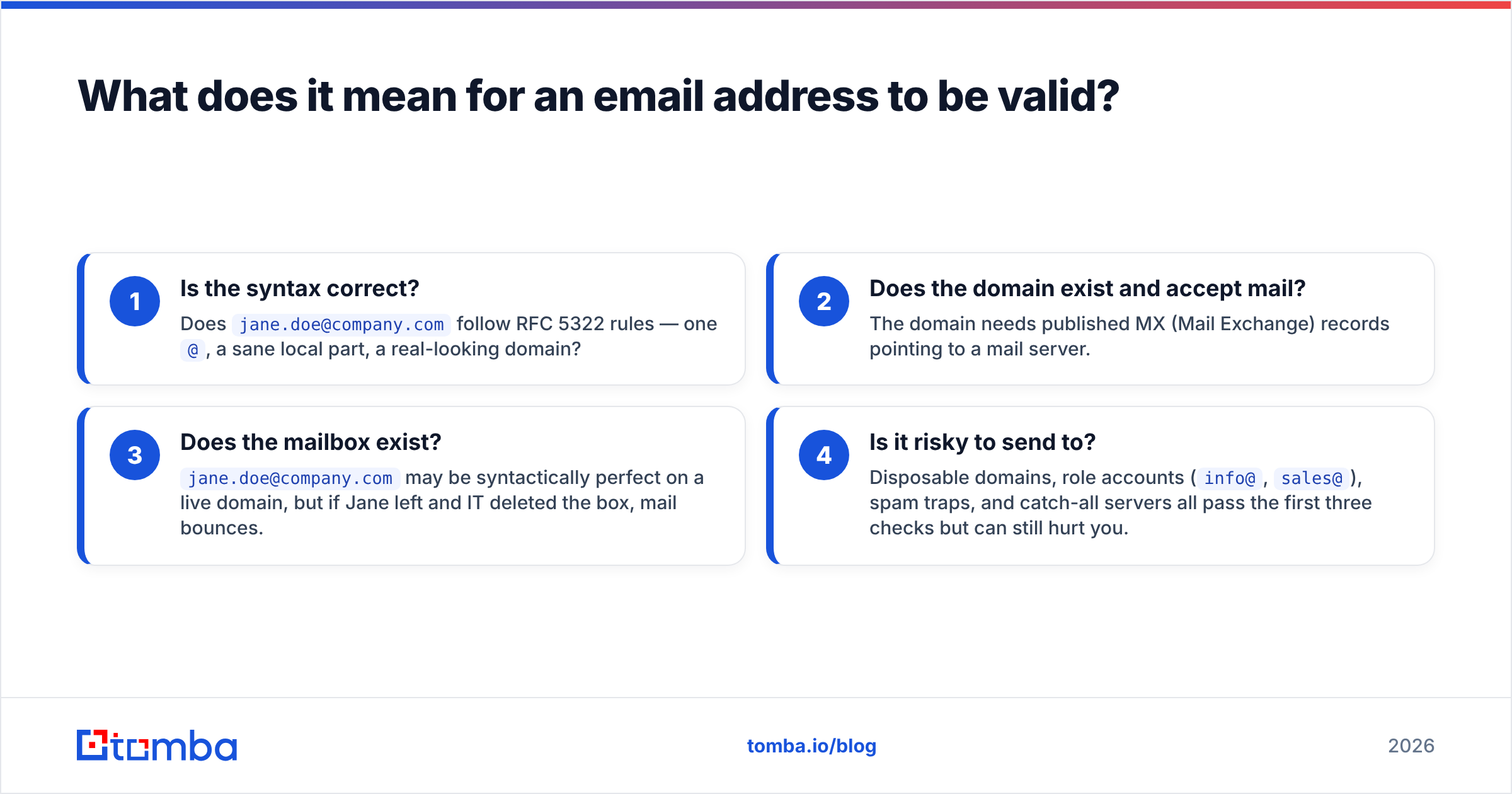
"Valid" is not one thing — it's a stack of four questions, and an address can pass one layer while failing another.
- Is the syntax correct? Does
jane.doe@company.comfollow RFC 5322 rules — one@, a sane local part, a real-looking domain? - Does the domain exist and accept mail? The domain needs published MX (Mail Exchange) records pointing to a mail server.
- Does the mailbox exist?
jane.doe@company.commay be syntactically perfect on a live domain, but if Jane left and IT deleted the box, mail bounces. - Is it risky to send to? Disposable domains, role accounts (
info@,sales@), spam traps, and catch-all servers all pass the first three checks but can still hurt you.
Think of it like checking whether a street address can receive a package. The format has to be right, the street has to exist, the house has to be there, and ideally someone actually lives in it. Skipping any step means your delivery — or your email — may vanish.
Why should you check if an email address is valid before sending?#
Bad addresses are expensive in ways that compound. Every hard bounce tells inbox providers — Gmail, Outlook, Yahoo — that you don't keep a clean list. Push your bounce rate above ~2% and you start landing in spam folders, even for the subscribers who do exist.
Three concrete costs of skipping verification:
- Sender reputation damage. Mailbox providers track bounces against your sending domain and IP. A degraded sender reputation drags down every future campaign, not just the bad one.
- Wasted spend. Most email platforms and finders bill per contact or per send. Paying to email 10,000 dead addresses is pure waste.
- Skewed metrics. Open and reply rates calculated against undeliverable contacts are fiction, and they push you to optimize the wrong things.
Google's own guidance in the Gmail sender guidelines is blunt: keep spam complaints and invalid sends low or expect filtering. Verification is the cheapest insurance you can buy against that.
How can you check if an email address is valid manually (free methods)?#
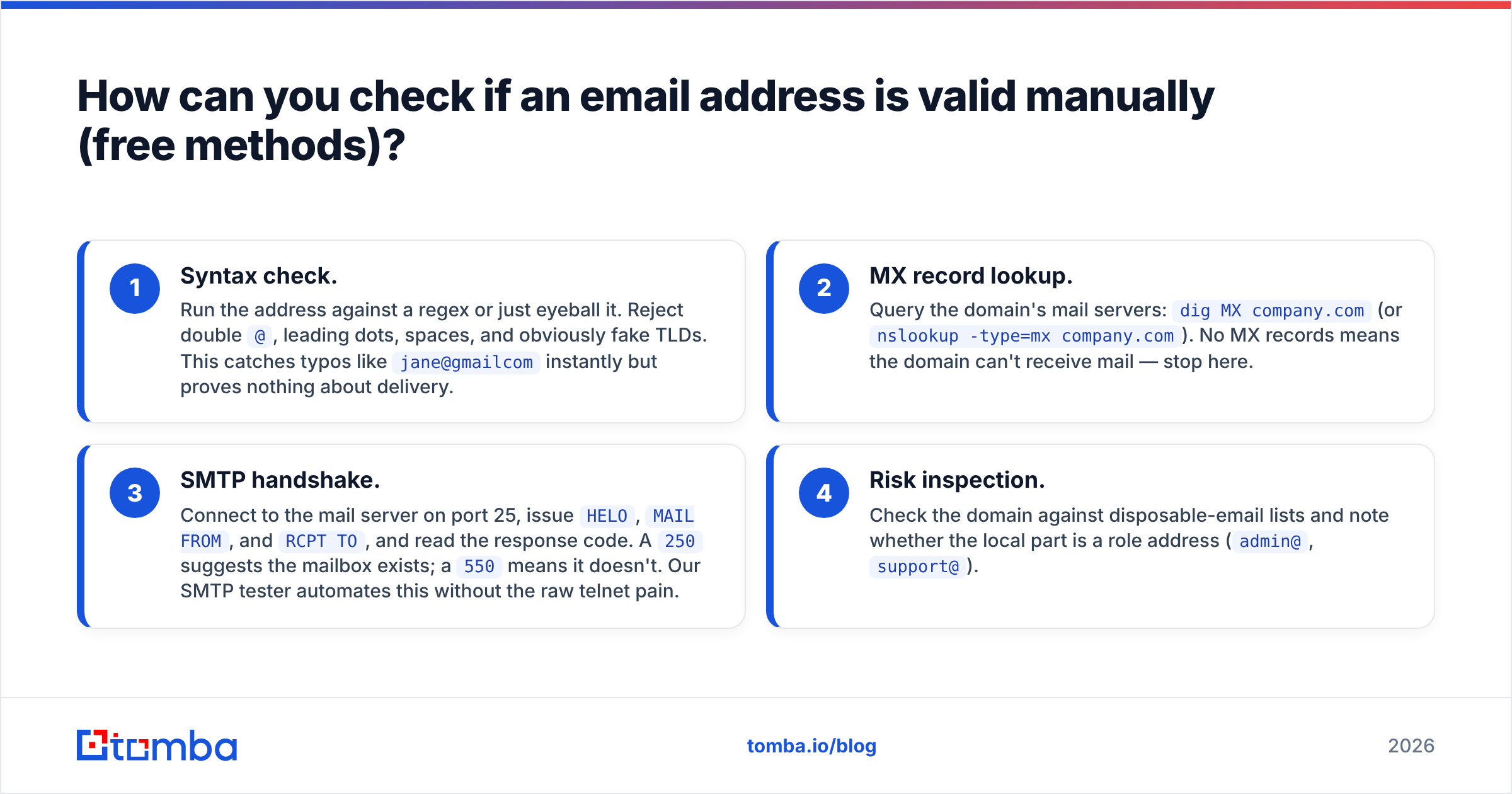
You can validate a single address by hand with nothing but a terminal and a browser. Here are the four manual layers, in order of effort.
- Syntax check. Run the address against a regex or just eyeball it. Reject double
@, leading dots, spaces, and obviously fake TLDs. This catches typos likejane@gmailcominstantly but proves nothing about delivery. - MX record lookup. Query the domain's mail servers:
dig MX company.com(ornslookup -type=mx company.com). No MX records means the domain can't receive mail — stop here. - SMTP handshake. Connect to the mail server on port 25, issue
HELO,MAIL FROM, andRCPT TO, and read the response code. A250suggests the mailbox exists; a550means it doesn't. Our SMTP tester automates this without the raw telnet pain. - Risk inspection. Check the domain against disposable-email lists and note whether the local part is a role address (
admin@,support@).
The catch: manual SMTP checks are slow, many servers block or rate-limit probe connections, and catch-all domains return 250 for every address — valid or not. Manual methods are fine for verifying one prospect before a high-stakes email. They fall apart the moment you have a list.
For a no-install single check, a browser-based free email checker runs all four layers for you without exposing your own IP to the target mail server.
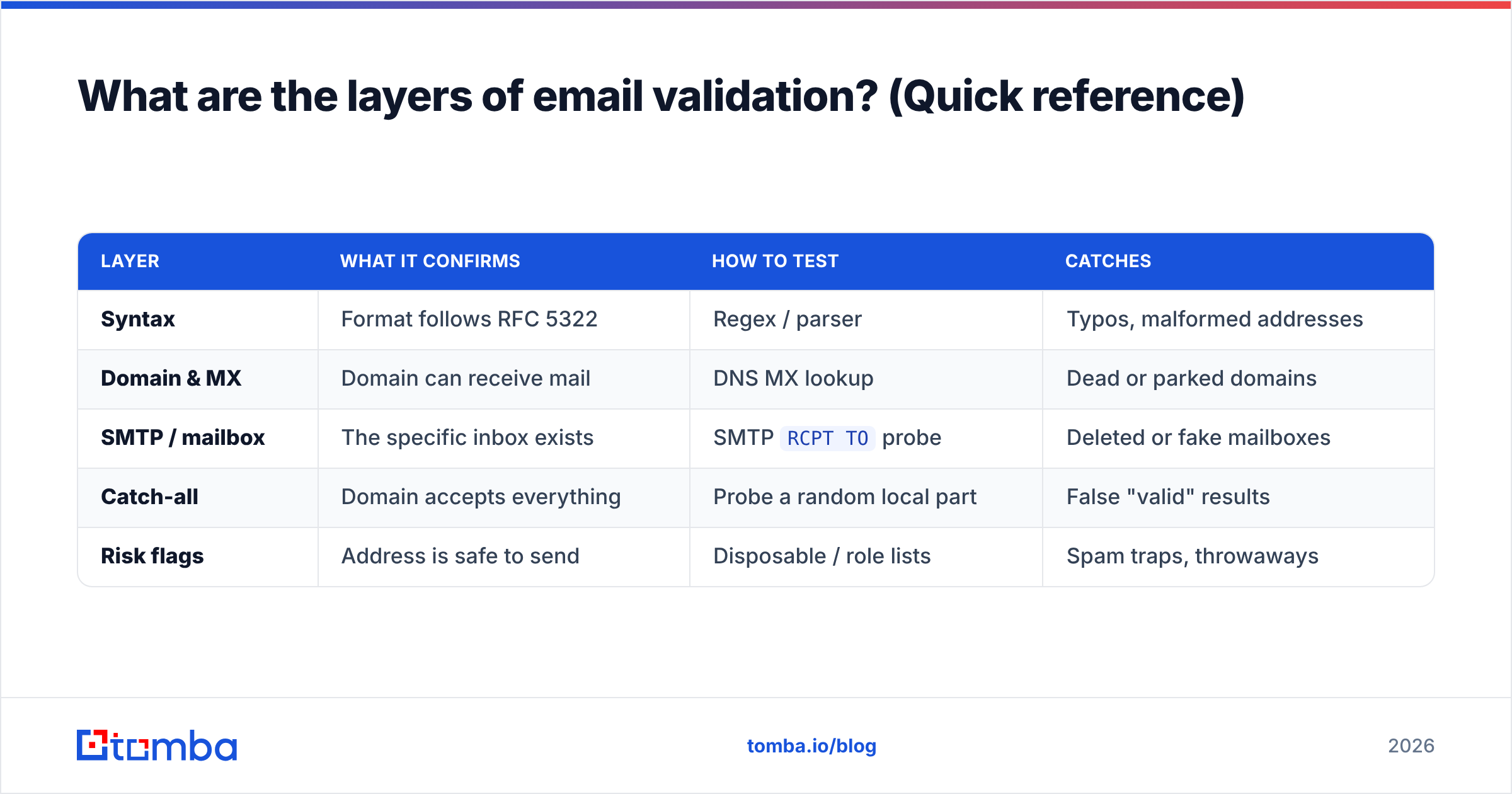
What are the layers of email validation? (Quick reference)#
| Layer | What it confirms | How to test | Catches |
|---|---|---|---|
| Syntax | Format follows RFC 5322 | Regex / parser | Typos, malformed addresses |
| Domain & MX | Domain can receive mail | DNS MX lookup | Dead or parked domains |
| SMTP / mailbox | The specific inbox exists | SMTP RCPT TO probe |
Deleted or fake mailboxes |
| Catch-all | Domain accepts everything | Probe a random local part | False "valid" results |
| Risk flags | Address is safe to send | Disposable / role lists | Spam traps, throwaways |
A real verifier runs every row in this table on each address and rolls the results into one status: valid, invalid, accept-all, or unknown.
How do bulk and API email verifiers work?#
Bulk verifiers run the same four-layer logic as the manual process, but they do it from reputation-managed IP pools, in parallel, thousands of addresses at a time. Instead of a raw SMTP code, you get a normalized result plus metadata: deliverability score, whether the domain is catch-all, whether the address is role-based or disposable, and a confidence rating.
The architecture matters. A good verifier:
- Rotates sending IPs so probes don't get a single address blacklisted.
- Caches domain-level data (MX, catch-all status) so it doesn't re-probe the same server 500 times for a list of 500 coworkers.
- Handles greylisting by retrying instead of marking a temporarily-deferred mailbox as invalid.
- Returns structured data you can pipe straight into a CRM or sequencing tool.
This is where an API beats DIY decisively. With the email verification API you POST an address (or a batch) and get JSON back in milliseconds. For lists, the bulk verify workflow chews through a CSV and hands you a cleaned file with statuses attached.

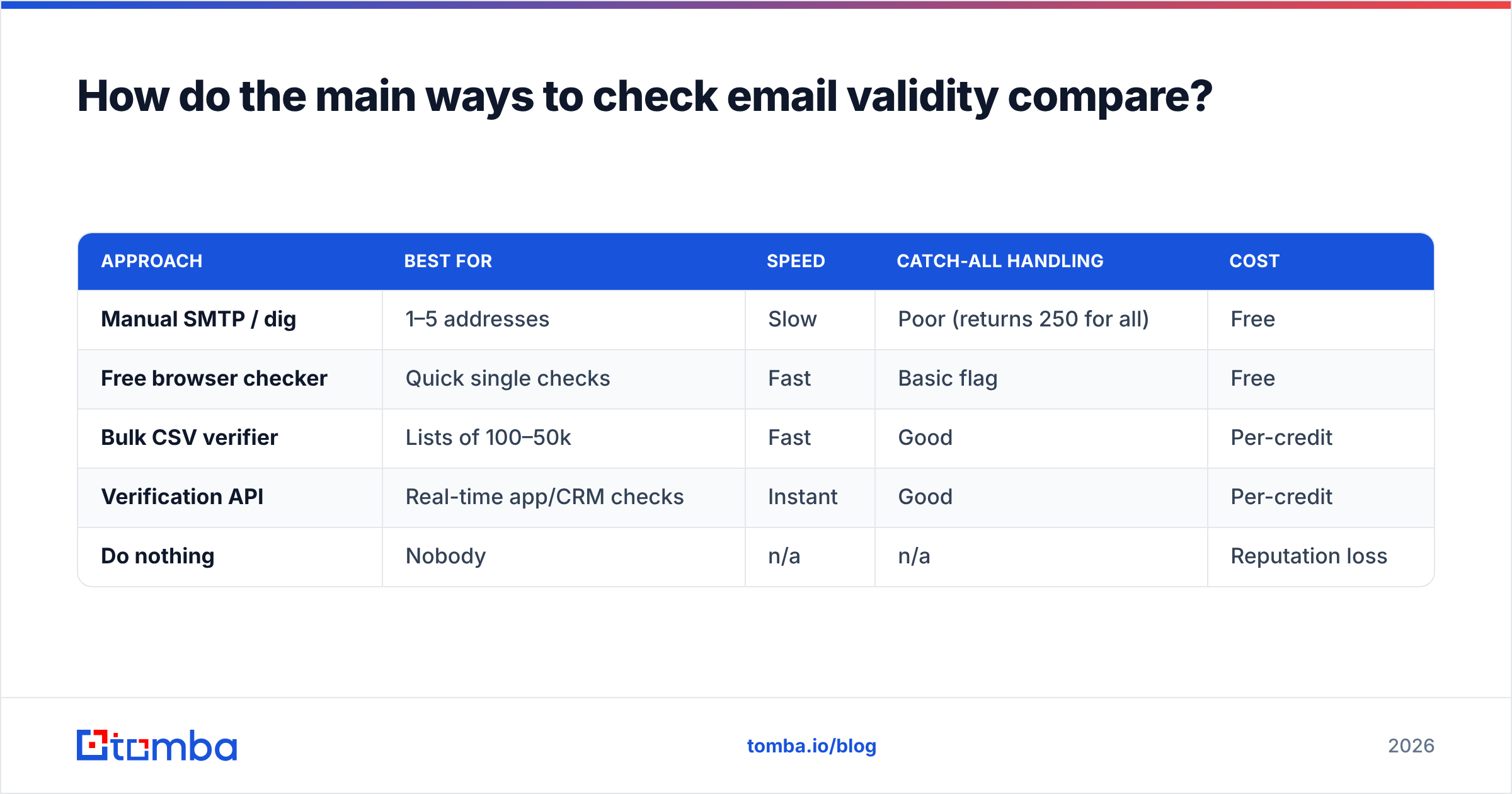
How do the main ways to check email validity compare?#
Here's how the realistic options stack up for a sales or marketing team in 2026.
| Approach | Best for | Speed | Catch-all handling | Cost |
|---|---|---|---|---|
| Manual SMTP / dig | 1–5 addresses | Slow | Poor (returns 250 for all) | Free |
| Free browser checker | Quick single checks | Fast | Basic flag | Free |
| Bulk CSV verifier | Lists of 100–50k | Fast | Good | Per-credit |
| Verification API | Real-time app/CRM checks | Instant | Good | Per-credit |
| Do nothing | Nobody | n/a | n/a | Reputation loss |
For most teams the answer is a blend: a free checker for ad-hoc lookups, and an API or bulk tool for anything systematic. Pricing scales with volume — Tomba's plans start with a free tier of 25 searches per month, then $49/mo Starter, $99/mo Growth, and $249/mo Pro, with verification credits included at every level.
How accurate can email verification actually be?#
Accuracy depends mostly on the destination server's behavior, not the verifier's cleverness. On normal domains that honor SMTP RCPT TO responses, a quality verifier hits high-90s percent accuracy. The hard cases are predictable:
- Catch-all (accept-all) domains accept any local part, so no probe can confirm a specific mailbox. The honest result is
accept-all, not a fakevalid. A dedicated catch-all verifier layers extra signals — pattern matching, historical data, and enrichment — to estimate risk rather than pretending certainty. - Greylisting temporarily defers unknown senders. A naive checker reads the deferral as failure; a good one retries.
- Aggressive firewalls block probe connections entirely, yielding
unknown— which you should treat as "send cautiously," not "send freely."
The trustworthy move is to use a verifier that distinguishes these states. A tool that collapses everything into valid/invalid is hiding uncertainty from you. You can read more about where the underlying data comes from on Tomba's data sources page, and compare independent reviews on G2 before committing.
How should you handle a list you're not sure about?#
A practical workflow that keeps your reputation intact:
- Dedupe first. Remove duplicates and obvious junk before spending credits — the remove duplicates tool does this in seconds.
- Bulk verify the whole list. Run it through a verifier and split by status.
- Send to
validimmediately. These are safe. - Quarantine
accept-allandunknown. Send to them slowly, in small batches, watching bounce rates — or enrich them first to raise confidence. - Discard
invalid. Don't second-guess a clean550. - Re-verify periodically. Email data decays ~25% per year as people change jobs. A list verified six months ago is already stale.
Following this sequence, your bounce rate stays under the threshold that triggers spam filtering, and your engagement metrics reflect real humans.
Frequently asked questions#
Can you check if an email is valid without sending an email? Yes. SMTP verification opens a connection and asks the server whether the mailbox exists without delivering a message. The recipient never sees anything. This is exactly what bulk verifiers and the verification API do.
Is 100% accuracy possible?
No, and any vendor claiming it is overselling. Catch-all domains, greylisting, and firewalls create genuine uncertainty. The right goal is high accuracy plus honest unknown/accept-all labels so you can make informed decisions.
Does verifying emails hurt my sender reputation? Not when done correctly. Reputable verifiers use their own managed IP pools for probes, so your sending domain is never exposed. Doing thousands of manual SMTP checks from your own server, on the other hand, can get your IP throttled.
How often should I clean my list? Quarterly at minimum, and always before a major campaign or after importing a new source. B2B contact data ages fast.
Verify before you send — start free with Tomba#
Checking if an email address is valid is the cheapest, highest-leverage habit in email outreach. One bounce-free campaign protects the deliverability of every campaign after it. Skip it and you're gambling your sender reputation on a guess.
Tomba runs all four validation layers — syntax, MX, SMTP, and catch-all risk — in a single call, whether you verify one address in the browser, a CSV of 50,000, or in real time through the API. Pair it with the Tomba Email Finder to source accurate, pre-validated addresses from the start, so you're building clean lists instead of cleaning dirty ones. Start on the free tier today and stop letting invalid addresses quietly drain your results.
// get started
Find, verify and enrich your first contacts today
Start on the free plan with 25 searches a month, then scale when your team is ready.
Free plan · No credit card required · GDPR & CCPA
// about the author