Checking In Email Subject Line: 35 Better Lines for 2026
The phrase "just checking in" kills your open rates. Here are 35 better checking in email subject lines, data on what works, and the templates that get replies in 2026.
Checking In Email Subject Line: 35 Better Lines for 2026
You opened your follow-up, typed "Just checking in," and hit send. So did roughly 40,000 other reps this morning. That is the problem.
TL;DR
- "Just checking in" is the most ignored follow-up subject line in B2B — it signals zero new value and reads as a chase, not an offer.
- The best checking in email subject line gives the recipient a reason to open: a resource, a deadline, a question, or a relevant trigger event.
- Short, specific, lowercase-friendly lines (2–5 words) consistently beat formal ones in cold and warm follow-ups.
- Personalization beyond
{{first_name}}— referencing a role, company event, or prior thread — is the single biggest lever on reply rate. - Pair better subject lines with verified contact data so your sends actually land in the inbox, not in a bounce log.
Why does "just checking in" fail as a subject line?#
Short answer: it asks for the recipient's time without offering anything in return.
Think of your inbox like a doorbell. When someone rings and says "just checking in," you assume they want something from you and you have to do the work to find out what. When they ring and say "your Q3 report is ready," you know exactly why to answer. The second framing respects the reader's time, and that respect is what earns the open.
"Just checking in" fails for three concrete reasons:
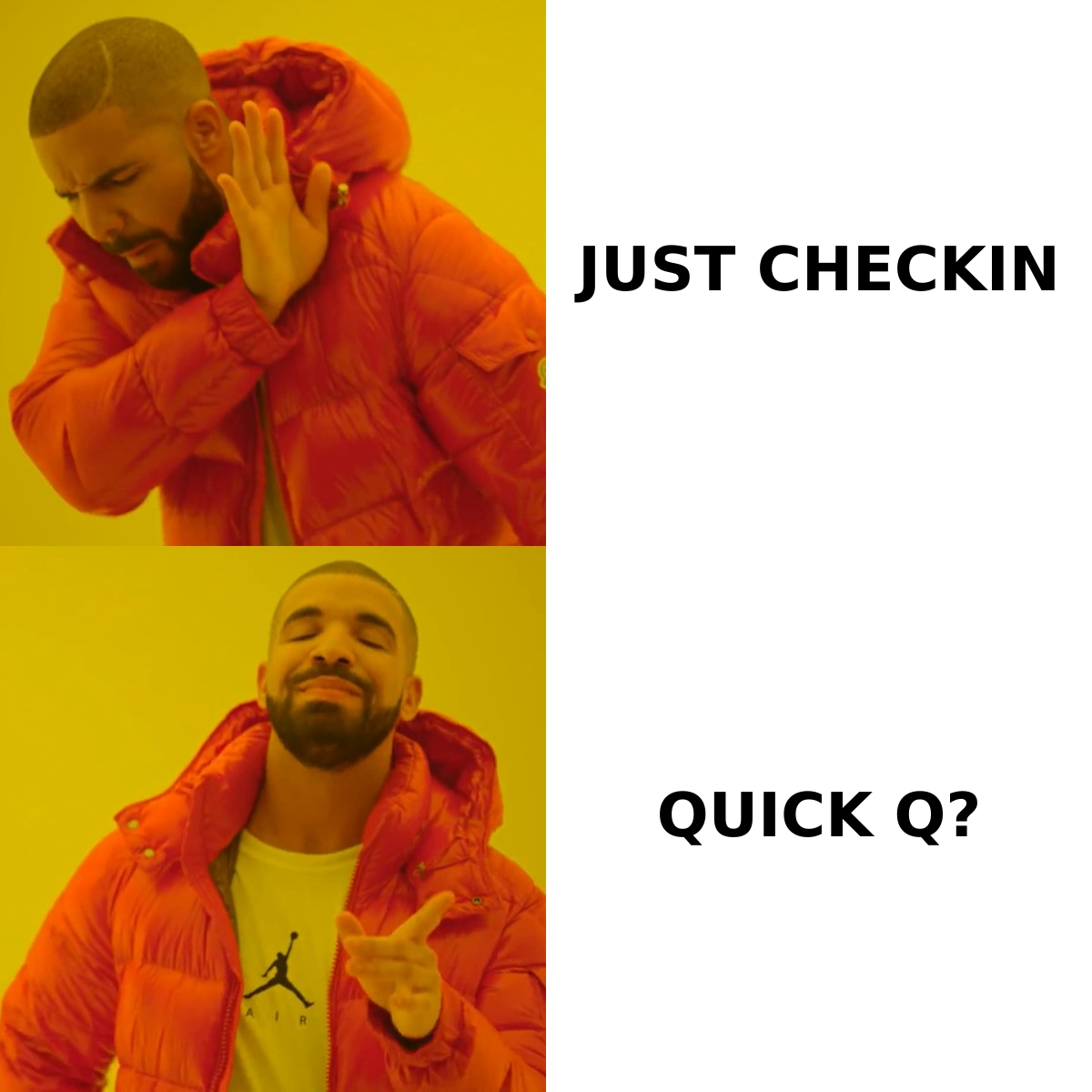
- It's value-free. The subject describes your action (checking in), not the recipient's benefit.
- It's overused. Spam filters and humans alike pattern-match it as a low-effort follow-up.
- It's vague. A vague subject forces a decision — open or ignore — and "ignore" is always the lower-effort choice.
The fix is not a clever trick. It is shifting the subject from what you are doing to what they get.
What makes a checking in email subject line actually work?#
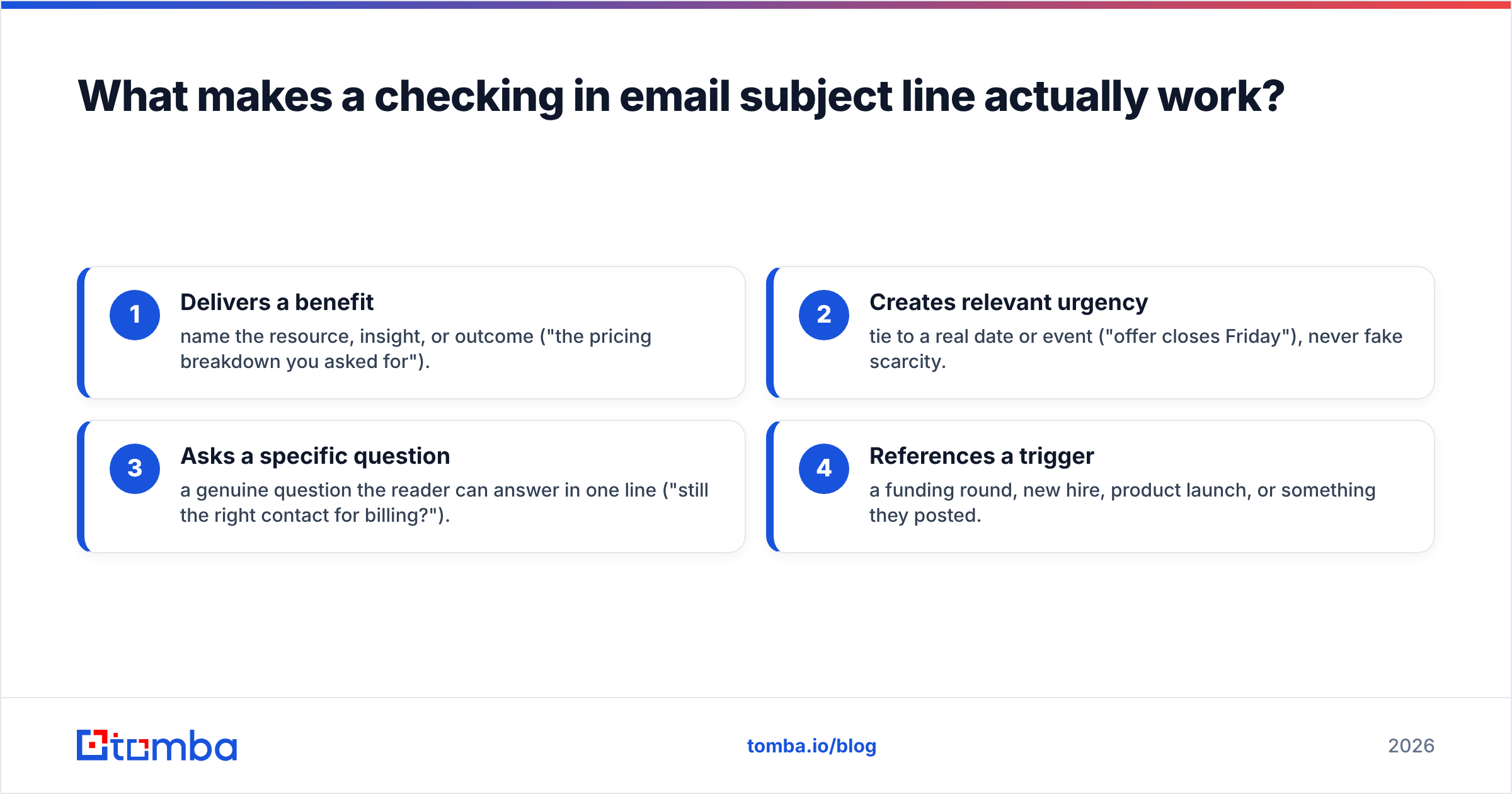
A subject line that earns the open does at least one of four jobs. Use this as a checklist before every send.
- Delivers a benefit — name the resource, insight, or outcome ("the pricing breakdown you asked for").
- Creates relevant urgency — tie to a real date or event ("offer closes Friday"), never fake scarcity.
- Asks a specific question — a genuine question the reader can answer in one line ("still the right contact for billing?").
- References a trigger — a funding round, new hire, product launch, or something they posted.
The strongest follow-up lines combine two of these. "Quick question about your Q3 hiring" pairs a question with a trigger. That specificity is also what separates a real follow-up from a template blast — and the data backs it up. According to HubSpot's research on email subject lines, personalized subject lines and clear value propositions consistently outperform generic phrasing on open rate.
One more rule: match the subject to the relationship. A cold prospect needs a curiosity or value hook. A warm lead who already replied needs a continuity cue ("re: our call Tuesday"). Sending a cold-style line to a warm contact feels robotic; sending a warm-style line to a cold contact feels presumptuous.
35 better checking in email subject lines (by scenario)#
Steal these directly. Swap the brackets for real details — generic personalization tokens are worse than none.
After a meeting or call
- re: our call on {{day}}
- the {{topic}} numbers I promised
- next step from Tuesday?
- did this answer your question?
- recap + one thing I forgot
After sending a proposal or quote 6. questions on the proposal? 7. anything blocking the {{project}} sign-off? 8. proposal v2 — your edits added 9. should I hold your start date? 10. quick yes/no on pricing
Cold follow-up (no prior reply) 11. wrong person? 12. one idea for {{company}} 13. worth a 10-min look? 14. closing your file? 15. {{first_name}}, quick question
Value-add follow-up 16. thought you'd want this 17. {{competitor}} just did this 18. a teardown of your {{page}} 19. case study: {{similar company}} 20. the benchmark you mentioned
Trigger-based follow-up 21. saw the {{funding round}} — congrats 22. re: your new {{role}} hire 23. about your {{product}} launch 24. noticed you're hiring SDRs 25. your LinkedIn post on {{topic}}
Deadline / urgency follow-up 26. offer closes Friday 27. last note before I close out 28. holding your spot till Thursday 29. {{discount}} expires this week 30. final check on {{project}}
Soft / friendly nudge 31. still on your radar? 32. circling back, no pressure 33. bad timing? 34. should I check back in Q3? 35. coffee's on me — 15 min?
Notice what these have in common: most are under five words, many are lowercase, and almost none contain the word "checking." If you want help drafting variations at scale, a cold email AI writer can spin these into full sequences, and a subject line generator will produce angle variants you can A/B test.
Which subject line styles get the most opens?#
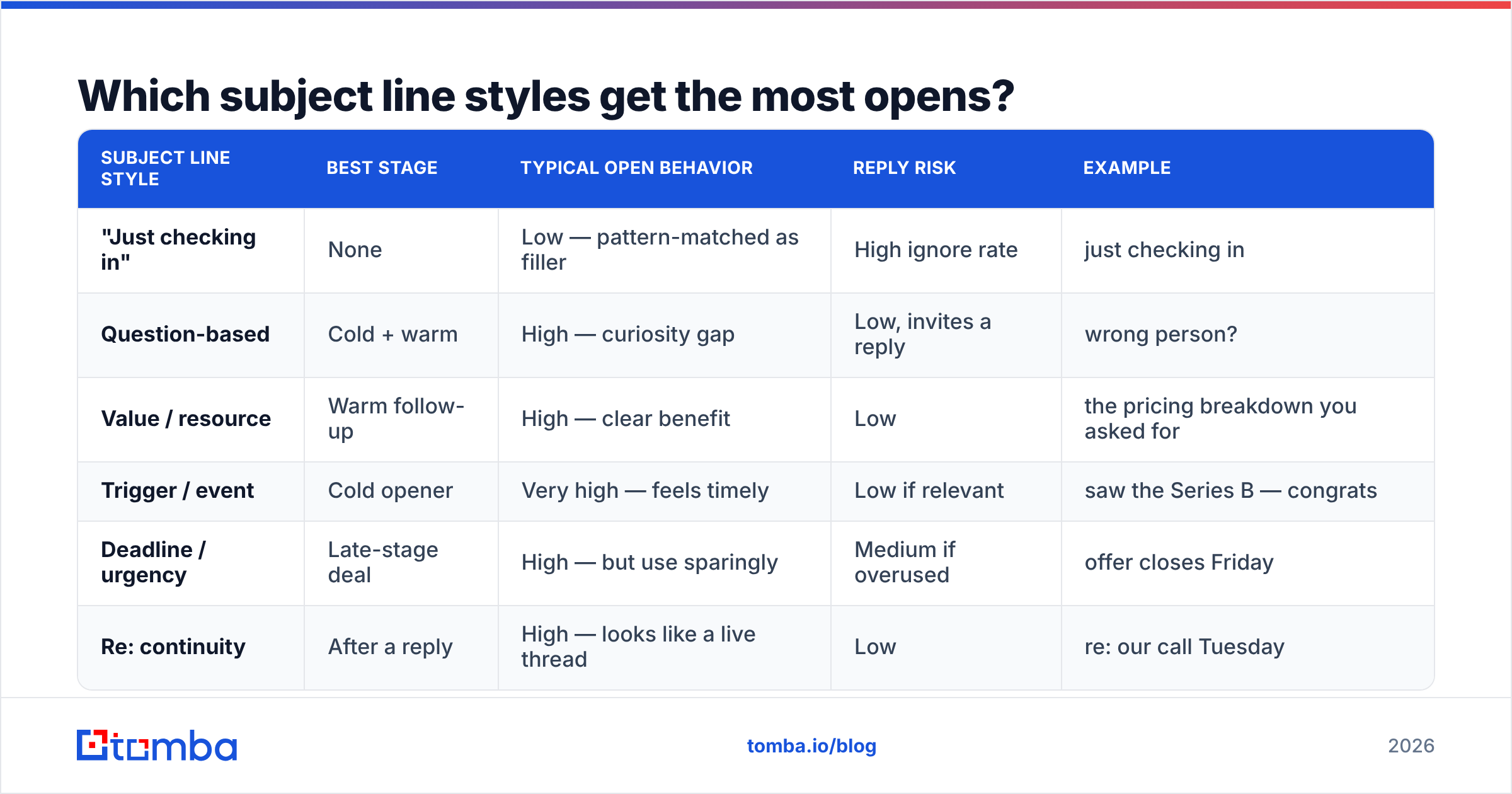
Different styles fit different stages of the conversation. Here is how the common approaches compare so you can pick deliberately instead of defaulting to "just checking in."
| Subject line style | Best stage | Typical open behavior | Reply risk | Example |
|---|---|---|---|---|
| "Just checking in" | None | Low — pattern-matched as filler | High ignore rate | just checking in |
| Question-based | Cold + warm | High — curiosity gap | Low, invites a reply | wrong person? |
| Value / resource | Warm follow-up | High — clear benefit | Low | the pricing breakdown you asked for |
| Trigger / event | Cold opener | Very high — feels timely | Low if relevant | saw the Series B — congrats |
| Deadline / urgency | Late-stage deal | High — but use sparingly | Medium if overused | offer closes Friday |
| Re: continuity | After a reply | High — looks like a live thread | Low | re: our call Tuesday |
The takeaway: question-based and trigger-based lines are the safest defaults for follow-ups where you have not heard back, while value and continuity lines win once a conversation is already moving.
How many follow-ups should you send, and when?#
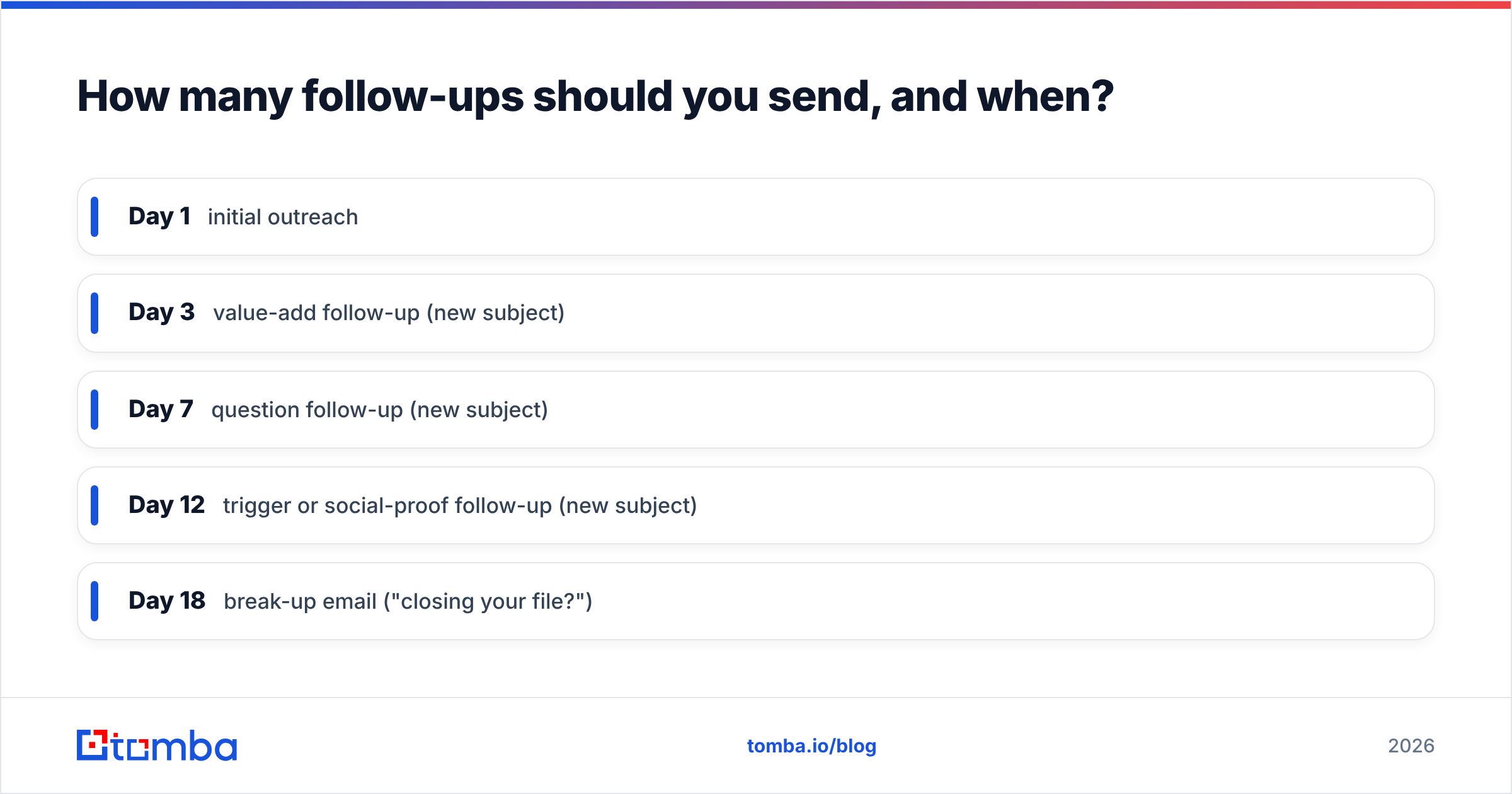
Send four to six follow-ups spaced across two to three weeks, and change the subject line every time.
Re-sending the same thread with "just checking in (again)" trains the recipient to ignore you. Instead, treat each touch as a fresh angle: touch one is a value hook, touch two is a question, touch three is a trigger or case study, touch four is the soft "should I close your file?" break-up. Each new subject line gives the message a new chance to be opened even if earlier ones were skipped.
A simple cadence that works in 2026:
- Day 1 — initial outreach
- Day 3 — value-add follow-up (new subject)
- Day 7 — question follow-up (new subject)
- Day 12 — trigger or social-proof follow-up (new subject)
- Day 18 — break-up email ("closing your file?")
Keep bodies short — two to four sentences. The subject earns the open; the body has to earn the reply, and walls of text do the opposite. For more on cadence and response patterns, see the glossary entry on email response rate.
Does the subject line even matter if your email bounces?#
No — and this is the part most "best subject lines" articles skip.
A perfect checking in email subject line is worthless if it lands on a dead address. Every bounce drags down your sender reputation, and once your domain reputation drops, even your verified, well-crafted emails start hitting spam folders. Deliverability and subject-line quality are two halves of the same job.
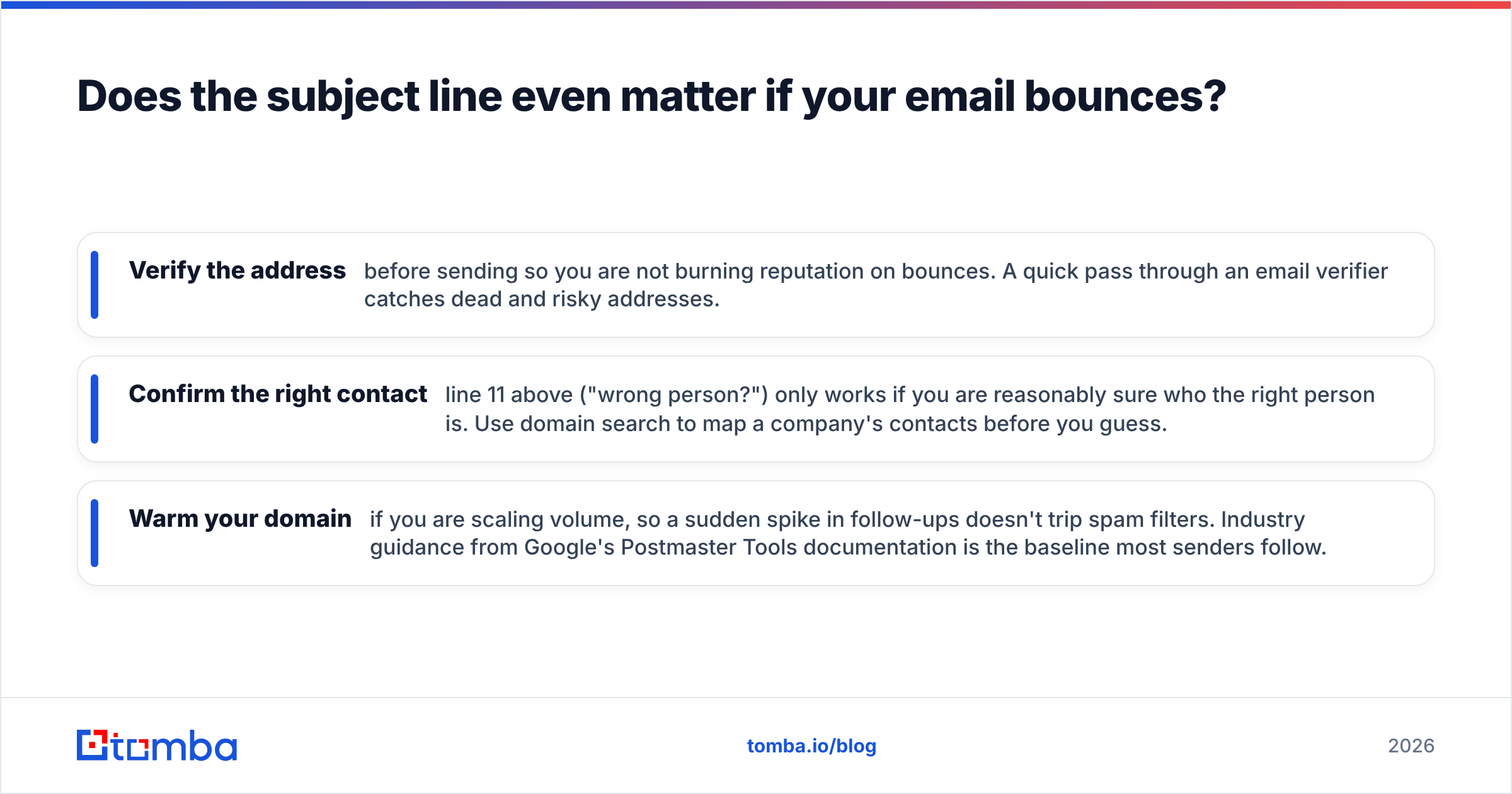
Before you obsess over wording, make sure the fundamentals are in place:
- Verify the address before sending so you are not burning reputation on bounces. A quick pass through an email verifier catches dead and risky addresses.
- Confirm the right contact — line 11 above ("wrong person?") only works if you are reasonably sure who the right person is. Use domain search to map a company's contacts before you guess.
- Warm your domain if you are scaling volume, so a sudden spike in follow-ups doesn't trip spam filters. Industry guidance from Google's Postmaster Tools documentation is the baseline most senders follow.
The sequence is: find the right person, verify they exist, then spend your energy on the subject line. Do it in that order and your open-rate experiments actually mean something, because the denominator (delivered emails) is clean.
What are common mistakes to avoid?#
Even good operators trip on these. Run through the list before you queue a sequence.
- Reusing "checking in" verbatim. It is the single most ignored phrase in B2B follow-ups.
- Fake urgency. "URGENT" or invented deadlines erode trust the moment the recipient catches on.
- Over-personalizing badly. A mangled
{{first_name}}token or a wrong company name is worse than a generic line. - Long subjects. Mobile clients truncate around 40 characters; front-load the value.
- All caps or excess punctuation. "CHECKING IN!!!" reads as spam to both humans and filters.
- No body payoff. A great subject followed by "just wanted to follow up" breaks the implied promise.
Fix these and your follow-up open rates climb without any new tooling. They are free wins.
Putting it together: a 30-second pre-send check#
Before any follow-up goes out, ask:
- Does the subject name a benefit, question, trigger, or deadline? (If not, rewrite.)
- Is it under five words and front-loaded for mobile?
- Is it different from my last touch to this person?
- Is the recipient's email verified and the right contact?
- Does the body deliver on the subject's promise in under four sentences?
Clear all five and you are already ahead of the "just checking in" crowd.
Start with the right contact, then nail the subject line#
The best subject line in the world can't fix a bad address. Build your follow-up sequences on a clean foundation: use the Tomba Email Finder to locate verified professional emails by name, company, or domain, so every one of these 35 subject lines lands in a real inbox. Pair it with Tomba's email verifier to protect your sender reputation, and check the Tomba pricing page — the free tier gives you 25 searches a month to test the workflow before you commit, with Starter at $49/mo when you scale up.
Get the contact right first. Then let your subject lines do what they were always supposed to do — earn the open.
Ready to find emails that actually work?
Join 150,000+ professionals who stopped guessing and started sending. Free credits on signup — no credit card required.
Get the Tomba newsletter
Practical outbound tactics and product updates — once every two weeks.
About the author