12 Best Clientjoy Alternatives for Agencies in 2026
Clientjoy was absorbed into Synup and agencies are shopping again. Here are 12 Clientjoy alternatives for CRM, proposals, invoicing, and pipeline — compared on price, fit, and the lead data that feeds them.
If you run an agency or a freelance shop on Clientjoy, you already know why you're reading this. After Clientjoy was acquired by Synup, the standalone roadmap stalled, pricing shifted, and a lot of small teams started asking the obvious question: what should I move my clients, proposals, and invoices into next?
This guide answers that. It covers the strongest Clientjoy alternatives in 2026, what each one is actually good at, where the pricing traps are, and — the part most "best of" lists skip — how to keep your pipeline full so whichever client OS you pick has something to manage.
TL;DR — the short version#
- Best all-in-one for agencies: HoneyBook and Bonsai cover CRM, proposals, contracts, and invoicing in one subscription.
- Best CRM-first move: HubSpot (free tier) or Pipedrive if you want sales pipeline depth over client-portal polish.
- Best for invoicing-heavy freelancers: Bonsai and Plutio give you contracts plus billing without a per-seat CRM tax.
- Cheapest to start: Zoho's bundle and HubSpot's free CRM both let you migrate without a credit card.
- The gap every tool leaves: none of them find or verify the contact data you pour in. That's where an email finder like Tomba Email Finder sits in front of your CRM.
What was Clientjoy and why look for alternatives?#
Clientjoy was a client-management platform built for freelancers and small agencies. It bundled a lightweight CRM, proposals and e-signatures, invoicing, a client portal, and basic lead pipelines into one affordable subscription. The appeal was simple: one login instead of five.
That changed when Clientjoy was acquired by Synup, a reputation and local-marketing company. Acquisitions aren't automatically bad, but for a tool whose whole pitch was "independent, agency-first, cheap," a new owner with a different core business is a reason to plan a migration before you're forced into one. Common triggers people cite:
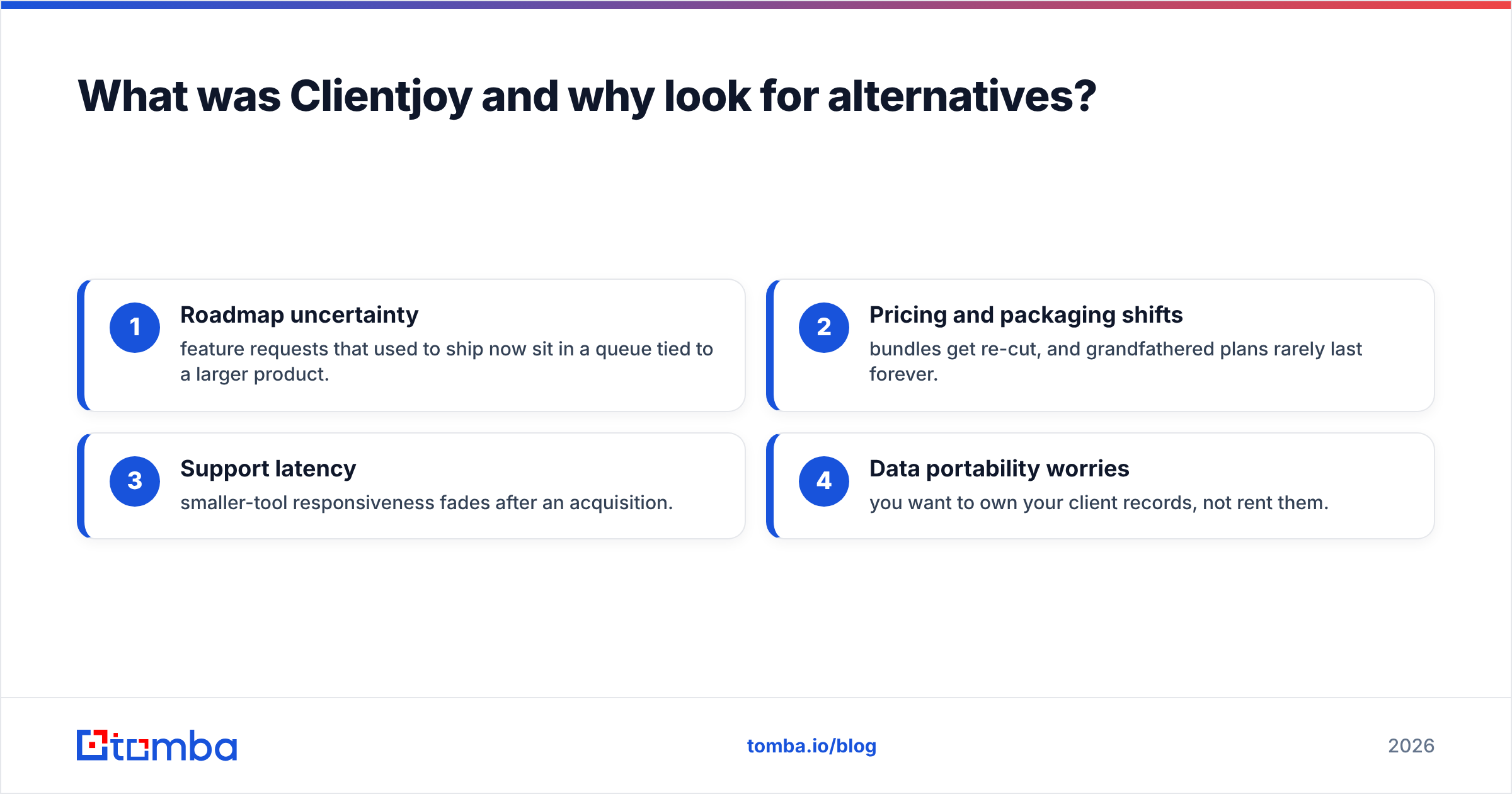
- Roadmap uncertainty — feature requests that used to ship now sit in a queue tied to a larger product.
- Pricing and packaging shifts — bundles get re-cut, and grandfathered plans rarely last forever.
- Support latency — smaller-tool responsiveness fades after an acquisition.
- Data portability worries — you want to own your client records, not rent them.
If none of those hit you yet, you don't have to move today. But knowing your options means you negotiate from strength.
)
What should you look for in a Clientjoy alternative?#
Match the tool to how you actually bill, not to the longest feature list. Use these five criteria:
- Workflow coverage — Do you need CRM + proposals + invoicing in one, or are you fine stitching a CRM to a separate billing tool?
- Client portal — A branded portal matters for retainer clients who log in to approve work and pay invoices.
- Pricing model — Flat per-user pricing punishes growing teams; usage- or tier-based pricing can be friendlier.
- Data ownership and export — CSV/API export should be one click. If migration out is hard, migration in is a trap.
- Pipeline input — Every CRM is empty until you feed it. Factor in how you'll source and verify contacts, because dirty data quietly wrecks deliverability and forecasting.
That last point is the one agencies underrate. A beautiful client portal does nothing for a pipeline that's running on bounced emails. Pair whatever you choose with a real email verifier so the records you migrate are actually reachable.
What are the best Clientjoy alternatives in 2026?#
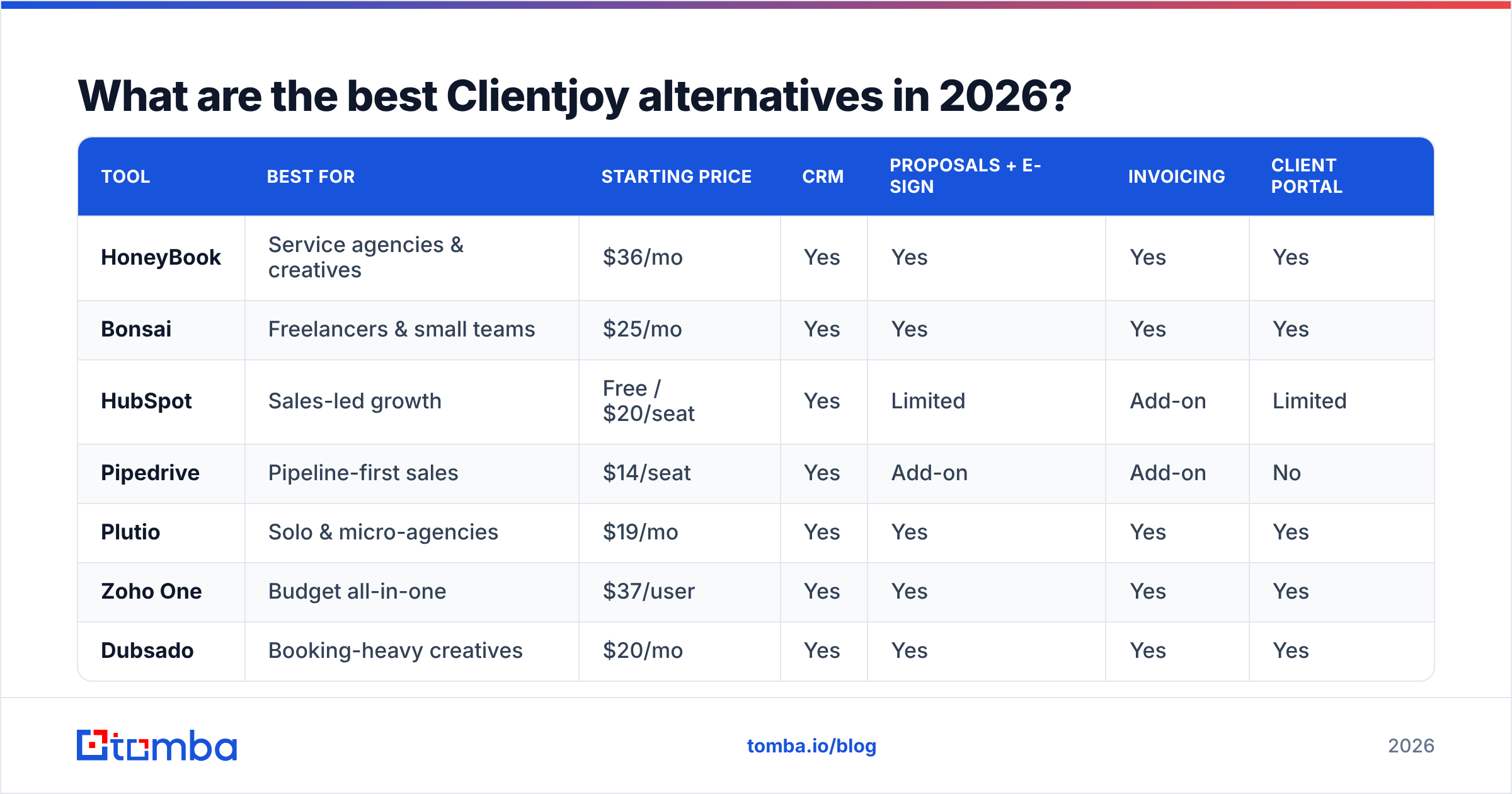
Here's how the leading options stack up on the attributes that decide a migration. Prices are entry tiers in USD and move around — confirm on each vendor's page before you commit.
| Tool | Best for | Starting price | CRM | Proposals + e-sign | Invoicing | Client portal |
|---|---|---|---|---|---|---|
| HoneyBook | Service agencies & creatives | $36/mo | Yes | Yes | Yes | Yes |
| Bonsai | Freelancers & small teams | $25/mo | Yes | Yes | Yes | Yes |
| HubSpot | Sales-led growth | Free / $20/seat | Yes | Limited | Add-on | Limited |
| Pipedrive | Pipeline-first sales | $14/seat | Yes | Add-on | Add-on | No |
| Plutio | Solo & micro-agencies | $19/mo | Yes | Yes | Yes | Yes |
| Zoho One | Budget all-in-one | $37/user | Yes | Yes | Yes | Yes |
| Dubsado | Booking-heavy creatives | $20/mo | Yes | Yes | Yes | Yes |
HoneyBook#
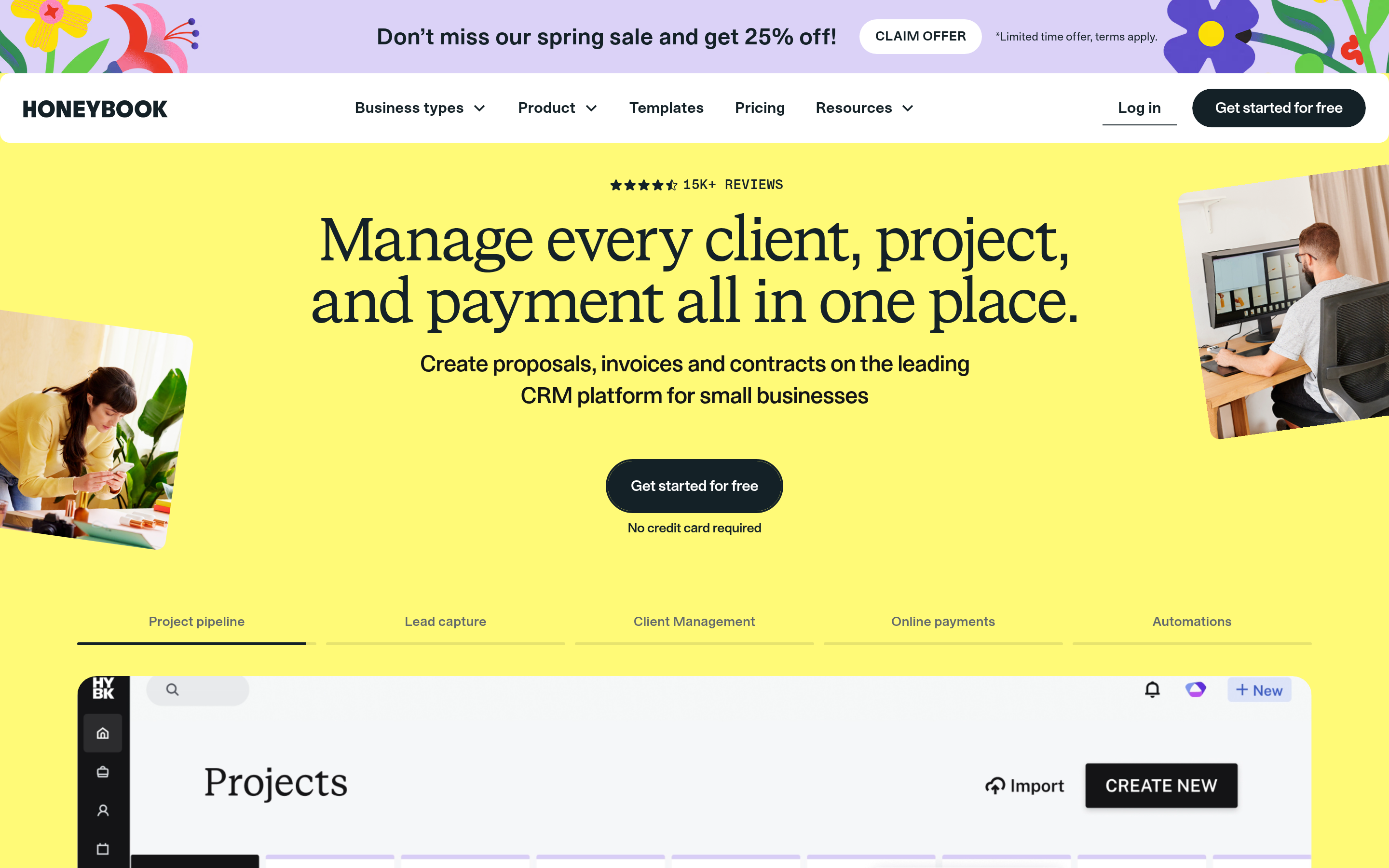
The closest spiritual replacement for Clientjoy if you're a service business. HoneyBook handles inquiries, proposals, contracts, payments, and a client portal in one flow. It's polished, opinionated, and aimed at creatives and service providers rather than hard-charging sales teams. Weakness: it's less of a "sales CRM" and more of a "project-to-payment" system, so deep pipeline reporting isn't its strength.
Bonsai#

Bonsai started as a freelancer contracts-and-invoicing tool and grew into a full client OS with CRM, proposals, time tracking, and even basic accounting. For solo operators and teams under ten, it's often the best price-to-coverage ratio on this list. If your pain with Clientjoy was mostly invoicing and contracts, Bonsai is the lateral move.
HubSpot#
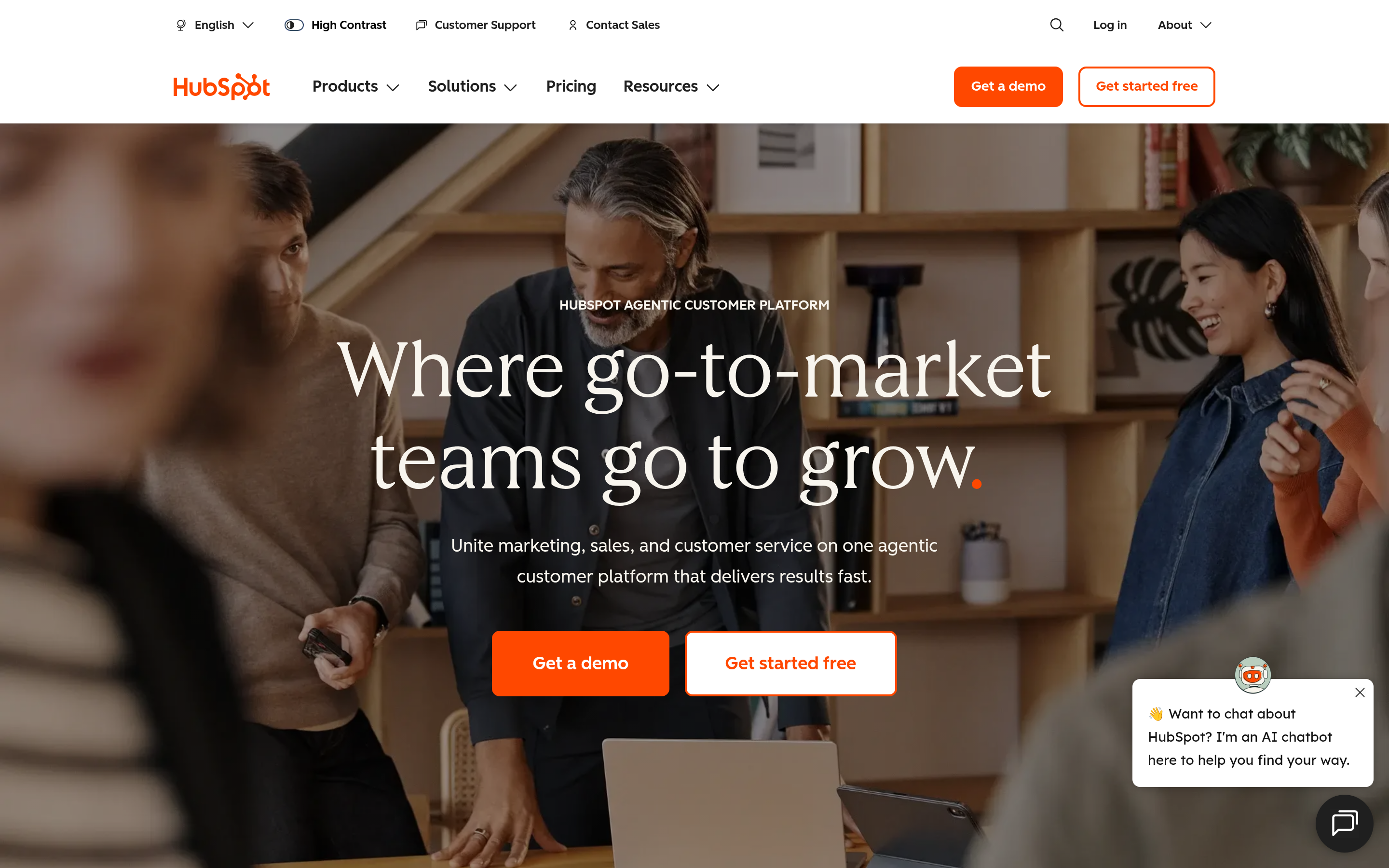
If you want to graduate from "client manager" to "real CRM," HubSpot is the safe, scalable pick. The free CRM tier is genuinely usable, and you grow into marketing, sales, and service hubs as needed. The trade-off: it's not a proposals-and-invoicing portal out of the box, so you'll pair it with billing software. The upside is an ecosystem — including a native HubSpot integration for pushing enriched contacts straight into your pipeline.
Pipedrive#
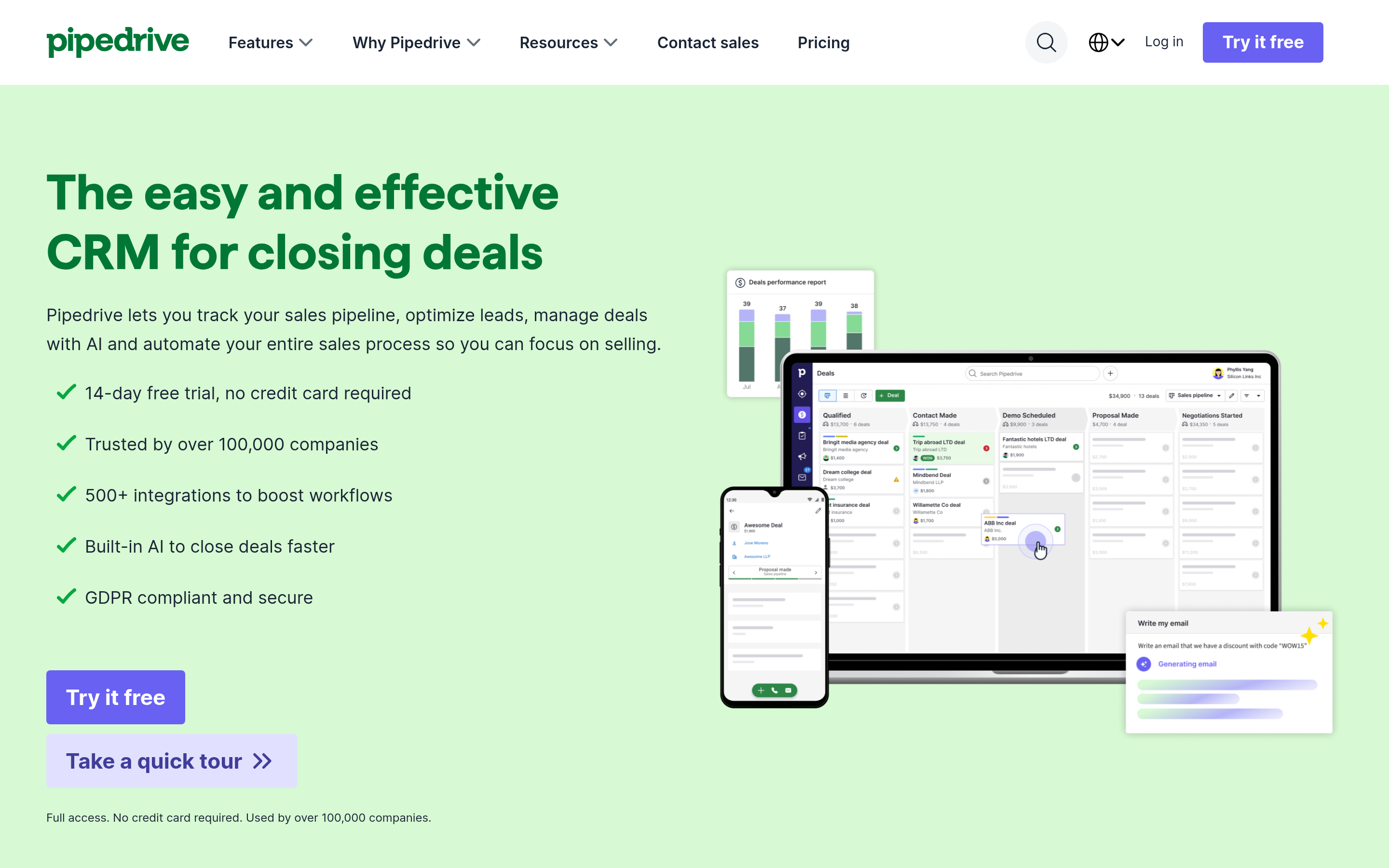
Pipedrive is for teams whose center of gravity is the deal, not the project. Visual pipeline, strong activity tracking, cheap per-seat entry. It's not a client portal and won't replace Clientjoy's invoicing on its own, but if your real problem is forecasting and follow-up, it's the most focused tool here.
Plutio, Zoho One, and Dubsado#
- Plutio packs tasks, CRM, proposals, invoicing, and a portal into a low flat price — great for micro-agencies that want everything in one tab.
- Zoho One is the value play: dozens of apps (CRM, Books, Sign, Projects) under one license. Powerful, but the breadth means a steeper setup.
- Dubsado leans into booking and workflow automation for creatives — strong if your business runs on scheduled sessions and packages.
Is HoneyBook or HubSpot the better Clientjoy replacement?#
It depends on whether you sell projects or deals. Choose by your dominant motion:
- Pick HoneyBook (or Bonsai/Plutio) if your day is inquiry → proposal → contract → invoice → deliver. You want a client portal and you bill per project or retainer. These tools mirror Clientjoy's all-in-one promise most closely.
- Pick HubSpot (or Pipedrive) if your day is prospect → qualify → multi-touch follow-up → close. You need pipeline stages, reporting, and room to add marketing automation later. You'll bolt on invoicing separately.
A practical hybrid that a lot of agencies land on: HubSpot's free CRM for the sales pipeline, plus Bonsai or a dedicated invoicing tool for billing. You lose the single-login simplicity but gain a CRM that won't cap your growth. Before you decide, read real migration reviews on G2 and Capterra — filter for reviewers who switched from an all-in-one, because their complaints predict yours.
)
What about pricing — which Clientjoy alternative is cheapest?#
"Cheapest" splits into two buckets, and the honest answer depends on team size.
For a solo freelancer, flat-rate tools win. Plutio ($19/mo) and Bonsai ($25/mo) give you the full proposal-to-invoice loop without per-seat math. HubSpot's free CRM is $0 if you can live without a portal.
For a growing agency (5–20 seats), per-seat pricing is where bills explode. Pipedrive at $14/seat looks cheap until you multiply by 15. Zoho One's per-user license is broad but adds up. Model the 12-month cost at your expected headcount, not today's.
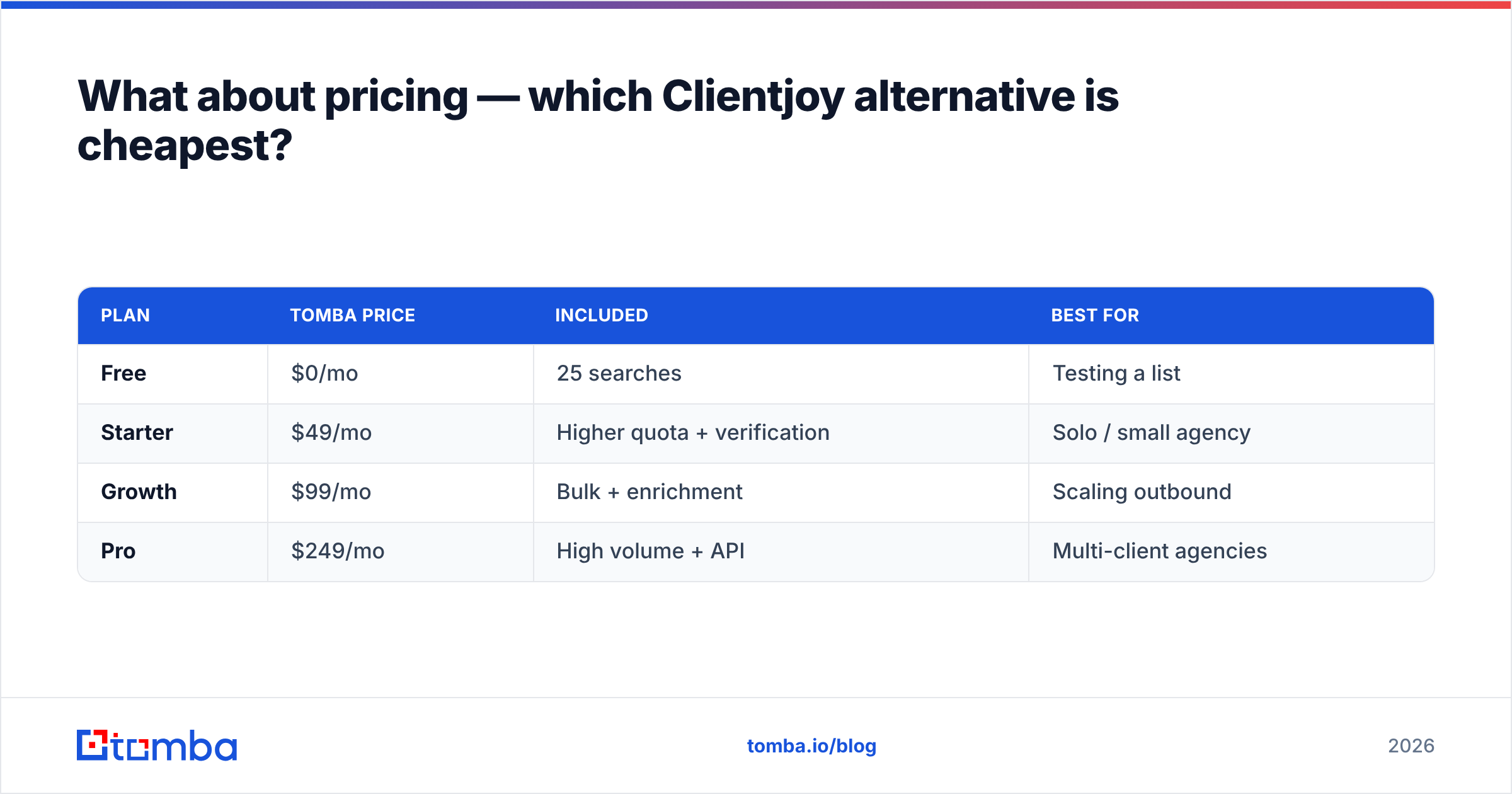
Here's the cost most lists ignore: wasted spend on bad data. If 20% of the contacts you load are invalid, you're paying for CRM seats to manage records that will never convert and email tools that get throttled for bouncing. Cleaning data at the source is cheaper than any plan downgrade. That's a separate, usage-based line item — Tomba's pricing starts free (25 searches/month) and scales from a $49/mo Starter tier, so you pay for verified contacts, not seats.
| Plan | Tomba price | Included | Best for |
|---|---|---|---|
| Free | $0/mo | 25 searches | Testing a list |
| Starter | $49/mo | Higher quota + verification | Solo / small agency |
| Growth | $99/mo | Bulk + enrichment | Scaling outbound |
| Pro | $249/mo | High volume + API | Multi-client agencies |
How do you migrate off Clientjoy without losing data?#
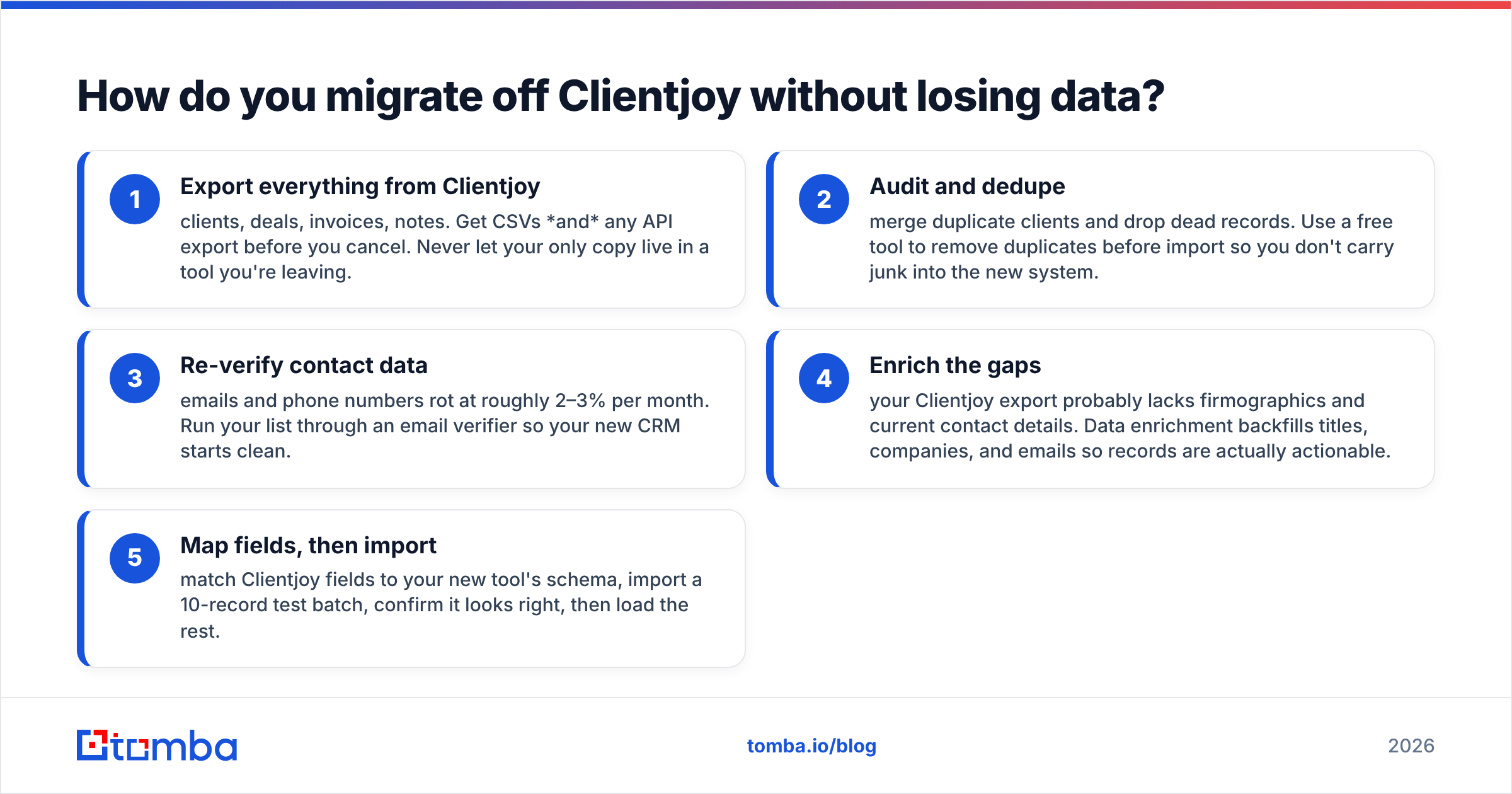
Treat it as a five-step project, not a button click:
- Export everything from Clientjoy — clients, deals, invoices, notes. Get CSVs and any API export before you cancel. Never let your only copy live in a tool you're leaving.
- Audit and dedupe — merge duplicate clients and drop dead records. Use a free tool to remove duplicates before import so you don't carry junk into the new system.
- Re-verify contact data — emails and phone numbers rot at roughly 2–3% per month. Run your list through an email verifier so your new CRM starts clean.
- Enrich the gaps — your Clientjoy export probably lacks firmographics and current contact details. Data enrichment backfills titles, companies, and emails so records are actually actionable.
- Map fields, then import — match Clientjoy fields to your new tool's schema, import a 10-record test batch, confirm it looks right, then load the rest.
Do steps 2–4 before import, not after. Cleaning data inside a new tool is harder and often costs extra. Cleaning it in transit means your fresh start is genuinely fresh.
Where does an email finder fit in your new stack?#
Right at the front — it's the part every Clientjoy alternative assumes you've already solved. CRMs, portals, and invoicing tools manage relationships; none of them create the pipeline. You still have to find the right people and confirm their contact details before any of that machinery does anything.
Think of your CRM as a kitchen. HoneyBook, HubSpot, and the rest are excellent appliances — but an empty fridge cooks nothing. An email finder is your grocery run: it stocks the pipeline with real, reachable contacts so the appliances have something to work with.
That's the role Tomba plays alongside whatever client OS you choose. Use the email finder to source verified professional emails by name or company, run domain search to map every contact at a target account, then push clean records into your CRM through integrations like Zapier, HubSpot, and Pipedrive. The client-management tool keeps the relationship; Tomba keeps it fed.
Which Clientjoy alternative should you actually pick?#
Quick decision guide:
- You loved Clientjoy's all-in-one portal → HoneyBook or Bonsai.
- You want to scale into a real sales org → HubSpot, with billing added on.
- You live and die by pipeline forecasting → Pipedrive.
- You want maximum tools for minimum money → Zoho One or Plutio.
- You're a booking-driven creative → Dubsado.
Whatever you land on, the migration is only as good as the data you bring with it. A pristine new CRM full of bounced emails is just a prettier version of your old problem.
Start with clean, verified contacts#
Before you commit to a new client OS, make sure the contacts you migrate — and the new ones you add — are real. Tomba Email Finder finds professional email addresses by domain, name, or company and verifies them in the same pass, so the pipeline you load into HoneyBook, HubSpot, Pipedrive, or any Clientjoy alternative is accurate from day one. Start free with 25 searches a month, then scale to a $49/mo Starter plan when your outreach grows. Pick the client tool you love — and let Tomba keep it full of contacts that actually convert.
// get started
Find, verify and enrich your first contacts today
Start on the free plan with 25 searches a month, then scale when your team is ready.
Free plan · No credit card required · GDPR & CCPA
// about the author