9 Best Jamie Alternatives in 2026 for AI Meeting Notes
Jamie's bot-free capture is genuinely good, but it isn't the only option and it isn't the cheapest. Here's how nine AI notetakers compare on price, privacy, CRM sync and export freedom.
TL;DR
- Jamie is a bot-free AI notes app, hosted in the EU. It records your device audio, so no bot joins the call. That is its best trait and its main limit.
- Teams look at Jamie alternatives for three reasons: seat cost at scale, weak CRM sync, and no shared archive the whole team can search.
- Bot-free tools win on privacy. Jamie, Granola and Fathom's desktop mode sit here. Bot tools win on reach and admin control. Fireflies, Otter, tl;dv and Avoma sit here.
- Plan the budget. Most good tools cost $15 to $30 per user each month. Free plans cap your minutes or your storage.
- Notes are not pipeline. Pair your pick with a contact tool. Each new name from a call should turn into a real, reachable record.
What is Jamie, and why look for Jamie alternatives?#
Jamie is an AI notes app from a Berlin team. It takes notes, but it does not join your call. It does not dial a bot into Zoom, Teams or Meet. It just records the audio on your device. Then it writes a summary, a task list and a full transcript. The design is simple. If sound comes out of your laptop, Jamie can write it up. That covers in-room meetings and phone calls too.
That won Jamie a loyal base. Think of coaches, founders and sales folk. Many have watched a "Fireflies Notetaker has joined the meeting" banner kill a frank chat. You can check the current specs on the official Jamie site.
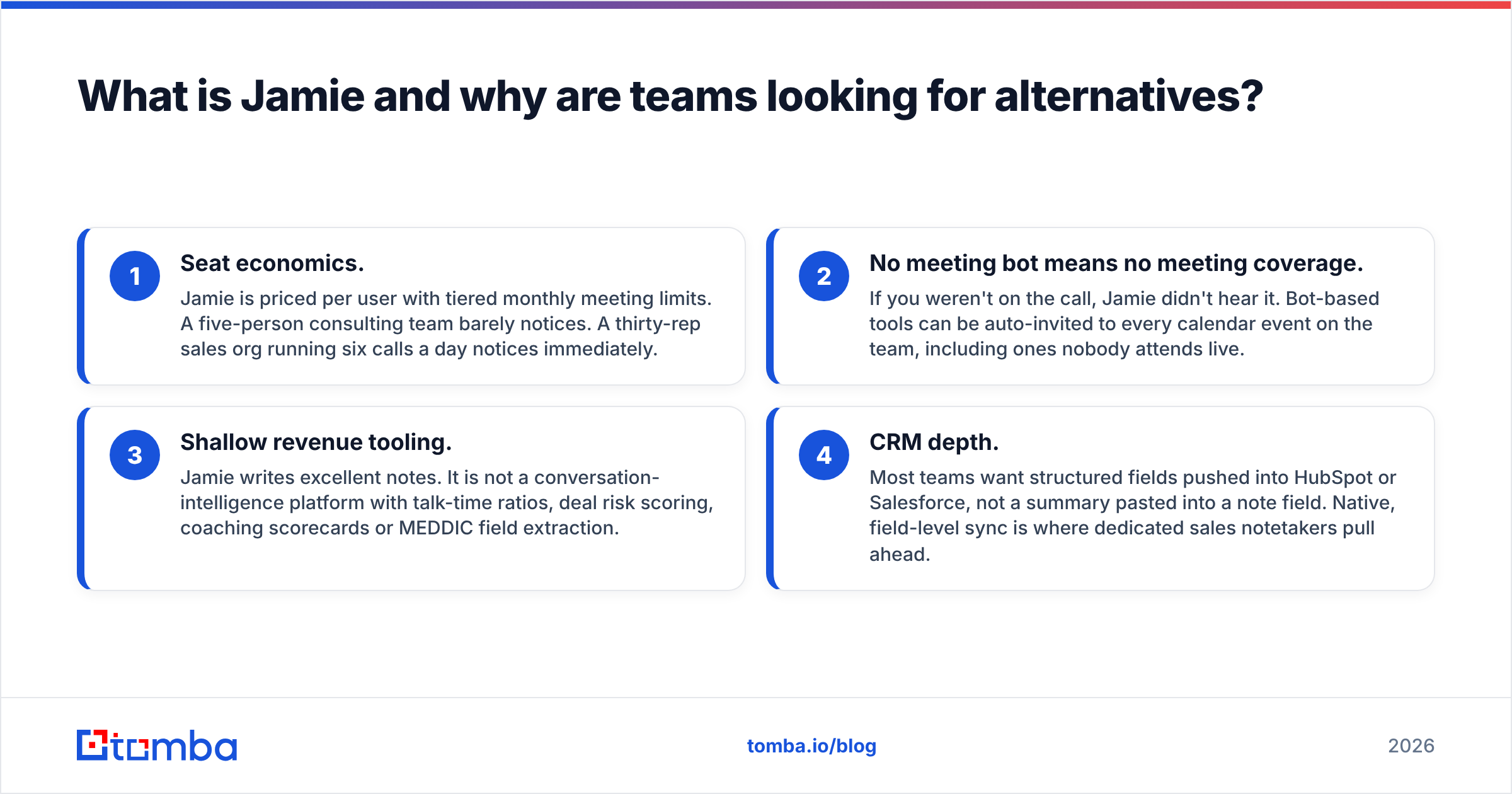
So why do people look at Jamie alternatives? Four reasons come up again and again.
Seat cost. Jamie bills per user, with a cap on meetings each month. A team of five will not feel it. A sales floor of thirty, on six calls a day, will feel it fast.
No bot means no reach. If you were not on the call, Jamie did not hear it. Bot tools can be sent to every event on the team calendar, even ones no one joins.
Thin sales tools. Jamie writes great notes. But it does not score deals, track talk time or coach reps.
CRM depth. Most teams want real fields in HubSpot or Salesforce. A summary pasted in a note field is not enough. Field-level sync is where sales-first tools pull ahead.
None of this makes Jamie a bad app. It makes Jamie a narrow one. That is why the best Jamie alternatives are worth a look before you renew for a year.

What should an AI notes app do in 2026?#
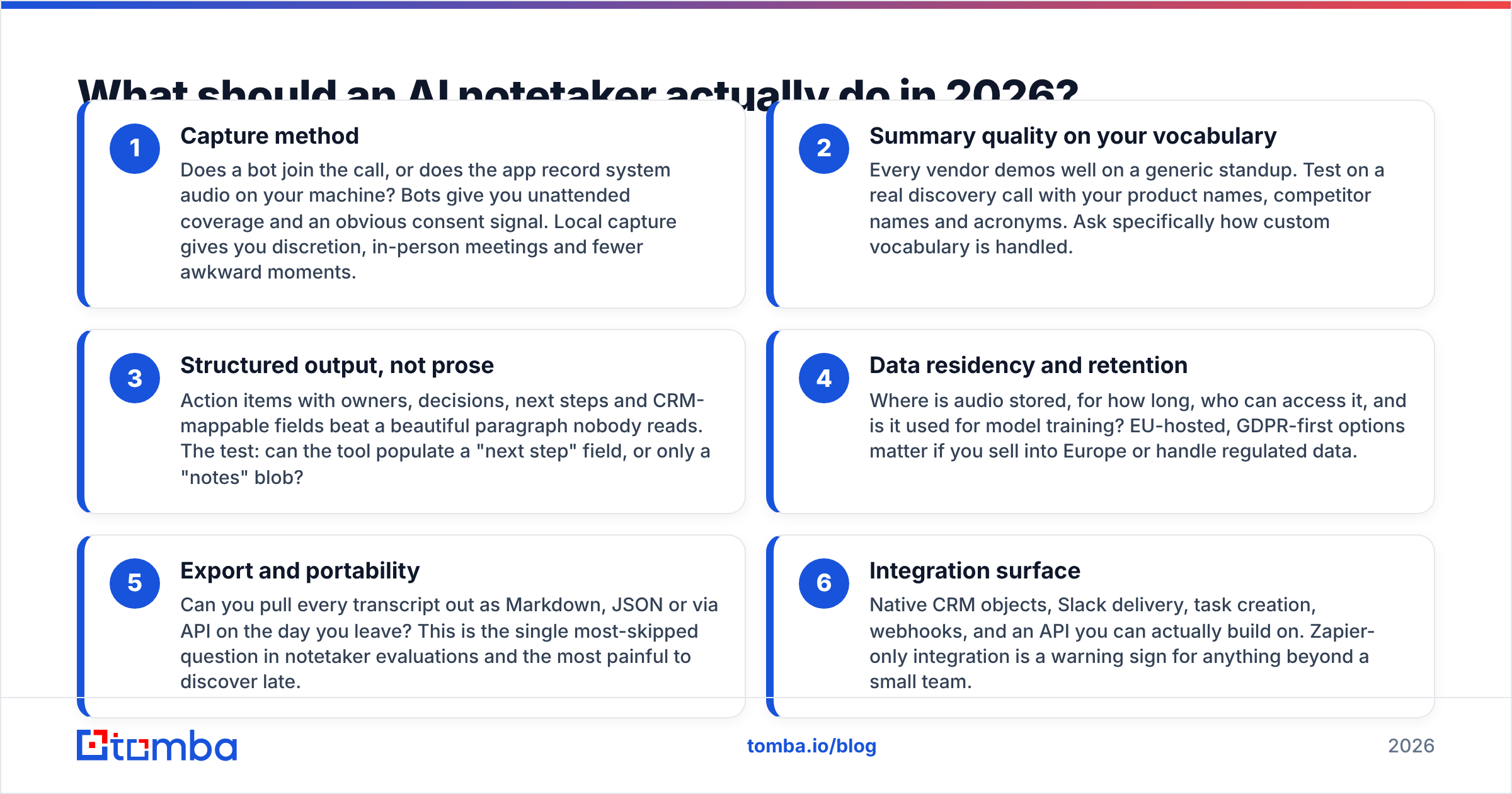
Set your criteria before you rank Jamie alternatives. A shared list is the gap between a two-week test and a two-year regret.
How it captures
The way it records. Does a bot join, or does the app grab audio on your Mac or PC? A bot can sit in calls you skip. Local capture is quiet, and it works in the room as well.
How it handles your words. Each vendor demos well on a bland standup. Test it on a real sales call. Use your brand names, rival names and short forms. Ask how it learns new terms.
Fields, not prose. Tasks with clear owners beat a pretty block of text. Here is the test. Can the tool fill a "next step" field, or just a "notes" box?
Where the data goes
Where it lives. Where is the audio kept, and for how long? Who can play it back? Is it used to train models? An EU host matters if you sell in Europe.
How you get it out. Can you pull each transcript as text, JSON or via API on the day you quit? Most buyers skip this one. It stings the most when you learn it late.
What it plugs into. Look for true CRM fields, Slack posts, tasks, webhooks and a real API. A Zapier-only link is a red flag for any team of size.
Which Jamie alternatives are worth a look?#
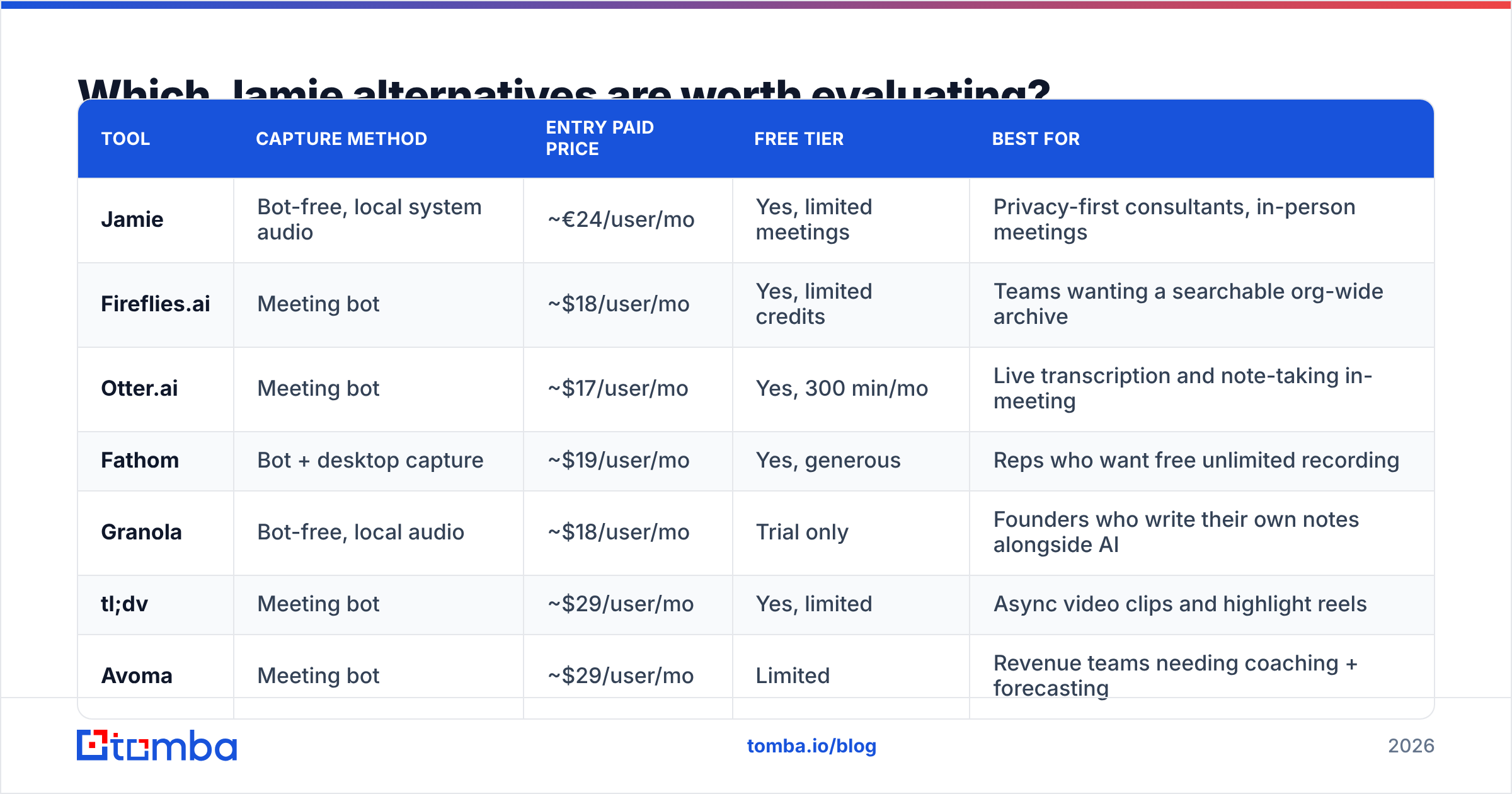
Here is the head-to-head on nine Jamie alternatives. Prices are list prices per user each month, billed by the month. Yearly plans tend to cut 20-40% off. Vendors shift prices a lot, so check the vendor page before you buy.
| Tool | How it records | Entry paid price | Free plan | Best for |
|---|---|---|---|---|
| Jamie | Bot-free, local audio | ~€24/user/mo | Yes, capped | Privacy-first pros, in-room calls |
| Fireflies.ai | Meeting bot | ~$18/user/mo | Yes, capped | Teams that want one search bar |
| Otter.ai | Meeting bot | ~$17/user/mo | Yes, 300 min/mo | Live text and notes in the call |
| Fathom | Bot + desktop | ~$19/user/mo | Yes, no cap | Reps who want free calls on tap |
| Granola | Bot-free, local audio | ~$18/user/mo | Trial only | Founders who jot their own notes |
| tl;dv | Meeting bot | ~$29/user/mo | Yes, capped | Clips, reels and async teams |
| Avoma | Meeting bot | ~$29/user/mo | Limited | Teams that need call coaching |
| Circleback | Bot + local audio | ~$25/user/mo | Trial only | Task capture and auto steps |
| MeetGeek | Meeting bot | ~$19/user/mo | Yes, 5 hrs/mo | Small teams that want stats |
Fireflies.ai — the archive play#

Fireflies is the top pick when you want every call on file and easy to search. A bot joins, takes the text, and tags themes. You get smart search across the whole team. Its "Ask Fred" layer can answer questions from past calls. The trade-offs: the bot is easy to spot, low tiers cap storage, and the summaries are good but not great.
Otter.ai — live text first#
Otter began life as a text-from-audio firm, and it shows. You get live text in the call, clear speaker splits and a strong phone app. It is the best pick if your team likes to read a call as it runs. It is a weak pick if you need deal fields in a CRM.
Fathom — the free-plan threat#
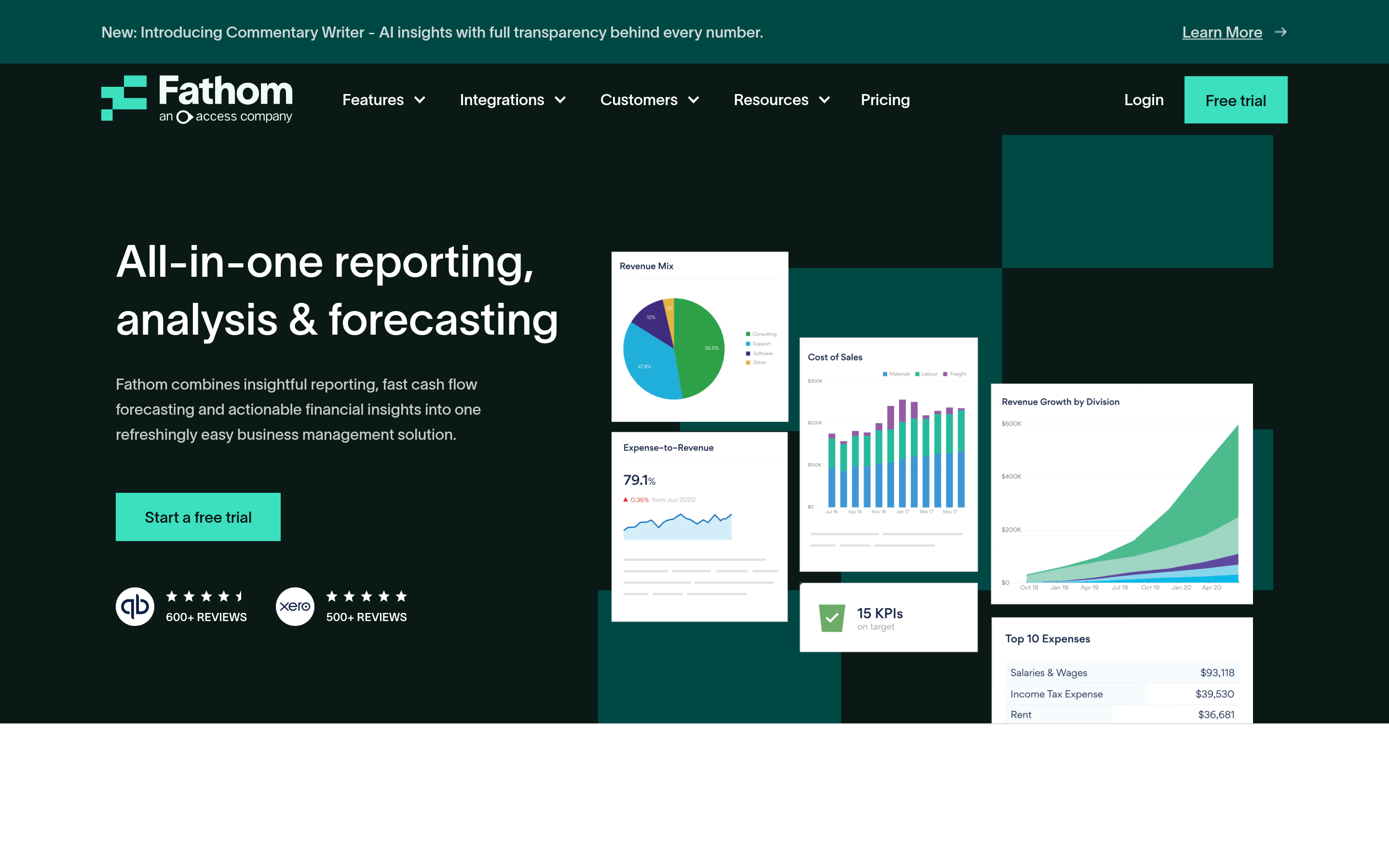
Fathom hands out free calls and free summaries with no cap. That is why it spreads in sales teams from the ground up. Paid tiers add team search, CRM sync and coach tools. If cost is why you are leaving Jamie, start here.
Granola — the closest of the Jamie alternatives#
Granola is the most direct swap on this list. It is bot-free, it grabs local audio, and no guest shows up in your call. Its twist is the shared notepad. You jot a few lines as you talk. It fills them out after, with the full text as context. Writers and founders love it. It is thinner than Jamie on meeting caps. It is thinner than Fireflies on admin.
tl;dv — clips and async work#
tl;dv is built for teams that share moments, not whole calls. You get time-stamped clips, reels and CRM push on high tiers. It suits product teams that gather user proof. It is too much if you just want tidy notes.
Avoma — coaching, not just notes#
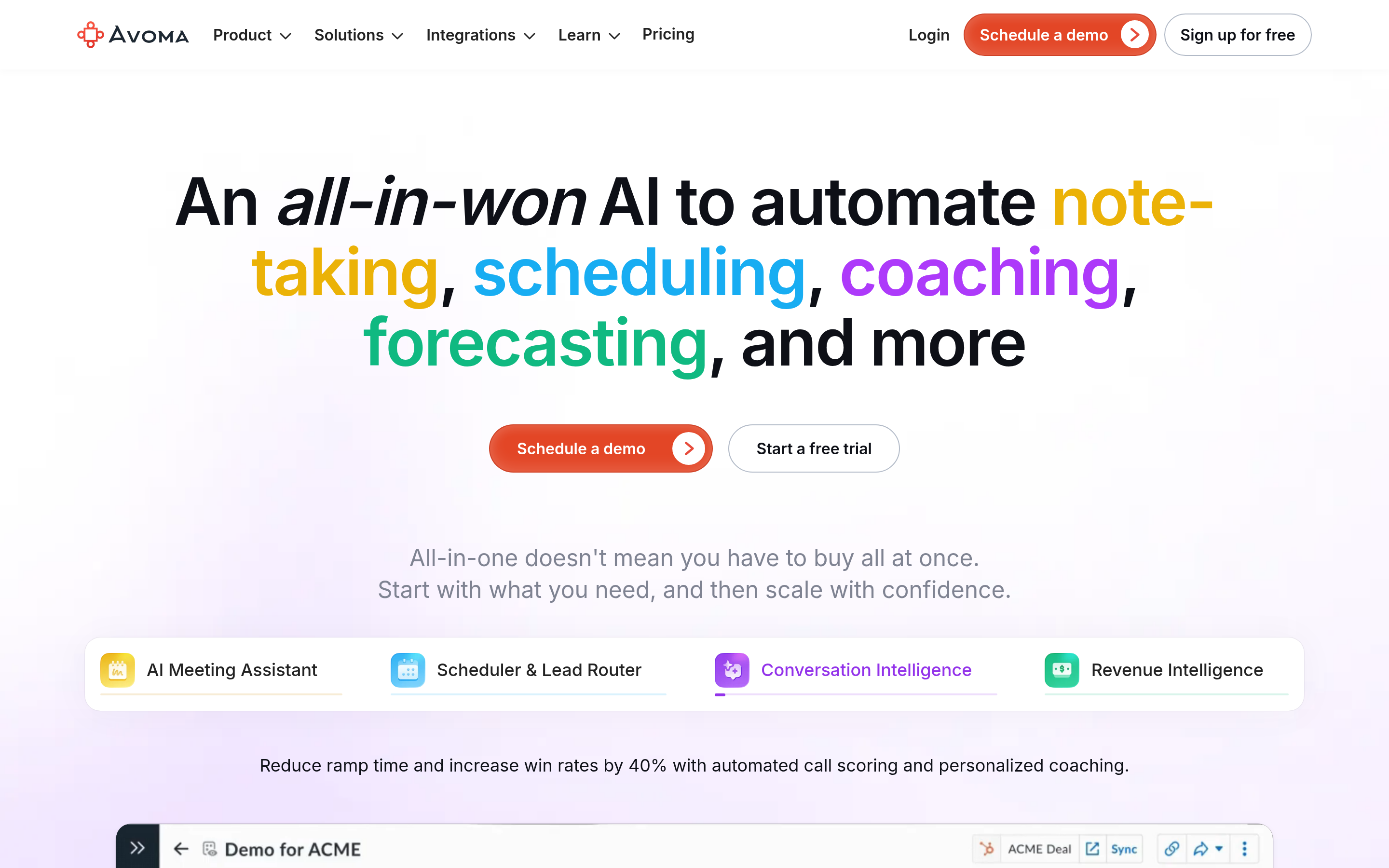
Avoma sits closer to Gong than to Jamie. You get scorecards, talk-time charts, theme trackers and deal reviews. Maybe your real problem is weak sales calls. A notes app will not fix that. Avoma might.
Circleback — tasks with teeth#
Circleback sells one thing well: the boring part. It catches each task, names an owner, and fires steps into your other tools. It works with a bot or with local audio. It is a strong pick for ops-heavy teams.
Is bot-free capture really better?#
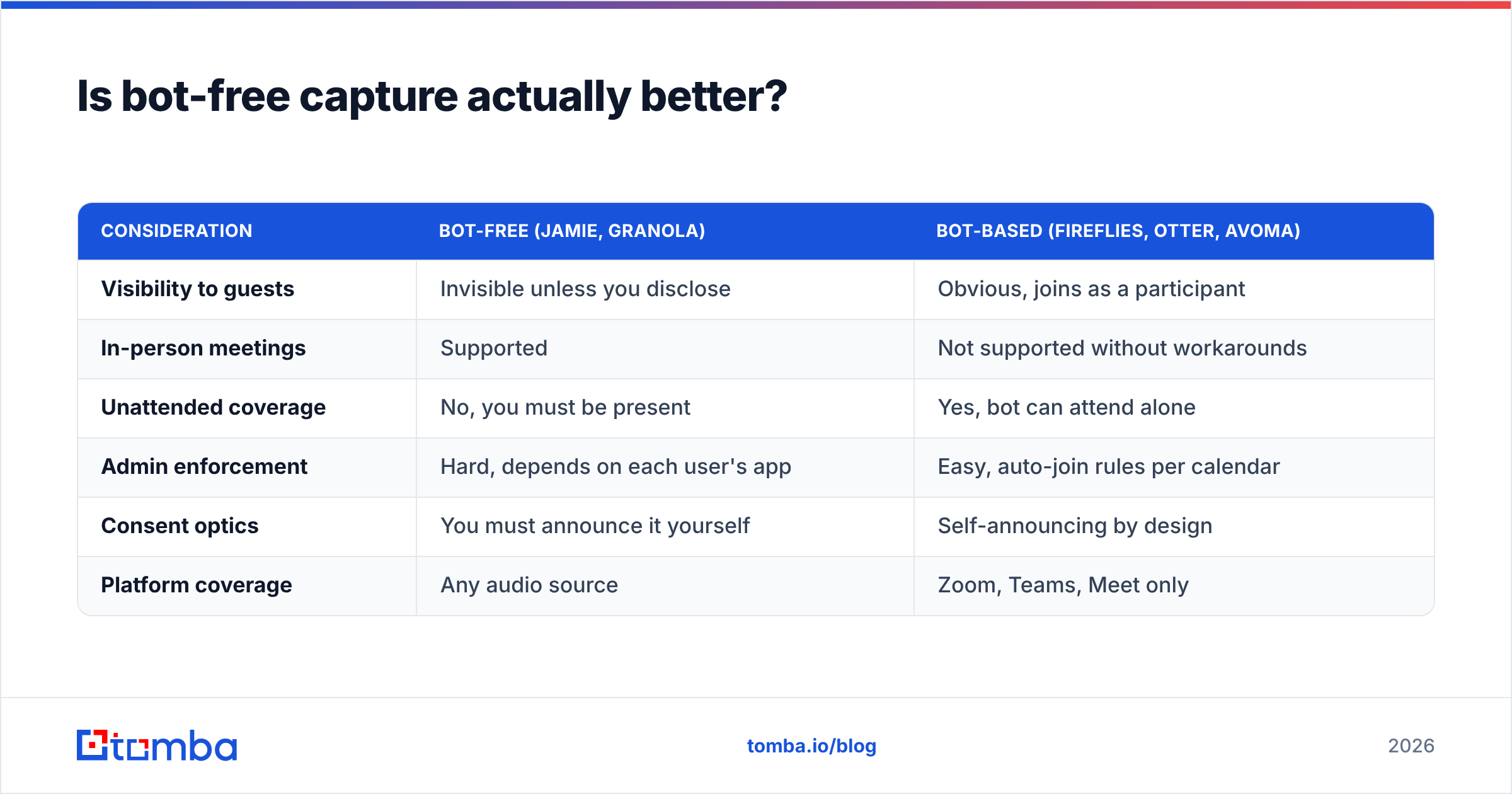
It depends on who is in the room. Most Jamie alternatives sit in one of two camps, and both camps give up something.
| Point | Bot-free (Jamie, Granola) | Bot-based (Fireflies, Otter, Avoma) |
|---|---|---|
| Seen by guests | No, unless you say so | Yes, it joins as a guest |
| In-room calls | Works | Needs a workaround |
| Calls you skip | No, you must be there | Yes, the bot goes alone |
| Admin control | Hard, it sits on each laptop | Easy, auto-join rules |
| Consent optics | You must speak up | It flags itself |
| Platforms | Any audio source | Zoom, Teams, Meet |
The consent point is worth a pause. Bot-free does not mean consent-free. GDPR and two-party states still call for a legal basis. In practice, you also owe people a heads-up. A bot you can see is a happy accident here, since it flags itself. If you go bot-free, put a line in your call script and in your invite text.
What does a switch really cost?#
Sticker price is the easy part. These are the hidden costs when you move to one of the Jamie alternatives above.
- Getting your text out. Some vendors export one call at a time as a PDF. Ask for a bulk export or an API before you sign.
- Lost search. Two years of "what did they say about price?" sit in the old tool. Plan to run both for a quarter.
- Rebuilt plumbing. Each zap, Slack rule and CRM field map gets built again. For a team of 20, that is a real week of work.
- New habits. Reps knew the old flow. A bot changes what buyers see, so it changes the first 30 seconds of each call.
Price the switch as a project, not a line item. Is the yearly saving under a few thousand dollars? Then the move may not clear the bar.
Where do notes stop and pipeline start?#
Here is the gap no notes app fills. A great summary tells you a buyer named their VP of Engineering, their buying lead and a rival they also like. It does not give you their email.
That is the handoff. Your notes app gives you signals. Your contact tool turns them into names you can reach. The loop looks like this:
- The call ends. Your notes app pulls out the names and next steps.
- Those names land in your CRM with a firm and a job title.
- A lookup step finds work emails and dials, then checks each one.
- You send only to checked emails, so your sender reputation stays safe.
Tomba runs step three. Use the email finder on one name plus a domain. Use data enrichment to fill in job titles and firm data in bulk. Or push the whole flow through the HubSpot integration, so no one has to open a sheet. Plans start at $49/mo on Starter. A free plan gives you 25 lookups a month. Full Tomba pricing is public.
Which of these Jamie alternatives should you pick?#
- You want Jamie's stance with a new feel: Granola.
- You want the cheapest solid pick: Fathom. Its free plan is hard to beat.
- You want one search bar for every call: Fireflies.ai.
- You want live text and a strong phone app: Otter.ai.
- Your real gap is coaching and deal calls: Avoma.
- You need rock-solid task capture: Circleback.
- You share clips more than notes: tl;dv.
Check your short list against fresh reviews on G2 before you commit. Tool quality shifts from release to release, and this space moves fast.
Two last rules of thumb. First, run each trial on your worst call, not your best. Pick one with four people, crosstalk and a bad mic. Second, test the export on day one, not day thirty. Export is a feature. A vendor that makes it hard is telling you something.
Ready to turn notes into real pipeline?#
Pick whichever of these Jamie alternatives fits your privacy needs and your budget. Then close the loop. Each name your AI app finds should turn into a checked contact within the hour. Start with the Tomba Email Finder. Search by name and domain, get a scored work email, and push it to your CRM. The free plan covers 25 lookups a month. That is enough to test it on last week's notes.
Related guides#
// get started
Find, verify and enrich your first contacts today
Start on the free plan with 25 searches a month, then scale when your team is ready.
Free plan · No credit card required · GDPR & CCPA
// about the author