Lead Kahuna Alternatives: 8 LinkedIn Automation Tools for 2026
Lead Kahuna gets LinkedIn connection requests out the door, but it stops at the inbox. Here are 8 alternatives compared on account safety, multichannel reach, pricing, and who each one is built for.
TL;DR
- Lead Kahuna is a lightweight Chrome extension for LinkedIn automation: auto-connects, profile visits, and follow-up messages. It works, but it only covers one channel and runs inside your browser.
- If you want the same thing with less setup and a free plan, Waalaxy is the closest swap. If you care most about account safety and cloud execution, look at Expandi or Dripify.
- For LinkedIn plus email plus X (Twitter) in one sequence, La Growth Machine is the strongest multichannel option on this list.
- Every LinkedIn tool hits the same ceiling: weekly invite limits. The fix is adding verified email as a second channel, which is where an email finder like Tomba comes in.
- Pricing below is current at the time of writing. Every vendor on this list changes plans often, so check their pricing page before you buy.
What is Lead Kahuna, and why are people looking for alternatives?#
Lead Kahuna is a LinkedIn prospecting tool that runs as a Chrome extension. You point it at a LinkedIn or Sales Navigator search, and it works through the results for you: it visits profiles, sends connection requests with a personalized note, and sends follow-up messages once people accept. For solo founders and small agencies who were doing all of that by hand, it saves real time.
People start looking elsewhere for three reasons:
- It's browser-based. Your laptop has to be on, Chrome has to be open, and the extension has to be running. If you close the lid, the campaign pauses.
- It only covers LinkedIn. Modern LinkedIn outreach rarely converts well by itself. Teams that book meetings consistently usually pair LinkedIn touches with email, and Lead Kahuna has no native email step.
- It hits the invite limit. LinkedIn caps weekly connection requests (roughly 100 to 200 per week, depending on account age and activity). Once you hit that cap, a single-channel tool has nothing left to do for the rest of the week.
None of this makes Lead Kahuna a bad tool. It's a narrow one. The right alternative depends on which of those three limits is actually costing you meetings.
How should you evaluate a Lead Kahuna alternative?#
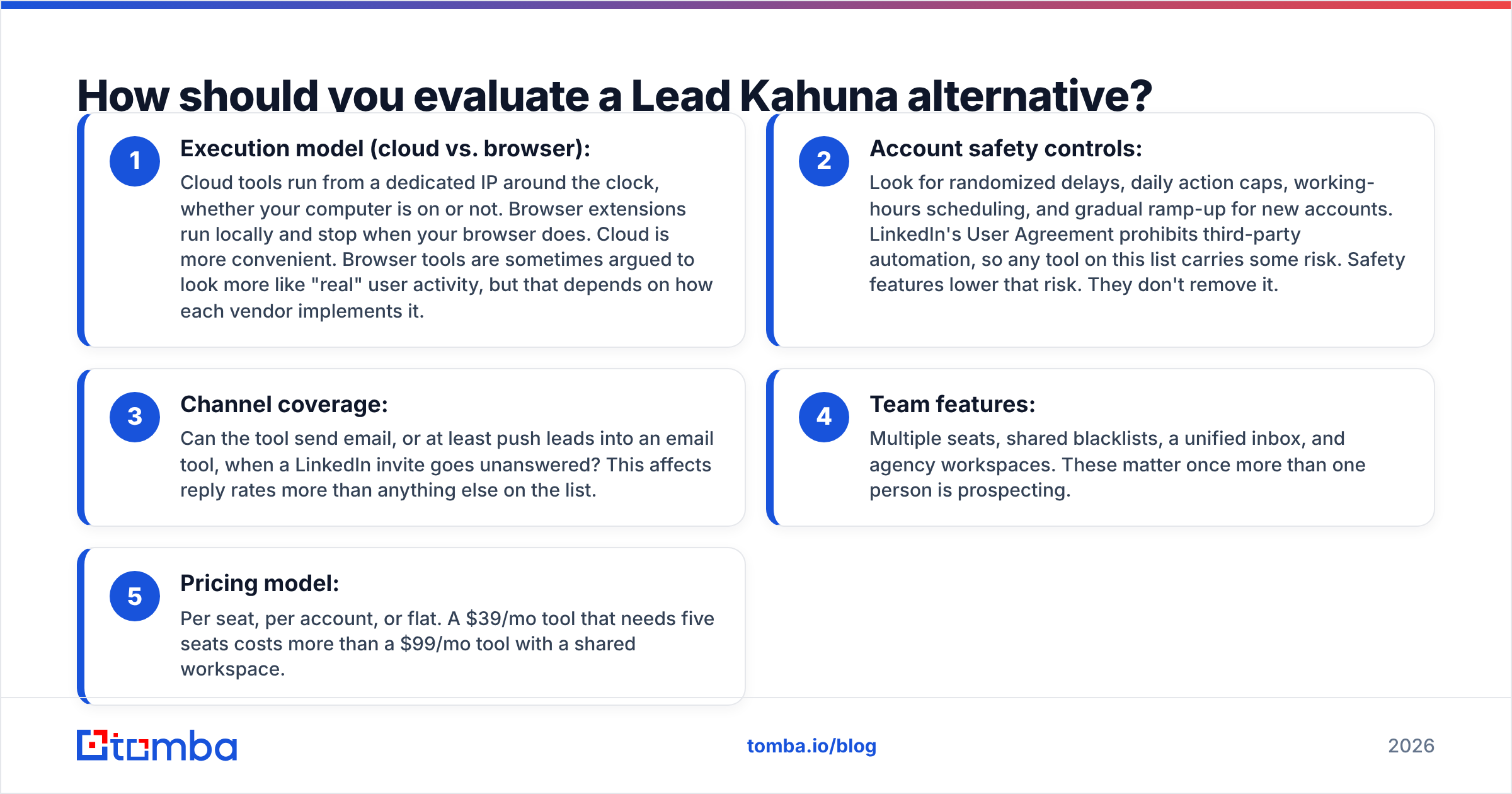
Before you look at feature grids, decide what you're optimizing for. Most buyers weigh some mix of these five criteria:
- Execution model (cloud vs. browser): Cloud tools run from a dedicated IP around the clock, whether your computer is on or not. Browser extensions run locally and stop when your browser does. Cloud is more convenient. Browser tools are sometimes argued to look more like "real" user activity, but that depends on how each vendor implements it.
- Account safety controls: Look for randomized delays, daily action caps, working-hours scheduling, and gradual ramp-up for new accounts. LinkedIn's User Agreement prohibits third-party automation, so any tool on this list carries some risk. Safety features lower that risk. They don't remove it.
- Channel coverage: Can the tool send email, or at least push leads into an email tool, when a LinkedIn invite goes unanswered? This affects reply rates more than anything else on the list.
- Team features: Multiple seats, shared blacklists, a unified inbox, and agency workspaces. These matter once more than one person is prospecting.
- Pricing model: Per seat, per account, or flat. A $39/mo tool that needs five seats costs more than a $99/mo tool with a shared workspace.
Rank these for your own situation first. A solo consultant and a 10-rep SDR team will end up picking different tools, and that's fine.
Which Lead Kahuna alternatives are worth considering in 2026?#
Here are the eight tools that come up most often when teams outgrow Lead Kahuna. They're grouped by what they do best, not ranked from best to worst overall.
1. Waalaxy: best free and beginner-friendly alternative#
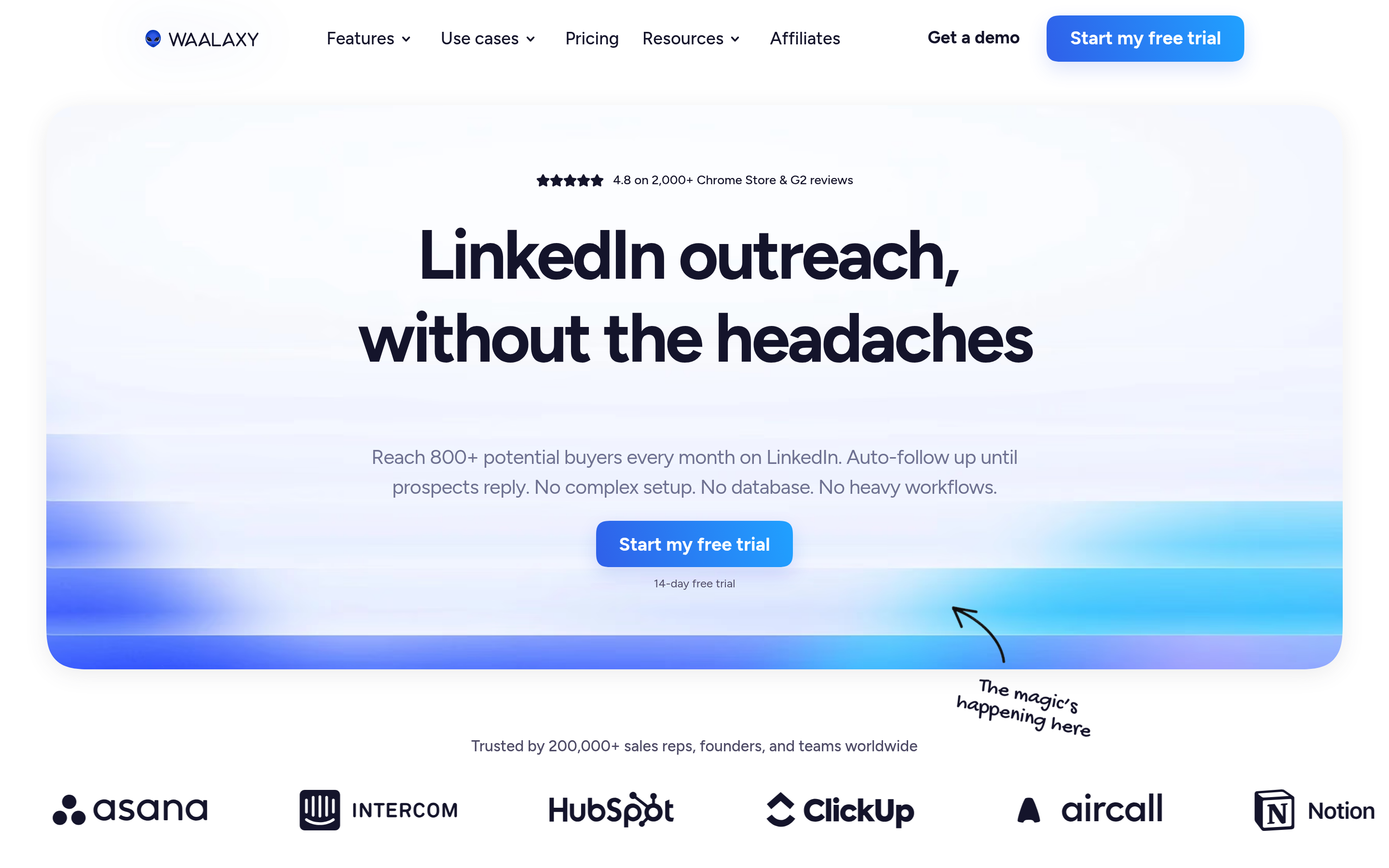
Waalaxy is the closest like-for-like replacement. It started as a Chrome extension but now runs campaigns in the cloud, so you don't need your browser open. The campaign builder uses prebuilt "sequences" (visit, invite, message, follow-up) that a beginner can launch in a few minutes.
The free plan lets you test the product with a limited number of invitations each month. Paid tiers add more volume, a message inbox, and email finding plus sending in the higher plans. The downside is that the templates are fairly rigid, and heavy users run into the monthly caps quickly. If you're comparing it against other tools too, our Waalaxy alternative breakdown covers where it falls short.
Best for: Solo founders and freelancers who want Lead Kahuna's workflow without the browser dependency.
2. Dripify: best for sales teams on a budget#
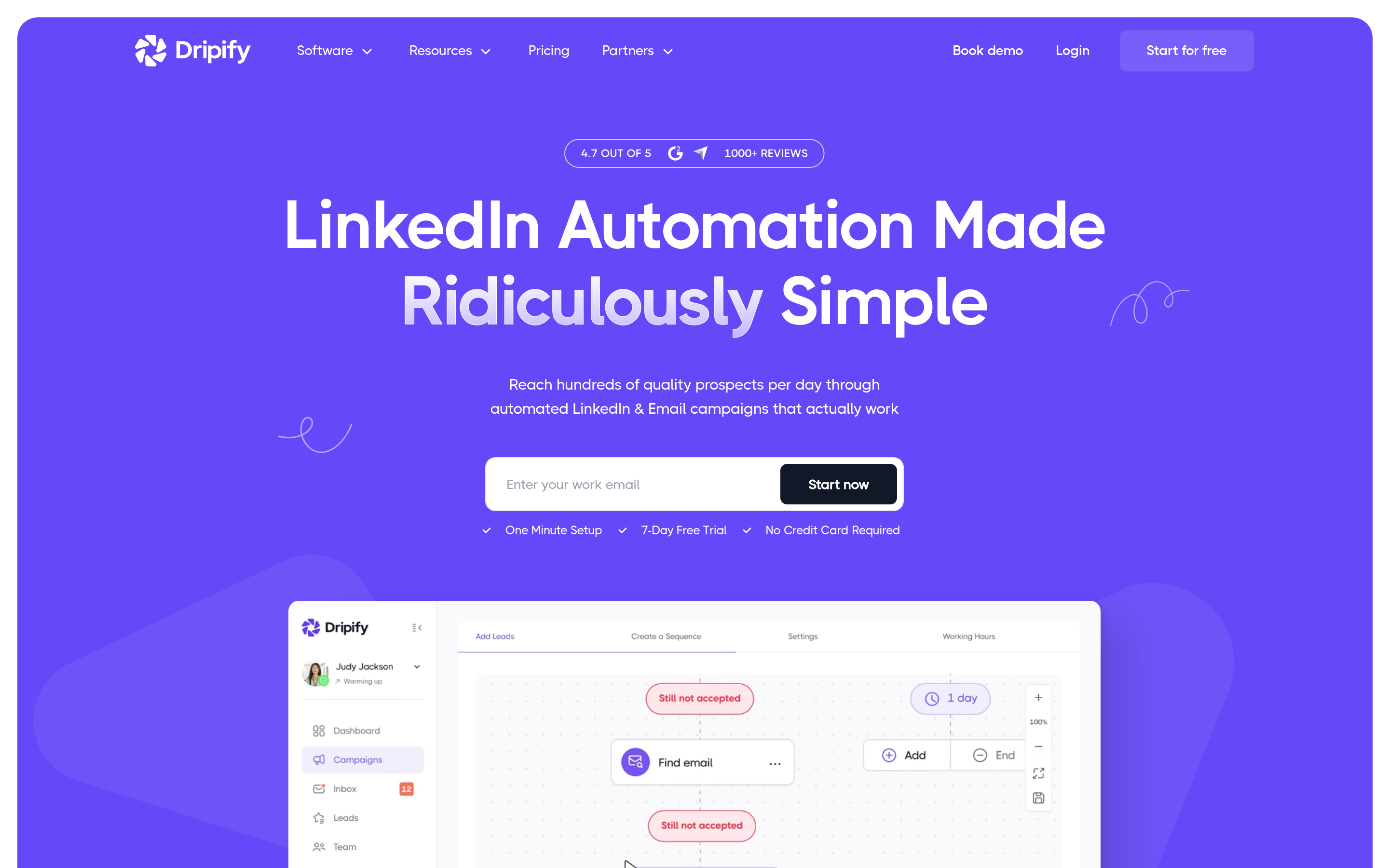
Dripify is cloud-based and built around drip campaigns with conditional logic. For example, if a prospect accepts, send message A. If they don't accept within five days, withdraw the invite and move on. Team plans come with a manager view, so a sales lead can see every rep's campaign stats in one dashboard.
Plans start around $39/mo per user, with higher tiers that unlock team management and CSV exports. The analytics are cleaner than Lead Kahuna's. You still get only light native email support, though, so plan on exporting leads to a separate sequencer.
Best for: Small SDR teams who need manager visibility and cloud execution.
3. Expandi: best for account safety and advanced sequences#

Expandi's pitch is safety. Each account gets a dedicated country-based IP, activity is randomized, and campaigns can be triggered from events such as someone engaging with a post or showing up in an event attendee list. The "smart sequence" builder supports LinkedIn and email steps in the same flow.
It costs more (typically around $99/mo per seat), and the interface takes a little longer to learn. For agencies running outreach on client accounts, the extra spend on safety is usually worth it.
Best for: Agencies and power users who can't afford a restricted LinkedIn account.
4. La Growth Machine: best true multichannel alternative#
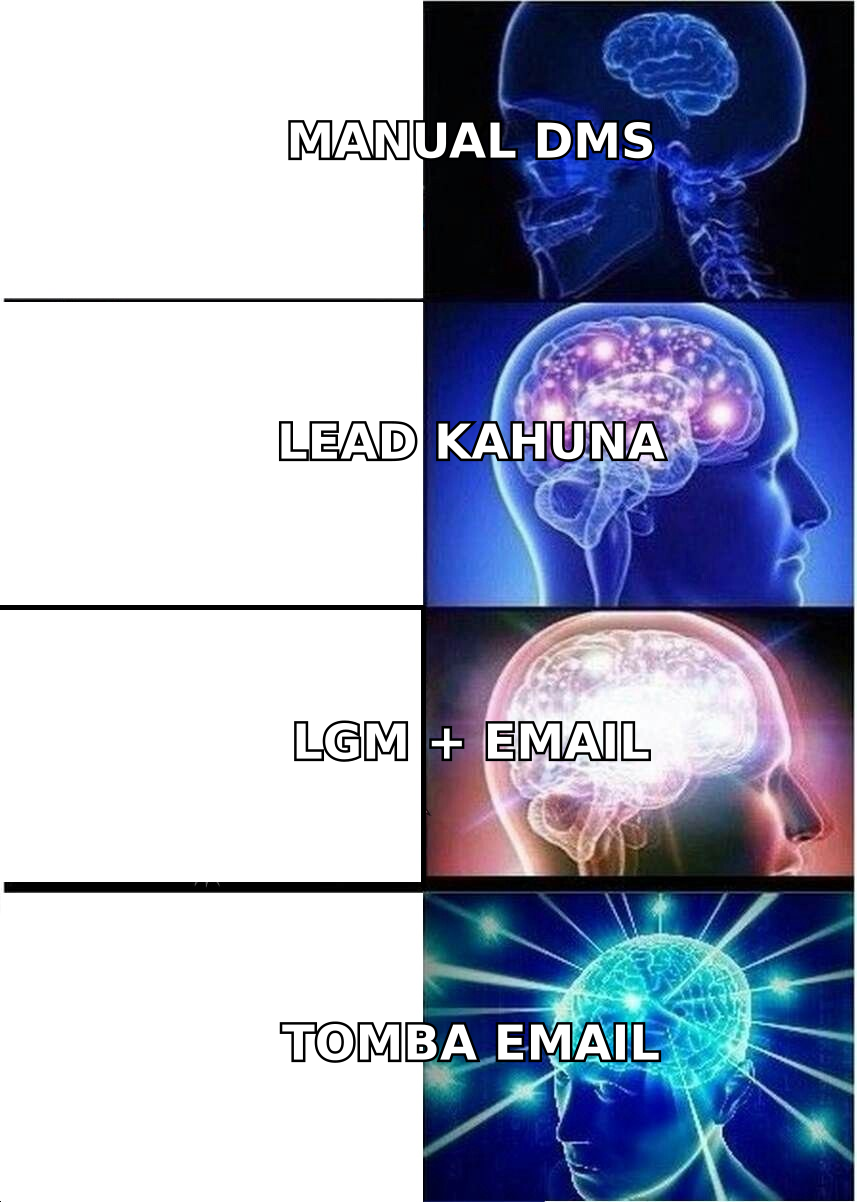
La Growth Machine (LGM) is built for multichannel from the start. One sequence can visit a LinkedIn profile, send an invite, send an email if the invite sits unanswered, send a LinkedIn voice message, and interact on X. It also enriches each lead with an email address before the email step runs.
Pricing is tiered by channel access, and the plans with email and advanced features cost noticeably more than single-channel tools. You're paying for fewer tools in your stack. The learning curve is real, but the visual sequence builder helps.
Best for: Growth teams that want one tool to manage LinkedIn, email, and social touches.
5. Linked Helper: best for power users on a tight budget#
Linked Helper is a desktop application rather than a cloud tool or browser extension. It's very configurable: you can build complex workflows, scrape profile data, auto-endorse skills, and manage a basic built-in CRM. The per-month cost is among the lowest in the category.
The tradeoff is that it runs on your machine, like Lead Kahuna, and the interface feels dated. Technical users like it. Everyone else tends to find it overwhelming.
Best for: Technical solo operators who want maximum control for minimum spend.
6. Octopus CRM: best cheap Chrome extension swap#
If you want to keep the Chrome-extension model and just get a cleaner interface, Octopus CRM is the obvious pick. It handles auto-connect, messaging, endorsements, and profile visits, with a funnel view and basic stats. Entry pricing sits in the low double digits per month.
It doesn't add much beyond Lead Kahuna's feature set. The main reasons to switch are the interface and the reporting.
Best for: Users happy with the extension approach who want a more polished product.
7. Meet Alfred: best for LinkedIn + email + X on a mid-range budget#
Meet Alfred (now branded simply as Alfred) combines LinkedIn, email, and X campaigns with a unified inbox and a basic CRM. It sits between Dripify and La Growth Machine on price and complexity. Reporting is solid, and team plans support multiple LinkedIn accounts.
Best for: Small teams that want multichannel without LGM's price or learning curve.
8. Zopto: best done-with-you option for agencies#
Zopto is a cloud platform aimed at agencies and larger teams, with region-based targeting and account management support. It's one of the pricier tools here, so it only makes sense when outreach is a core revenue channel and you want vendor help setting up campaigns.
Best for: Agencies managing many client LinkedIn accounts.
How do the Lead Kahuna alternatives compare side by side?#
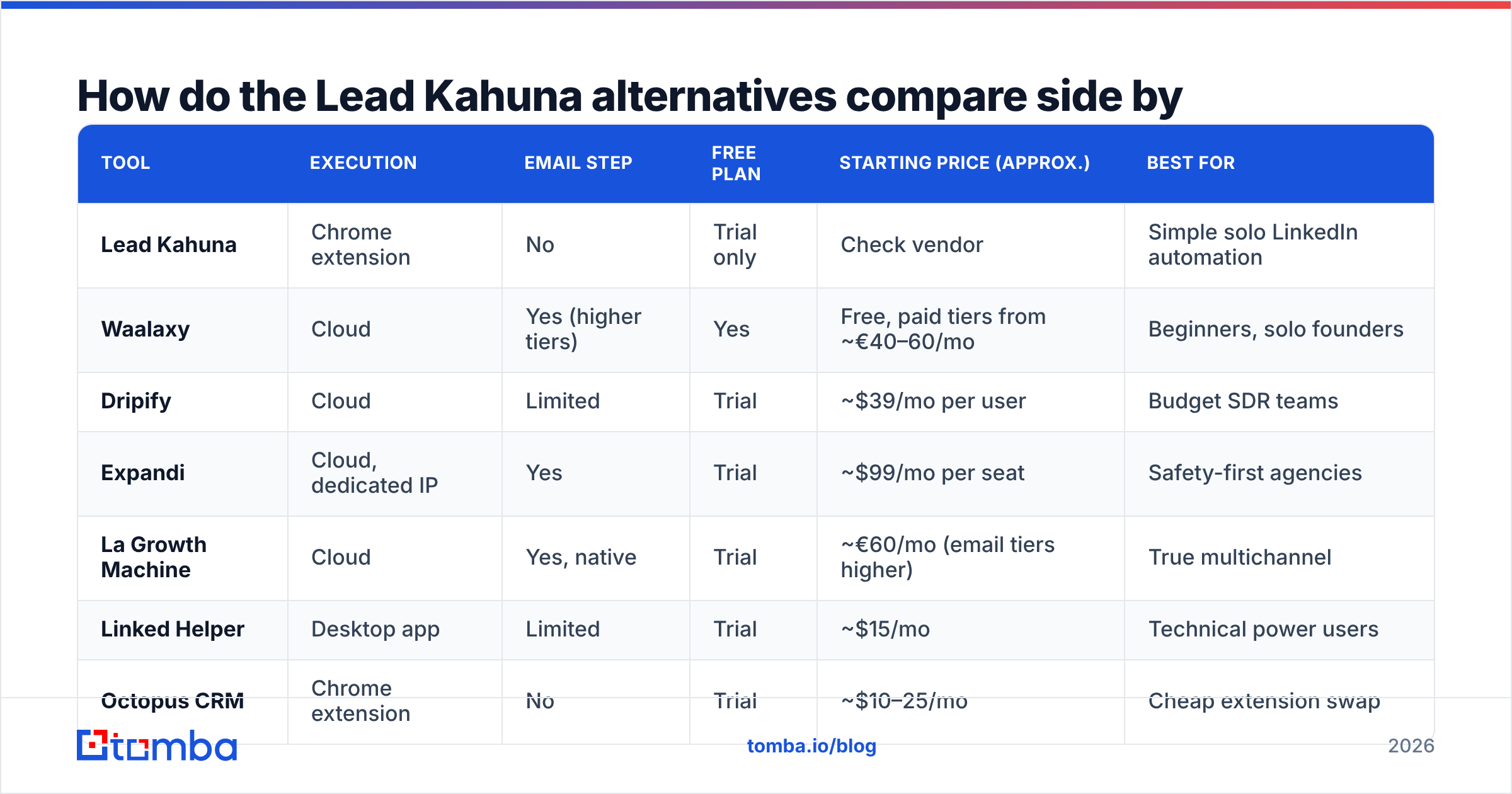
| Tool | Execution | Email step | Free plan | Starting price (approx.) | Best for |
|---|---|---|---|---|---|
| Lead Kahuna | Chrome extension | No | Trial only | Check vendor | Simple solo LinkedIn automation |
| Waalaxy | Cloud | Yes (higher tiers) | Yes | Free, paid tiers from ~€40–60/mo | Beginners, solo founders |
| Dripify | Cloud | Limited | Trial | ~$39/mo per user | Budget SDR teams |
| Expandi | Cloud, dedicated IP | Yes | Trial | ~$99/mo per seat | Safety-first agencies |
| La Growth Machine | Cloud | Yes, native | Trial | ~€60/mo (email tiers higher) | True multichannel |
| Linked Helper | Desktop app | Limited | Trial | ~$15/mo | Technical power users |
| Octopus CRM | Chrome extension | No | Trial | ~$10–25/mo | Cheap extension swap |
| Alfred | Cloud | Yes | Trial | Mid-range | Multichannel small teams |
| Zopto | Cloud | Limited | No | Premium | Agencies at scale |
Prices are approximate and change often. User reviews on G2 are a good way to check how each tool's safety claims hold up in practice.
Is a LinkedIn automation tool enough on its own?#
Usually not, and this is where most switching decisions go wrong. Teams replace Lead Kahuna with a faster or safer LinkedIn tool, then hit the same weekly invite cap a few weeks later.
The math is simple. Say LinkedIn lets you send about 150 invites a week, 30% accept, and 10% of those who accept reply. That's roughly 4 or 5 conversations a week per account. Switching tools won't raise that number much. What does raise it is a second channel that doesn't share LinkedIn's limits.
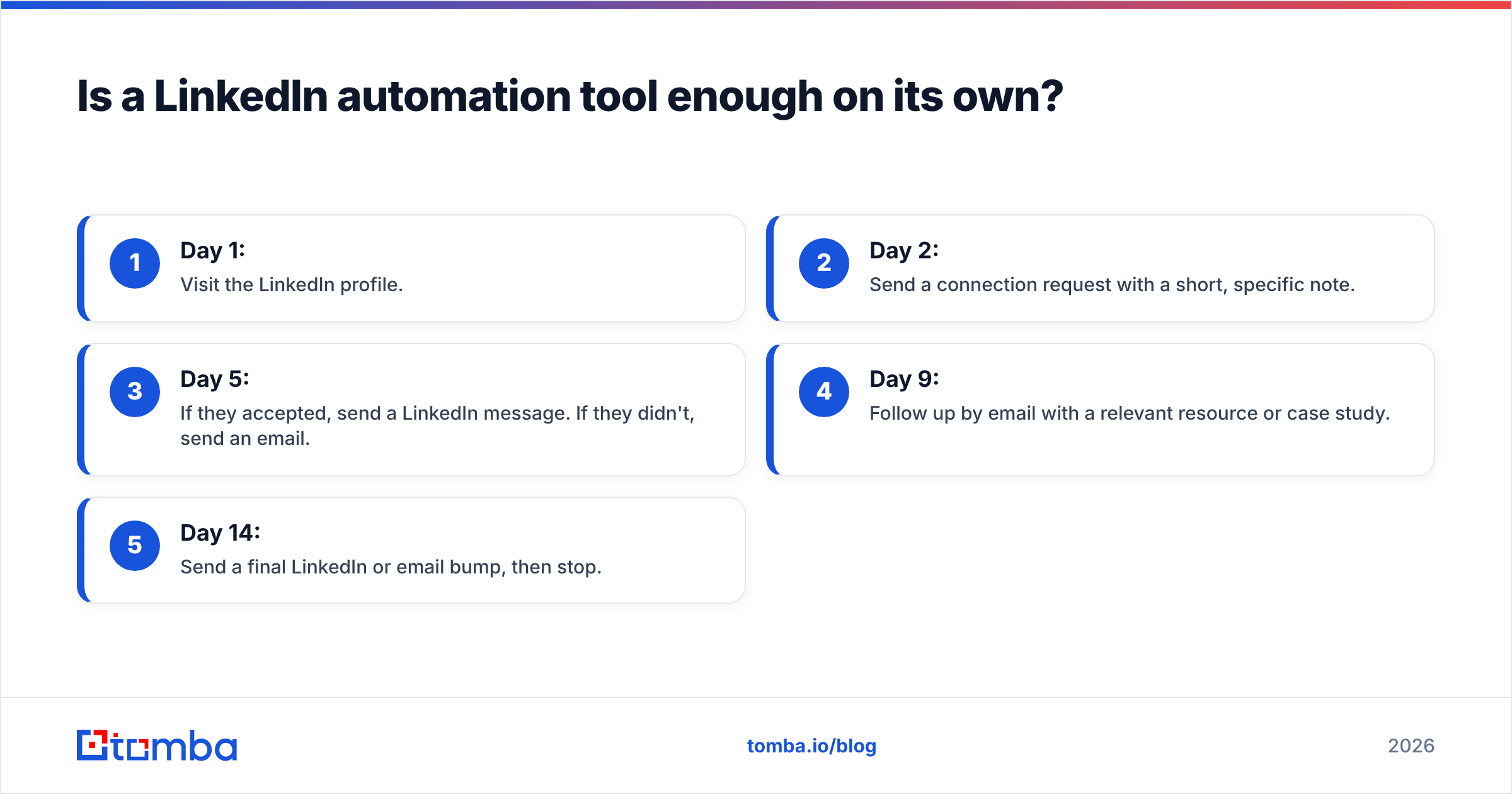
Email is that second channel. A typical multichannel sequence looks like this:
- Day 1: Visit the LinkedIn profile.
- Day 2: Send a connection request with a short, specific note.
- Day 5: If they accepted, send a LinkedIn message. If they didn't, send an email.
- Day 9: Follow up by email with a relevant resource or case study.
- Day 14: Send a final LinkedIn or email bump, then stop.
To run that, you need a correct email address for every prospect in your LinkedIn list, and those addresses need to be verified. Sending to bad addresses raises your bounce rate, and high bounce rates hurt your sender reputation quickly.

How do you add email to any Lead Kahuna alternative?#
Some tools on this list (La Growth Machine, Waalaxy's higher tiers, Expandi) include built-in email finding. Match rates vary a lot by region and industry, though, and built-in finders rarely run a full verification pass. Many teams keep a dedicated email finder in the stack no matter which LinkedIn tool they use.
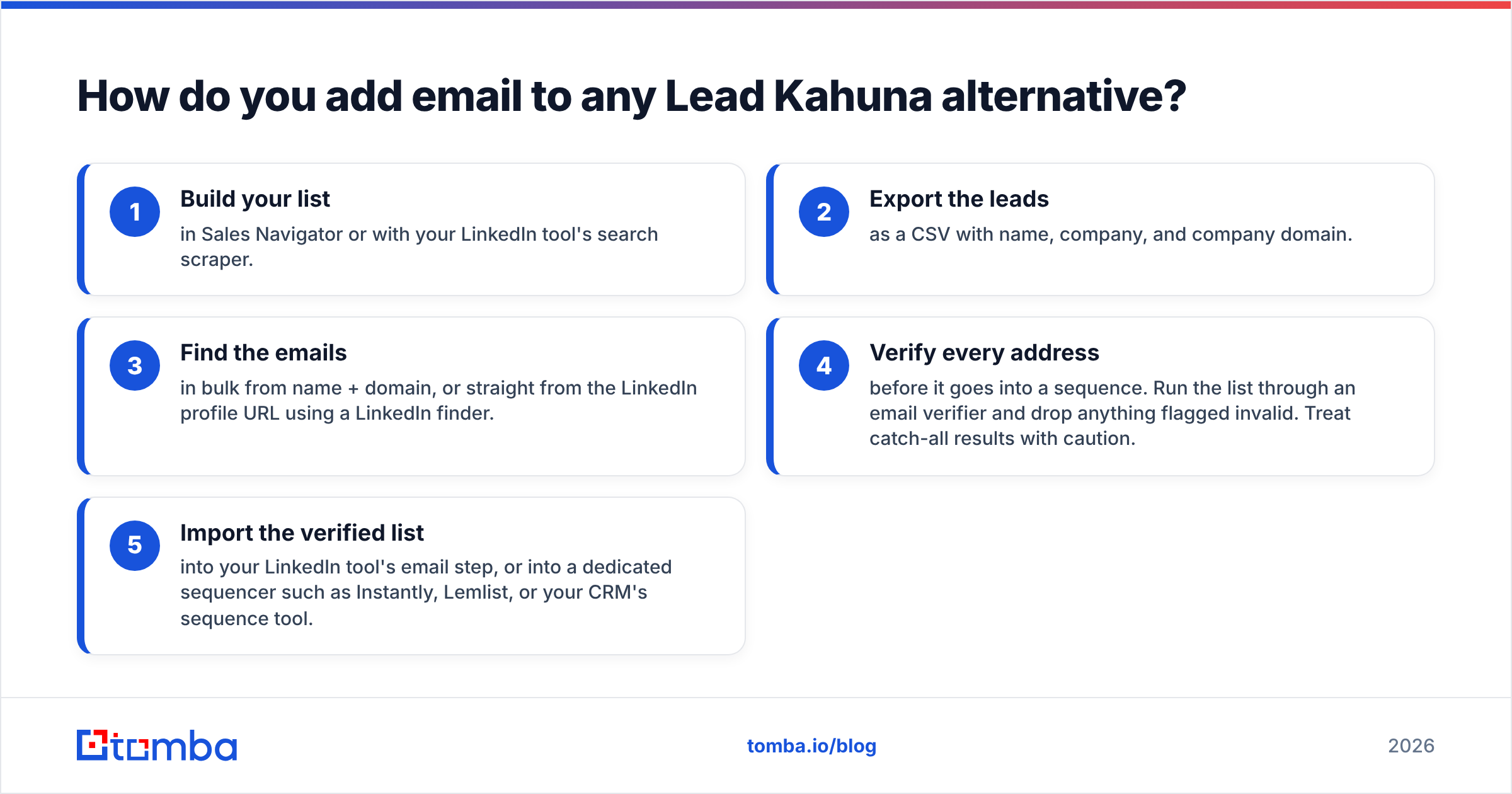
A practical workflow:
- Build your list in Sales Navigator or with your LinkedIn tool's search scraper.
- Export the leads as a CSV with name, company, and company domain.
- Find the emails in bulk from name + domain, or straight from the LinkedIn profile URL using a LinkedIn finder.
- Verify every address before it goes into a sequence. Run the list through an email verifier and drop anything flagged invalid. Treat catch-all results with caution.
- Import the verified list into your LinkedIn tool's email step, or into a dedicated sequencer such as Instantly, Lemlist, or your CRM's sequence tool.
This works with any tool on the list, including Lead Kahuna itself if you decide to keep it. Your LinkedIn tool handles the social touches, and the email layer handles the volume LinkedIn won't let you send.
Which Lead Kahuna alternative should you pick?#
Pick based on your team, not on the longest feature list:
- You're solo and want the easiest upgrade: Waalaxy. It has a free plan, runs in the cloud, and has almost no learning curve.
- You manage a small SDR team: Dripify for the manager dashboard, or Alfred if you want email and LinkedIn in the same inbox.
- You run an agency or can't risk a restricted account: Expandi, or Zopto if you want vendor-managed setup.
- You want one tool for every channel: La Growth Machine.
- You're technical and cost-conscious: Linked Helper.
- You like the extension model and just want it cleaner: Octopus CRM.
Whatever you pick, budget for the email layer too. The LinkedIn tool determines how many people you can reach in a week. The email layer determines how many of the rest you can still reach.
Frequently asked questions#
Is Lead Kahuna safe to use on LinkedIn?#
No LinkedIn automation tool is fully safe. LinkedIn's terms prohibit automation, and any tool can trigger a restriction if you push volume too hard. Stay under roughly 20 to 30 invites a day, ramp up slowly on new accounts, and keep personalized notes short and relevant.
What is the best free Lead Kahuna alternative?#
Waalaxy has the most usable free plan in this category. It's enough to test a campaign end to end, but serious outbound will need a paid tier.
Do I need an email finder if my LinkedIn tool has one built in?#
Not always. But built-in finders usually have lower match rates and lighter verification than dedicated tools. If email is a major part of your pipeline, a dedicated finder and verifier usually pays for itself in lower bounce rates.
Can I use Lead Kahuna and an email tool together?#
Yes. Export your accepted and non-accepted connections, find and verify their emails, and load them into a sequencer. It's more manual than a native multichannel tool, but it works.
Ready to add email to your LinkedIn outreach?#
Whichever Lead Kahuna alternative you choose, it will run into LinkedIn's weekly limits. Tomba Email Finder turns the leads you already have into verified email addresses from a name and company domain, or straight from a LinkedIn profile, so the prospects who ignore your invite still get a message. You can start on the free tier with 25 searches a month, then move to Starter at $49/mo when your sequences need more volume.
Related guides#
// get started
Find, verify and enrich your first contacts today
Start on the free plan with 25 searches a month, then scale when your team is ready.
Free plan · No credit card required · GDPR & CCPA
// about the author