Leadleaper vs Tomba: Which Email Finder Fits Your Team in 2026?
Leadleaper finds emails while you browse LinkedIn. Tomba adds domain search, verification, bulk jobs and an API. Here's which one fits how your team actually prospects.
TL;DR
- Leadleaper is a lightweight, browser-first email finder. You capture contacts while you browse LinkedIn, Sales Navigator and company websites. It suits solo reps and small teams who prospect by hand.
- Tomba is a wider email data platform. It covers the email finder, domain search, email verifier, catch-all checks, phone finder, enrichment, bulk jobs and a REST API.
- If you find one lead at a time inside the browser, Leadleaper's free tier and simple workflow are hard to beat on convenience.
- If you need thousands of verified emails, CRM syncs or a pipeline your developers can automate, Tomba is the better fit. Its paid plans start at $49/mo.
- Whichever you pick, test both on the same 100 real target accounts before you commit. Accuracy depends heavily on your market.
What is the real difference between Leadleaper and Tomba?#
Both tools answer the same question: "What is this person's work email?" They answer it in different places and at different scales.
Leadleaper is built around the browser. You install the Chrome extension, open a LinkedIn profile, a Sales Navigator search or a company website, and Leadleaper suggests the contact's email. You save the lead to a list and export it or send it on from there. Leadleaper has also added Gmail-side features such as email tracking over the years, so the product sits between "email finder" and "lightweight prospecting assistant."
Tomba starts with data. The core is an email finder that works from a name plus a domain, a company name or a LinkedIn URL. Around it sit domain search (every public email tied to a company), a verifier, a catch-all verifier, a phone finder and enrichment. You can use all of these from the web app, the Chrome extension, Google Sheets, integrations or the API.
In short, Leadleaper works like a notepad that fills in email addresses while you research. Tomba works like a database with several ways in, and the browser is only one of them.
How do Leadleaper and Tomba compare feature by feature?#
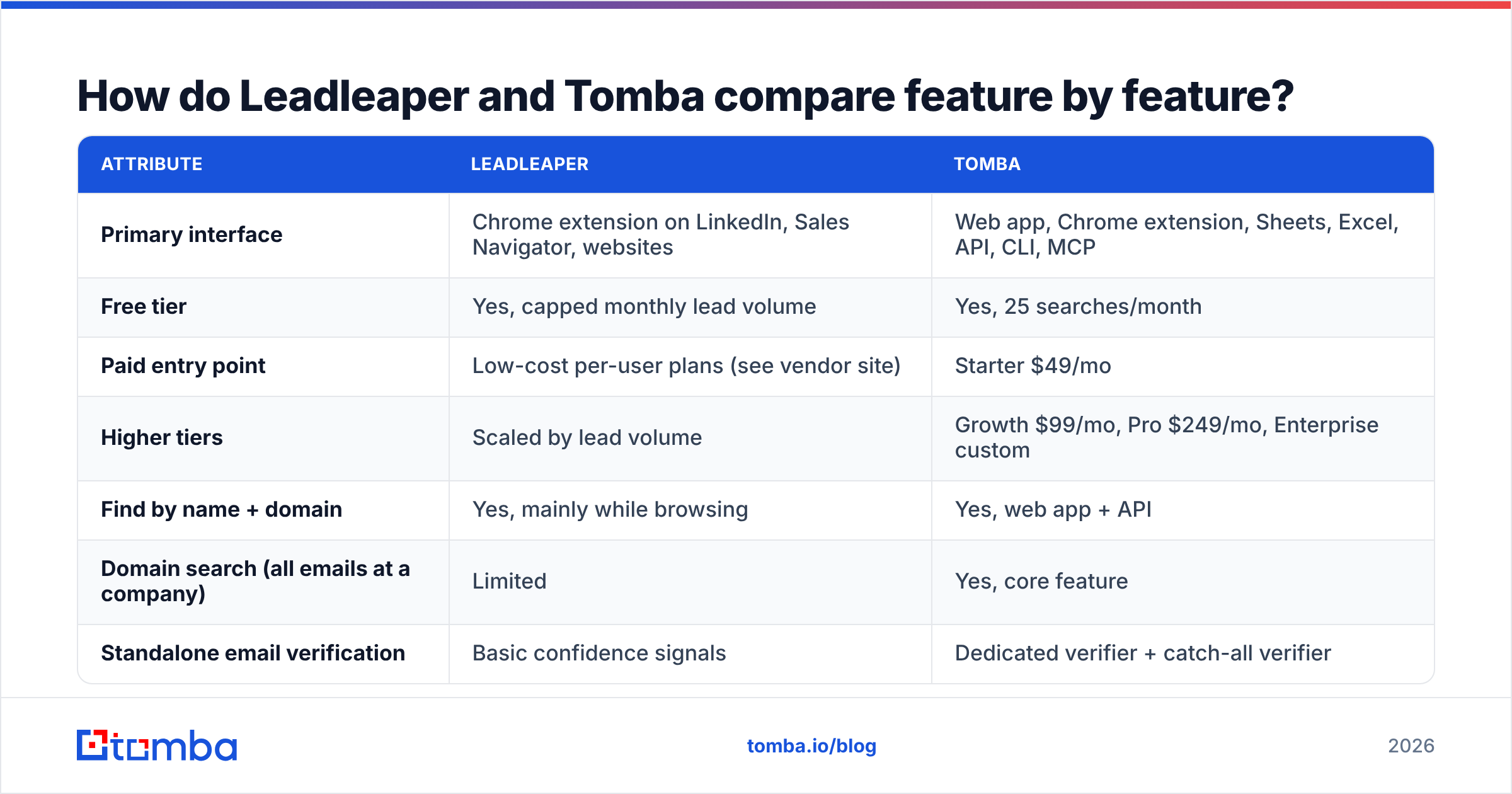
Here is a side-by-side view of what matters when you choose between them. Leadleaper changes its plans from time to time, so check leadleaper.com for current limits before you buy.
| Attribute | Leadleaper | Tomba |
|---|---|---|
| Primary interface | Chrome extension on LinkedIn, Sales Navigator, websites | Web app, Chrome extension, Sheets, Excel, API, CLI, MCP |
| Free tier | Yes, capped monthly lead volume | Yes, 25 searches/month |
| Paid entry point | Low-cost per-user plans (see vendor site) | Starter $49/mo |
| Higher tiers | Scaled by lead volume | Growth $99/mo, Pro $249/mo, Enterprise custom |
| Find by name + domain | Yes, mainly while browsing | Yes, web app + API |
| Domain search (all emails at a company) | Limited | Yes, core feature |
| Standalone email verification | Basic confidence signals | Dedicated verifier + catch-all verifier |
| Bulk CSV upload | Limited / list-based | Yes, bulk finder and bulk verifier |
| Phone numbers | No dedicated phone product | Phone finder + phone validator |
| Public REST API | Not a core offering | Yes, full API |
| CRM integrations | Export-focused | HubSpot, Salesforce, Pipedrive, Zapier, Make and more |
| Best for | Solo reps, founders, recruiters prospecting by hand | SDR teams, RevOps, agencies, developers |

The table shows the pattern clearly. Leadleaper keeps its scope small on purpose. Tomba covers the whole find-verify-enrich loop, and that breadth is either useful or overkill depending on your team.
Which workflow does each tool actually support?#
When you pick an email finder, how you work matters more than the feature list. These are the four workflows most B2B teams run, and how each tool handles them:
- One-by-one research on LinkedIn. You open a profile, read it, decide the person is a fit and grab the email. Both tools handle this. Leadleaper's whole design centers on it, so the capture flow feels natural. Tomba's Chrome extension does the same job and also shows verification status right away.
- Account-based mapping. You have a list of 50 target companies and want the decision-makers at each one. You need domain search for this. Tomba returns every public email tied to a domain along with department and seniority signals. Leadleaper can get there page by page, but slowly.
- List cleaning before a campaign. You have 5,000 contacts from an event or an old CRM export, and you need to know which ones will bounce. You need a bulk verifier for this. Tomba has one. Leadleaper is not designed for it.
- Automated enrichment. New signups or inbound leads hit your CRM and should be enriched with no human involved. You need an API or native integrations for this. Tomba has both. Leadleaper does not really compete here.
If most of your week is workflow 1, both tools are good choices and cost may decide it. If workflows 2 to 4 take up real time, a browser-only tool will start to hold you back.

Is Tomba more accurate than Leadleaper?#
No independent benchmark we know of tests Leadleaper and Tomba head to head on a large, public dataset. Be skeptical of any article that quotes exact accuracy percentages for either one. What you can compare is how each tool gets to an answer, and that tells you a lot.

How Leadleaper gets an email: it infers the company's email pattern (first.last@, flast@ and so on) from the context you browse, then generates and scores the likely address. This works well at companies with consistent patterns and a public web footprint. It struggles at catch-all domains, where the mail server accepts every address, so you can't confirm whether a specific mailbox exists.
How Tomba gets an email: Tomba combines public web sources it has indexed with pattern detection and live SMTP-level verification. Each result comes with a confidence score, a verification status and, where available, the source URLs where the address appeared. Catch-all domains get their own check through the catch-all verifier, so "accept-all" results don't get lumped in with "valid."
In practice, Tomba gives you more signals about each email, and that is what protects your sender reputation. You still need to test both tools on your own market to know which one is more accurate for you. Coverage varies by region, industry and company size.
How to run a fair accuracy test#
- Pull 100 contacts from your real ICP, not from a vendor demo list.
- Include a mix: 30 enterprise, 40 mid-market, 30 small companies, with several known catch-all domains.
- Run the list through both tools on the same day.
- Send one plain-text email per "valid" result from a warmed-up secondary domain, and track hard bounces over 72 hours.
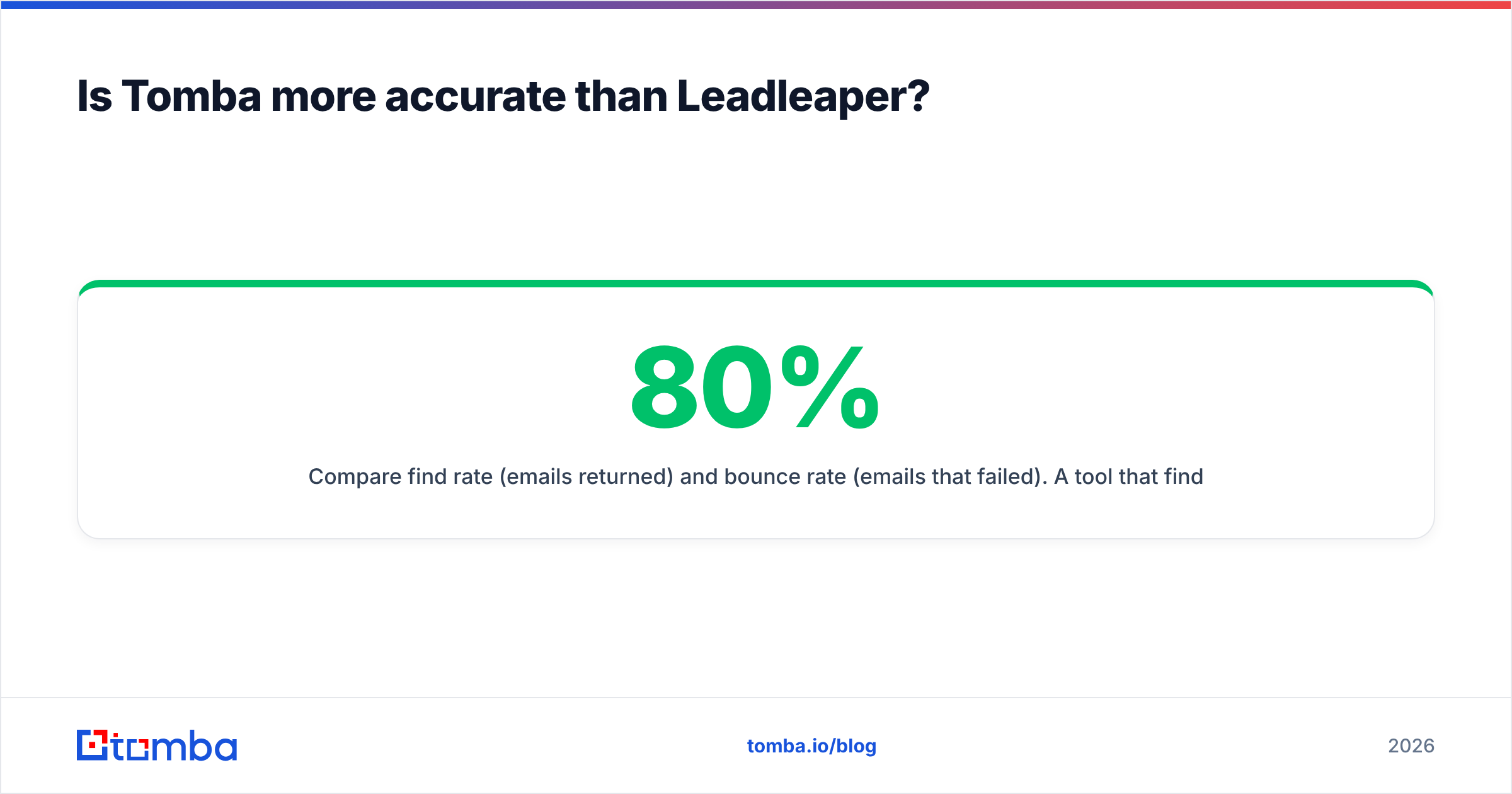
- Compare find rate (emails returned) and bounce rate (emails that failed). A tool that finds 80% of emails with a 12% bounce rate is worse than one that finds 65% with a 2% bounce rate.
That last point matters more than most comparison posts admit. According to HubSpot, inbox providers watch bounce rates closely, and a few bad batches can hurt deliverability for weeks.
How does Leadleaper vs Tomba pricing work out?#
On sticker price, Leadleaper usually looks cheaper at the entry level. Its free plan is generous for casual use, and its paid tiers are priced for individual reps rather than teams. For a founder doing 20 to 50 lookups a week, that is a strong argument.
Tomba's structure is simpler to read at team scale:
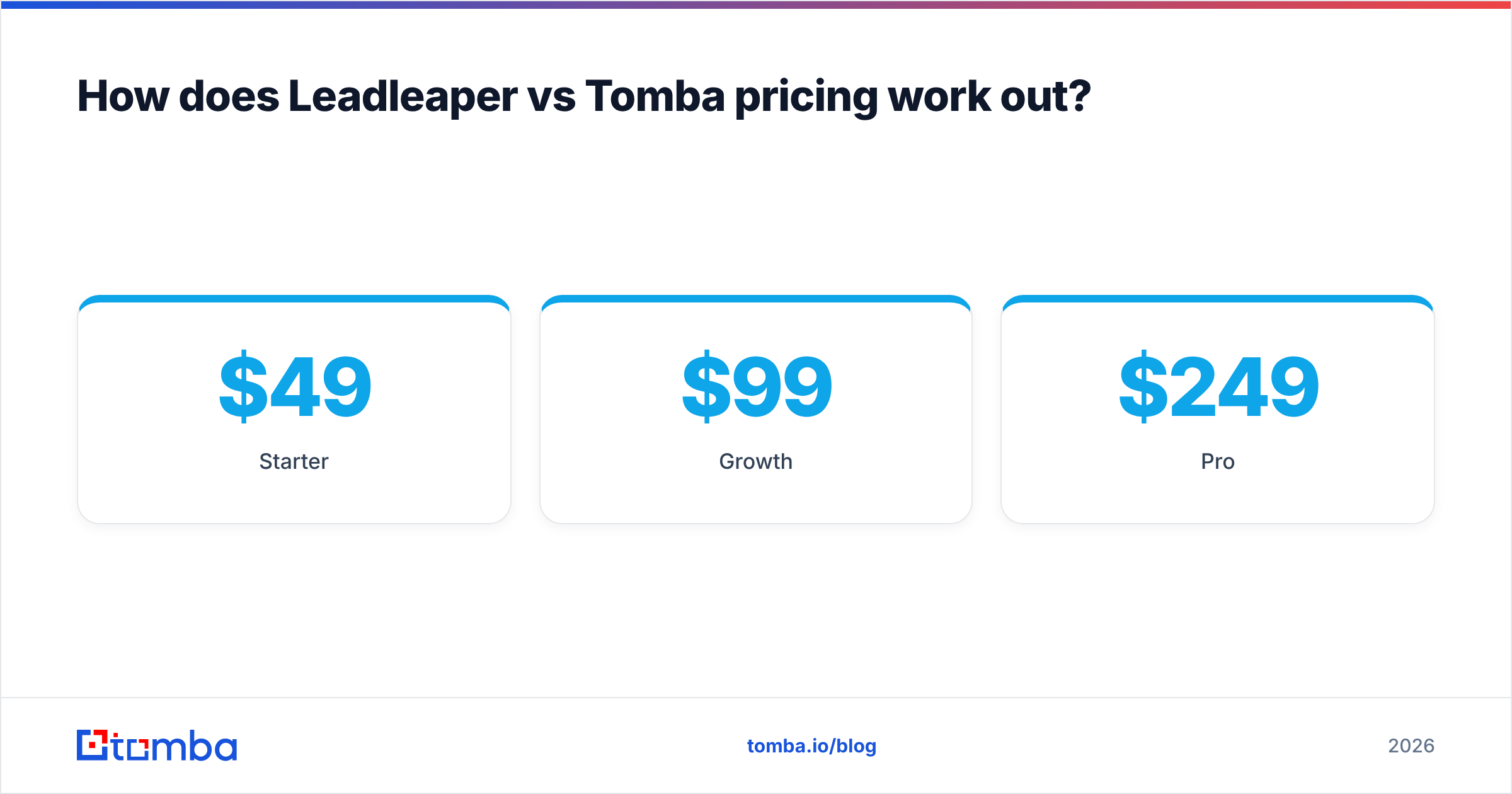
- Free: 25 searches/month, good for testing
- Starter: $49/mo
- Growth: $99/mo
- Pro: $249/mo
- Enterprise: custom
Full limits per plan are on the Tomba pricing page.
Compare cost per usable email, not cost per search. To calculate it:
- Take the monthly plan price.
- Divide it by the number of emails that were found and didn't bounce.
- Add the cost of any separate verifier you'd have to buy on top.
If you use Leadleaper and then pay for a separate verification tool before every campaign, the price gap narrows quickly. With Tomba, verification is part of the same account, so a single subscription often replaces two tools.
On the other hand, if you never send more than a few hundred emails a month and you hand-check every lead anyway, Tomba's extra features are cost you won't use. Paying for a platform when a notepad is enough is a real risk.
Who should choose Leadleaper?#
Leadleaper is the better pick when all of these are true:
- You prospect by hand. Your process is "read the profile, decide, capture," and you like staying inside LinkedIn.
- Your volume is low. Tens or low hundreds of contacts a month, not thousands.
- You work alone or in a very small team. You don't need shared workspaces, admin controls or CRM-level sync.
- Budget is the main constraint. The free plan or a cheap per-user plan covers everything you need.
Recruiters, solo consultants and early-stage founders doing their own outbound often fit this profile. User reviews on G2 tend to praise Leadleaper's simplicity and LinkedIn integration, which matches this use case.
Who should choose Tomba?#
Tomba is the better pick when any of these are true:
- You need account coverage, not single contacts. Domain search maps a whole company in one query.
- Deliverability is on the line. You send at volume and need built-in verification and catch-all detection so bounces don't damage your domains.
- You work in spreadsheets or a CRM. Bulk upload, Google Sheets, Excel and native HubSpot, Salesforce and Pipedrive connections remove the copy-paste step.
- You have engineers. The Tomba API, CLI and MCP server let you build enrichment into your product, lead-routing logic or AI agents.
- You need more than email. The phone finder, phone validator and company enrichment all run from the same account.
SDR teams, agencies running outbound for several clients, RevOps teams and product-led growth companies that enrich signups usually land here.

What are the pros and cons of each tool?#
| Leadleaper | Tomba | |
|---|---|---|
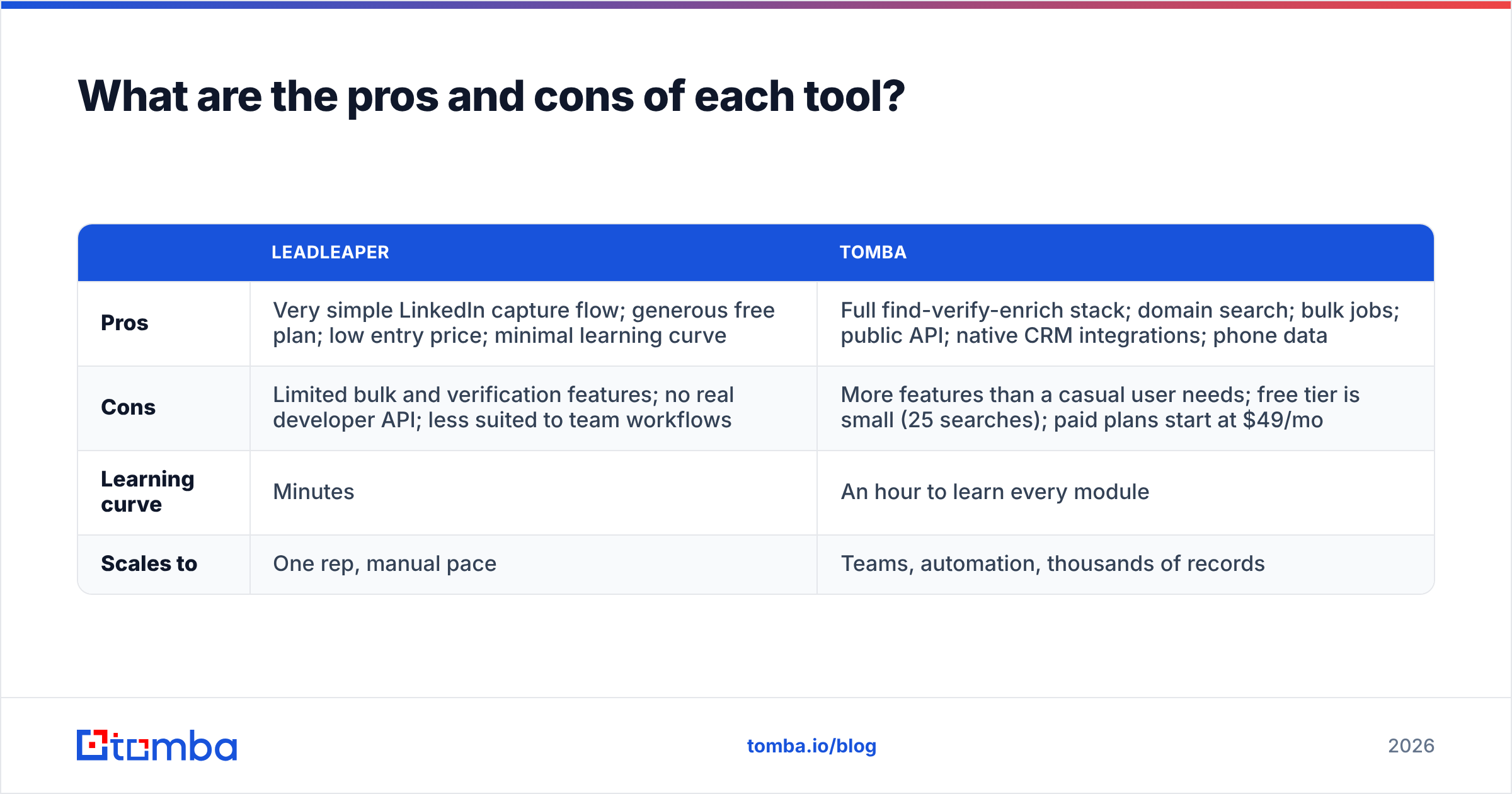
| Pros | Very simple LinkedIn capture flow; generous free plan; low entry price; minimal learning curve | Full find-verify-enrich stack; domain search; bulk jobs; public API; native CRM integrations; phone data |
| Cons | Limited bulk and verification features; no real developer API; less suited to team workflows | More features than a casual user needs; free tier is small (25 searches); paid plans start at $49/mo |
| Learning curve | Minutes | An hour to learn every module |
| Scales to | One rep, manual pace | Teams, automation, thousands of records |
Can you use Leadleaper and Tomba together?#
Yes, and some teams do. A common hybrid setup:
- Reps keep Leadleaper for quick, in-the-moment captures while they research on LinkedIn.
- Every list goes through Tomba's bulk verifier before it reaches the sequencer.
- Ops uses Tomba's domain search and API for account mapping and inbound enrichment.
This works, but you pay for two tools and manage two data sources. Once your team grows past three or four reps, it usually makes sense to move everything into one platform. That cuts duplicate records, gives you one source of truth for verification status and makes cost per contact easier to forecast.
So which one wins: Leadleaper or Tomba?#
Neither one wins everywhere. It depends on what you need.
- For solo, manual, LinkedIn-first prospecting on a tight budget: Leadleaper is a sensible, focused choice.
- For teams that care about deliverability, bulk volume, CRM sync or automation: Tomba is the stronger platform. Verification, domain search and the API are included rather than bought separately.
The most reliable way to decide is the 100-contact test described above. Run it on your own ICP, measure find rate and bounce rate, and choose on cost per usable email, not cost per search.
Ready to test Tomba on your own leads?#
If your prospecting has outgrown one-profile-at-a-time lookups, start with the Tomba Email Finder. Enter a name and a domain, a company or a LinkedIn URL, and you get a verified work email with its confidence score and sources. The free plan includes 25 searches a month, which is enough to run your own side-by-side test against Leadleaper before you spend anything.
Related guides#
// get started
Find, verify and enrich your first contacts today
Start on the free plan with 25 searches a month, then scale when your team is ready.
Free plan · No credit card required · GDPR & CCPA
// about the author