7 Best Lienion Alternatives in 2026 for Growing Business Teams
Lienion bundles projects, tasks, processes and CRM into one modular suite. If you've outgrown it, these 7 alternatives cover the same ground with bigger ecosystems, deeper integrations and clearer pricing.
TL;DR
- Lienion is a modular suite of business apps from Belgium. It covers tasks (Todosion), processes (Sequencion), internal social (Shoution), releases (Releasion), training (Trenion) and CRM (Inginion). It suits small teams who want one vendor for everything.
- Teams usually go looking for Lienion alternatives because they need a bigger integration ecosystem, published per-seat pricing, a larger user community, or a CRM with more sales features.
- monday.com and ClickUp are the closest all-round replacements. Zoho One and Odoo are the best picks if you want a suite that includes a CRM. HubSpot fits teams where sales is the priority.
- No work-management suite gives you prospect contact data. Whichever tool you choose, you'll still need an email finder and enrichment layer to fill the CRM.
- Before you migrate, export tasks, processes and CRM records separately. Every Lienion app holds its own data.
What is Lienion and why do teams look for alternatives?#
Lienion is a suite of cloud apps built by the Belgian software company Infanion. Each app runs on its own, but they're designed to connect. The idea is that you buy only the modules you need and link them as you grow:
- Todosion: create, assign and follow up on to-dos
- Sequencion: standardise repeatable company processes and checklists
- Shoution: internal social networking, sharing and collaboration
- Releasion: project, sprint and release management (with an iPhone companion app)
- Trenion: training, skills and competence management (an LMS)
- Inginion: prospects, leads and customer relationship management
- Essencion and others: quality and business-process modules
This design is Lienion's biggest strength. A 20-person services firm can run tasks, SOPs, training records and a basic pipeline in one place, with one login and one vendor.
So why do teams search for Lienion alternatives? The same reasons come up again and again:
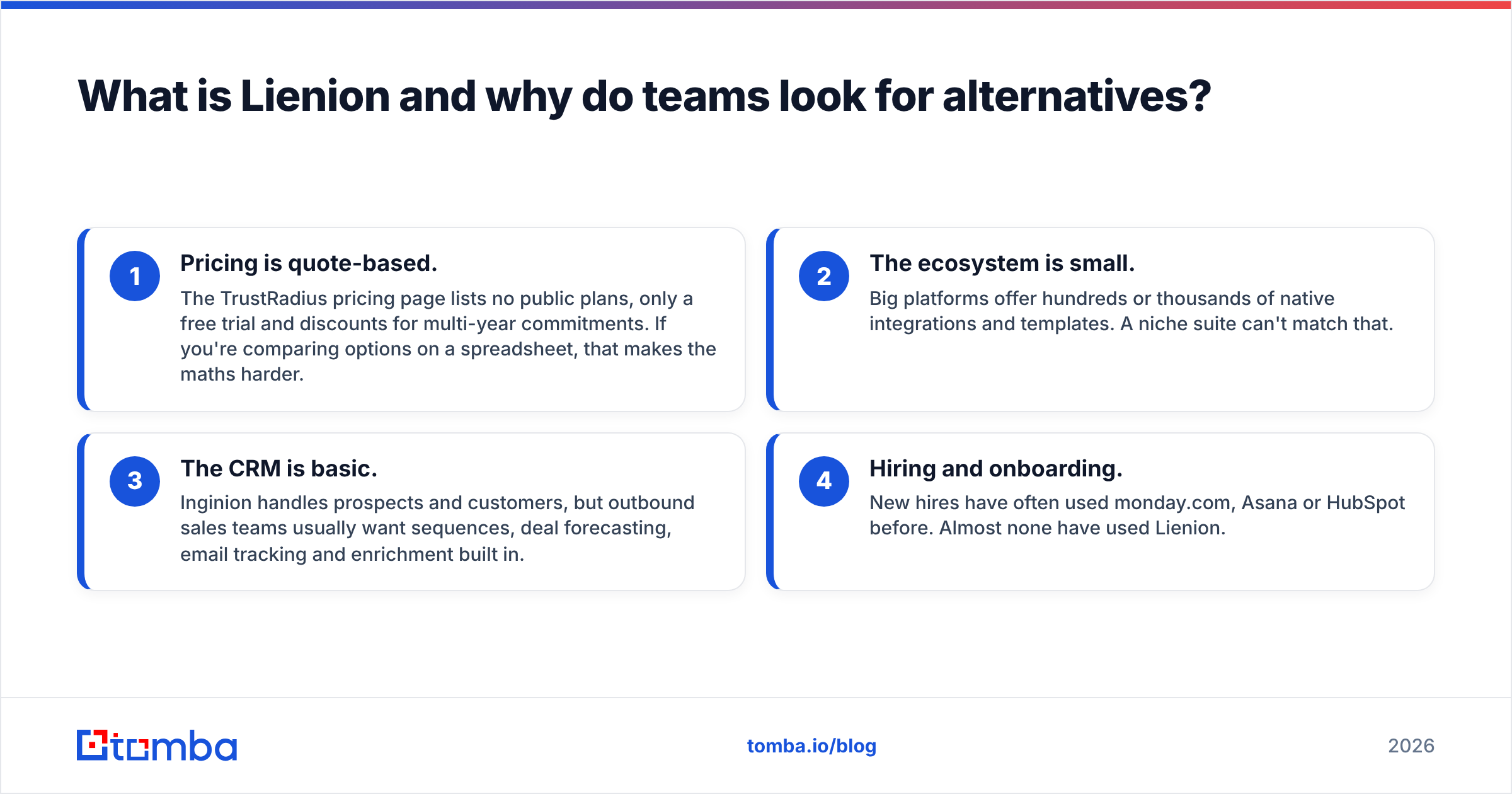
- Pricing is quote-based. The TrustRadius pricing page lists no public plans, only a free trial and discounts for multi-year commitments. If you're comparing options on a spreadsheet, that makes the maths harder.
- The ecosystem is small. Big platforms offer hundreds or thousands of native integrations and templates. A niche suite can't match that.
- The CRM is basic. Inginion handles prospects and customers, but outbound sales teams usually want sequences, deal forecasting, email tracking and enrichment built in.
- Hiring and onboarding. New hires have often used monday.com, Asana or HubSpot before. Almost none have used Lienion.
None of this makes Lienion a bad product. It means Lienion suits a particular type of company, and that type doesn't always stay the same as the company grows.
What should you look for in a Lienion alternative?#
Before you look at logos, write down which Lienion modules you actually use. Most teams use two or three of them heavily and barely touch the rest. Then score each candidate on these criteria:
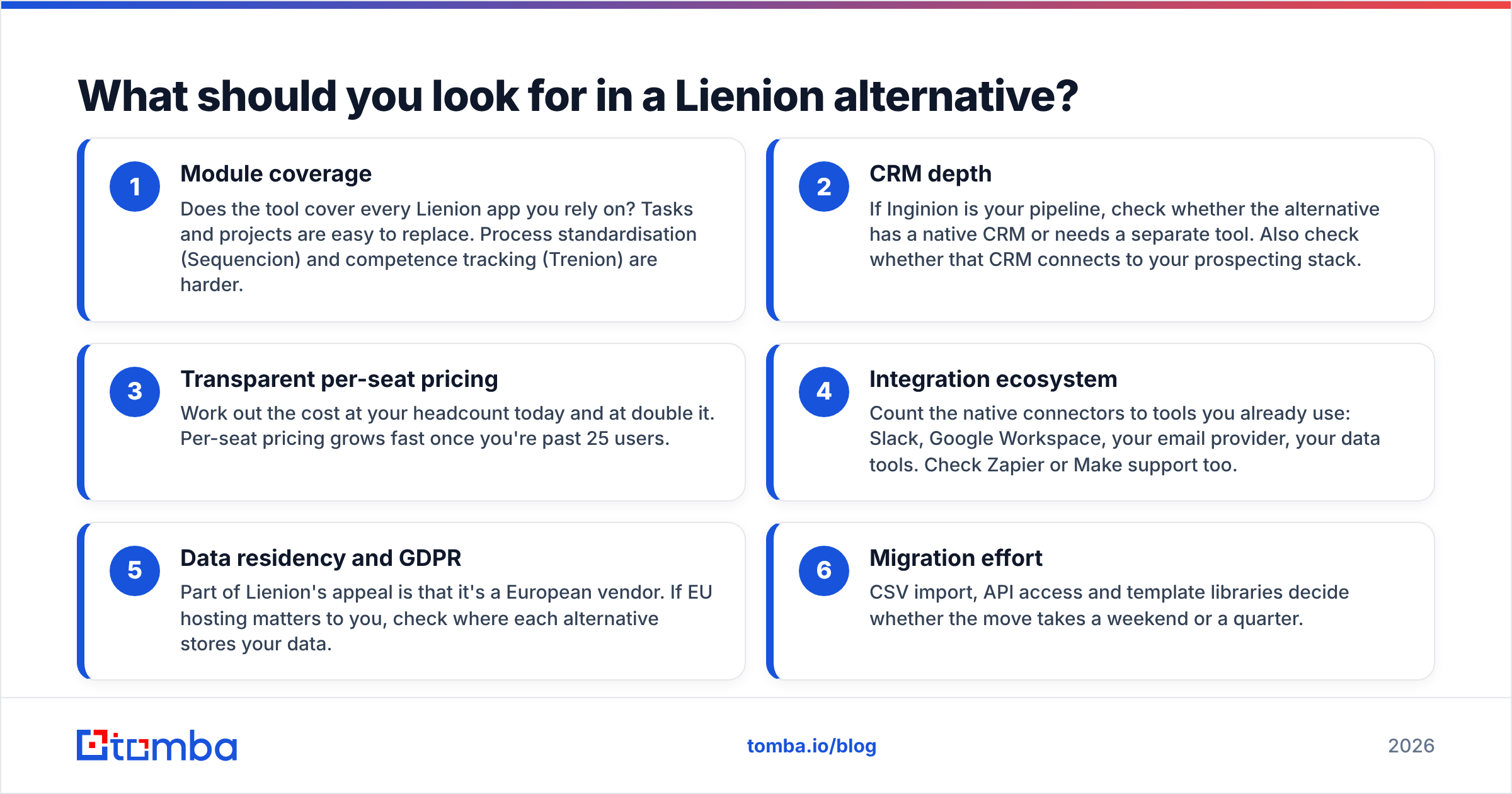
- Module coverage: Does the tool cover every Lienion app you rely on? Tasks and projects are easy to replace. Process standardisation (Sequencion) and competence tracking (Trenion) are harder.
- CRM depth: If Inginion is your pipeline, check whether the alternative has a native CRM or needs a separate tool. Also check whether that CRM connects to your prospecting stack.
- Transparent per-seat pricing: Work out the cost at your headcount today and at double it. Per-seat pricing grows fast once you're past 25 users.
- Integration ecosystem: Count the native connectors to tools you already use: Slack, Google Workspace, your email provider, your data tools. Check Zapier or Make support too.
- Data residency and GDPR: Part of Lienion's appeal is that it's a European vendor. If EU hosting matters to you, check where each alternative stores your data.
- Migration effort: CSV import, API access and template libraries decide whether the move takes a weekend or a quarter.
How do the top Lienion alternatives compare?#
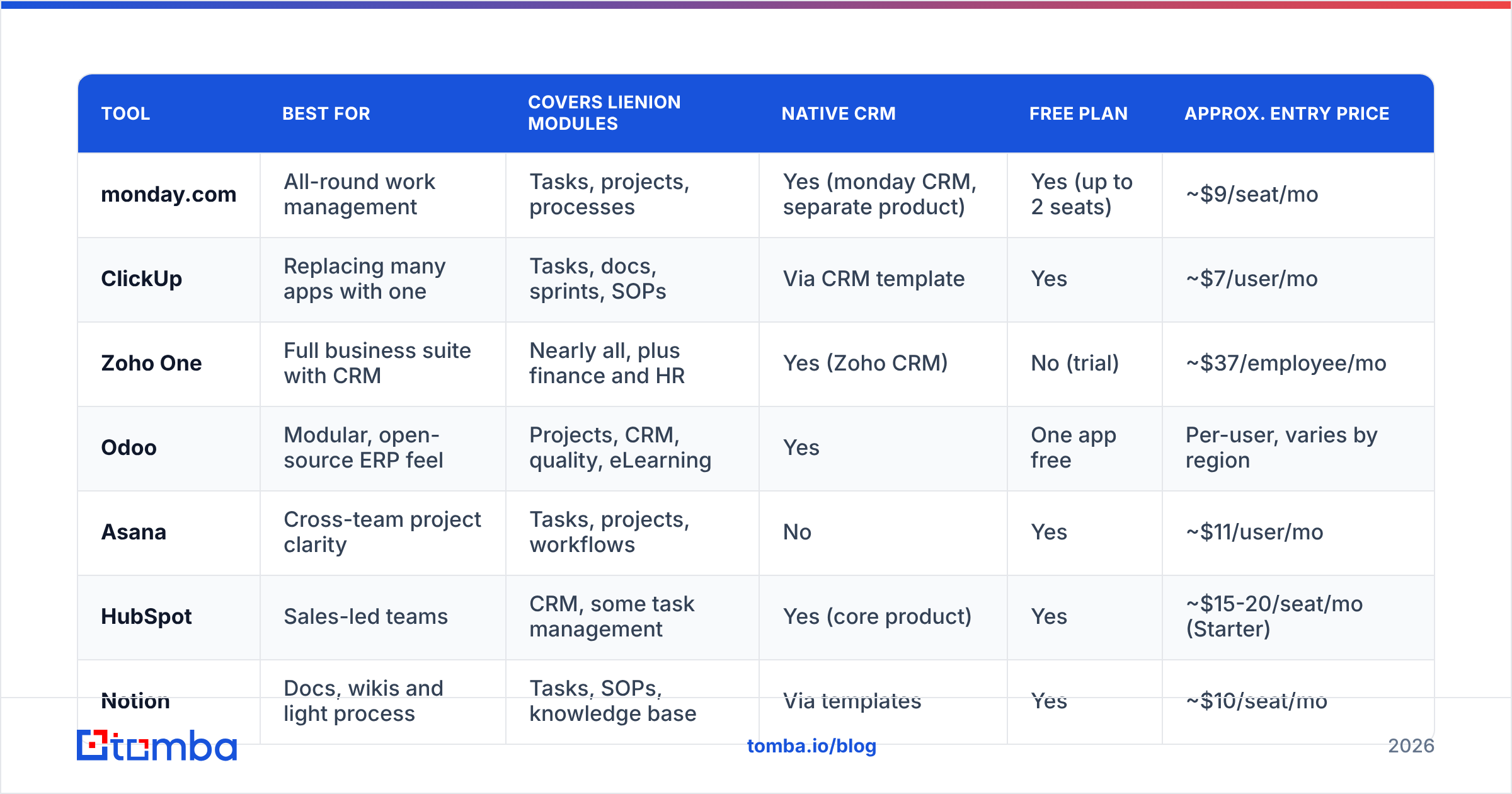
The table below compares the seven tools on the attributes that matter most to teams leaving Lienion. Entry prices are approximate, billed annually, and correct as of late 2026. Always check the vendor's own pricing page before you buy.
| Tool | Best for | Covers Lienion modules | Native CRM | Free plan | Approx. entry price |
|---|---|---|---|---|---|
| monday.com | All-round work management | Tasks, projects, processes | Yes (monday CRM, separate product) | Yes (up to 2 seats) | ~$9/seat/mo |
| ClickUp | Replacing many apps with one | Tasks, docs, sprints, SOPs | Via CRM template | Yes | ~$7/user/mo |
| Zoho One | Full business suite with CRM | Nearly all, plus finance and HR | Yes (Zoho CRM) | No (trial) | ~$37/employee/mo |
| Odoo | Modular, open-source ERP feel | Projects, CRM, quality, eLearning | Yes | One app free | Per-user, varies by region |
| Asana | Cross-team project clarity | Tasks, projects, workflows | No | Yes | ~$11/user/mo |
| HubSpot | Sales-led teams | CRM, some task management | Yes (core product) | Yes | ~$15-20/seat/mo (Starter) |
| Notion | Docs, wikis and light process | Tasks, SOPs, knowledge base | Via templates | Yes | ~$10/seat/mo |
The closest match to Lienion's "pick your modules" approach is Odoo, followed by Zoho One. For pure task, project and process work, monday.com and ClickUp are the safer choices.
Which Lienion alternatives are worth a look in 2026?#
1. monday.com: best all-round replacement#
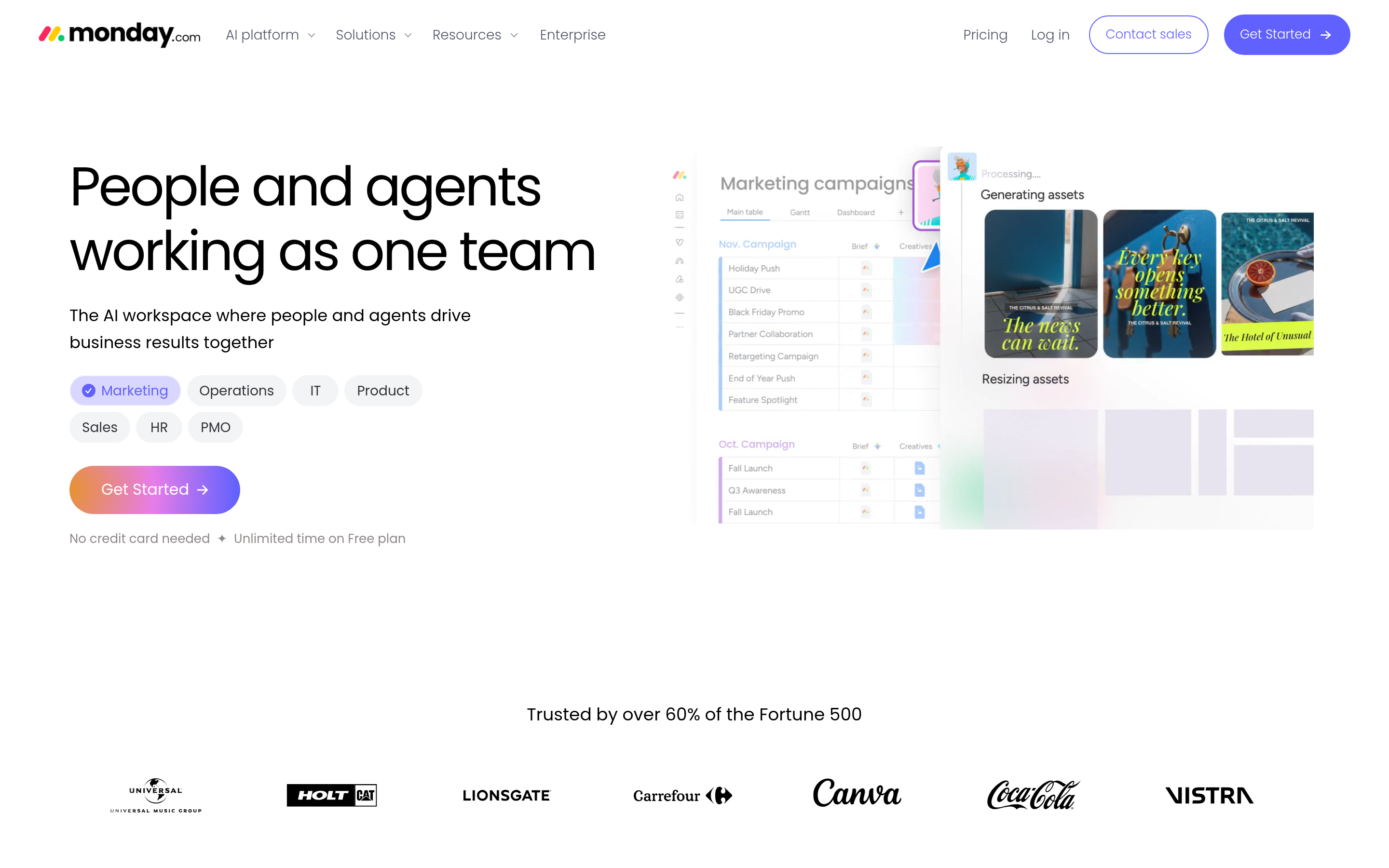
monday.com is what most teams mean when they say "work OS". Boards, automations, dashboards and forms replace Todosion and Sequencion easily. The template library covers most of what Releasion does for non-engineering teams.
- Pros: very easy to learn, strong automations, huge integration marketplace, and monday CRM available as a sister product
- Cons: you're charged in seat bundles, so costs jump in steps; advanced automations sit behind higher tiers
- Pick it if: you use Lienion mainly for tasks and processes and want something your whole company will actually use
2. ClickUp: best for consolidating many apps#
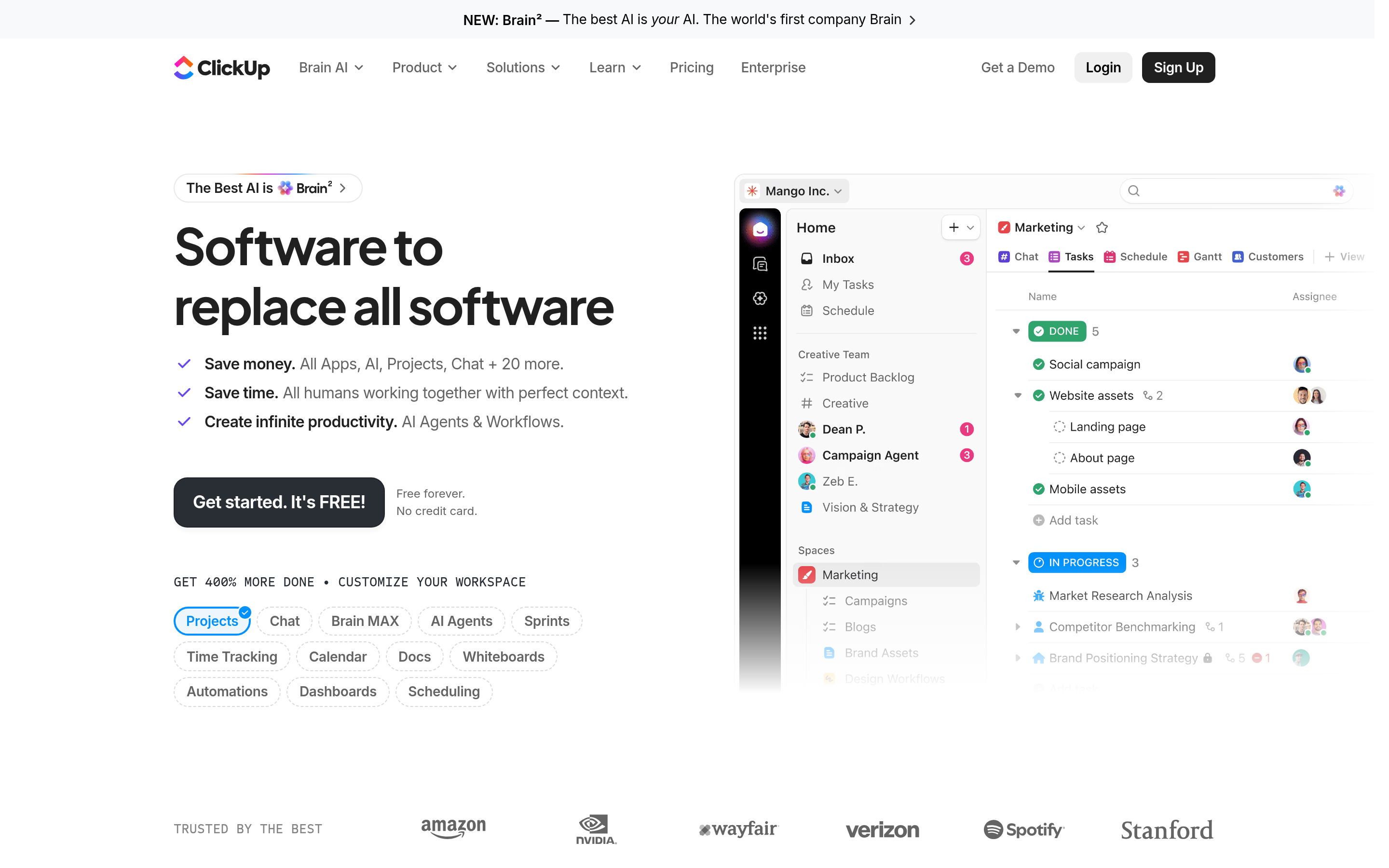
ClickUp's pitch is "one app to replace them all". That's the same promise Lienion makes, but at a much larger scale. Tasks, docs, whiteboards, sprints, goals and chat all live in one workspace. You can build a lightweight CRM from its templates.
- Pros: low entry price, a huge feature set, strong sprint tooling that covers Releasion's use case
- Cons: the interface can overwhelm new users, and the CRM is a template, not a real sales tool
- Pick it if: you want to replace Todosion, Releasion and Shoution-style collaboration in one move
3. Zoho One: best full suite with a real CRM#
Zoho One bundles 40+ apps, including Zoho CRM, Projects, People, Desk, Books and an LMS. Of all the alternatives here, it's the most direct answer to Lienion's modular idea, and its CRM is far deeper than Inginion.
- Pros: one licence covers almost every department, mature CRM, good value per employee
- Cons: "all employee" pricing means you pay for everyone, and the apps vary in polish
- Pick it if: you use several Lienion modules, including Inginion, and want a bigger version of the same approach
4. Odoo: best for modular, process-heavy companies#
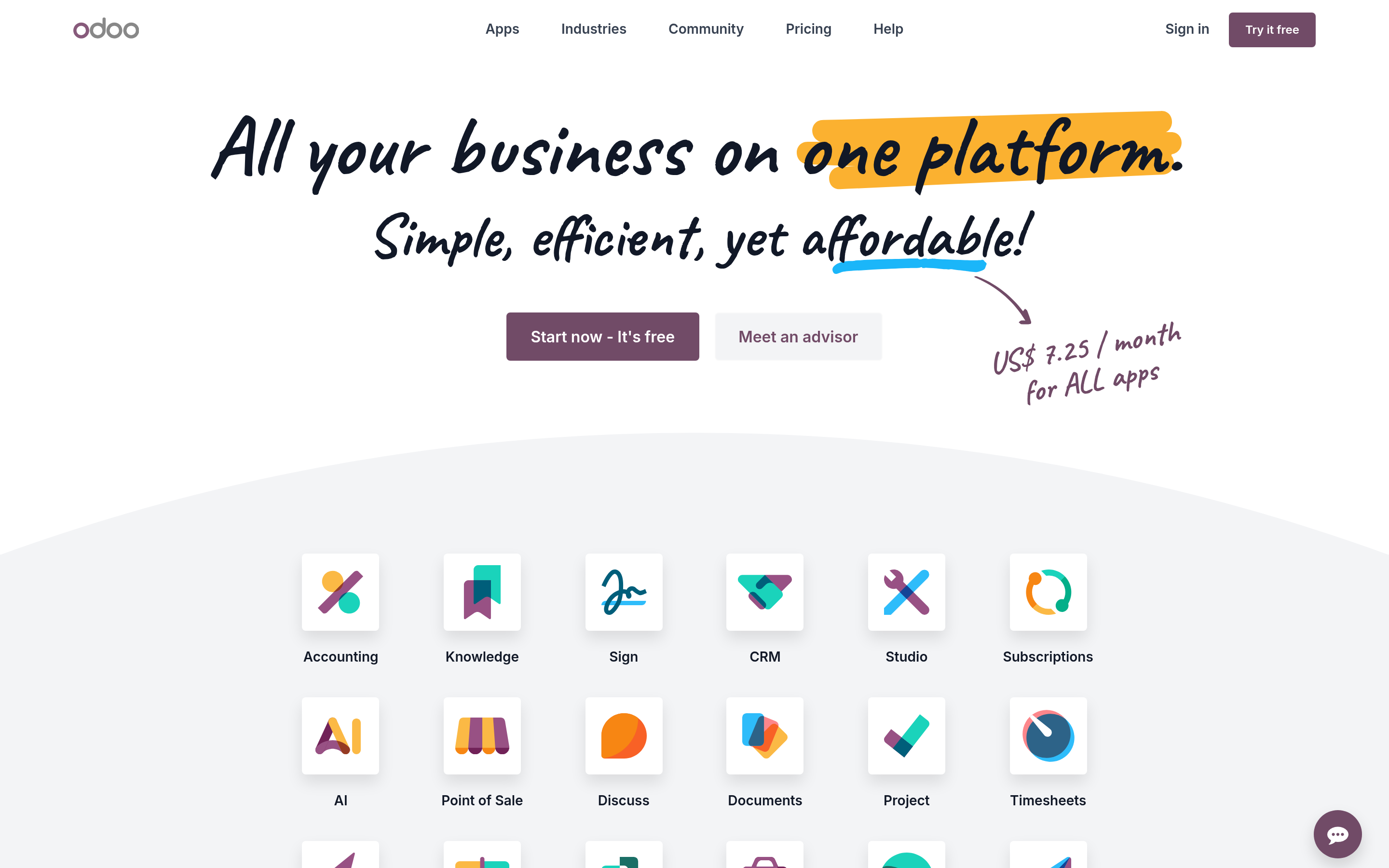
Odoo is an open-source ERP made of apps you switch on one at a time: CRM, Project, Quality, eLearning, Timesheets, Documents. That matches Lienion almost exactly, including quality management (Essencion) and training (Trenion).
- Pros: covers the most Lienion modules, can be self-hosted, and has a large partner network in Europe
- Cons: setup and customisation often need an implementation partner, and the UX feels more like ERP than modern SaaS
- Pick it if: you rely on Sequencion, Trenion and quality processes, not only tasks
5. Asana: best for cross-team project clarity#
Asana doesn't try to be a suite. It does project and workflow management very well. Timelines, portfolios, rules and forms cover Todosion and much of Sequencion.
- Pros: clean UX, excellent for cross-functional work, strong reporting on higher tiers
- Cons: no CRM, no LMS, and per-user costs add up quickly
- Pick it if: you only used Lienion for projects and to-dos
6. HubSpot: best if Inginion was the reason you signed up#
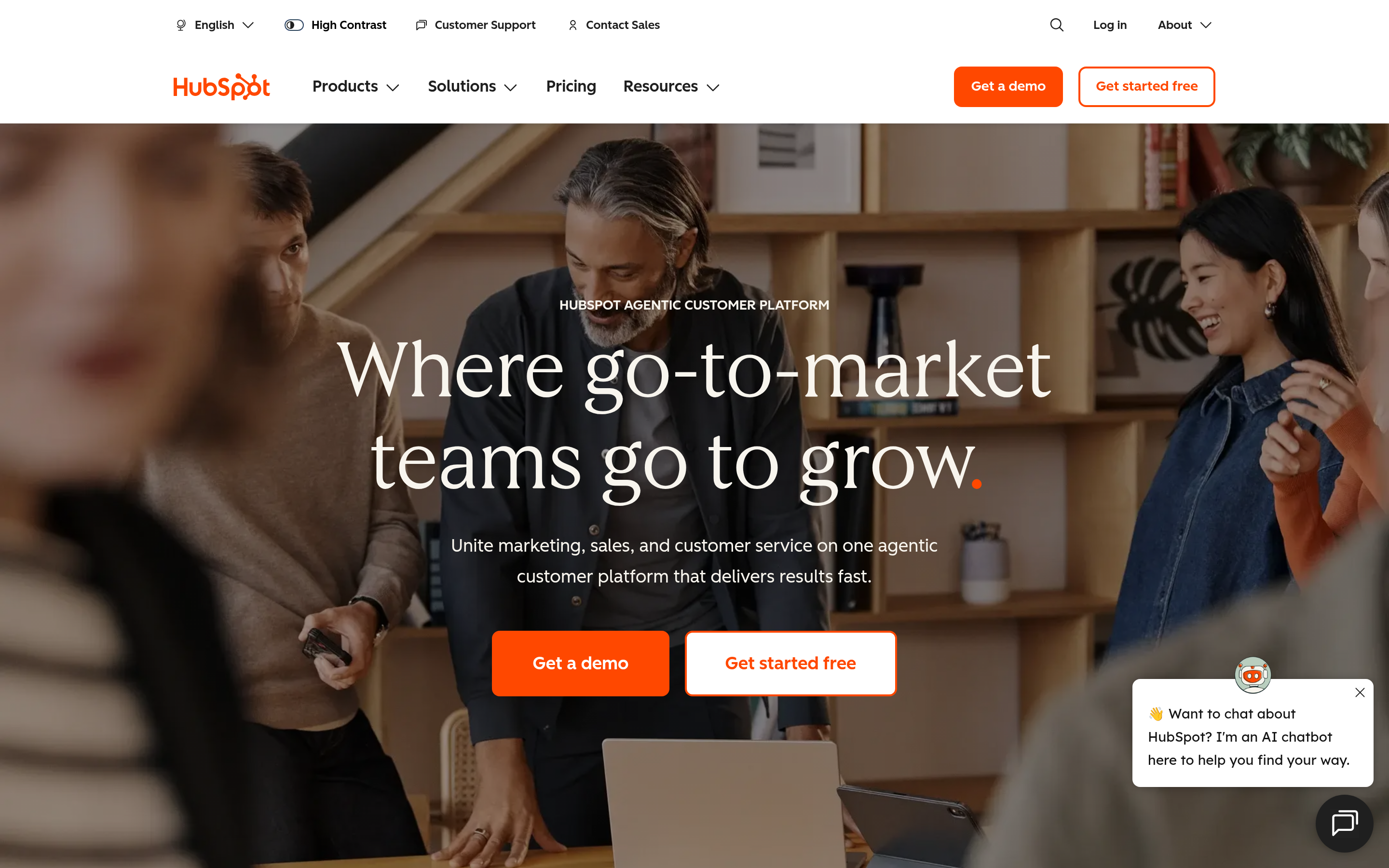
If your team spent most of its time in Inginion, you don't need a work OS. You need a CRM. HubSpot's free CRM and Starter Customer Platform give you pipelines, email tracking, meeting links and basic sequences. Tasks and simple project tracking come built in.
- Pros: best-in-class CRM UX, huge app marketplace, free tier you can grow into
- Cons: costs rise sharply at Professional, and it doesn't replace process or LMS modules
- Pick it if: sales is your priority and you can move internal ops to a lighter tool
7. Notion: best for SOPs and a lightweight knowledge hub#
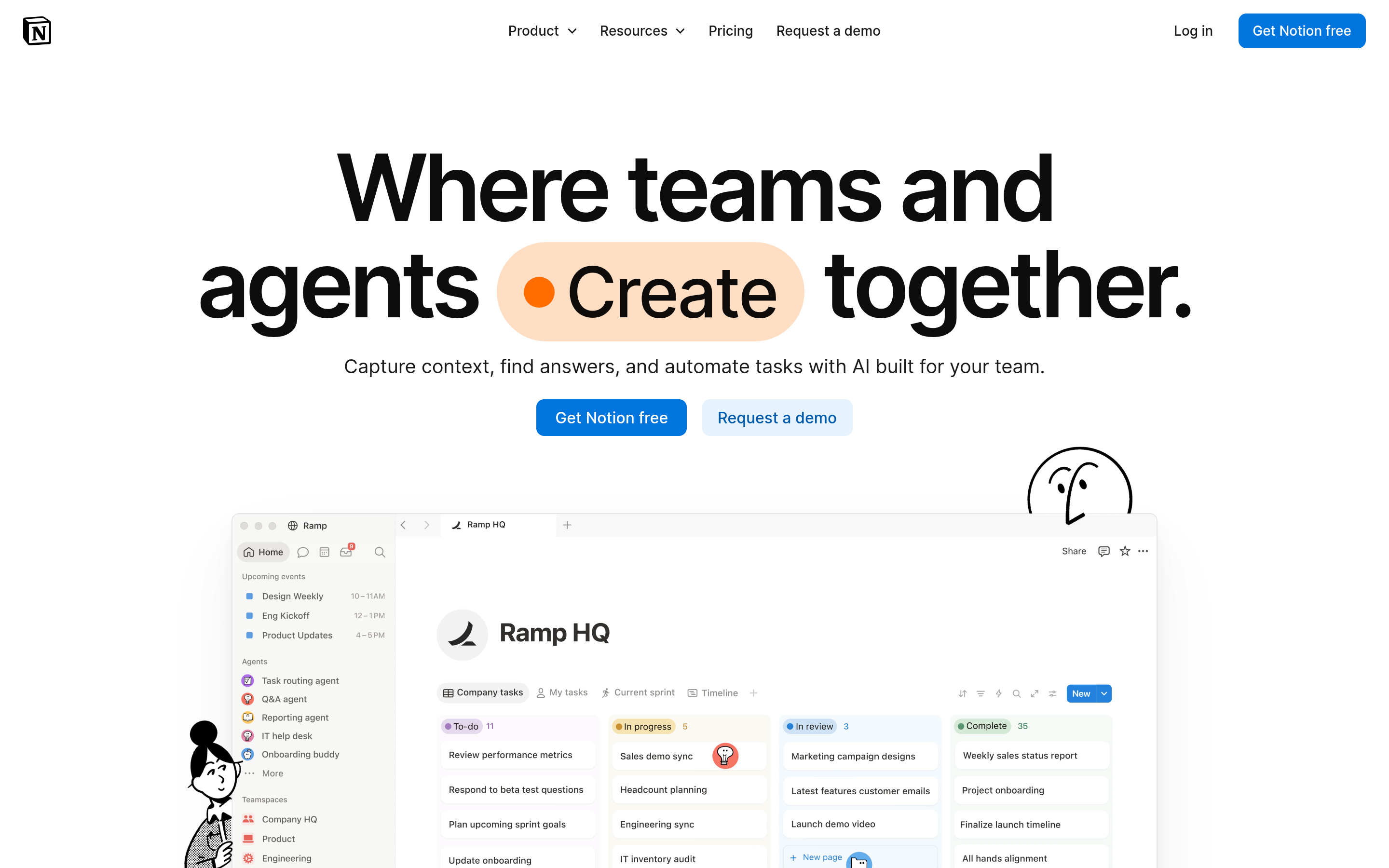
Notion is a good replacement for Sequencion-style process documentation and Shoution-style internal sharing. Databases, linked views and Notion's AI features make it easy to turn SOPs into checklists.
- Pros: flexible, cheap, and people enjoy using it
- Cons: weak on automations, permissions and anything shaped like real CRM
- Pick it if: your main Lienion use is documenting "how we do things here"
Is an all-in-one suite better than a best-of-breed stack?#
It depends on how many people touch each workflow.
Suites (Lienion, Zoho One, Odoo) win when a small team uses many modules lightly. You get one login, one bill and data that's already connected. The trade-off is that each module is usually shallower than a dedicated tool.
Best-of-breed stacks (Asana + HubSpot + Notion, for example) win when each function has its own owner who needs depth. Sales wants a real CRM. Engineering wants real sprint tooling. Ops wants real automation. The trade-off is integration work and several bills.
Most companies with 30 to 150 employees end up with a hybrid: a work-management platform for internal operations, plus a dedicated CRM for revenue. Lienion users often move in exactly that direction, because Inginion is the first module to feel too small.
Whichever way you go, check reviews on Capterra and similar sites from companies your size. A 10-person agency and a 400-person manufacturer can give opposite verdicts on the same tool.
Why does your CRM still need a contact data layer?#
This is the part most "alternatives" articles skip. Lienion, monday.com, ClickUp, Zoho, Odoo, Asana, HubSpot and Notion all store and organise contacts. None of them finds new ones reliably.
When you move off Inginion, you'll probably hit three data problems:
- Incomplete records. Leads added by hand often have a name and a company but no work email or phone number.
- Decay. B2B contact data goes stale as people change jobs. A record imported two years ago is a bounce waiting to happen.
- Empty pipeline. A better CRM doesn't create more prospects. It just displays the ones you already have more nicely.
The fix is to put a dedicated data layer in front of the CRM:
- Use an email finder to get verified work addresses from a name and company domain.
- Run a data enrichment pass over imported records to add job titles, company size, LinkedIn URLs and phone numbers.
- Verify addresses before the first sequence goes out, so your new CRM starts with clean data and your sender reputation stays intact.
- Sync the result into the CRM. For example, the Tomba HubSpot integration pushes enriched contacts straight into HubSpot, and Zapier or Make can connect monday.com, ClickUp or Zoho.
Doing this during the migration costs far less than cleaning up bounced sequences three months later.
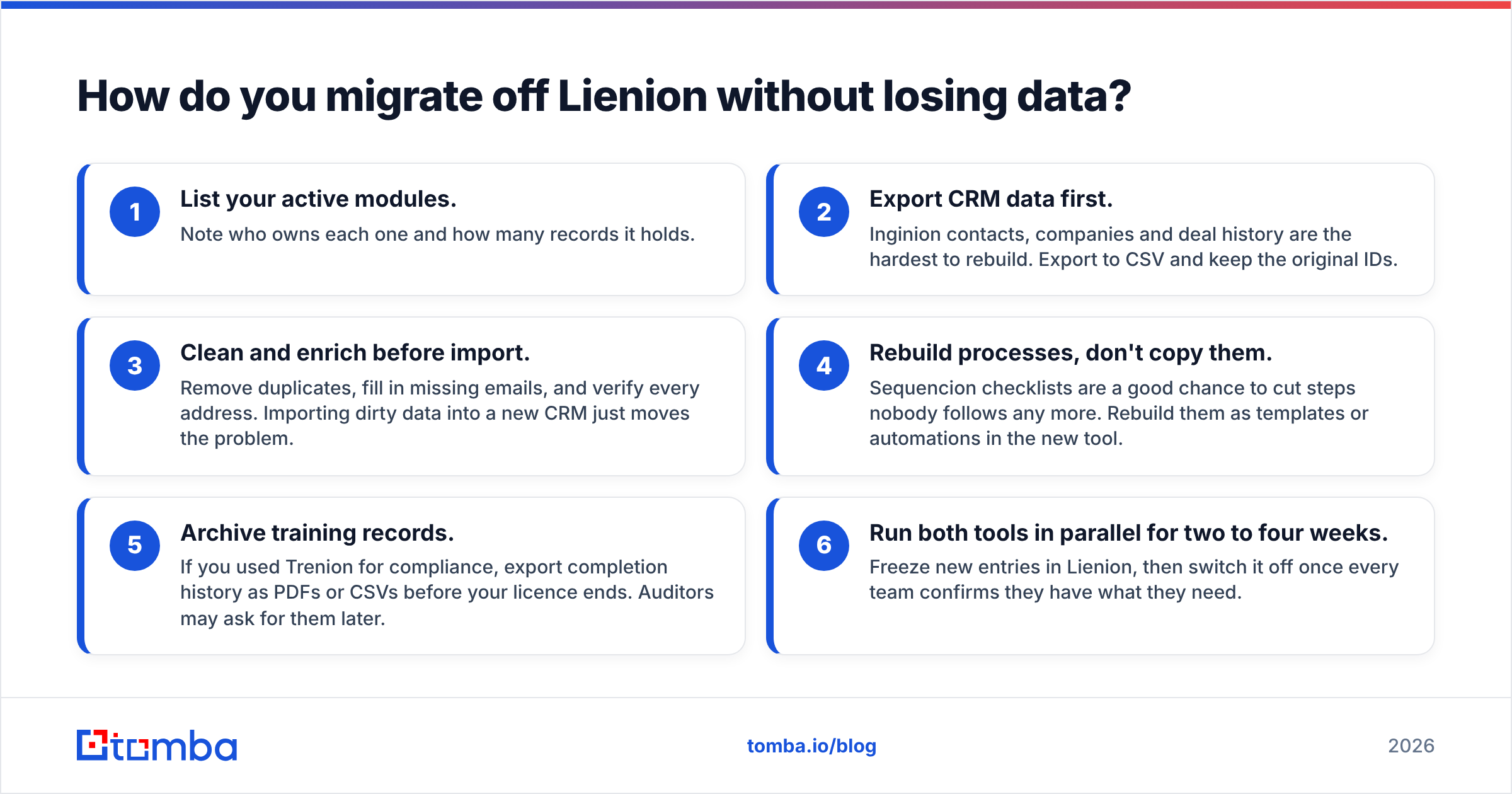
How do you migrate off Lienion without losing data?#
Treat each Lienion app as its own data source. They connect to each other, but they don't share a single export.
- List your active modules. Note who owns each one and how many records it holds.
- Export CRM data first. Inginion contacts, companies and deal history are the hardest to rebuild. Export to CSV and keep the original IDs.
- Clean and enrich before import. Remove duplicates, fill in missing emails, and verify every address. Importing dirty data into a new CRM just moves the problem.
- Rebuild processes, don't copy them. Sequencion checklists are a good chance to cut steps nobody follows any more. Rebuild them as templates or automations in the new tool.
- Archive training records. If you used Trenion for compliance, export completion history as PDFs or CSVs before your licence ends. Auditors may ask for them later.
- Run both tools in parallel for two to four weeks. Freeze new entries in Lienion, then switch it off once every team confirms they have what they need.
Which Lienion alternative should you choose?#
- Mostly tasks and processes: monday.com or ClickUp
- Many modules, including CRM, and a similar modular setup: Zoho One or Odoo
- Projects only: Asana
- Sales comes first: HubSpot, paired with a lighter ops tool
- Documentation and SOPs: Notion
Test your top two picks for a full sprint or sales cycle with real data before you commit. Demos show how a tool behaves on an empty account. What you need to know is how it behaves with your data.
Whichever platform wins, the contacts inside it decide whether your pipeline grows. Tomba fills that gap alongside any CRM you choose. The Tomba Email Finder finds verified professional email addresses from a name, company or domain, and it connects to HubSpot, Salesforce, Pipedrive, Zapier and Make, so your new stack starts with clean, reachable leads. You can test it on the free tier (25 searches a month), and paid plans start at $49/mo. Compare plans on the Tomba pricing page before your migration.
Related guides#
// get started
Find, verify and enrich your first contacts today
Start on the free plan with 25 searches a month, then scale when your team is ready.
Free plan · No credit card required · GDPR & CCPA
// about the author