AI Cold Email Generator: Best Tools & Workflows for 2026
An AI cold email generator can write personalized outreach in seconds—but only if you feed it clean data and a real framework. Here's how to do it in 2026.
TL;DR
- An AI cold email generator drafts personalized first lines, value props, and subject lines in seconds—but output quality depends entirely on the contact data you feed it.
- The best results come from a three-part stack: verified contact data, an AI writer, and a deliverability layer. No single tool does all three well.
- Generic AI copy ("I hope this email finds you well") gets ignored. Personalization tokens pulled from enrichment data are what move reply rates.
- Free and low-cost AI writers exist, but the bottleneck is almost never the writing—it's bad emails bouncing and killing your sender reputation.
- Pair an AI generator with verified data from a tool like Tomba Email Finder so your perfectly written email actually lands in the inbox.
What is an AI cold email generator?#
An AI cold email generator is software that uses a large language model to write outbound sales emails from a few inputs—usually a prospect's name, company, role, and your offer. Think of it like a ghostwriter who has read every cold email ever sent: you give it the brief, it gives you a draft.
The category exploded after 2023, and by 2026 nearly every outbound stack includes one. Some are standalone writers (you paste a LinkedIn URL, get an email). Others are baked into sequencing platforms that send the email too. The common promise is the same: turn one rep's hour of writing into a hundred personalized drafts.
But there's a catch most vendors won't lead with. An AI cold email generator is only as good as the data behind it. A flawless email sent to john.doe@compny.com (typo, bounced) does nothing. A brilliant opening line referencing the wrong company hurts you. The writing is the easy part now—the hard part is feeding the machine accurate, verified inputs.
How does an AI cold email generator actually work?#
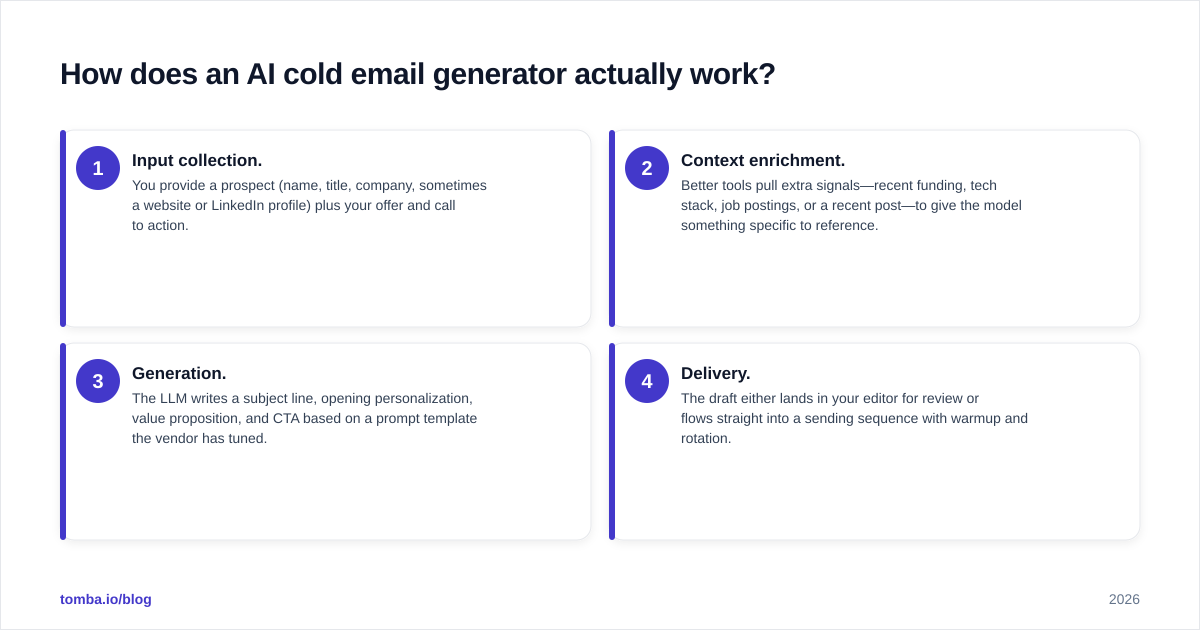
Most tools follow the same four-step pipeline under the hood. Understanding it helps you spot where quality breaks down.
- Input collection. You provide a prospect (name, title, company, sometimes a website or LinkedIn profile) plus your offer and call to action.
- Context enrichment. Better tools pull extra signals—recent funding, tech stack, job postings, or a recent post—to give the model something specific to reference.
- Generation. The LLM writes a subject line, opening personalization, value proposition, and CTA based on a prompt template the vendor has tuned.
- Delivery. The draft either lands in your editor for review or flows straight into a sending sequence with warmup and rotation.
The gap between a mediocre and a great AI cold email generator lives in steps 2 and 4. Cheap tools skip enrichment and dump you a generic template with {{first_name}} swapped in. Strong workflows enrich first, write second, and verify before sending.
What makes AI-generated cold emails actually work?#
Conclusion first: specificity and deliverability beat clever copy every time. You can have the best-written email in the world, but if it references nothing specific to the prospect and lands in spam, it fails.
Here's what separates replies from ignores:
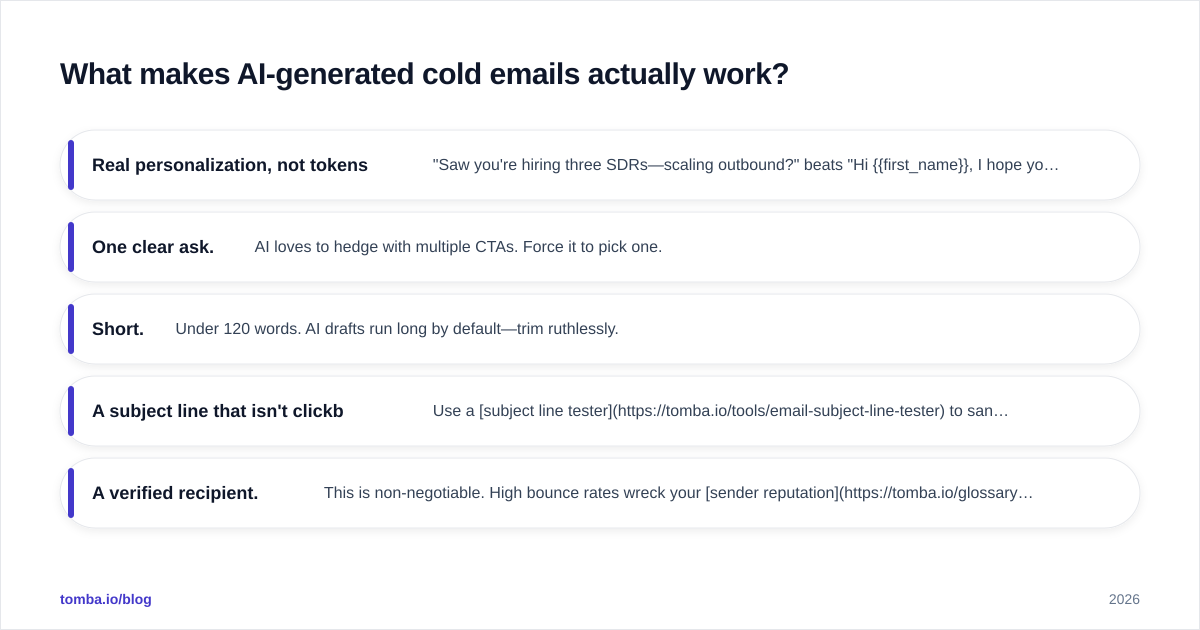
- Real personalization, not tokens. "Saw you're hiring three SDRs—scaling outbound?" beats "Hi {{first_name}}, I hope you're well." The first needs data; the second needs nothing and reads like it.
- One clear ask. AI loves to hedge with multiple CTAs. Force it to pick one.
- Short. Under 120 words. AI drafts run long by default—trim ruthlessly.
- A subject line that isn't clickbait. Use a subject line tester to sanity-check before sending.
- A verified recipient. This is non-negotiable. High bounce rates wreck your sender reputation, and once that's gone, even good emails stop landing.
The research backs the personalization point. According to HubSpot's sales data, personalized outreach consistently outperforms generic blasts on reply rate—and AI's real value is making that personalization scalable, not replacing it.
Which AI cold email generator tools are best in 2026?#
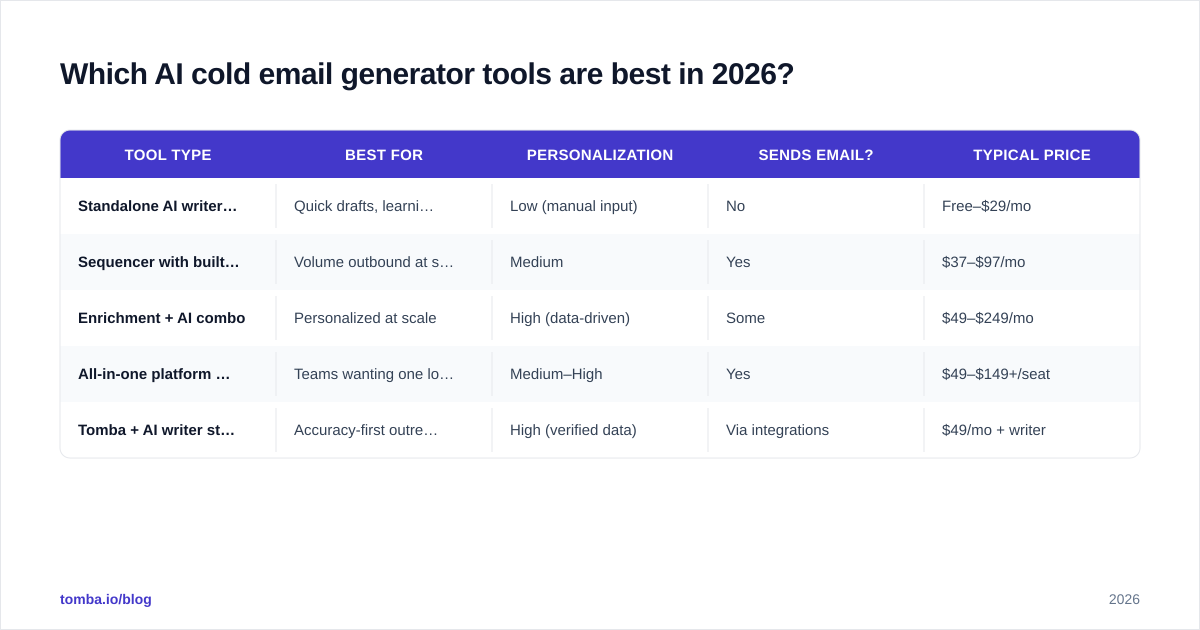
There's no single winner because the tools solve different problems. Some write, some send, some enrich. Here's how the main categories stack up.
| Tool type | Best for | Personalization | Sends email? | Typical price |
|---|---|---|---|---|
| Standalone AI writer (e.g. free GPT-based tools) | Quick drafts, learning | Low (manual input) | No | Free–$29/mo |
| Sequencer with built-in AI (Instantly, Saleshandy) | Volume outbound at scale | Medium | Yes | $37–$97/mo |
| Enrichment + AI combo | Personalized at scale | High (data-driven) | Some | $49–$249/mo |
| All-in-one platform (Apollo, Amplemarket) | Teams wanting one login | Medium–High | Yes | $49–$149+/seat |
| Tomba + AI writer stack | Accuracy-first outreach | High (verified data) | Via integrations | $49/mo + writer |
A few honest notes on the trade-offs:
- Standalone writers are great for learning what good copy looks like, but you'll babysit every input. Try a free cold email AI to see the baseline.
- Sequencers like Instantly bundle warmup and sending, which is convenient—but their data is thin, so you still need a finder. See how the Instantly alternative landscape compares.
- All-in-one platforms (Apollo, Amplemarket) are powerful but expensive per seat, and their email data accuracy varies. If you're priced out, the Apollo alternative options are worth a look.

How do you build a personalization workflow that scales?#
The winning pattern in 2026 is "enrich, write, verify, send"—and it's worth mapping out because most teams skip the first and third steps.
Step 1 — Find the right contacts. Start with verified email addresses. Use a domain search to pull every contact at a target company, or the email finder to get a specific person. Garbage in, garbage out applies brutally here.
Step 2 — Enrich for context. Layer on the signals your AI will reference: role, seniority, company size, recent triggers. Data enrichment turns a bare email into a profile the model can actually personalize against.
Step 3 — Generate the draft. Feed the enriched profile into your AI writer with a tight prompt (see the next section). Generate the subject, opener, and CTA. Review—never send raw AI output blind.
Step 4 — Verify before sending. Run every address through an email verifier to strip bounces. This single step protects your domain reputation more than any copy tweak.
Step 5 — Send and warm up. Use a sequencer with proper warmup. If you're sending volume, check your warmup ramp with a warmup calculator so you don't burn a cold domain.
The point of the workflow is that the AI cold email generator is one node in a chain, not the whole thing. Teams that treat it as the whole thing send beautifully written emails into spam folders.
What prompts get the best results from an AI cold email generator?#
The output is a function of the prompt. A vague prompt ("write a cold email to a marketing director") produces vague copy. A specific prompt produces something usable.
A strong prompt template includes:
- The prospect's specific context: "Marketing director at a 50-person B2B SaaS that just raised a Series A."
- A concrete trigger: "They're hiring two demand-gen marketers right now."
- Your offer in one sentence: "We cut CPL by 30% for similar SaaS teams."
- Constraints: "Under 90 words, one CTA, no 'I hope this finds you well,' casual tone."
Example prompt:
Write a cold email to {{name}}, {{title}} at {{company}} ({{company_size}}, {{industry}}). Trigger: {{recent_signal}}. My offer: {{one_line_value_prop}}. Rules: under 90 words, one clear CTA asking for a 15-minute call, conversational tone, reference the trigger in the first line, no clichés.
Notice every {{token}} maps to a field you'd pull from enrichment. That's the link between data and copy. If you want to skip prompt engineering entirely, pre-built cold email templates give you a tested structure to feed the AI.
Is an AI cold email generator worth it, or just hype?#
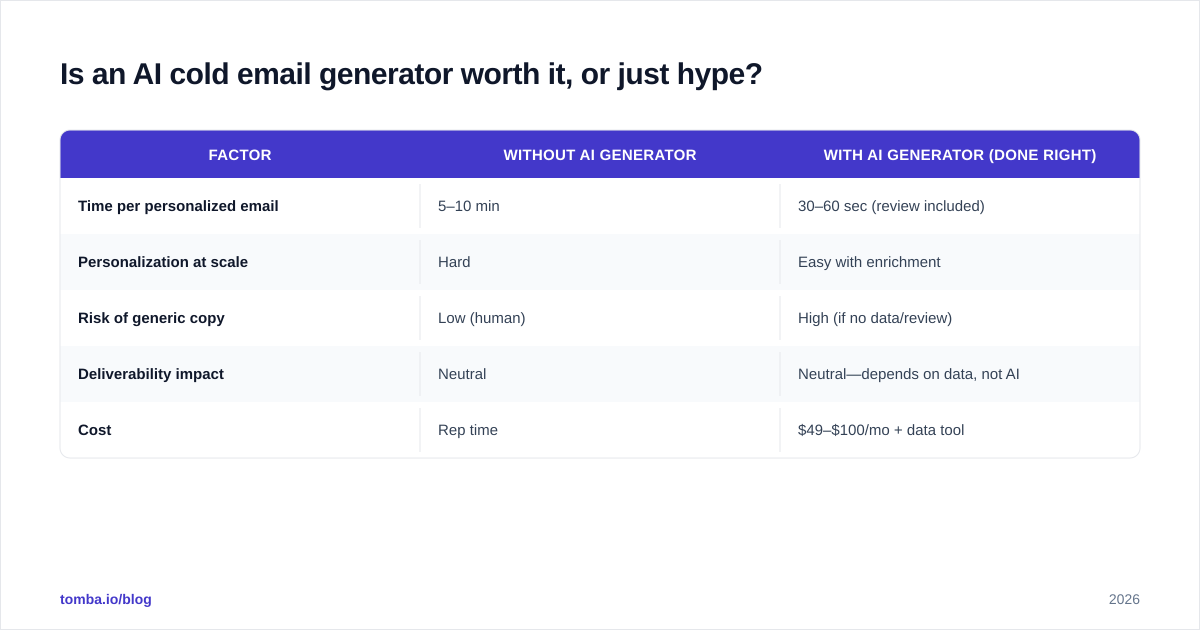
Worth it—with one condition. It's worth it if you pair it with verified data and treat the output as a first draft. It's hype if you expect to paste a list and let it run unsupervised.
Here's the honest cost-benefit:
| Factor | Without AI generator | With AI generator (done right) |
|---|---|---|
| Time per personalized email | 5–10 min | 30–60 sec (review included) |
| Personalization at scale | Hard | Easy with enrichment |
| Risk of generic copy | Low (human) | High (if no data/review) |
| Deliverability impact | Neutral | Neutral—depends on data, not AI |
| Cost | Rep time | $49–$100/mo + data tool |
The math favors AI for anyone sending more than a handful of emails a week. A rep who spent two hours a day writing now spends thirty minutes reviewing. But the savings evaporate if you skip verification and your domain gets flagged.
One more reality check: AI cold email generators are now common enough that prospects can smell generic AI copy. The differentiator in 2026 isn't using AI—everyone does. It's feeding it data nobody else has, so your "AI email" reads like a human who did real homework.
Common mistakes to avoid#
- Sending unverified addresses. The fastest way to kill a domain. Always verify.
- Trusting the first draft. AI hallucinates company details. Read every email.
- Over-personalizing fake details. If the model invents a "recent product launch," you'll look careless. Only feed it verified signals.
- Ignoring deliverability setup. No SPF/DKIM, no warmup, no inbox. Check your SPF record first.
- One mega-prompt for every persona. Segment. A CFO and a developer need different angles.
How to get started this week#
You don't need a six-tool stack to begin. A minimal version:
- Pull a list of verified emails with an email finder (start on the free tier).
- Enrich each contact with role and one trigger signal.
- Draft with any AI writer using the prompt template above.
- Verify the list, fix or drop bad addresses.
- Send 20–30 a day from a warmed domain, review replies, iterate.
Scale up only once you see replies. Adding volume to a broken process just breaks it faster.
The bottom line#
An AI cold email generator is a force multiplier, not a magic button. It writes fast and writes well—but it can't find your prospects, can't verify them, and can't protect your sender reputation. Those jobs belong to your data layer, and that's where most outbound efforts quietly fail.
If you want your AI-written emails to actually land and get replies, start with the data. Tomba Email Finder gives you verified professional emails by name, company, or domain—the clean inputs every AI cold email generator needs to do its job. Begin free with 25 searches a month, then scale on the Starter plan at $49/mo when your outbound is working. Check the full Tomba pricing to match a plan to your volume. Write smarter, but find first.
// get started
Find, verify and enrich your first contacts today
Start on the free plan with 25 searches a month, then scale when your team is ready.
Free plan · No credit card required · GDPR & CCPA
Get the Tomba newsletter
Product and data updates
// about the author