Best AI Email Automation Tools in 2026: Full Comparison
AI email automation tools now draft, personalize, send, and reply at scale. Here's how the top platforms compare on features, pricing, and real-world fit in 2026.
AI email automation tools have stopped being a novelty. In 2026 they draft the first version of a message, personalize each line against live data, decide when to send, and even handle the first reply before a human touches the thread. The question is no longer "should you automate email" — it's "how much should the model run, and where does a person still belong."
This guide breaks down what these tools actually do, how the leading platforms compare, and how to assemble a stack that improves replies instead of burning your domain.
TL;DR#
- AI email automation tools combine three jobs: writing copy, sequencing sends, and triaging replies. Most platforms are strong at one and average at the other two.
- Data quality decides everything. An AI that personalizes against wrong or missing contact data just automates bad outreach faster.
- Categories overlap: sending platforms (Instantly, Smartlead), all-in-one sales engagement (Outreach, Salesloft, Apollo), and AI writing layers (Lavender, cold email AI tools).
- Deliverability is the real ceiling. Volume without warmup, authentication, and list hygiene means more automation and fewer inbox placements.
- Best practical stack for most teams: a clean data source for finding and verifying contacts, one sending/sequencing tool, and an AI drafting layer on top.
What are AI email automation tools?#
AI email automation tools are software that uses machine learning and large language models to handle parts of the email workflow that humans used to do by hand: writing the message, choosing the recipient, timing the send, branching the follow-up, and classifying or answering replies.
Think of it like cruise control on a car. Cruise control holds speed and reacts to small changes, but you still decide the destination, watch the road, and take the wheel when traffic gets weird. AI email automation holds the repetitive load — drafting, scheduling, follow-ups — while you still own targeting, offer, and judgment calls.
Technically, these tools sit on top of three layers:
- Data layer — who you're emailing and what you know about them (job title, company, recent trigger events). This feeds personalization.
- Generation layer — an LLM drafts or rewrites copy based on that data and your prompts or templates.
- Orchestration layer — the sequencing engine that sends, waits, branches on opens/replies, and rotates inboxes.
A "tool" might cover one layer or all three. That distinction is the single most important thing to understand before you buy, because a brilliant generation layer feeding stale data produces confident, well-written, completely wrong outreach.
What can you actually automate (and what should stay human)?#
Not every part of email should be handed to a model. Here's the honest split based on what works in 2026.
Safe to automate:
- First-draft copy generation from a brief or template
- Personalization tokens pulled from verified contact and company data
- Follow-up timing and cadence branching
- Reply classification (interested / not now / unsubscribe / out of office)
- List cleaning and bounce suppression before send
Keep a human in the loop:
- The actual offer and positioning
- Account selection for high-value targets
- Any reply that involves pricing negotiation or commitment
- Sensitive or regulated industries where a wrong claim has legal weight
The teams that win treat AI as a drafting and triage assistant, not an autopilot. The ones that flame out let it send unsupervised volume and watch their sender reputation collapse.
How do the top AI email automation tools compare in 2026?#
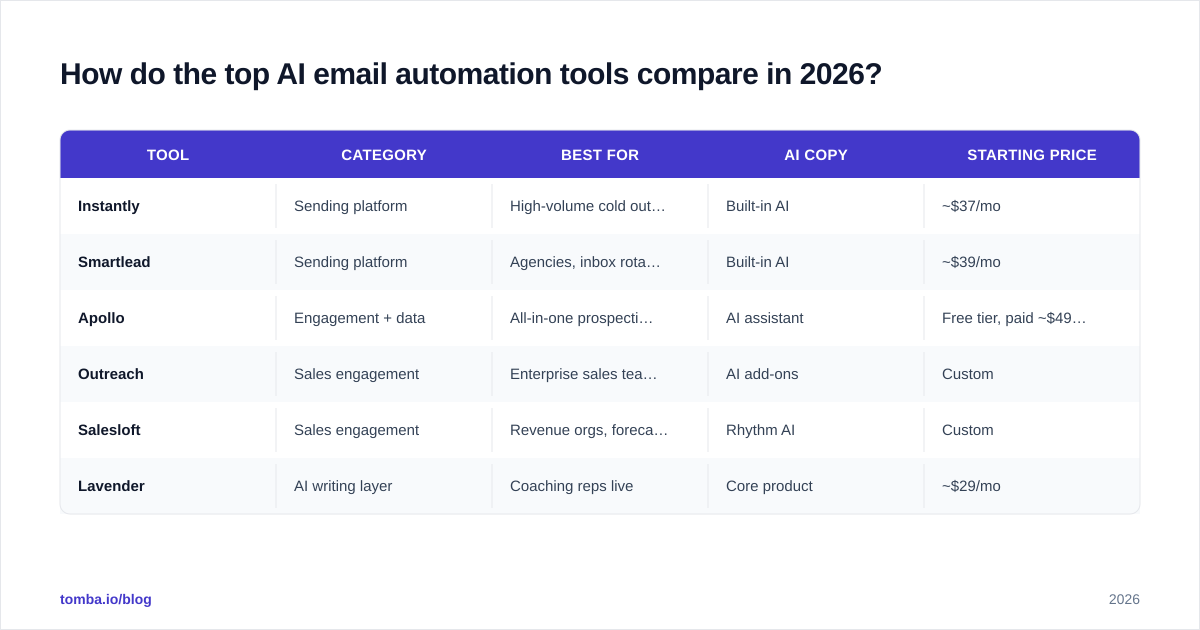
The market splits into three buckets. Sending platforms focus on deliverability and scale. Sales engagement suites bundle email with calls, tasks, and CRM sync. AI writing layers focus purely on copy quality. Here's how representative players stack up.
| Tool | Category | Best for | AI copy | Starting price |
|---|---|---|---|---|
| Instantly | Sending platform | High-volume cold outreach | Built-in AI | ~$37/mo |
| Smartlead | Sending platform | Agencies, inbox rotation | Built-in AI | ~$39/mo |
| Apollo | Engagement + data | All-in-one prospecting | AI assistant | Free tier, paid ~$49/mo |
| Outreach | Sales engagement | Enterprise sales teams | AI add-ons | Custom |
| Salesloft | Sales engagement | Revenue orgs, forecasting | Rhythm AI | Custom |
| Lavender | AI writing layer | Coaching reps live | Core product | ~$29/mo |
A few takeaways from the table:
- Sending platforms are cheap and effective at volume but assume you bring your own data and copy strategy.
- Engagement suites cost more and lock you in but reduce tool sprawl for larger teams.
- AI writing layers improve quality but automate nothing on their own — they're a coach, not an engine.
For deeper alternative breakdowns, see Tomba's guides on an Instantly alternative, an Apollo alternative, and an Outreach.io alternative. For independent reviews across the whole category, G2's sales engagement grid is a useful neutral reference.
Why does data quality matter more than the AI model?#
Because personalization is only as good as the data it points at, and a confident wrong email is worse than no email.
Picture an AI tool that writes: "Hi Sarah, congrats on the VP Marketing role at Acme." If Sarah left Acme eight months ago, or the title is scraped wrong, the model just produced a flawless sentence that destroys your credibility on contact one. The LLM did its job perfectly. The data failed.
This is why the front of your stack — finding and verifying contacts — quietly determines the ceiling of everything downstream. Before any automation runs, you want:
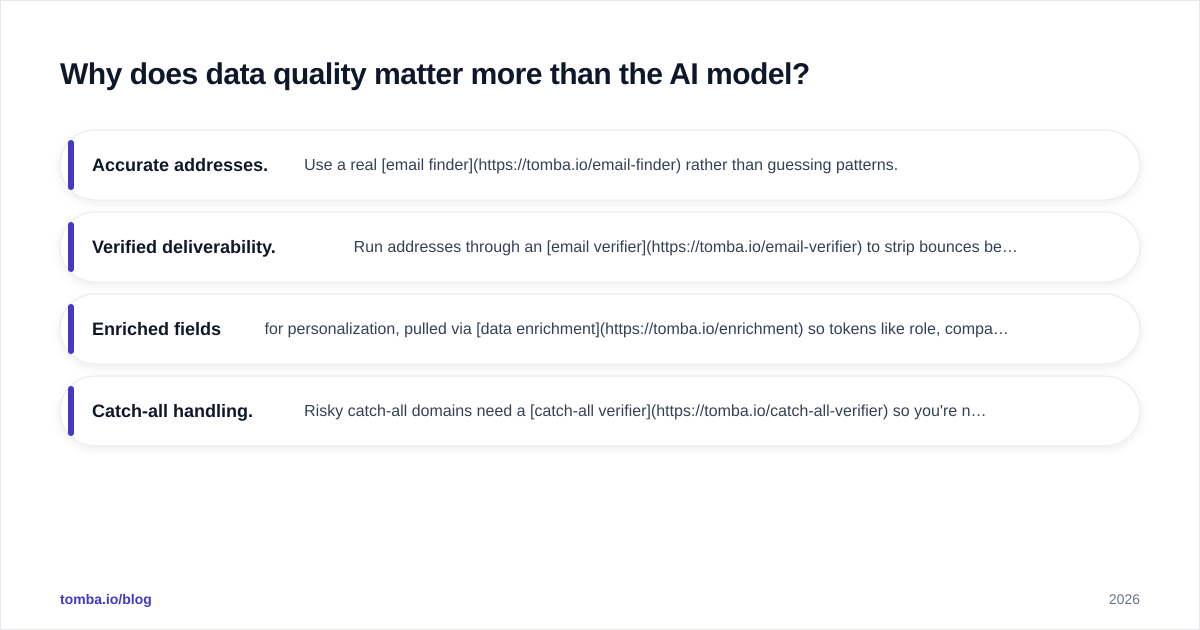
- Accurate addresses. Use a real email finder rather than guessing patterns.
- Verified deliverability. Run addresses through an email verifier to strip bounces before they hit your sender score.
- Enriched fields for personalization, pulled via data enrichment so tokens like role, company size, and tech stack are current.
- Catch-all handling. Risky catch-all domains need a catch-all verifier so you're not flying blind on whether a mailbox actually exists.
Get this layer right and even a mediocre AI writer produces respectable outreach. Get it wrong and the best model on the market amplifies your mistakes at machine speed.
How do you keep automated email out of spam?#
Automation increases volume, and volume is exactly what spam filters scrutinize. The tooling that sends faster does not protect deliverability — you have to. Here is the order that actually moves the needle.
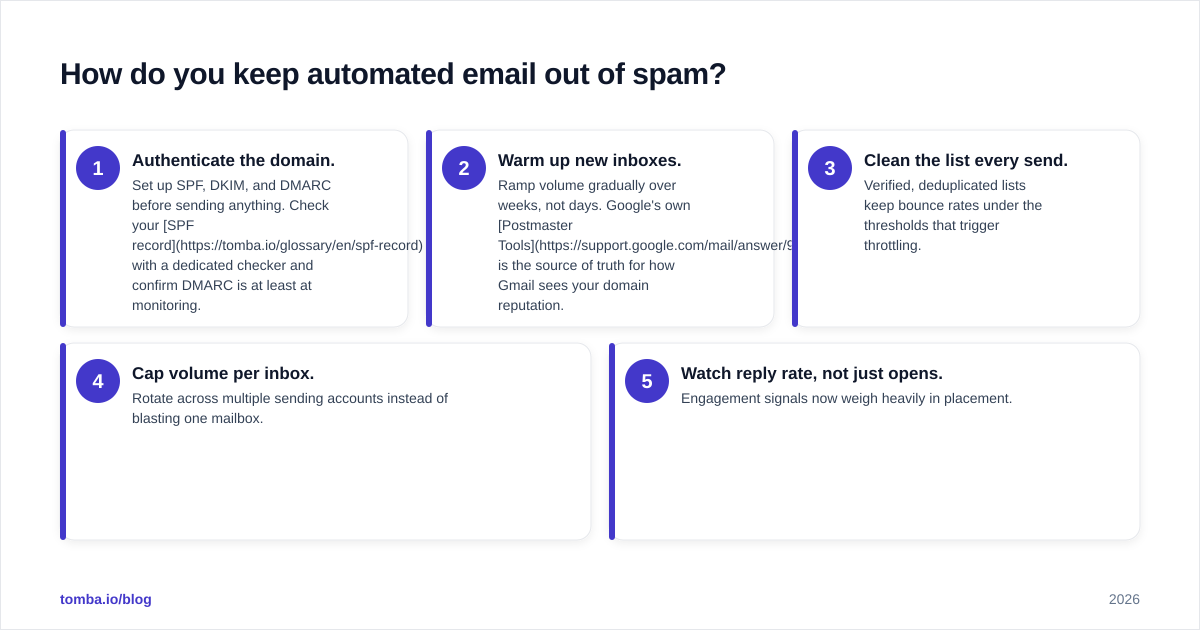
- Authenticate the domain. Set up SPF, DKIM, and DMARC before sending anything. Check your SPF record with a dedicated checker and confirm DMARC is at least at monitoring.
- Warm up new inboxes. Ramp volume gradually over weeks, not days. Google's own Postmaster Tools is the source of truth for how Gmail sees your domain reputation.
- Clean the list every send. Verified, deduplicated lists keep bounce rates under the thresholds that trigger throttling.
- Cap volume per inbox. Rotate across multiple sending accounts instead of blasting one mailbox.
- Watch reply rate, not just opens. Engagement signals now weigh heavily in placement.
Strong email deliverability is the difference between an automation that compounds and one that quietly lands every message in the promotions tab. No AI feature compensates for an unauthenticated domain.
How should you choose an AI email automation tool?#
Match the tool to the job you're actually trying to do, not the longest feature list. Use these questions:
- What's your volume? Under a few thousand sends a month, a sending platform plus a good data source is plenty. Enterprise volume with multiple teams justifies an engagement suite.
- Do you have copy talent in-house? If yes, you need an engine more than a writer. If no, prioritize the AI generation quality and live coaching.
- How clean is your CRM? Heavy CRM dependency favors Salesloft or Outreach for native sync. Lean operations favor lighter sending tools.
- What's your tolerance for lock-in? All-in-one suites reduce sprawl but make switching painful. Best-of-breed stacks stay flexible.
For most small and mid-size teams, the highest-ROI build is modular: a reliable contact data source, one sending tool with native AI, and an optional writing layer. You can wire these together with native integrations or push contacts straight into HubSpot and Pipedrive.
A quick build-vs-buy reference#
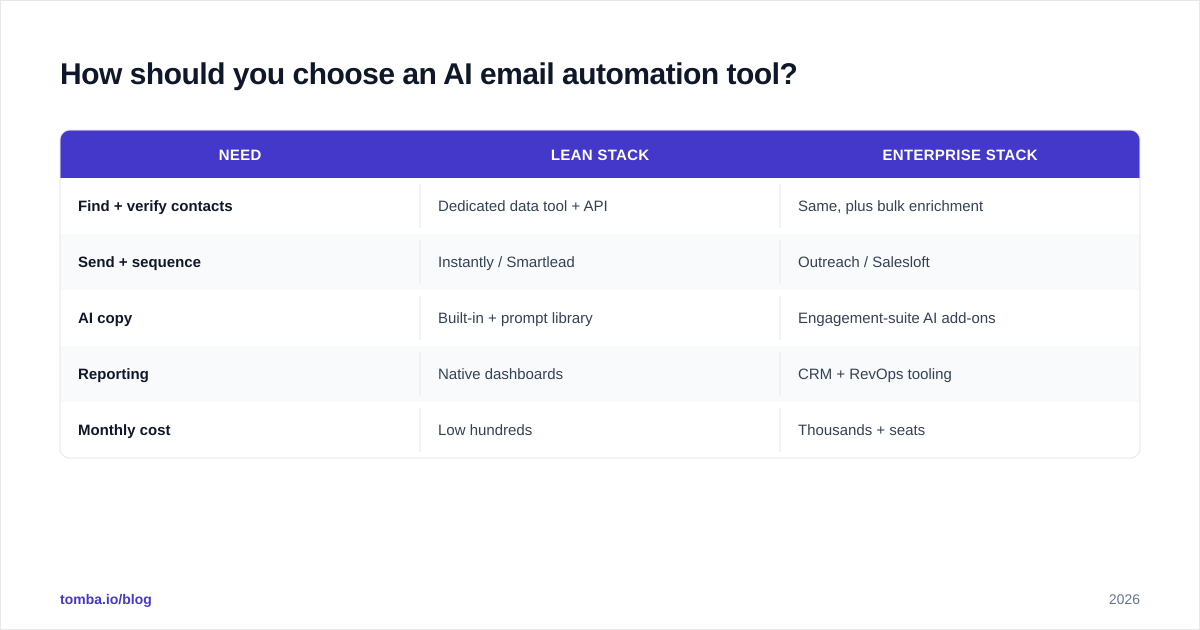
| Need | Lean stack | Enterprise stack |
|---|---|---|
| Find + verify contacts | Dedicated data tool + API | Same, plus bulk enrichment |
| Send + sequence | Instantly / Smartlead | Outreach / Salesloft |
| AI copy | Built-in + prompt library | Engagement-suite AI add-ons |
| Reporting | Native dashboards | CRM + RevOps tooling |
| Monthly cost | Low hundreds | Thousands + seats |
What does a realistic 2026 workflow look like?#
Here's an end-to-end flow that uses AI where it helps and humans where it matters:
- Define the segment. A person picks the ICP and trigger (new funding, new hire, tech change).
- Source contacts. Pull verified emails by company with domain search, then enrich each record.
- Verify before send. Run the full list through verification to drop invalids.
- Draft with AI. Generate a first-pass message with a tool like cold email AI, then a human edits the offer.
- Sequence and send. Load into your sending platform with warmed inboxes and volume caps.
- Triage replies with AI. Auto-classify responses; route hot ones to a human instantly.
- Measure and refresh. Track response rate, prune dead segments, and feed learnings back into the prompt.
That loop keeps automation doing the heavy lifting while protecting the two things models still get wrong: judgment and trust.
Frequently asked questions#
Are AI email automation tools worth it for small teams? Yes, if you start with clean data and modest volume. A lean stack of a verified data source plus one sending tool with built-in AI delivers most of the value at a fraction of enterprise cost.
Will AI-written emails hurt my deliverability? Not by themselves. Poor authentication, cold inboxes, and dirty lists hurt deliverability. AI copy that's relevant and gets replies actually helps placement.
Can AI fully replace a sales rep on email? No. It replaces drafting, scheduling, and triage. Offer, positioning, and any reply involving commitment still need a human.
How many sending inboxes do I need? Enough to keep each inbox under conservative daily caps. Rotating across several warmed inboxes beats blasting one.
The bottom line#
AI email automation tools in 2026 are powerful at the middle of the funnel — drafting, sequencing, and triage — but they amplify whatever data and strategy you feed them. The teams that win invest first in accurate, verified contact data, then layer automation on top.
That front-of-stack accuracy is exactly where Tomba fits. Use the Tomba Email Finder to source verified professional emails by name, domain, or company, then push them straight into your automation flow. Start free with 25 searches a month, or scale on the Starter plan at $49/mo — see full Tomba pricing for details. Better data in means better automation out.
// get started
Find, verify and enrich your first contacts today
Start on the free plan with 25 searches a month, then scale when your team is ready.
Free plan · No credit card required · GDPR & CCPA
// about the author